Laser Distance Meter cam tool
vistech.projects
5.0 ★
53 ratings
5,000+
downloads
$1.99
In this laser distance measurement app, users calibrate their device's camera to estimate distances using image processing or reference objects. Use this tool to quickly measure distances and save results with measurement units conversion. Includes automatic measurement mode, predefined object references, calibration guide, and sharing options.
AppRecs review analysis
AppRecs rating 4.5. Trustworthiness 56 out of 100. Review manipulation risk 24 out of 100. Based on a review sample analyzed.
★★★★☆
4.5
AppRecs Rating
Ratings breakdown
5 star
100%
4 star
0%
3 star
0%
2 star
0%
1 star
0%
What to know
✓
High user satisfaction
100% of sampled ratings are 5 stars
✓
Authentic reviews
No red flags detected
About Laser Distance Meter cam tool
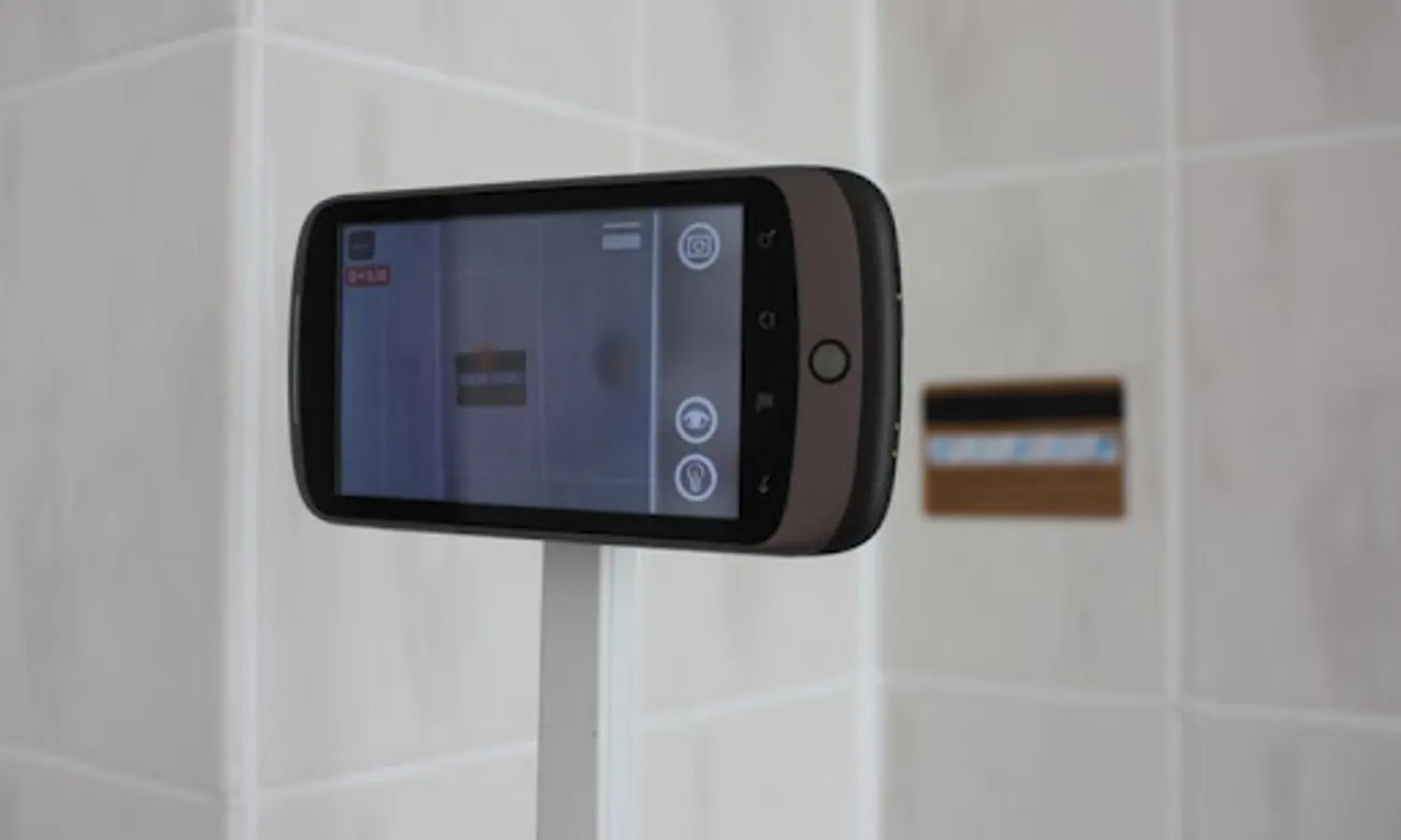
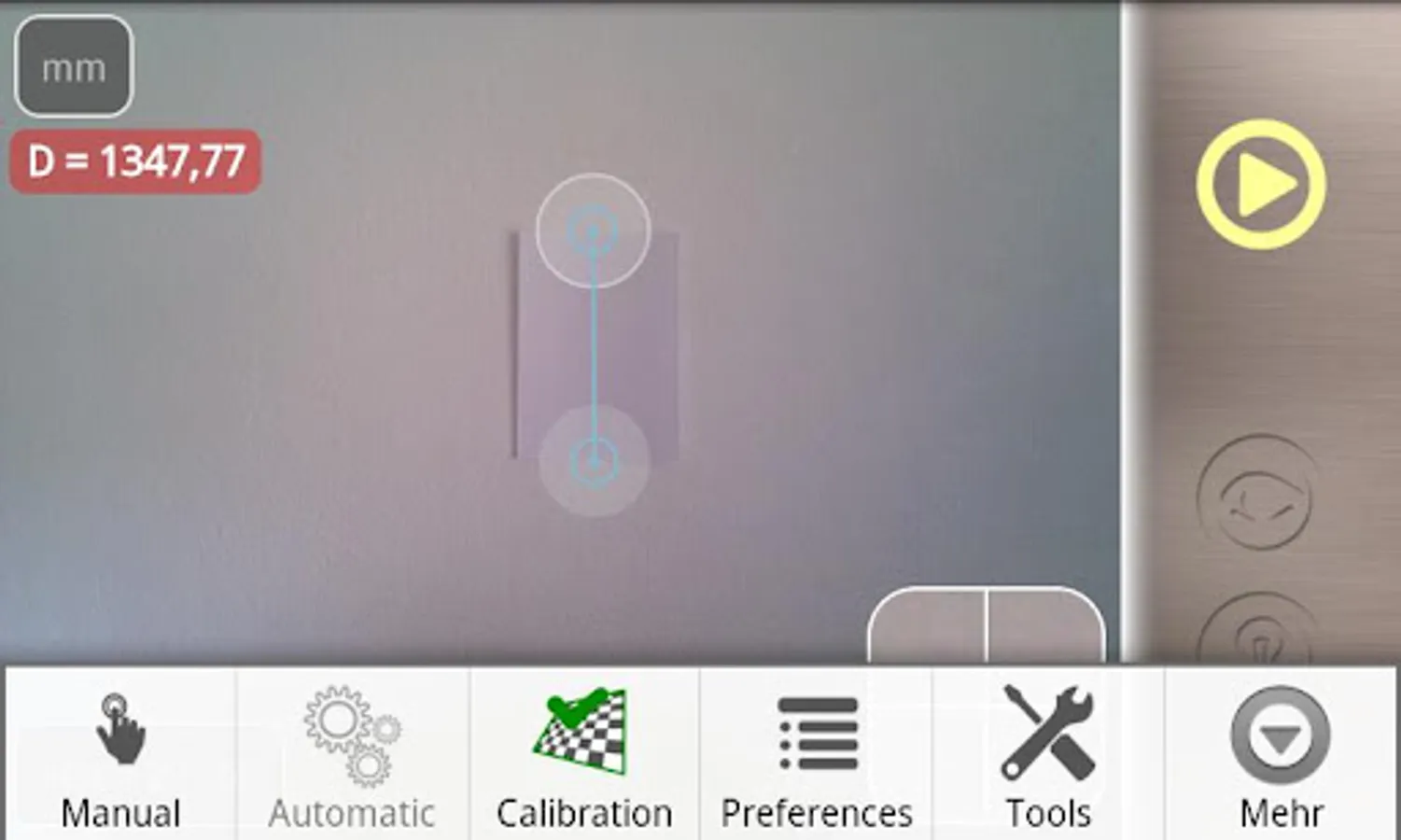
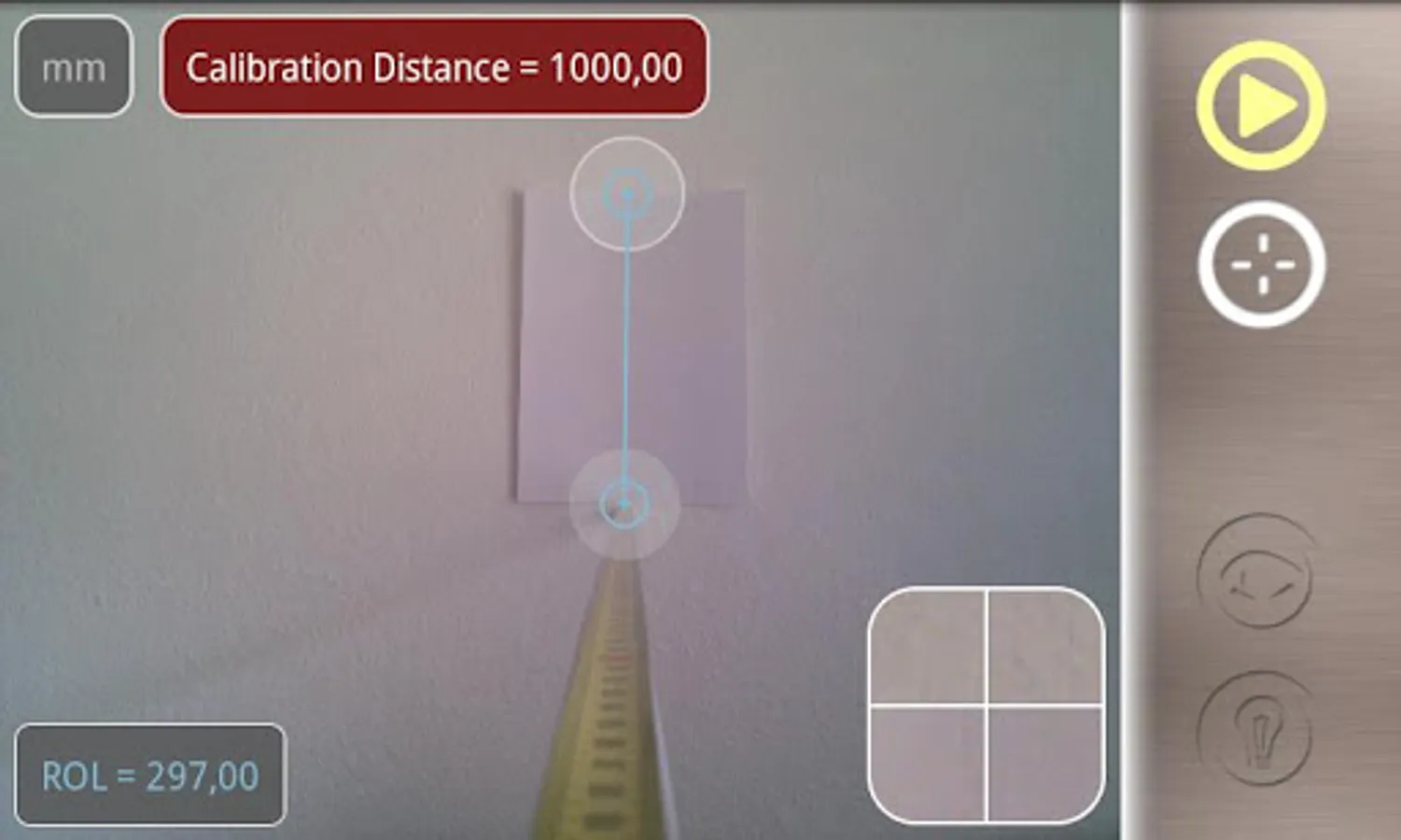
Laser Distance Meter is a camera distance measure tool for quick estimation of distances and length. You can use any reference object with known size for measurements. Laser Distance Meter has also automatic mode with image processing where you can make a measurement with only one click!
* The app features Automatic Measurement mode with image processing for one click measurements.
(!) Calibration Guide:
http://www.youtube.com/watch?v=AiMqEzM_XHI
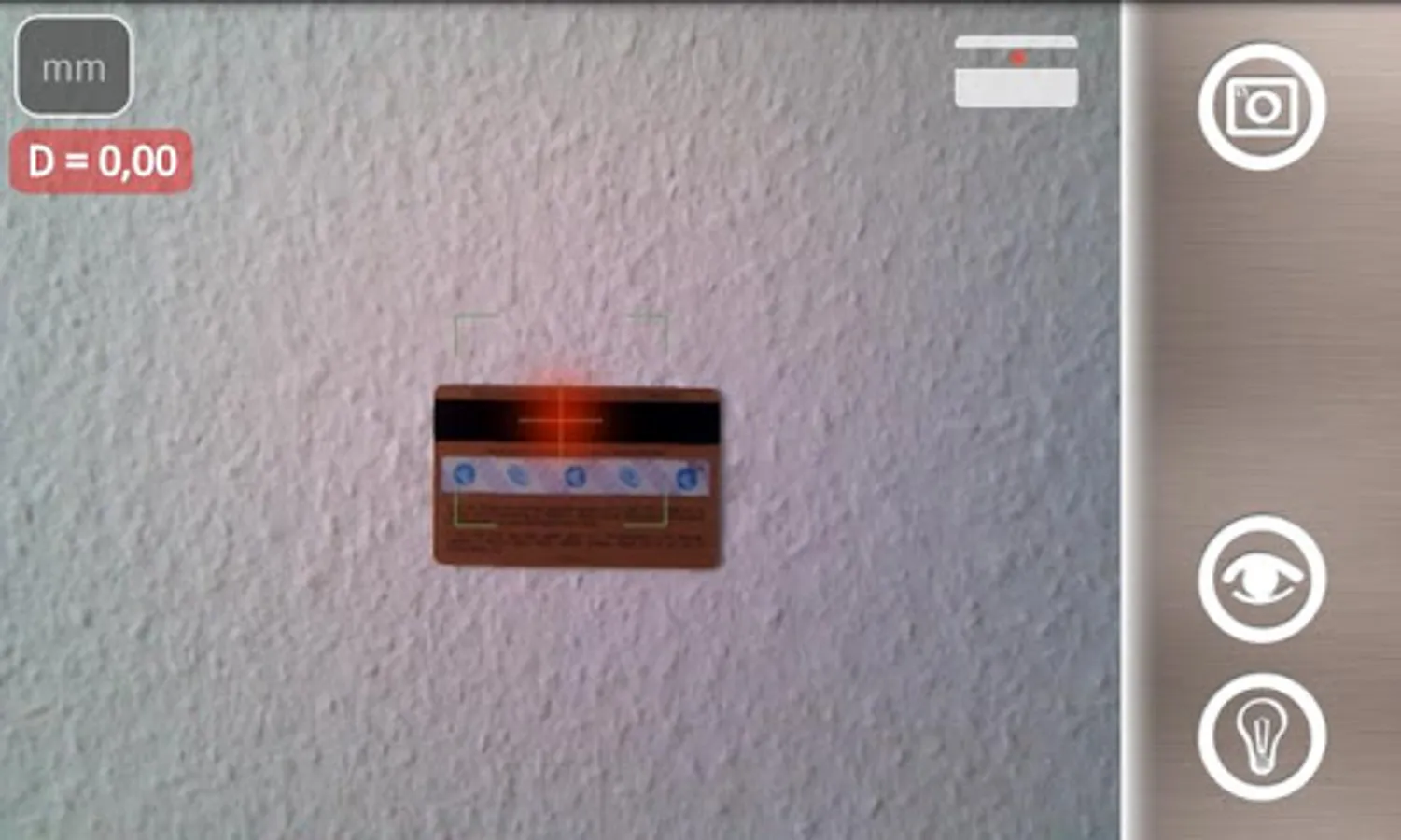
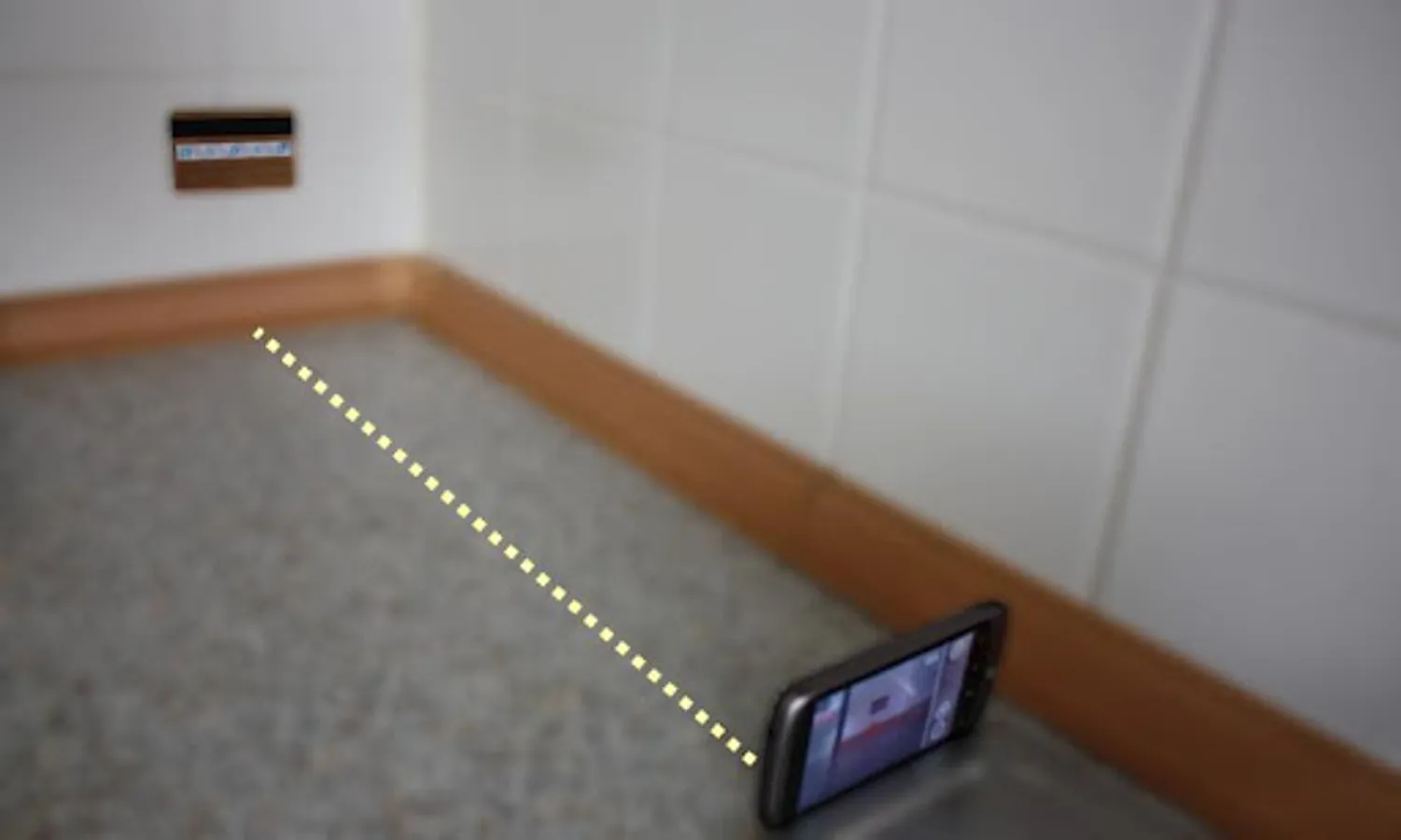
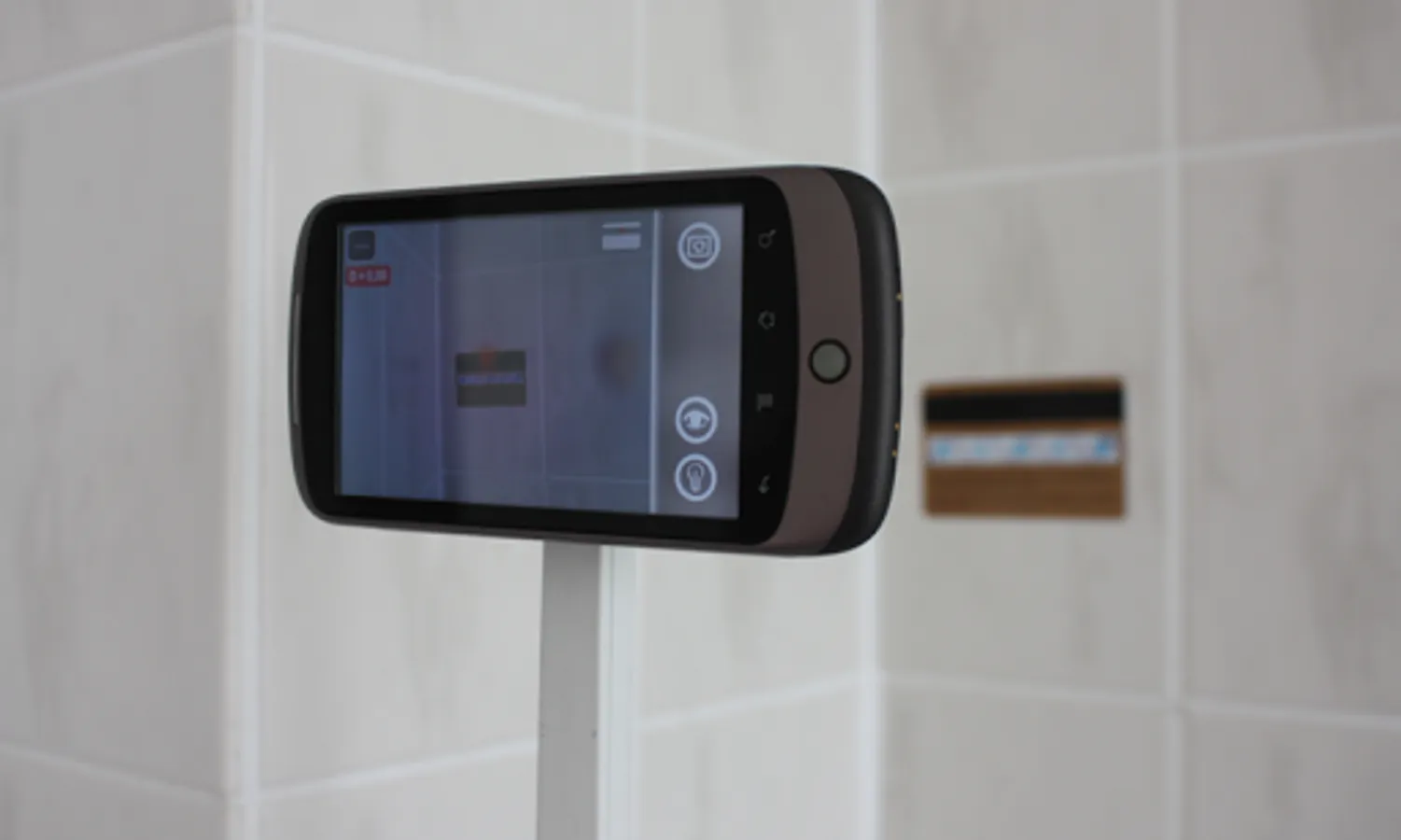
Any android camera device, phone or tablet, can be used for measurement. Just follow the procedure to calibrate your device and you are ready to measure distances to any object with your camera.
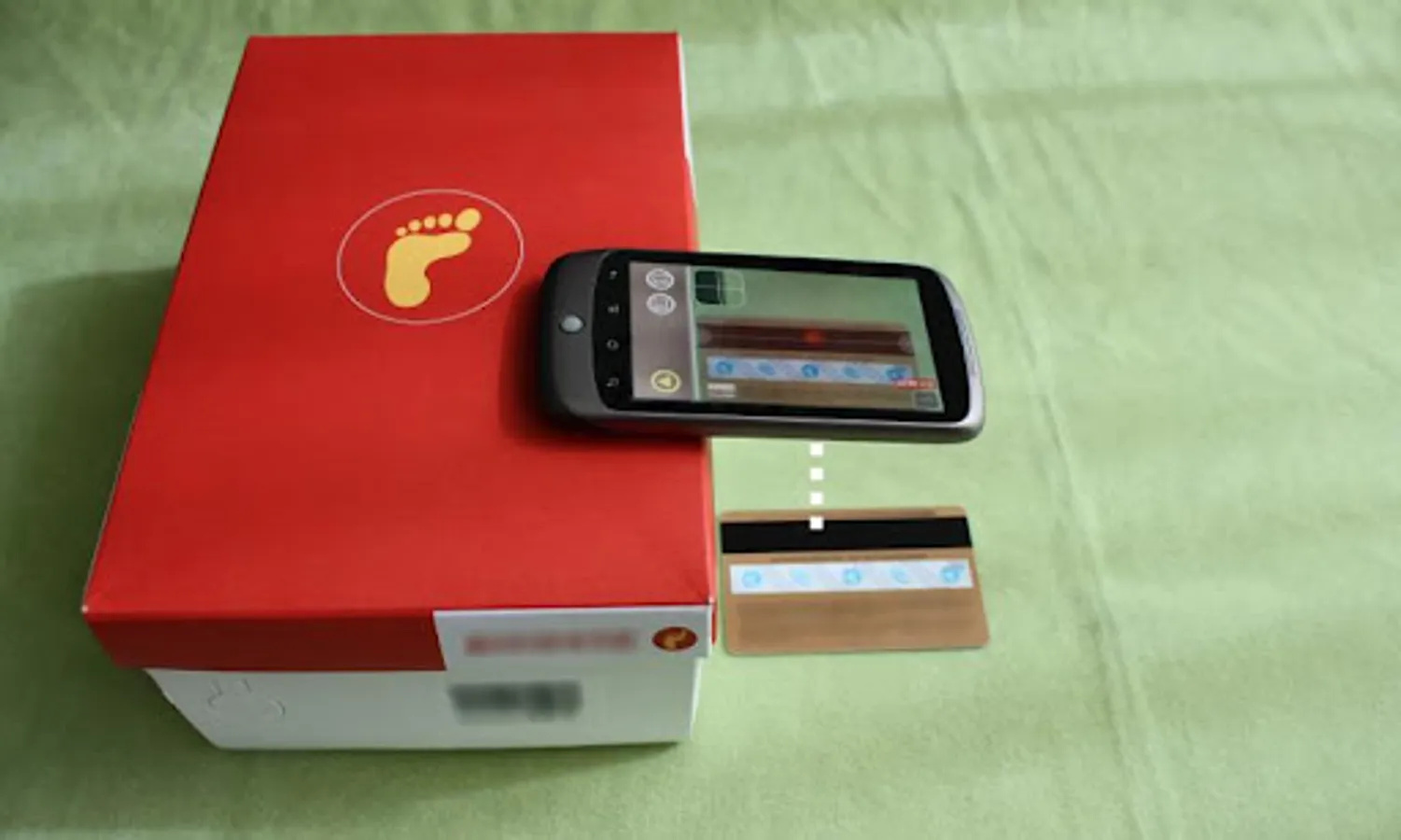
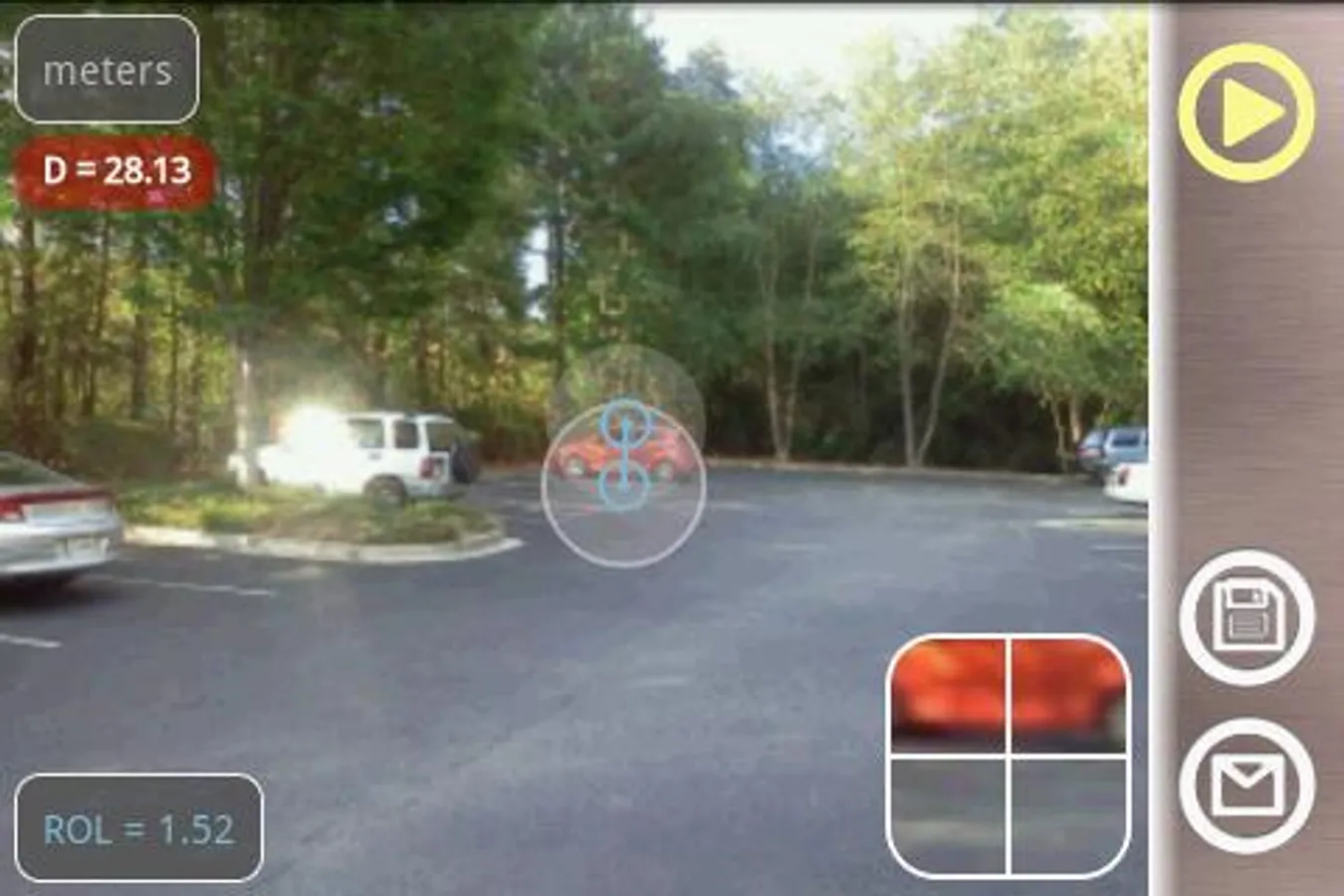
Using standard objects like car, window, golf flag, human height, etc. as a reference you can measure distances to them - just select custom option and enter an object size value.
LaserDistanceMeter has a list of commonly used reference objects like credit card, Letter or A4 sheet, coins, DVD disk, etc.
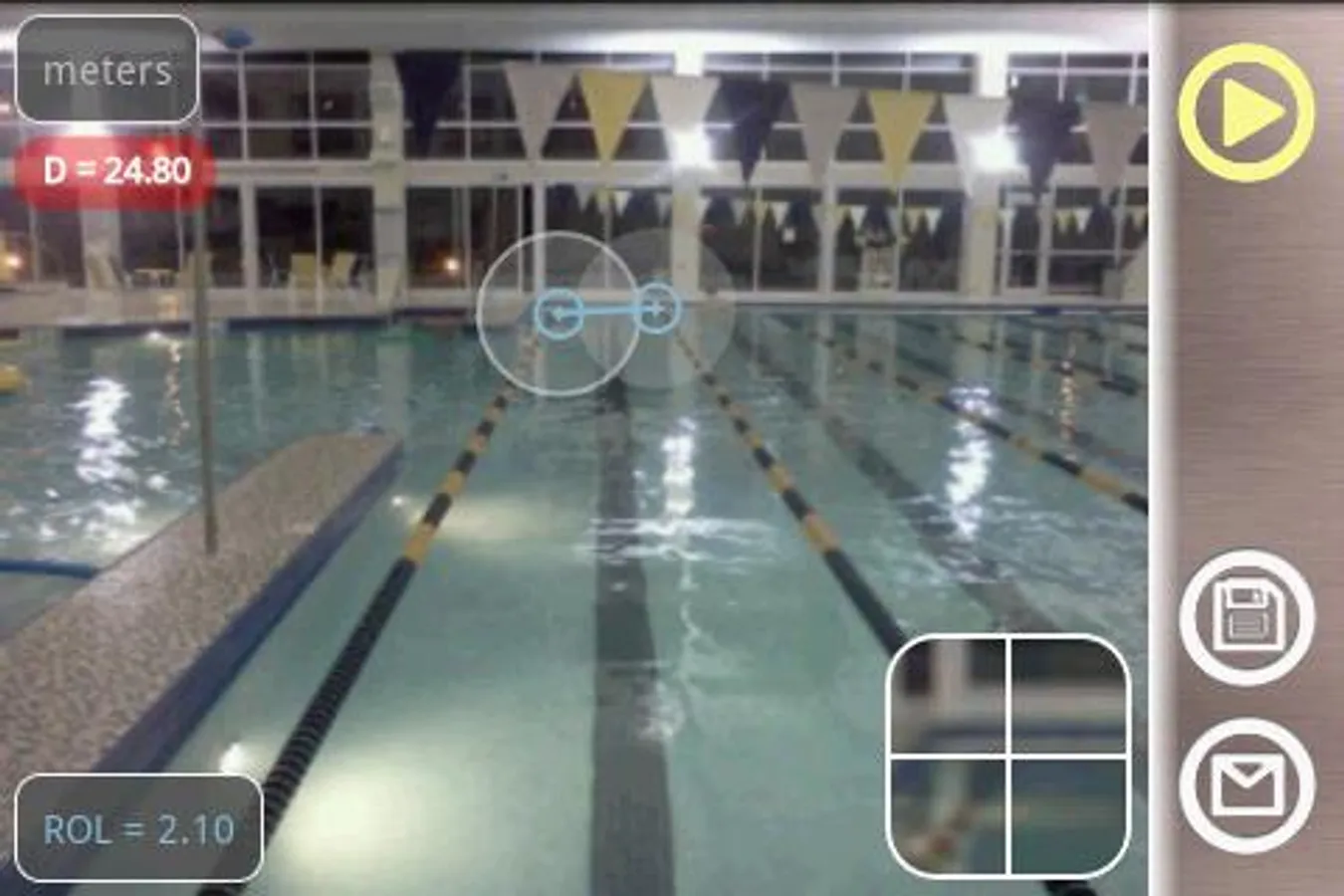
The App shows measurement results in different units: meter (m), millimeter (mm), centimeter (cm), feet (ft), inch (in), yard (yd) based on user settings.
There is an option to make a picture and work with the still image instead of live camera view, Zoom View feature helps to align object boundaries accurately. You can use screen outside the Zoom View for fine adjustment (1px step)
The app has following distinctive features:
- automatic measurement mode
- different measurement units
- list of predefined reference objects
- ability to define any custom object as a reference object
- ability to calibrate any android camera to use for measurements
- ability to use non-vertical and non-horizontal reference objects or features
- quick calibration with predefined standard objects.
- save and share measurement results
- exposure control
This app can be useful for outdoor and sport activities: golf, hiking, traveling, etc., where quick estimation of distances is needed.
It also can be used to measure room or apartment size, distance to walls (using standard objects as electric outlet, door width or height, standard window size), or make measurement on construction sites, to do land measurement and surveying, as a rangefinder.
For example two persons can measure out landscape and distance using height of one person as the reference.
It is also very easy to measure person's height with this app. In automatic mode you can measure height of your kids quickly and with good accuracy, and save the measurement pictures for your progress records.
Using the custom option you can make measurements in wide range depending on a reference object size: from mm to km, from inches to miles.
Please enjoy the Laser Distance Meter and thank you for your support!
VisTech.Projects Team.
* The app features Automatic Measurement mode with image processing for one click measurements.
(!) Calibration Guide:
http://www.youtube.com/watch?v=AiMqEzM_XHI
Any android camera device, phone or tablet, can be used for measurement. Just follow the procedure to calibrate your device and you are ready to measure distances to any object with your camera.
Using standard objects like car, window, golf flag, human height, etc. as a reference you can measure distances to them - just select custom option and enter an object size value.
LaserDistanceMeter has a list of commonly used reference objects like credit card, Letter or A4 sheet, coins, DVD disk, etc.
The App shows measurement results in different units: meter (m), millimeter (mm), centimeter (cm), feet (ft), inch (in), yard (yd) based on user settings.
There is an option to make a picture and work with the still image instead of live camera view, Zoom View feature helps to align object boundaries accurately. You can use screen outside the Zoom View for fine adjustment (1px step)
The app has following distinctive features:
- automatic measurement mode
- different measurement units
- list of predefined reference objects
- ability to define any custom object as a reference object
- ability to calibrate any android camera to use for measurements
- ability to use non-vertical and non-horizontal reference objects or features
- quick calibration with predefined standard objects.
- save and share measurement results
- exposure control
This app can be useful for outdoor and sport activities: golf, hiking, traveling, etc., where quick estimation of distances is needed.
It also can be used to measure room or apartment size, distance to walls (using standard objects as electric outlet, door width or height, standard window size), or make measurement on construction sites, to do land measurement and surveying, as a rangefinder.
For example two persons can measure out landscape and distance using height of one person as the reference.
It is also very easy to measure person's height with this app. In automatic mode you can measure height of your kids quickly and with good accuracy, and save the measurement pictures for your progress records.
Using the custom option you can make measurements in wide range depending on a reference object size: from mm to km, from inches to miles.
Please enjoy the Laser Distance Meter and thank you for your support!
VisTech.Projects Team.
Laser Distance Meter cam tool Screenshots
Tap to Rate:
Reviews for Laser Distance Meter cam tool
A Google user
8/19/2014
waste of money, confusing lack of instructions, had to go on you tube to find out how to calibrate.. waste of time and money..
A Google user
1/31/2014
If you are familiar with mildot scopes then you may have seen the formula for figuring out range for a known object, such as a fire hydrant, man, etc. This works like that.