My Skull Anatomy
Visual 3D Science
4.3 ★
116 ratings
10,000+
downloads
Free
+ in-app
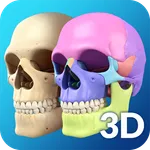
With this anatomy app, you can explore and manipulate a detailed 3D skull model, rotate, zoom, and view internal structures with X-ray and hide/show features. Includes real-time animations, screenshot sharing, and audio pronunciations of anatomy terms.
AppRecs review analysis
AppRecs rating 4.3. Trustworthiness 0 out of 100. Review manipulation risk 0 out of 100. Based on a review sample analyzed.
★★★★☆
4.3
AppRecs Rating
Ratings breakdown
5 star
64%
4 star
18%
3 star
9%
2 star
0%
1 star
9%
What to know
✓
High user satisfaction
82% of sampled ratings are 4+ stars (4.3★ average)
✓
Authentic reviews
Natural distribution, no red flags
About My Skull Anatomy
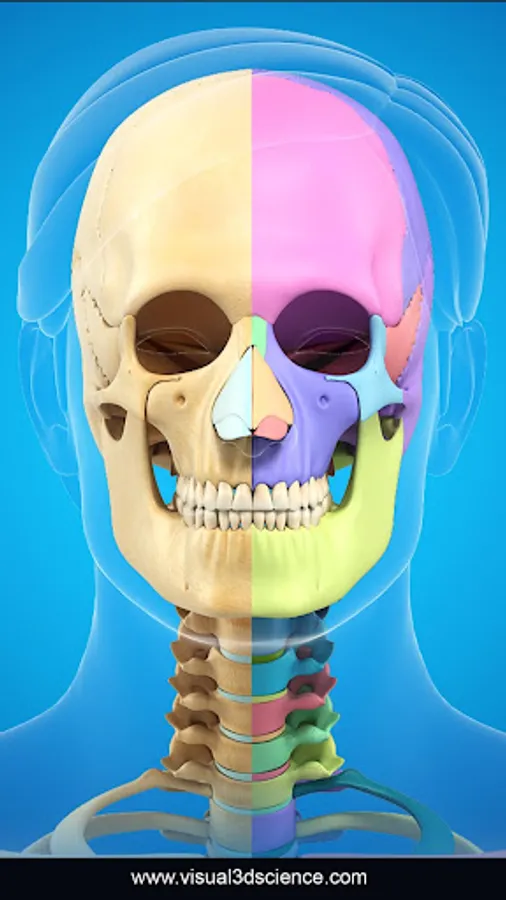
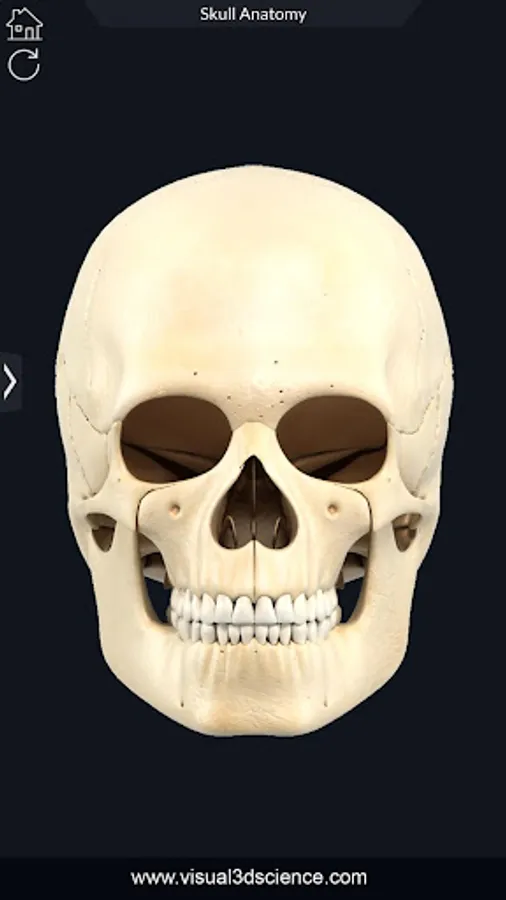
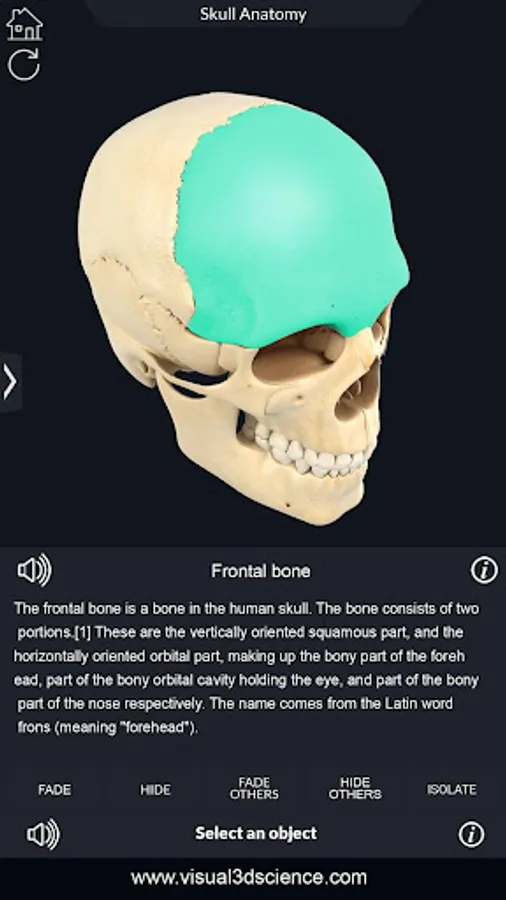
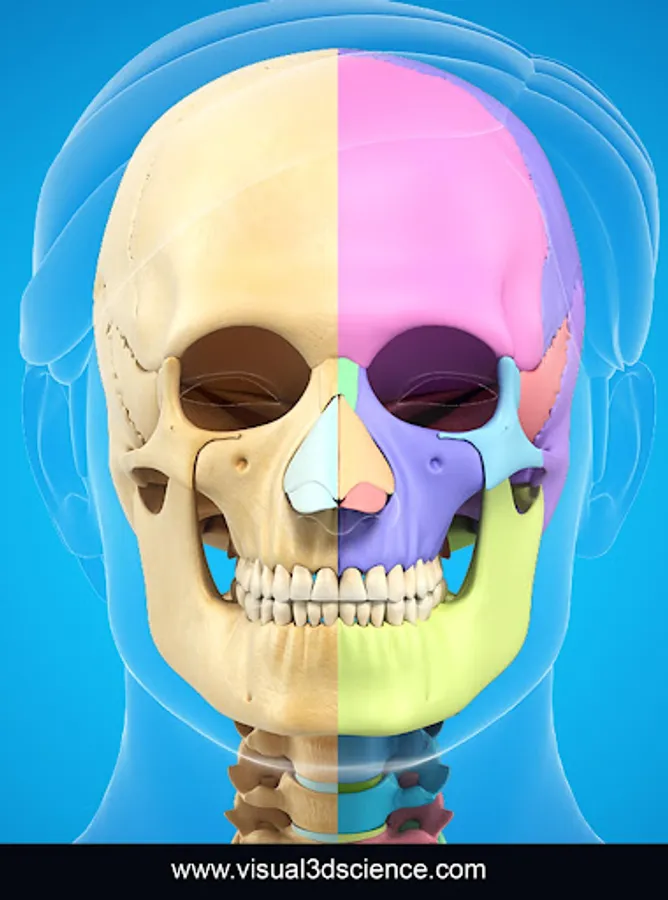
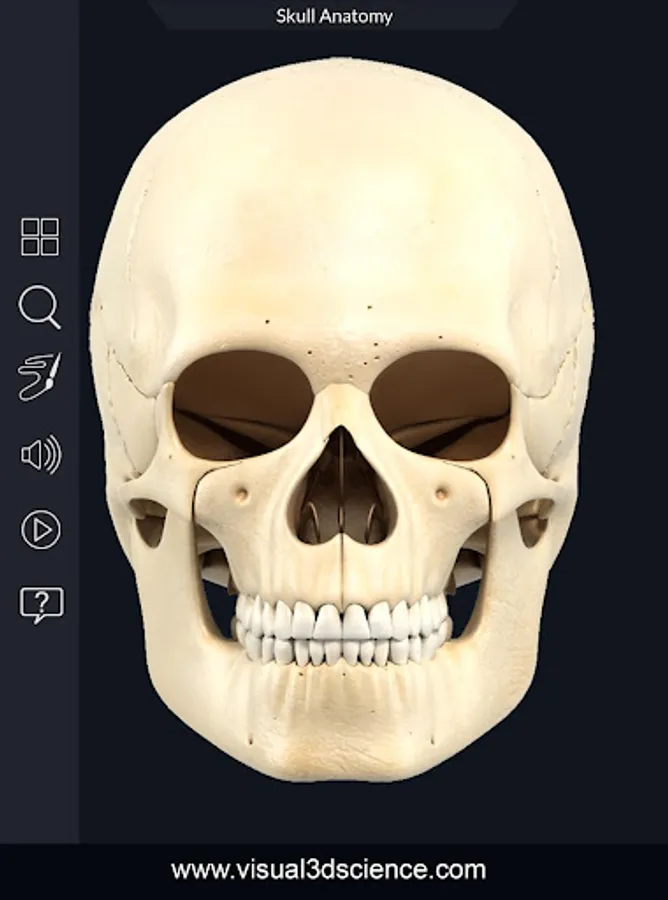
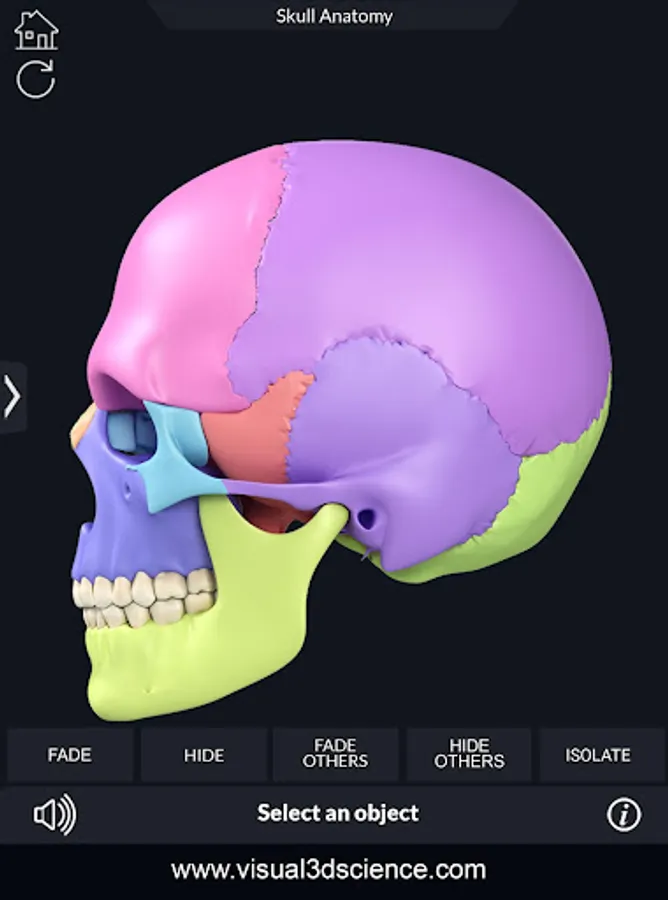
My Skull Anatomy app for studying Skull anatomy which allows you to rotate 360° , Zoom and move camera around a highly realistic 3D model.
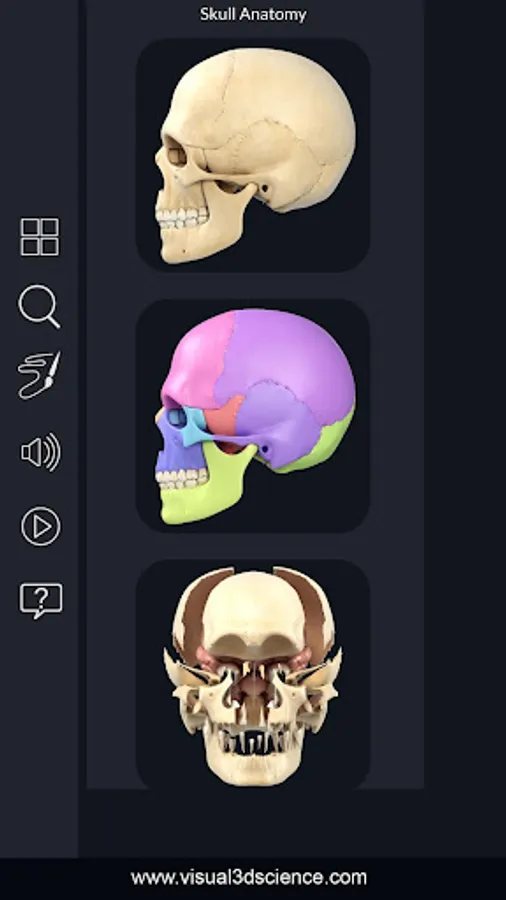
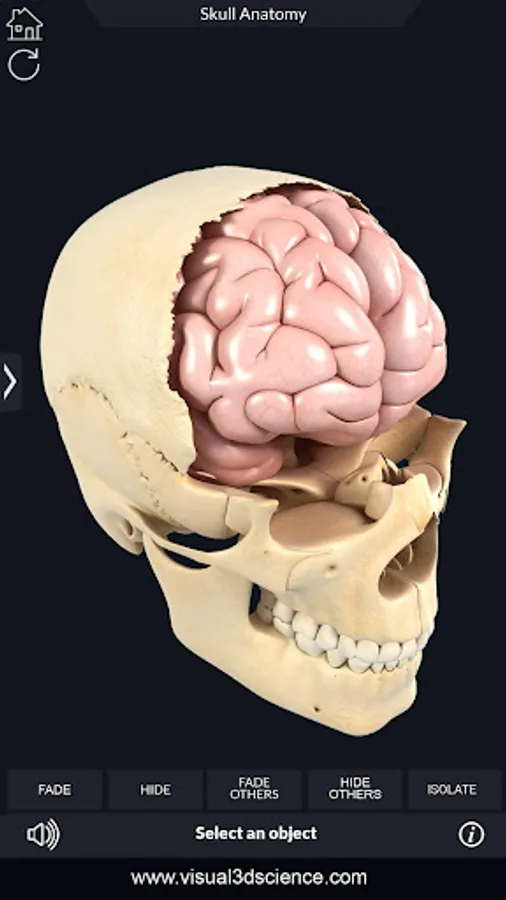
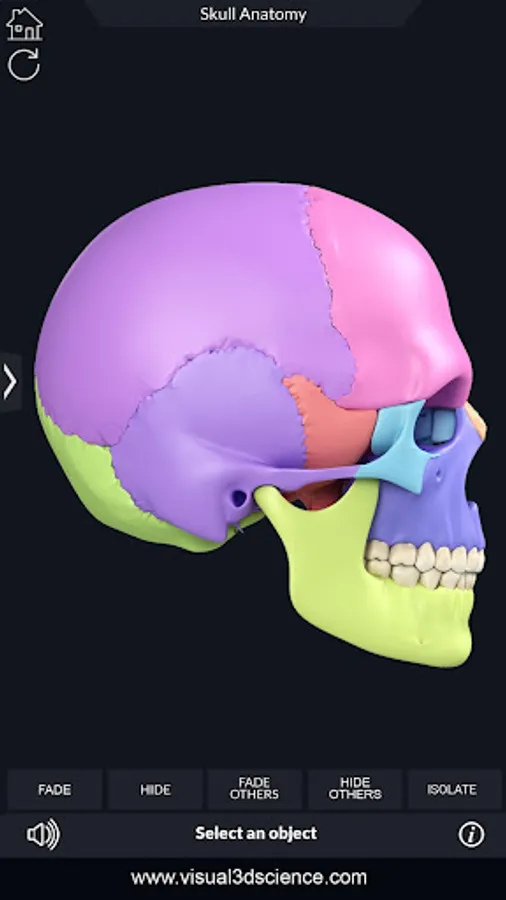
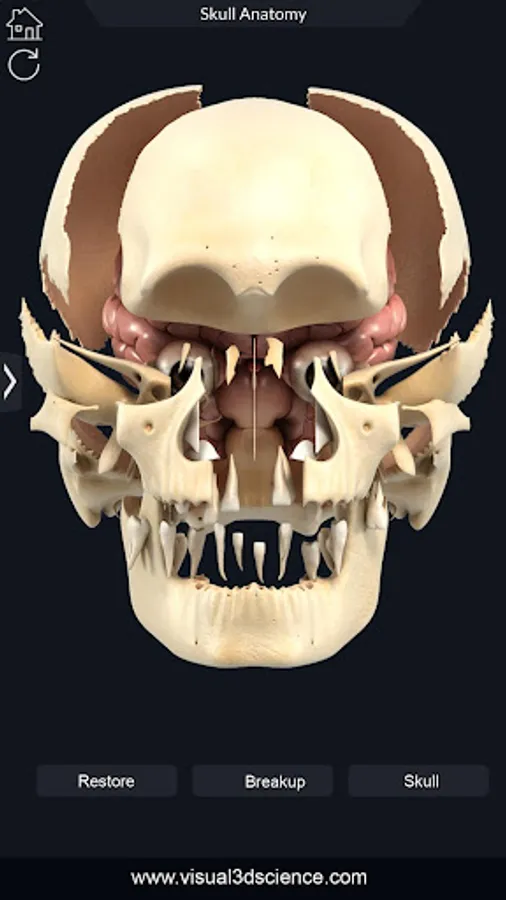
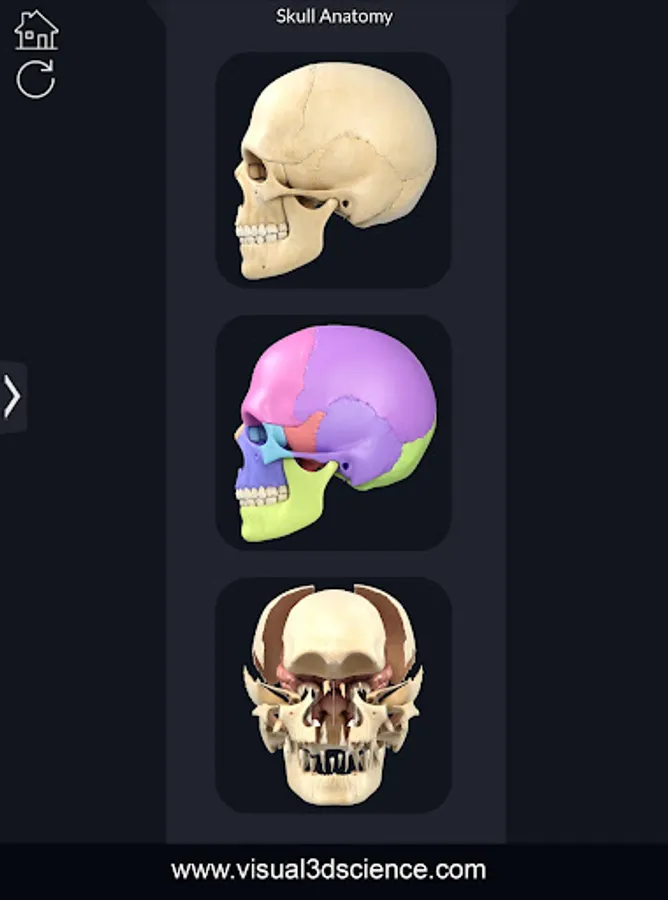
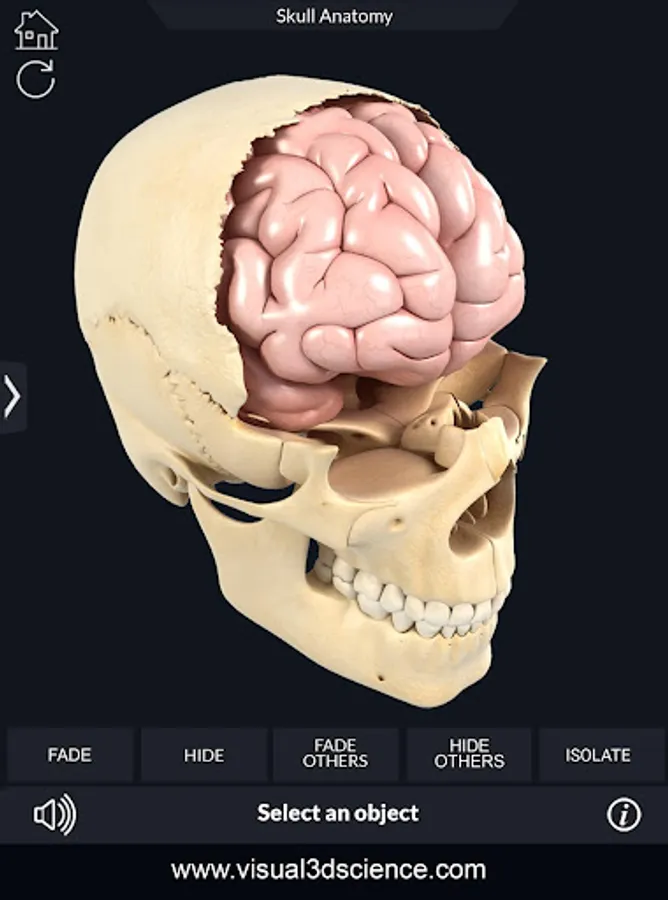
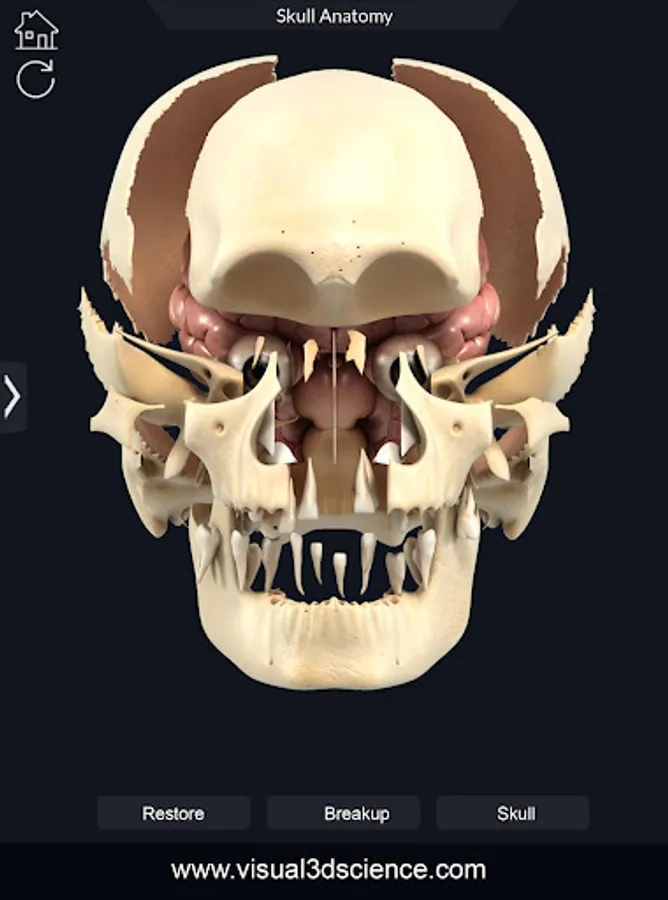
My Skull Anatomy gives users an in depth look at the Skull allowing them to select , X-ray view, hide and show parts of the Skull as well as view real time animation, draw or white on screen and share screenshots, Audio pronunciation for all anatomy terms and more.
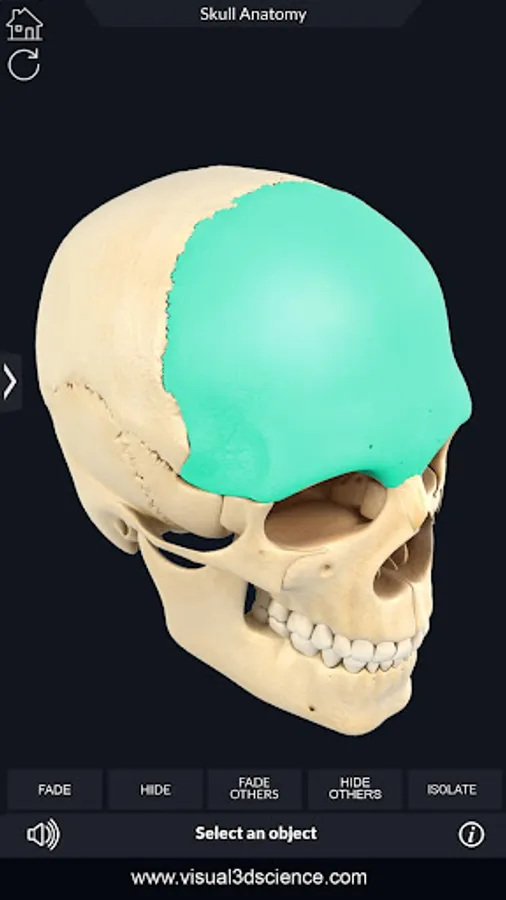
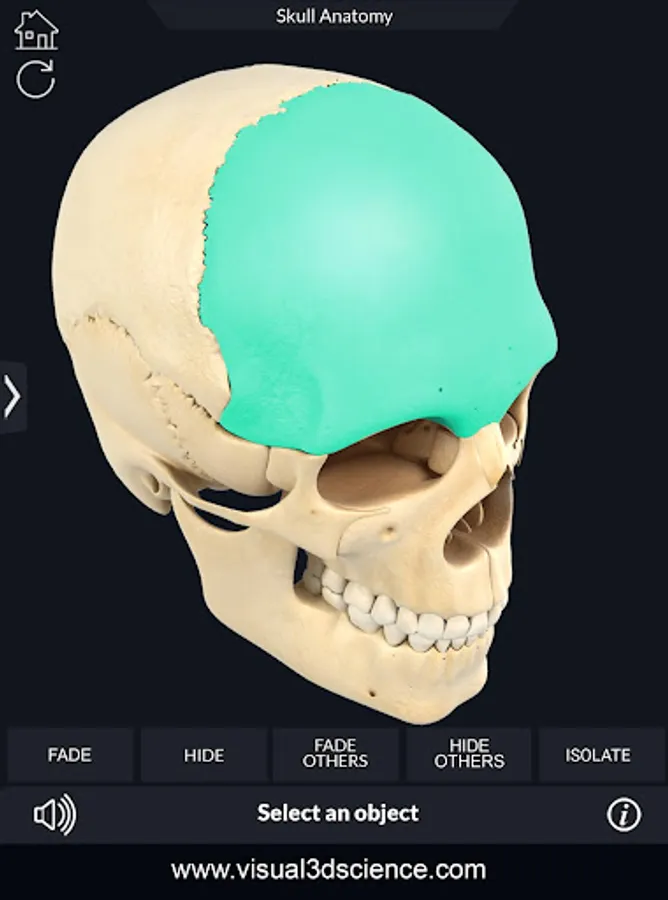
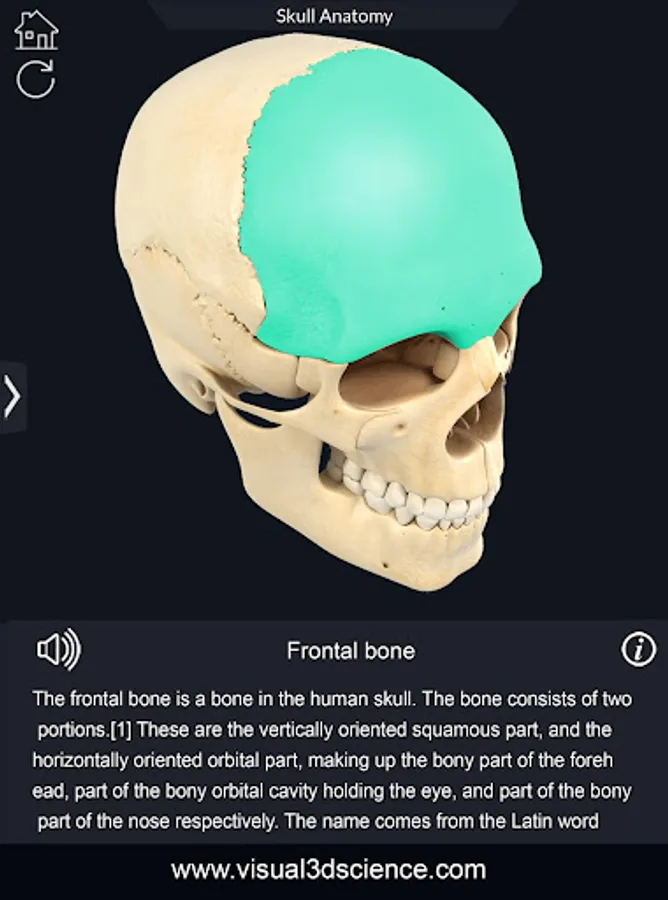
User can select external part of Skull to view name of the part or read related information.
These apps can be great help for medical students, universities and healthcare institutions or to anyone who needs to explore Skull anatomy in detail with high quality graphic and features of the app.
FEATURES
-User friendly interface.
- Simple navigation - 360° rotation, Zoom and Pan
-Selection Mode
- X-ray mode
- Hide and show mode
-Animation Mode
-Search options.
-Audio pronunciation for all anatomy terms.
-Draw or white on screen and share screenshots.
-Info panel
My Skull Anatomy gives users an in depth look at the Skull allowing them to select , X-ray view, hide and show parts of the Skull as well as view real time animation, draw or white on screen and share screenshots, Audio pronunciation for all anatomy terms and more.
User can select external part of Skull to view name of the part or read related information.
These apps can be great help for medical students, universities and healthcare institutions or to anyone who needs to explore Skull anatomy in detail with high quality graphic and features of the app.
FEATURES
-User friendly interface.
- Simple navigation - 360° rotation, Zoom and Pan
-Selection Mode
- X-ray mode
- Hide and show mode
-Animation Mode
-Search options.
-Audio pronunciation for all anatomy terms.
-Draw or white on screen and share screenshots.
-Info panel
My Skull Anatomy Screenshots
Tap to Rate: