In this app, you can simulate and visualize the motion of various pendulum systems in real time, with interactive controls and sensor-based gravity effects. Includes multiple pendulum types, adjustable parameters, and gesture support for interaction.
AppRecs review analysis
AppRecs rating 3.1. Trustworthiness 48 out of 100. Review manipulation risk 49 out of 100. Based on a review sample analyzed.
★★★☆☆
3.1
AppRecs Rating
Ratings breakdown
5 star
78%
4 star
10%
3 star
7%
2 star
0%
1 star
4%
What to know
⚠
Questionable review patterns
49% review manipulation risk - some review patterns appear unusual
⚠
Rating authenticity concerns
High rating concentration (78% 5-star) in sampled ratings
⚠
Review quality concerns
41% of sampled 5-star reviews are very short
About Pendulum Studio
Simulate the motion of nine different pendulum systems in real time on your phone.
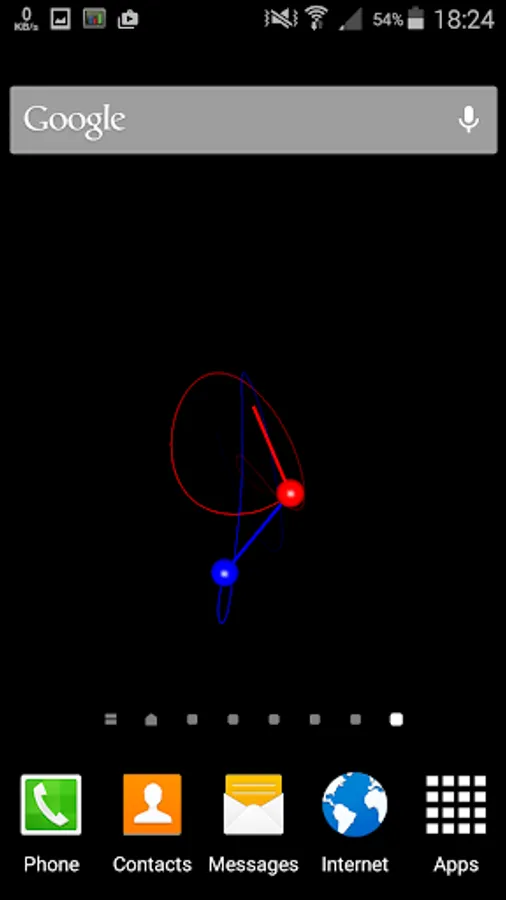
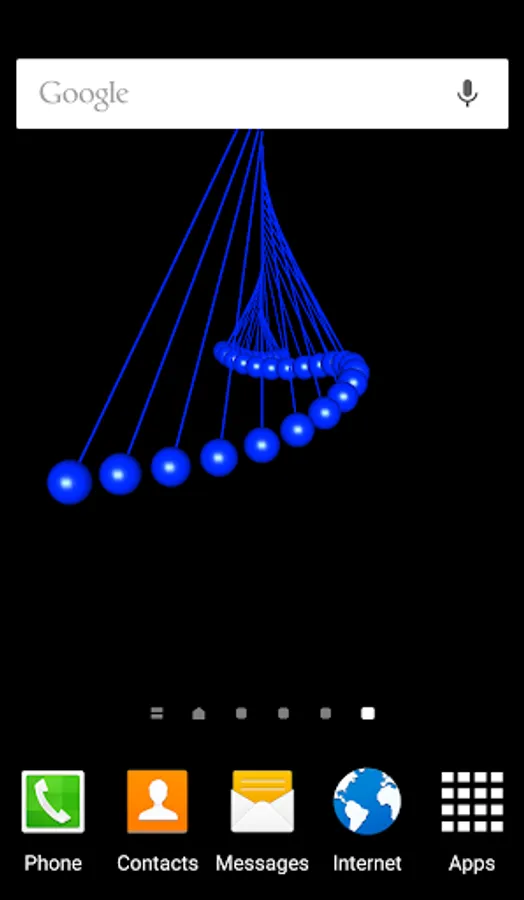
Use the simulation as a live wallpaper (to be set from device's settings).
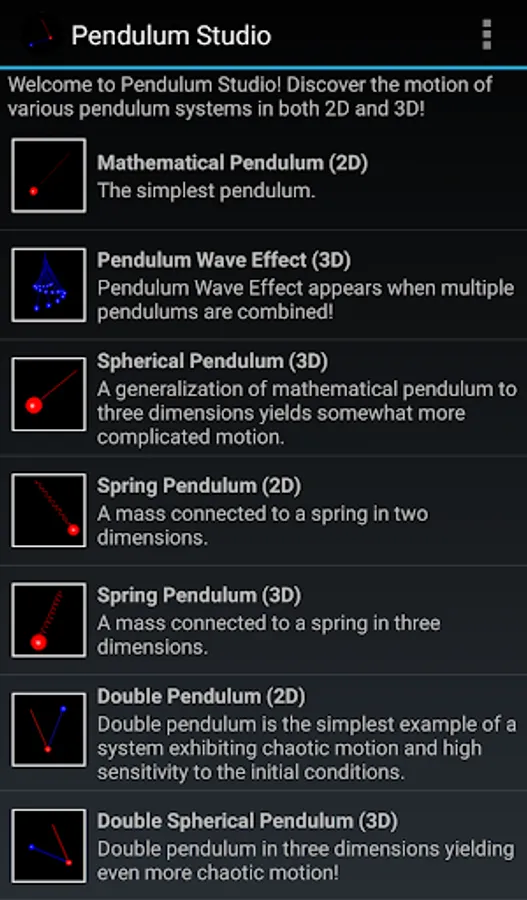
Included systems:
1) Mathematical pendulum (2D): the simplest pendulum.
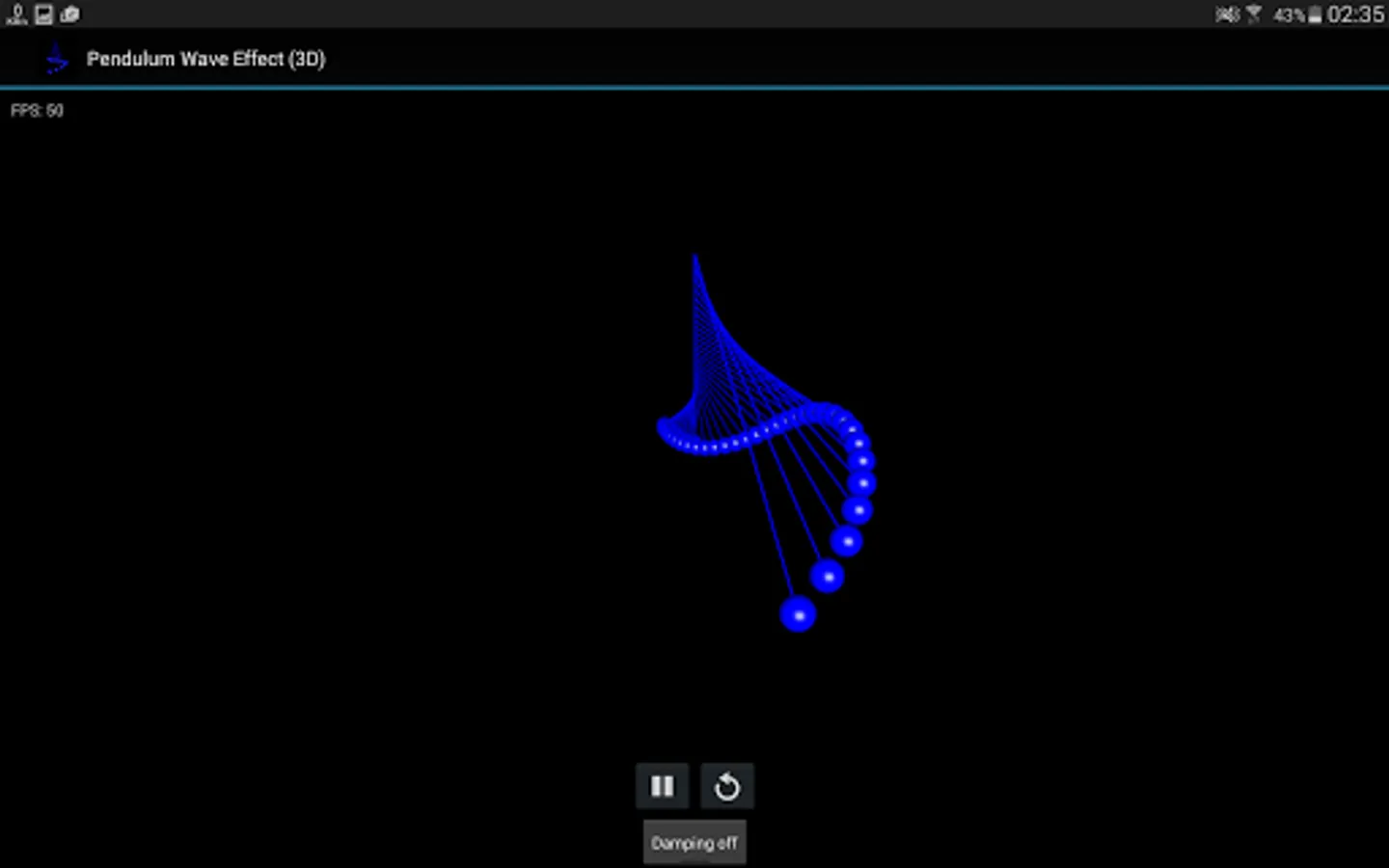
2) Pendulum wave effect (3D): when multiple pendulums are combined a peculiar wave effect appears.
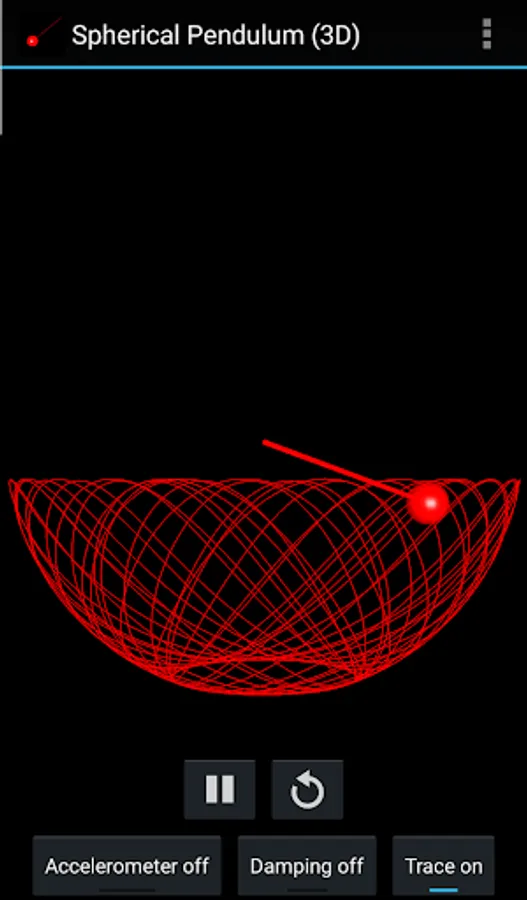
3) Spherical pendulum (3D): a three-dimensional generalization of the mathematical pendulum.
4) Spring pendulum (2D): a mass connected to a spring.
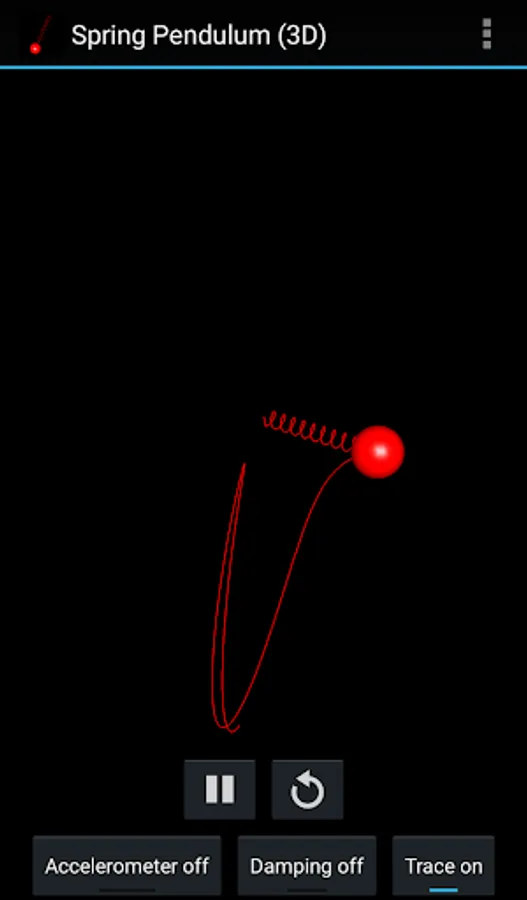
5) Spring pendulum (3D): a mass connected to a spring in 3D.
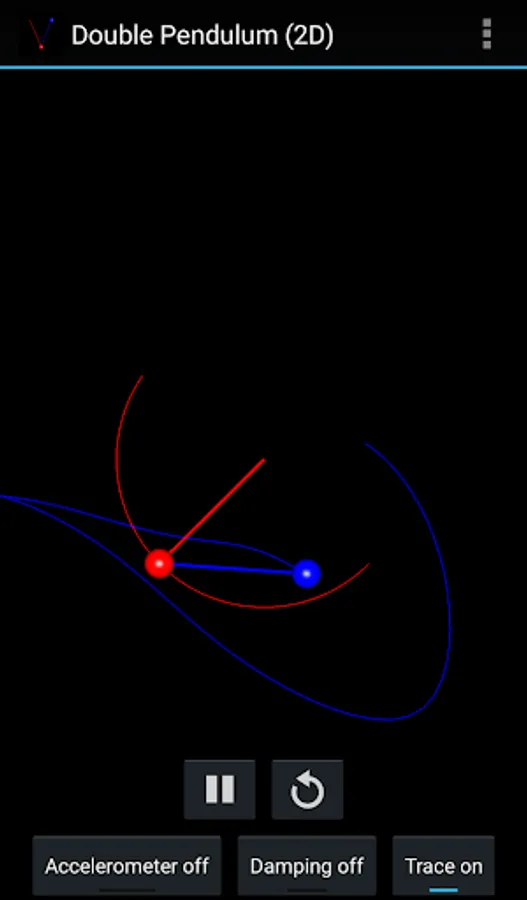
6) Double pendulum (2D): the simplest example of a system which exhibits chaotic motion and is highly sensitive to the initial conditions.
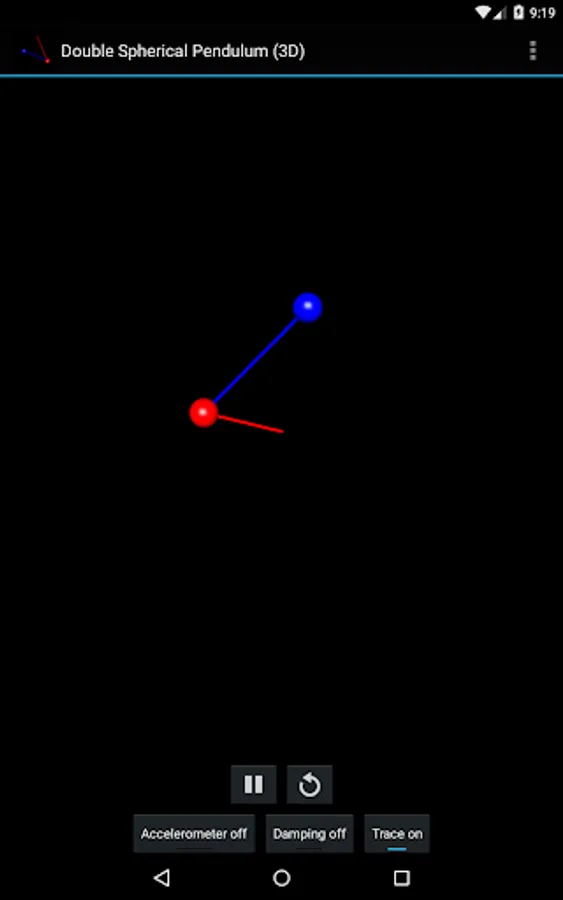
7) Double spherical pendulum (3D): a three-dimensional generalization of the double pendulum.
8) Spring mathematical pendulum (2D): a rod attached to a spring.
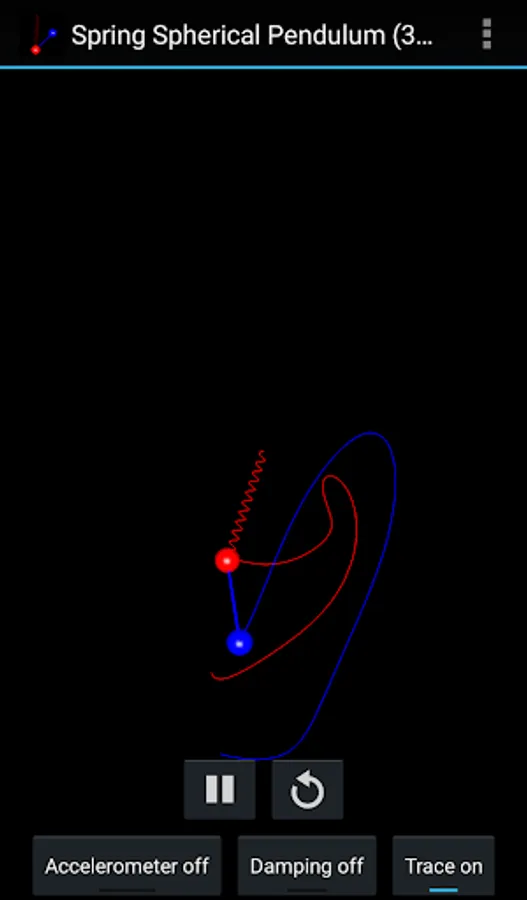
9) Spring spherical pendulum (3D): a rod attached to a spring in 3D.
Features:
- All simulations are performed in real time by numerically solving the Lagrange equations of motion.
- Use the accelerometer of your device for dynamical determination of the gravity force.
- Take into the account the friction force to see the damping of the pendulum motion (recommended when using sensor gravity).
- Use your fingers to interactively change the positions of the pendulums.
- Use pinch to zoom gesture.
- All of the parameters for each system can be modified in the preferences.
Acknowledgements:
OpenGL tutorials at http://www.learnopengles.com/
ColorPickerView library at https://github.com/danielnilsson9/color-picker-view
Source code of the app is available at https://github.com/vlvovch/pendulum-studio
Use the simulation as a live wallpaper (to be set from device's settings).
Included systems:
1) Mathematical pendulum (2D): the simplest pendulum.
2) Pendulum wave effect (3D): when multiple pendulums are combined a peculiar wave effect appears.
3) Spherical pendulum (3D): a three-dimensional generalization of the mathematical pendulum.
4) Spring pendulum (2D): a mass connected to a spring.
5) Spring pendulum (3D): a mass connected to a spring in 3D.
6) Double pendulum (2D): the simplest example of a system which exhibits chaotic motion and is highly sensitive to the initial conditions.
7) Double spherical pendulum (3D): a three-dimensional generalization of the double pendulum.
8) Spring mathematical pendulum (2D): a rod attached to a spring.
9) Spring spherical pendulum (3D): a rod attached to a spring in 3D.
Features:
- All simulations are performed in real time by numerically solving the Lagrange equations of motion.
- Use the accelerometer of your device for dynamical determination of the gravity force.
- Take into the account the friction force to see the damping of the pendulum motion (recommended when using sensor gravity).
- Use your fingers to interactively change the positions of the pendulums.
- Use pinch to zoom gesture.
- All of the parameters for each system can be modified in the preferences.
Acknowledgements:
OpenGL tutorials at http://www.learnopengles.com/
ColorPickerView library at https://github.com/danielnilsson9/color-picker-view
Source code of the app is available at https://github.com/vlvovch/pendulum-studio