Voice Recorder For Android
Calendar 2026
3.6 ★
store rating
100,000+
downloads
Free
+ in-app
AppRecs review analysis
AppRecs rating 2.9. Trustworthiness 83 out of 100. Review manipulation risk 31 out of 100. Based on a review sample analyzed.
★★☆☆☆
2.9
AppRecs Rating
Ratings breakdown
5 star
60%
4 star
4%
3 star
5%
2 star
4%
1 star
28%
What to know
⚠
Ad complaints
Many low ratings mention excessive ads
⚠
User experience concerns
Recent complaints mention notifications
⚠
Review quality concerns
57% of sampled 5-star reviews are very short
About Voice Recorder For Android
🎙️ Voice Recorder for Android – High-Quality Audio, Simple to Use
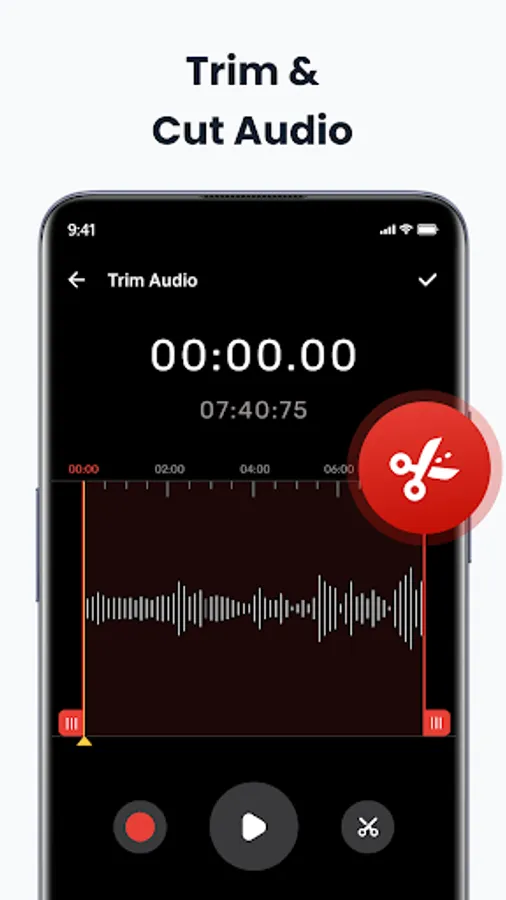
Voice Recorder for Android is a powerful and free audio recording app built for clarity, convenience, and control. Designed specifically for Android users in the USA, this app is your all-in-one tool for capturing, editing, and organizing high-quality voice recordings — whether you're taking notes, recording interviews, lectures, or podcast episodes.
With a clean, user-friendly interface and smart features like adjustable sampling rate, bitrate control, audio transcription, recycle bin, and backup & restore, this is one of the best voice recorder apps for Android available on the US Play Store. Whether you're a student, professional, musician, or content creator, this app gives you the tools you need for professional-grade voice recording right from your phone.
The Voice Recorder for Android app includes an after-call feature that lets you instantly start recording, view your recording list, quickly send replies and set reminders—all from the after-call screen.
🔥 Top Features:
🎧 High-Quality Audio Recording
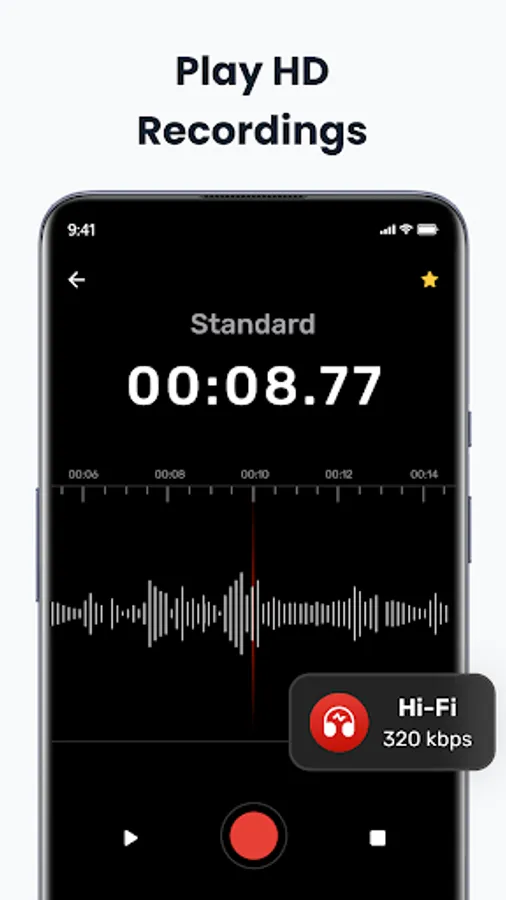
Record in multiple formats: MP3, WAV (PCM), AAC (M4A/MP4), and AMR (3GP). Customize audio with adjustable sample rates and bitrate control for crystal-clear recordings.
🎚️ Adjustable Sampling Rate & Bit Rate
Customize your recording quality based on your needs — perfect for podcasts, interviews, and lectures.
📝 Audio Transcription (Voice to Text)
Use speech-to-text features to convert recordings into editable text for lectures, interviews, or personal notes (in supported languages).
🗑️ Recycle Bin
Accidentally deleted something important? Restore it quickly from the built-in recycle bin.
☁️ Backup & Restore
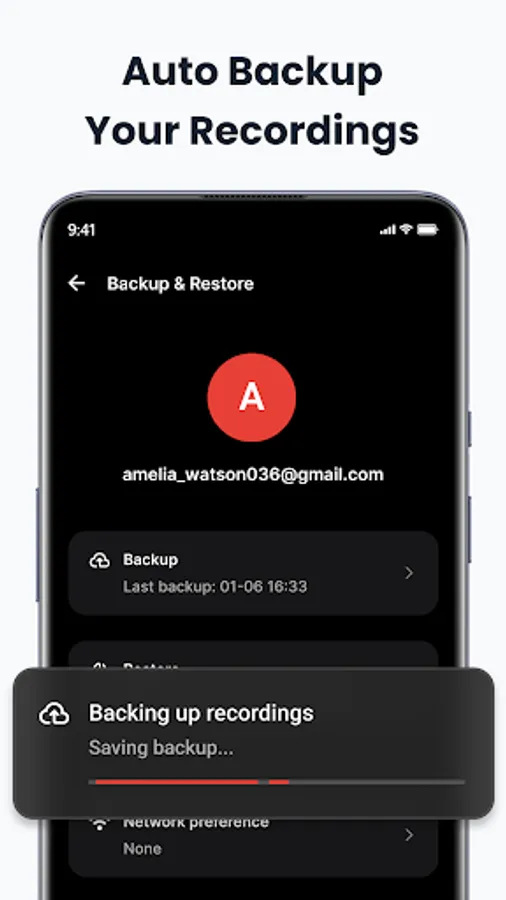
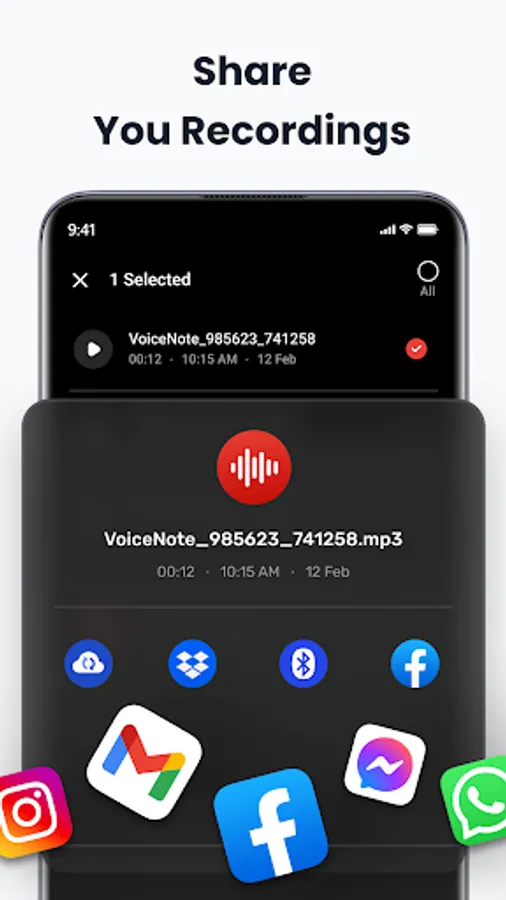
Backup recordings to the cloud and restore them when changing devices or reinstalling the app.
📁 Organized File Management
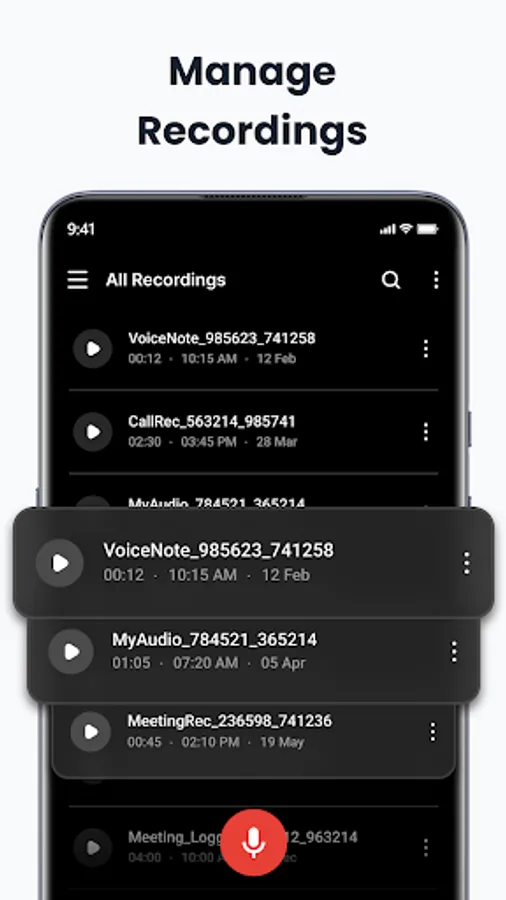
Rename and sort recordings by date, title. Makes finding your files simple and fast.
🧭User-Friendly Interface
Designed for fast, easy use with one-tap recording and quick access to saved files.
📲 Perfect for Everyday Use in the USA:
Students – Record and transcribe lectures, study notes, and group discussions
Professionals – Capture business meetings, voice memos, and presentations
Journalists – Record interviews and convert to text with transcription
Musicians & Creators – Save ideas, melodies, and podcast episodes
Everyone – Use it for personal voice notes, reminders, or diary entries
🌟 Why Choose This App?
✅ All-in-One Recording Tool – From voice memos to concerts, capture anything easily.
✅ Pro-Level Audio Customization – Fine-tune bitrate and sample rate to get the best results.
✅ Built-in Transcription – Save time by converting audio to text with one tap.
✅ Cloud Backup & Restore – Keep your audio files safe and easily transferable.
✅ Smart File Recovery – Accidentally deleted files? Restore them from the Recycle Bin.
🎤 Download Voice Recorder for Android today – the smart, simple, and secure way to record high-quality audio anywhere in the USA. From voice memos to full podcast episodes, everything you need is in your pocket.
📬 Contact Us
Need help or have feedback? Just go to the Help or Support section in the app to get in touch with us.
Voice Recorder for Android is a powerful and free audio recording app built for clarity, convenience, and control. Designed specifically for Android users in the USA, this app is your all-in-one tool for capturing, editing, and organizing high-quality voice recordings — whether you're taking notes, recording interviews, lectures, or podcast episodes.
With a clean, user-friendly interface and smart features like adjustable sampling rate, bitrate control, audio transcription, recycle bin, and backup & restore, this is one of the best voice recorder apps for Android available on the US Play Store. Whether you're a student, professional, musician, or content creator, this app gives you the tools you need for professional-grade voice recording right from your phone.
The Voice Recorder for Android app includes an after-call feature that lets you instantly start recording, view your recording list, quickly send replies and set reminders—all from the after-call screen.
🔥 Top Features:
🎧 High-Quality Audio Recording
Record in multiple formats: MP3, WAV (PCM), AAC (M4A/MP4), and AMR (3GP). Customize audio with adjustable sample rates and bitrate control for crystal-clear recordings.
🎚️ Adjustable Sampling Rate & Bit Rate
Customize your recording quality based on your needs — perfect for podcasts, interviews, and lectures.
📝 Audio Transcription (Voice to Text)
Use speech-to-text features to convert recordings into editable text for lectures, interviews, or personal notes (in supported languages).
🗑️ Recycle Bin
Accidentally deleted something important? Restore it quickly from the built-in recycle bin.
☁️ Backup & Restore
Backup recordings to the cloud and restore them when changing devices or reinstalling the app.
📁 Organized File Management
Rename and sort recordings by date, title. Makes finding your files simple and fast.
🧭User-Friendly Interface
Designed for fast, easy use with one-tap recording and quick access to saved files.
📲 Perfect for Everyday Use in the USA:
Students – Record and transcribe lectures, study notes, and group discussions
Professionals – Capture business meetings, voice memos, and presentations
Journalists – Record interviews and convert to text with transcription
Musicians & Creators – Save ideas, melodies, and podcast episodes
Everyone – Use it for personal voice notes, reminders, or diary entries
🌟 Why Choose This App?
✅ All-in-One Recording Tool – From voice memos to concerts, capture anything easily.
✅ Pro-Level Audio Customization – Fine-tune bitrate and sample rate to get the best results.
✅ Built-in Transcription – Save time by converting audio to text with one tap.
✅ Cloud Backup & Restore – Keep your audio files safe and easily transferable.
✅ Smart File Recovery – Accidentally deleted files? Restore them from the Recycle Bin.
🎤 Download Voice Recorder for Android today – the smart, simple, and secure way to record high-quality audio anywhere in the USA. From voice memos to full podcast episodes, everything you need is in your pocket.
📬 Contact Us
Need help or have feedback? Just go to the Help or Support section in the app to get in touch with us.