
SISCO Mbanking
Sikkim State Co-operative Bank Ltd
Free
500+
downloads
About SISCO Mbanking
SISCO MBanking is Sikkim State Cooperative Bank’s official Mobile Banking app that offers banking services.
SISCO MBanking is used for initiating Financial Transactions through Payment modes like RTGS, NEFT and IMPS.
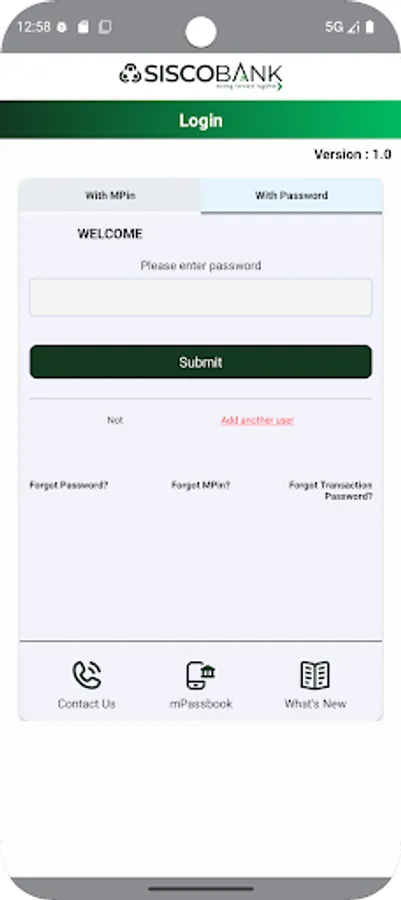
Before downloading and activating the SISCO MBanking App, please ensure that you have registered for the mobile banking channel by submitting a channel registration form at the home branch.
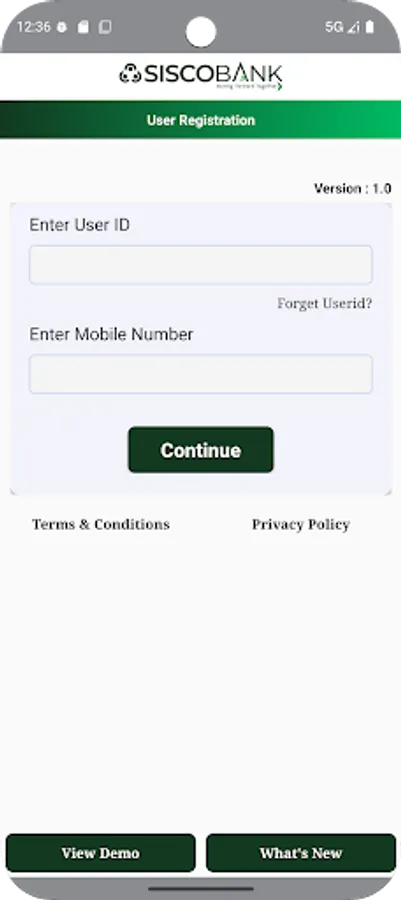
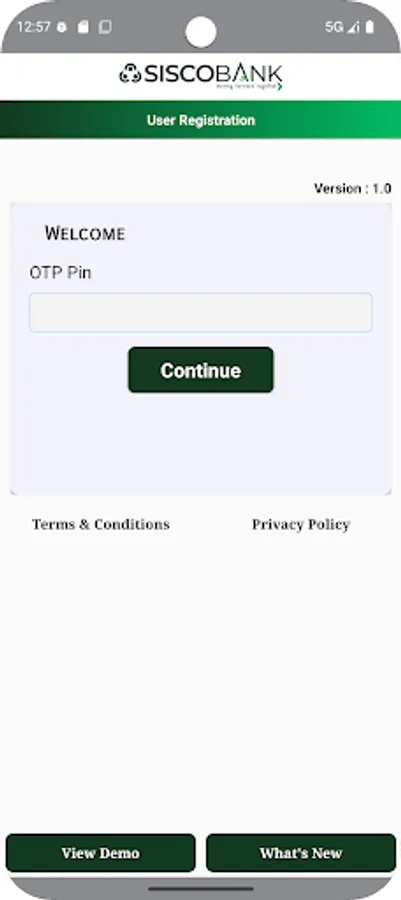
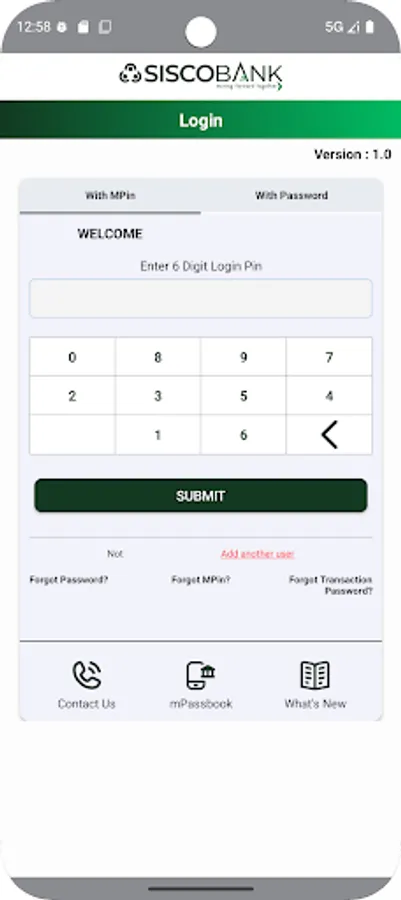
Simply download the Application, just like you would have installed any other android app from Google Play™ Store. You can then instantly activate the Mobile Banking App (one-time activity) and set your personalized MPIN using the Branch PIN shared via SMS to the registered Mobile Number. On successful authentication, you can immediately start transacting on your accounts through Multi factor authentication like dynamic OTP, biometrics-fingerprint/face recognition and MPIN.
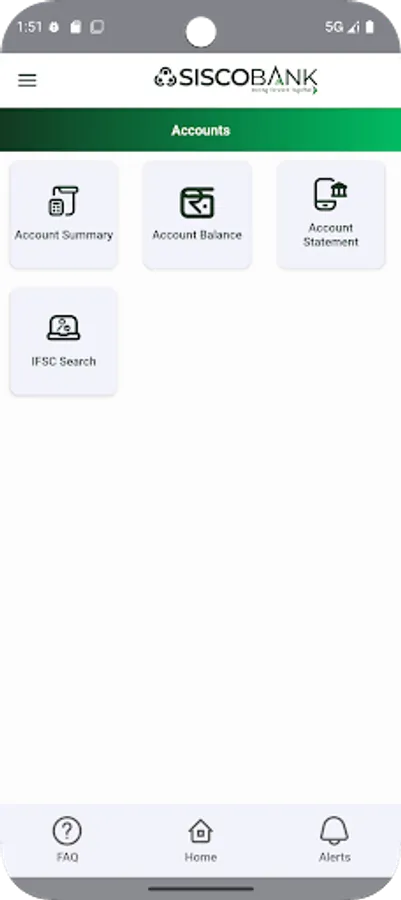
You can view the account statements on the go at your convenience, even while at work or commuting. Checking the balance in your account or instantly transferring money from one bank account to another through IMPS is possible at the click of just a few buttons on your phone.
Banking through the SISCO MBanking App is not only very simple and convenient but also saves your time or a visit to the Bank branch. You will also receive an SMS alert whenever a transaction is initiated in your account through Mobile Banking and other available delivery channels of the Bank.
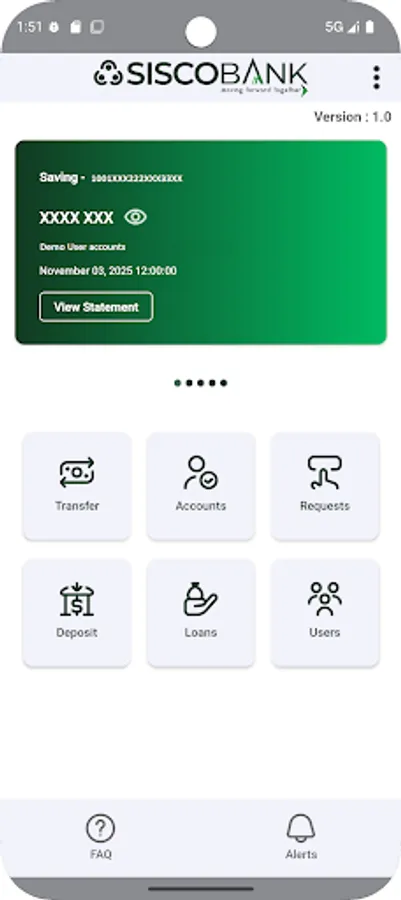
The SISCO MBanking App also provides its customers with a host of services:
• Account Statement
• Cheque Status/Stop Payment/Revoke Stop Payment
• Search ISFC Code
• Fund Transfer/RTGS/NEFT/IMPS 24*7
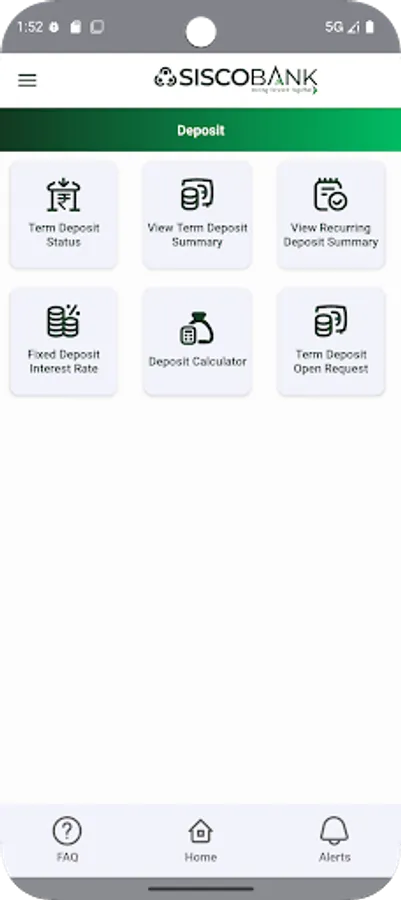
• View Fixed and Recurring Deposits
• Interest Rate List
• Term Deposit Calculator/Loan Calculator
• Download Loan Form
• Branch Locator/ATM Locator
• Block My Service
• Positive Pay Payment System
For any feedback and/or queries, please mail to infotech@siscobank.com or call 03592231005.
SISCO MBanking is used for initiating Financial Transactions through Payment modes like RTGS, NEFT and IMPS.
Before downloading and activating the SISCO MBanking App, please ensure that you have registered for the mobile banking channel by submitting a channel registration form at the home branch.
Simply download the Application, just like you would have installed any other android app from Google Play™ Store. You can then instantly activate the Mobile Banking App (one-time activity) and set your personalized MPIN using the Branch PIN shared via SMS to the registered Mobile Number. On successful authentication, you can immediately start transacting on your accounts through Multi factor authentication like dynamic OTP, biometrics-fingerprint/face recognition and MPIN.
You can view the account statements on the go at your convenience, even while at work or commuting. Checking the balance in your account or instantly transferring money from one bank account to another through IMPS is possible at the click of just a few buttons on your phone.
Banking through the SISCO MBanking App is not only very simple and convenient but also saves your time or a visit to the Bank branch. You will also receive an SMS alert whenever a transaction is initiated in your account through Mobile Banking and other available delivery channels of the Bank.
The SISCO MBanking App also provides its customers with a host of services:
• Account Statement
• Cheque Status/Stop Payment/Revoke Stop Payment
• Search ISFC Code
• Fund Transfer/RTGS/NEFT/IMPS 24*7
• View Fixed and Recurring Deposits
• Interest Rate List
• Term Deposit Calculator/Loan Calculator
• Download Loan Form
• Branch Locator/ATM Locator
• Block My Service
• Positive Pay Payment System
For any feedback and/or queries, please mail to infotech@siscobank.com or call 03592231005.
SISCO Mbanking Screenshots
Reviews for SISCO Mbanking
Topzer Namgyal Sherpa
12/1/2025
Transfer to another account is not working,, please kindly check this matter as soon as possible 🙏🙏🙏 Thank you
Krishna prasad Sharma
11/30/2025
statements not showing in this new app.Why this app not showing statements ?Last app was good but this app shows "no records found "
MINGMA TSHERING SHERPA
11/15/2025
What is this non sense app
Tap to Rate: