
VTech Kid Connect (GB English)
VTech Electronics Ltd.
2.3 ★
255 ratings
50,000+
downloads
Free
With this messaging app, you can communicate with your child through voice messages, photos, and stickers while managing contacts and group chats. Includes parent approval features, avatar customization, and sharing options.
AppRecs review analysis
AppRecs rating 2.2. Trustworthiness 55 out of 100. Review manipulation risk 31 out of 100. Based on a review sample analyzed.
★★☆☆☆
2.2
AppRecs Rating
Ratings breakdown
5 star
22%
4 star
0%
3 star
22%
2 star
0%
1 star
56%
What to know
✓
Authentic reviews
Natural distribution, no red flags
⚠
Mixed user feedback
Average 2.3★ rating suggests room for improvement
⚠
High negative review ratio
56% of sampled ratings are 1–2 stars
About VTech Kid Connect (GB English)
VTech Kid Connect works with VTech's InnoTab® and DigiGo™* to allow kids to communicate between their InnoTab®, DigiGo™, Android phone or other smartphones. All contacts must be approved by parents before any communication can take place. It's completely safe for your child!
NOTE: Kid Connect is meant for communication between an InnoTab®/DigiGo™ and a smartphone. Smartphone users cannot add other smartphone users without any InnoTab®/DigiGo™ user in the group.
WHY USE KID CONNECT?
• STAY CONNECTED WITH YOUR CHILD ANYTIME, ANYWHERE. Kid Connect uses an Internet connection to let you communicate with your child even when you are away from home anywhere in the world. Parents can also add family members and friends to the child's Friends List, so grandparents can stay close too.
• KID SAFE. All contacts must be approved by parents before communication can take place. Users who are not on a child's Friends List cannot contact your child.
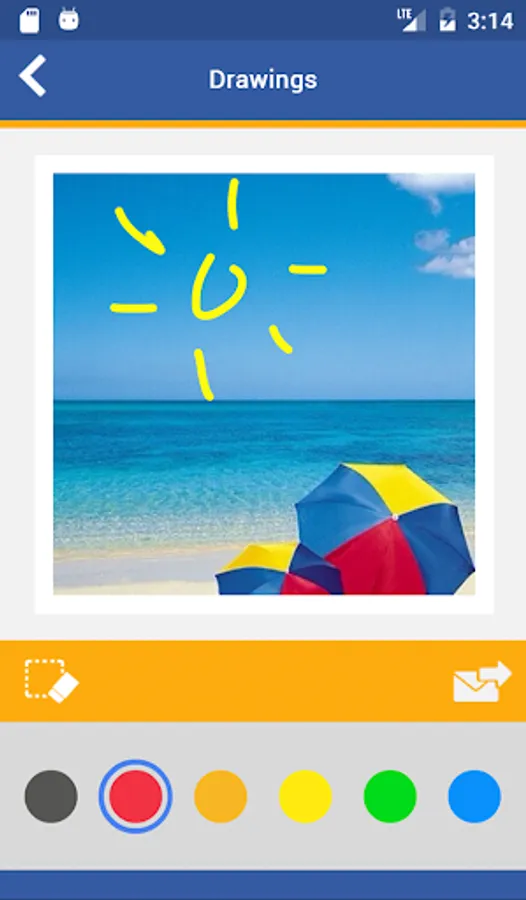
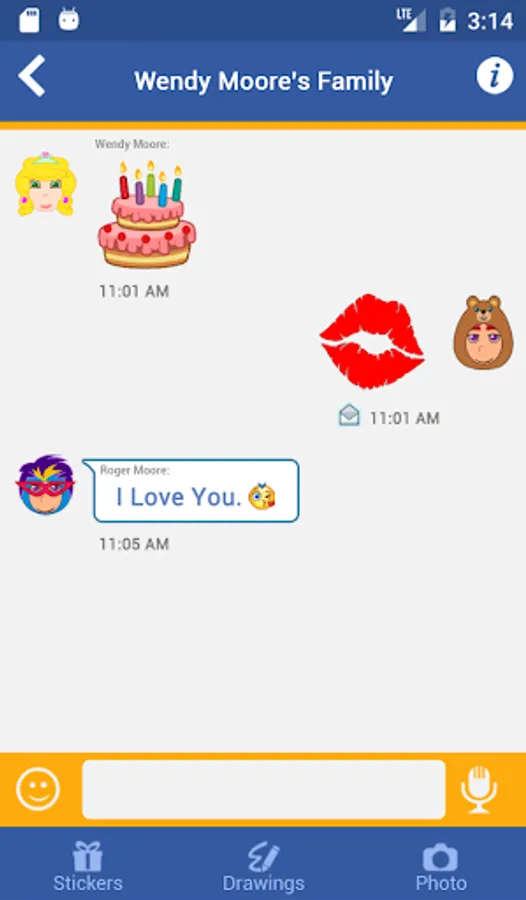
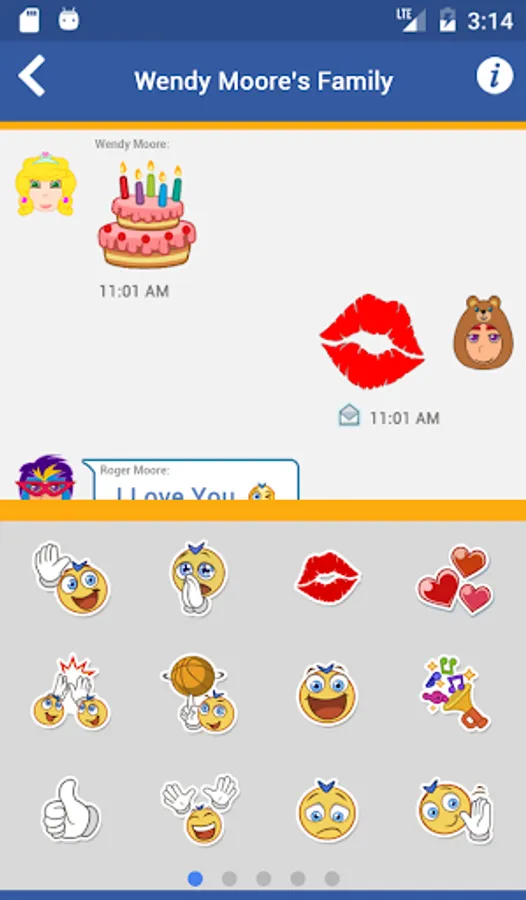
• GOOD FOR ALL AGES! Even the youngest kids can use Kid Connect to share voice messages, photos, drawings, stickers, and pre-recorded messages. And as children grow, they will be able to share text messages too!
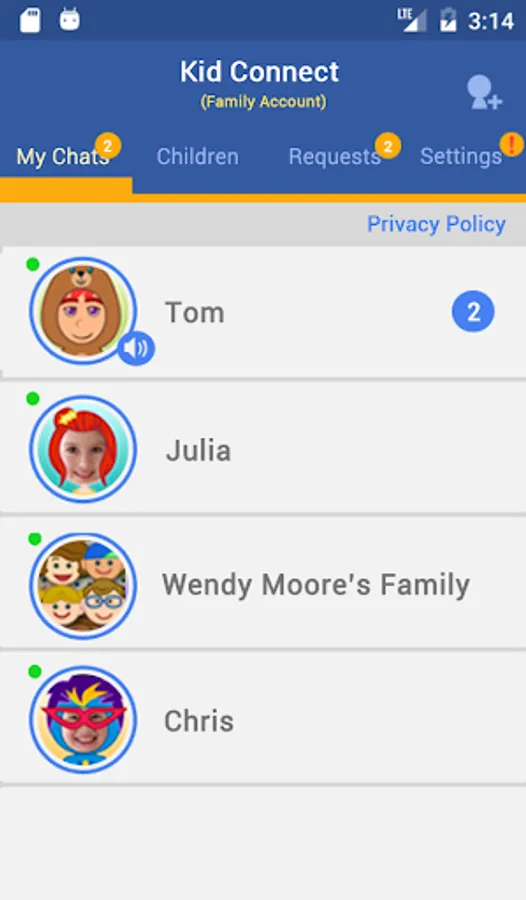
• GROUP CHAT. With Group Chat, your child can communicate and share with multiple family members or friends at the same time.
• SHARE MOMENTS. Parents can easily share photos or drawings from their children and post them to social media sites with a single touch.
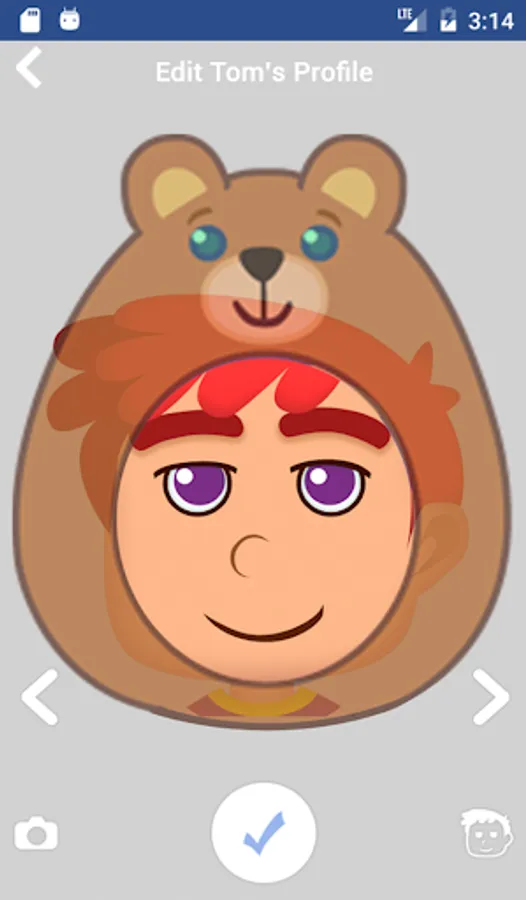
• IT'S FUN! You can customise your Kid Connect avatar with your photo or choose one of several cartoon designs. There are also fun stickers and pre-recorded messages. Your child can even use the voice changer to record a robot voice or a mouse voice!
USING KID CONNECT
Parents:
One parent will receive a Kid Connect ID and password when they register the VTech device. That parent is considered the account owner and can use this app to manage their child's Friends List. They can:
• Send friend requests on behalf of their child
• Accept or reject friend requests their child receives
The parent who is the account owner is automatically added to their child's Friends List. The other parent will have to sign up for a separate account and be added to their child’s list as a Friend.
Other Family Members:
You must get parental approval before you can contact a child. Once you've signed up for a Kid Connect account, let the child's parent know your Kid Connect ID so they can send you a Friend request.
* Kid Connect works with InnoTab®3S, InnoTab® MAX and DigiGo™ only.
For more details about VTech, please visit our website:
http://www.vtech.co.uk/
VTech Kid Connect (GB English) Screenshots
Tap to Rate:
Reviews for VTech Kid Connect (GB English)
stuart sandison
6/16/2024
Would not work without permission, asks for photos, videos, pictures, messages, audio files and to be able to record audio, why does it need so many permissions to work, uninstalled before I even logged in, I have a pixel 7 and by what others are saying, just as well, too many tentacles for a kids app
Philip Grant
3/7/2023
App was a little clunky, but did work on my s8, but crashes trying to start it on my pixel 7. My daughter still uses the VTech tablet to send messages, but this may stop that now. Looks like a similar story for others.