File to PDF Converter(AI, PSD)
V Vorld
2.5 ★
494 ratings
100,000+
downloads
Free
+ in-app
In this app, you can convert various file formats such as AI, PSD, JPG, and RAW to PDF by selecting and tapping on files within your device. Includes support for multiple image and document types, and allows sharing directly from the app.
AppRecs review analysis
AppRecs rating 2.5. Trustworthiness 80 out of 100. Review manipulation risk 25 out of 100. Based on a review sample analyzed.
★★☆☆☆
2.5
AppRecs Rating
Ratings breakdown
5 star
24%
4 star
14%
3 star
2%
2 star
6%
1 star
55%
What to know
⚠
Ad complaints
Many low ratings mention excessive ads
⚠
Mixed user feedback
Average 2.5★ rating suggests room for improvement
⚠
High negative review ratio
61% of sampled ratings are 1–2 stars
About File to PDF Converter(AI, PSD)
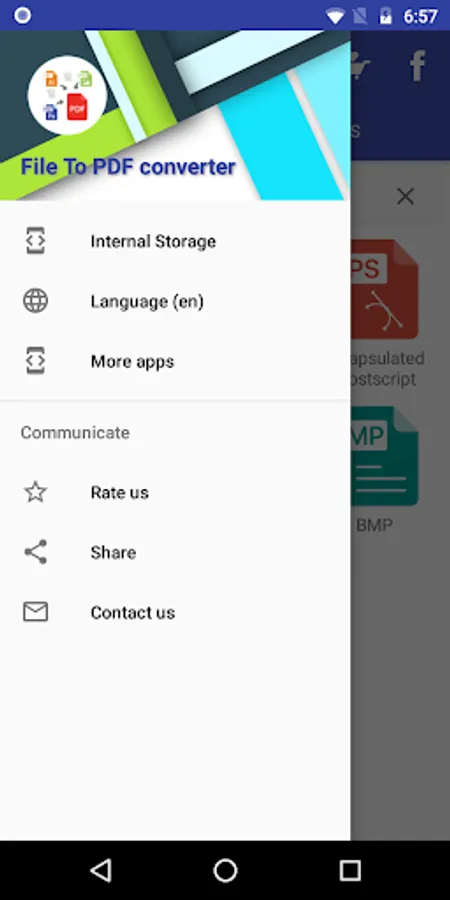
File To PDF Converter(Adobe Illustrator(Ai), Adobe Photoshop(PSD), CorelDraw(CDR), DWG, DOCX, PPTX, EPUB, EPS, PNG, BMP, JPEG/JPG, Camera raw file formats like ari, 3fr, cr2, crw, kdc, sr2, dng, erf, orf, mrw & many more)
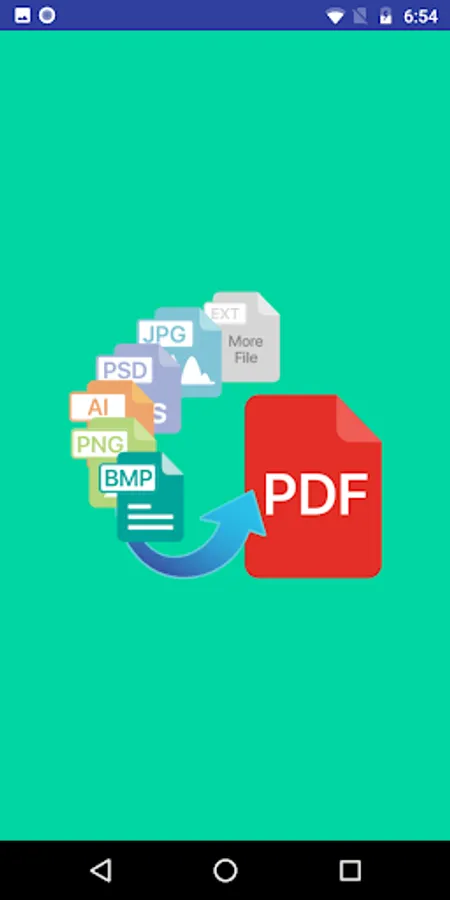
Application can convert many file extension like Adobe Illustrator(Ai), Adobe Photoshop(PSD) extensions, PNG(Portable Network Graphics), JPEG/JPG, BMP, Camera raw file formats(Like nef, nrw, dng, srf) to Portable Document Format(PDF) without uploading them to any server. Internet connection is not required to convert most of the file formats supported by application.
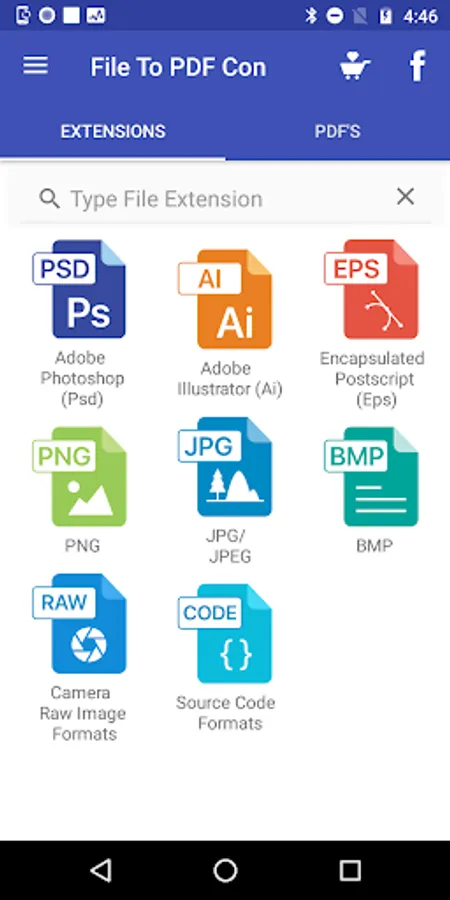
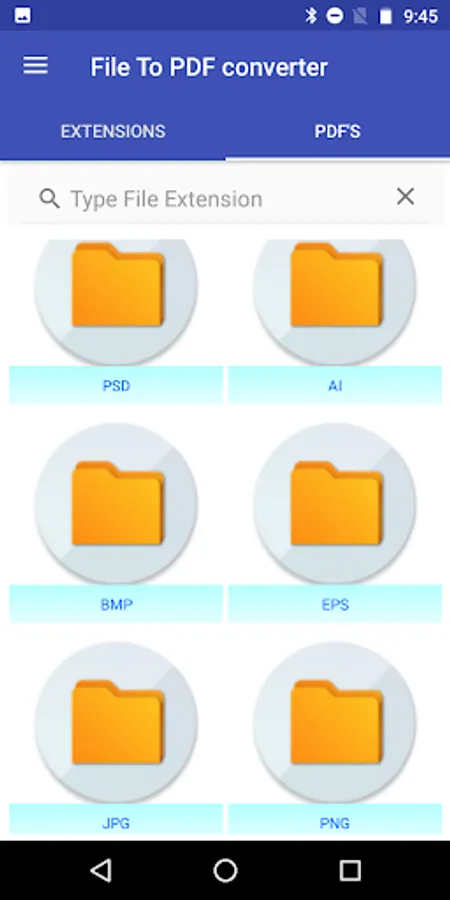
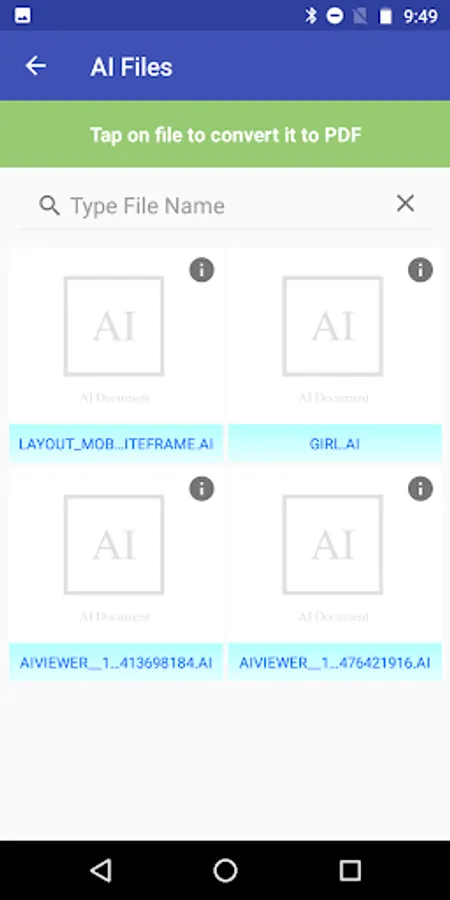
Choose the file extension Like Adobe Illustrator(Ai) then application will list all the files available in your mobile device that matches the extension selected by user. User can tap on files listed by application to convert it to Portable Document Format(PDF).
Any one can easily convert his/her document file to PDF format.
It is very easy to install and user friendly.
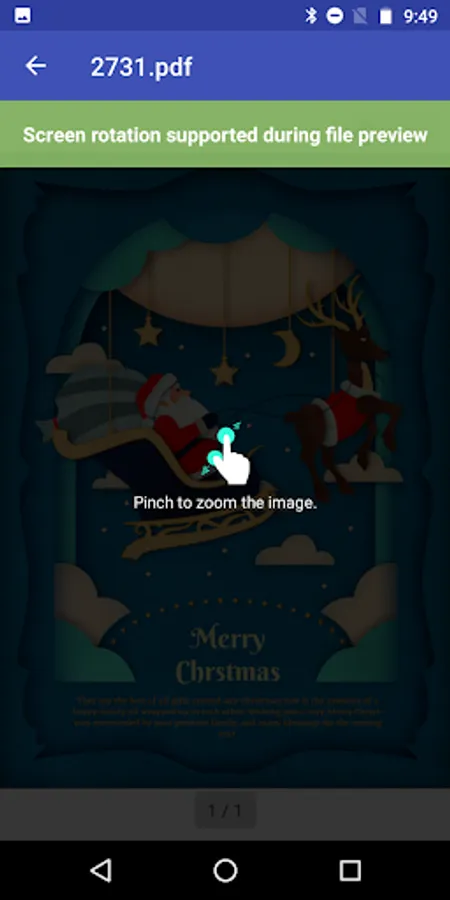
User can open Converted PDF file directly from Application.
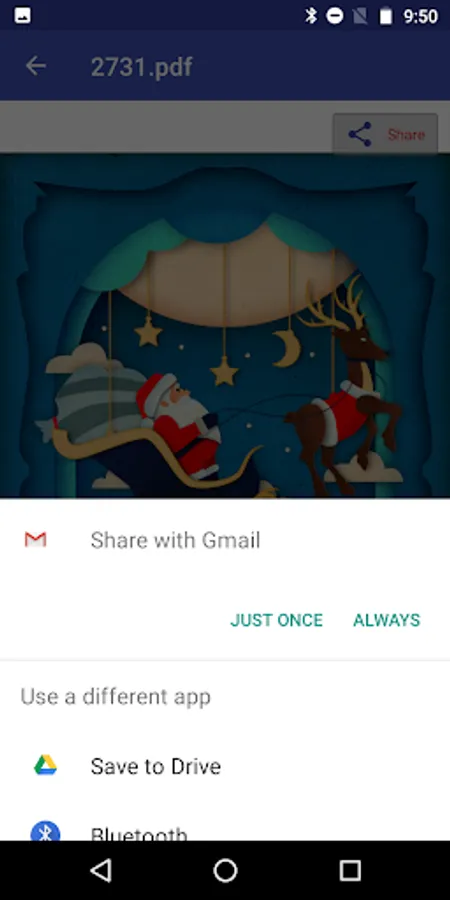
User can also share converted PDF document through email, save to google drive & through other ways.
File to PDF Converter can convert following files formats without uploading your files to server i.e your files not be shared with us or will not be uploaded by application in order to convert it.
Adobe Illustrator(Ai) to PDF
Adobe Photoshop(PSD) to PDF
CorelDraw(CDR) to PDF
BMP(Bitmap) to PDF.
PNG(Portable Network Graphics) to PDF
JPEG/JPG to PDF
Camera Raws File Formats:
ARRIRAW(.ari)
Camera Raw(.raw)
Casio Raw(.bay)
Canon(.cr2)
Canon(.crw)
Digital Negative Image(.dng)
Epson Raw(.erf)
Fuji Raw(.raf)
Hasselblad Raw(.3fr)
Kodak Raw(.dcr)
Kodak Raw(.kdc)
Leica Raw(.rwl)
Leaf Raw(.mos),
Mamiya Raw(.mrw)
Nikon(.nef)
Nikon(.nrw)
Olympus Raw(.orf)
Panasonic Raw(.rw2)
Pentax Raw(pef)
Sony(.arw)
Sony(.sr2)
Sony(.srf)
Samsung Raw(.srw)
SIGMA Raw(.x3f)
Source Code Files:
Supported languages: Ada (.ada), AutoHotkey (.ahk), ActionScript (.as), BASIC (.bas), C/C++ (.c, .cpp, .h), Coffee (.coffee), C# (.cs), CSS (.css), Dart (.dart), Gradle (.gradle), Groovy (.groovy), Haml (.haml), HTACCESS (.htaccess), Windows INI (.ini), Java (.java), JavaScript (.js), JSON (.json), Kotlin (.kt), Less (.less), Lisp (.lisp) Lua (.lua), Objective-C (.m), Makefile (.mk), Markdown (.md), Nim (.nim), NSIS (.nsi), Pascal (.pas), PHP (.php), Perl (.pl), Java Properties (.properties), PowerShell (.ps1), Python (.py), R Script (.r), Ruby (.rb), Sass (.sass, .scss), Bash (.sh), SQL (.sql), Swift (.swift), Tcl (.tcl), Visual Basic (.vb), XML (.xml), XQuery (.xq, .xquery), YAML (.yaml, .yml)
File formats that need to upload on server in order to convert to PDF:
Microsoft Word(DOC,DOCX)
Microsoft Powerpoint(PPTX,PPT)
EPUB files
EPS files
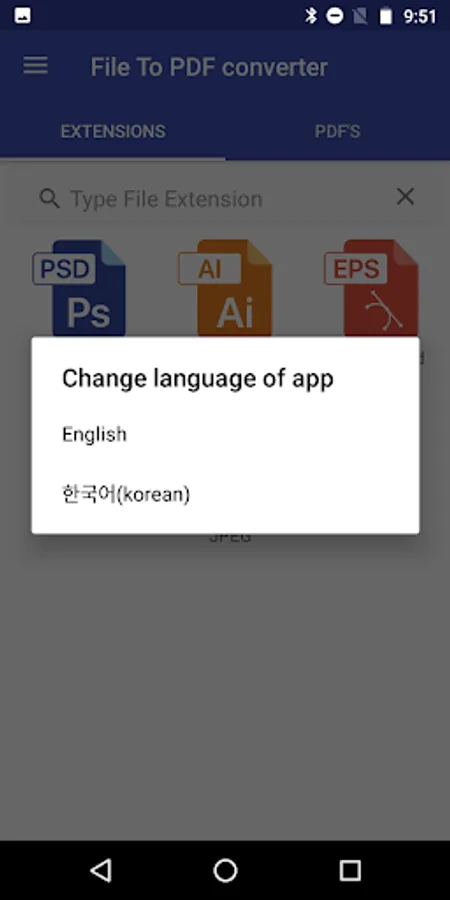
Languages supported by application:
English
Korean
Application can convert many file extension like Adobe Illustrator(Ai), Adobe Photoshop(PSD) extensions, PNG(Portable Network Graphics), JPEG/JPG, BMP, Camera raw file formats(Like nef, nrw, dng, srf) to Portable Document Format(PDF) without uploading them to any server. Internet connection is not required to convert most of the file formats supported by application.
Choose the file extension Like Adobe Illustrator(Ai) then application will list all the files available in your mobile device that matches the extension selected by user. User can tap on files listed by application to convert it to Portable Document Format(PDF).
Any one can easily convert his/her document file to PDF format.
It is very easy to install and user friendly.
User can open Converted PDF file directly from Application.
User can also share converted PDF document through email, save to google drive & through other ways.
File to PDF Converter can convert following files formats without uploading your files to server i.e your files not be shared with us or will not be uploaded by application in order to convert it.
Adobe Illustrator(Ai) to PDF
Adobe Photoshop(PSD) to PDF
CorelDraw(CDR) to PDF
BMP(Bitmap) to PDF.
PNG(Portable Network Graphics) to PDF
JPEG/JPG to PDF
Camera Raws File Formats:
ARRIRAW(.ari)
Camera Raw(.raw)
Casio Raw(.bay)
Canon(.cr2)
Canon(.crw)
Digital Negative Image(.dng)
Epson Raw(.erf)
Fuji Raw(.raf)
Hasselblad Raw(.3fr)
Kodak Raw(.dcr)
Kodak Raw(.kdc)
Leica Raw(.rwl)
Leaf Raw(.mos),
Mamiya Raw(.mrw)
Nikon(.nef)
Nikon(.nrw)
Olympus Raw(.orf)
Panasonic Raw(.rw2)
Pentax Raw(pef)
Sony(.arw)
Sony(.sr2)
Sony(.srf)
Samsung Raw(.srw)
SIGMA Raw(.x3f)
Source Code Files:
Supported languages: Ada (.ada), AutoHotkey (.ahk), ActionScript (.as), BASIC (.bas), C/C++ (.c, .cpp, .h), Coffee (.coffee), C# (.cs), CSS (.css), Dart (.dart), Gradle (.gradle), Groovy (.groovy), Haml (.haml), HTACCESS (.htaccess), Windows INI (.ini), Java (.java), JavaScript (.js), JSON (.json), Kotlin (.kt), Less (.less), Lisp (.lisp) Lua (.lua), Objective-C (.m), Makefile (.mk), Markdown (.md), Nim (.nim), NSIS (.nsi), Pascal (.pas), PHP (.php), Perl (.pl), Java Properties (.properties), PowerShell (.ps1), Python (.py), R Script (.r), Ruby (.rb), Sass (.sass, .scss), Bash (.sh), SQL (.sql), Swift (.swift), Tcl (.tcl), Visual Basic (.vb), XML (.xml), XQuery (.xq, .xquery), YAML (.yaml, .yml)
File formats that need to upload on server in order to convert to PDF:
Microsoft Word(DOC,DOCX)
Microsoft Powerpoint(PPTX,PPT)
EPUB files
EPS files
Languages supported by application:
English
Korean
File to PDF Converter(AI, PSD) Screenshots
Tap to Rate:
Reviews for File to PDF Converter(AI, PSD)
Vipin Gupta
9/1/2023
Love it. Easy to convert files to pdf
Randolph Guevara
4/26/2023
Converts to / from PDF and other formats. Works really well. Helps organize downloads.