
AppRecs review analysis
AppRecs rating 4.2. Trustworthiness 79 out of 100. Review manipulation risk 14 out of 100. Based on a review sample analyzed.
★★★★☆
4.2
AppRecs Rating
Ratings breakdown
5 star
57%
4 star
0%
3 star
43%
2 star
0%
1 star
0%
What to know
✓
Low review manipulation risk
14% review manipulation risk
✓
Credible reviews
79% trustworthiness score from analyzed reviews
About Wakespeed
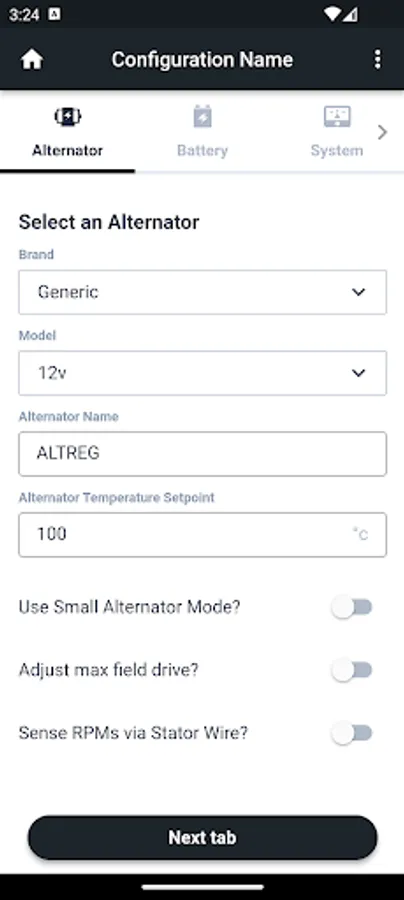
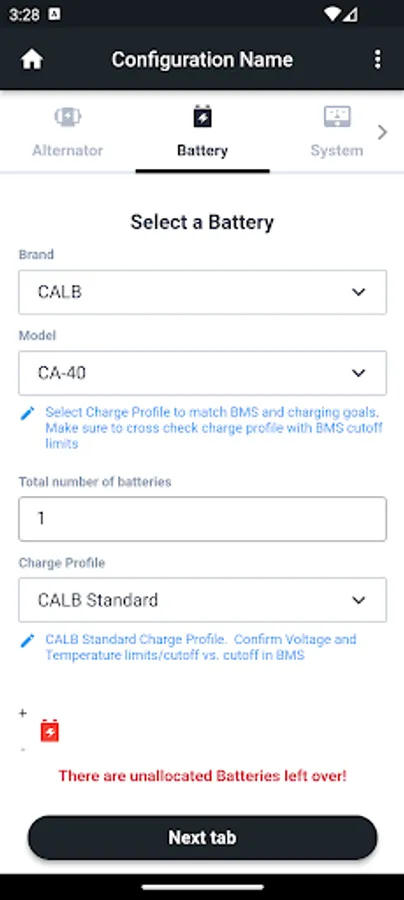
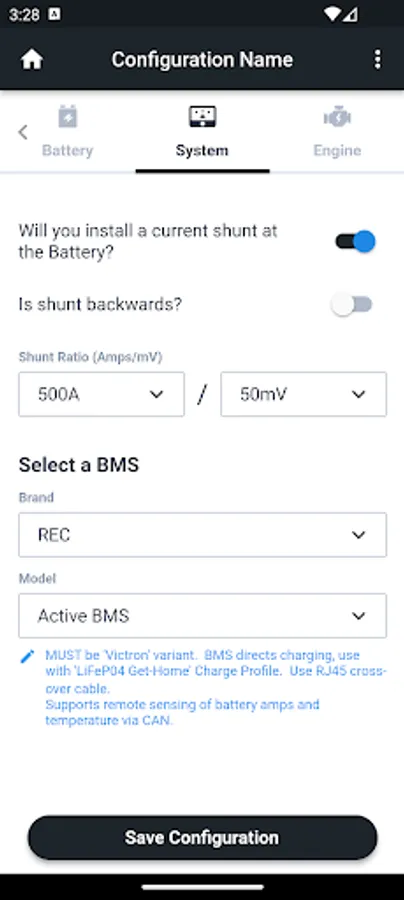
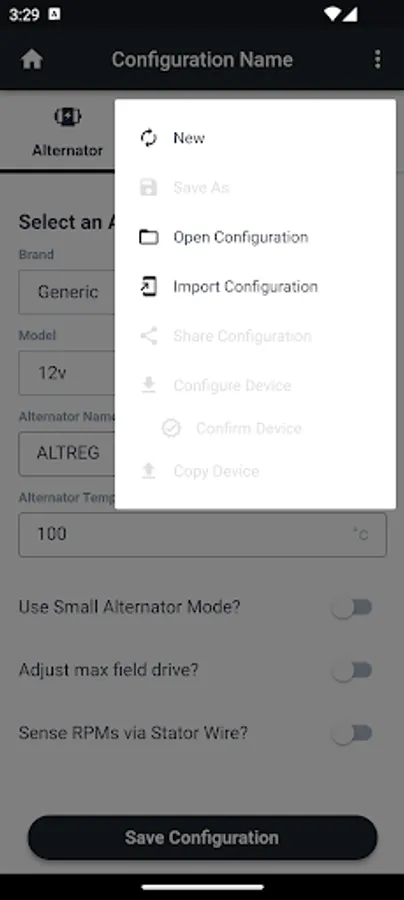
The Wakespeed App allows for simple and reliable configuration of your Wakespeed Offshore WS500 Advanced Regulator. Wakespeed has built in 100’s of pre-defined, manufacturer recommended configuration parameters for batteries, alternators, and BMS’s; select the brand and models you are using from three easy-to navigate screens to create a customized configuration for your regulator -- just pick-n-go.
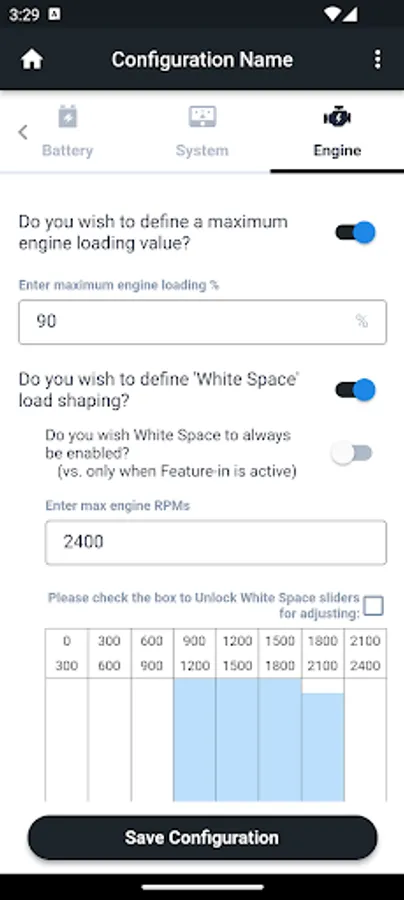
‘Expert Mode’ allows the configuration to be further refined and customized, including adjusting the Charge Profile and accessing some of the more advanced WS500 options and capabilities.
Once you have created your configuration it may be saved for later retrieval, shared via the built in ‘share’ tools (Email, messaging, etc), or sent directly to your WS500 Alternator Regulator. To program your WS500 regulator connect an OTG (On The Go) USB adapter to your Android phone and a common USB cable connected to the WS500. Select ‘Program Regulator’. This can even be done before the WS500 is installed. Alternatively, ‘share’ your configuration with a Windows based PC and use the Wakespeed “Universal Configuration Utility” (downloadable at http://www.wakespeed.com/technical ) and a USB cable.
Key features:
- 100’s of pre-defined Alternators, Batteries, and BMS’s built in.
- Simple ‘pick from the list’ approach to create a reliable and optimized configuration for your install
- Save and retrieve configurations for later use.
- Share configurations with others using built-in share tools
- Import configurations which have been shared with you for use, modification, and/or sending to your regulator.
- Direct transfer to the WS500 using a OTG cable and your Android phone.
- (Or share the configuration for later transfer using a Windows based transfer tool)
- Advanced ‘Expert Mode’ allows for modification of pre-defined values, as well as access to WS500 advanced features.
For more information on this application, supporting tools, as well as the WS500 Advanced Alternator Regulator, visit http://www.wakespeed.com
Email: support@wakespeed.com if you have any questions or need technical support.
Wakespeed Screenshots

Tap to Rate:
Reviews for Wakespeed
Tom
5/31/2025
Need new app for Bluetooth model.
Patrick D
2/14/2023
Be careful because this app has a lot of bugs. I made a custom charge profile with 14.4v and it sent a profile with 14.8v. I did everything right as far as I can tell, the app is simply making stuff up. Will have to switch to Putty terminal on laptop. Also lots of more minor bugs ("reboot" button says confirm to "reset" your device - there's a separate button to reset to factory settings - maybe they have them mixed up?). The firmware update from Internet isn't implemented yet.