
BlackBerry Workspaces
BlackBerry Corporation
3.5 ★
771 ratings
1,000,000+
downloads
Free
With this app, you can access, share, and manage critical documents across multiple devices. Includes file synchronization, offline viewing, and document annotation features.
AppRecs review analysis
AppRecs rating 3.7. Trustworthiness 65 out of 100. Review manipulation risk 46 out of 100. Based on a review sample analyzed.
★★★☆☆
3.7
AppRecs Rating
Ratings breakdown
5 star
53%
4 star
10%
3 star
5%
2 star
5%
1 star
28%
What to know
⚠
Questionable review patterns
46% review manipulation risk - some review patterns appear unusual
⚠
Review quality concerns
76% of sampled 5-star reviews are very short
⚠
High negative review ratio
32% of sampled ratings are 1–2 stars
About BlackBerry Workspaces
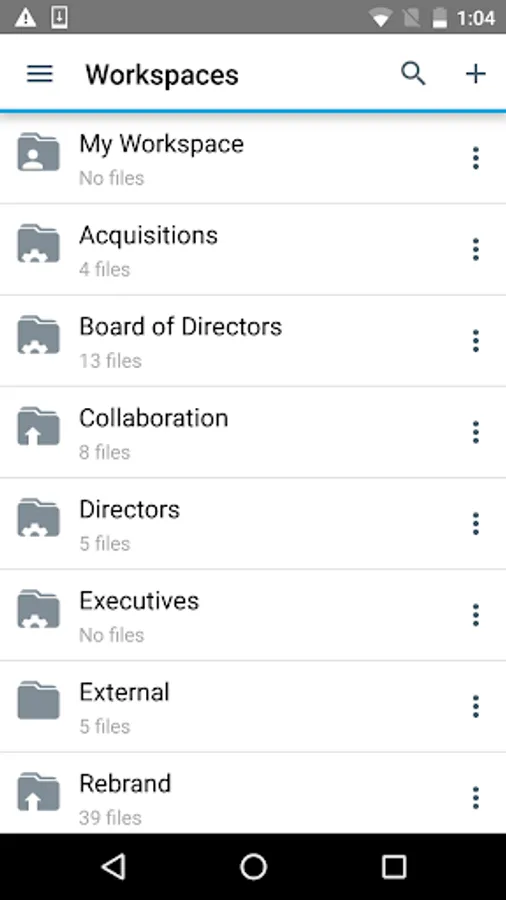
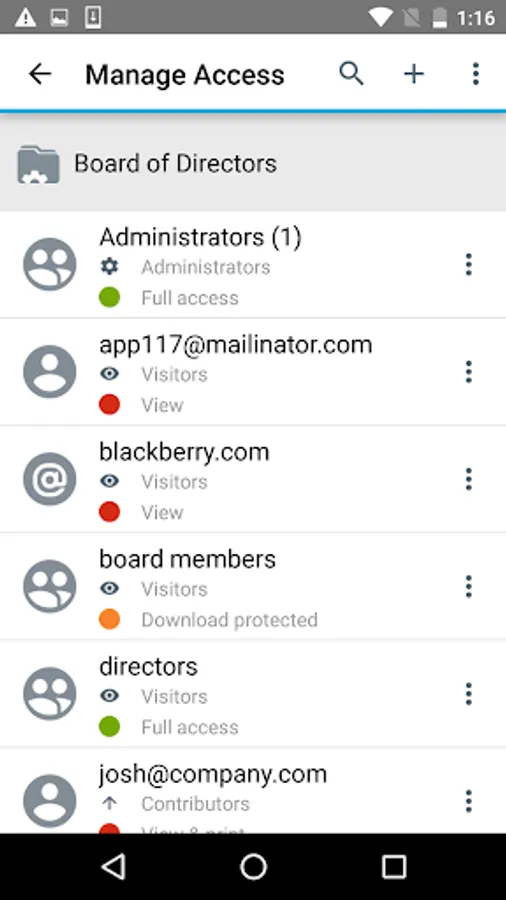
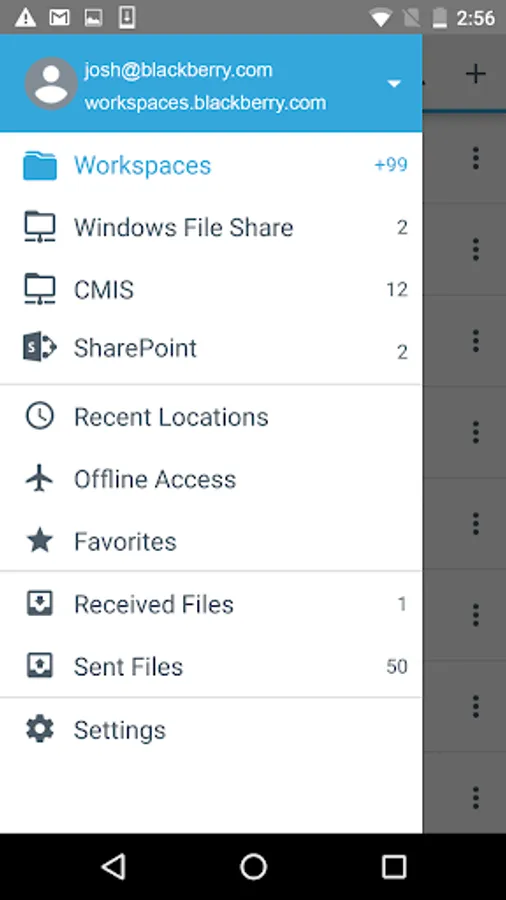
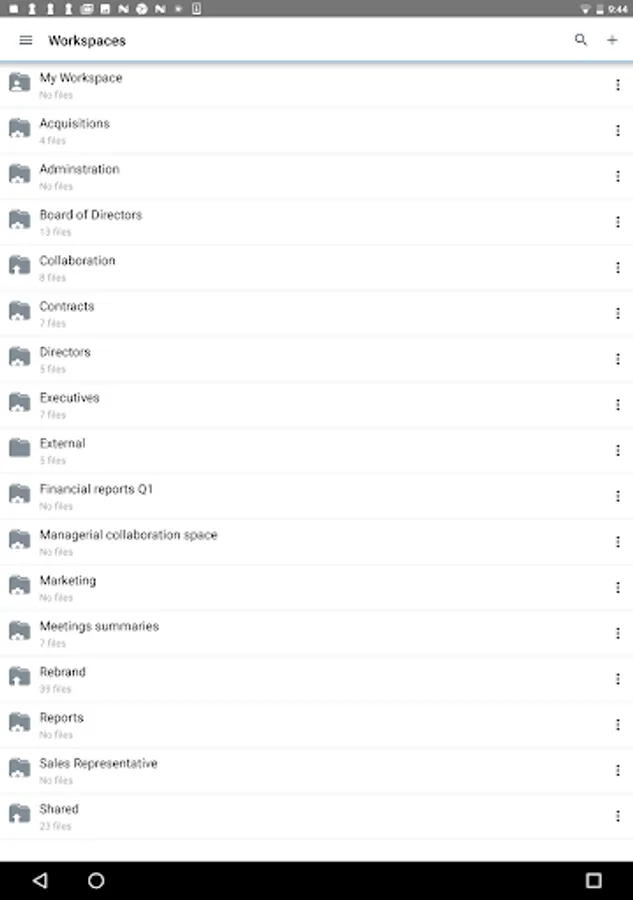
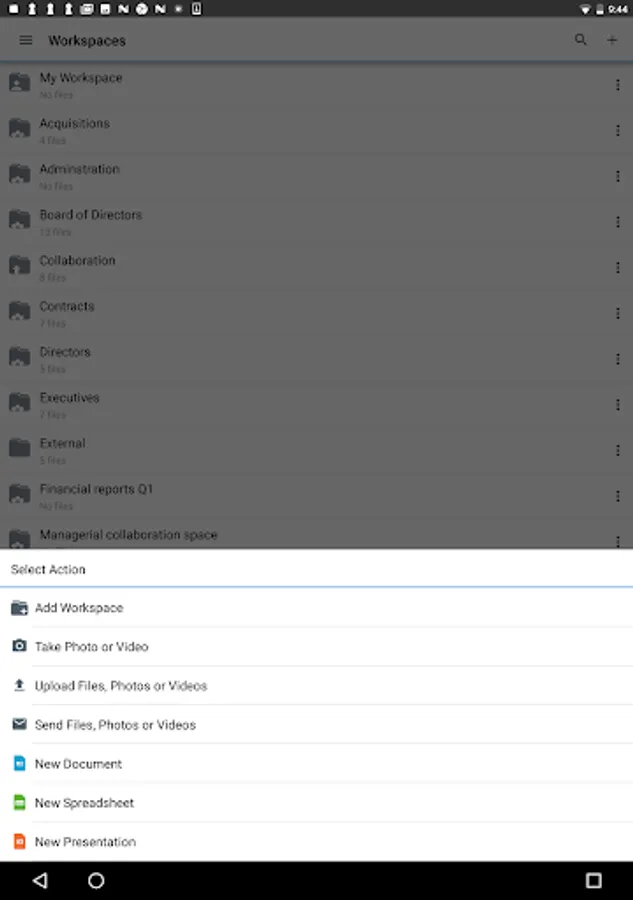
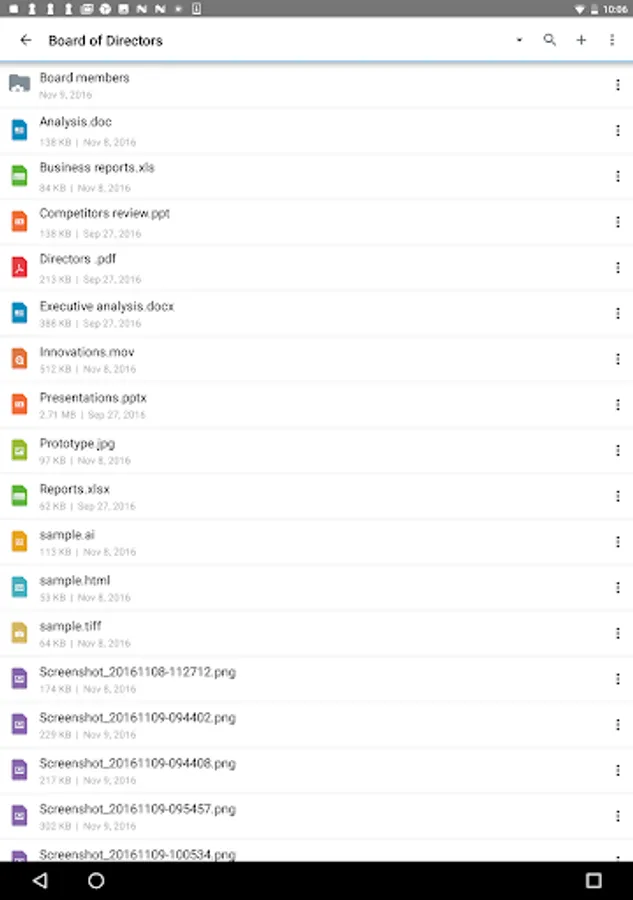
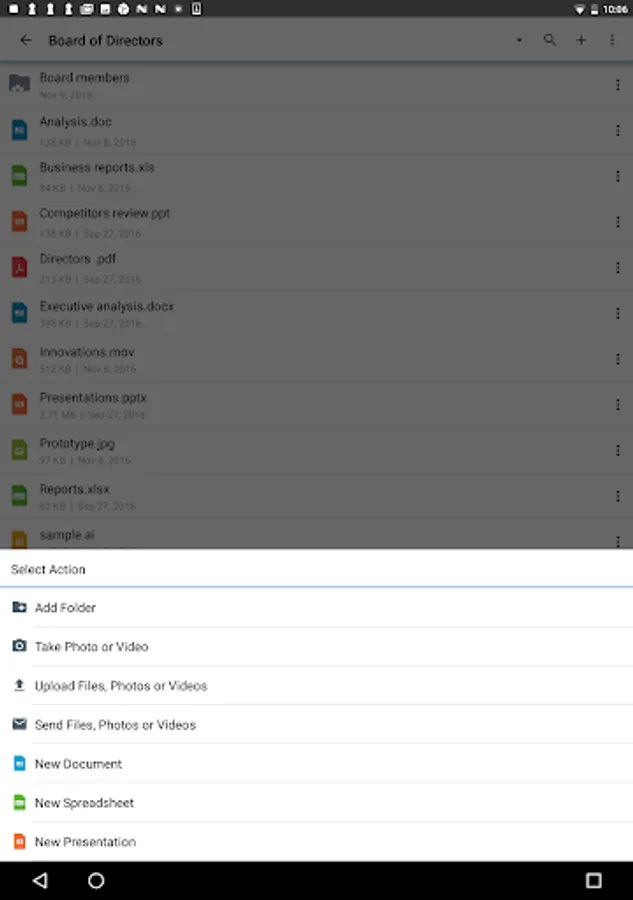
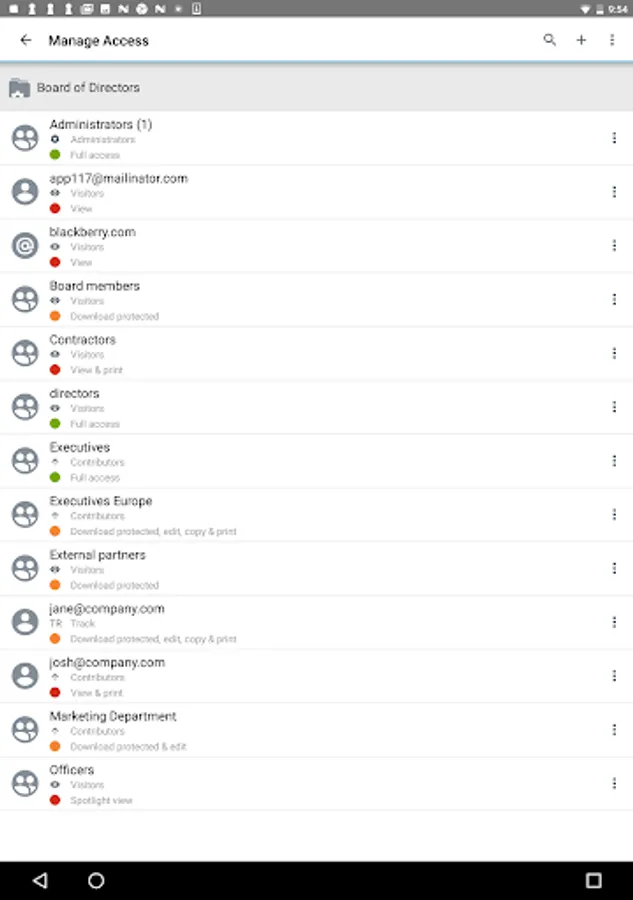
BlackBerry Workspaces is the most secure way to access, share and control critical documents wherever they go: on any tablet, smartphone, web browser or PC. BlackBerry Workspaces equips you to work on all of your Workspaces-secured and synced files on any device.
Key features include:
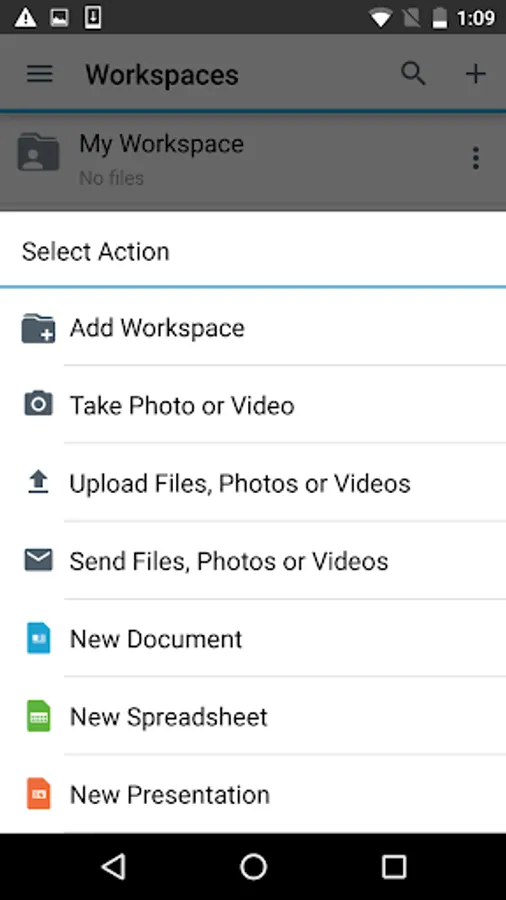
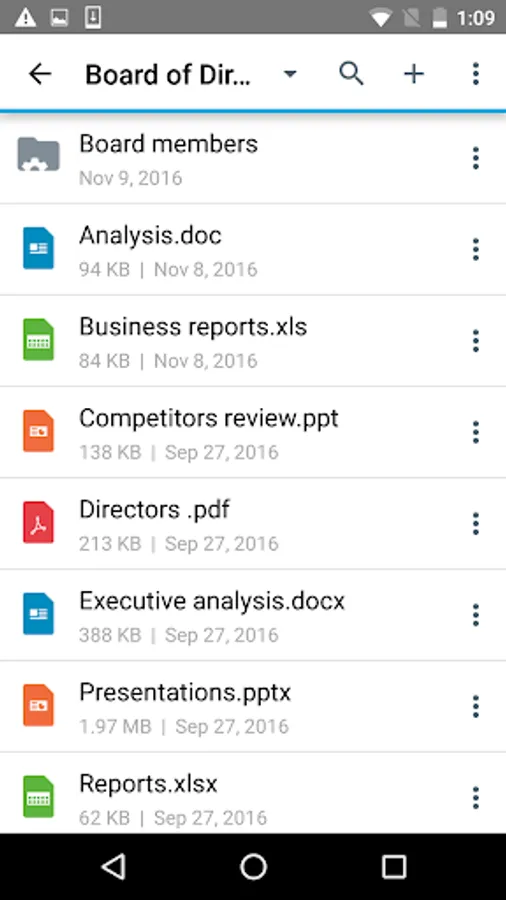
- Access, manage and view your files wherever you are working
- Sync file versions across authorized collaborators and devices
- Save files, folders or workspaces for easy offline viewing
- Check-in/check-out documents, enabling users to collaborate while avoiding conflicts
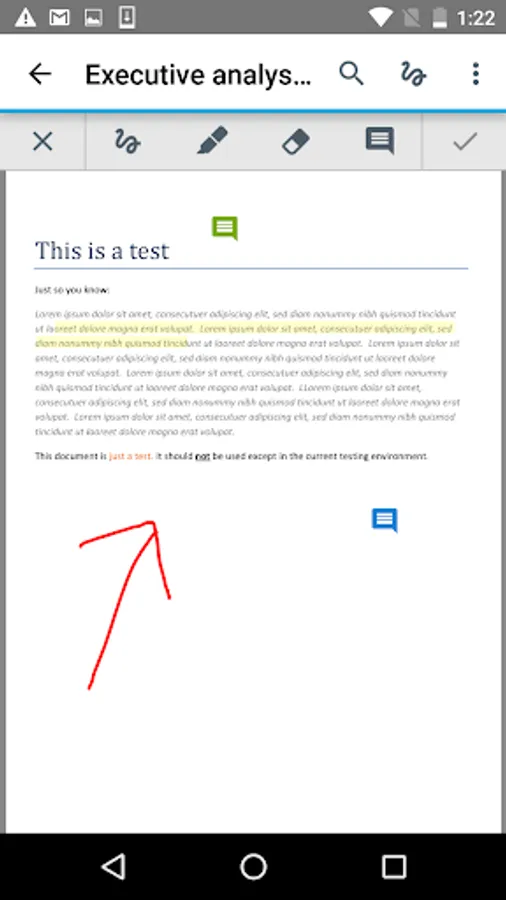
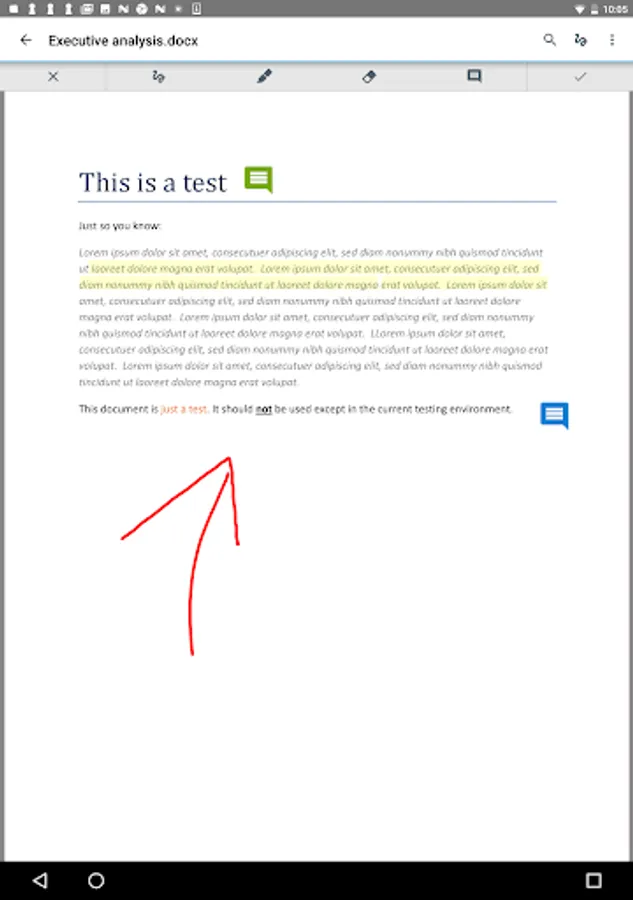
- Annotate Office, PDF and image files with comments, drawings and highlights
- Edit Microsoft Office documents online and offline
( Note: You must have a valid license in order to access BlackBerry Workspaces. Contact http://web.blackberry.com/support/business/enterpriseapps/watchdox.html to verify. )
Terms of service: http://www.blackberry.com/legal/watchdox
Key features include:
- Access, manage and view your files wherever you are working
- Sync file versions across authorized collaborators and devices
- Save files, folders or workspaces for easy offline viewing
- Check-in/check-out documents, enabling users to collaborate while avoiding conflicts
- Annotate Office, PDF and image files with comments, drawings and highlights
- Edit Microsoft Office documents online and offline
( Note: You must have a valid license in order to access BlackBerry Workspaces. Contact http://web.blackberry.com/support/business/enterpriseapps/watchdox.html to verify. )
Terms of service: http://www.blackberry.com/legal/watchdox
BlackBerry Workspaces Screenshots
Tap to Rate:
Reviews for BlackBerry Workspaces
Eyad Abuzahra
2/11/2024
اوكي
farzad Sheidaei
7/23/2023
Ok