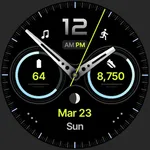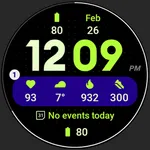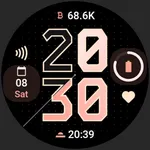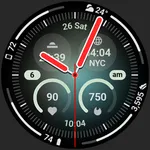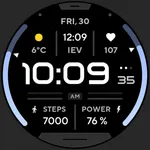
Health Dx: Watch face
amoledwatchfaces™
4.4 ★
195 ratings
5,000+
downloads
$1.99
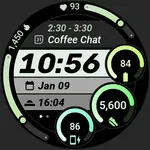
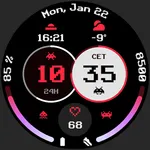
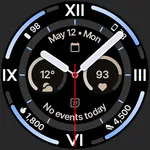
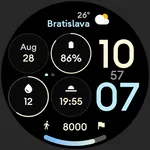
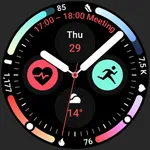
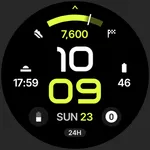
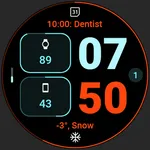
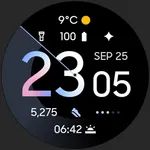
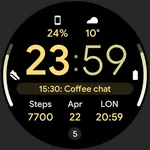
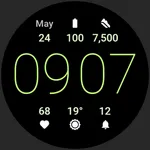
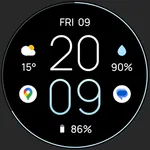
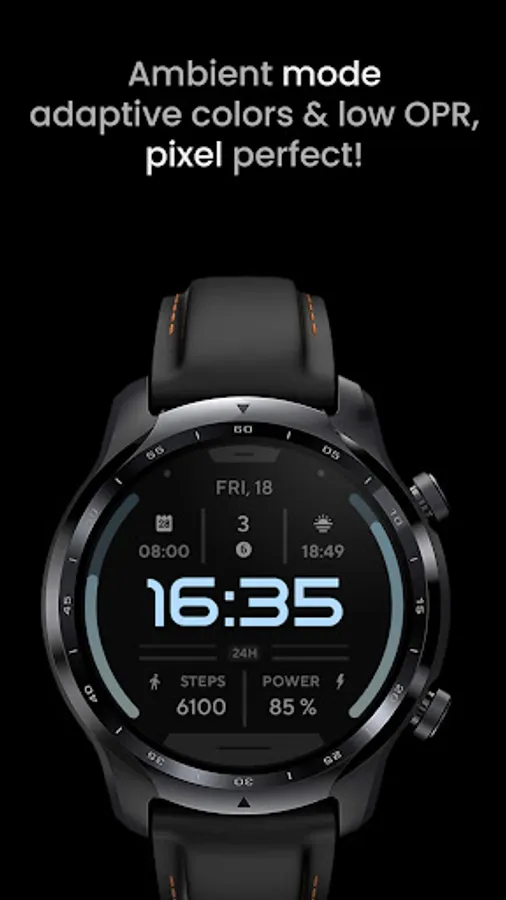
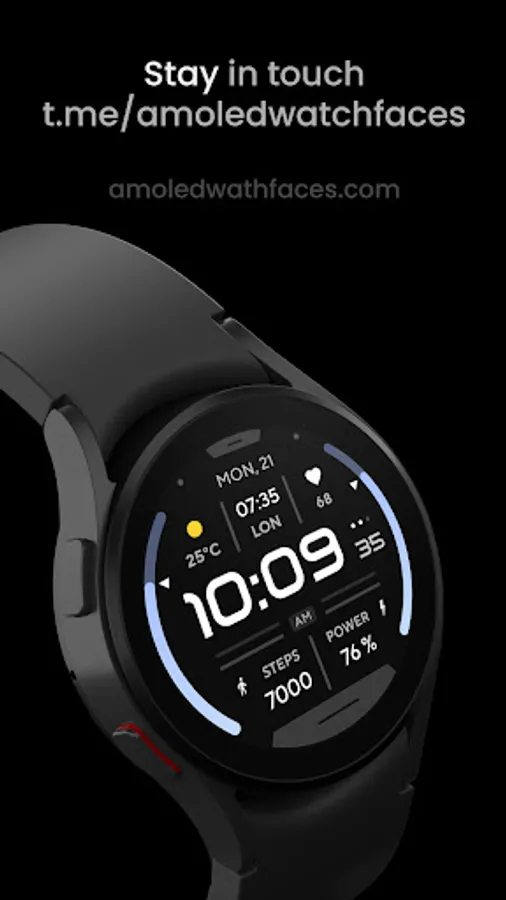
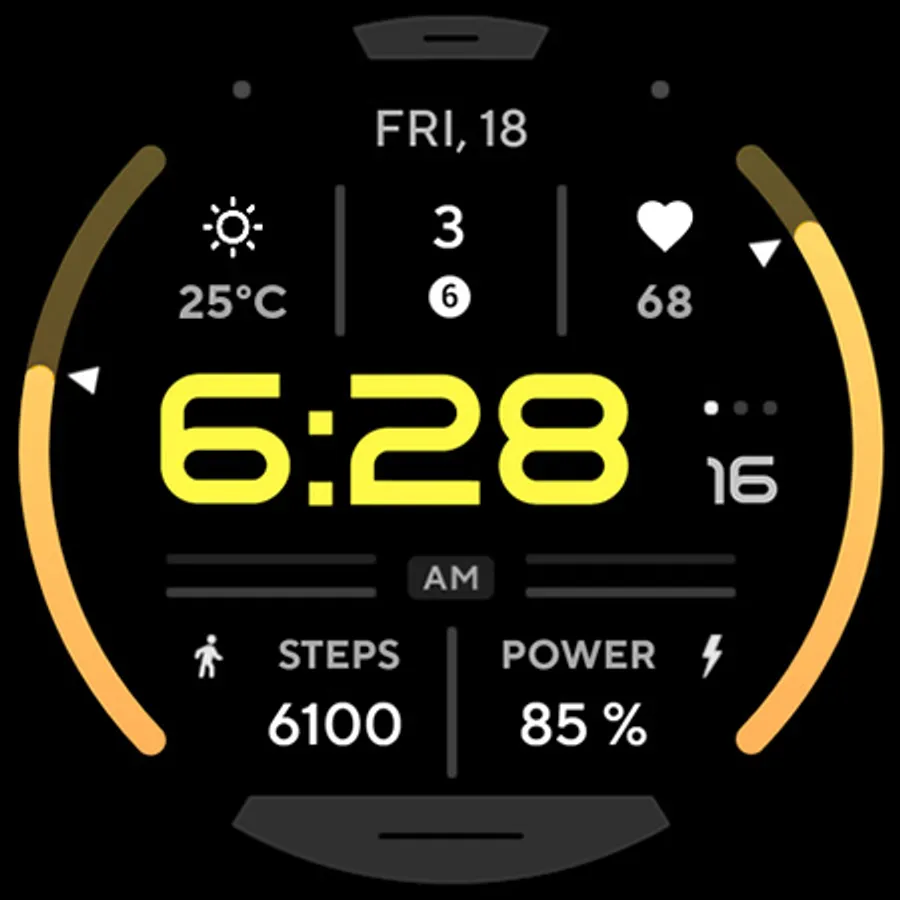
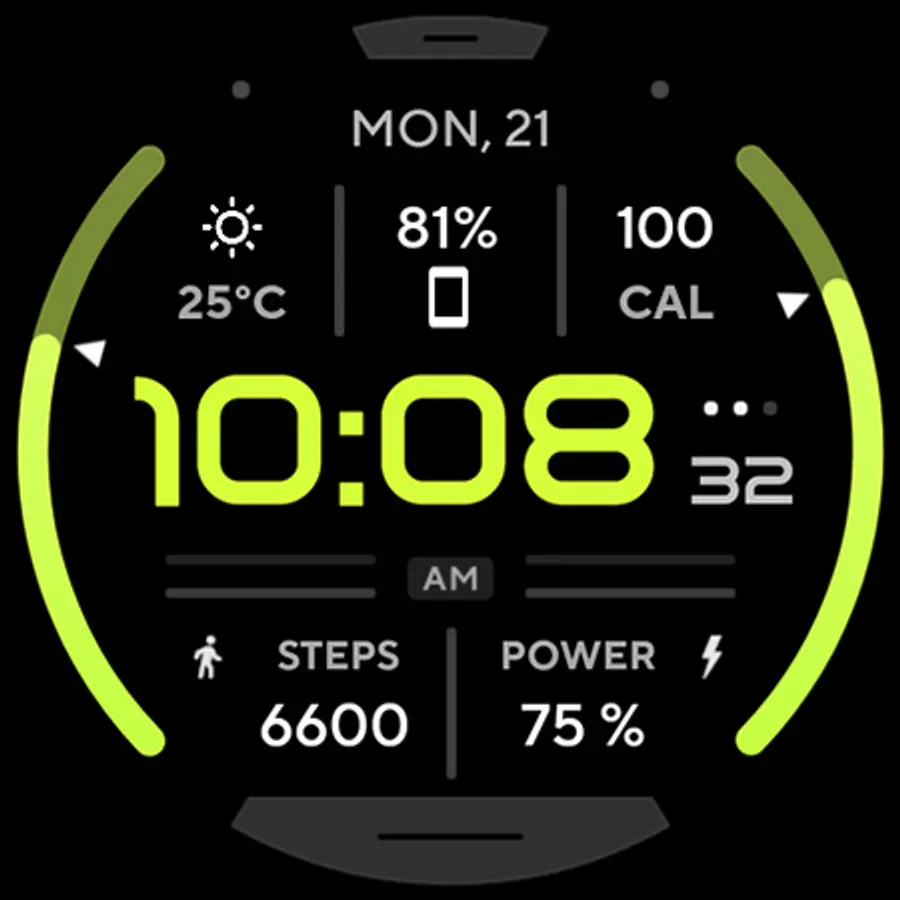
With this watch face app, you can customize watch displays with high-resolution, battery-friendly designs and adjustable complications. Includes features such as color options, ambient modes, and app shortcuts.
AppRecs review analysis
AppRecs rating 4.4. Trustworthiness 74 out of 100. Review manipulation risk 19 out of 100. Based on a review sample analyzed.
★★★★☆
4.4
AppRecs Rating
Ratings breakdown
5 star
71%
4 star
13%
3 star
8%
2 star
3%
1 star
5%
What to know
✓
Low review manipulation risk
19% review manipulation risk
✓
Credible reviews
74% trustworthiness score from analyzed reviews
✓
High user satisfaction
84% of sampled ratings are 4+ stars (4.4★ average)
About Health Dx: Watch face
// Not suitable for rectangular watches
Powered by Watch Face Format
amoledwatchfaces.com
BUY ONE GET ONE OFFER!
amoledwatchfaces.com/bogo
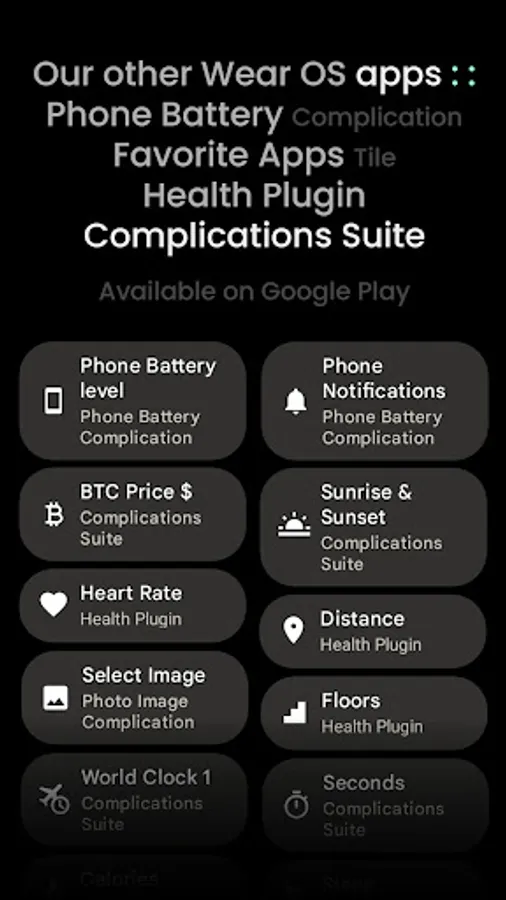
CUSTOM COMPLICATION APPS
amoledwatchfaces.com/apps
FEATURES
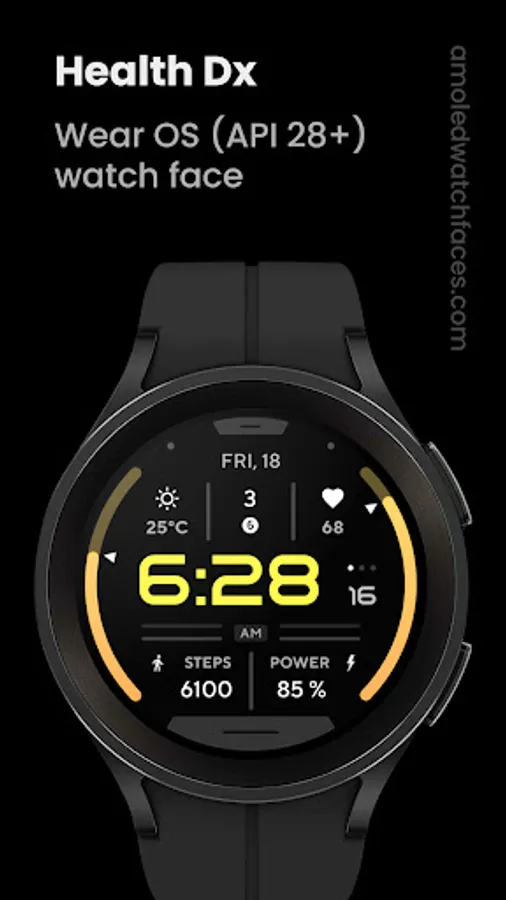
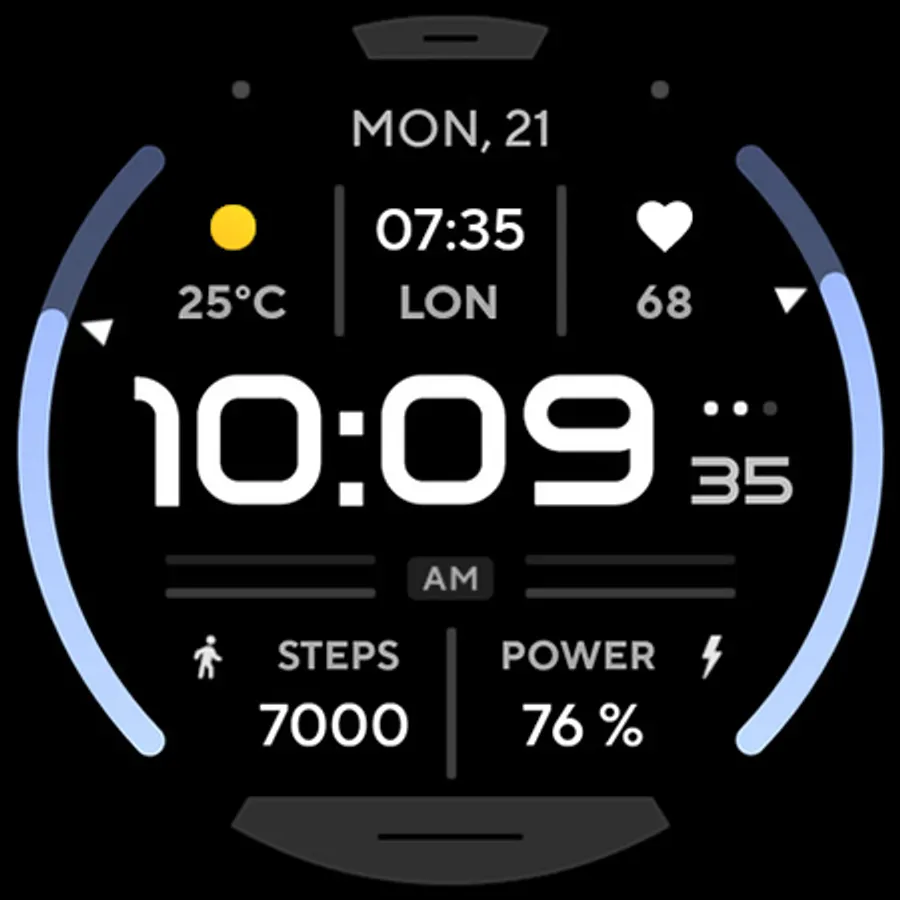
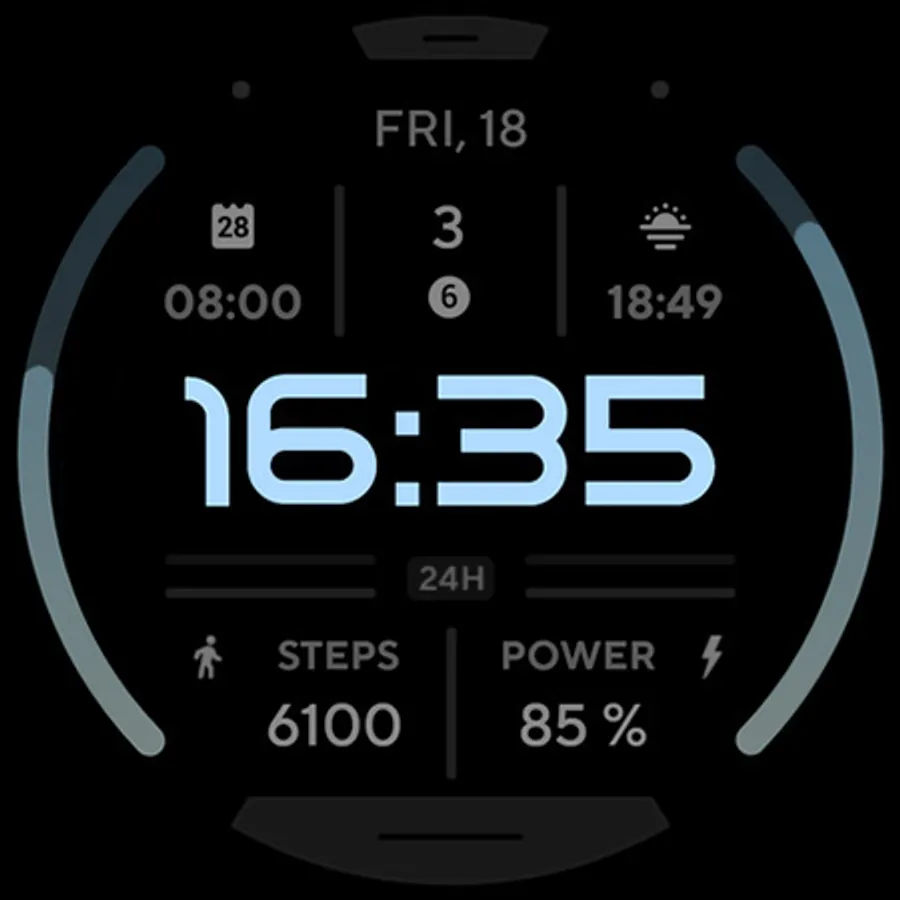
• Watch Face Format 1
• true black background
• high resolution
• PNGQuant optimized layers > battery friendly
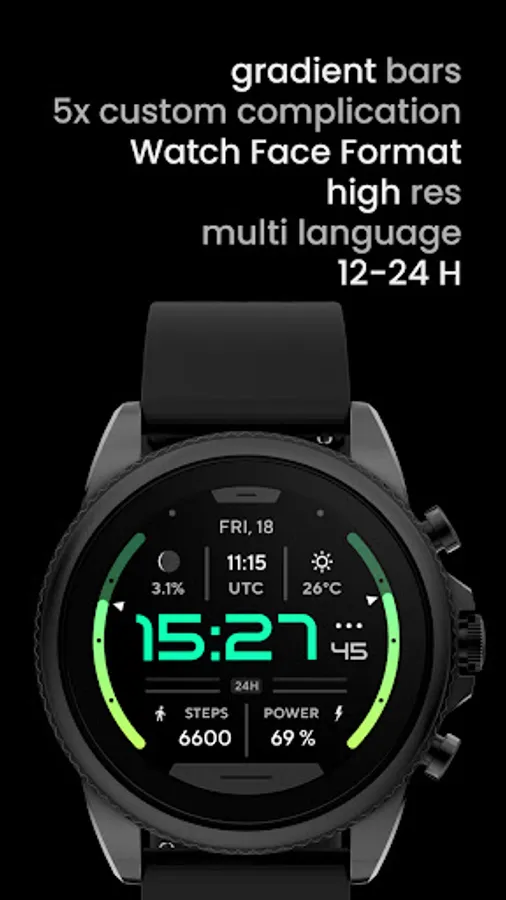
• gradient BAR indicators
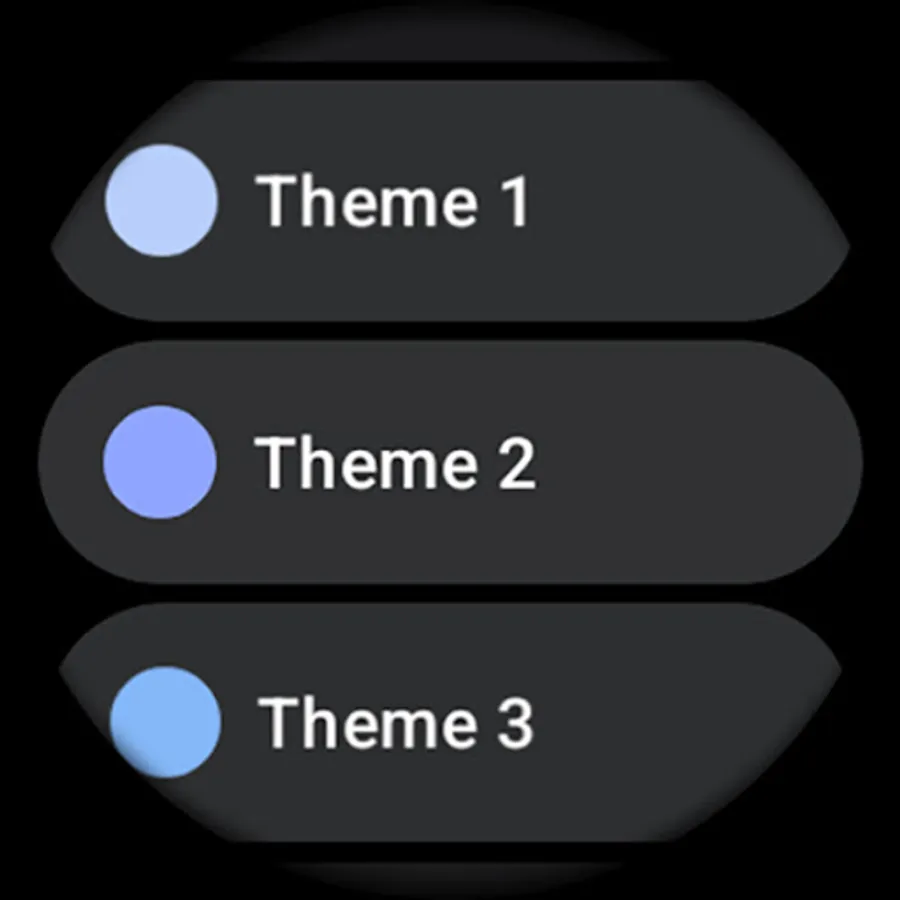
• many color styles
• 12/24 H time (adapts to connected phone)
• app shortcut complication
• simple ambient mode with low OPR & adaptive color
• 5x custom complication (SHORT_TEXT & RANGED_VALUE)
• localized
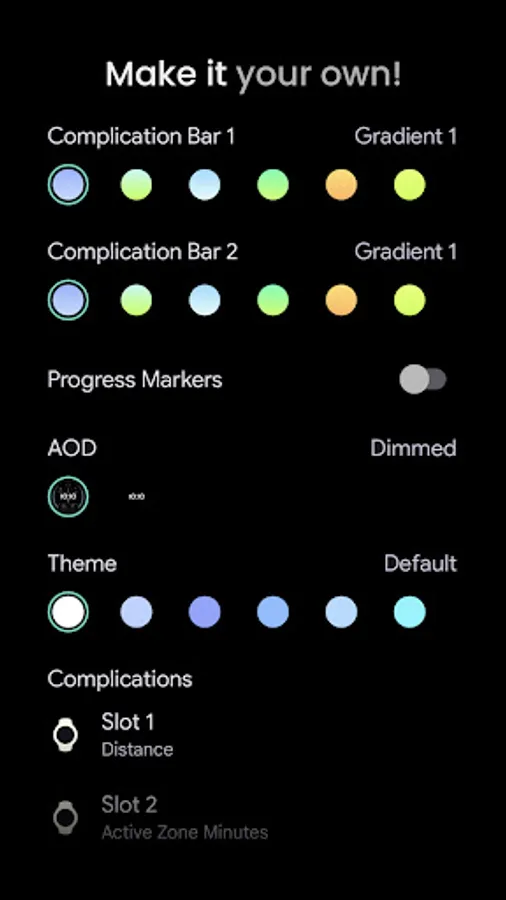
USER CONFIGURATIONS
(may differ on API below 33)
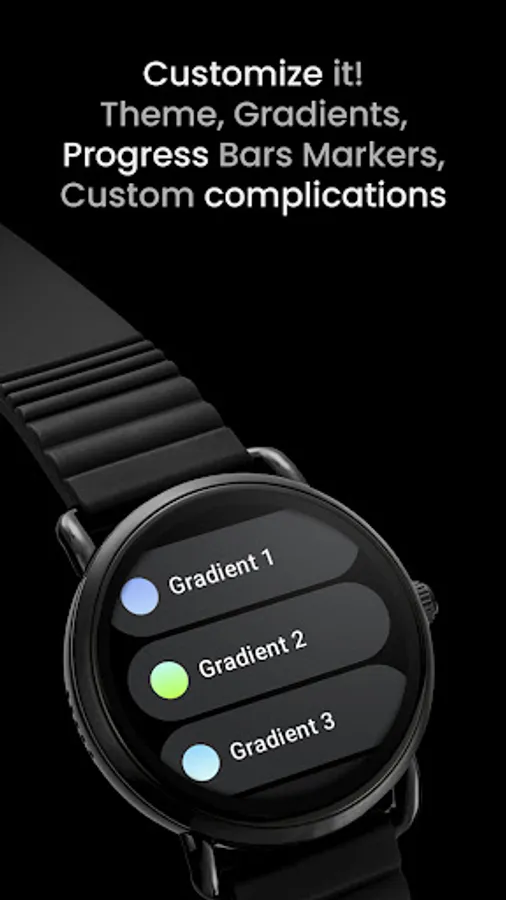
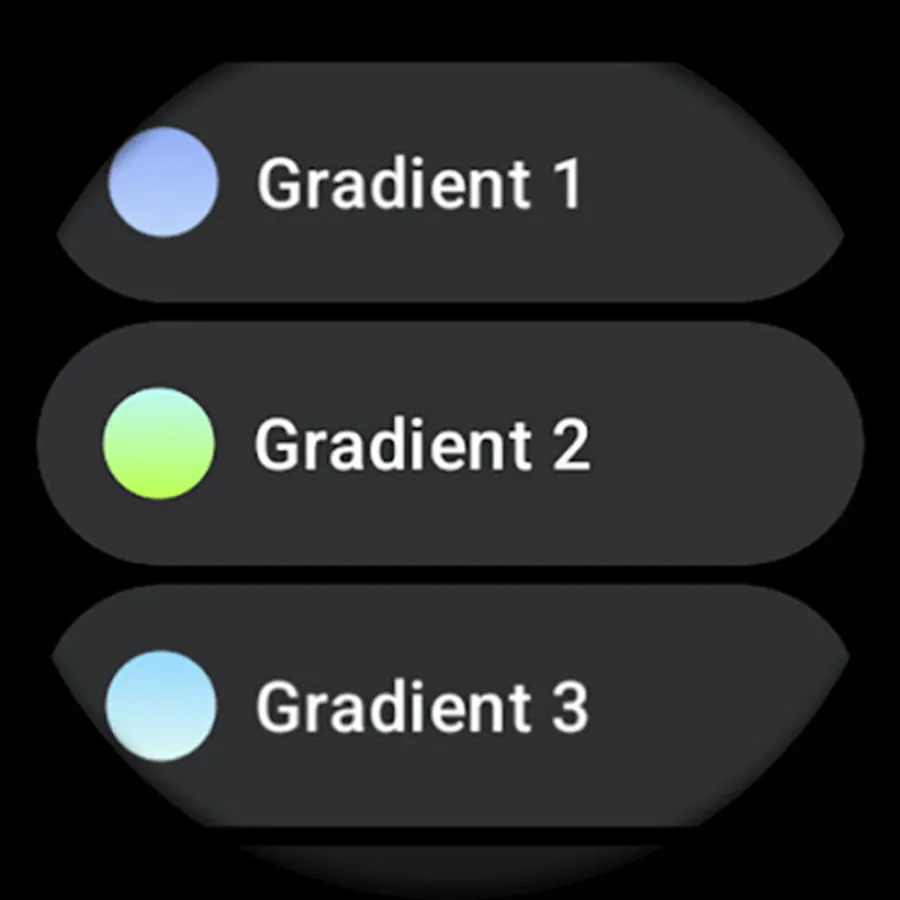
• Complication Bar 1 (10 Gradients + White + Tint)
• Complications Bar 2 (10 Gradients + White + Tint)
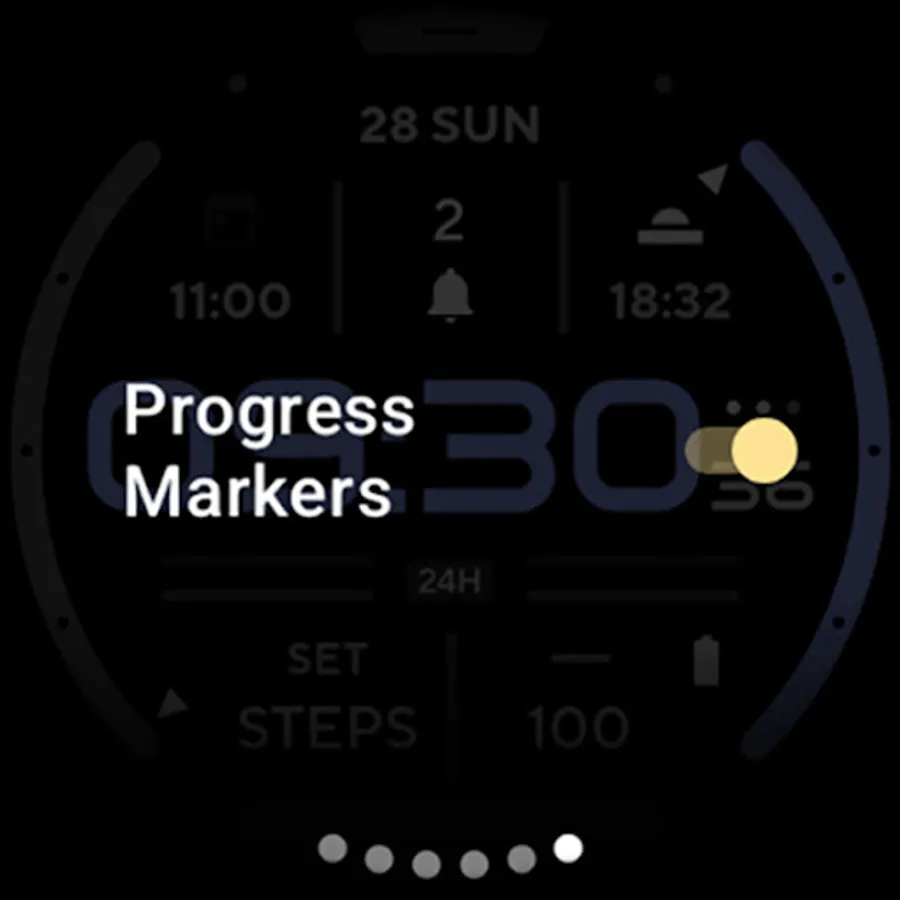
• Progress markers (Toggle)
• AOD Style (Dimmed / Time Only)
• Color (20x)
• Custom Complications
Installation and troubleshooting guide
amoledwatchfaces.com/guide
Please send any issues reports or help requests to our support address
support@amoledwatchfaces.com
Join our Telegram group for live support and discussion
t.me/amoledwatchfaces
Newsletter
amoledwatchfaces.com/contact#newsletter
amoledwatchfaces™ - Awf
Health Dx: Watch face Screenshots
Tap to Rate:
Reviews for Health Dx: Watch face
Luis Pabón
5/13/2025
Lovely, clean watch face. It would be great to have the option to turn off the seconds counter and have the hour centered, like on the AOD version. But it's brilliant
Dwayne Yamato
9/22/2023
This has been my daily watch face for quite some time. One issue I've noticed recently on my Samsung 5 watch, the progress bar for the Steps isn't showing progress on the bar. For example, if I walked 50% of my daily steps, the progress bar isn't "filling" up half way. In addition, this seemed to occur after the recent firmware update, and I redownloaded the watchface, but that didn't help. Hope this helps and can be resolved. Update: Thank you! Uninstall and reinstall worked! 👍👍