AppRecs review analysis
AppRecs rating 1.0. Trustworthiness 75 out of 100. Review manipulation risk 21 out of 100. Based on a review sample analyzed.
★☆☆☆☆
1.0
AppRecs Rating
Ratings breakdown
5 star
0%
4 star
0%
3 star
0%
2 star
0%
1 star
100%
What to know
✓
Low review manipulation risk
21% review manipulation risk
✓
Credible reviews
75% trustworthiness score from analyzed reviews
⚠
Mixed user feedback
Average 1.0★ rating suggests room for improvement
About KZY077
KZY077 is made for Wear OS
Watch face setup notes on smartwatch: The Phone app just acts as a placeholder to make it easier to set up and find the watch face on your Wear OS watch. You must select your tracking device from the setup drop-down menu
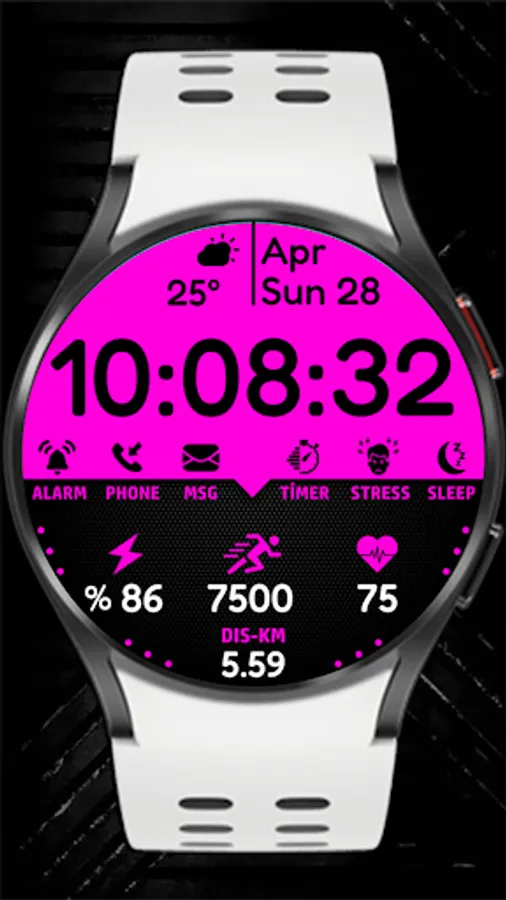
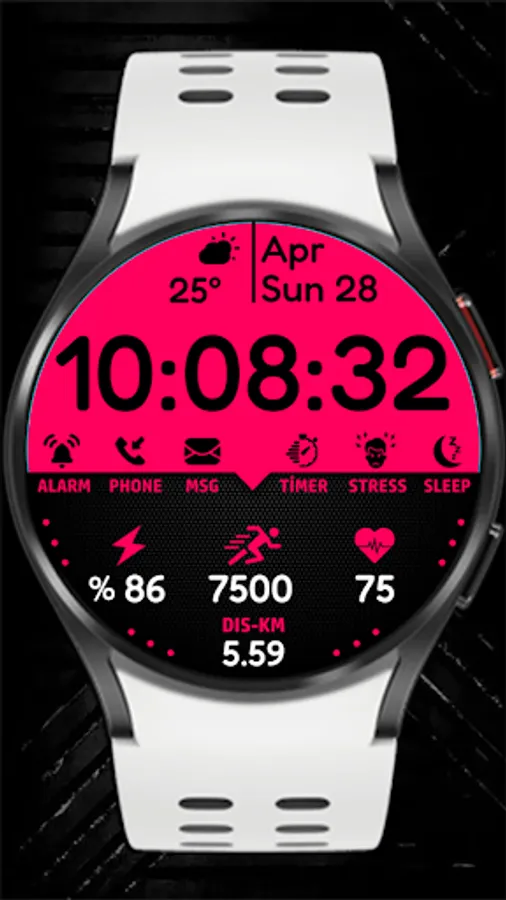
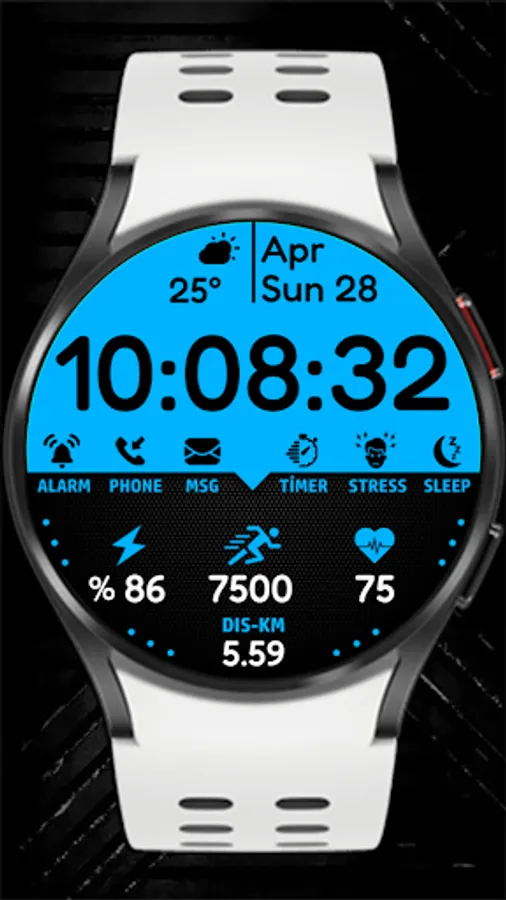
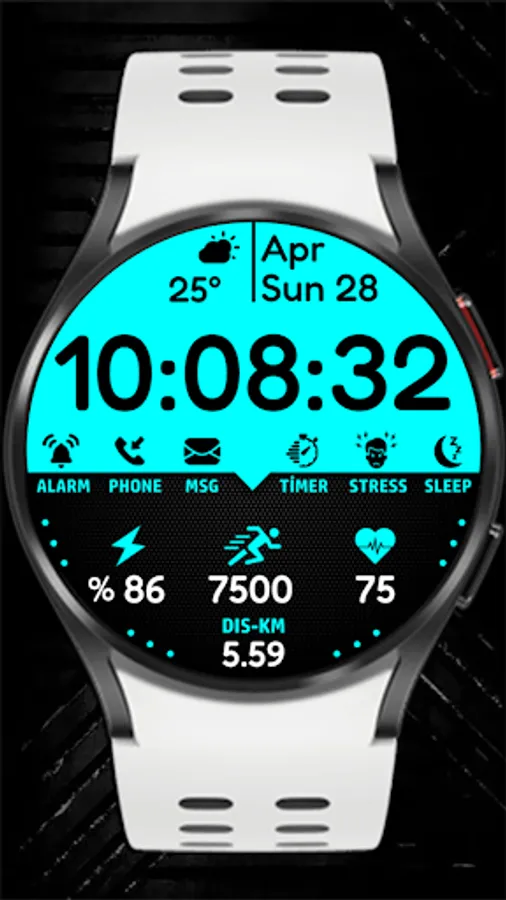
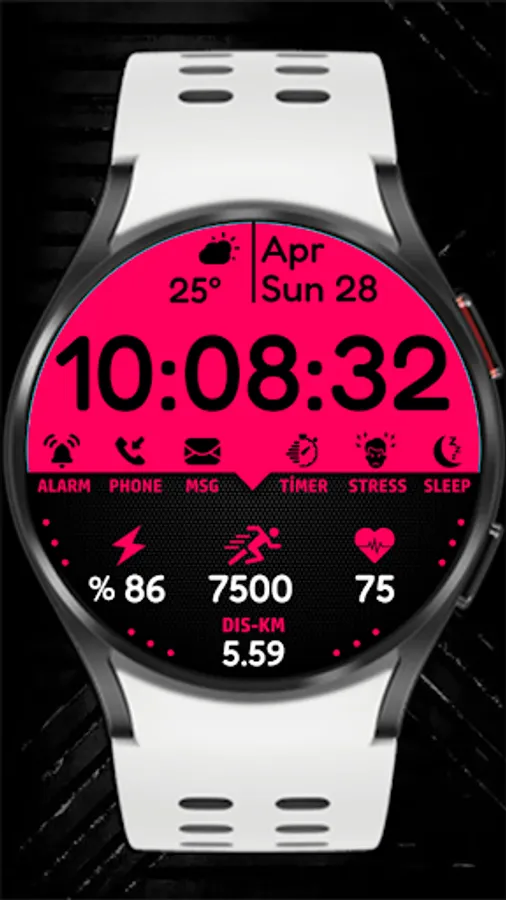
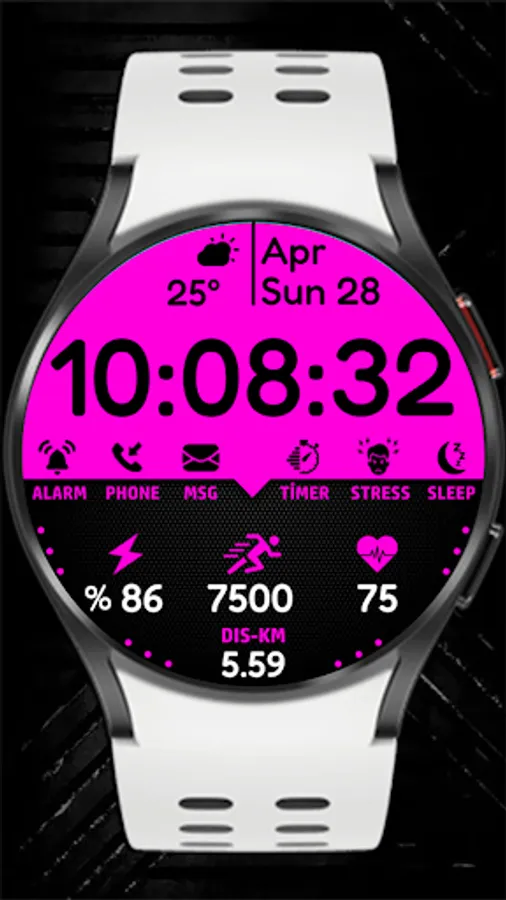
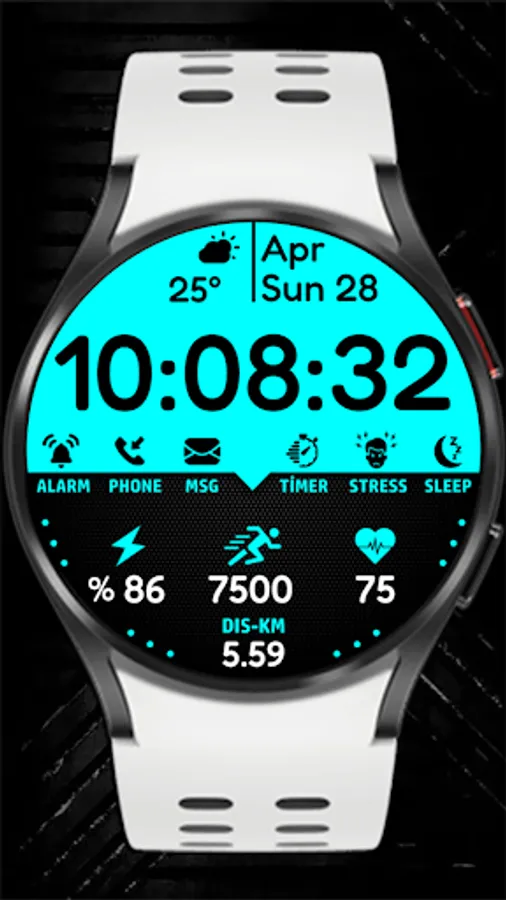
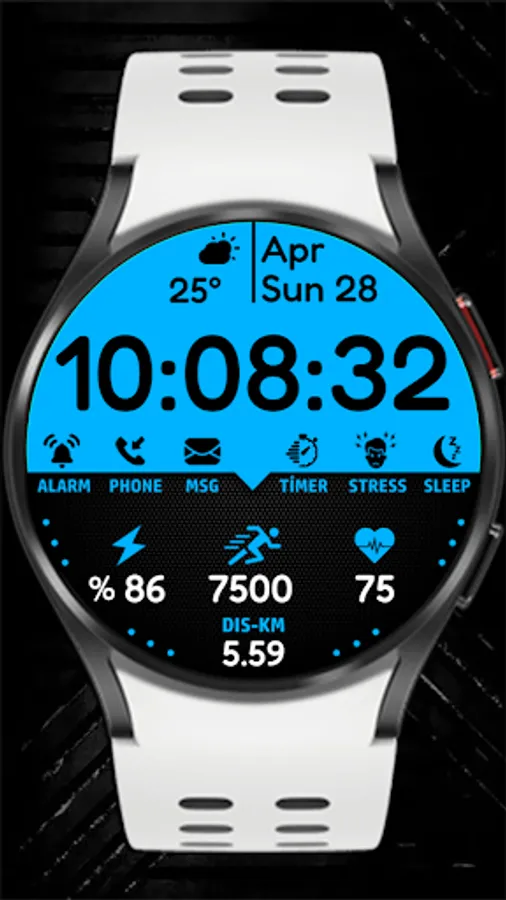
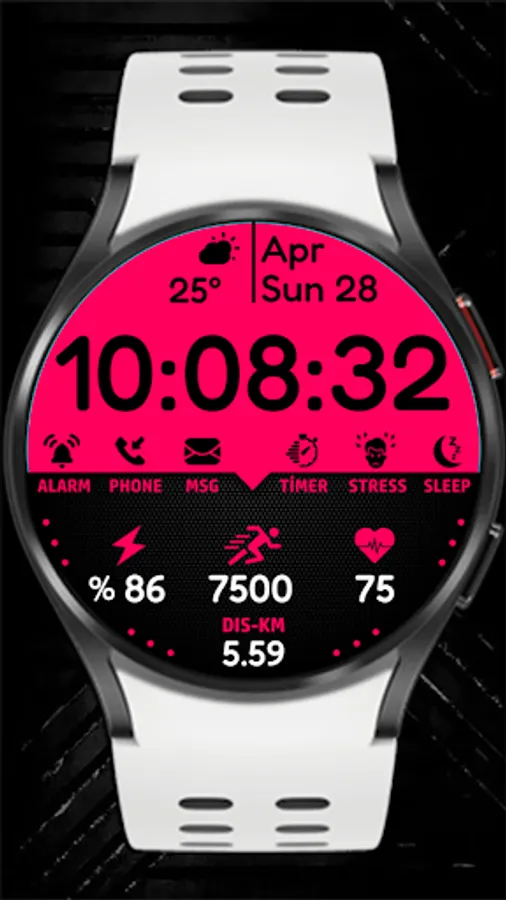
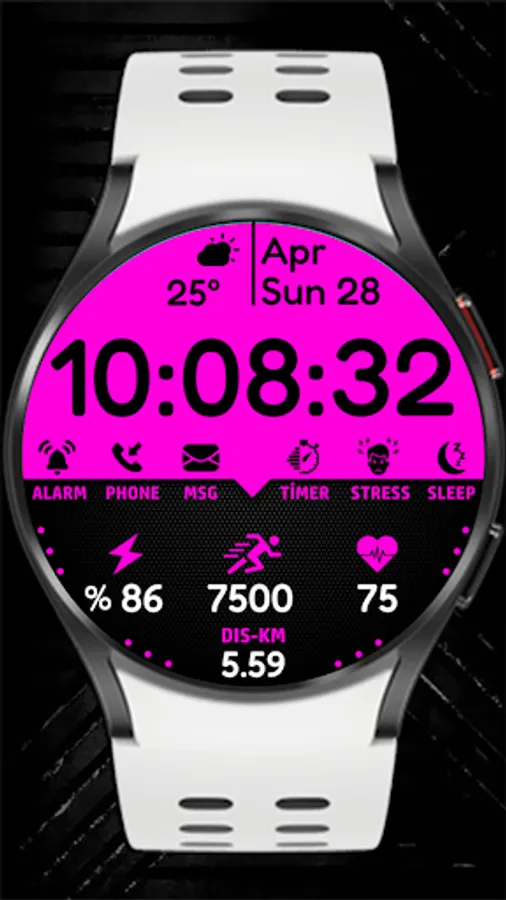
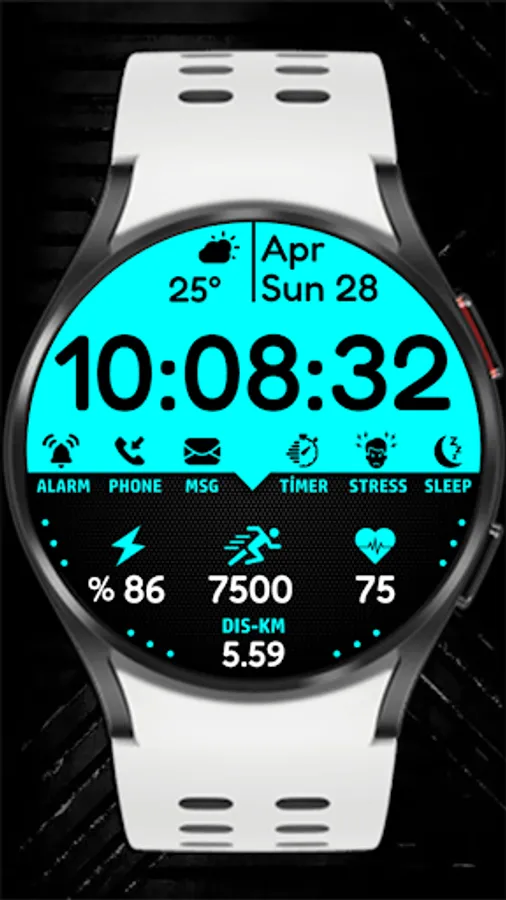
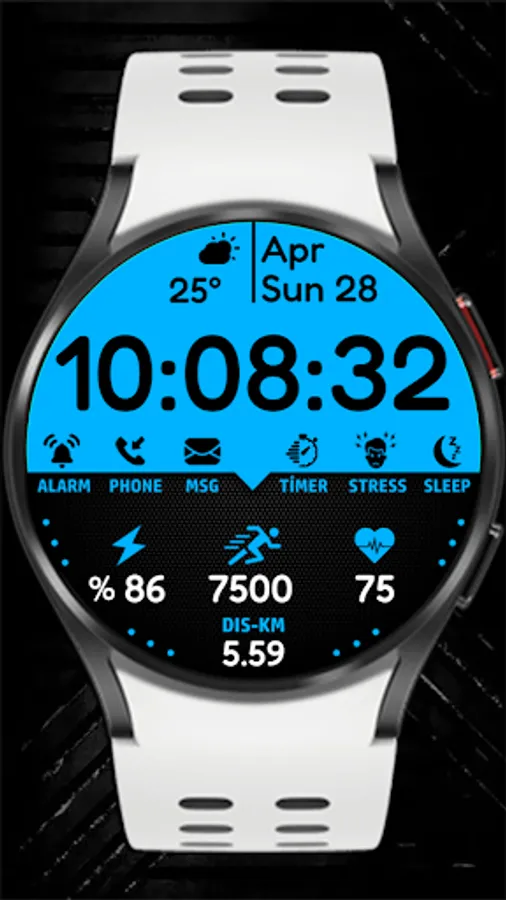
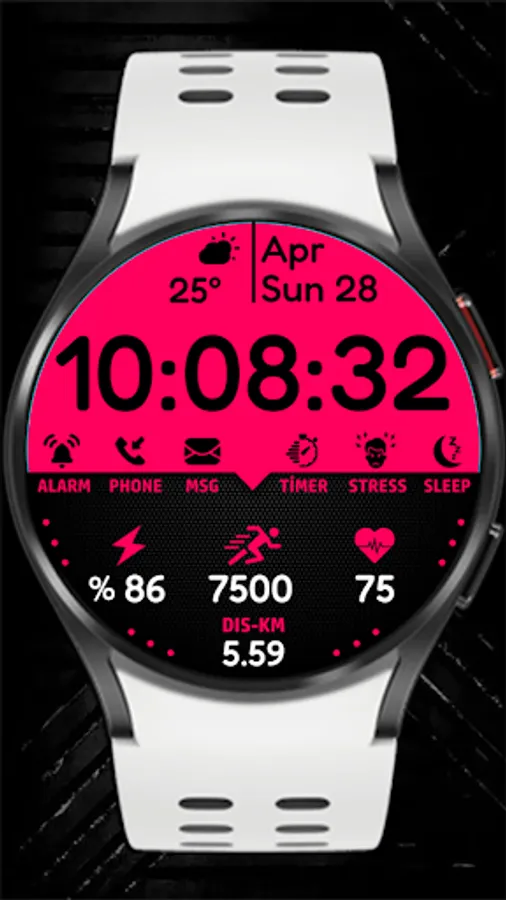
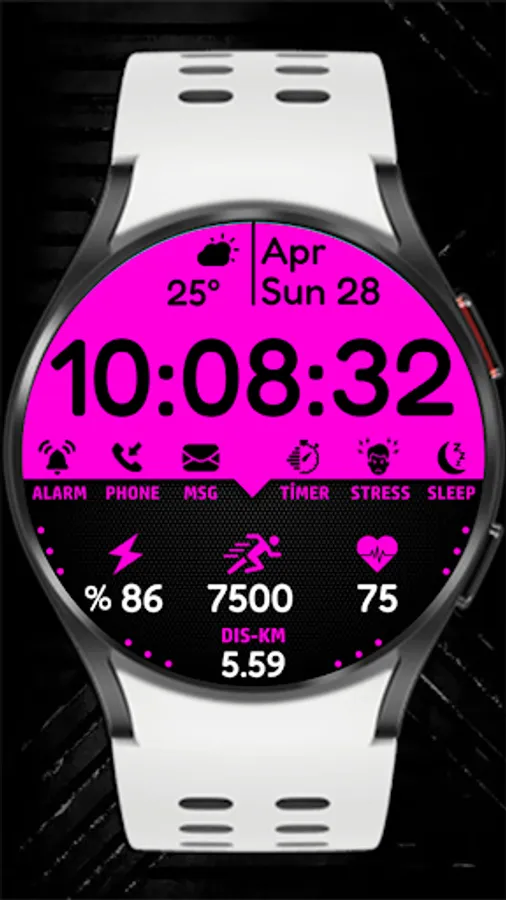
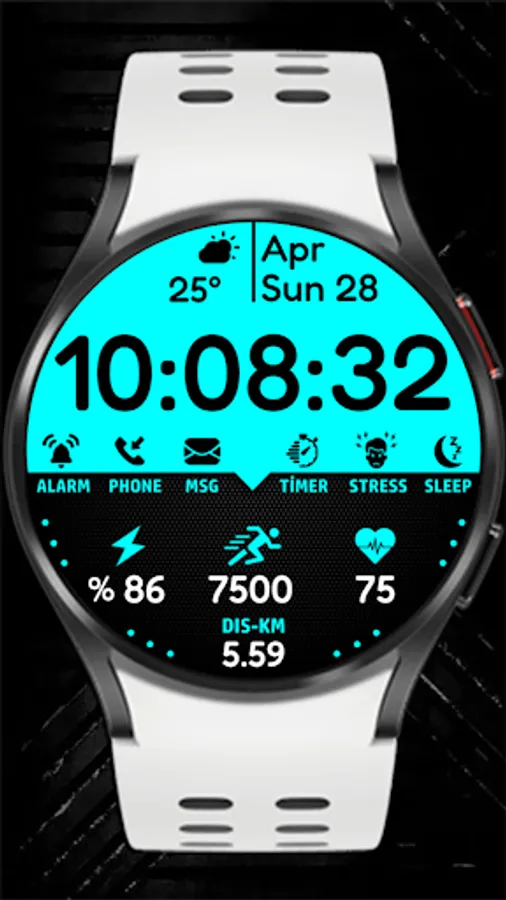
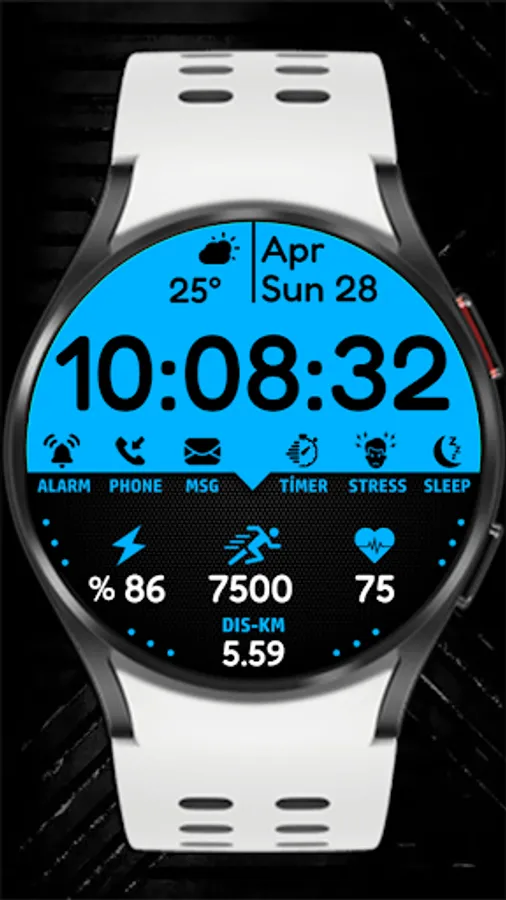
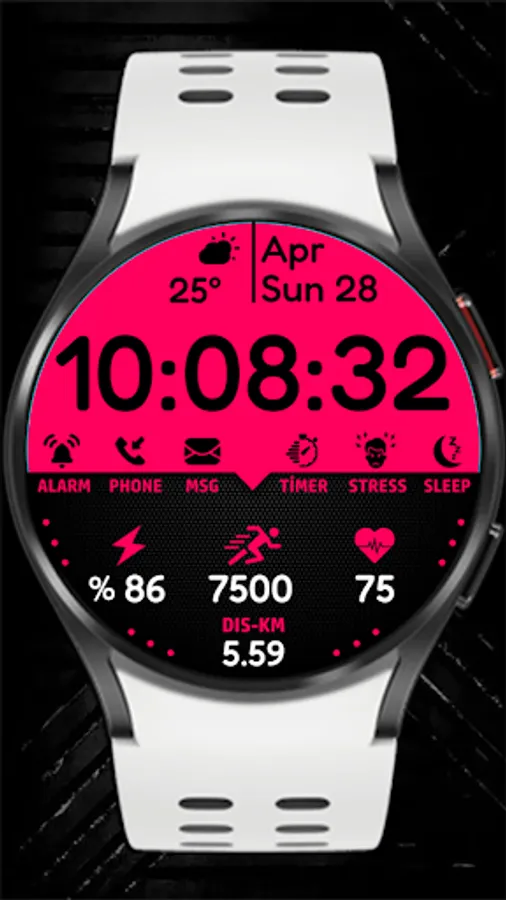
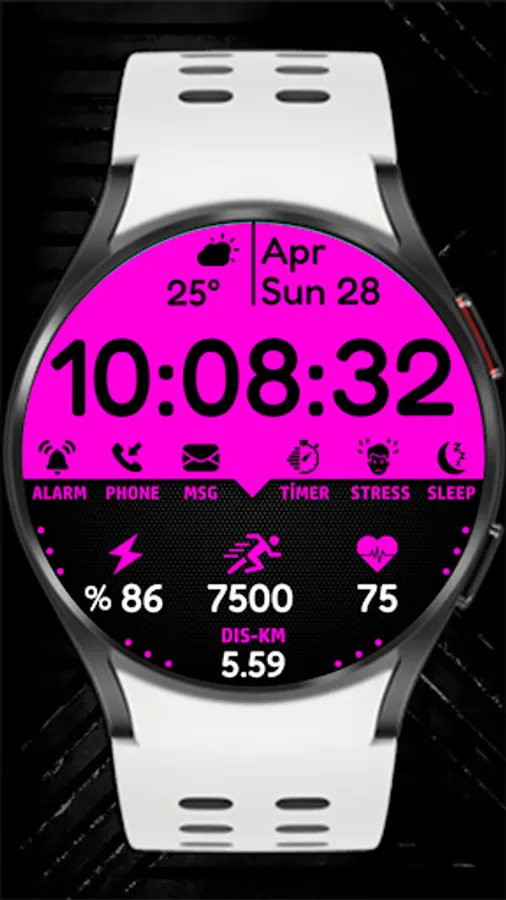
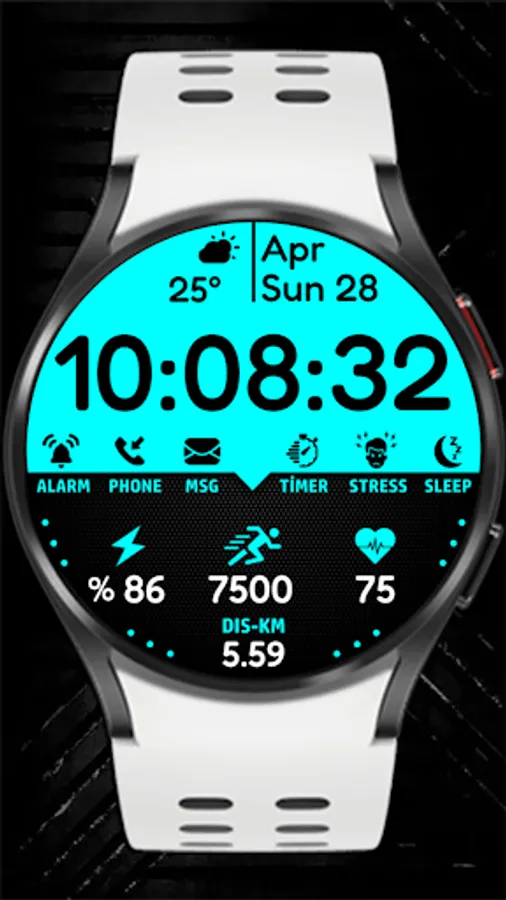
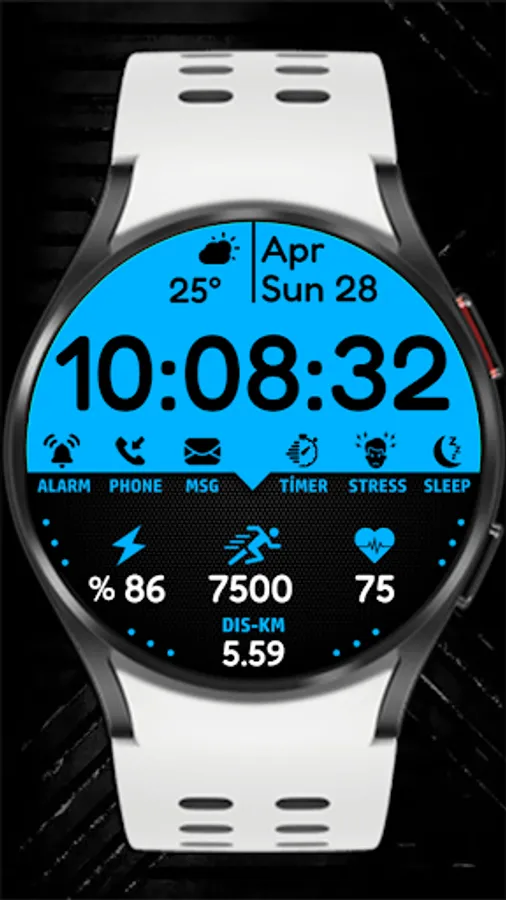
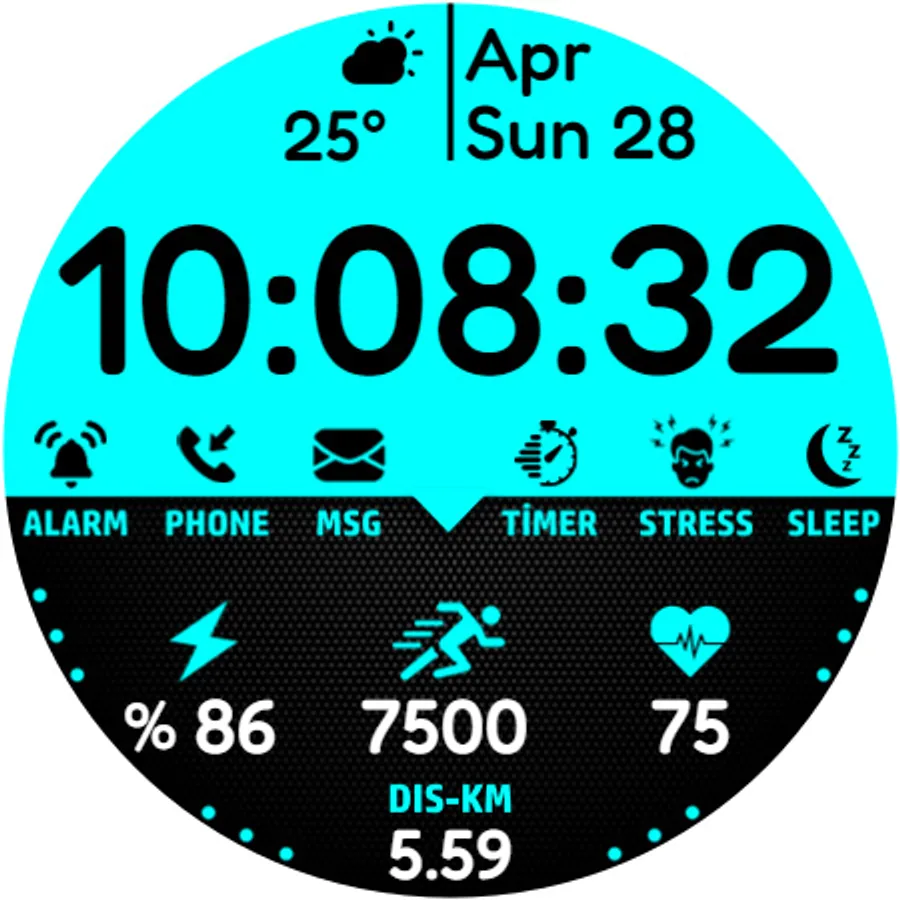
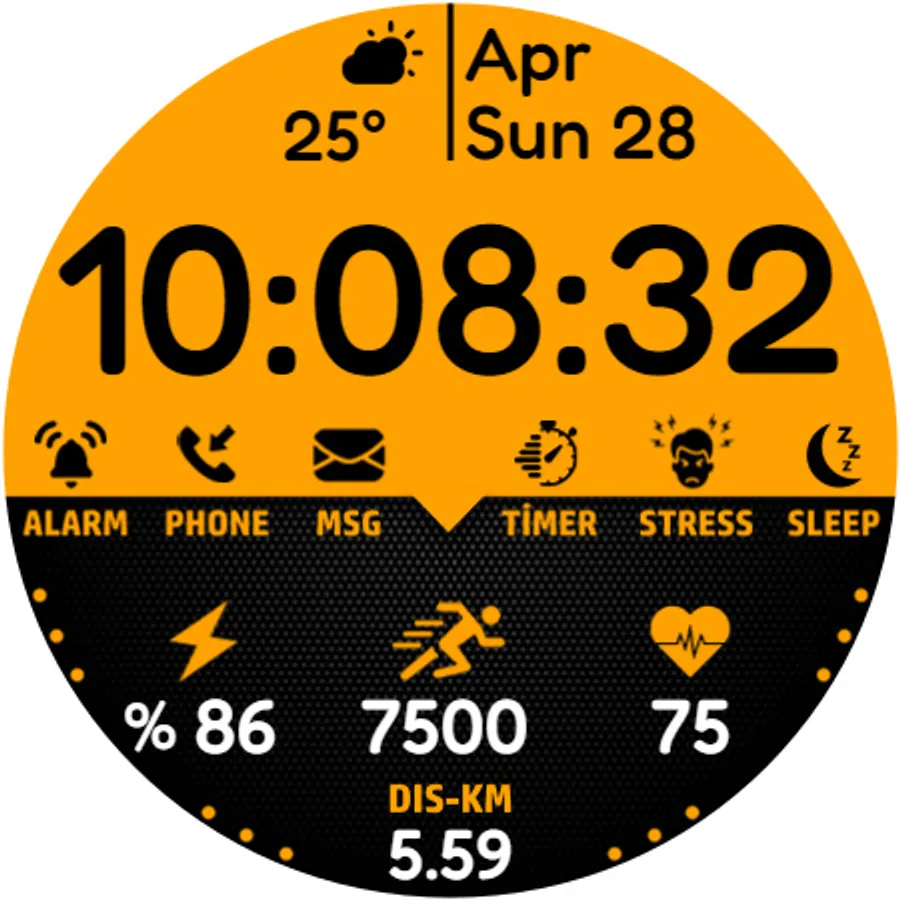
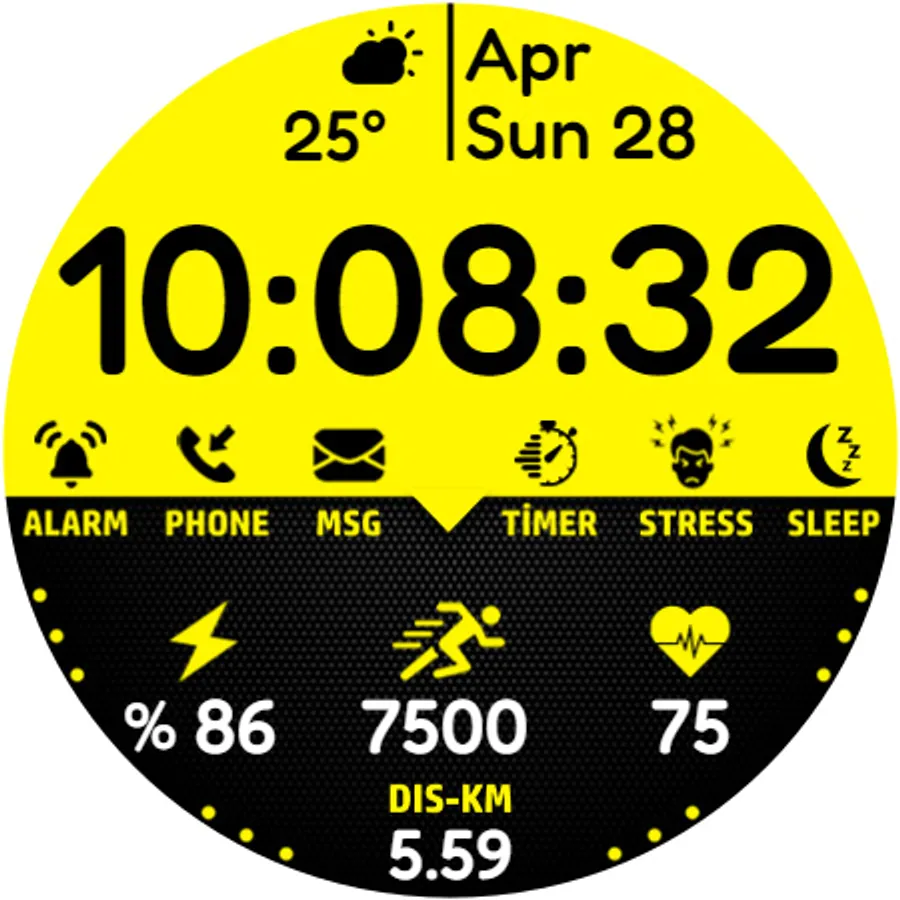
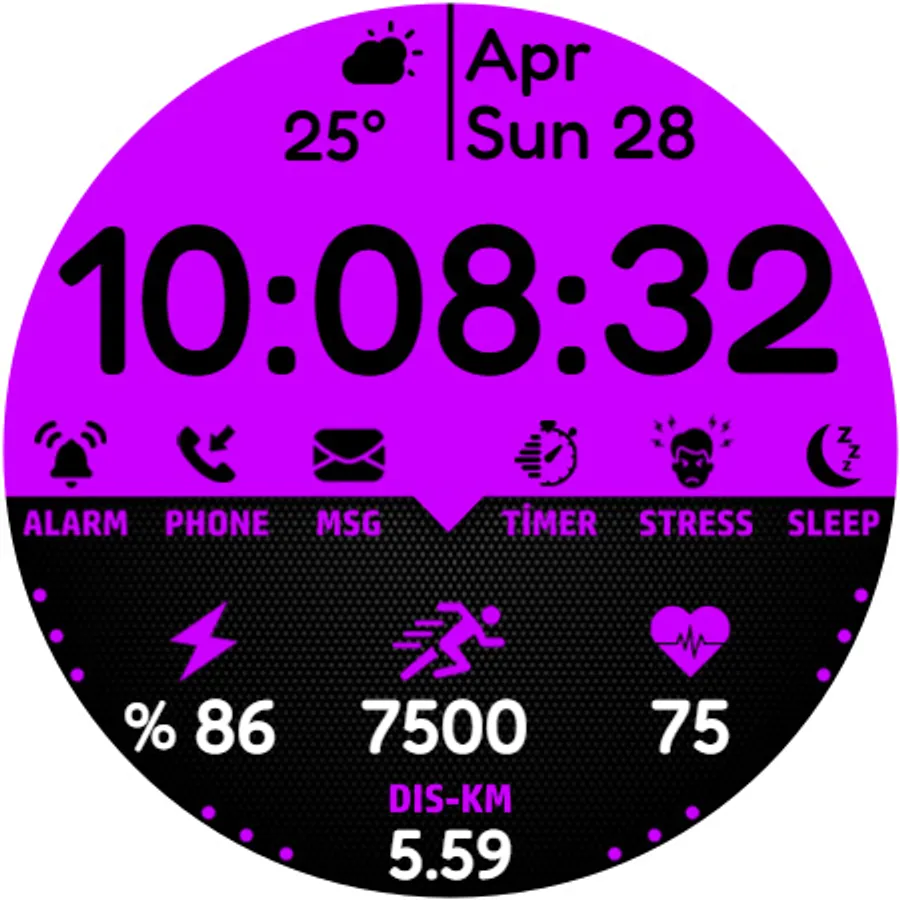
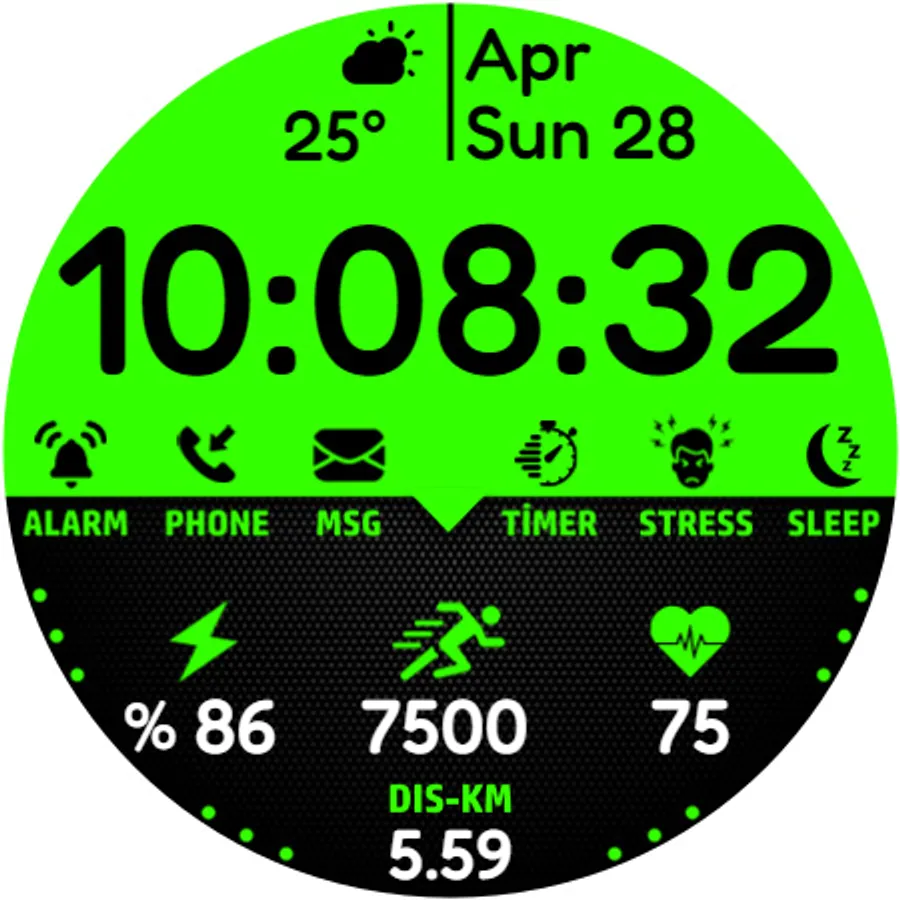
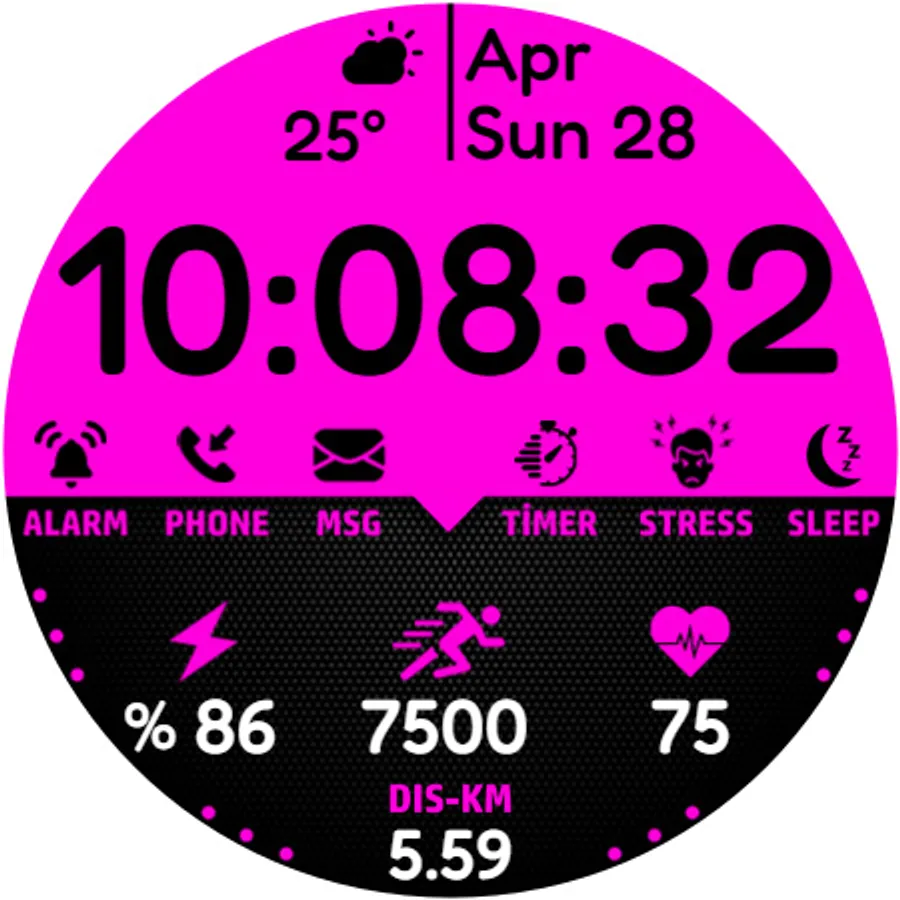
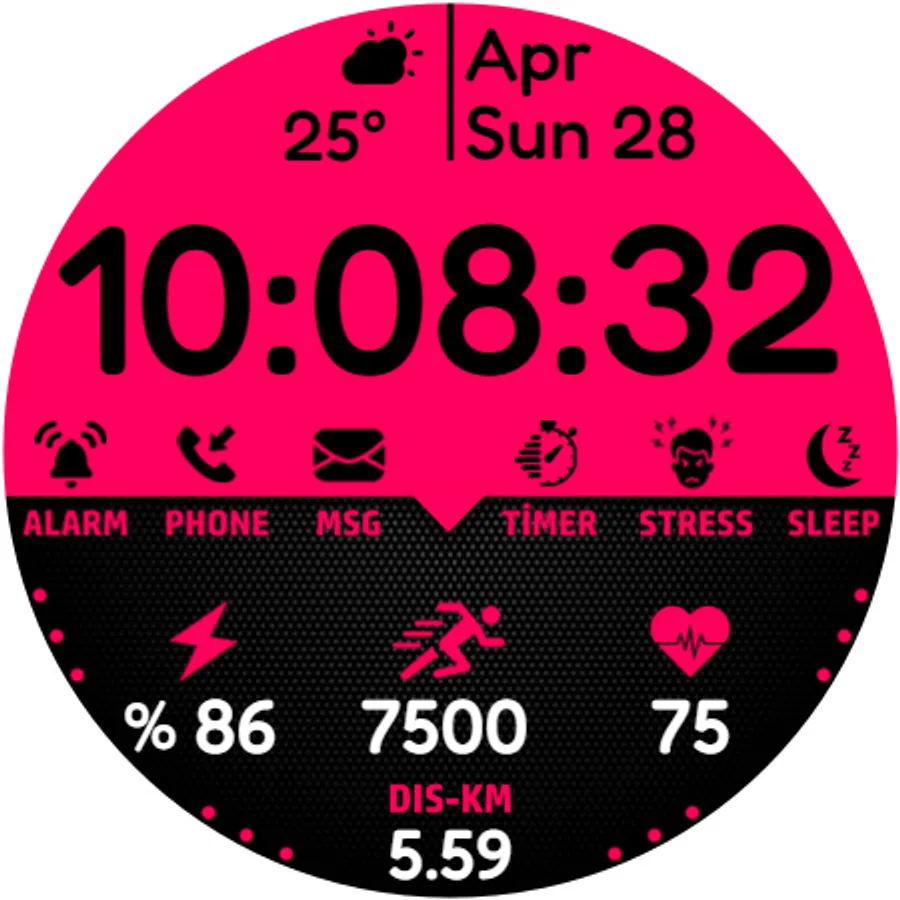
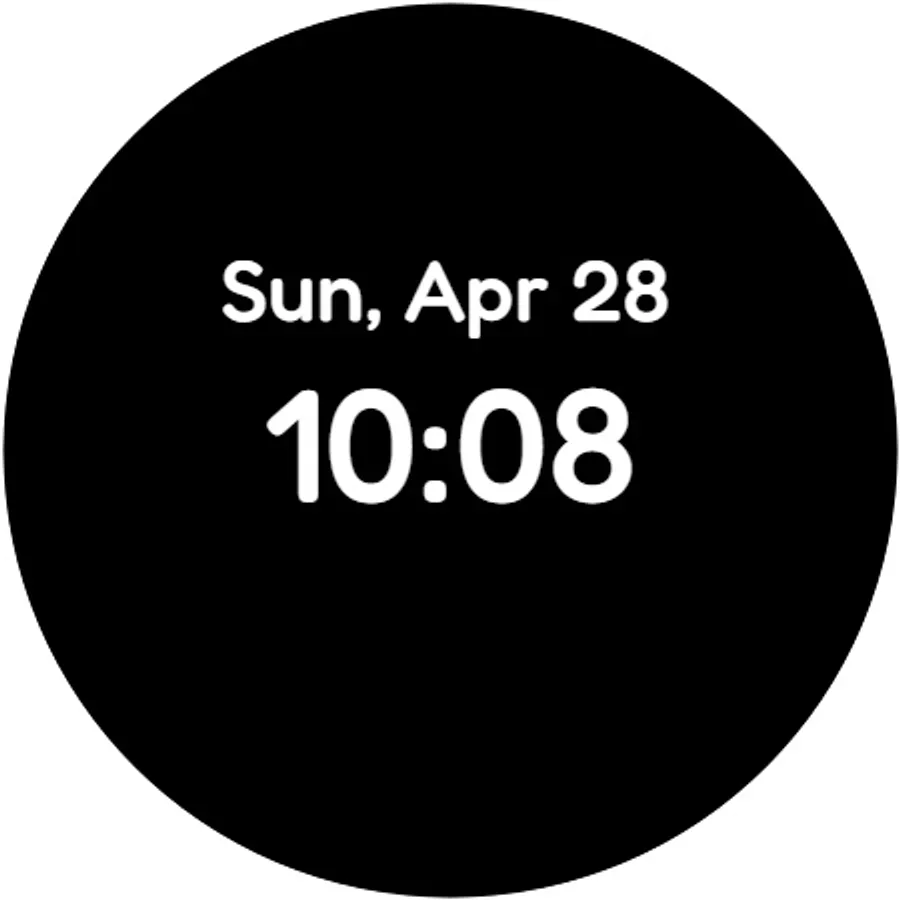
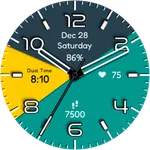
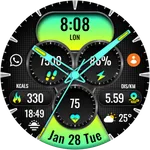
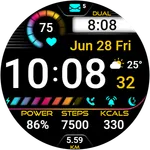
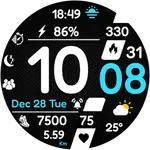
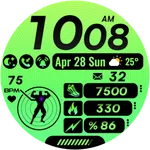
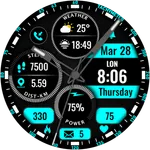
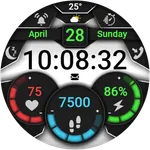
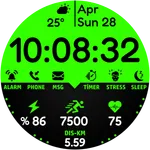
Dial Features:Different color options-Alarm-Phone-Message-Timer-Stress-Sleep-Steps-Km-Pulse-Power-Date-Weather complications-Digital Clock-Aod Screen-For Wear OS
Watch face customization:1- Touch and hold the screen2- Tap Customize
Some features may not be available on some watches. This watch face is suitable for Samsung Galaxy Watch 4,5,6, Pixel Watch etc. It is compatible with. Supports all Wear OS devices with API level 30+
If the watch face still doesn't appear on your watch, open the Galaxy Wearable app. Go to the Downloads section of the app and you will find the watch face there. Just click on it to start the installation.
Watch face setup notes on smartwatch: The Phone app just acts as a placeholder to make it easier to set up and find the watch face on your Wear OS watch. You must select your tracking device from the setup drop-down menu
Dial Features:Different color options-Alarm-Phone-Message-Timer-Stress-Sleep-Steps-Km-Pulse-Power-Date-Weather complications-Digital Clock-Aod Screen-For Wear OS
Watch face customization:1- Touch and hold the screen2- Tap Customize
Some features may not be available on some watches. This watch face is suitable for Samsung Galaxy Watch 4,5,6, Pixel Watch etc. It is compatible with. Supports all Wear OS devices with API level 30+
If the watch face still doesn't appear on your watch, open the Galaxy Wearable app. Go to the Downloads section of the app and you will find the watch face there. Just click on it to start the installation.