AppRecs review analysis
AppRecs rating 5.0. Trustworthiness 75 out of 100. Review manipulation risk 21 out of 100. Based on a review sample analyzed.
★★★★★
5.0
AppRecs Rating
Ratings breakdown
5 star
100%
4 star
0%
3 star
0%
2 star
0%
1 star
0%
What to know
✓
Low review manipulation risk
21% review manipulation risk
✓
Credible reviews
75% trustworthiness score from analyzed reviews
✓
High user satisfaction
100% of sampled ratings are 5 stars
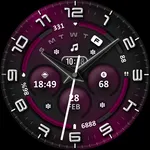
About ML2U 191 Watch Face
Your Day, Your Way. Your Watch, Your Statement.
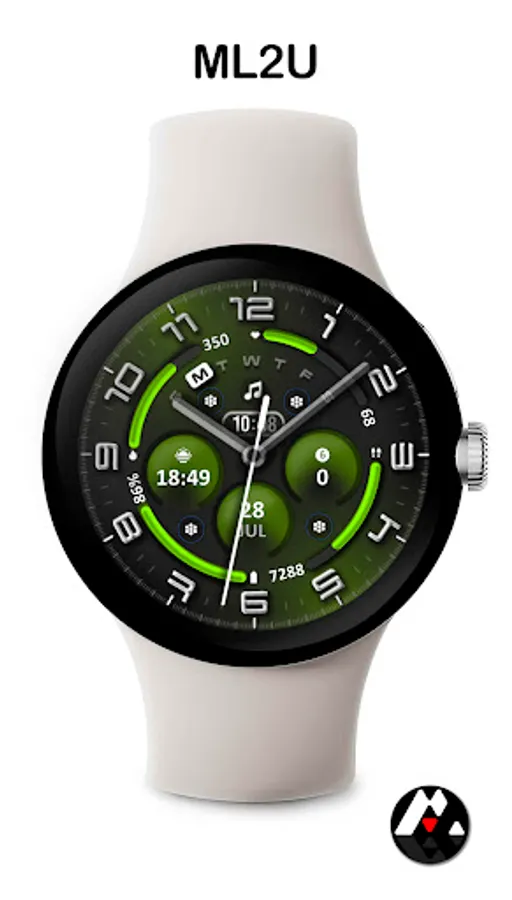
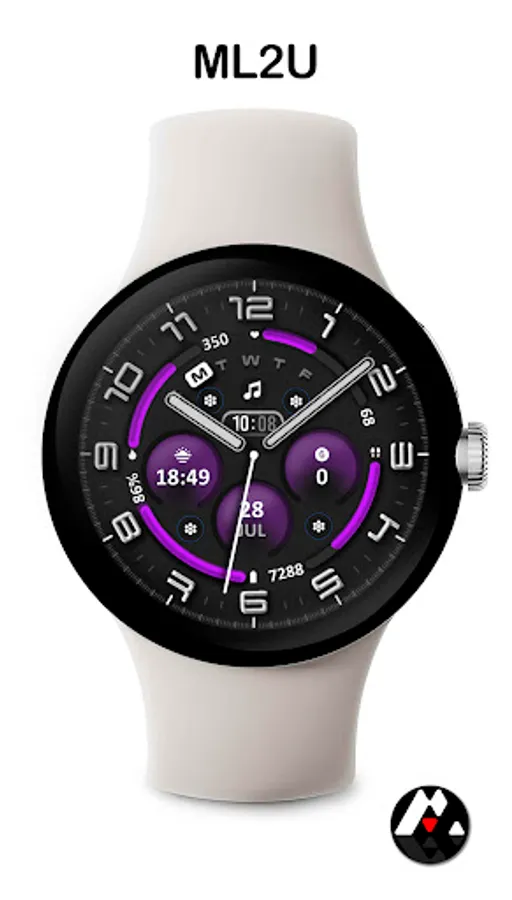
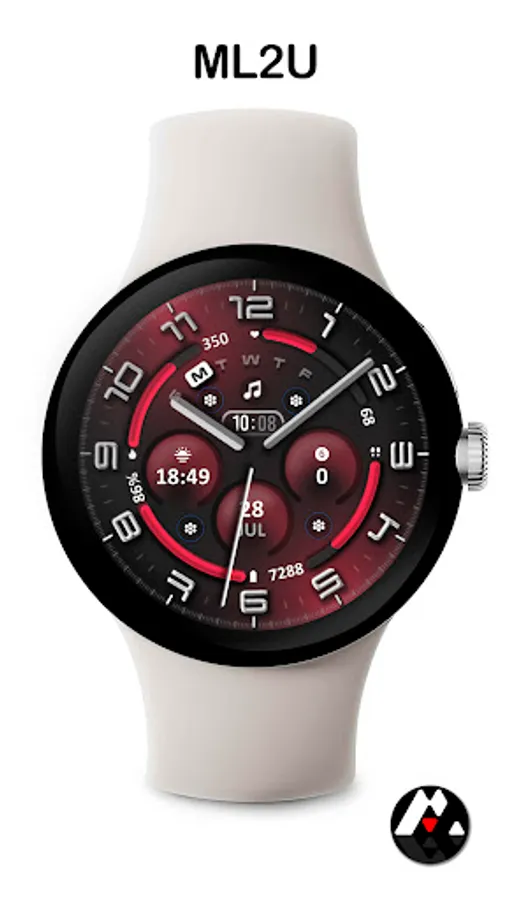
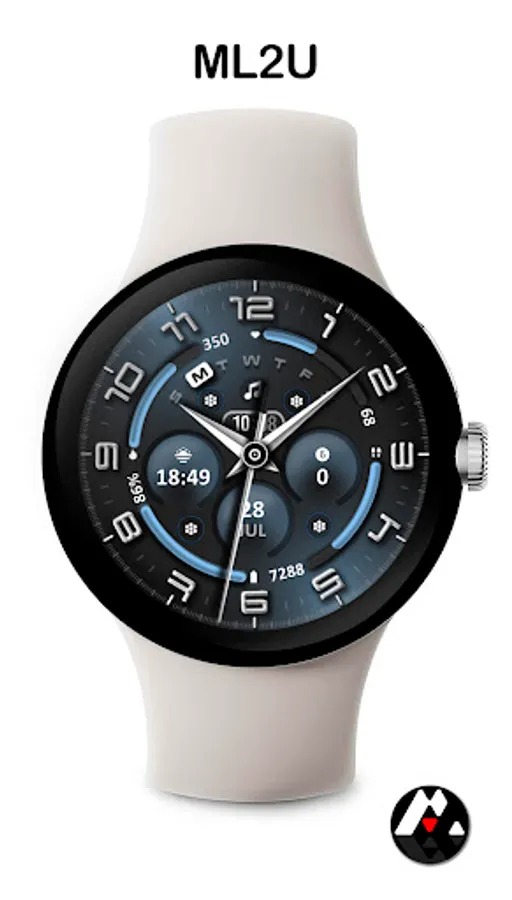
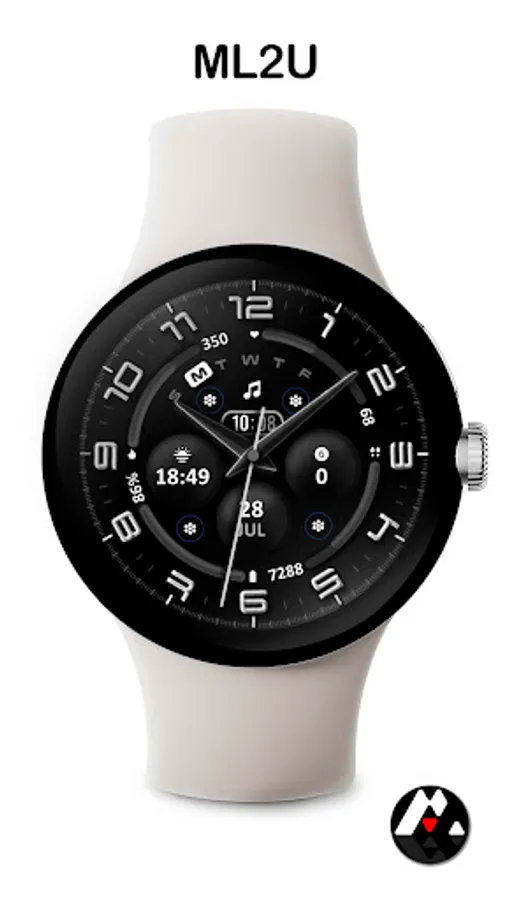
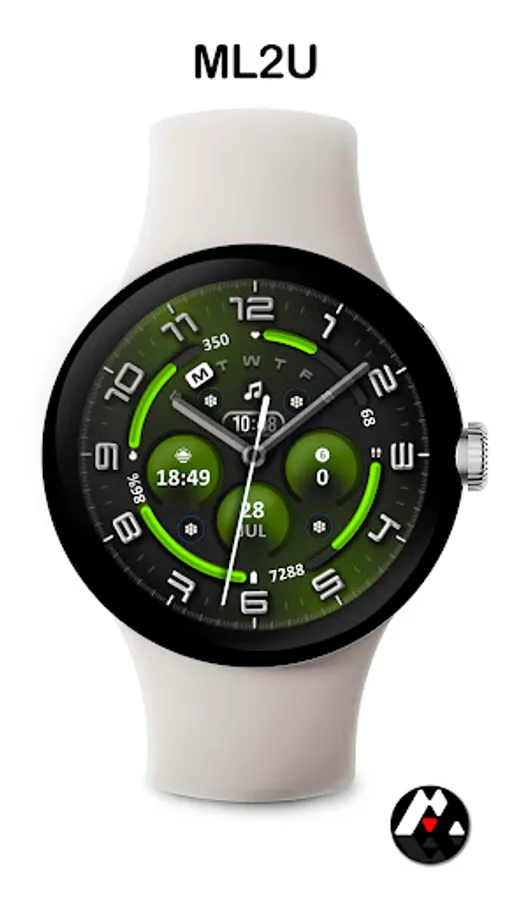
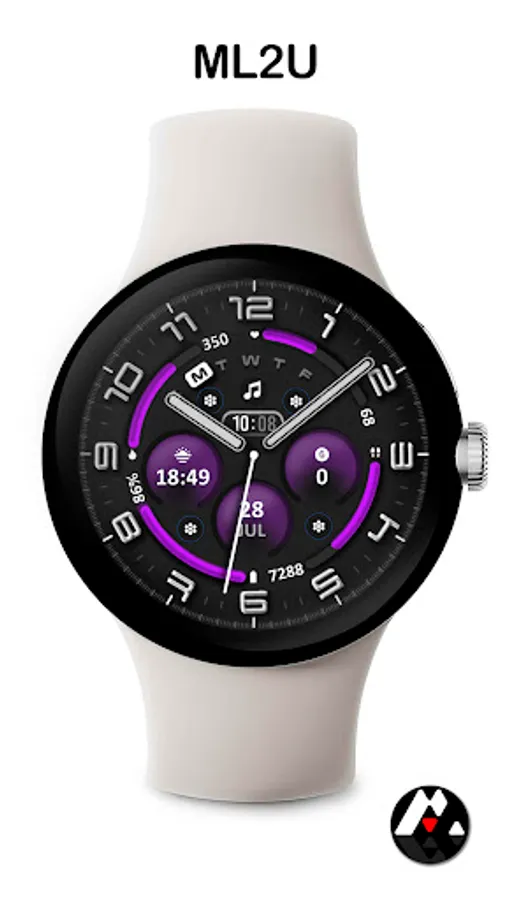
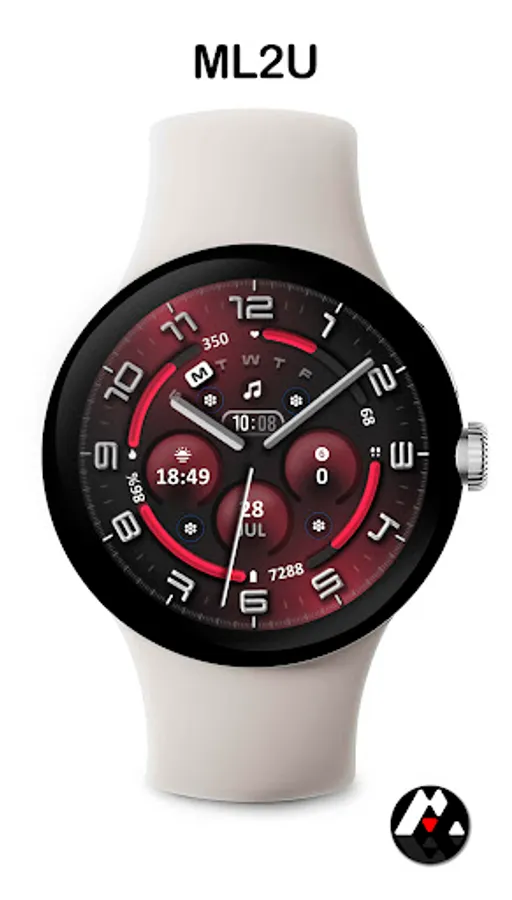
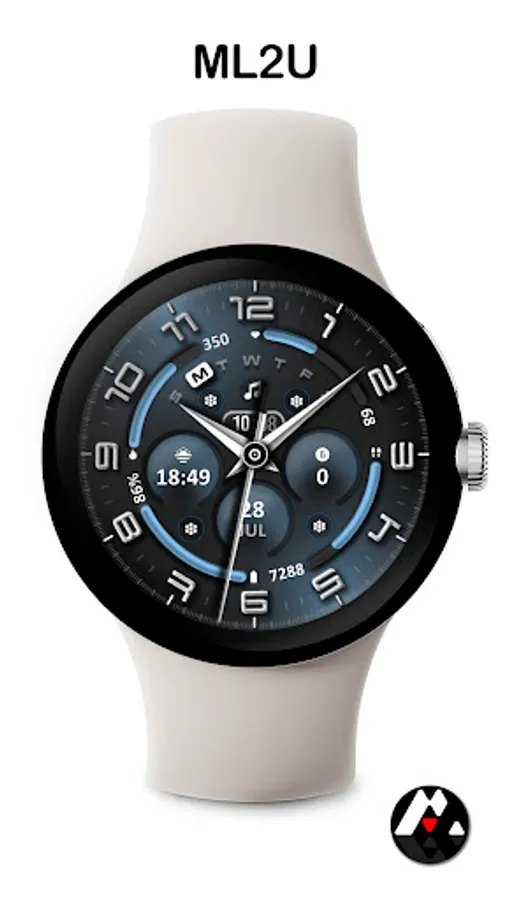
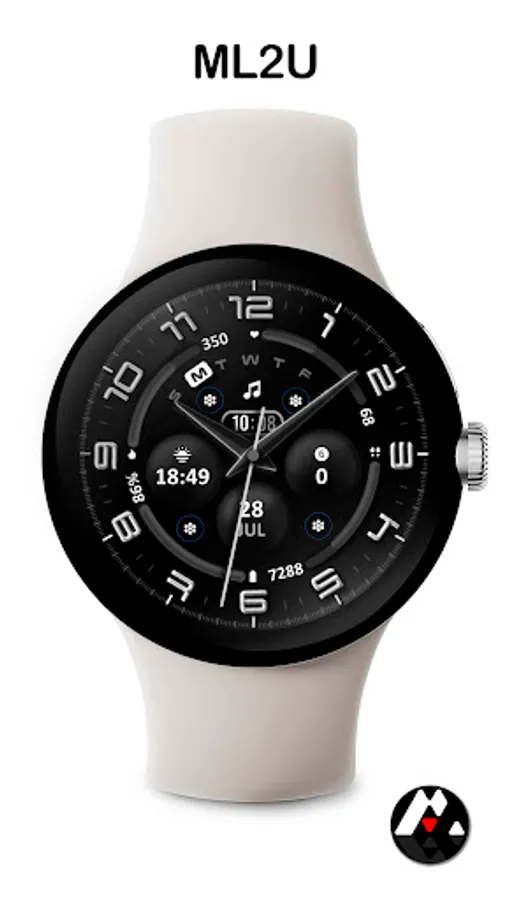
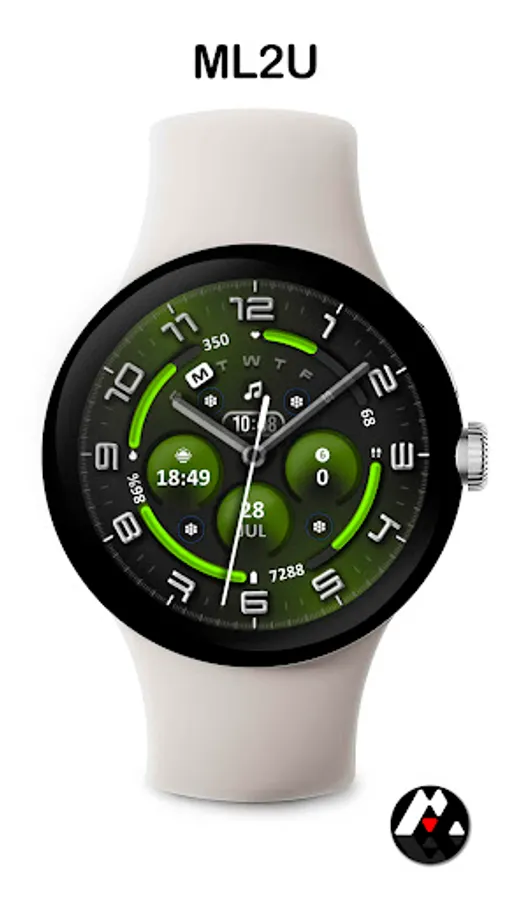
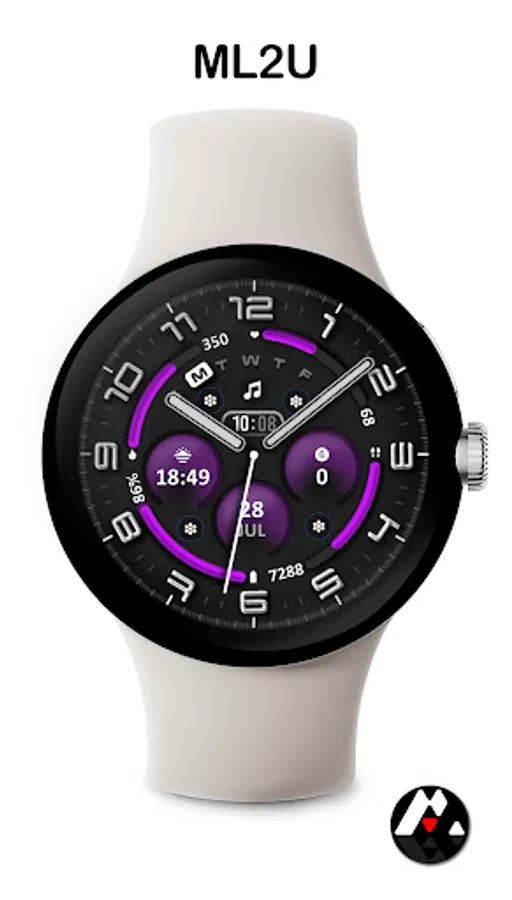
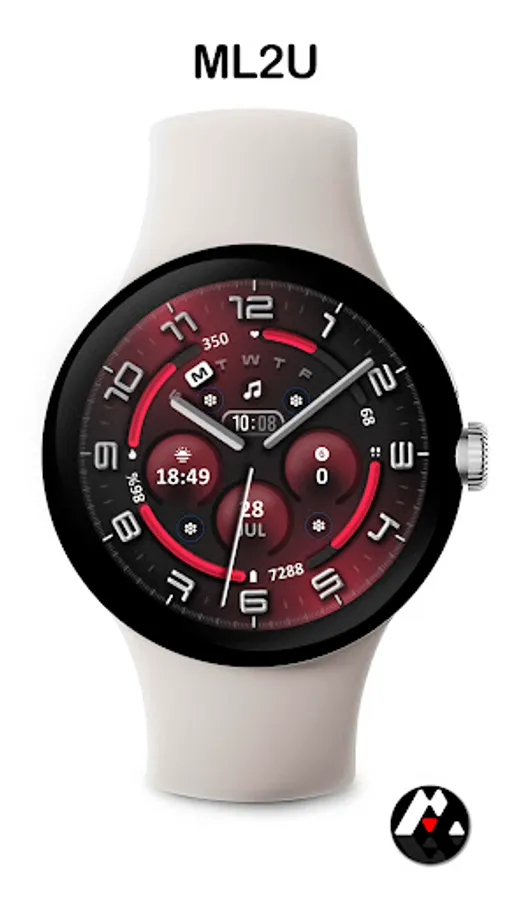
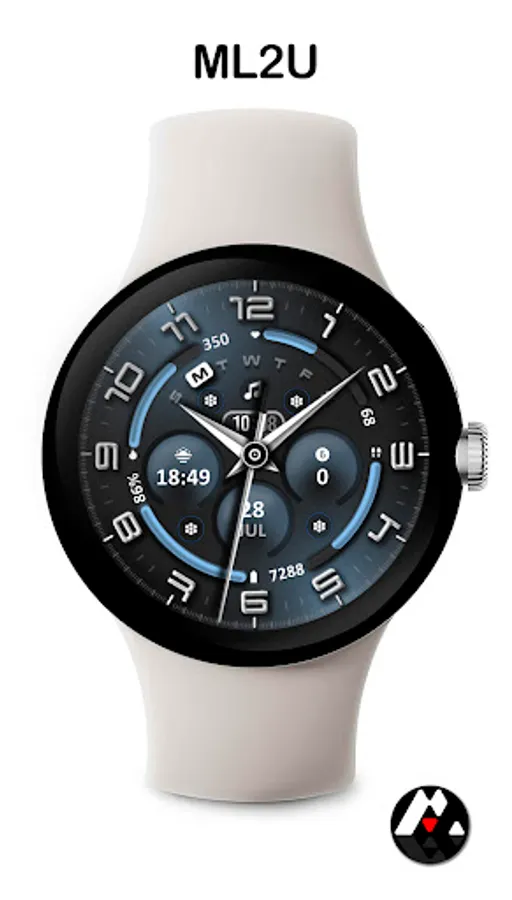
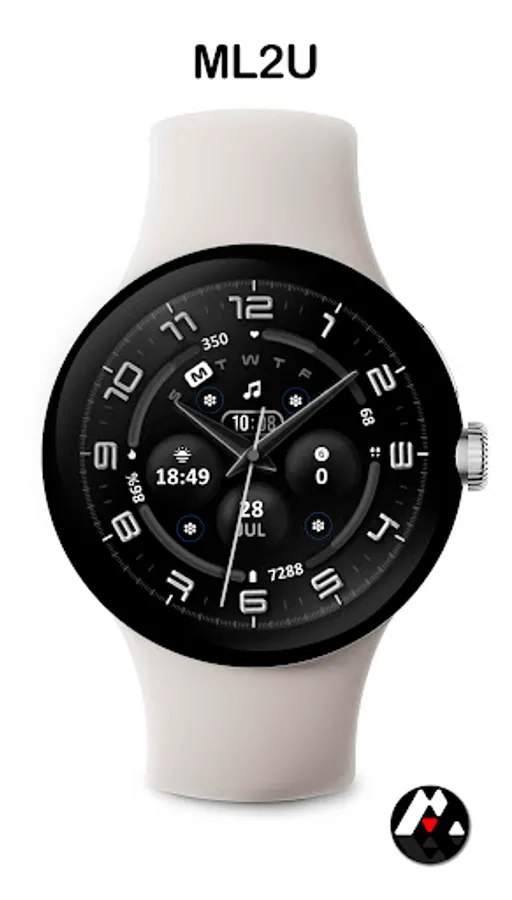
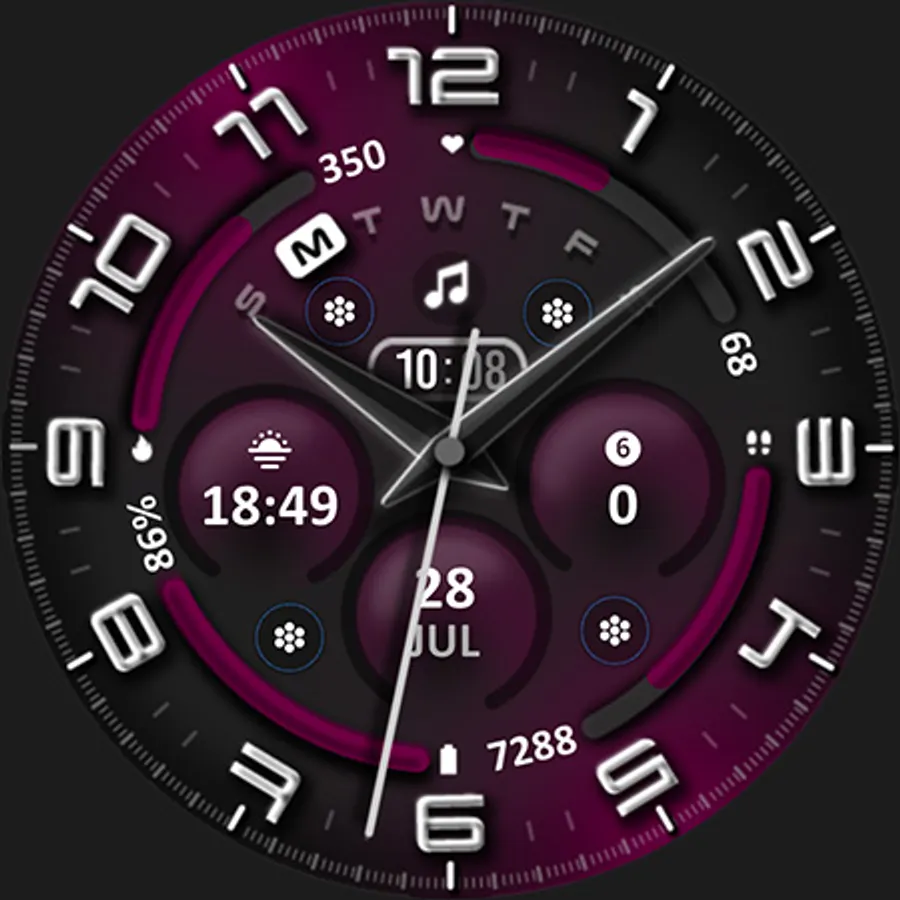
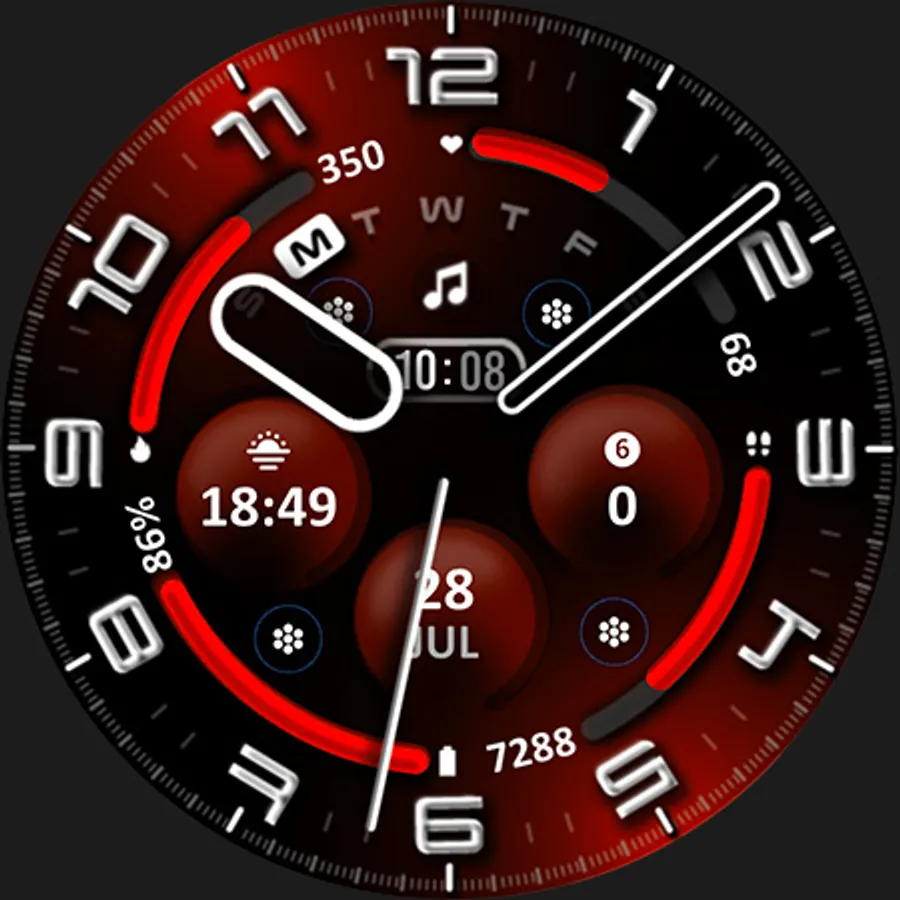
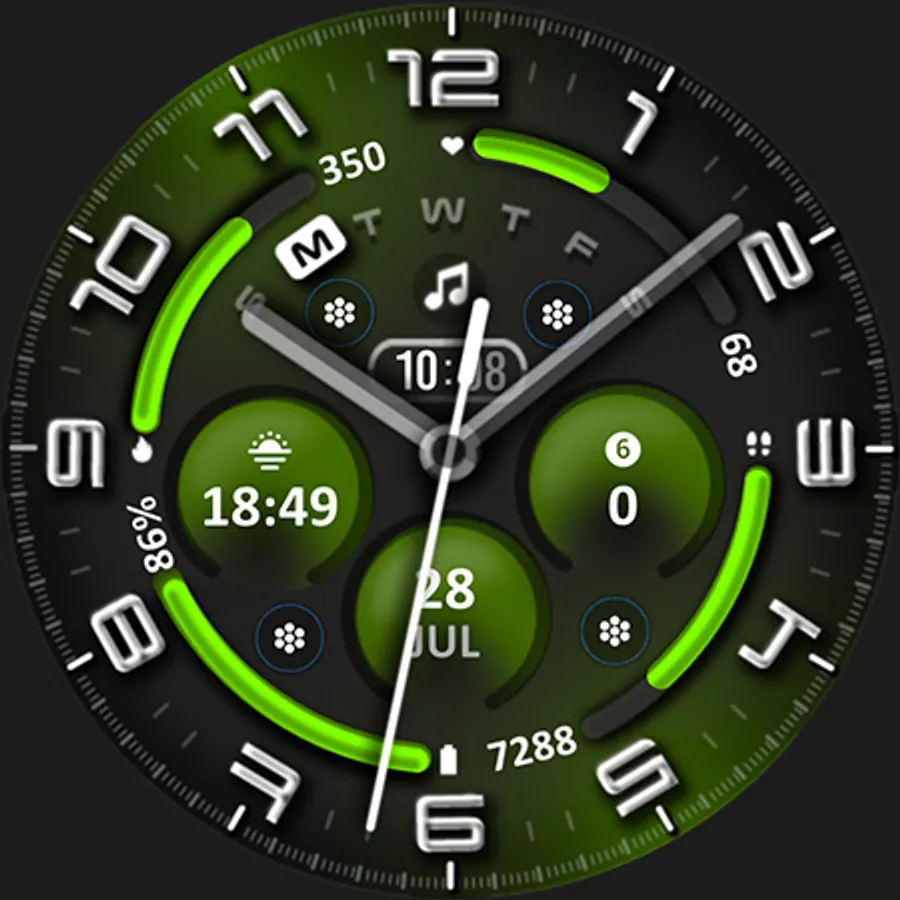
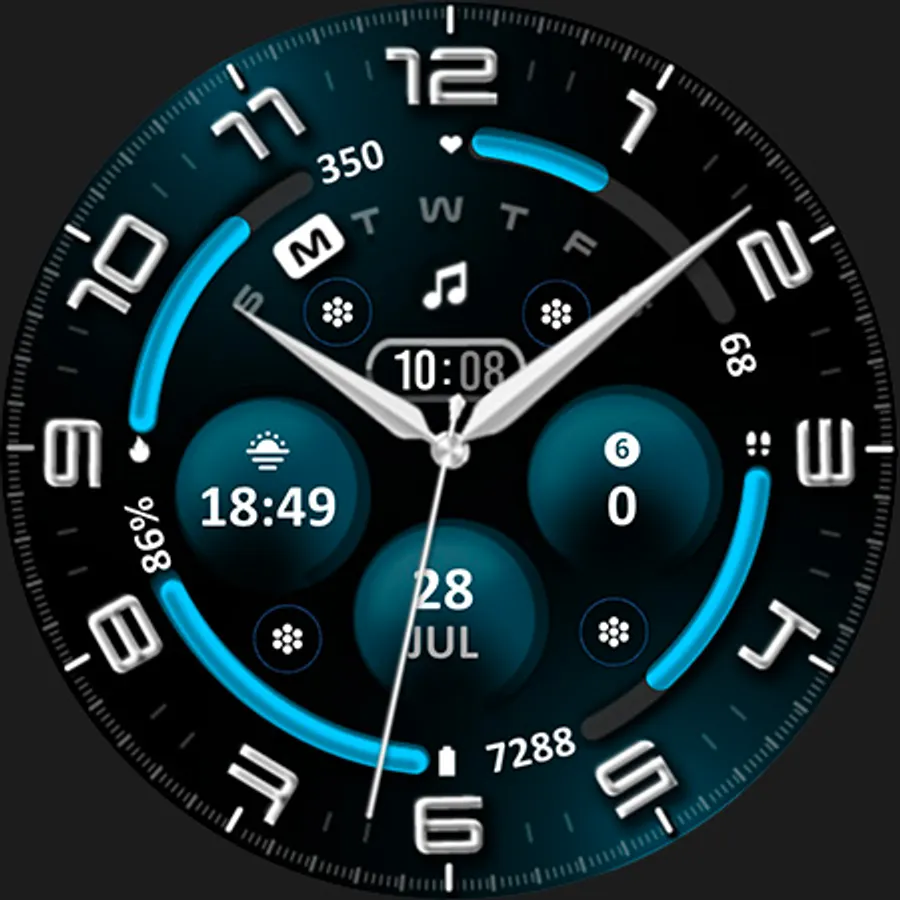
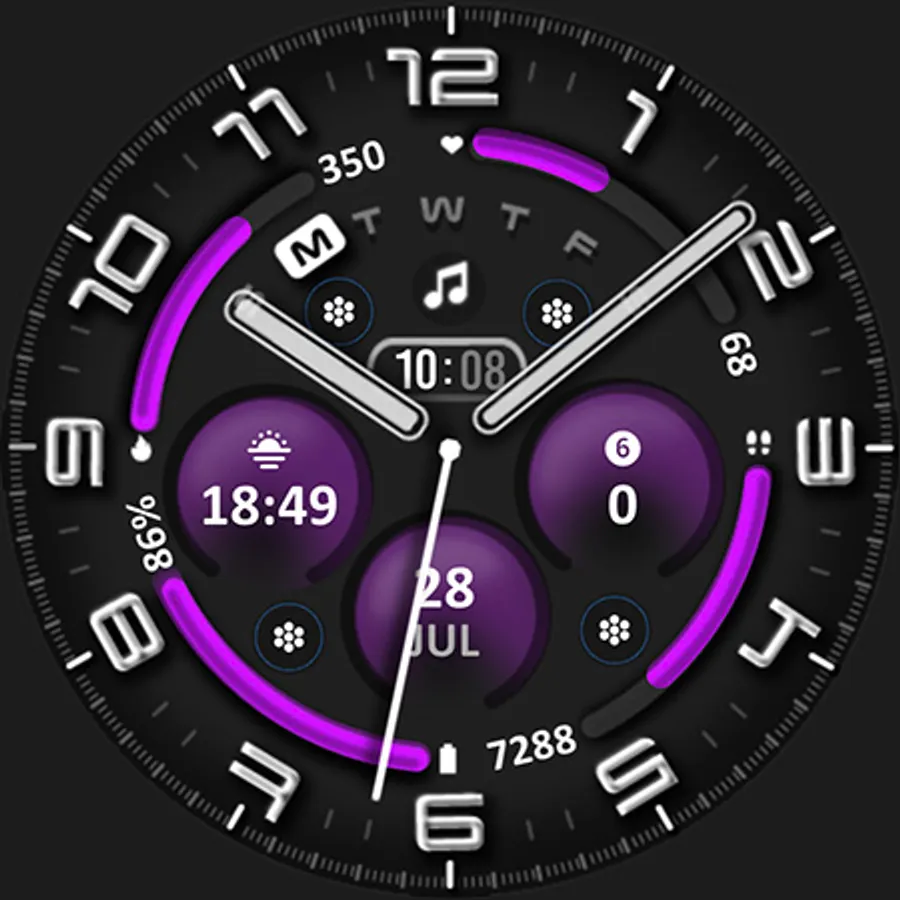
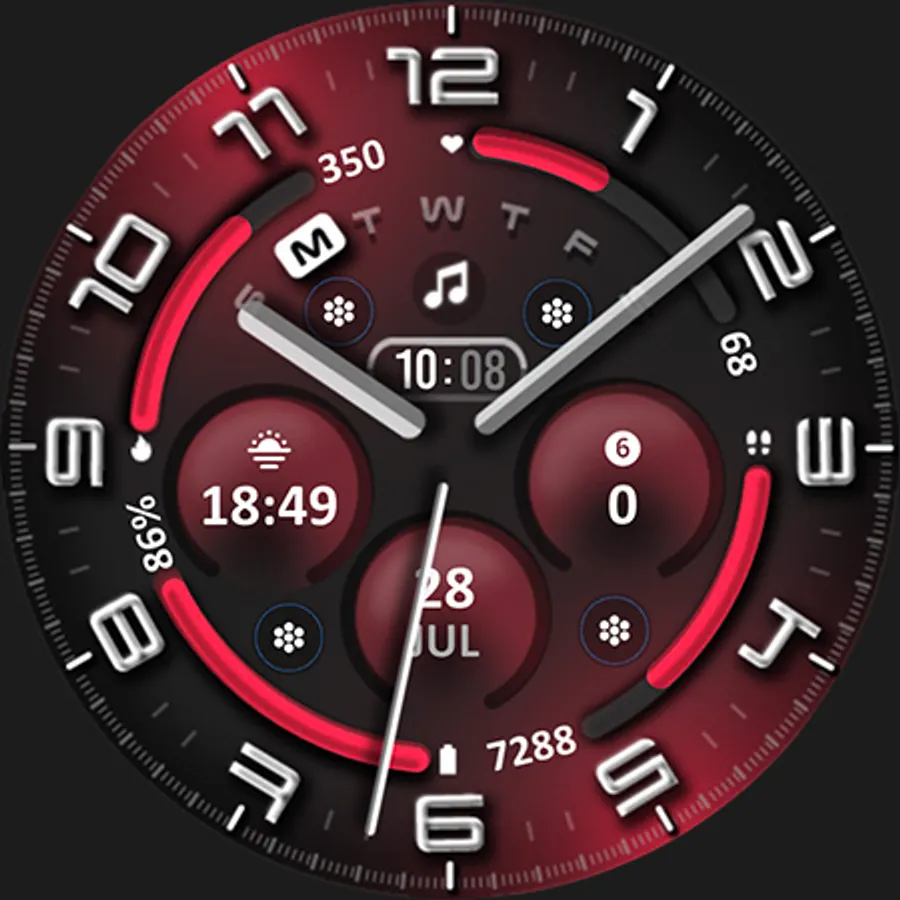
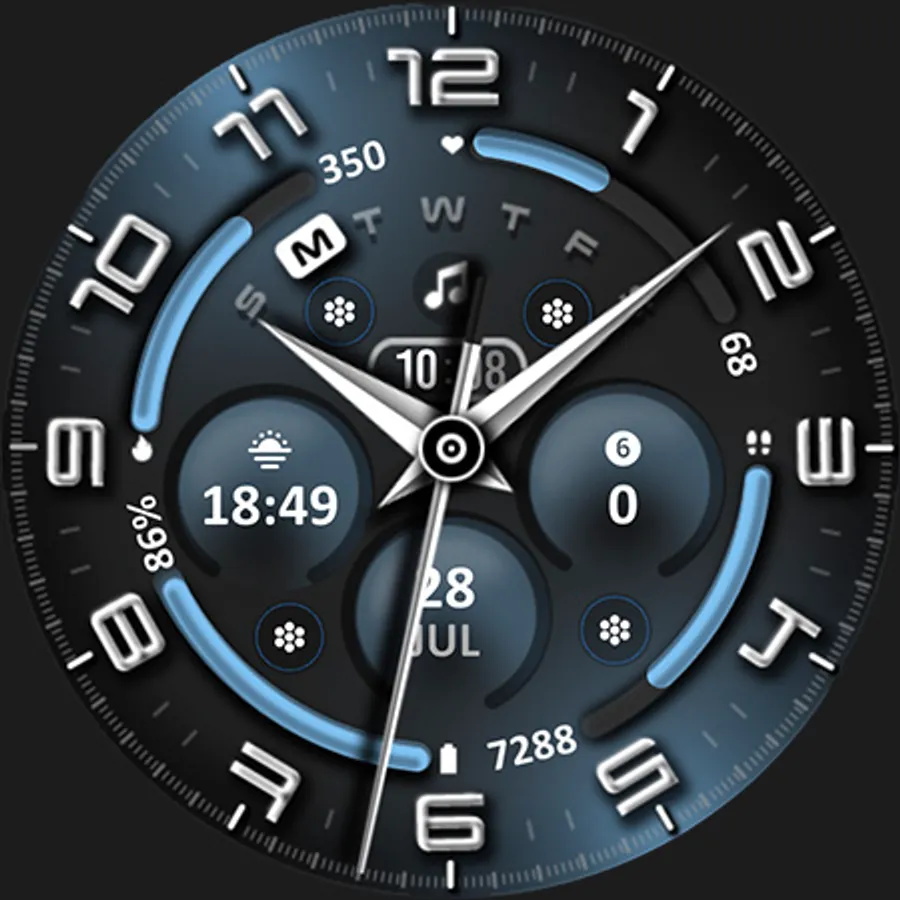
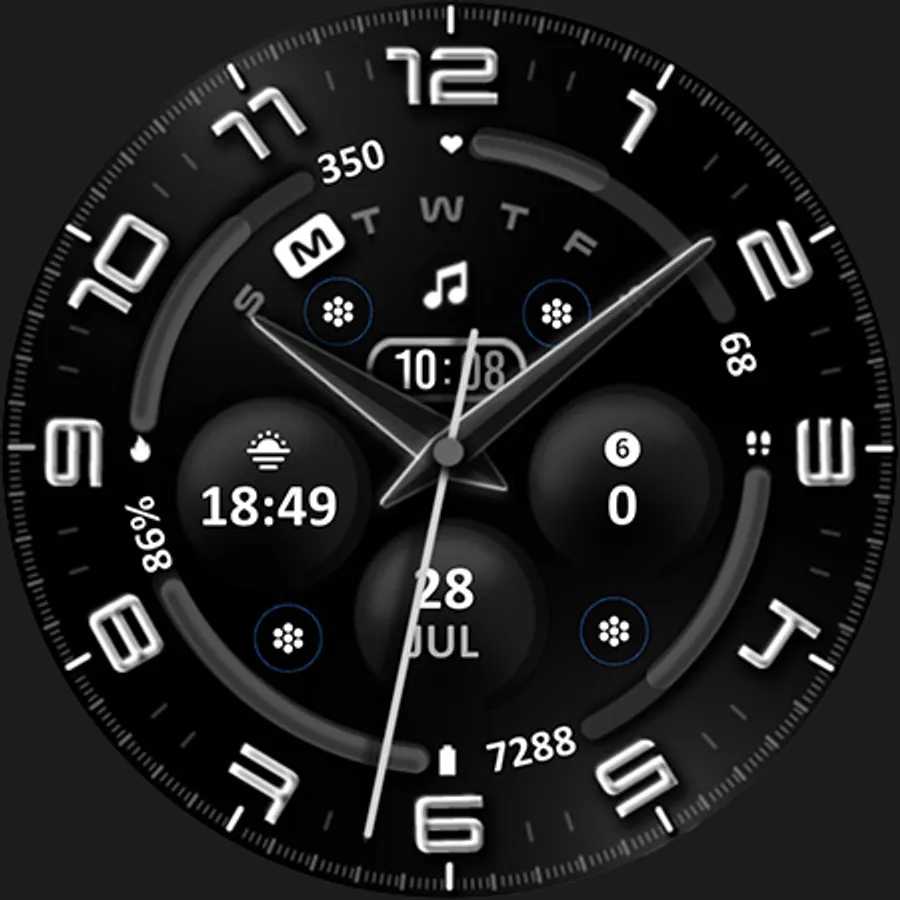
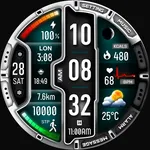
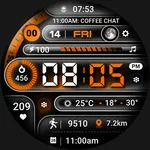
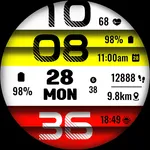
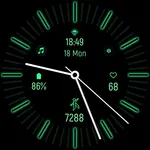
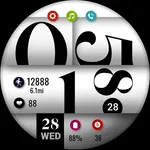
Stunning design meets ultimate control. Get instant info, customize your look with vibrant colors, and personalize your experience with editable complications. Elevate your wrist, elevate your life.
FEATURES:
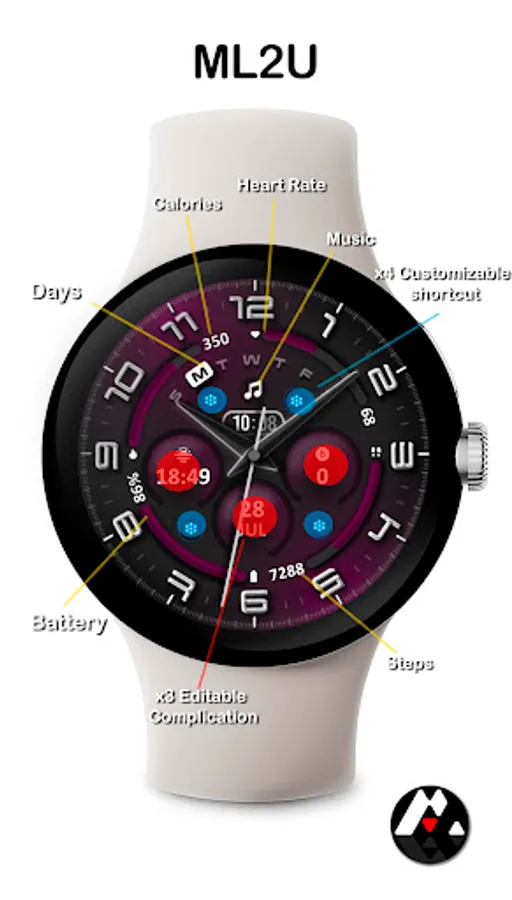
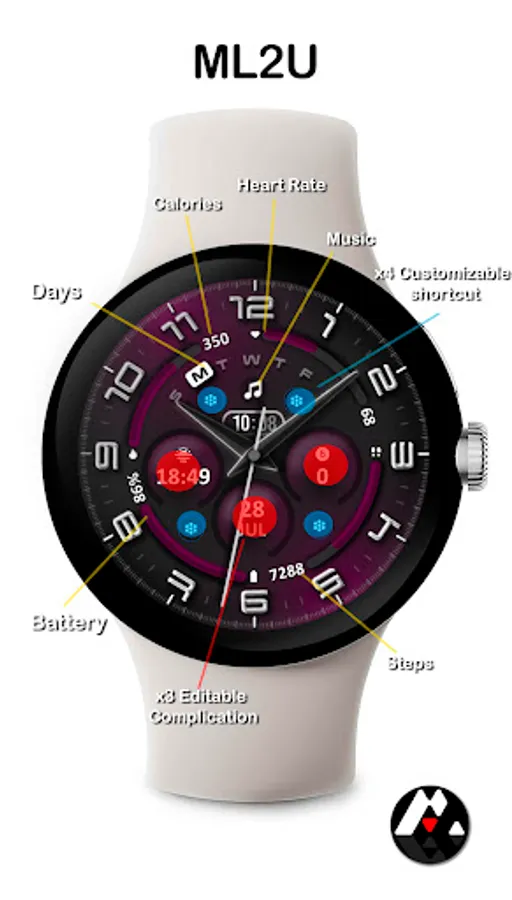
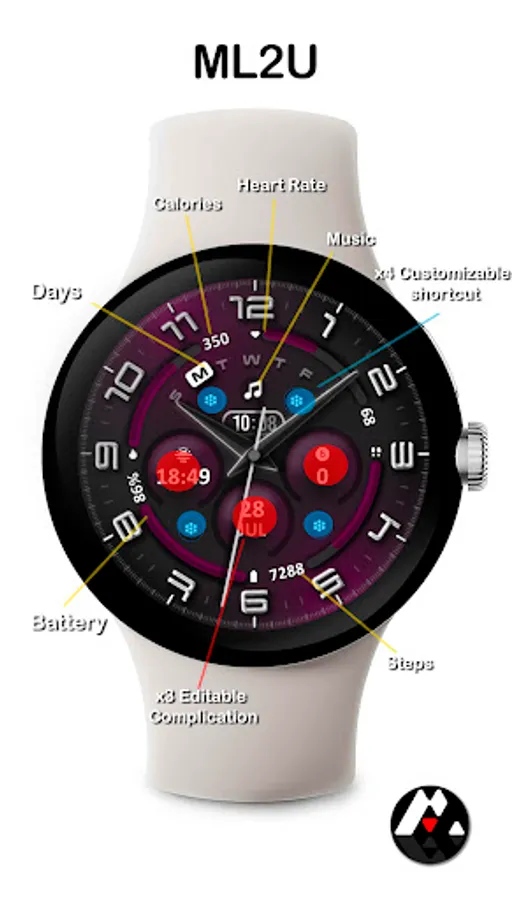
- 12/24hr based on phone settings
- Day/Date(Tap "1" for Calendar)
- Steps(Tap step text for detail)
- Heart Rate(Tap ''12" for detail)
- Battery (Tap "8" for detail)
- 4 customizable shortcuts
- 3 customizable complications
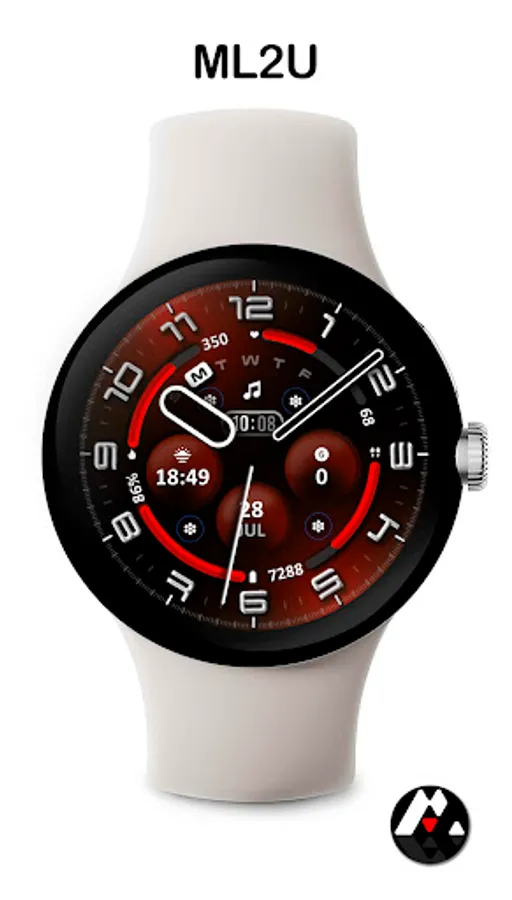
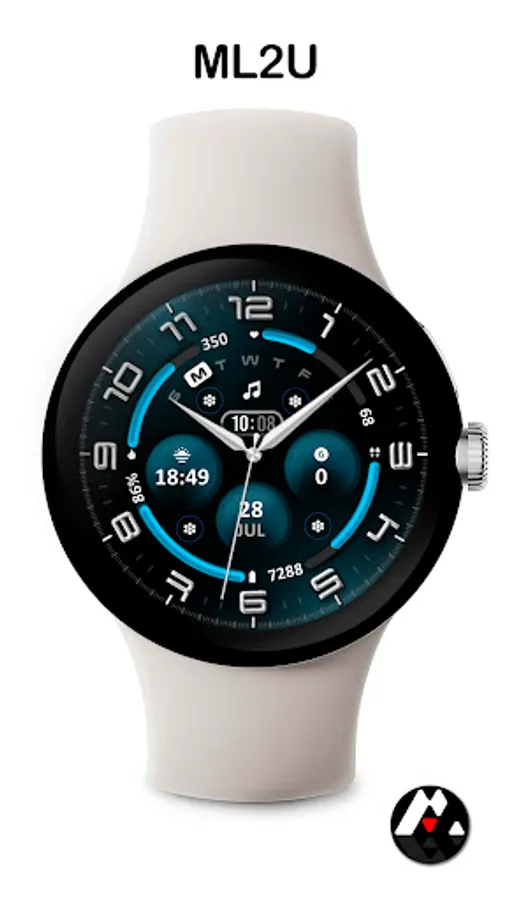
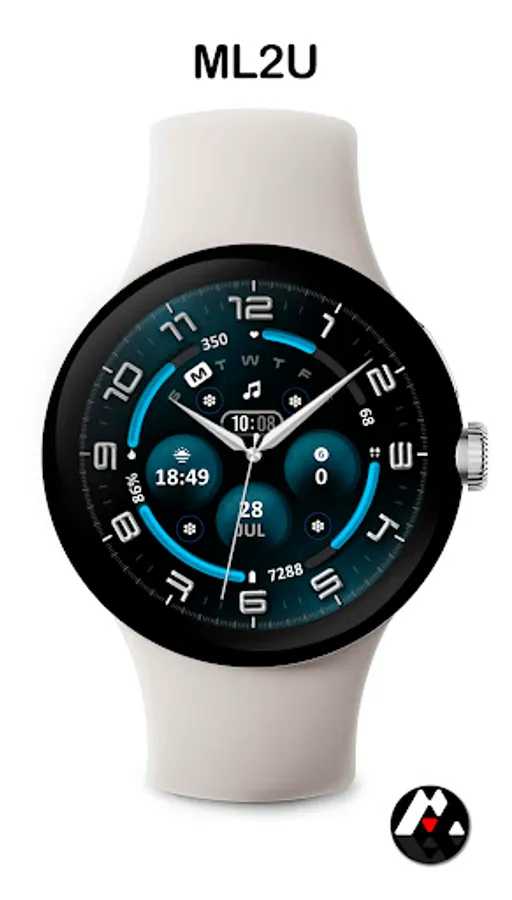
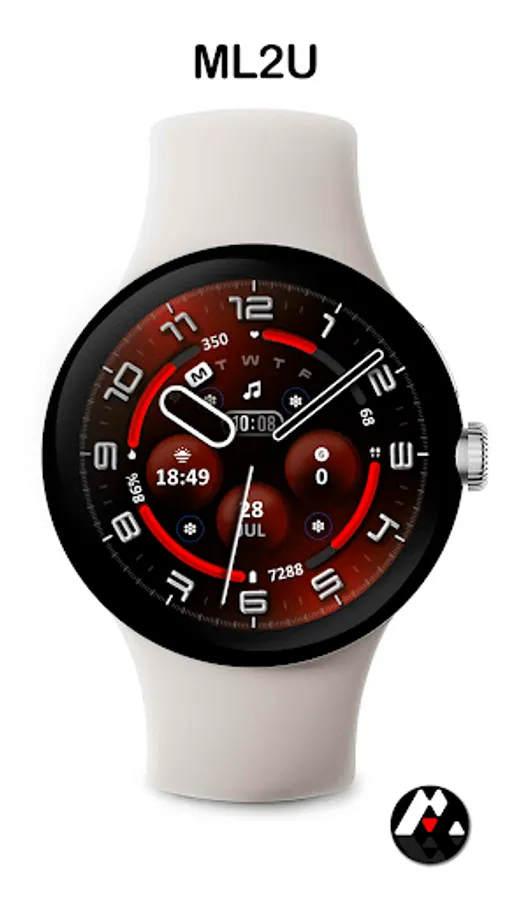
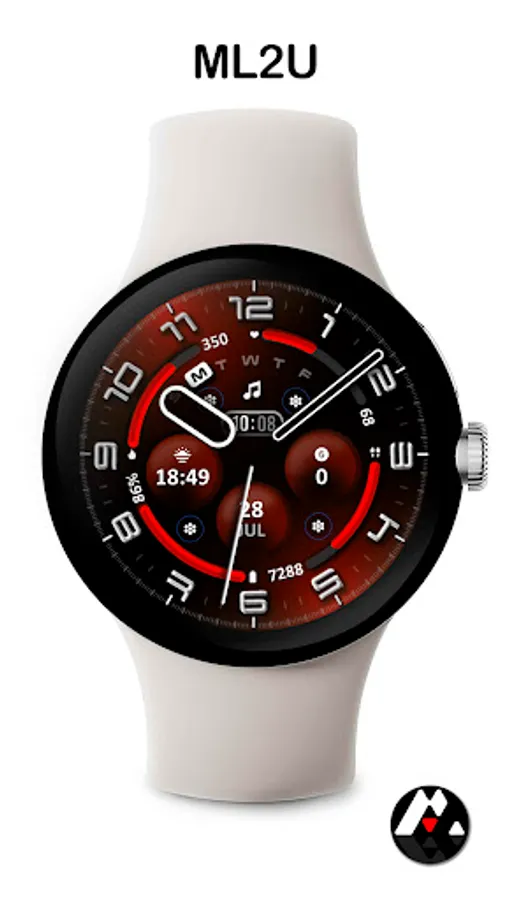
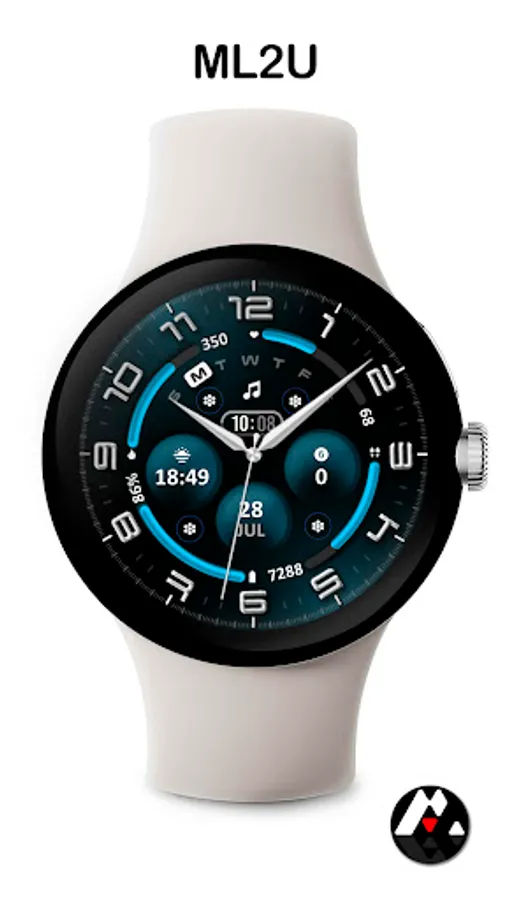
- Changeable color
- Changeable Analog hand
- Music
- Alarm(Tap Digital time)
- Message(Tap "3" the analog index )
- Phone(Tap "6" the analog index)
- Setting(Tap "9" the analog index)
To customise your watch face, simply touch and hold the display, then tap the Customise button.
This watch face is compatible with all Wear OS 5 or above devices.
Watch face don’t automatically apply on your watch screen after the installation. You need to set it on your watch’s screen.
Thank you very much for your support!!
ML2U
Stunning design meets ultimate control. Get instant info, customize your look with vibrant colors, and personalize your experience with editable complications. Elevate your wrist, elevate your life.
FEATURES:
- 12/24hr based on phone settings
- Day/Date(Tap "1" for Calendar)
- Steps(Tap step text for detail)
- Heart Rate(Tap ''12" for detail)
- Battery (Tap "8" for detail)
- 4 customizable shortcuts
- 3 customizable complications
- Changeable color
- Changeable Analog hand
- Music
- Alarm(Tap Digital time)
- Message(Tap "3" the analog index )
- Phone(Tap "6" the analog index)
- Setting(Tap "9" the analog index)
To customise your watch face, simply touch and hold the display, then tap the Customise button.
This watch face is compatible with all Wear OS 5 or above devices.
Watch face don’t automatically apply on your watch screen after the installation. You need to set it on your watch’s screen.
Thank you very much for your support!!
ML2U