AppRecs review analysis
AppRecs rating 3.7. Trustworthiness 92 out of 100. Review manipulation risk 19 out of 100. Based on a review sample analyzed.
★★★☆☆
3.7
AppRecs Rating
Ratings breakdown
5 star
67%
4 star
0%
3 star
0%
2 star
0%
1 star
33%
What to know
✓
Low review manipulation risk
19% review manipulation risk
✓
Credible reviews
92% trustworthiness score from analyzed reviews
✓
Good user ratings
67% positive sampled reviews
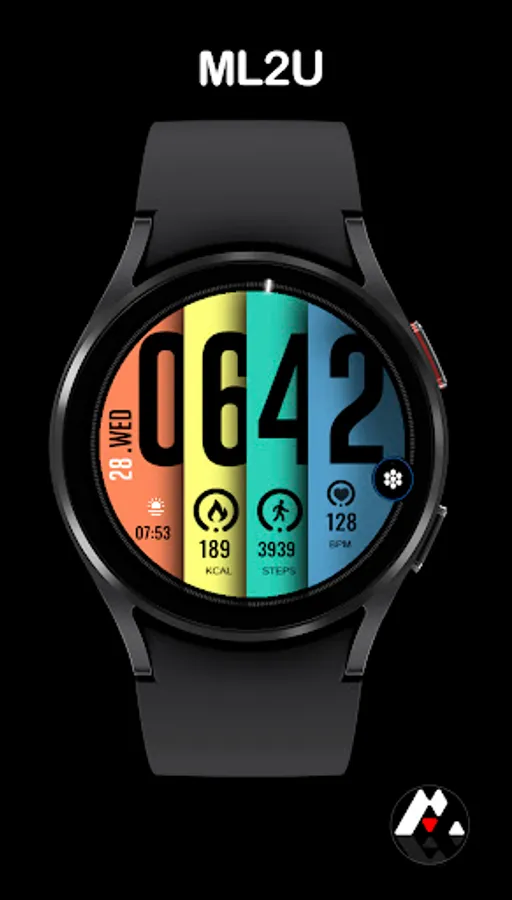
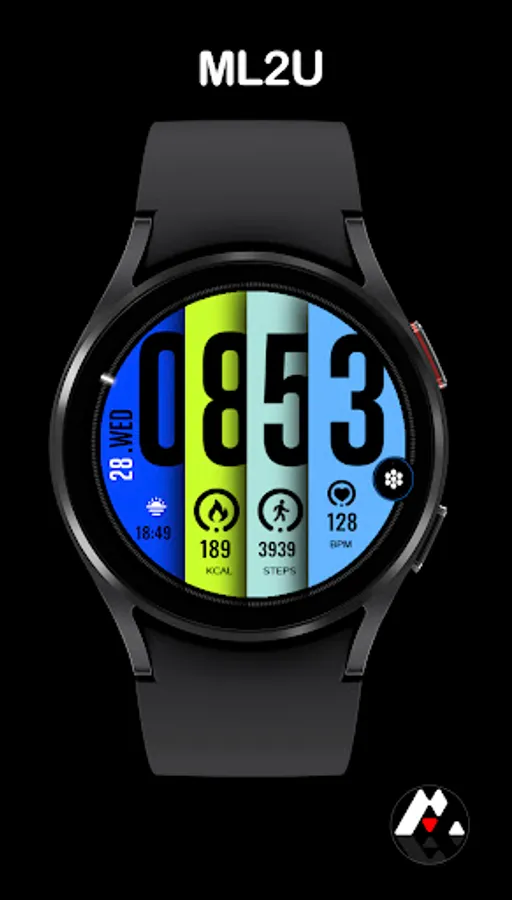
About ML2U 30N Watch Face
Modern Clarity on Your Wrist.
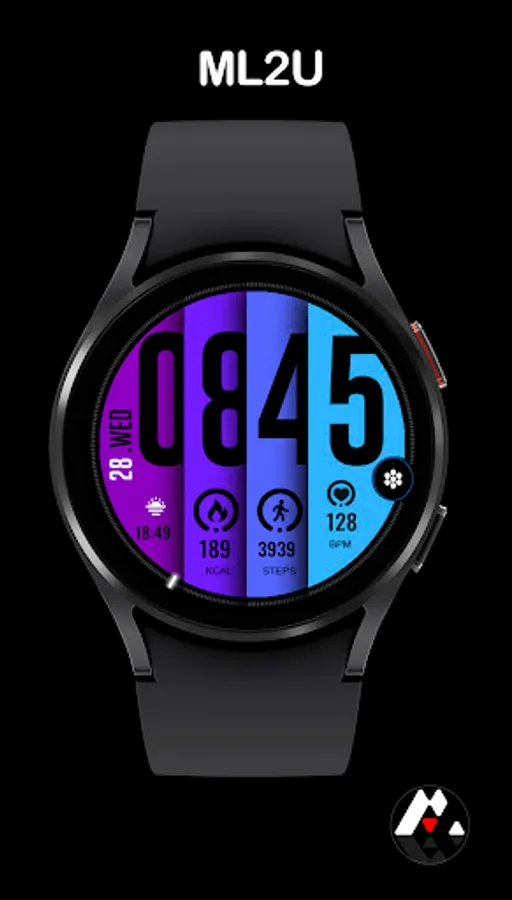
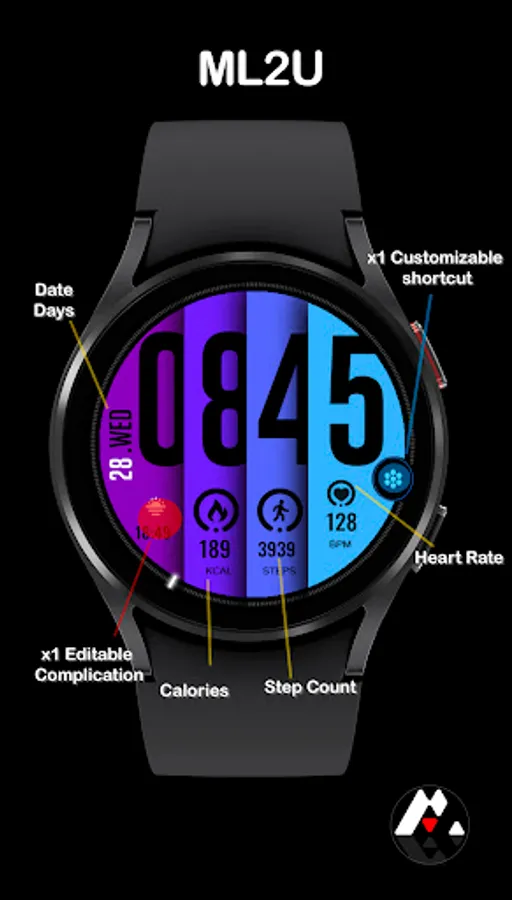
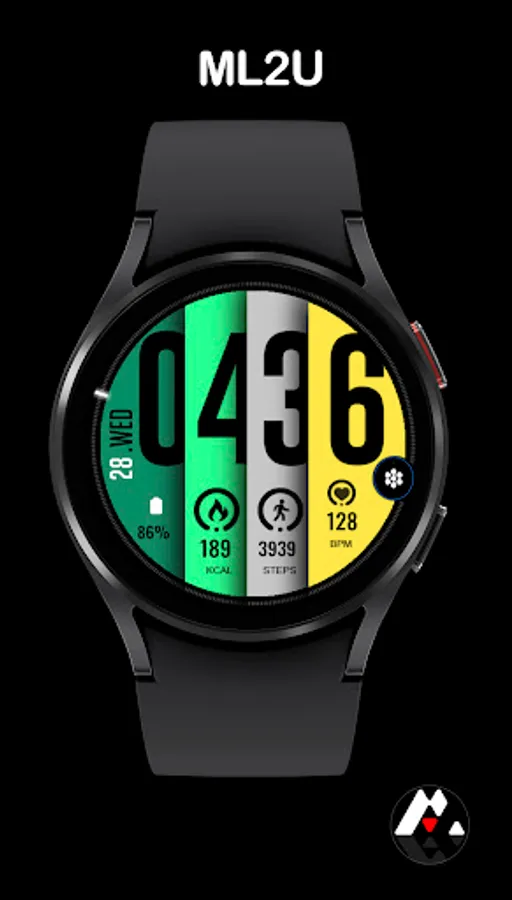
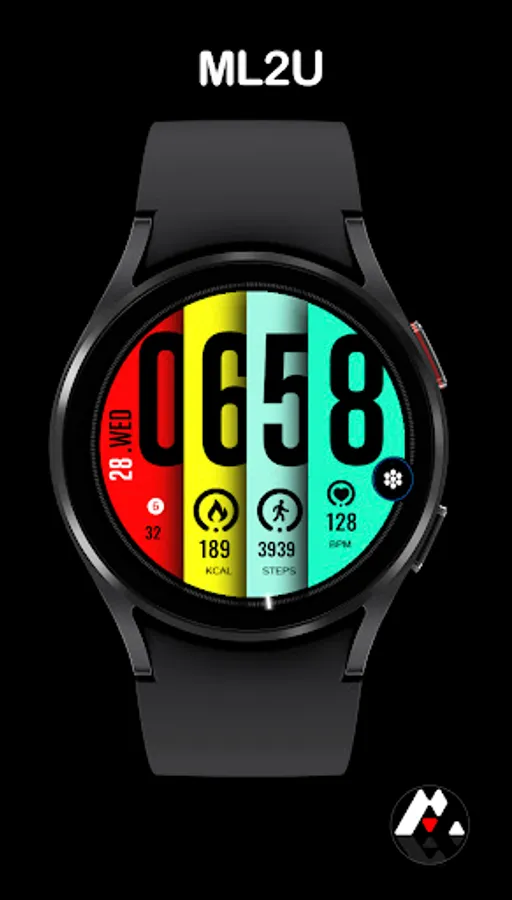
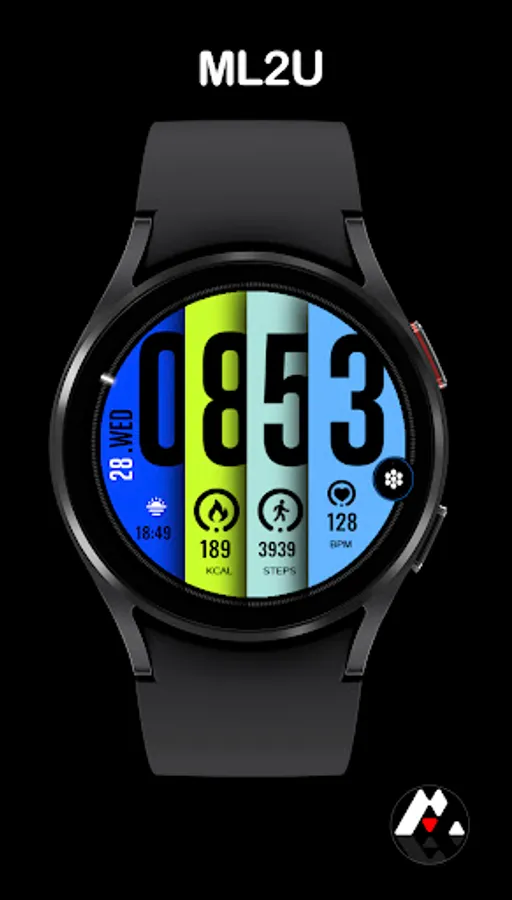
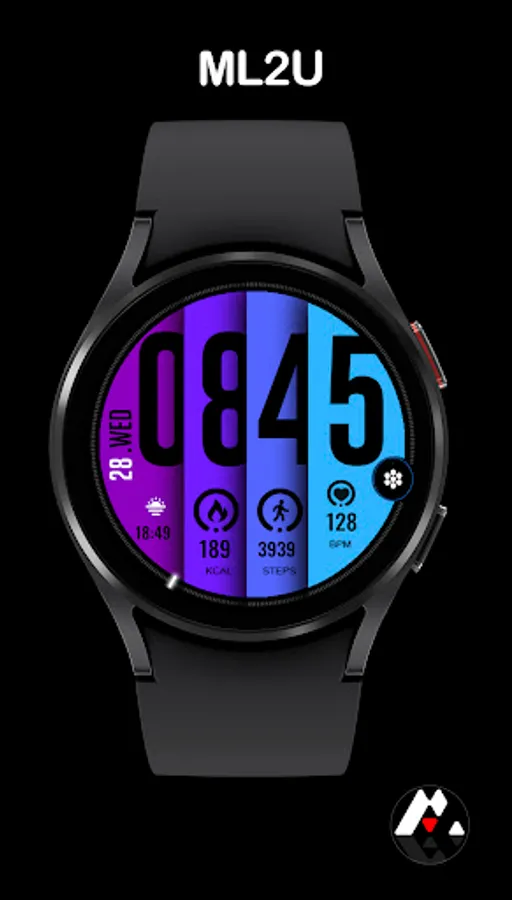
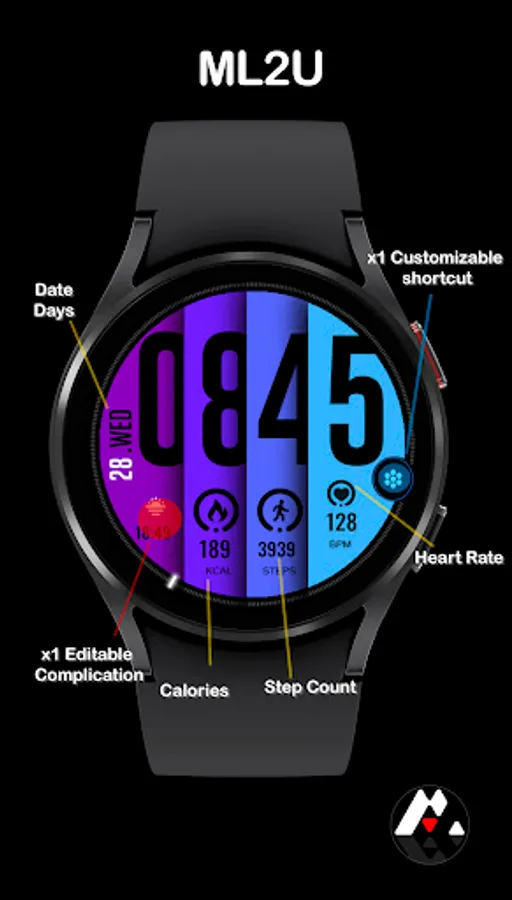
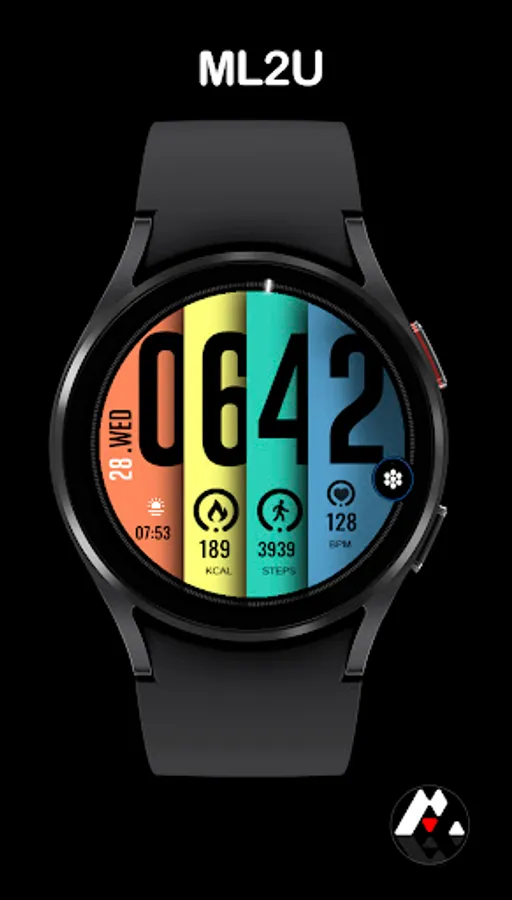
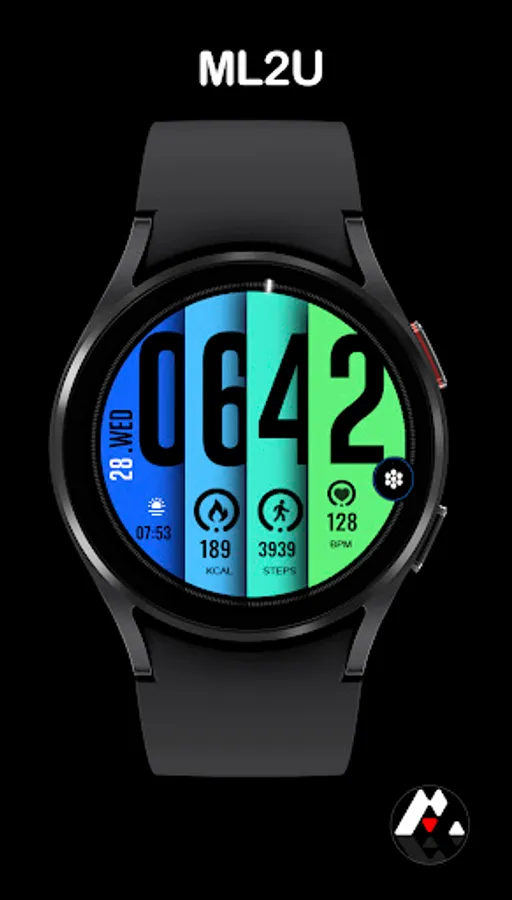
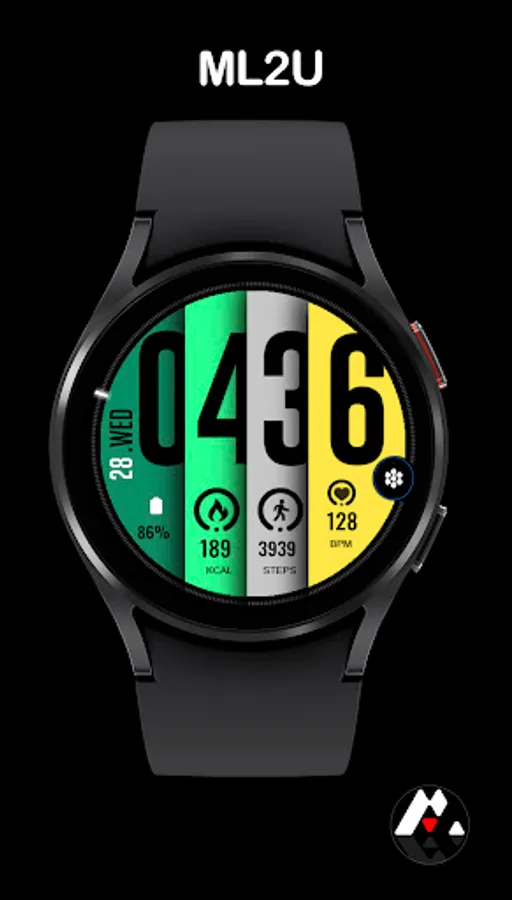
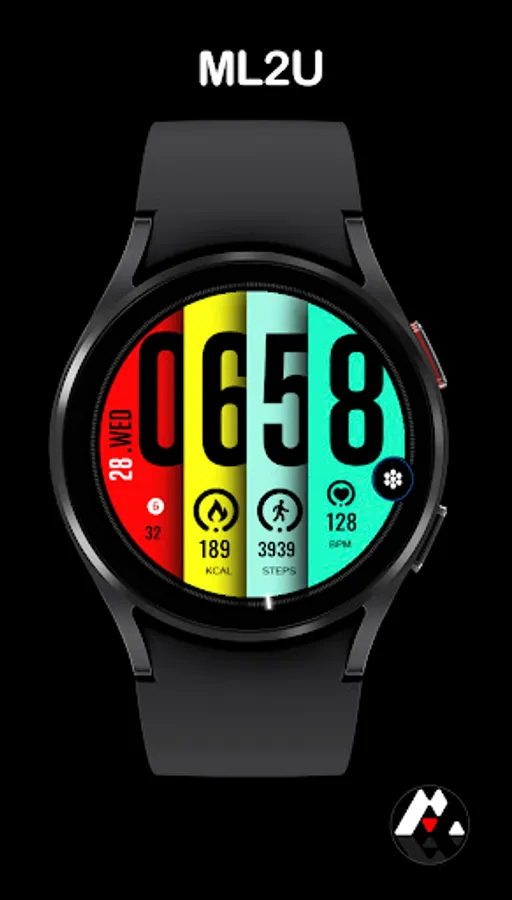
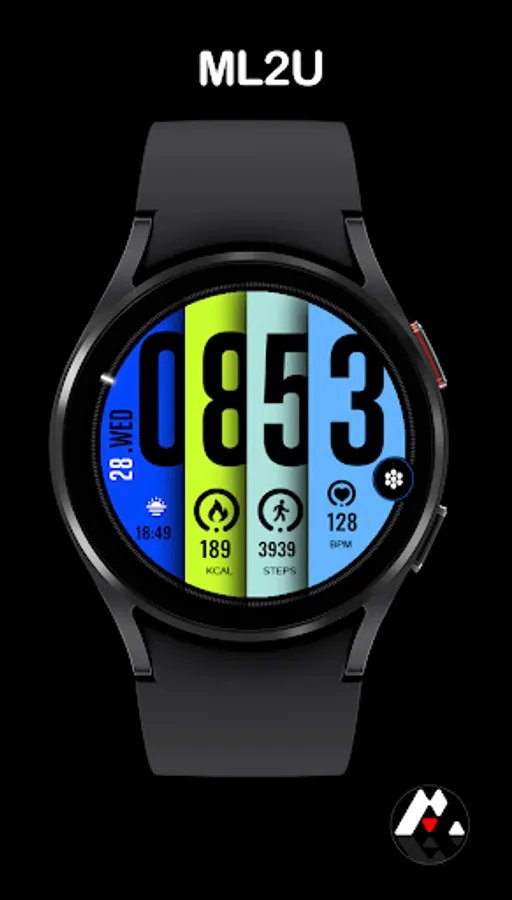
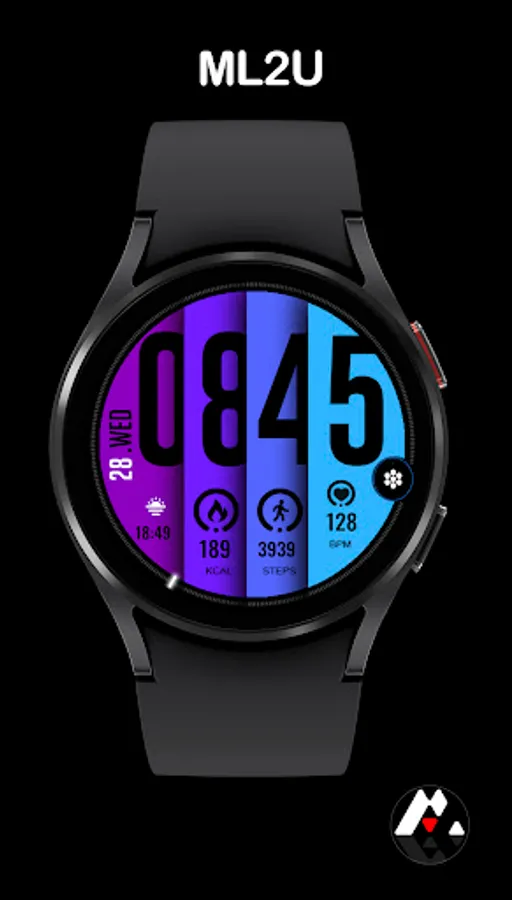
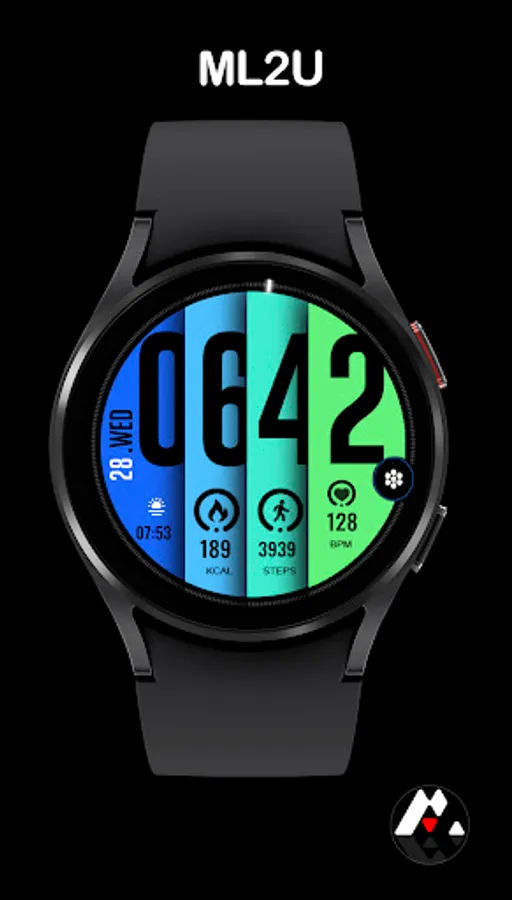
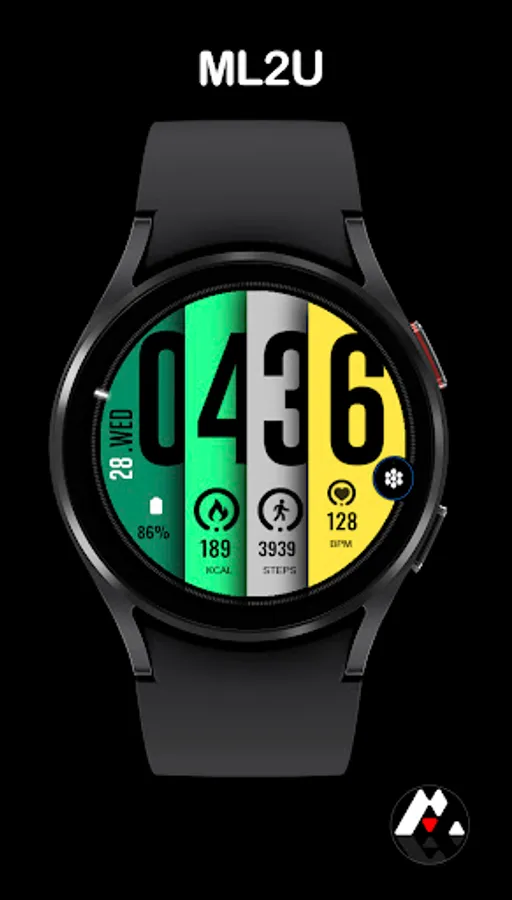
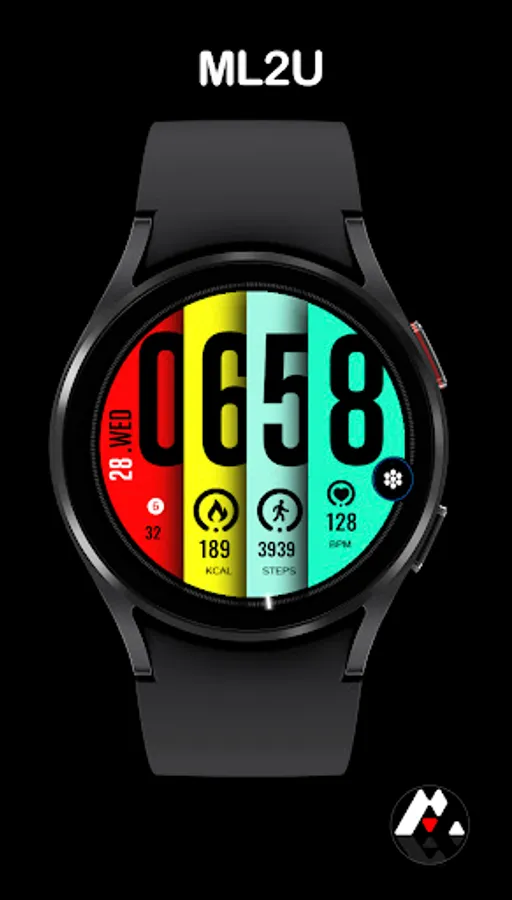
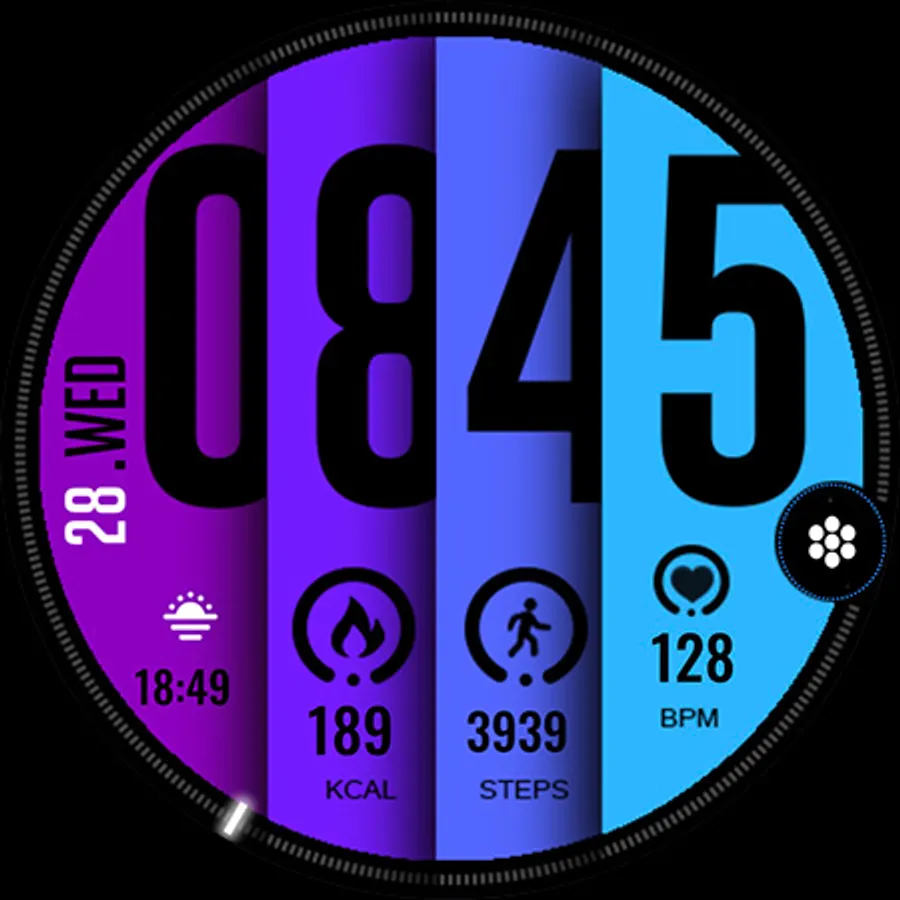
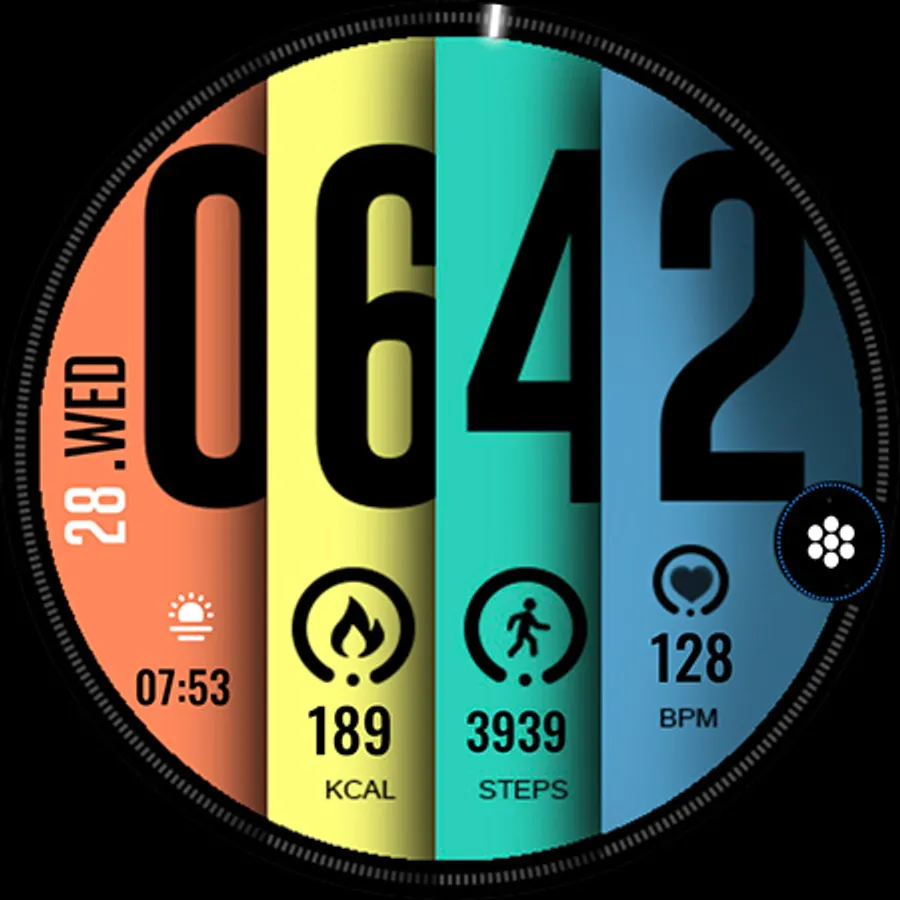
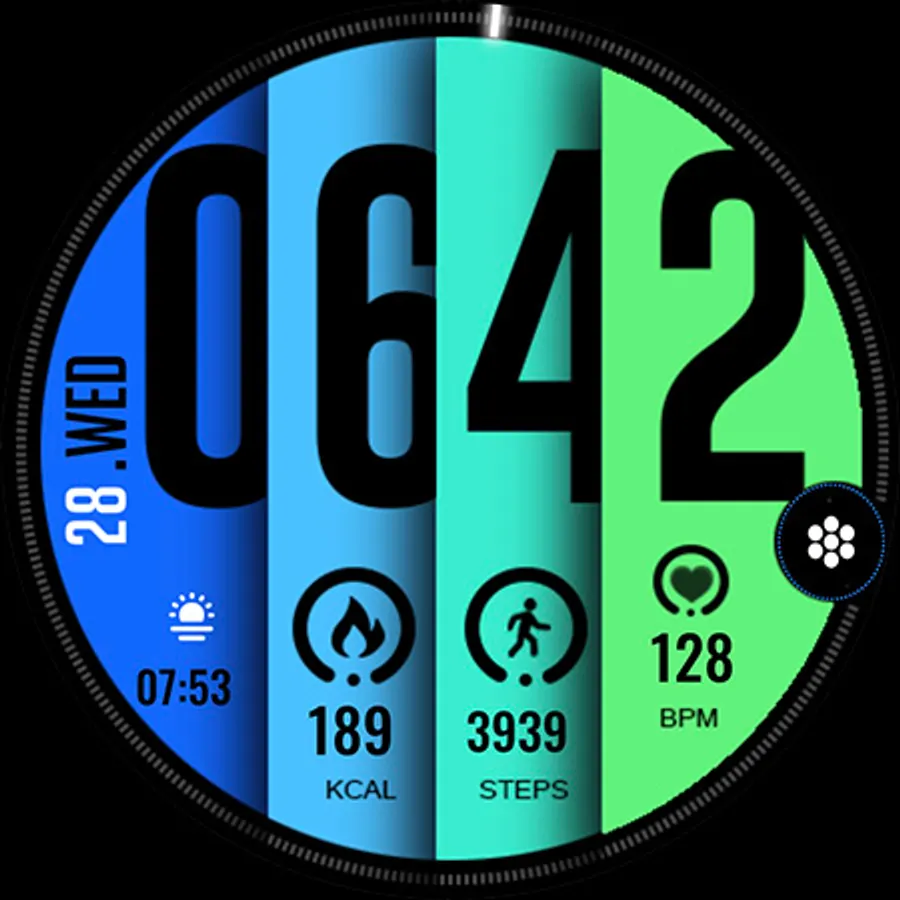
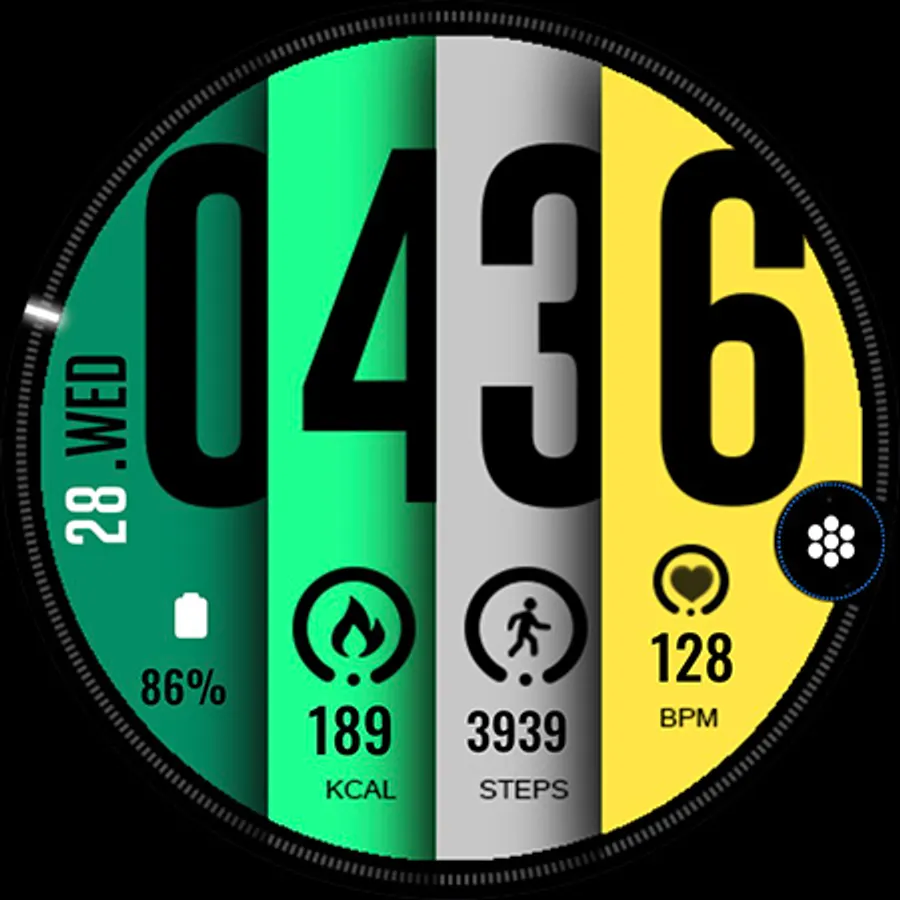
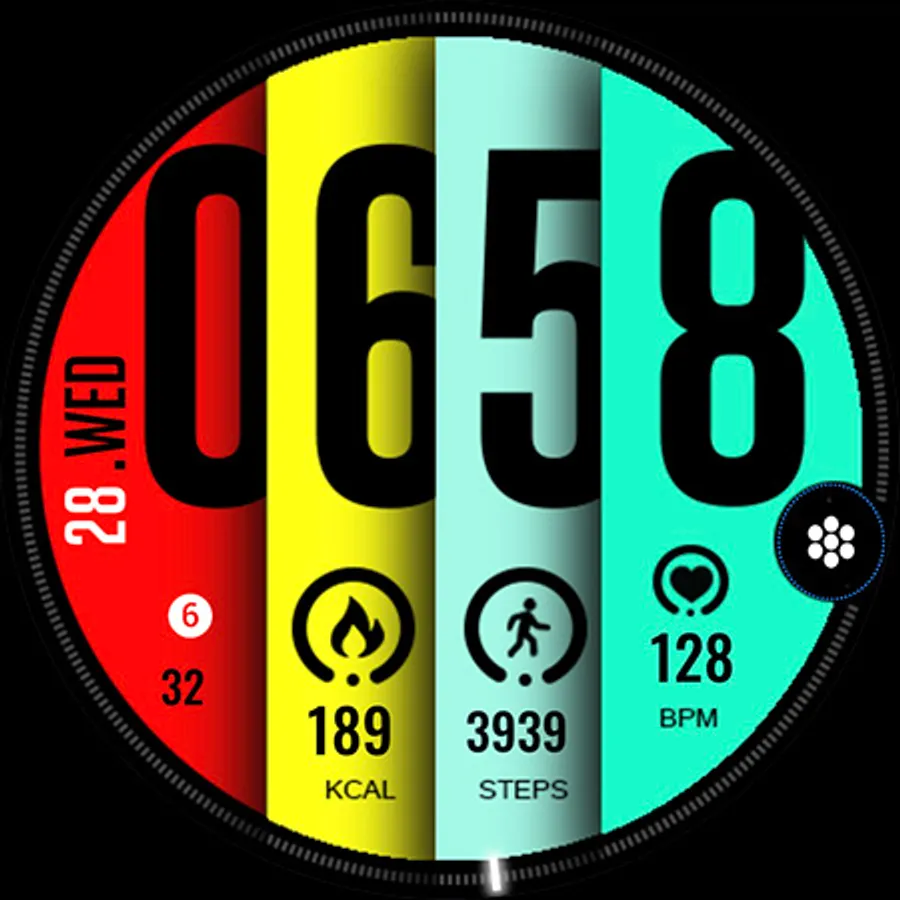
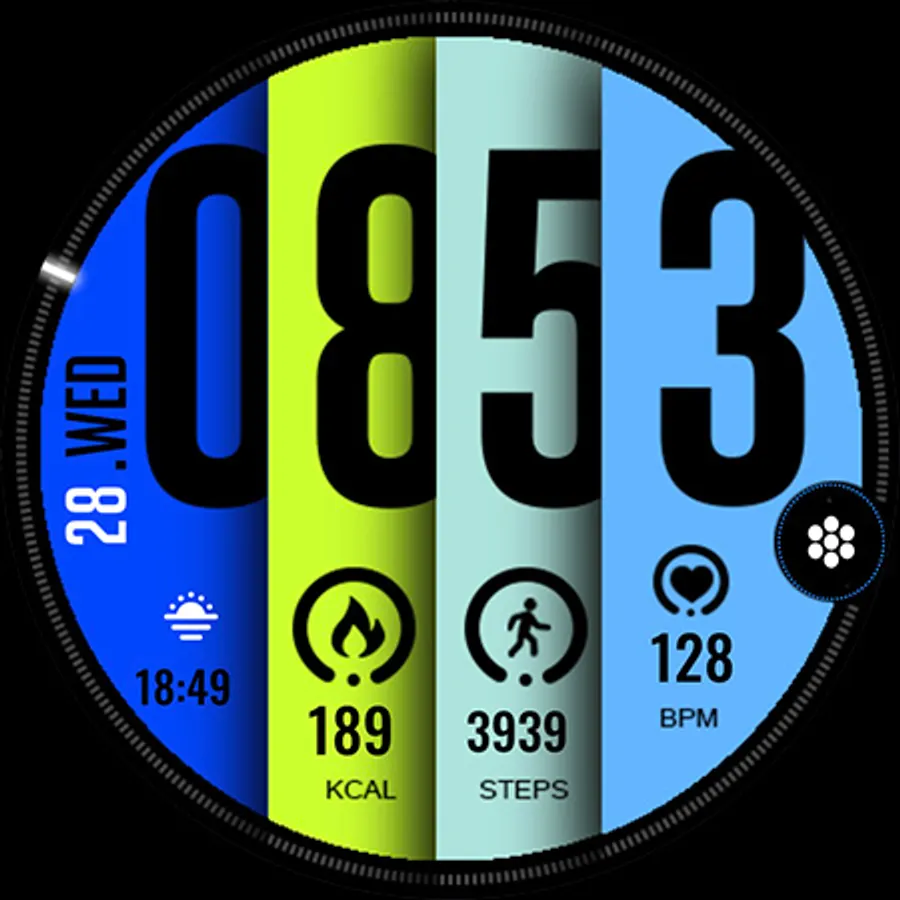
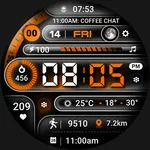
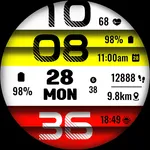
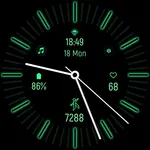
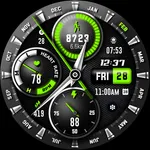
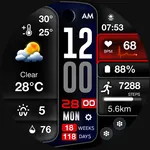
Stay effortlessly informed with this sleek watch face, featuring bold time display and essential health metrics at a glance.
FEATURES:
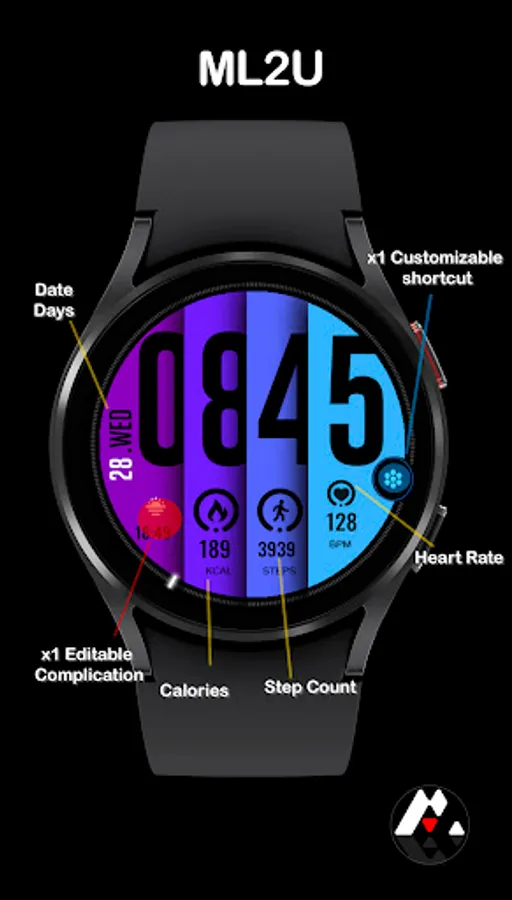
- Digital time
- Day/Date
- Steps
- Heart Rate
- Calories
- customizable shortcuts
- customizable complications
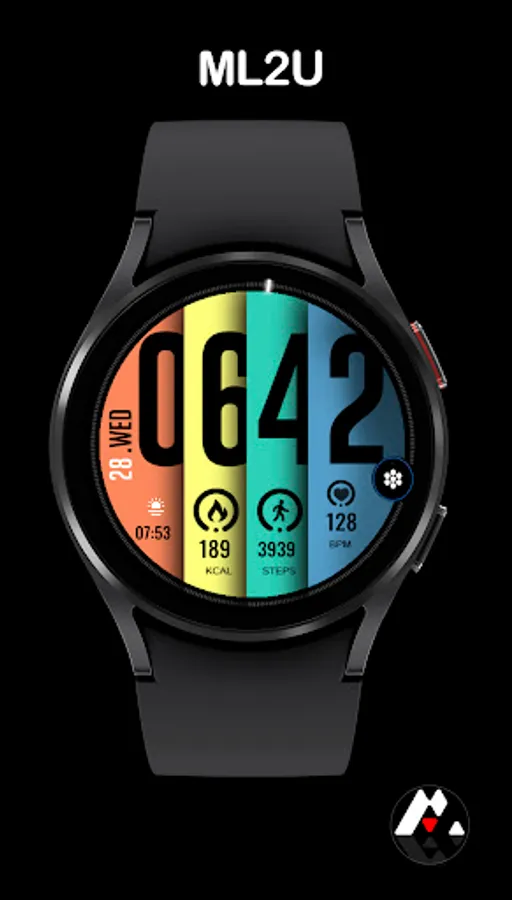
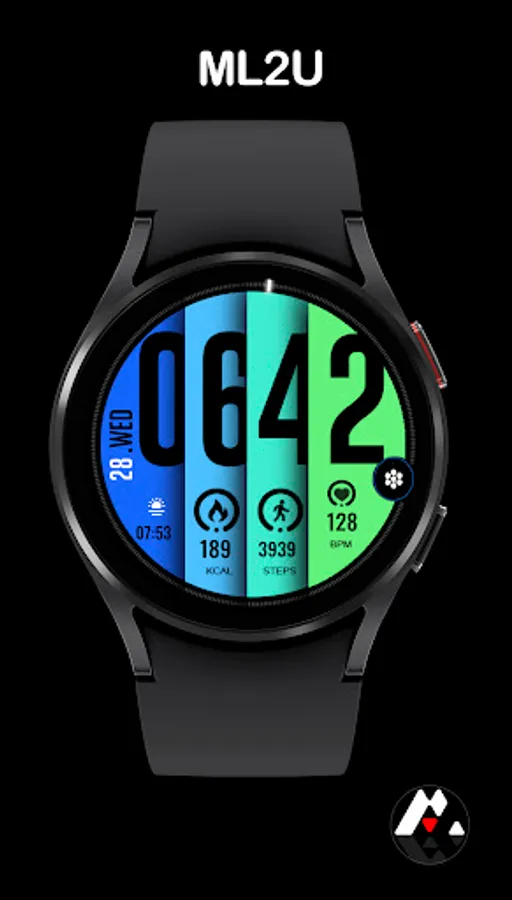
- Changeable background
- Calendar(Tap Day/date)
- Alarm(Tap Hour first digit)
- Message(Tap Hour second digit)
- Music(Tap Minute first digit)
- Setting(Tap Minute second digit)
To customise your watch face, simply touch and hold the display, then tap the Customise button.
This watch face is compatible with all Wear OS 5 or above devices, including Samsung Galaxy Watch 4, 5, 6, 7, Ultra, Pixel Watch, and others.
Watch face don’t automatically apply on your watch screen after the installation. You need to set it on your watch’s screen.
Thank you very much for your support!!
ML2U
Stay effortlessly informed with this sleek watch face, featuring bold time display and essential health metrics at a glance.
FEATURES:
- Digital time
- Day/Date
- Steps
- Heart Rate
- Calories
- customizable shortcuts
- customizable complications
- Changeable background
- Calendar(Tap Day/date)
- Alarm(Tap Hour first digit)
- Message(Tap Hour second digit)
- Music(Tap Minute first digit)
- Setting(Tap Minute second digit)
To customise your watch face, simply touch and hold the display, then tap the Customise button.
This watch face is compatible with all Wear OS 5 or above devices, including Samsung Galaxy Watch 4, 5, 6, 7, Ultra, Pixel Watch, and others.
Watch face don’t automatically apply on your watch screen after the installation. You need to set it on your watch’s screen.
Thank you very much for your support!!
ML2U