Task and Reward Tracker
Web Coast Apps - Apps For Life
4.4 ★
44 ratings
1,000+
downloads
Free
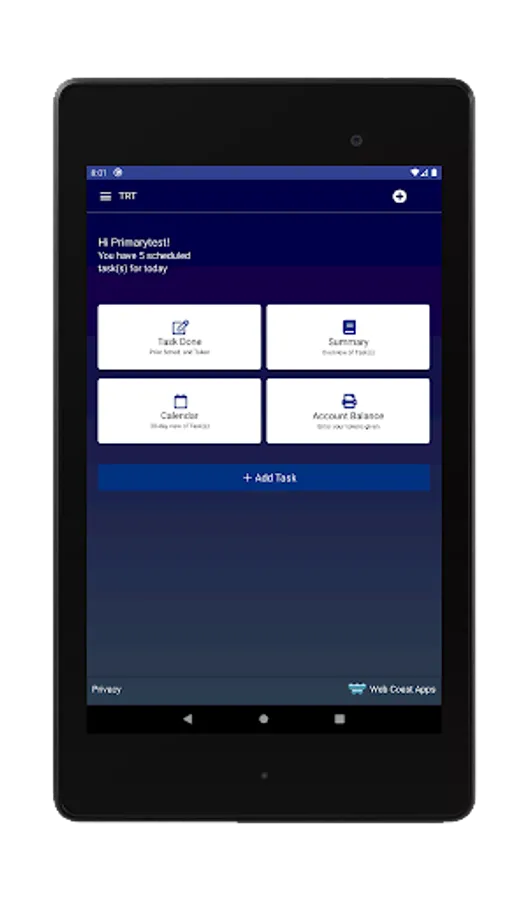
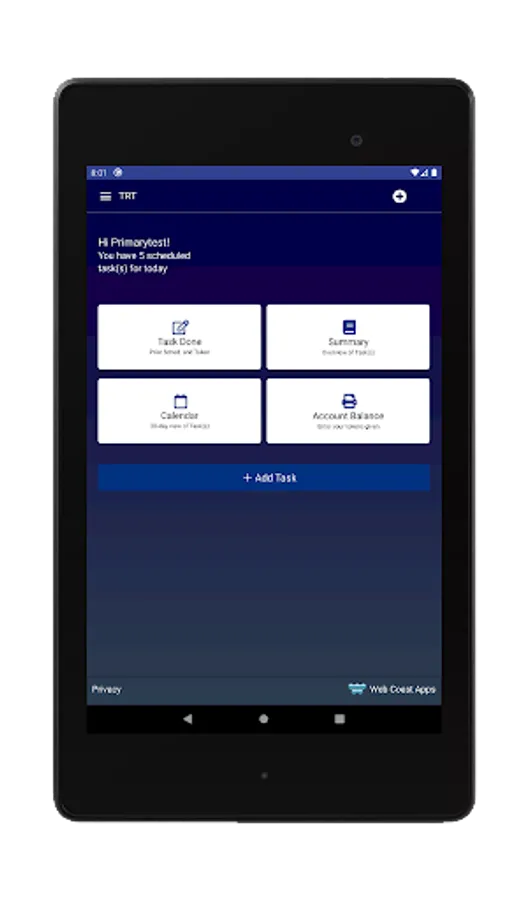
In this task and reward tracker app, you can assign tasks, set reward tokens, and monitor completion status. Includes user management, notification alerts, and task scheduling features.
AppRecs review analysis
AppRecs rating 4.4. Trustworthiness 74 out of 100. Review manipulation risk 38 out of 100. Based on a review sample analyzed.
★★★★☆
4.4
AppRecs Rating
Ratings breakdown
5 star
81%
4 star
7%
3 star
2%
2 star
0%
1 star
10%
What to know
✓
Credible reviews
74% trustworthiness score from analyzed reviews
✓
High user satisfaction
88% of sampled ratings are 4+ stars (4.4★ average)
About Task and Reward Tracker
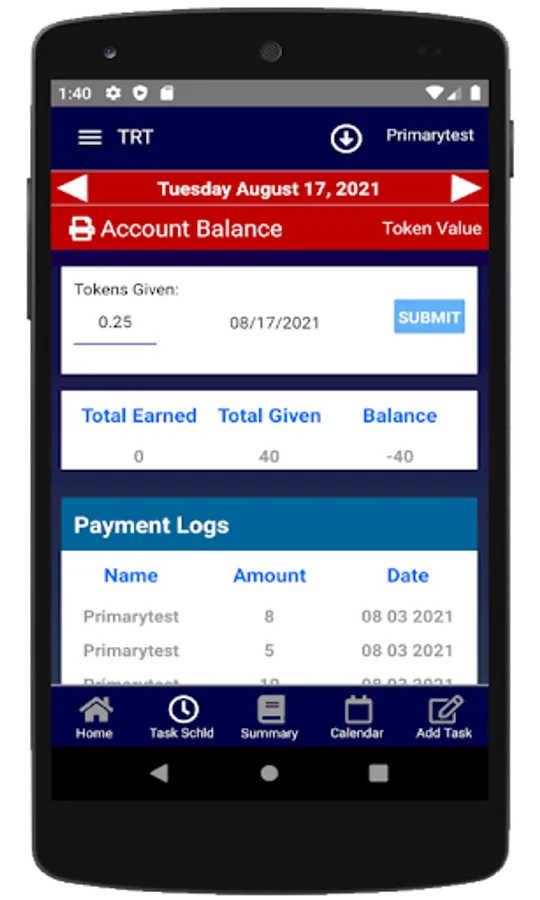
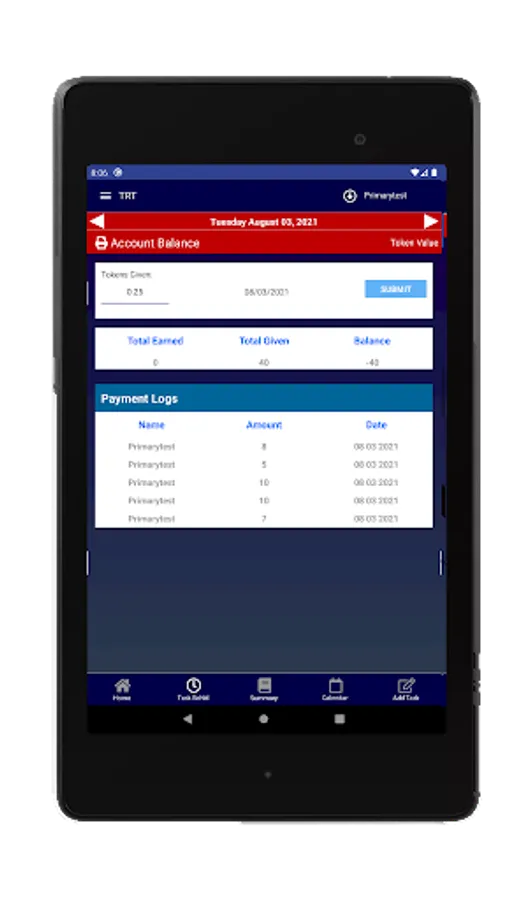
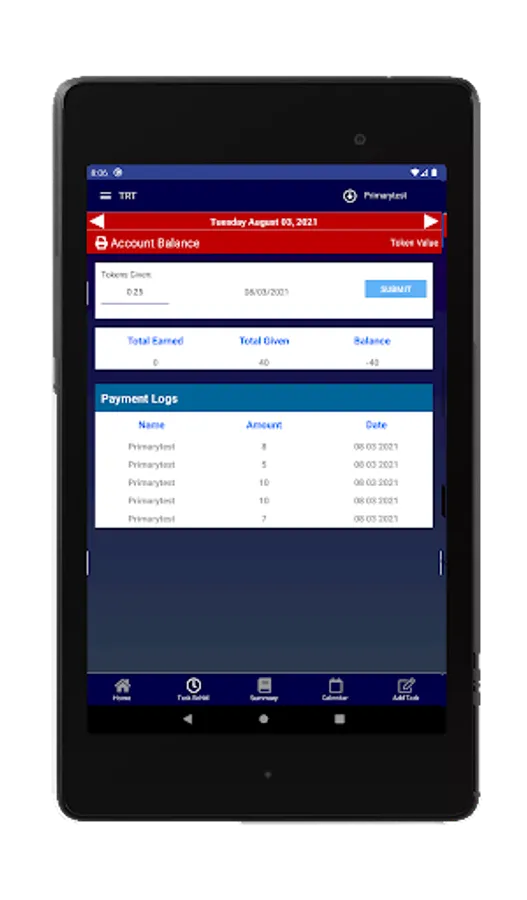
This is a task tacker and chore App with the capability to assign tokens (rewards) to each task. The Primary User (eg parent) can add tasks (chores) and rewards for Others (eg Dependents). The individual tasks can have different values. Chores can be assigned and tracked for the whole family by the Parent. The total value of tasks completed are accumulated and can be paid at any time. A balance is always kept and Tokens can be given a value, eg one token equals 10 cents, or you can convert tokens to something else, eg video play time.
This is a new App with advance capabilities, and unfortunately users will have to tolerate frequent updates.
Watch videos to learn more:
https://webcoastapps.com/trt-get-started/
The app is designed for creating tasks either for yourself or others. All tasks and users are synchronized, but everything is controlled and managed by the Primary User (Parent). If you assign tasks or chores for yourself, you will get reminders by email, app system notifications or SMS messages.
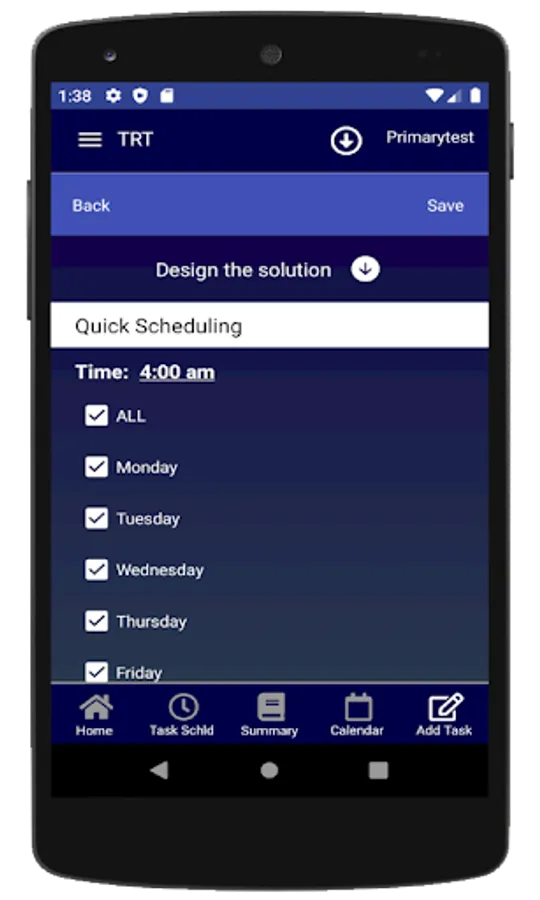
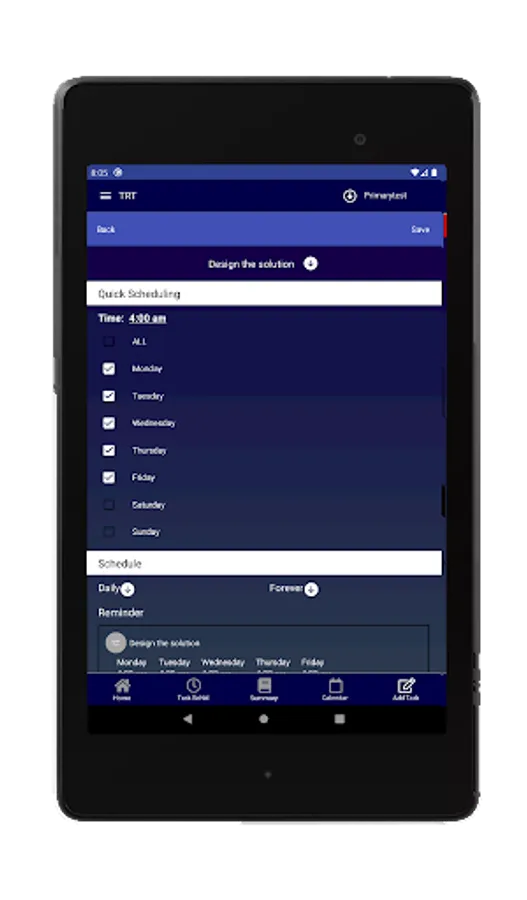
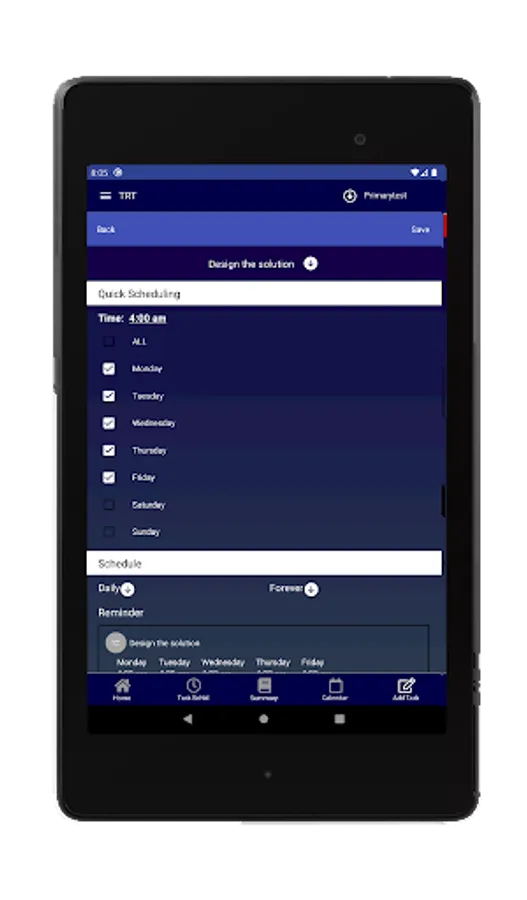
It is easy to set up repetitive tasks which can be assigned to another user. Tasks can be assigned daily or for a specific day of the week. The Primary User can setup tasks for an unlimited number of Other users, were Other users will only see tasks assigned to them.
After completing a task, the parent automatically receives a notification and can see when each task was entered as completed. The Primary user can reject any task at any time.
Watch videos to learn more:
https://webcoastapps.com/trt-get-started/
Main functionalities:
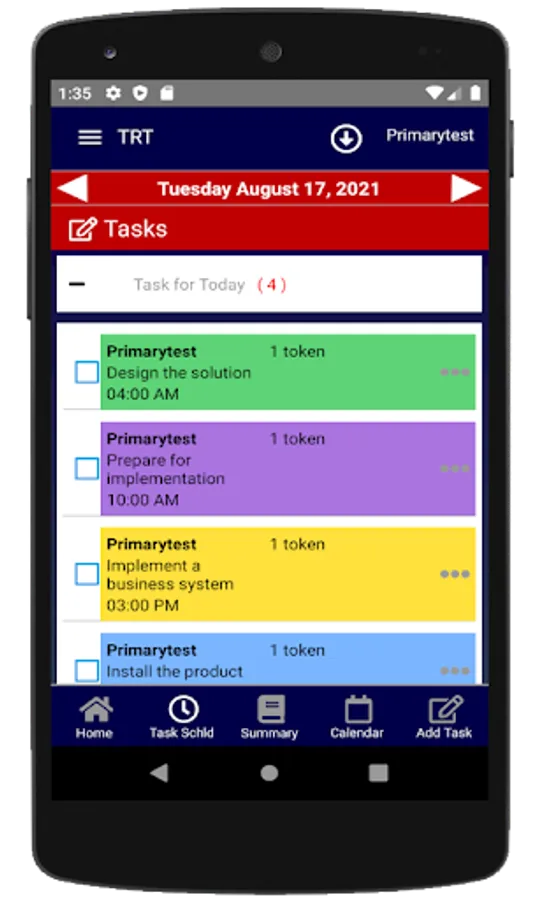
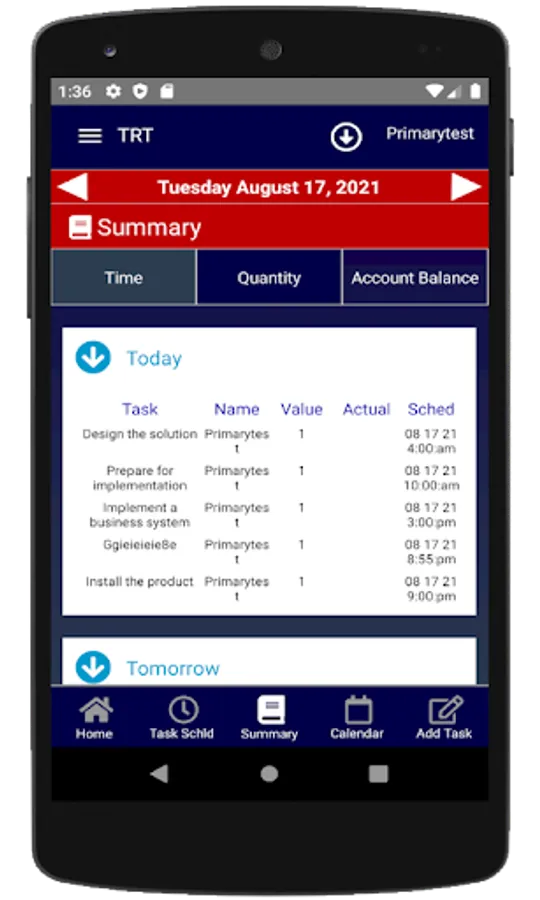
- Task table for both Primary and Others users
- Notifications
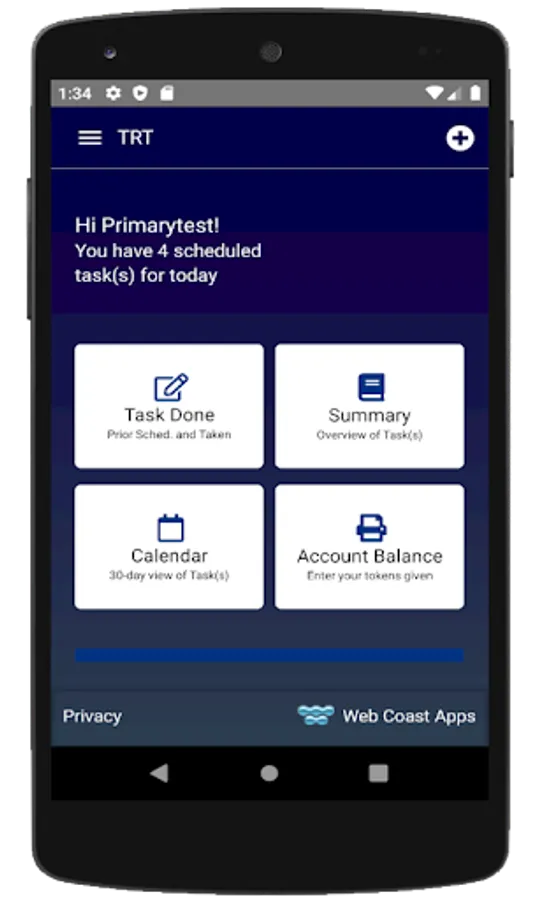
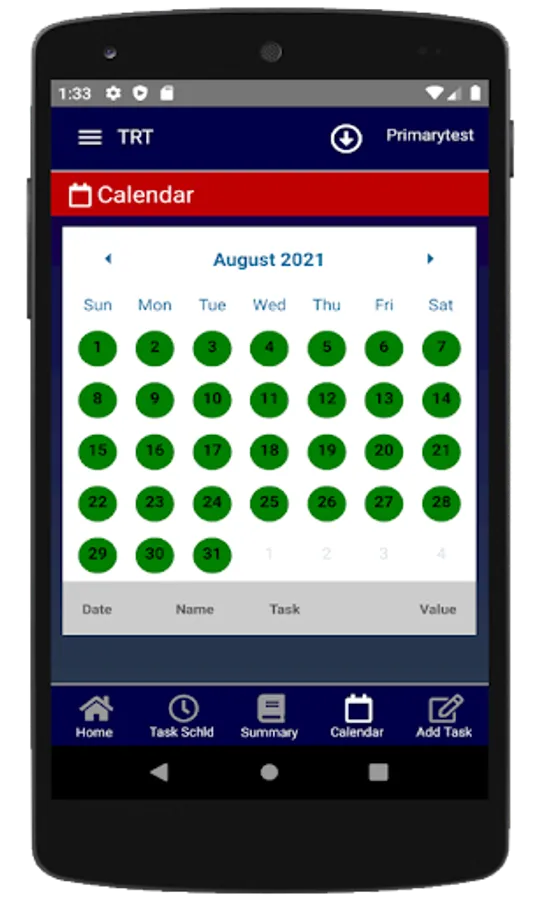
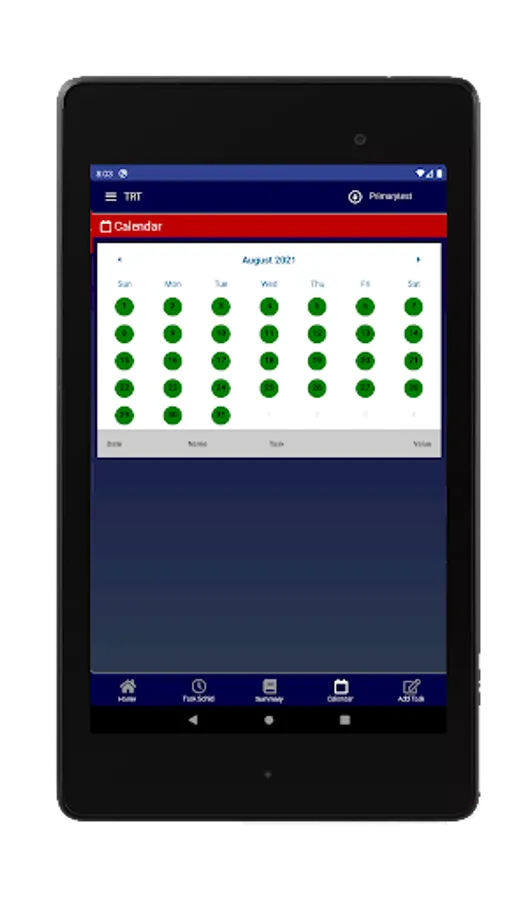
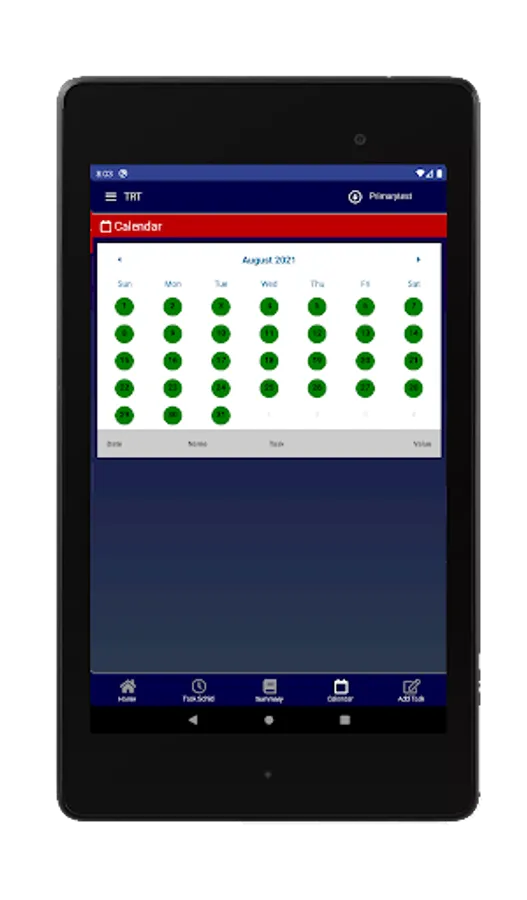
- A calendar showing the list of tasks for the day.
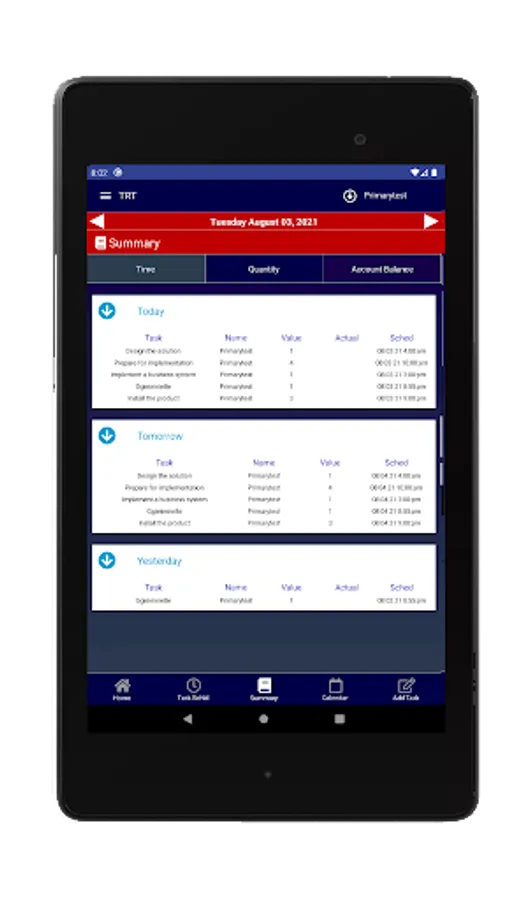
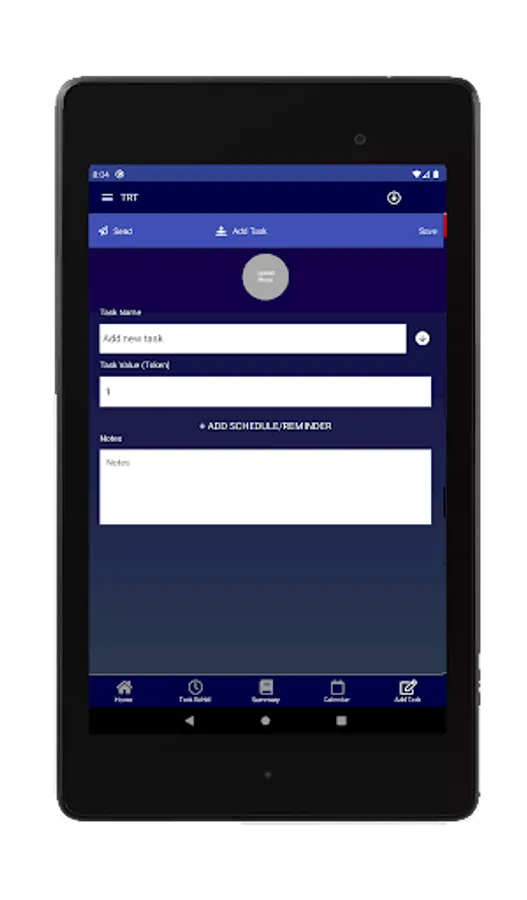
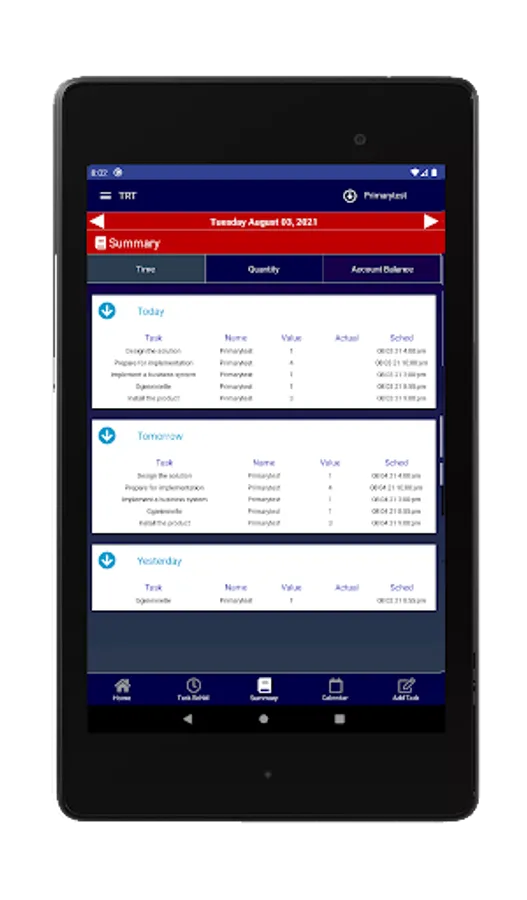
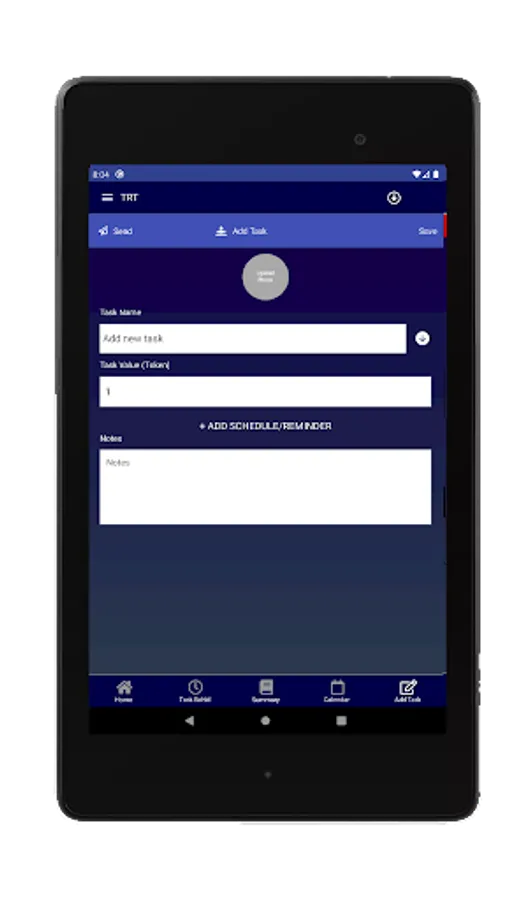
- Lists of tasks and rewards with individual values.
- Different type of tasks: everyday, days of week, exact date.
- Account records, and Balance for each user.
How does it work?
For Primary User (Parents):
1. Log in with Google, Facebook or sign up as a new account
2. Select “I’m am Primary User” from the Users, under Settings in the main menu.
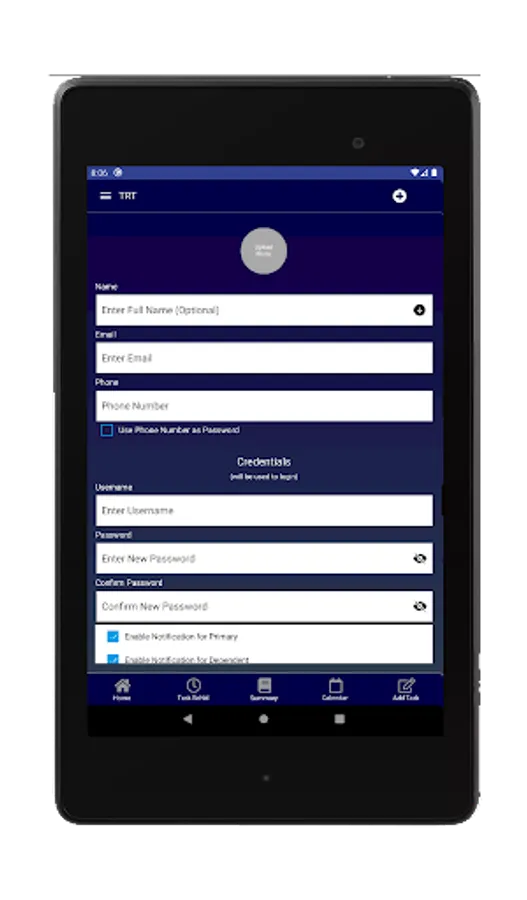
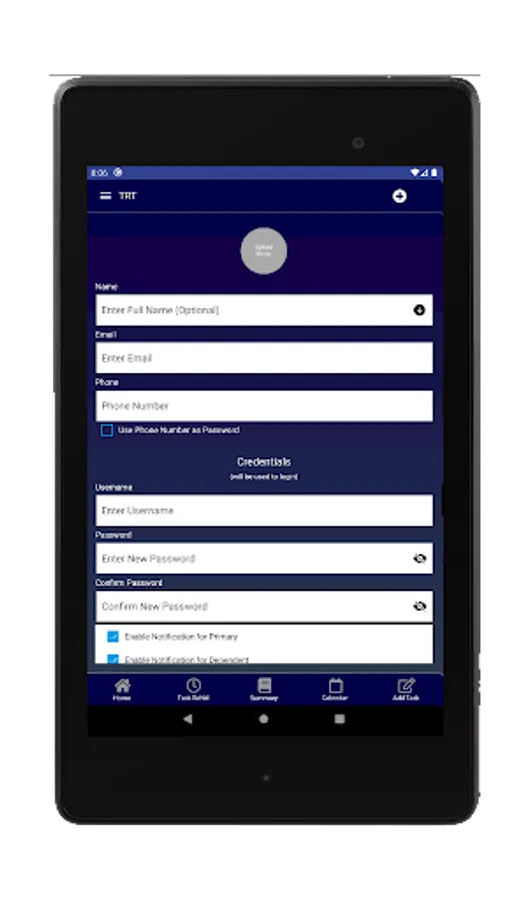
3. Define Others/Dependents, also in the User page.
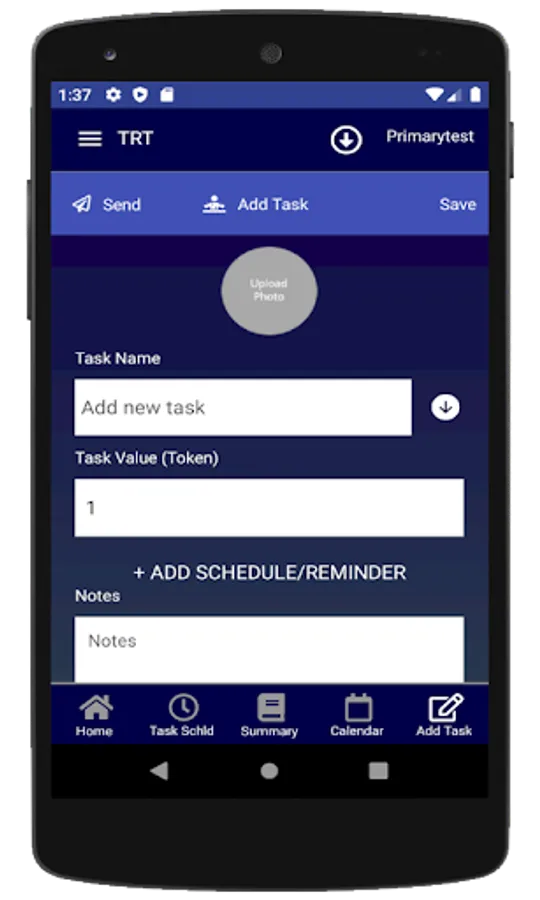
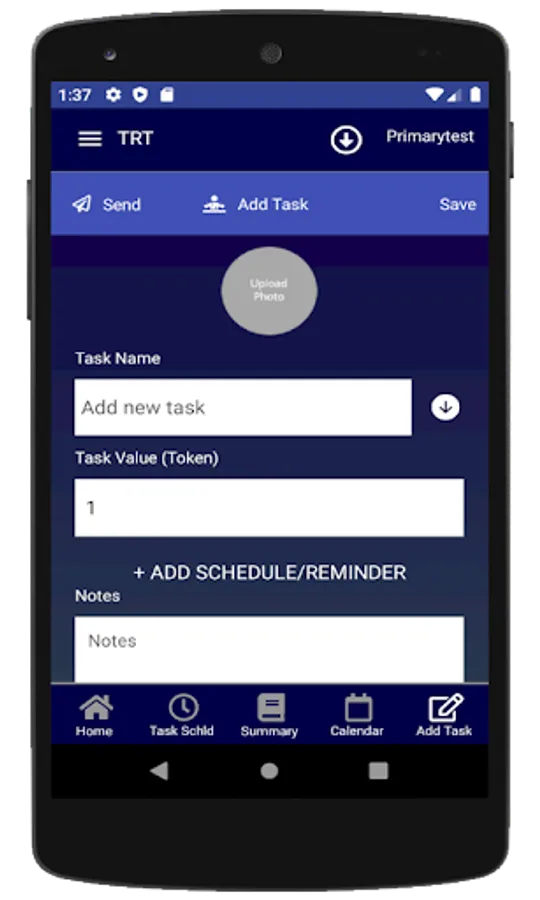
4. Create Tasks for Other users
5. The application is now fully functional and Other users will be assigned tasks for any day of week and any time of the day.
Other Users (Dependents)
1. Install TRT, and login , to see your assigned tasks.
(Dependents/Others login using INFO provided by the Primary user)
2. Get notified when a task is scheduled.(both Primary and Dependents can get notified at the same time.
(see all task defined by the Primary user on the TASK page)
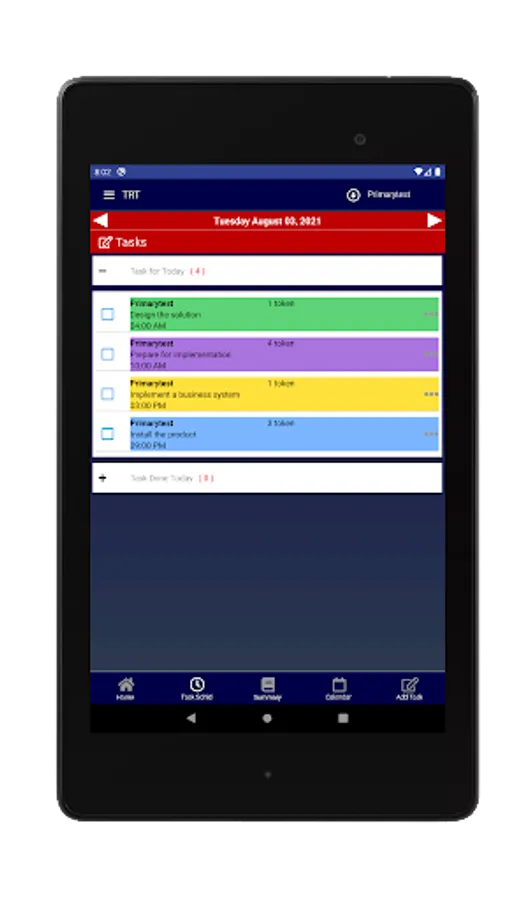
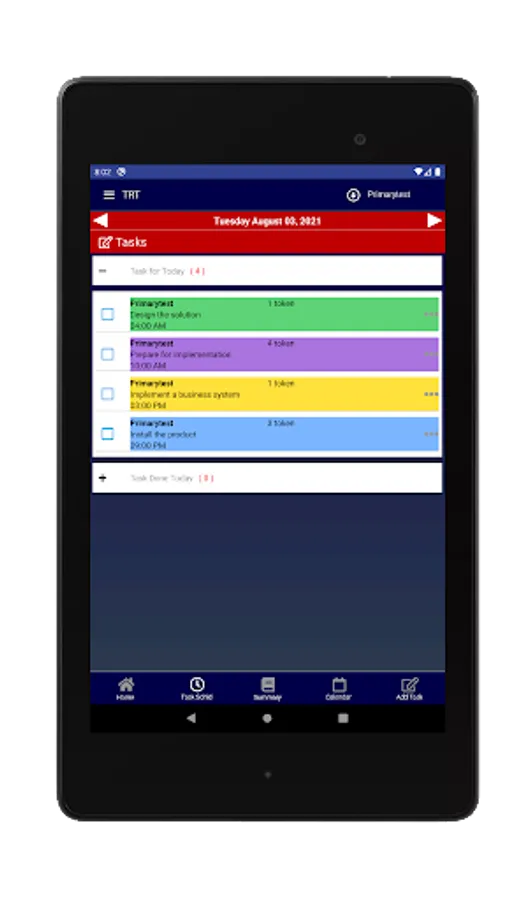
3. Mark when a task has been started or completed.
(Select the small circle next to the Task on the Tasks Schld page)
(When selected, the task will move to the Task Done Today list
(If selected again from the Task Done Today List,
it will transfer back to the Task Schld table)
(action by dependents will show up on Primary's device)
The Primary user can see when a task has been marked as completed. A task can be un-checked if not completed to the Primary's satisfaction.
Watch video to learn more:
https://webcoastapps.com/trt-get-started/
This is a new App with advance capabilities, and unfortunately users will have to tolerate frequent updates.
Watch videos to learn more:
https://webcoastapps.com/trt-get-started/
The app is designed for creating tasks either for yourself or others. All tasks and users are synchronized, but everything is controlled and managed by the Primary User (Parent). If you assign tasks or chores for yourself, you will get reminders by email, app system notifications or SMS messages.
It is easy to set up repetitive tasks which can be assigned to another user. Tasks can be assigned daily or for a specific day of the week. The Primary User can setup tasks for an unlimited number of Other users, were Other users will only see tasks assigned to them.
After completing a task, the parent automatically receives a notification and can see when each task was entered as completed. The Primary user can reject any task at any time.
Watch videos to learn more:
https://webcoastapps.com/trt-get-started/
Main functionalities:
- Task table for both Primary and Others users
- Notifications
- A calendar showing the list of tasks for the day.
- Lists of tasks and rewards with individual values.
- Different type of tasks: everyday, days of week, exact date.
- Account records, and Balance for each user.
How does it work?
For Primary User (Parents):
1. Log in with Google, Facebook or sign up as a new account
2. Select “I’m am Primary User” from the Users, under Settings in the main menu.
3. Define Others/Dependents, also in the User page.
4. Create Tasks for Other users
5. The application is now fully functional and Other users will be assigned tasks for any day of week and any time of the day.
Other Users (Dependents)
1. Install TRT, and login , to see your assigned tasks.
(Dependents/Others login using INFO provided by the Primary user)
2. Get notified when a task is scheduled.(both Primary and Dependents can get notified at the same time.
(see all task defined by the Primary user on the TASK page)
3. Mark when a task has been started or completed.
(Select the small circle next to the Task on the Tasks Schld page)
(When selected, the task will move to the Task Done Today list
(If selected again from the Task Done Today List,
it will transfer back to the Task Schld table)
(action by dependents will show up on Primary's device)
The Primary user can see when a task has been marked as completed. A task can be un-checked if not completed to the Primary's satisfaction.
Watch video to learn more:
https://webcoastapps.com/trt-get-started/