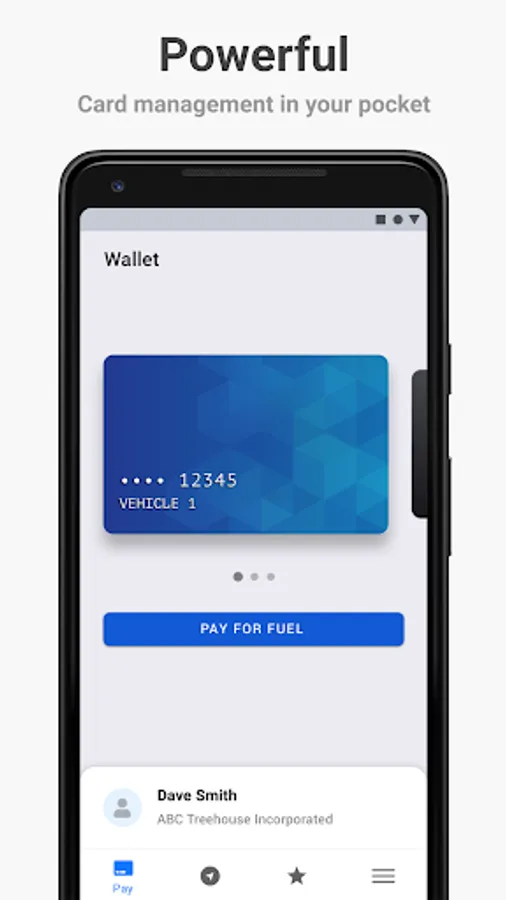
In this mobile payment app, you can activate pumps or charging stations using biometric authentication and manage fueling transactions easily. Includes electronic receipts and secure fraud protection features.
AppRecs review analysis
AppRecs rating 2.8. Trustworthiness 77 out of 100. Review manipulation risk 24 out of 100. Based on a review sample analyzed.
★★☆☆☆
2.8
AppRecs Rating
Ratings breakdown
5 star
34%
4 star
6%
3 star
11%
2 star
0%
1 star
49%
What to know
✓
Low review manipulation risk
24% review manipulation risk
✓
Credible reviews
77% trustworthiness score from analyzed reviews
⚠
Mixed user feedback
Average 2.8★ rating suggests room for improvement
About DriverDash
Why should I use DriverDash?
• It provides a faster and easier payment experience
• You can enter odometer readings from the comfort of your vehicle
• Receipts are captured electronically
• Mobile payment offers greater protection against fraud
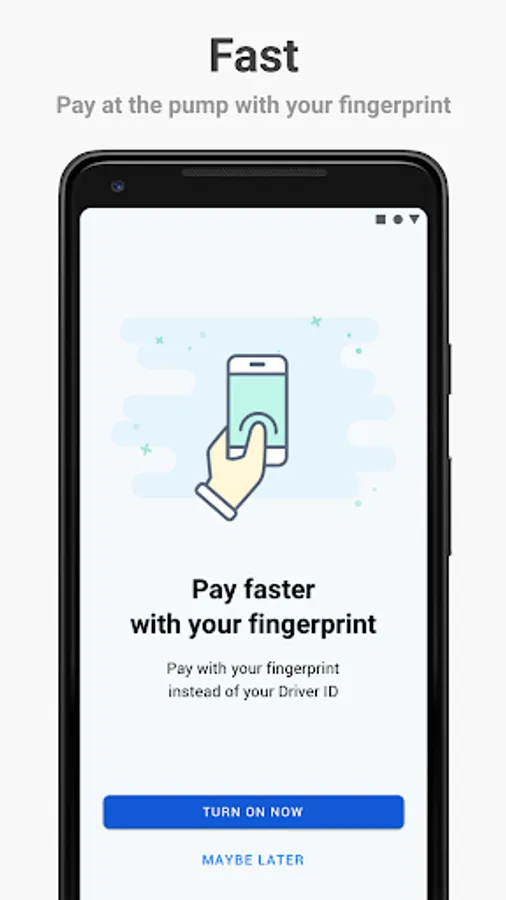
• Use thumbprint or facial recognition to activate the pump or charging station and never have to remember your Driver ID
How do I start using DriverDash?
Before you can download and use DriverDash, you must first receive an invitation from the manager of your fleet card account. Once invited, you will receive an email with a link to create a username and password, which you will then use to log in to the DriverDash app.
Please note: If any other method is used to install DriverDash, the app WILL NOT work at the pump or charging station. If you need to receive an invitation, please contact the manager of your fleet card account.
How do I use DriverDash to pay at the pump or charging station?
1 Before fueling, launch the DriverDash app on your phone
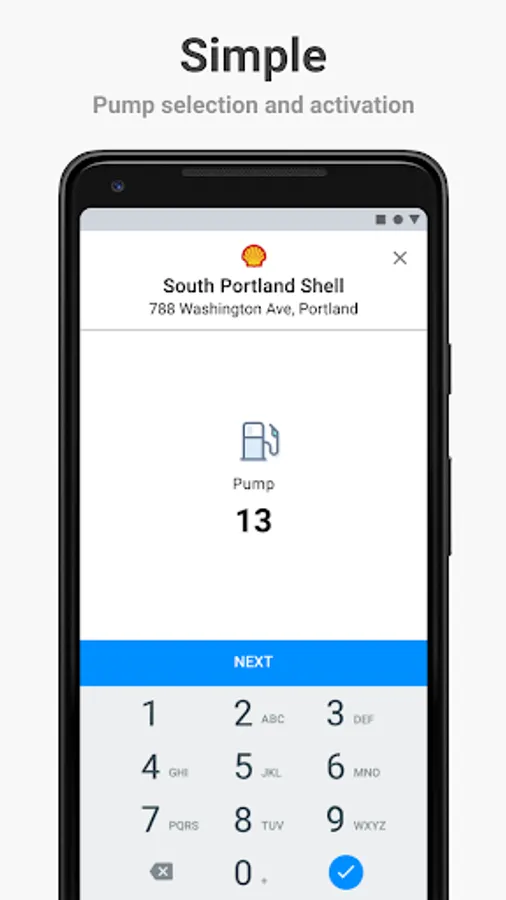
2 Tap Activate Station and select your pump or charging station
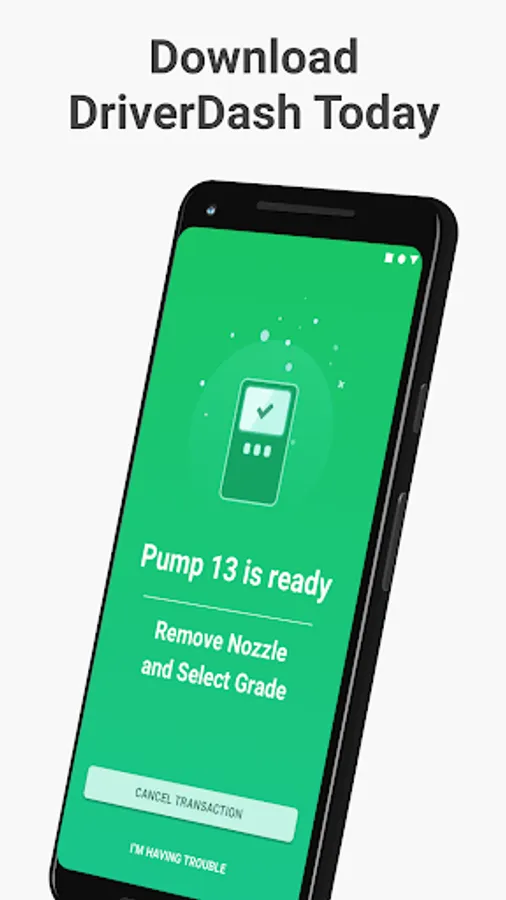
3 When your account prompt appears, you can activate the pump or charging station by entering your Driver ID, scanning your fingerprint, or using your facial recognition
For more information about DriverDash, visit fleetdriverdash.com
DriverDash Screenshots


Tap to Rate:
Reviews for DriverDash
David Mercer
6/26/2025
This app just keeps getting worse. Would not recognize stations that i have used it at before. Now had an update and made me reconfigure user name and password then tells me that it does not recognize username or password. I have tried again after over a year and it will not recognize my login and then tells me my driver ID is invalid. Fix it or remove it from downloading.
Veli S.
1/8/2025
This company, their app and support service are really so bad. I do not recommend it.