WiFi Analyzer- Speed Test
Ninelogix Studio
3.9 ★
store rating
100,000+
downloads
Free
In this WiFi analysis app, you can monitor signal strength, test internet speed, and identify connected devices. Includes WiFi signal mapping, device monitoring, and speed testing features.
AppRecs review analysis
AppRecs rating 3.2. Trustworthiness 80 out of 100. Review manipulation risk 27 out of 100. Based on a review sample analyzed.
★★★☆☆
3.2
AppRecs Rating
Ratings breakdown
5 star
64%
4 star
5%
3 star
6%
2 star
6%
1 star
19%
What to know
✓
Low review manipulation risk
27% review manipulation risk
⚠
Ad complaints
Many low ratings mention excessive ads
⚠
Review quality concerns
39% of sampled 5-star reviews are very short
About WiFi Analyzer- Speed Test
Wifi Analyzer and Speed Test is the perfect application for you if you want to get information about your WiFi connection and check who is on your WiFi.
By analyzing signal strength and displaying less-crowded WiFi, WiFi Analyzer and Speed Test let you maximize WiFi speed. WiFi Analyzer helps you display nearby WiFi connections and analyze their strength. WiFi Analyzer increases performance by analyzing and monitoring your WiFi speed.
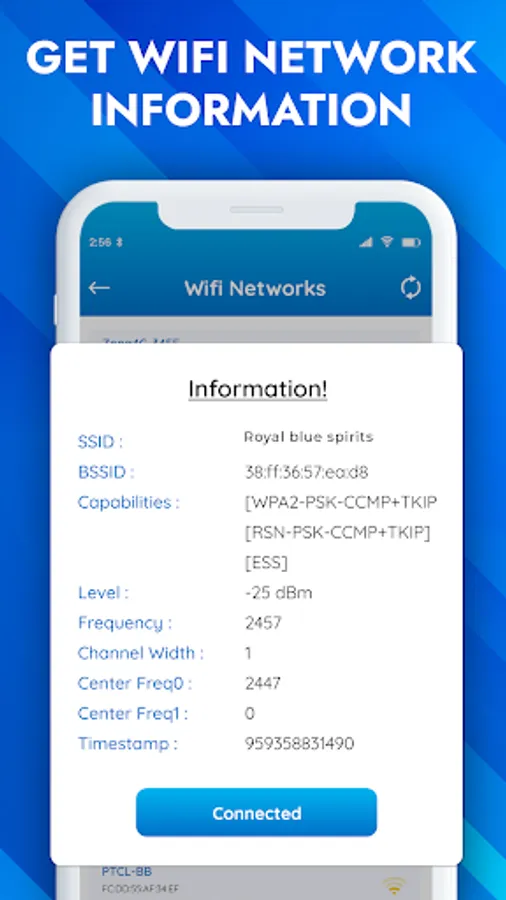
WiFi Analyzer & WiFi Tester helps you obtain the most useful WiFi information, increasing WiFi speed and stability. WiFi Analyzer recommends the best channels and places for WiFi. WiFi Analyzer also measures WiFi signal strength, WiFi speed, and WiFi channels, and helps estimate the distance of nearby Wifi.
WiFi Analyzer and WiFi Speed Test allow your smartphone to identify the nearest WiFi connections. Note: Location permission is required to scan nearby WiFi, as required by Android. Discover all the devices connected to your WiFi channel with WiFi Analyzer and monitor your wifi performance.
Main Features of WiFi Analyzer and WiFi Speed Tester:
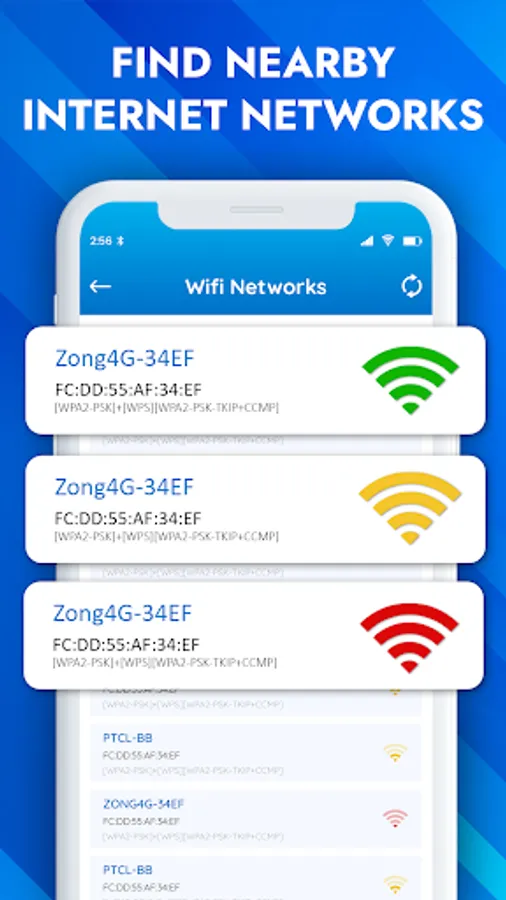
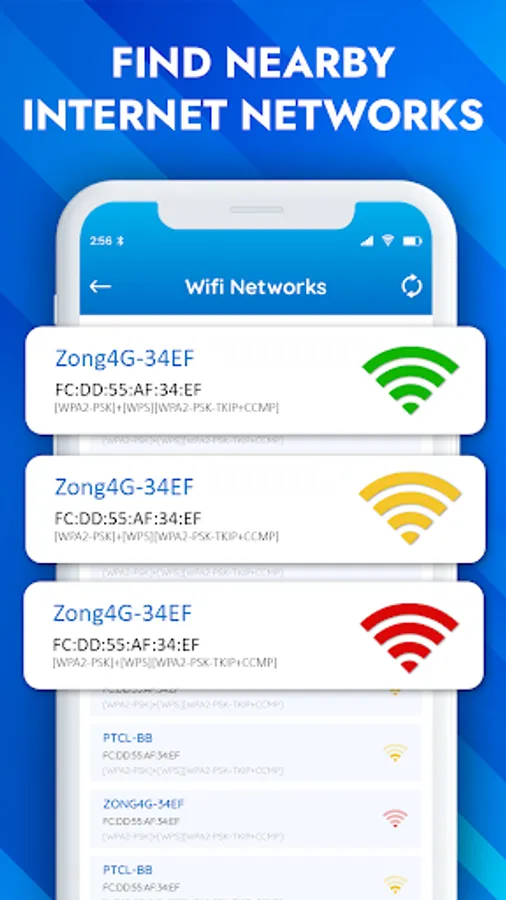
Identify nearby WiFi.
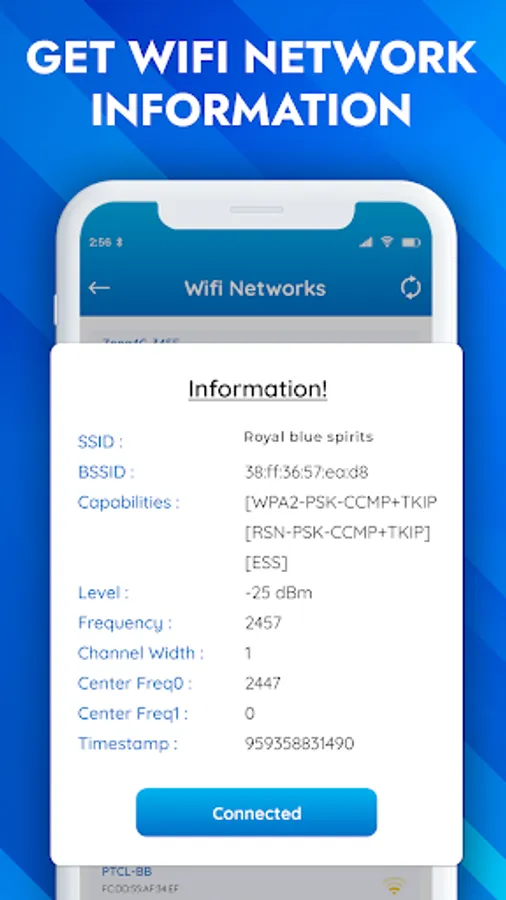
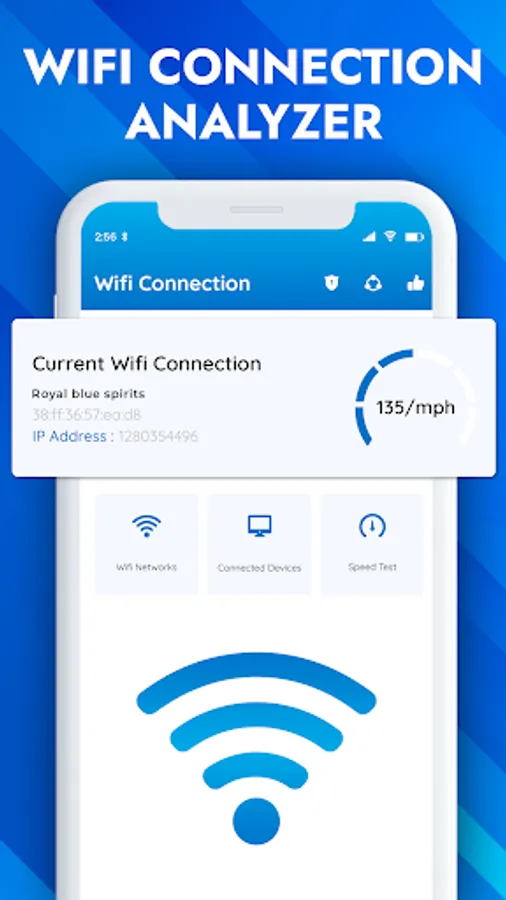
Analyze WiFi signal strength & WiFi connection.
Generate secure passwords for your WiFi.
WiFi map to identify local hotspots and dead zones.
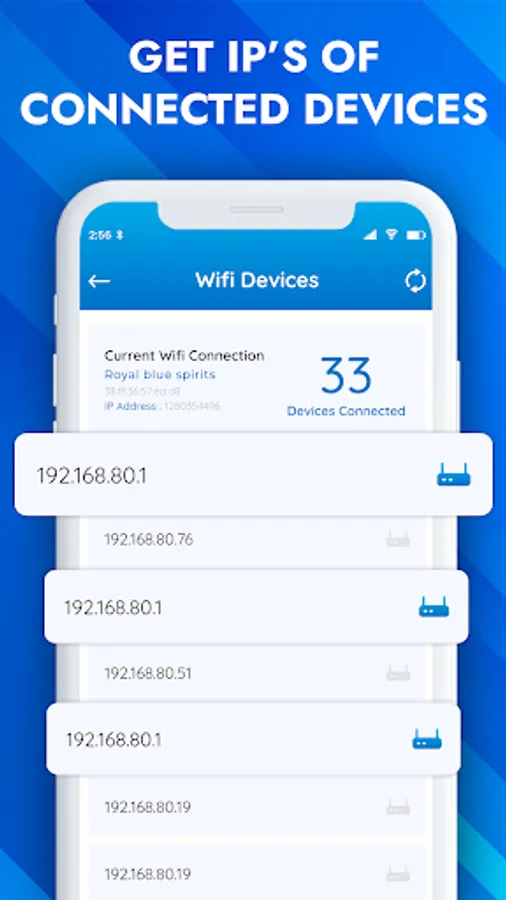
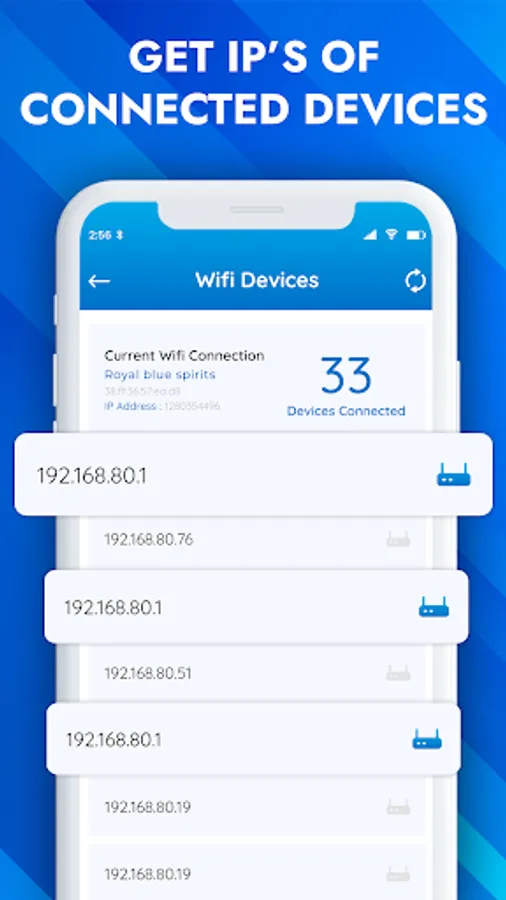
Monitor devices connected to your WiFi.
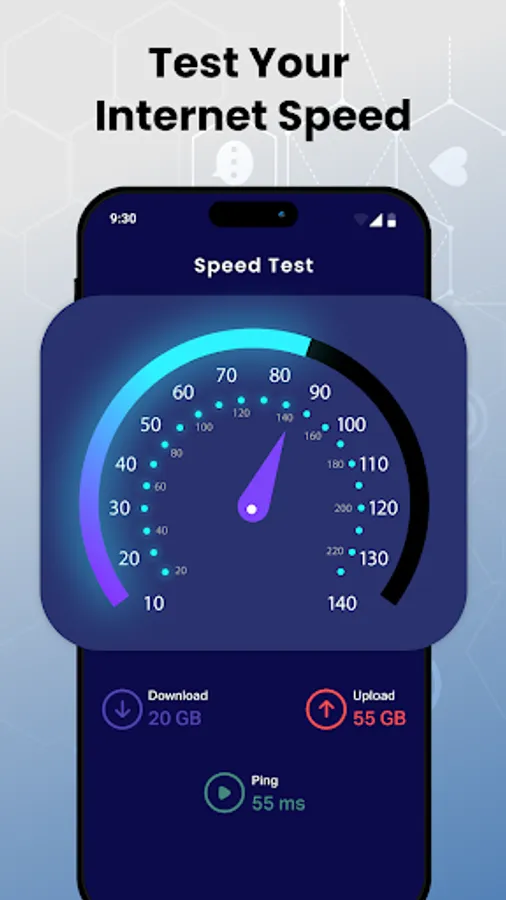
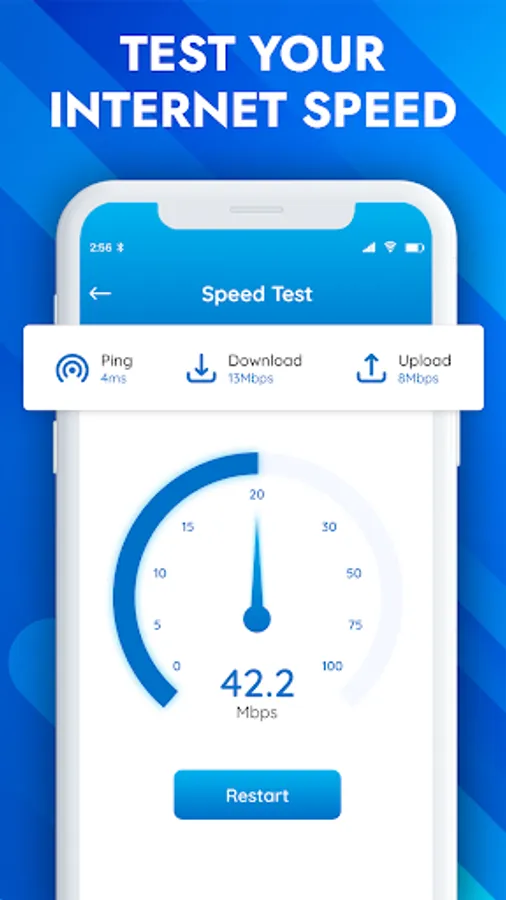
Ping measurement, upload/download speed, and real-time WiFi speed test
WiFi Analyzer helps you monitor your WiFi signal strength, making it easy to find the strongest signal in your home or office. The app also allows you to see who is using your WiFi, providing useful information about nearby wireless signals.
With WiFi Analyzer's map feature, you can create a dynamic map that illustrates signal strength in different areas, helping you identify and fix dead zones or areas with weak connectivity. With the WiFi Analyzer map feature, you can manage the performance and coverage of your wifi . Reach new levels with your wifi experience.
WiFi Analyzer lets you experience wireless management in the future. This app provides you with insights and tools to ensure your wifi operates at its peak performance.
Download WiFi Analyzer and check the Internet Speed Test now!
By analyzing signal strength and displaying less-crowded WiFi, WiFi Analyzer and Speed Test let you maximize WiFi speed. WiFi Analyzer helps you display nearby WiFi connections and analyze their strength. WiFi Analyzer increases performance by analyzing and monitoring your WiFi speed.
WiFi Analyzer & WiFi Tester helps you obtain the most useful WiFi information, increasing WiFi speed and stability. WiFi Analyzer recommends the best channels and places for WiFi. WiFi Analyzer also measures WiFi signal strength, WiFi speed, and WiFi channels, and helps estimate the distance of nearby Wifi.
WiFi Analyzer and WiFi Speed Test allow your smartphone to identify the nearest WiFi connections. Note: Location permission is required to scan nearby WiFi, as required by Android. Discover all the devices connected to your WiFi channel with WiFi Analyzer and monitor your wifi performance.
Main Features of WiFi Analyzer and WiFi Speed Tester:
Identify nearby WiFi.
Analyze WiFi signal strength & WiFi connection.
Generate secure passwords for your WiFi.
WiFi map to identify local hotspots and dead zones.
Monitor devices connected to your WiFi.
Ping measurement, upload/download speed, and real-time WiFi speed test
WiFi Analyzer helps you monitor your WiFi signal strength, making it easy to find the strongest signal in your home or office. The app also allows you to see who is using your WiFi, providing useful information about nearby wireless signals.
With WiFi Analyzer's map feature, you can create a dynamic map that illustrates signal strength in different areas, helping you identify and fix dead zones or areas with weak connectivity. With the WiFi Analyzer map feature, you can manage the performance and coverage of your wifi . Reach new levels with your wifi experience.
WiFi Analyzer lets you experience wireless management in the future. This app provides you with insights and tools to ensure your wifi operates at its peak performance.
Download WiFi Analyzer and check the Internet Speed Test now!