WiFi Drawing Tablet
Tommy Holmberg
2.5 ★
store rating
100,000+
downloads
Free
+ in-app
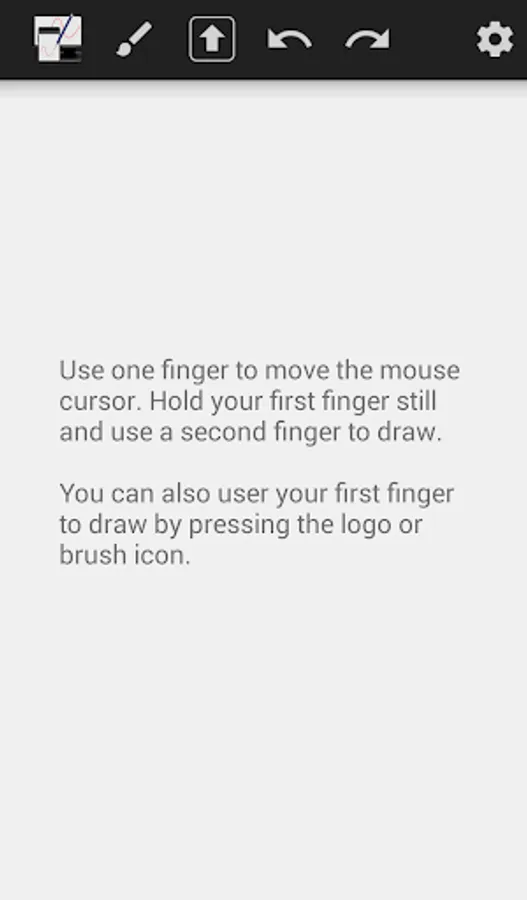
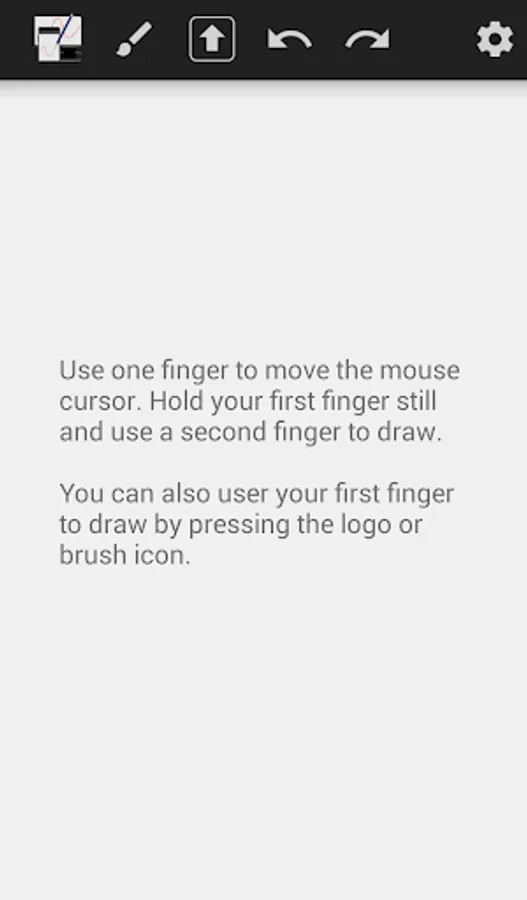
With this app, you can use your android device as a wireless drawing tablet to draw on your computer and share your artwork easily. Includes server software download, connectivity setup, and basic drawing tools.
AppRecs review analysis
AppRecs rating 2.5. Trustworthiness 0 out of 100. Review manipulation risk 0 out of 100. Based on a review sample analyzed.
★★☆☆☆
2.5
AppRecs Rating
Ratings breakdown
5 star
23%
4 star
11%
3 star
7%
2 star
14%
1 star
46%
What to know
✓
Authentic reviews
Natural distribution, no red flags
⚠
Mixed user feedback
Average 2.5★ rating suggests room for improvement
⚠
High negative review ratio
60% of sampled ratings are 1–2 stars
About WiFi Drawing Tablet
Turn your android device into a wireless drawing tablet.
It won't replace a real graphics tablet because it doesn't register any pressure levels, but it makes it easier for you to draw on your computer.
The server software can be downloaded here http://tinyurl.com/nr8yanz . Install java (http://java.com/download/index.jsp) and doubleclick the WifiTabletServer.jar file, then start drawing.
If it does not connect, your firewall could be blocking java. Follow this video tutorial to allow java through the firewall https://www.youtube.com/watch?v=XZOxgiCuOU4 .
It won't replace a real graphics tablet because it doesn't register any pressure levels, but it makes it easier for you to draw on your computer.
The server software can be downloaded here http://tinyurl.com/nr8yanz . Install java (http://java.com/download/index.jsp) and doubleclick the WifiTabletServer.jar file, then start drawing.
If it does not connect, your firewall could be blocking java. Follow this video tutorial to allow java through the firewall https://www.youtube.com/watch?v=XZOxgiCuOU4 .