In this smart home app, you can control Android applications through Alexa by linking devices and creating routines. Includes device setup, routine customization, and app launching features.
AppRecs review analysis
AppRecs rating 3.5. Trustworthiness 0 out of 100. Review manipulation risk 0 out of 100. Based on a review sample analyzed.
★★★☆☆
3.5
AppRecs Rating
Ratings breakdown
5 star
40%
4 star
18%
3 star
18%
2 star
7%
1 star
18%
What to know
✓
Authentic reviews
Natural distribution, no red flags
About Aberto Sonorus
Launch Android Applications through Amazon Alexa by setting them as "smart home devices."
Easily add these devices to your smart home Routines, e.g.:
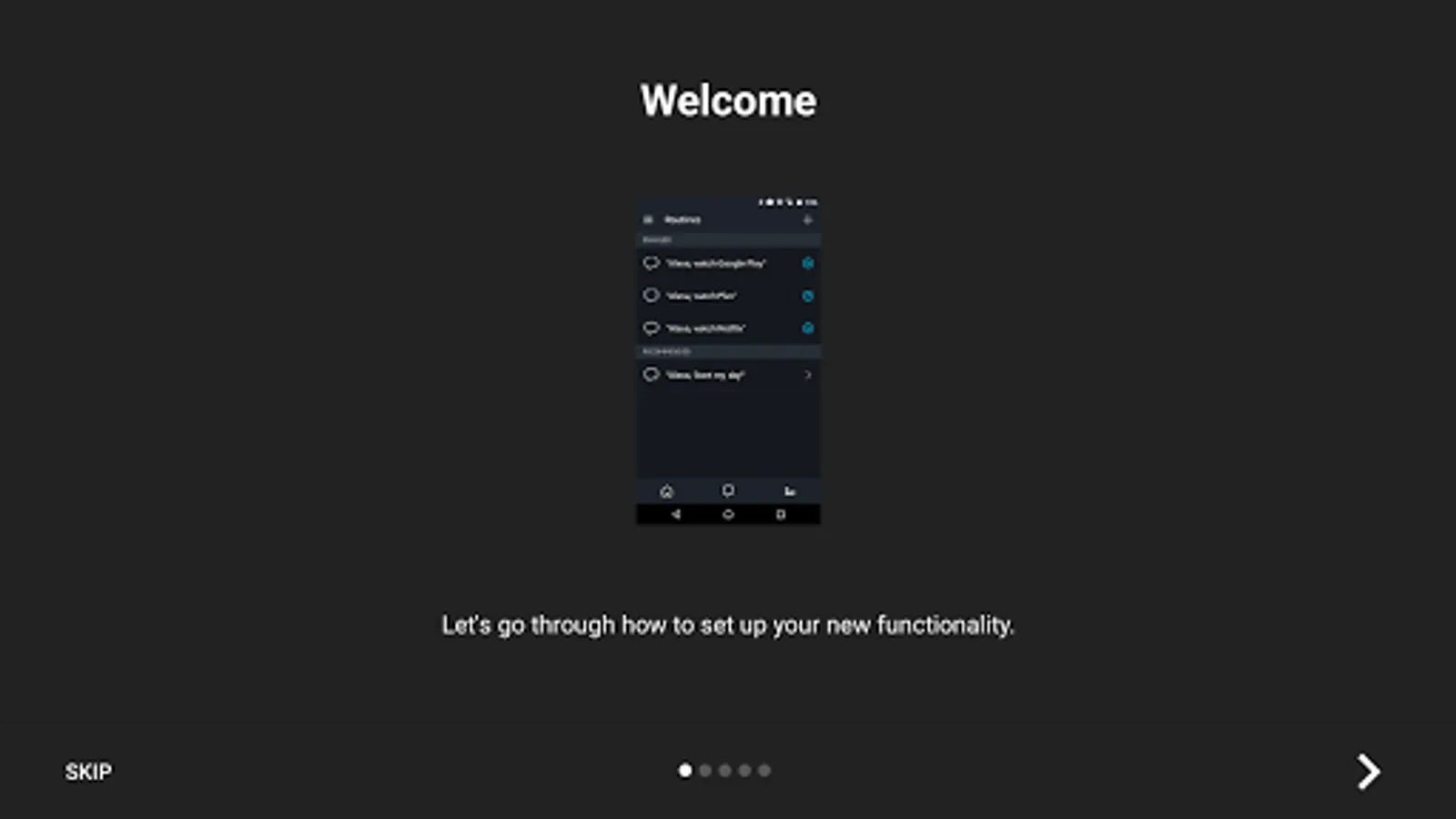
"Alexa, watch Netflix" turns on the TV and receiver, dims the lights, wakes up the Android TV and launches the Netflix app. The only thing it doesn't do is make popcorn (...yet).
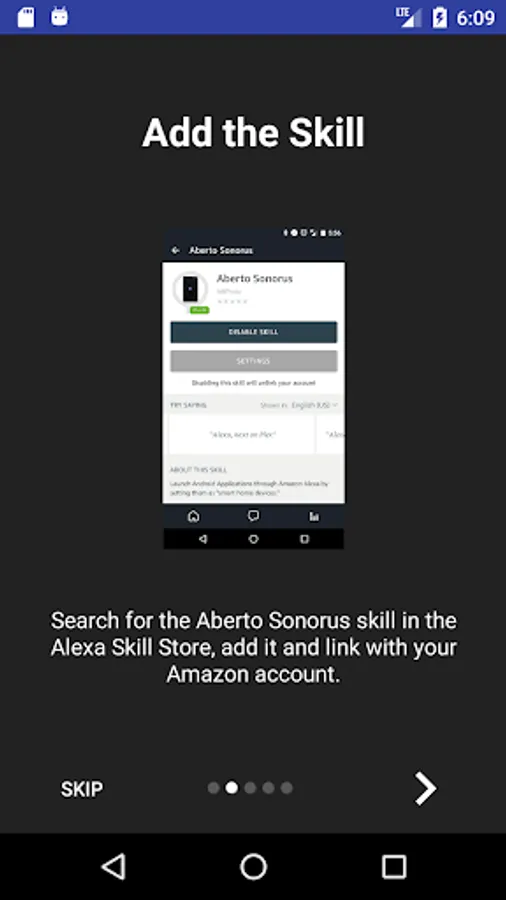
Requires setting up the on-device Aberto Sonorus Android app and enabling the Aberto Sonorus Alexa skill--account linking done through Amazon. Once that's done, you'll be able to control your Android apps on your AndroidTV, tablet, or phone.
For example:
* Alexa, turn on/off Netflix (launches/closes an application)
* Alexa, next/previous on Plex (plays the next/previous item on whatever application is in the foreground)
* Alexa, set volume to 5 on Google Music (sets the volume on the device)
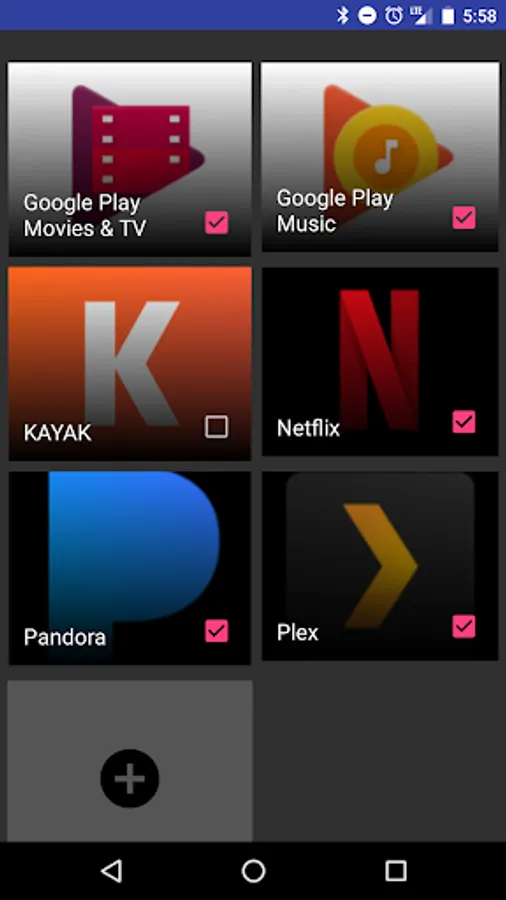
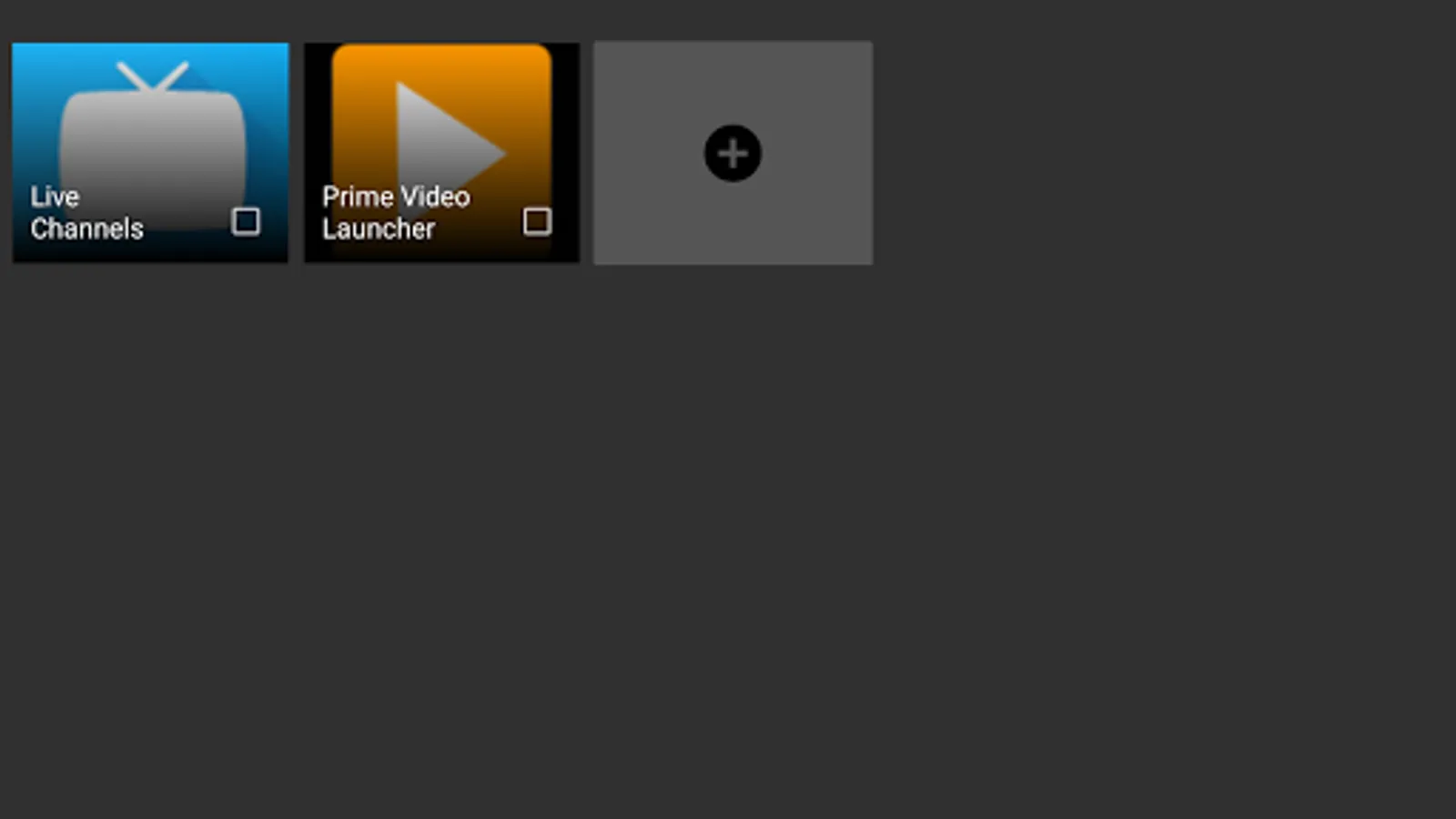
Enable any of the pre-classified apps on your device, or add any launchable app.
Easily add these devices to your smart home Routines, e.g.:
"Alexa, watch Netflix" turns on the TV and receiver, dims the lights, wakes up the Android TV and launches the Netflix app. The only thing it doesn't do is make popcorn (...yet).
Requires setting up the on-device Aberto Sonorus Android app and enabling the Aberto Sonorus Alexa skill--account linking done through Amazon. Once that's done, you'll be able to control your Android apps on your AndroidTV, tablet, or phone.
For example:
* Alexa, turn on/off Netflix (launches/closes an application)
* Alexa, next/previous on Plex (plays the next/previous item on whatever application is in the foreground)
* Alexa, set volume to 5 on Google Music (sets the volume on the device)
Enable any of the pre-classified apps on your device, or add any launchable app.