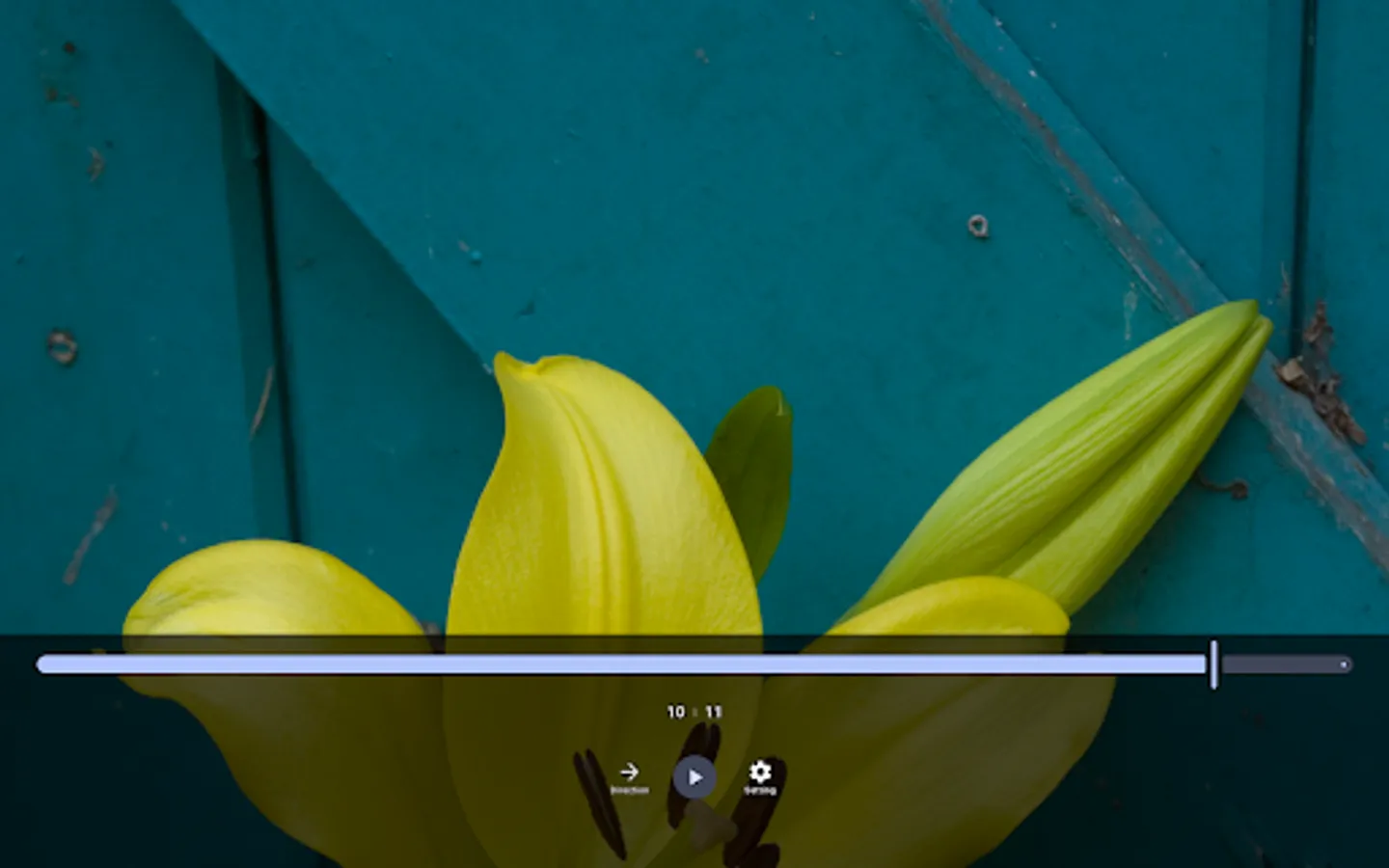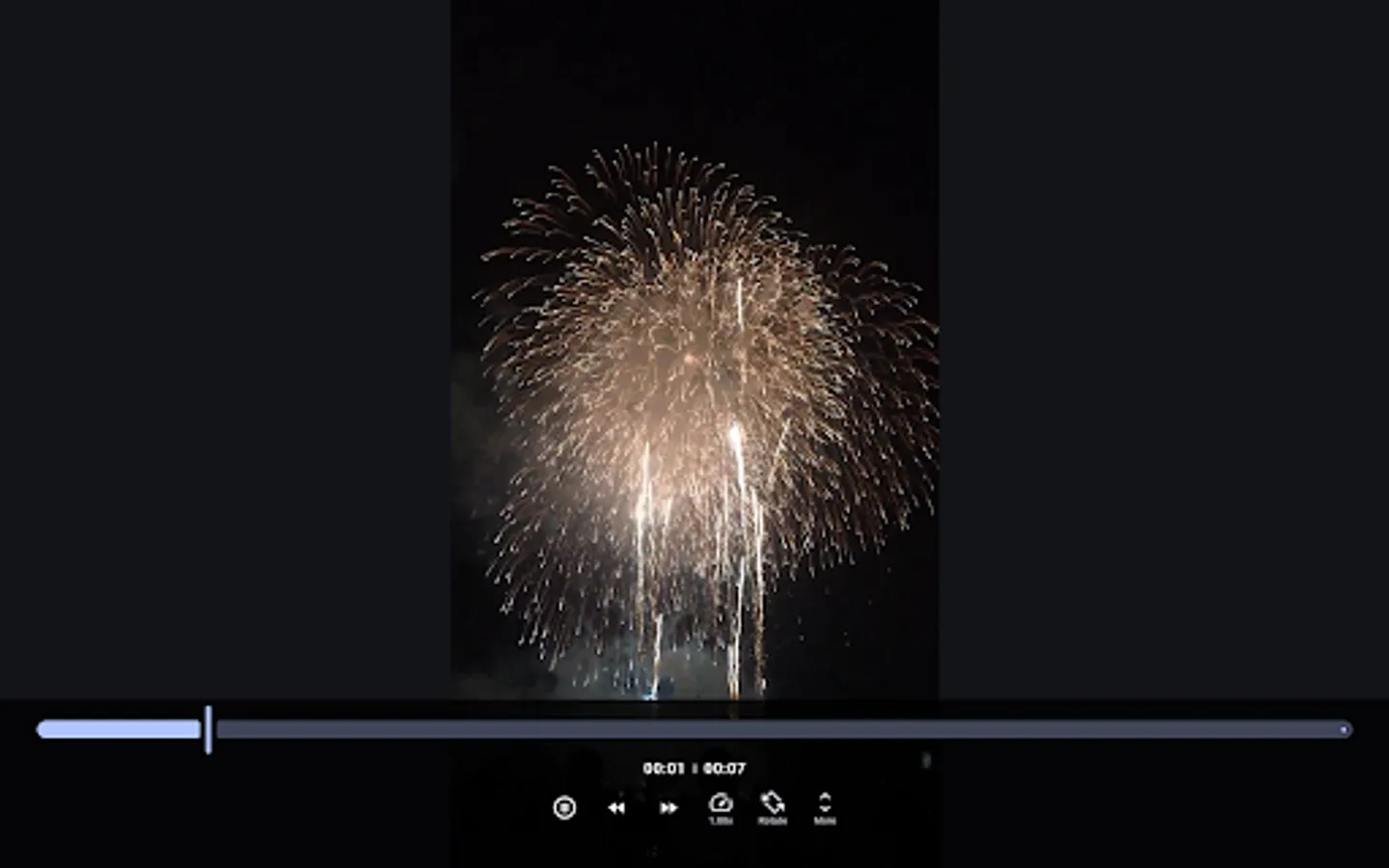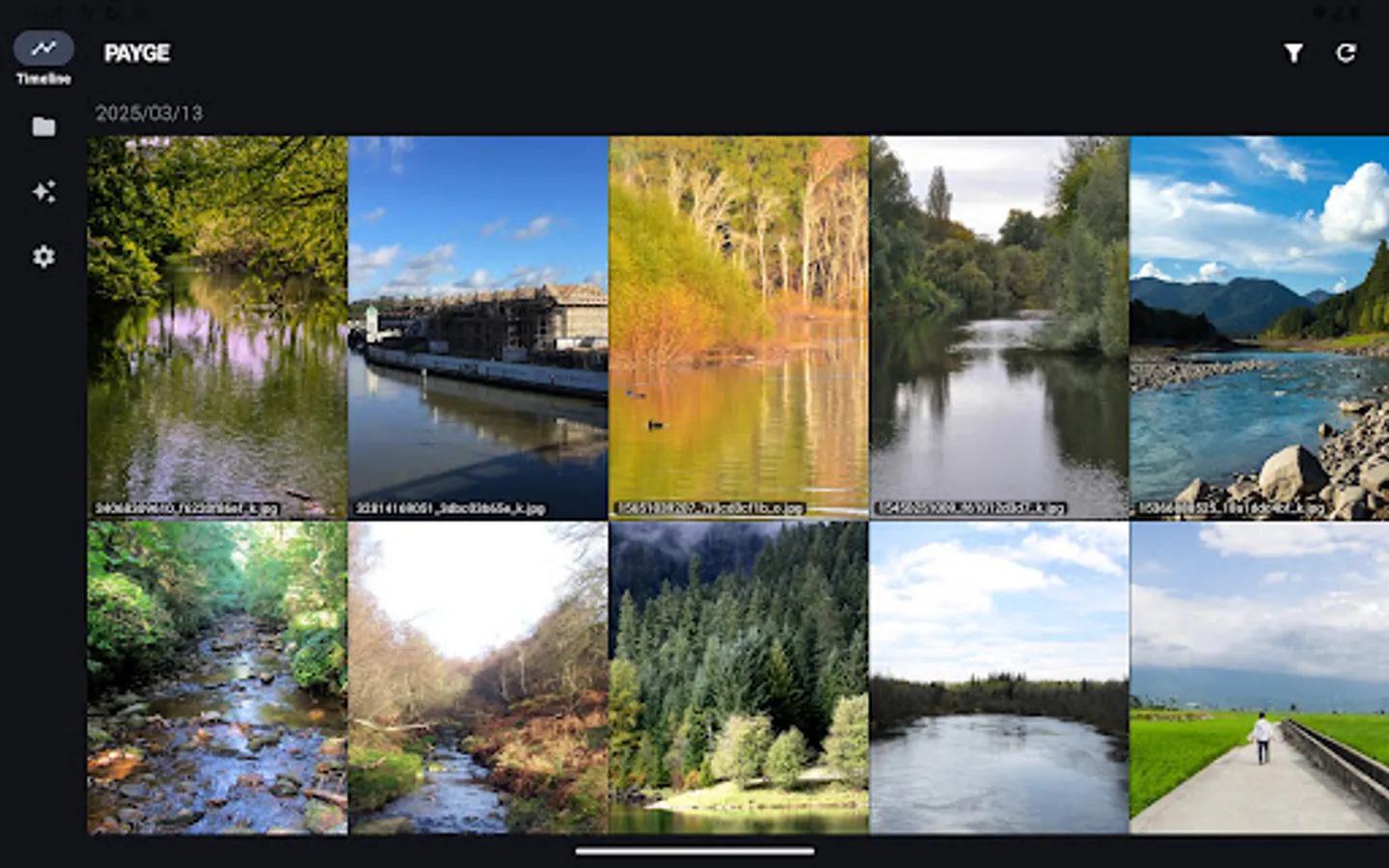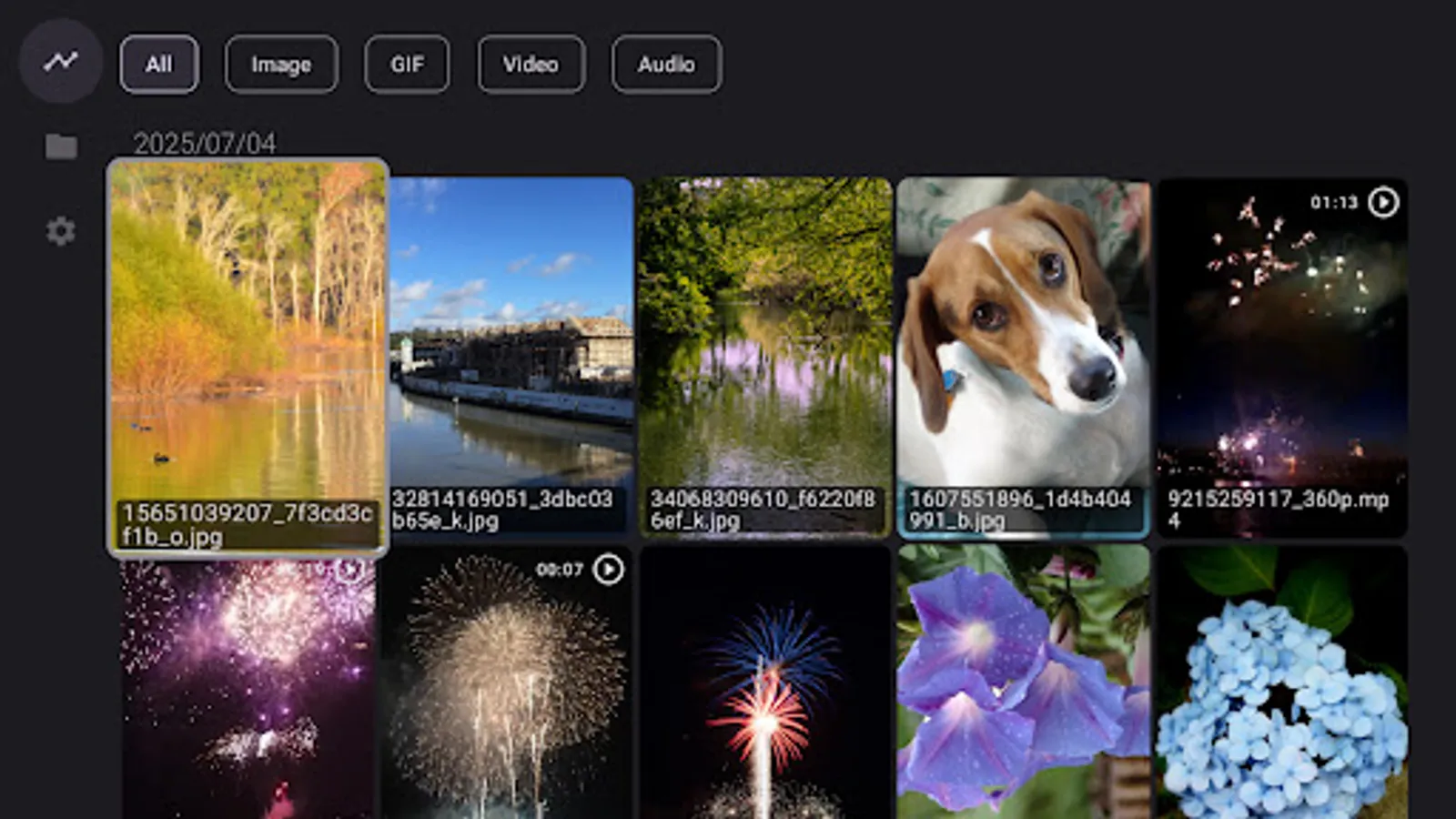
In this browsing app, you can explore albums, videos, and articles with customizable viewing options. Includes support for media playback, content organization, and progress tracking.
AppRecs review analysis
AppRecs rating 3.4. Trustworthiness 62 out of 100. Review manipulation risk 31 out of 100. Based on a review sample analyzed.
★★★☆☆
3.4
AppRecs Rating
Ratings breakdown
5 star
64%
4 star
10%
3 star
5%
2 star
1%
1 star
21%
What to know
✓
Good user ratings
74% positive sampled reviews
✓
Authentic reviews
Natural distribution, no red flags
About PAYGE
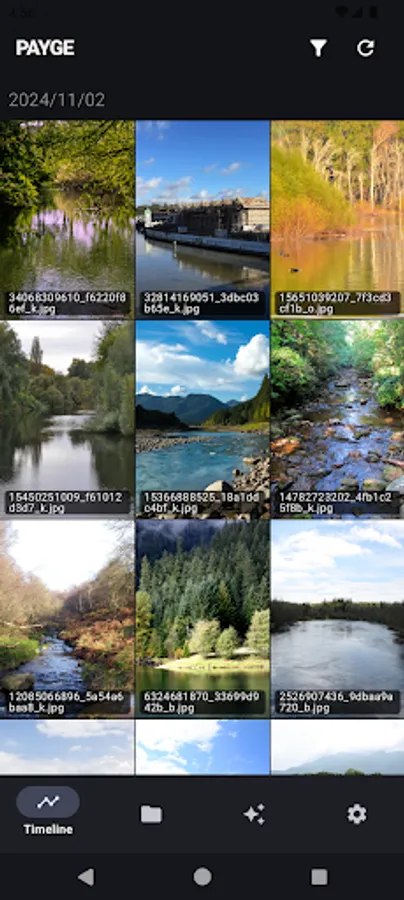
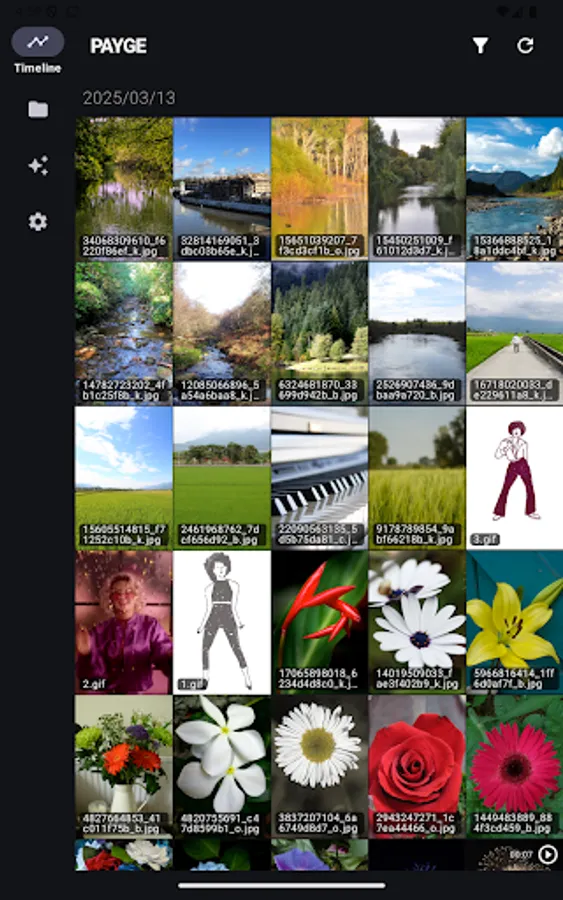
"PAYGE" provides a user-friendly interface to browse albums, videos, and articles.
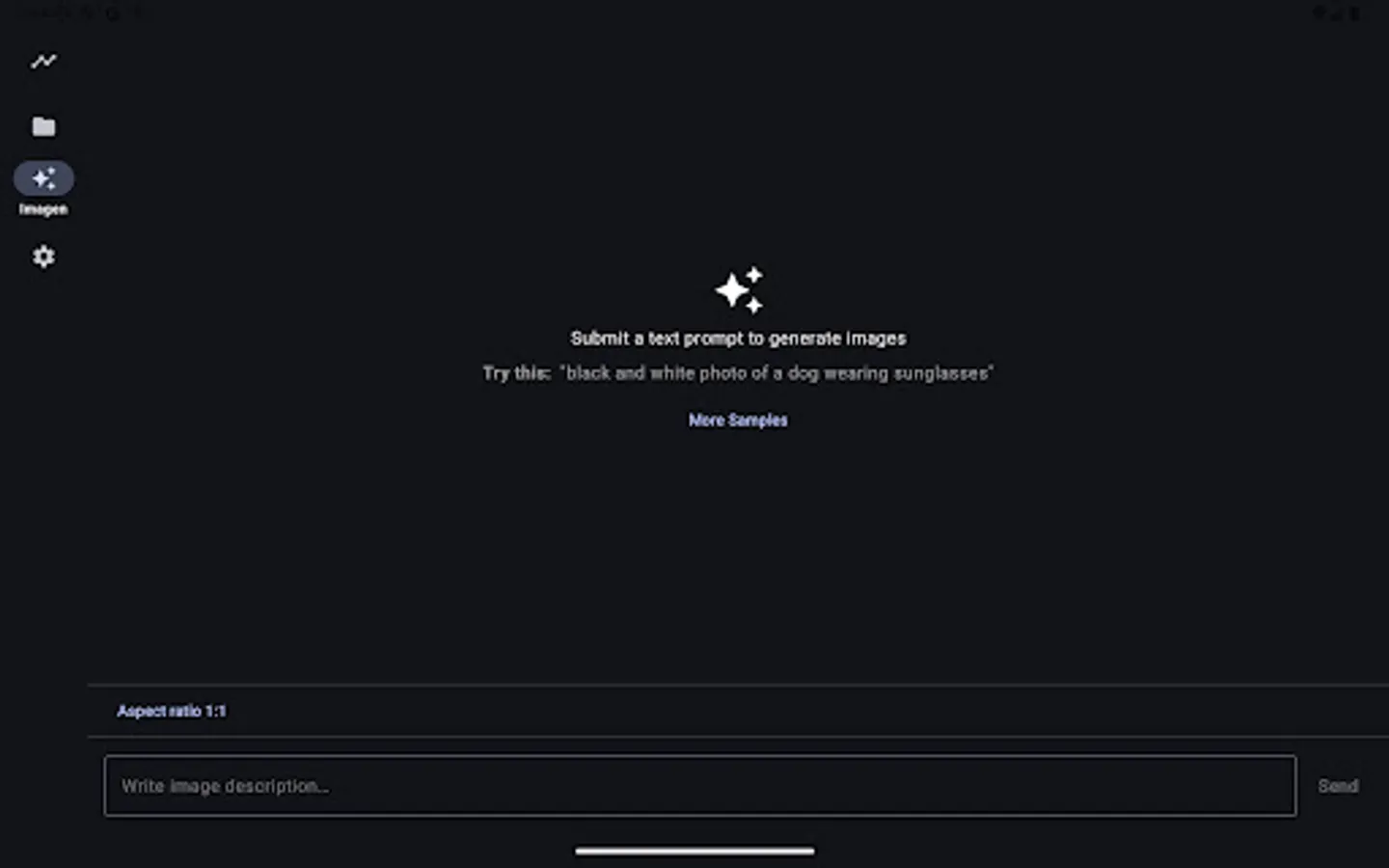
AI:
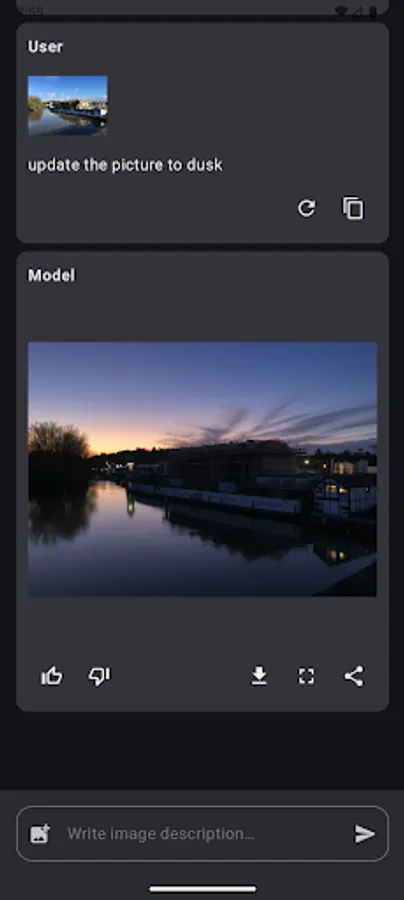
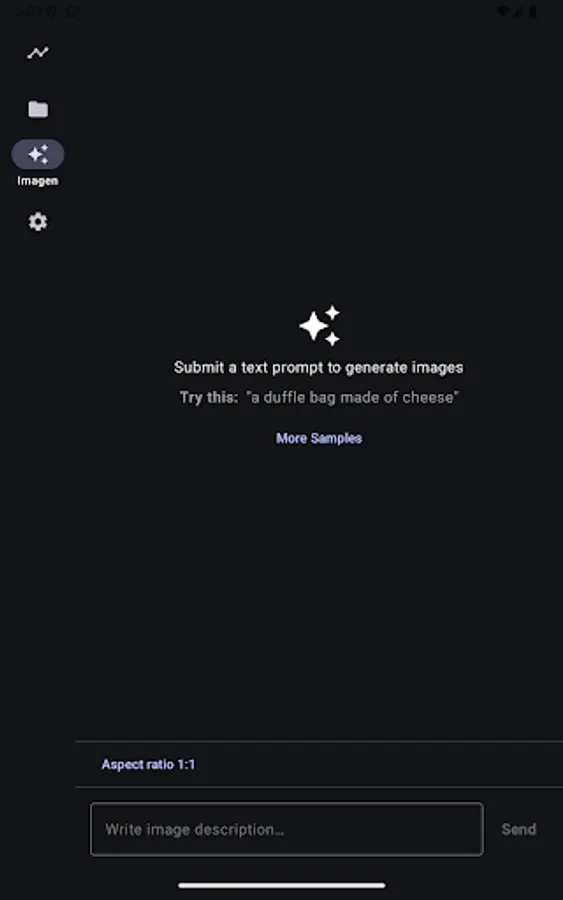
- Generating images by text prompt and pictures.
- Multi-round image editing.
Image Editing:
- Crop
- Rotate
- Flip Horizontally
- Flip Vertically
- Add Shapes
- Add Texts
- Add Lines
Albums:
- Supports portrait and landscape viewing
- Supports page turning with volume buttons
- Supports quick page navigation
- Browse albums by folder
- Supports GIFs
- Supports right-to-left browsing
- Automatically records browsing progress
- Auto turn pages
- Tap screen edge to turn page
Videos:
- Supports multiple formats
- Supports fast forward, pause, and screen rotation
- Supports WebVTT subtitles
- Supports playback speed adjustment (0.25x ~ 2x)
- Supports adjusting screen fill mode
- Supports VR playback mode
- Supports gesture-based fast forward
Articles:
- Supports portrait and landscape viewing
- Supports adjusting font size
- Supports adjusting line spacing
- Supports adjusting article margins
- Supports adjusting background color
- Smart line breaks
- Automatically saves browsing progress
AI:
- Generating images by text prompt and pictures.
- Multi-round image editing.
Image Editing:
- Crop
- Rotate
- Flip Horizontally
- Flip Vertically
- Add Shapes
- Add Texts
- Add Lines
Albums:
- Supports portrait and landscape viewing
- Supports page turning with volume buttons
- Supports quick page navigation
- Browse albums by folder
- Supports GIFs
- Supports right-to-left browsing
- Automatically records browsing progress
- Auto turn pages
- Tap screen edge to turn page
Videos:
- Supports multiple formats
- Supports fast forward, pause, and screen rotation
- Supports WebVTT subtitles
- Supports playback speed adjustment (0.25x ~ 2x)
- Supports adjusting screen fill mode
- Supports VR playback mode
- Supports gesture-based fast forward
Articles:
- Supports portrait and landscape viewing
- Supports adjusting font size
- Supports adjusting line spacing
- Supports adjusting article margins
- Supports adjusting background color
- Smart line breaks
- Automatically saves browsing progress