BlendCamera - Double Exposure
Shan Zhong
2.4 ★
130 ratings
10,000+
downloads
Free
+ in-app
In this photo editing app, you can overlay multiple images with various modes and transparency options. Includes gradient modes, color filters, and social media sharing features.
AppRecs review analysis
AppRecs rating 2.3. Trustworthiness 76 out of 100. Review manipulation risk 29 out of 100. Based on a review sample analyzed.
★★☆☆☆
2.3
AppRecs Rating
Ratings breakdown
5 star
25%
4 star
0%
3 star
13%
2 star
19%
1 star
44%
What to know
✓
Low review manipulation risk
29% review manipulation risk
⚠
Mixed user feedback
Average 2.4★ rating suggests room for improvement
⚠
High negative review ratio
63% of sampled ratings are 1–2 stars
About BlendCamera - Double Exposure
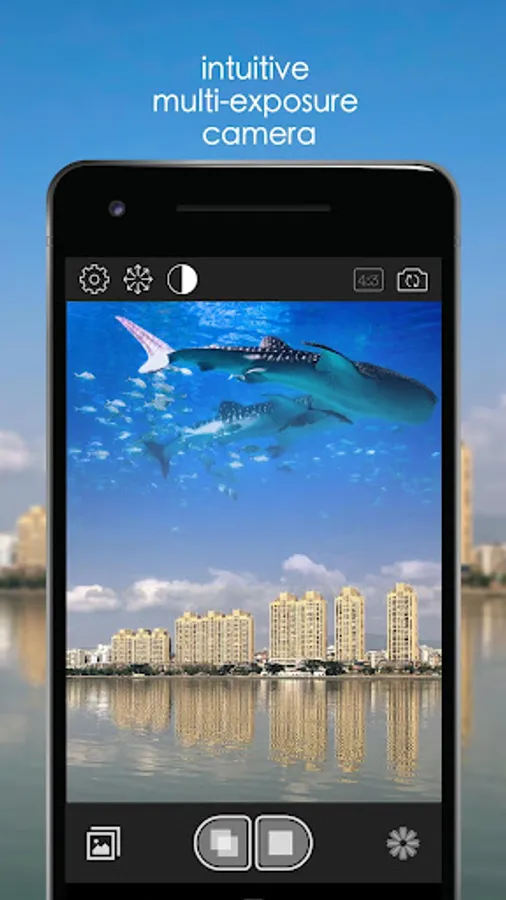
BlendCamera supports unlimited overlaying with many features. Multiple gradient modes and manual transparency adjustments are sure to unlock your imagination. On top of that, the brightness transparency options will leave your possibilities endless. All of this enjoyment can be conveniently shared with your friends through social media.
From now on, you will be a professional photographer with unlimited possibilities.
Key features of BlendCamera include:
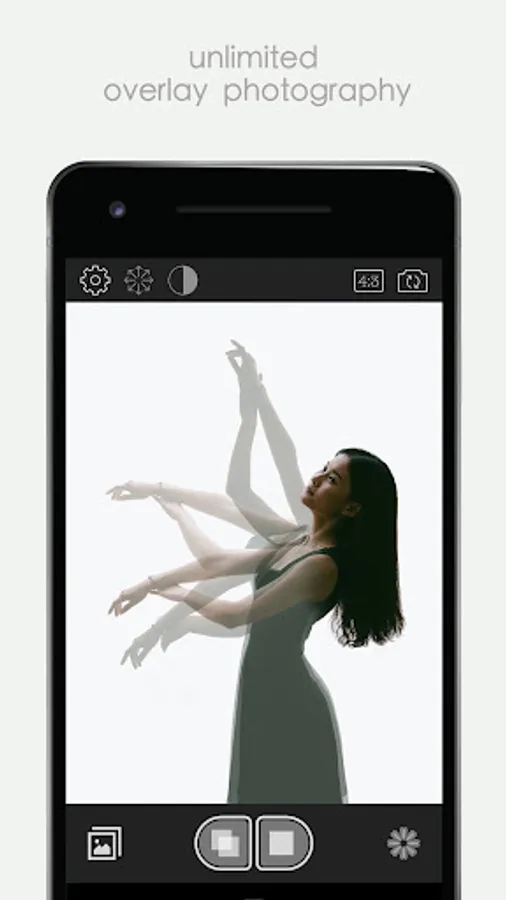
Unlimited Overlay
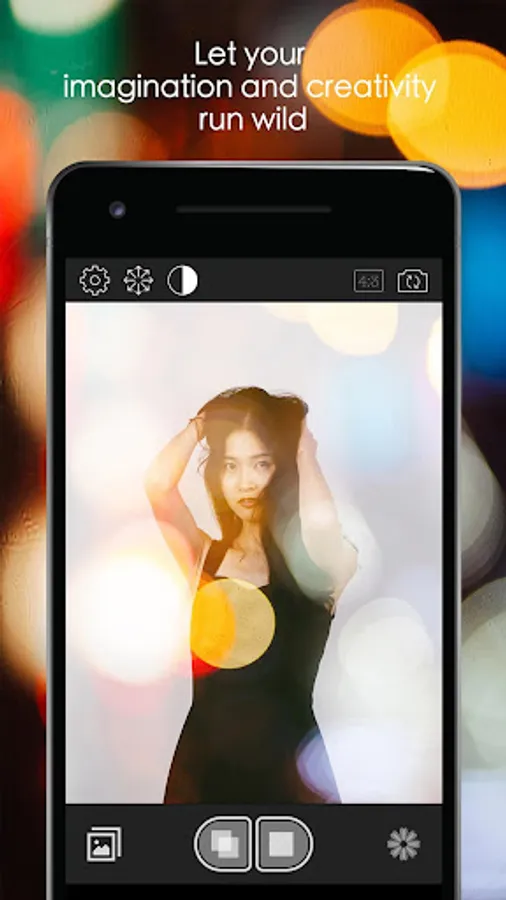
There is no limit on how many times you can overlay your pictures. This lets your imagination and creativity run wild.
Overlay Modes
Modes include: translucent, soft light, color filter, multiply, brightness, color deepen, color dodge, color difference, blurry, and more.
Gradient overlay can be applied in eight different directions. This allows you to create special effects like the "twin" and the "city reflection". Many more possibilities await your discovery.
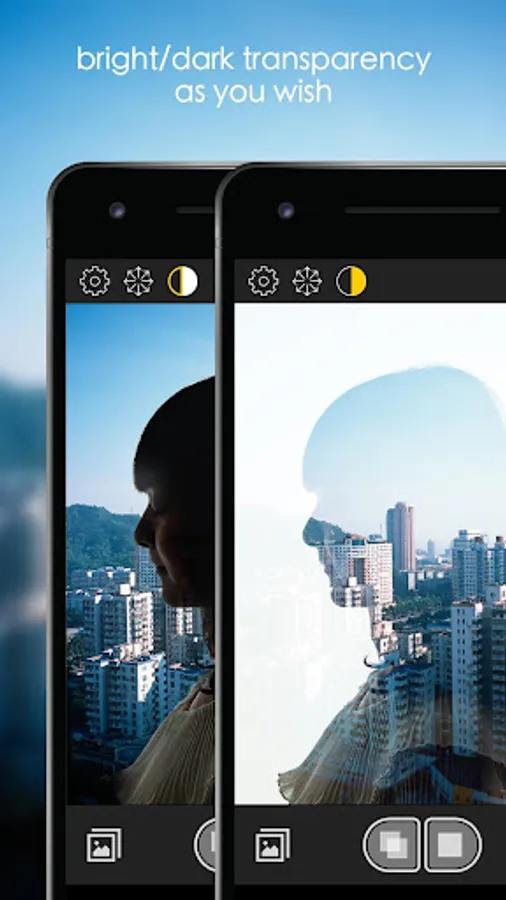
Brightness Transparency
By using the brightness transparency option, you can easily select either bright transparent or dark transparent.
Transparency Adjustment
You can manually control transparency through a scroll bar. This gives you much greater control when overlaying pictures.
Endless Possibilities
Overlay mode, gradient mode, brightness transparency, and transparency adjustment can be combined in any way you prefer. Endless combination gives you endless possibilities.
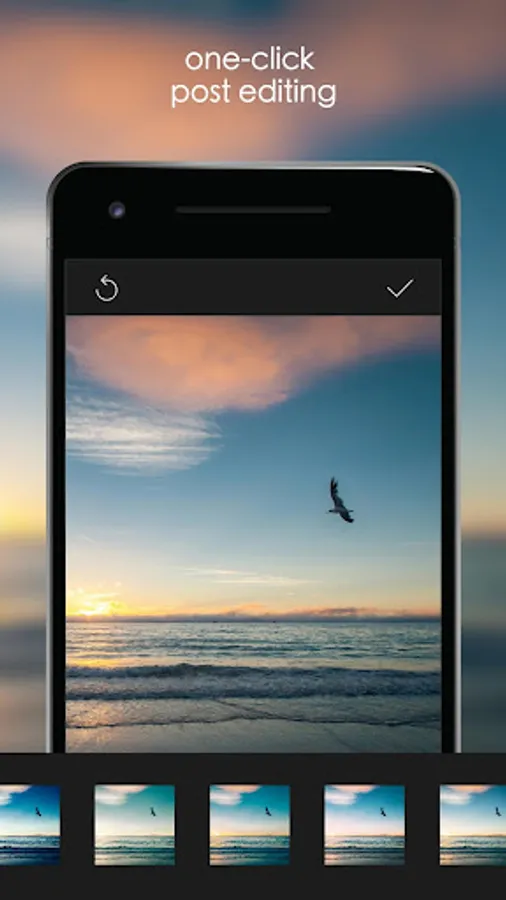
One-Click Color Filter
Pre-loaded color filtering profiles can be applied with the push of a button. Easily beautify your pictures.
#BlendCamera
Through Instagram, Facebook, Twitter, Sina Microblog, WeChat and other apps, you can easily share your creation of multi-exposure photography.
BlendCamera - Double Exposure Screenshots
Tap to Rate:
Reviews for BlendCamera - Double Exposure
dameyed
6/6/2025
The app I've been looking for for years, it blends in real time so you can look at the screen to see how the result looks like before you shoot. Totally a time saver for me because I used to take pictures and blend them with photo editing apps later without knowing if it'd look good or not but this app does the job instantly. I hope to see it advancing itself more by time with more controls and adjustable settings.
P O
11/21/2023
I am attempting to use this as a way to color pencil sketches (by overlaying the sketch on top of a colored markers). The concept works very well ... except for the autofocus constantly kicking in, and the various issues related to saving as in some cases the app exports 0kb images. Lastly, the current blend really shouldn't be reset after save.