Grid : Photo Editing & Drawing
WORLD GLOBLE APPS
3.2 ★
133 ratings
100,000+
downloads
Free
+ in-app
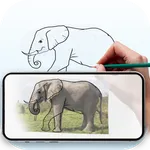
In this photo editing and drawing app, users can overlay customizable grids on images to assist with accurate sketching and design transfer. Includes features such as adjustable grid settings, image adjustments, and a pixel color picker.
AppRecs review analysis
AppRecs rating 2.8. Trustworthiness 82 out of 100. Review manipulation risk 21 out of 100. Based on a review sample analyzed.
★★☆☆☆
2.8
AppRecs Rating
Ratings breakdown
5 star
39%
4 star
15%
3 star
8%
2 star
0%
1 star
39%
What to know
✓
Low review manipulation risk
21% review manipulation risk
⚠
Ad complaints
Many low ratings mention excessive ads
⚠
High negative review ratio
39% of sampled ratings are 1–2 stars
About Grid : Photo Editing & Drawing
Are you an artist, designer or hobbyist looking to create precise and proportional drawings? The Grid Drawing App is your ultimate companion for improving accuracy and mastering the grid method. Whether you’re sketching a portrait, painting landscapes or transferring designs, our app makes the process effortless.
With a wide range of customizable features, you can easily overlay grids on any image, adjust settings to match artistic needs and enhance your workflow for better results.
Why Use a Grid for Drawing?
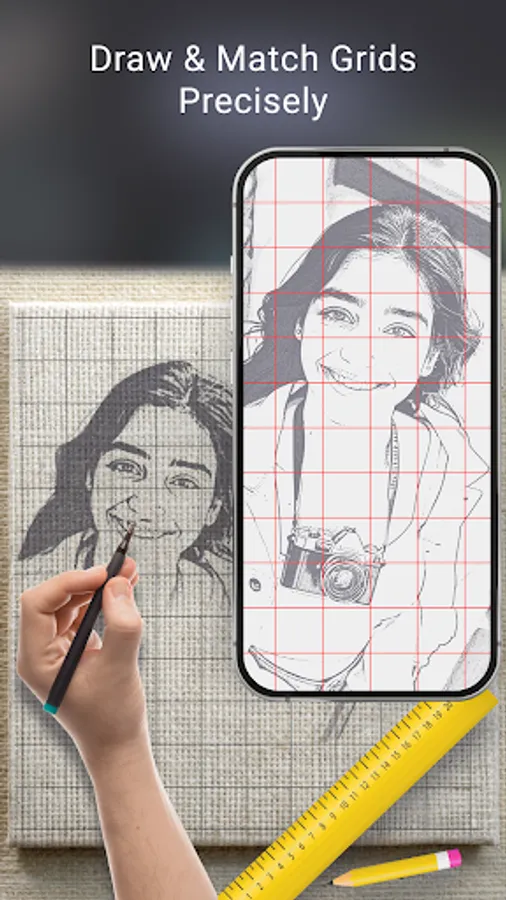
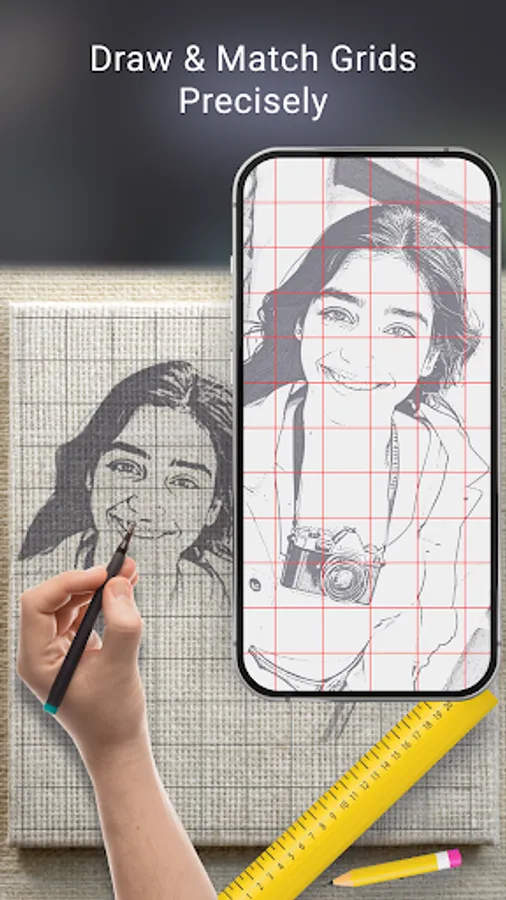
The grid method is a time-tested technique used by artists to break down complex images into manageable sections. By overlaying a grid on your reference image and reproducing it grid by grid, you can:
✔ Maintain correct proportions – Avoid distortions and achieve precise scaling.
✔ Improve accuracy – Easily replicate intricate details with confidence.
✔ Simplify complex images – Focus on one section at a time, making the drawing process smoother.
📌 Key Features of the Grid Drawing App:
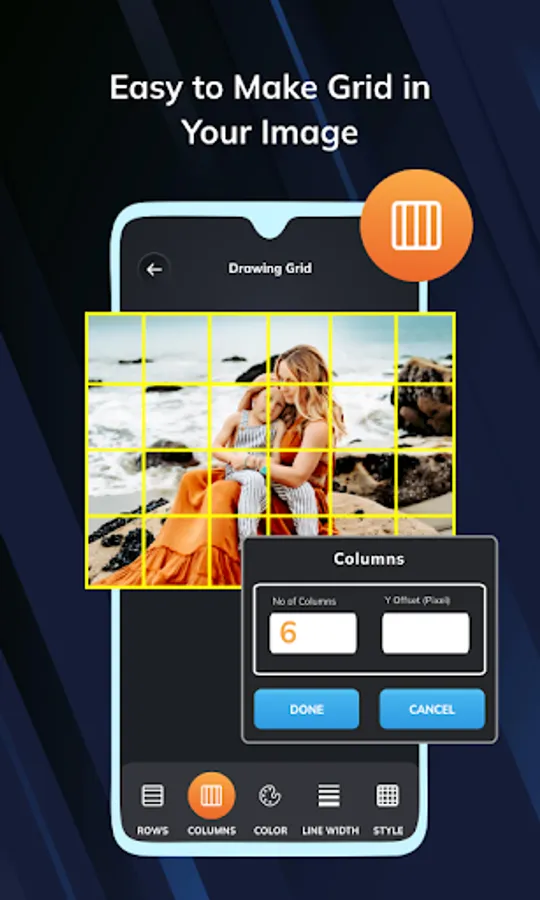
* Easy Grid Overlay on Any Image :-
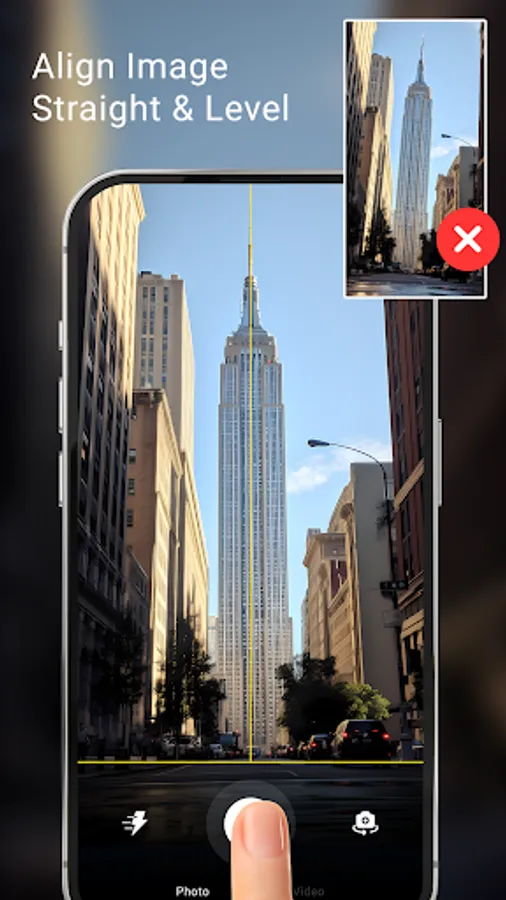
Select an image from gallery or capture a new one using camera.
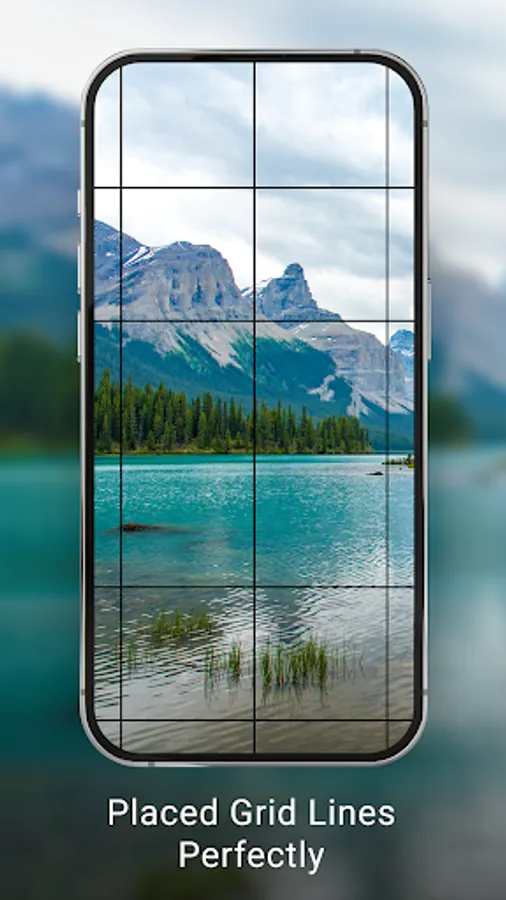
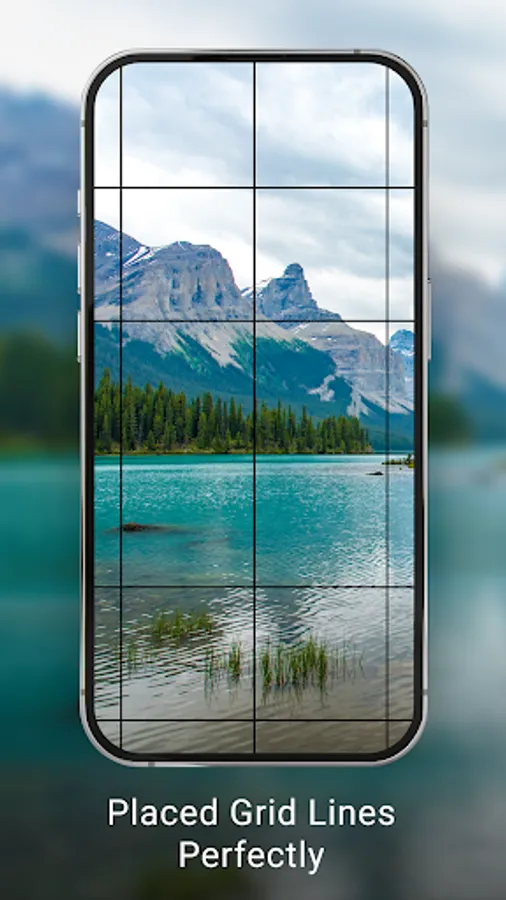
Instantly apply a custom grid to guide your sketching process.
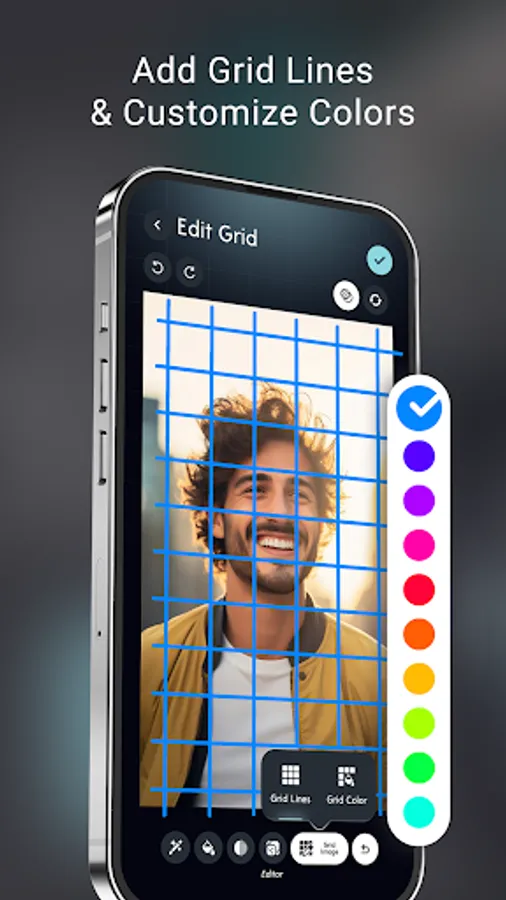
* Fully Customizable Grid Settings :-
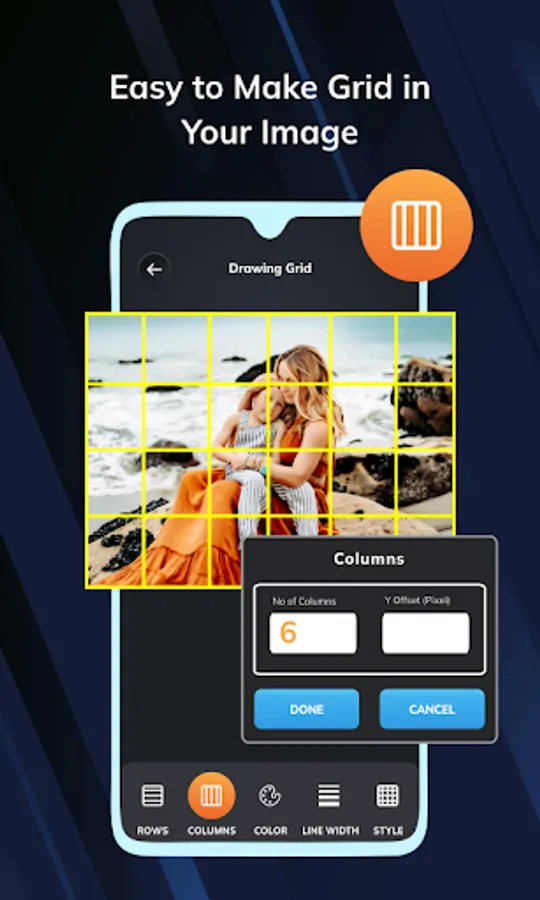
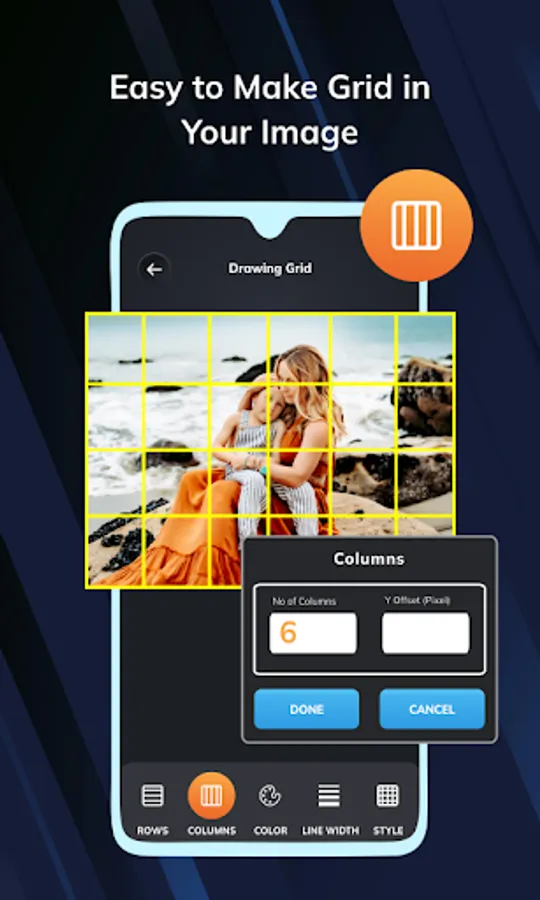
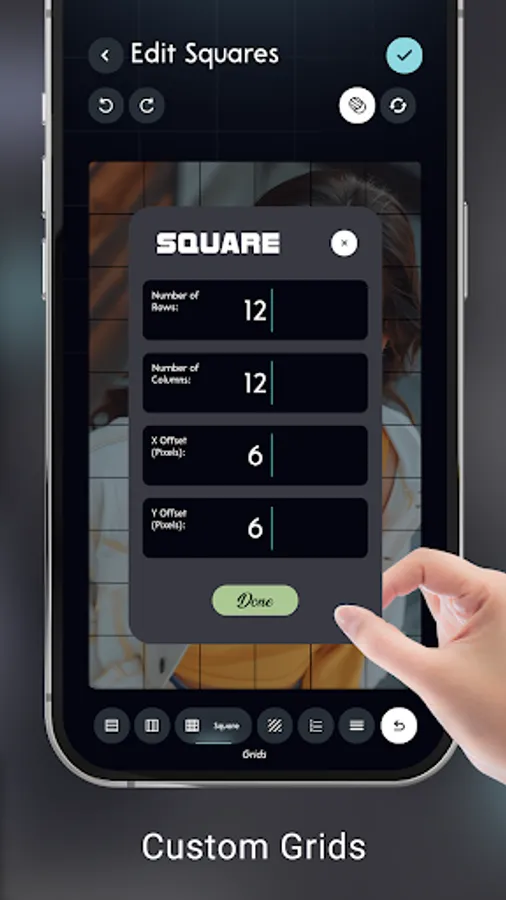
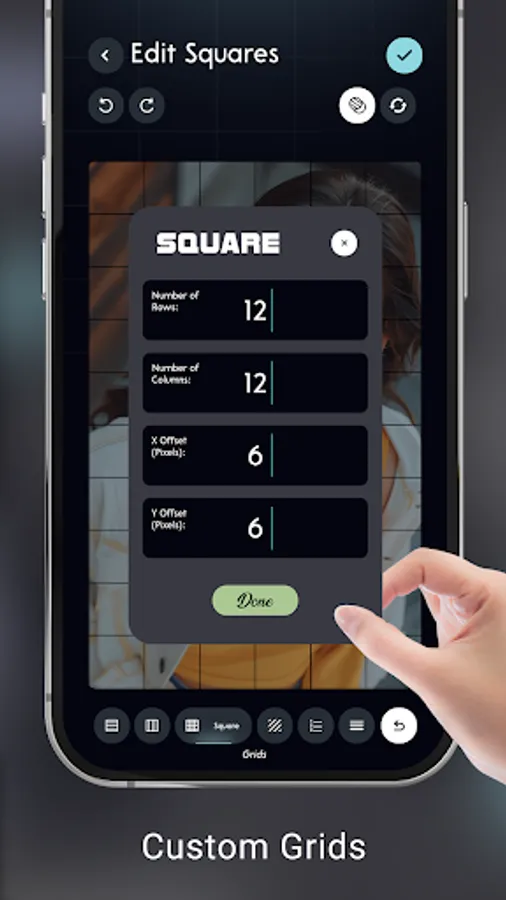
Adjust the number of rows & columns to suit your reference.
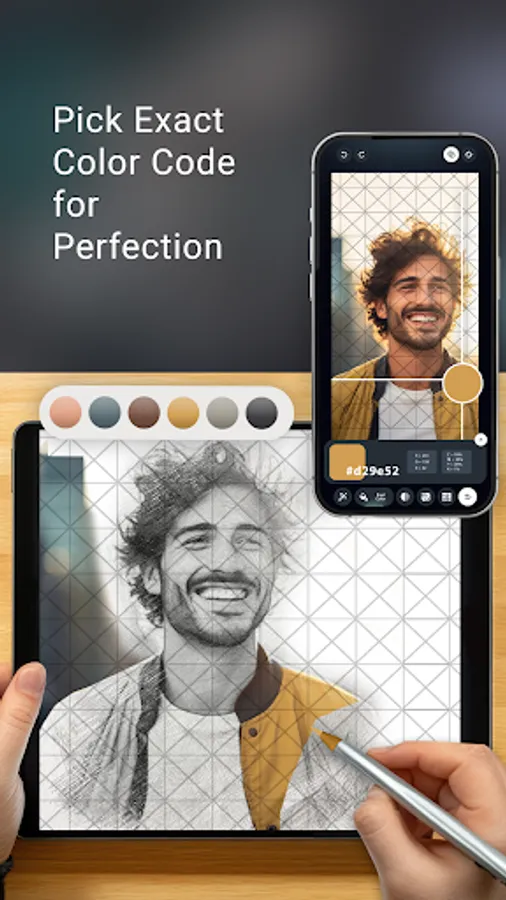
Choose between square grid or diagonal grid for added flexibility.
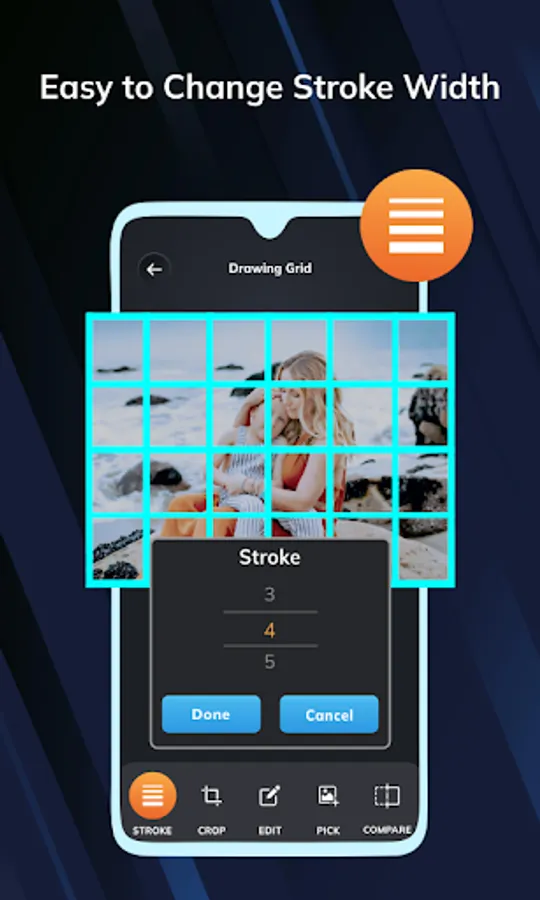
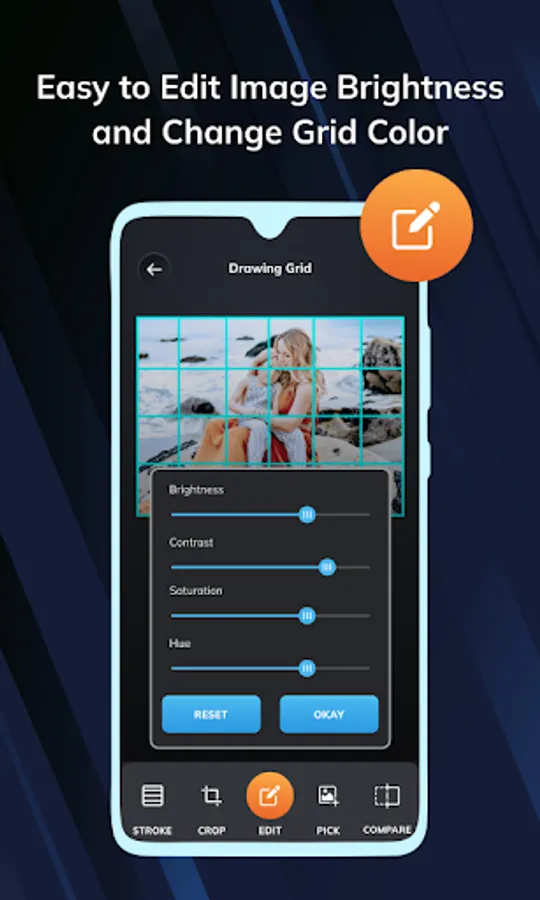
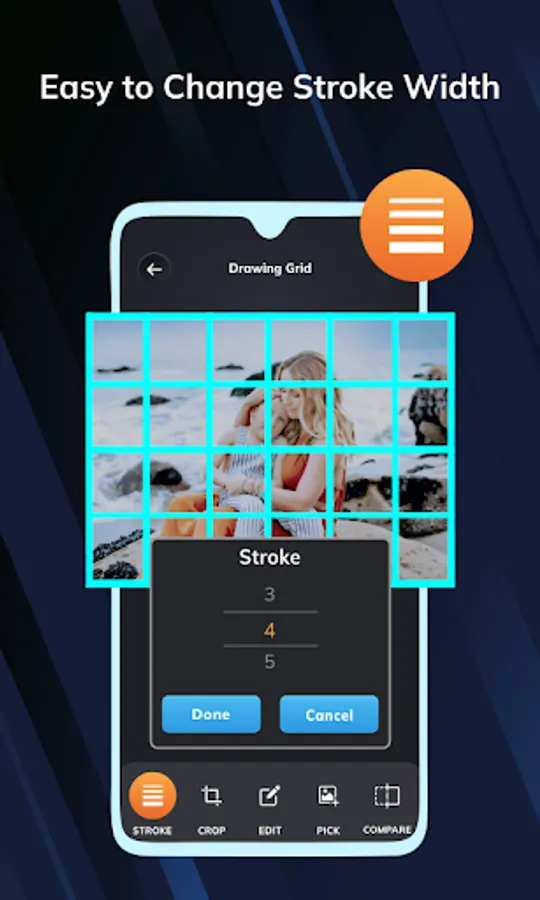
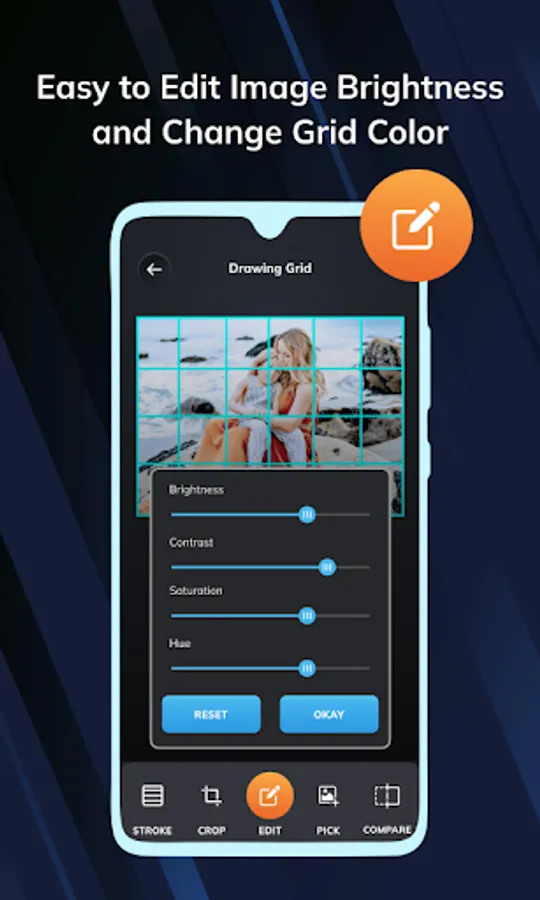
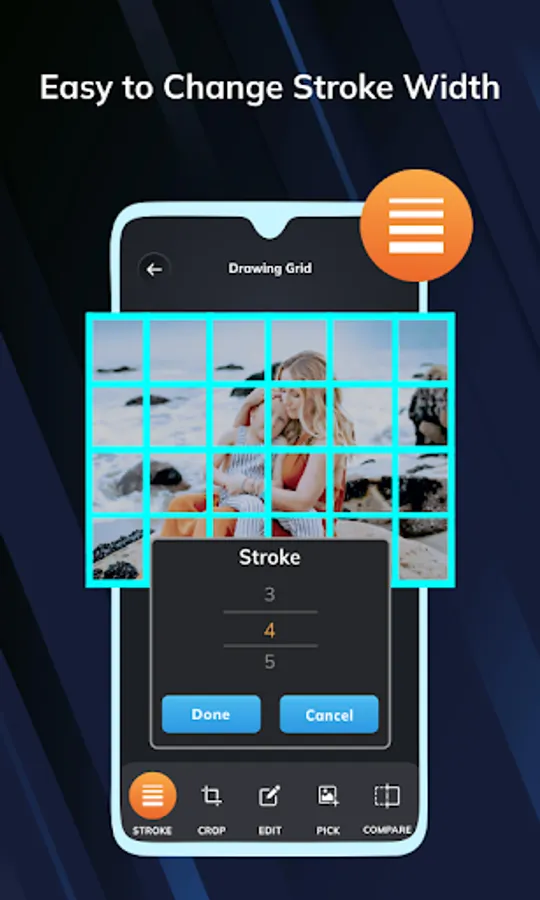
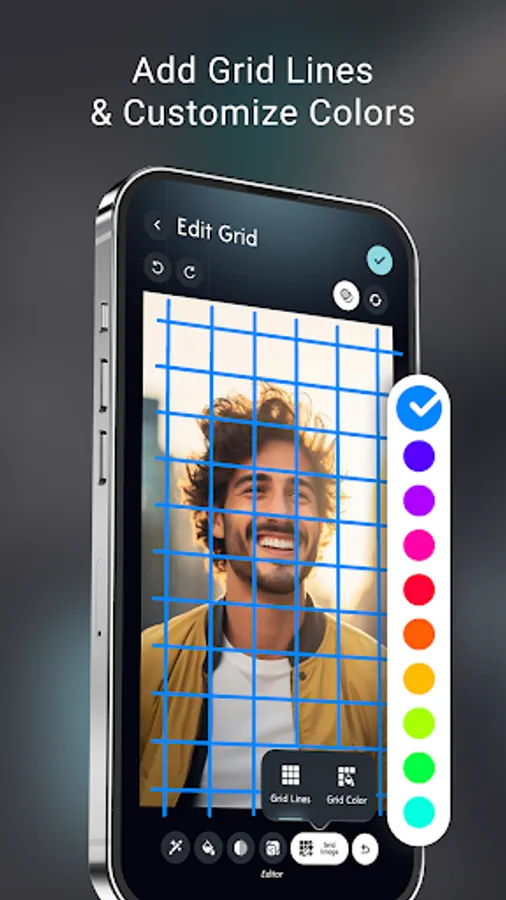
Modify grid color & line thickness for better visibility on different images.
Apply labels or numbering to help track sections easily.
* Advanced Image Adjustments :-
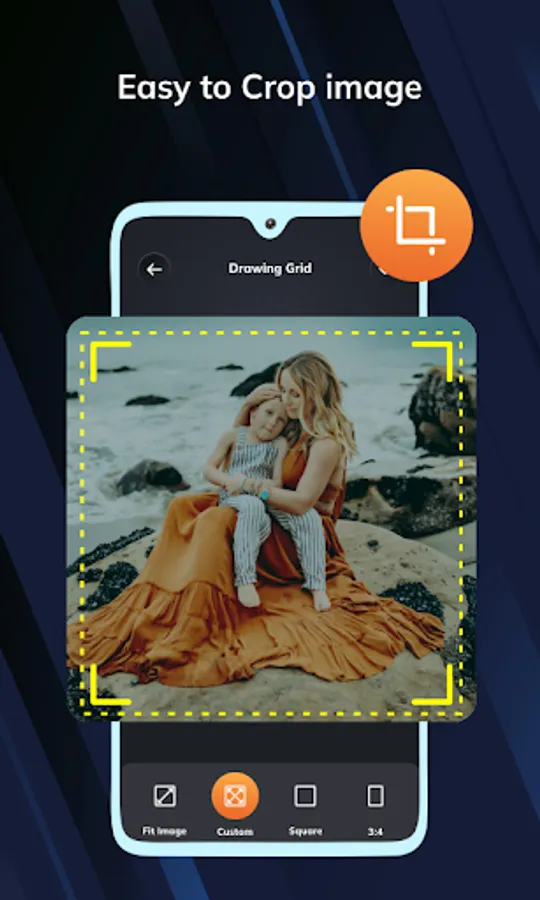
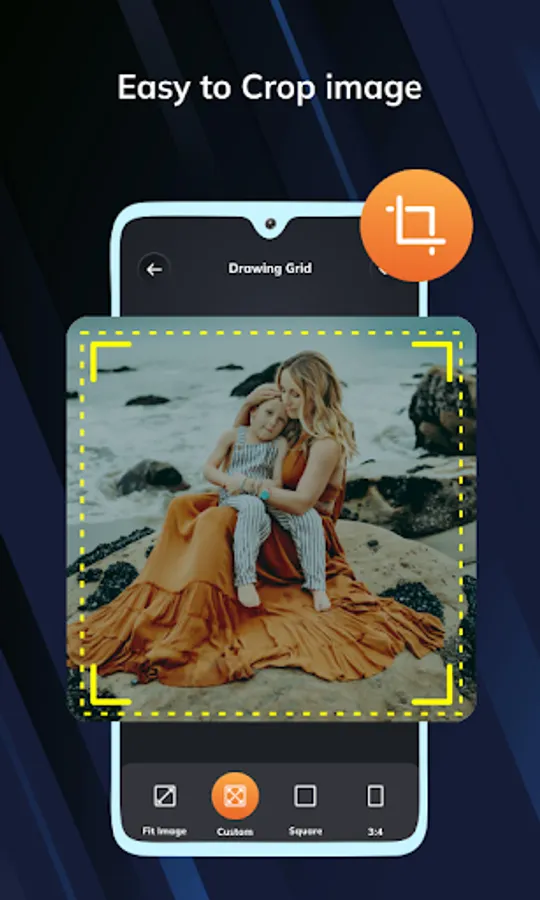
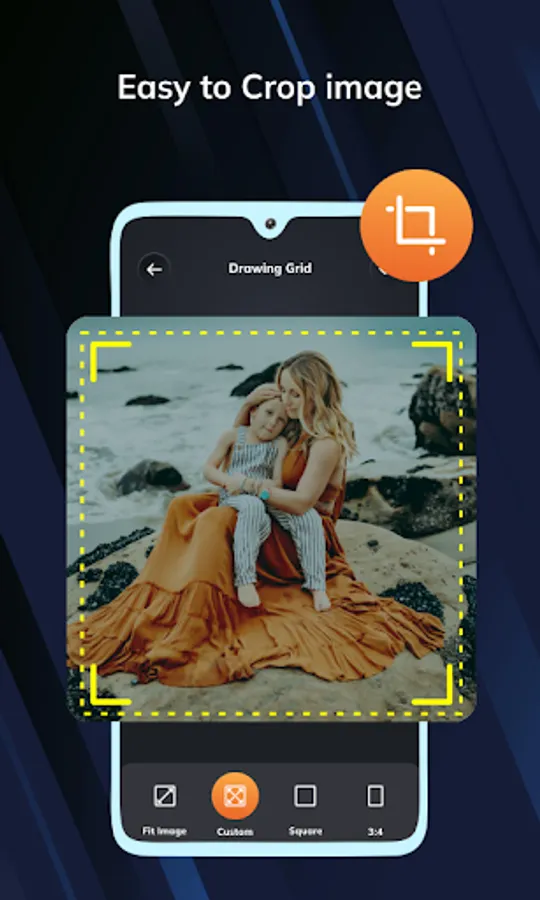
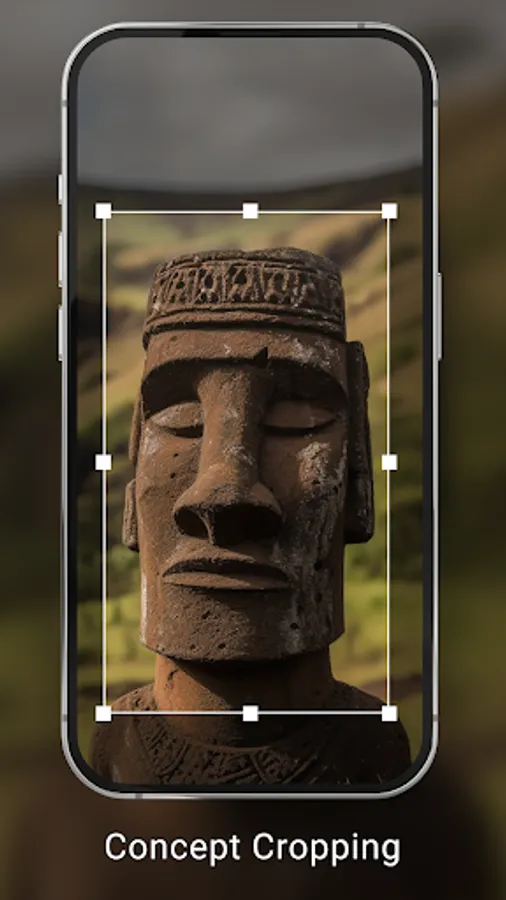
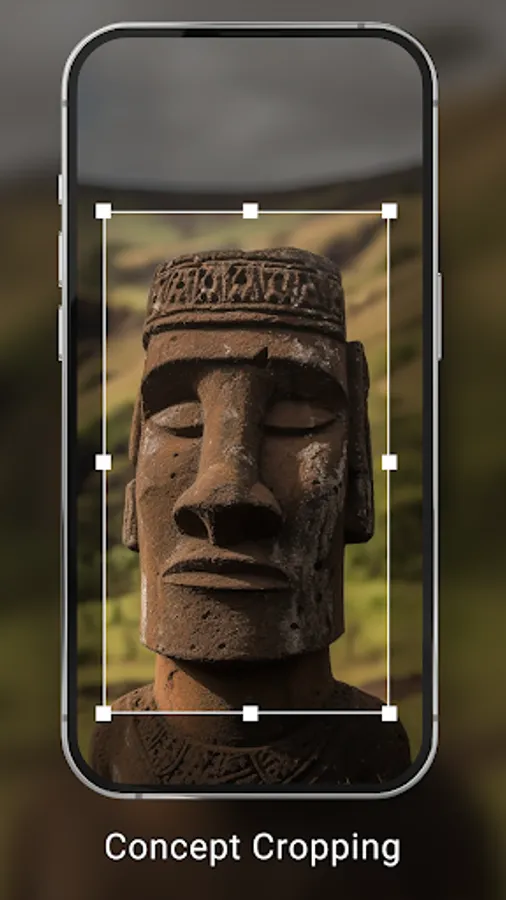
Crop images with preset aspect ratios to fit canvas.
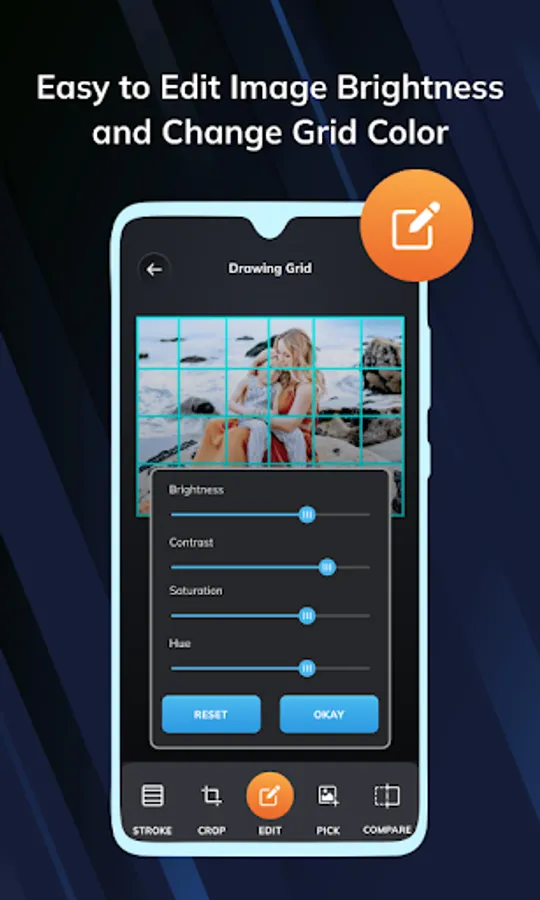
Fine-tune your reference with brightness, contrast, saturation & hue controls.
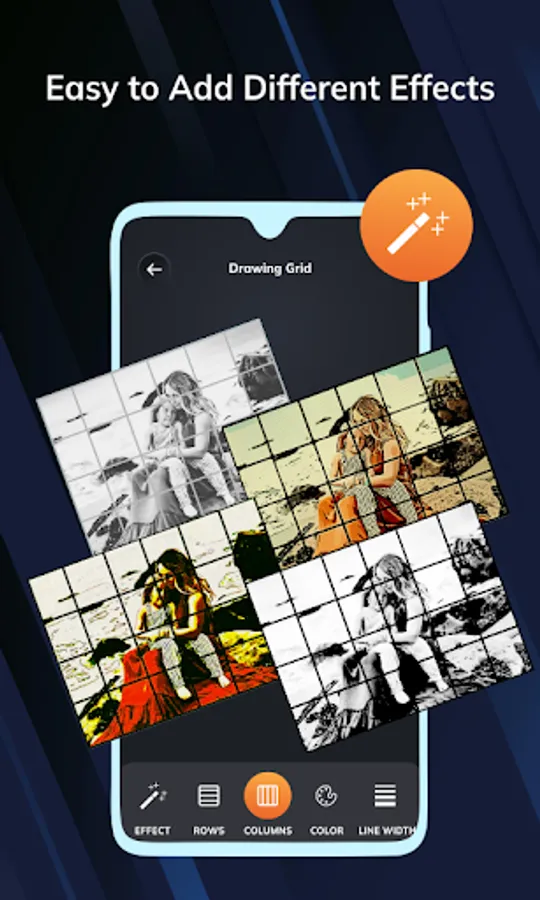
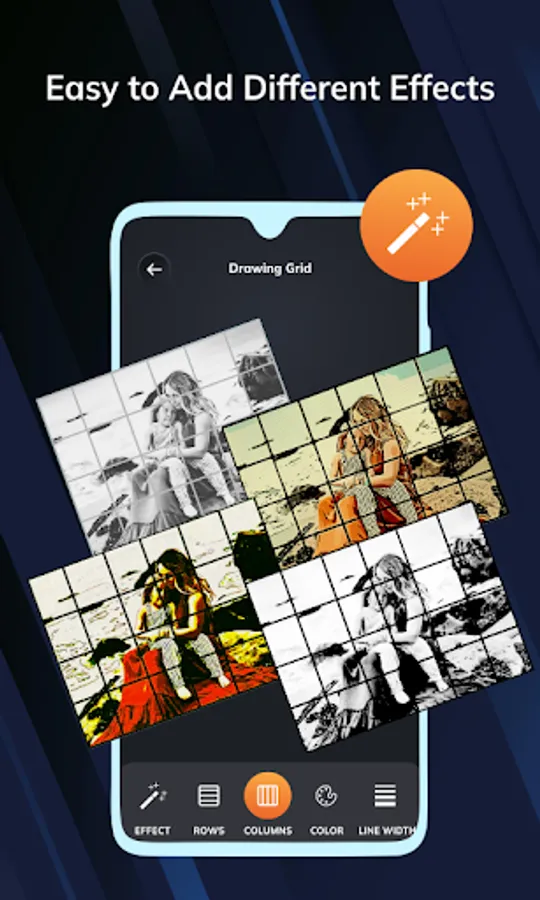
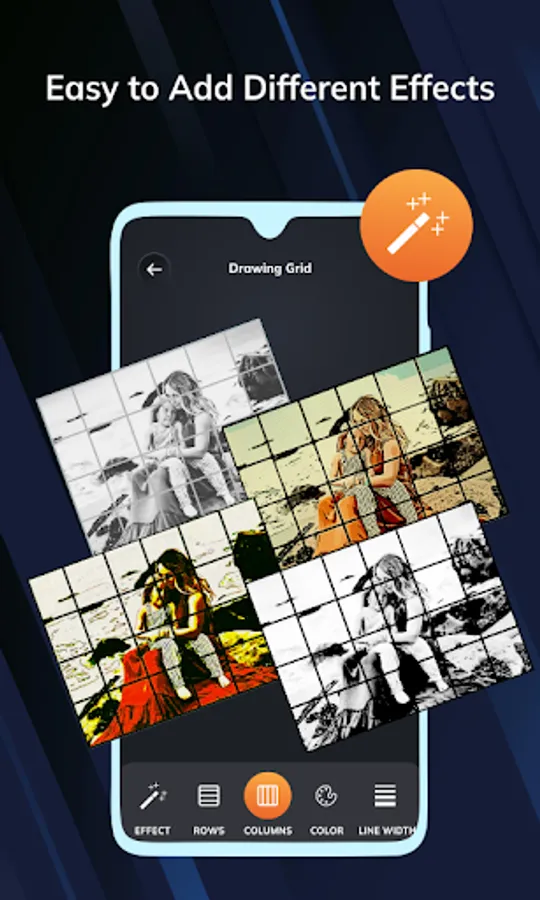
Apply various effects to enhance details & improve clarity.
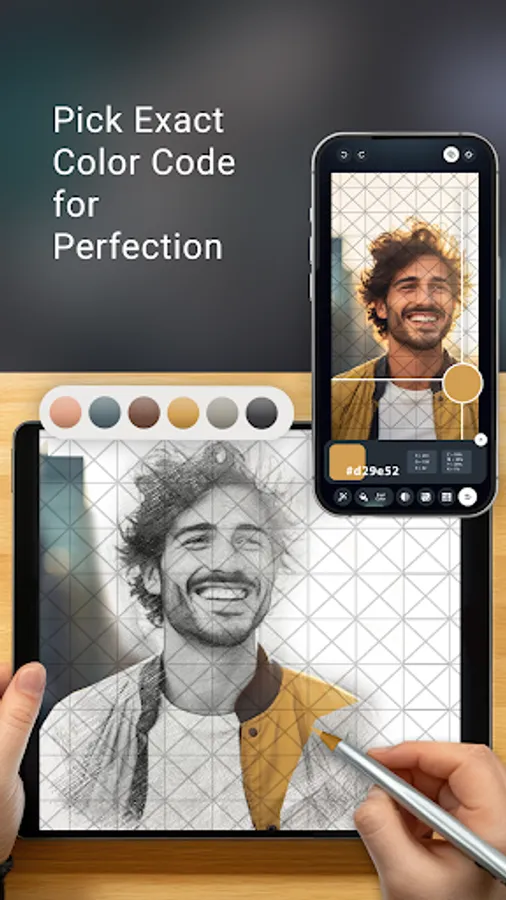
🎯 Smart Grid Lock & Pixel Color Picker :-
Lock the image to prevent accidental movements while sketching.
Use the pixel color picker to extract precise colors from reference.
✨ Perfect for Various Artistic Needs:-
✔ Sketch Artists – Achieve proportional drawings with ease.
✔ Tattoo Designers – Intricate designs with precision.
✔ Painters & Illustrators – Use grids to scale & structure artwork accurately.
✔ DIY & Craft Enthusiasts – Align designs, patterns, and templates.
✔ Students & Teachers – Learn & teach the grid drawing technique effect.
Download Now & Improve Your Drawings Skills.
Whether you're a beginner learning to draw or a professional artist looking to refine your work, the Grid Drawing App is the perfect tool to understand the ratio of size on the reference picture. It also helps you draw with ease & take your artwork to the next level.
With a wide range of customizable features, you can easily overlay grids on any image, adjust settings to match artistic needs and enhance your workflow for better results.
Why Use a Grid for Drawing?
The grid method is a time-tested technique used by artists to break down complex images into manageable sections. By overlaying a grid on your reference image and reproducing it grid by grid, you can:
✔ Maintain correct proportions – Avoid distortions and achieve precise scaling.
✔ Improve accuracy – Easily replicate intricate details with confidence.
✔ Simplify complex images – Focus on one section at a time, making the drawing process smoother.
📌 Key Features of the Grid Drawing App:
* Easy Grid Overlay on Any Image :-
Select an image from gallery or capture a new one using camera.
Instantly apply a custom grid to guide your sketching process.
* Fully Customizable Grid Settings :-
Adjust the number of rows & columns to suit your reference.
Choose between square grid or diagonal grid for added flexibility.
Modify grid color & line thickness for better visibility on different images.
Apply labels or numbering to help track sections easily.
* Advanced Image Adjustments :-
Crop images with preset aspect ratios to fit canvas.
Fine-tune your reference with brightness, contrast, saturation & hue controls.
Apply various effects to enhance details & improve clarity.
🎯 Smart Grid Lock & Pixel Color Picker :-
Lock the image to prevent accidental movements while sketching.
Use the pixel color picker to extract precise colors from reference.
✨ Perfect for Various Artistic Needs:-
✔ Sketch Artists – Achieve proportional drawings with ease.
✔ Tattoo Designers – Intricate designs with precision.
✔ Painters & Illustrators – Use grids to scale & structure artwork accurately.
✔ DIY & Craft Enthusiasts – Align designs, patterns, and templates.
✔ Students & Teachers – Learn & teach the grid drawing technique effect.
Download Now & Improve Your Drawings Skills.
Whether you're a beginner learning to draw or a professional artist looking to refine your work, the Grid Drawing App is the perfect tool to understand the ratio of size on the reference picture. It also helps you draw with ease & take your artwork to the next level.
Grid : Photo Editing & Drawing Screenshots
Tap to Rate:
Reviews for Grid : Photo Editing & Drawing
Farah Jutt
12/19/2025
totally useless app , with no saving option.
Pradip Chakraborty
12/8/2025
this app makes my drawing soo easy i love this app