Avi to Mp4 Converter
world4tech
100+
downloads
Free
AppRecs review analysis
AppRecs rating 5.0. Trustworthiness 55 out of 100. Review manipulation risk 20 out of 100. Based on a review sample analyzed.
★★★★★
5.0
AppRecs Rating
Ratings breakdown
5 star
100%
4 star
0%
3 star
0%
2 star
0%
1 star
0%
What to know
✓
High user satisfaction
100% of sampled ratings are 5 stars
About Avi to Mp4 Converter
Convert Avi to MP4, MKV, or MOV offline — batch, background processing, real-time progress and history. Download now and convert files to any folder.
Avi to MP4 Converter provides a clear, reliable way to convert your AVI and other video files into MP4, MKV, or MOV formats — directly on your device.
Key features
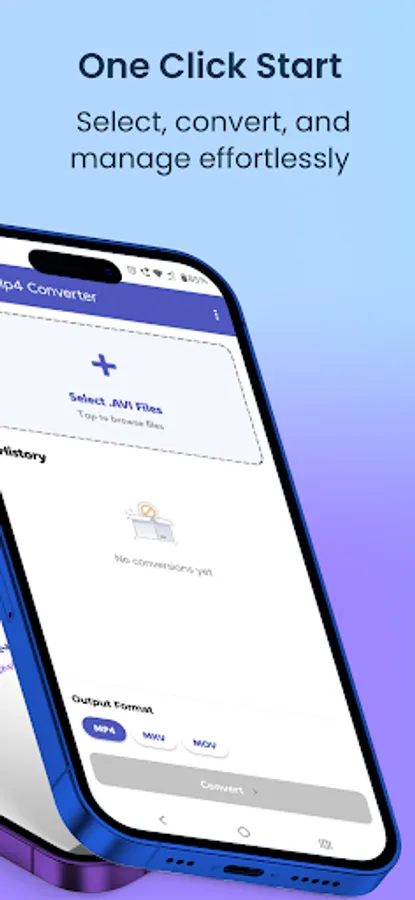
Convert to MP4, MKV, MOV — Select your preferred output format for wider device compatibility.
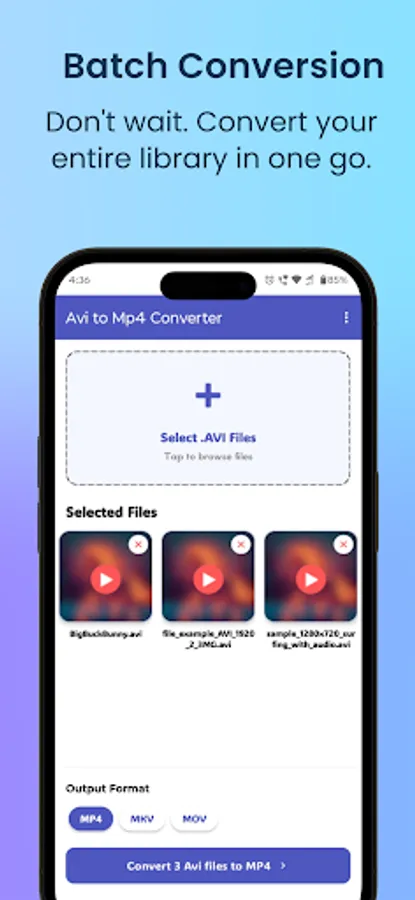
Batch selection — Pick multiple videos from your gallery or file manager and queue them for conversion.
Sequential conversion — Files convert one-by-one to preserve stability and consistent output.
Background processing — Conversions continue while you use other apps.
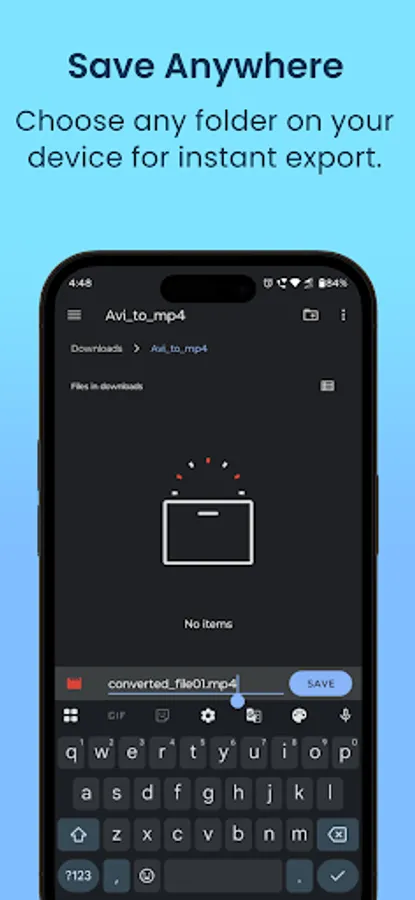
Save As — Choose any folder on your device to store converted files.
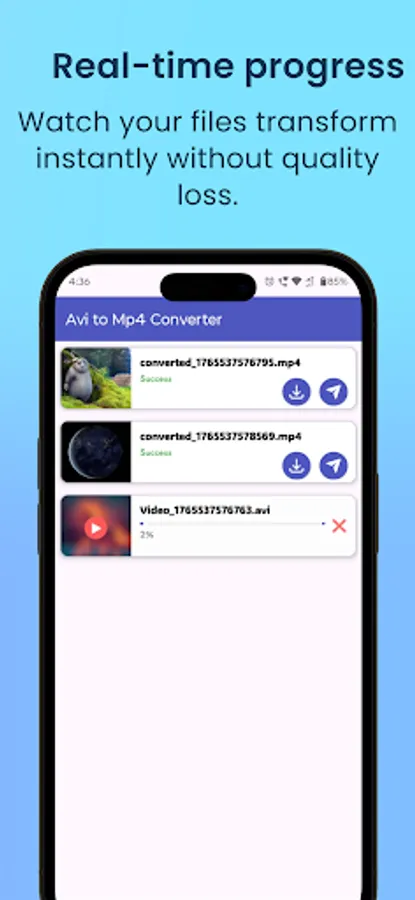
Real-time progress — See an exact percentage for each file while it converts.
History management — Automatic log of converted files with thumbnails for quick access.
Light mode design — Clean white interface for readability and fast workflows.
Quick share — Share converted files to WhatsApp, Instagram, Drive, or any app installed.
Cancel anytime — Stop an ongoing conversion instantly.
How to convert
Select one or more videos.
Choose MP4, MKV, or MOV.
Tap Convert — the app processes files sequentially and shows real-time progress.
Built for clarity and control
No complex menus — just a reliable converter that keeps everything on your device. Download now to convert your AVI files quickly and save them where you want.
Avi to MP4 Converter provides a clear, reliable way to convert your AVI and other video files into MP4, MKV, or MOV formats — directly on your device.
Key features
Convert to MP4, MKV, MOV — Select your preferred output format for wider device compatibility.
Batch selection — Pick multiple videos from your gallery or file manager and queue them for conversion.
Sequential conversion — Files convert one-by-one to preserve stability and consistent output.
Background processing — Conversions continue while you use other apps.
Save As — Choose any folder on your device to store converted files.
Real-time progress — See an exact percentage for each file while it converts.
History management — Automatic log of converted files with thumbnails for quick access.
Light mode design — Clean white interface for readability and fast workflows.
Quick share — Share converted files to WhatsApp, Instagram, Drive, or any app installed.
Cancel anytime — Stop an ongoing conversion instantly.
How to convert
Select one or more videos.
Choose MP4, MKV, or MOV.
Tap Convert — the app processes files sequentially and shows real-time progress.
Built for clarity and control
No complex menus — just a reliable converter that keeps everything on your device. Download now to convert your AVI files quickly and save them where you want.