About Xapp
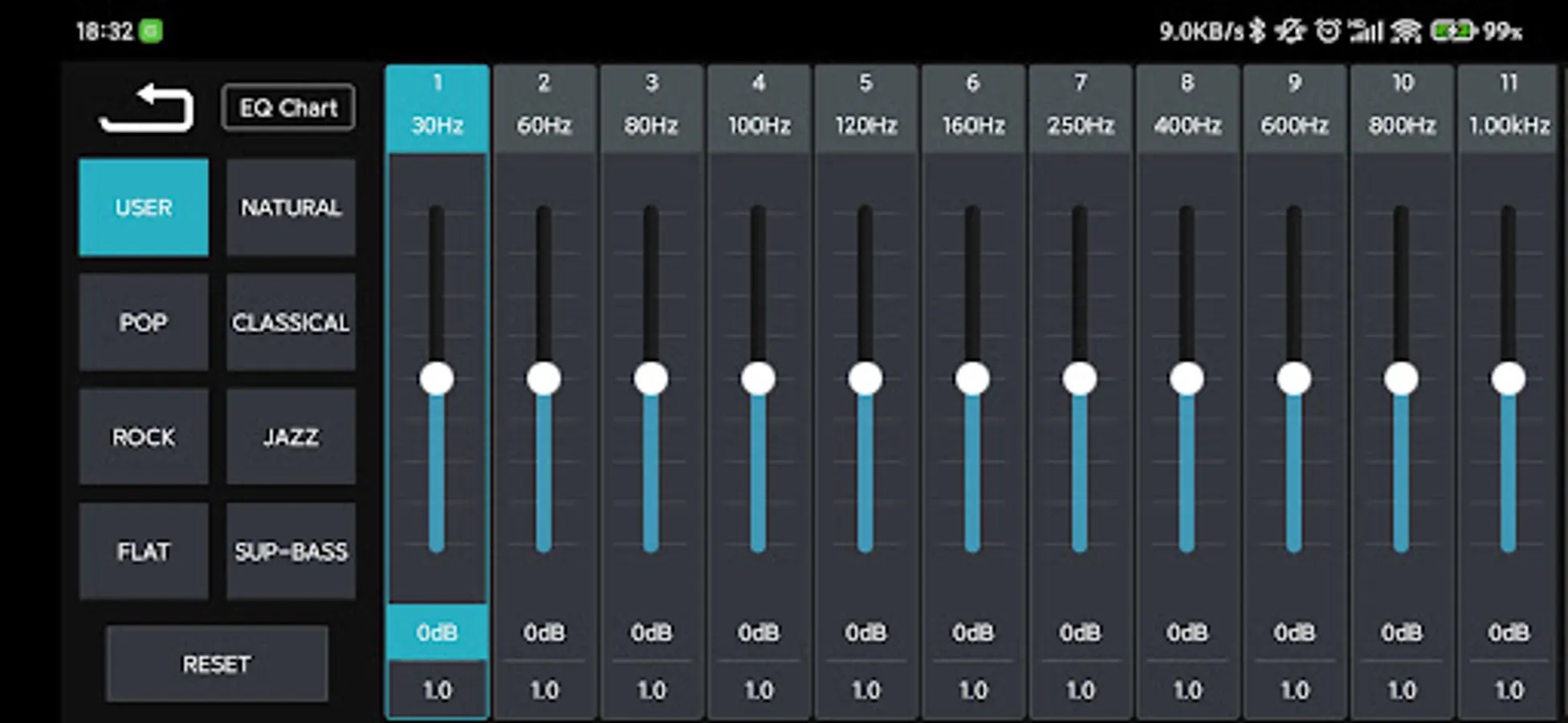
1. Control the volume of the car player, and set DSP parameters, such as EQ parameters, delay parameters, etc.
2. Switch the car player mode, such as USB mode, radio mode, AUX mode, etc.
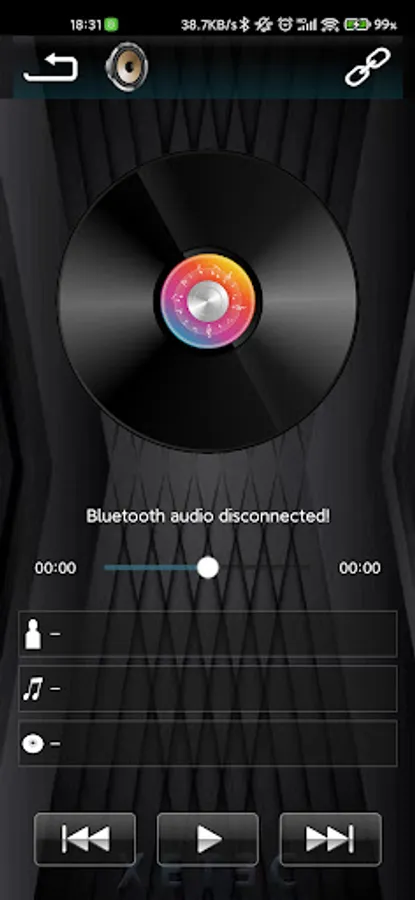
2. Switch the music play from USB, SD cards, and Bluetooth
3. In the radio state, you can switch FM channels, set frequencies, etc.
5. Configure the system info of the car player, such as date and time, etc.
2. Switch the car player mode, such as USB mode, radio mode, AUX mode, etc.
2. Switch the music play from USB, SD cards, and Bluetooth
3. In the radio state, you can switch FM channels, set frequencies, etc.
5. Configure the system info of the car player, such as date and time, etc.