
Mobile Banking Bank Kalbar
PT Bank Pembangunan Daerah Kalimantan Barat
100,000+
downloads
Free
AppRecs review analysis
AppRecs rating . Trustworthiness 0 out of 100. Review manipulation risk 0 out of 100. Based on a review sample analyzed.
★
AppRecs Rating
Ratings breakdown
5 star
12%
4 star
20%
3 star
6%
2 star
10%
1 star
52%
What to know
✓
Authentic reviews
Natural distribution, no red flags
⚠
Mixed user feedback
Average 2.3★ rating suggests room for improvement
⚠
High negative review ratio
62% of sampled ratings are 1–2 stars
About Mobile Banking Bank Kalbar
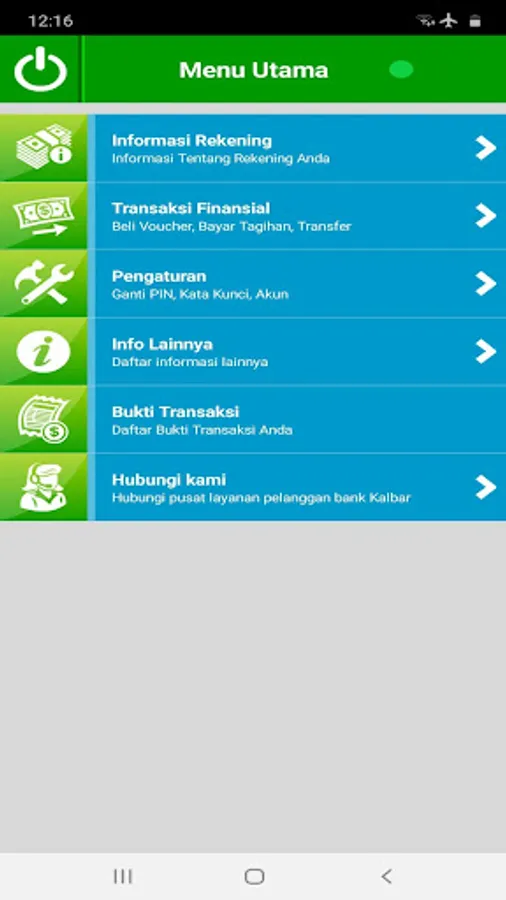
Transactions that can be carried out include:
1. Check balance
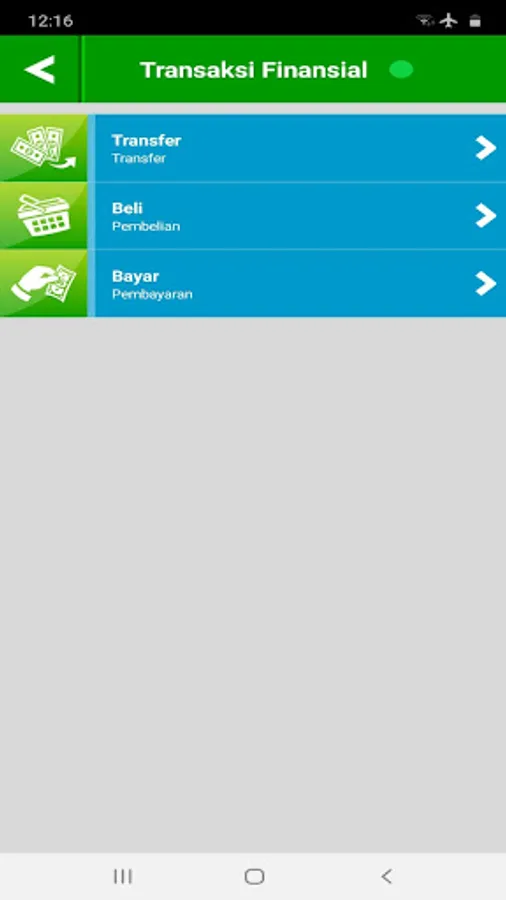
2. Transfer between West Kalimantan Bank accounts (On us)
3. Transfers between other bank accounts
4. Transfer to Virtual Account
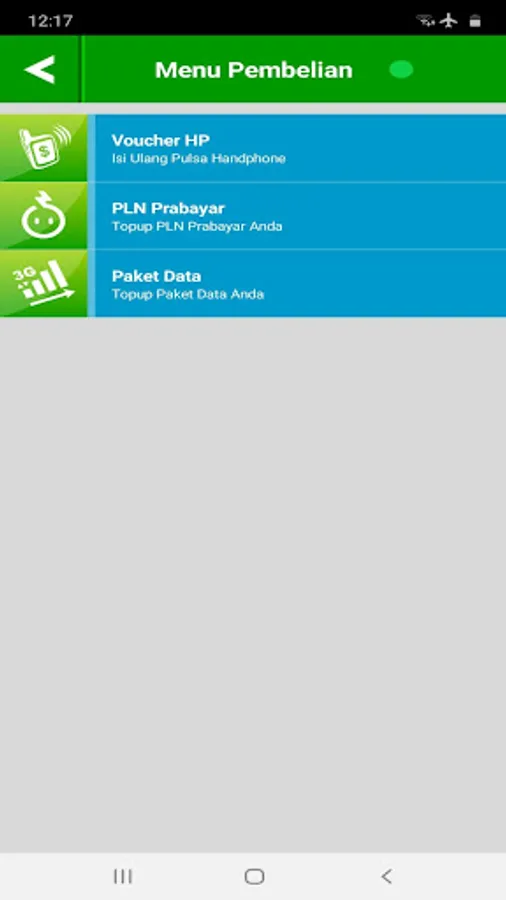
5. Purchase:
- Mobile vouchers (Telkomsel, Tri, Esia, XL / Axis, Indosat, Smartfren, Flexi Trendy)
- Prepaid PLN
- Data Package
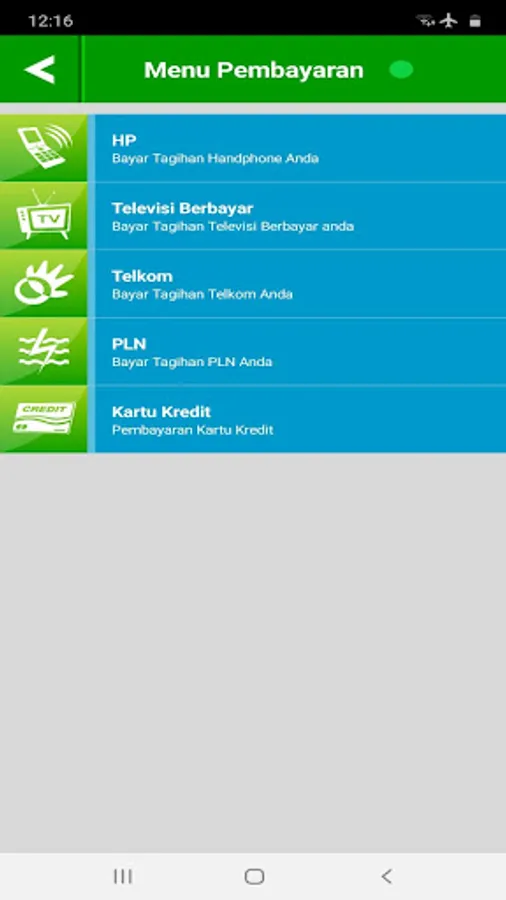
6. Payment / payment:
- Mobile Bill (HALO, Tri Postpaid, Esia Postpaid, Xplor, Smartfren Postpaid)
- Paid television
- Telkom (PSTN, Flexi Classy, Telkom Speedy)
- PLN (Postpaid, Non Taglis)
- Credit Card (Bank Kalbar)
- PBB (PBB Pontianak, PBB Kuburaya, PBB Singkawang, PBB Sambas, PBB Sintang,
UN Hedgehog, UN Bengkayang, UN Mempawah, United Nations Sekadau)
- Samsat Regional KalBar
- Multipayment
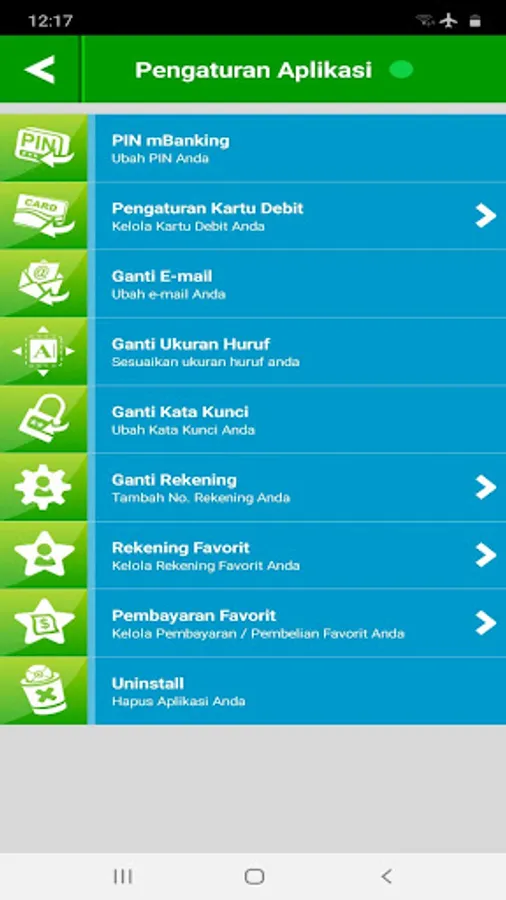
7. PIN replacement
Before starting to use the application, customers can register through the ATM (Mbanking reg menu) and activate via Customer Service at the nearest Kalbar Bank branch office.
After that you can download and install the application through the App Store, the application can be started by:
* Agree to terms & conditions (terms and conditions apply)
* Select the cellular operator used and then send a text message (already prepared) via SMS
* After the SMS has been successfully verified, the customer can start creating an application password consisting of numeric and letter characters
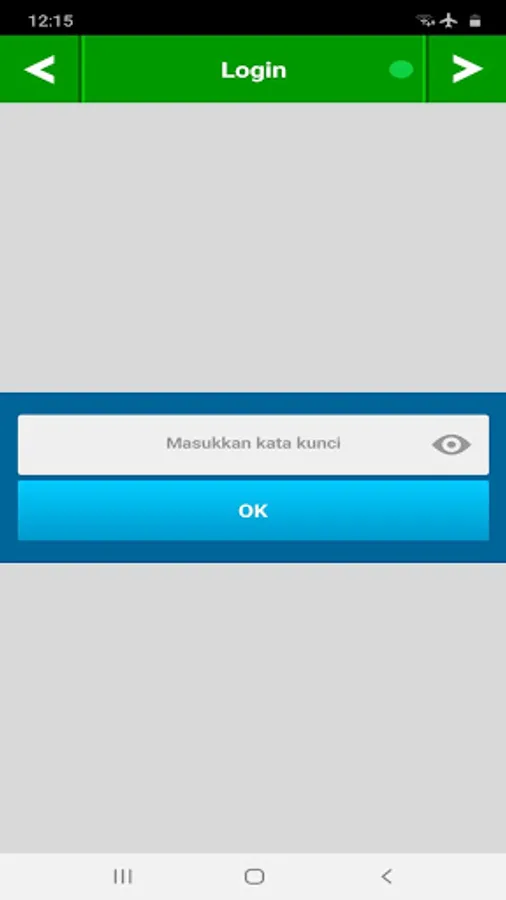
* After success, customers can login and start trading with Bank Kalbar's mobile banking application
For further information, please contact the Kalbar Bank contact center or Customer Service at the nearest Kalbar Bank Branch Office
Mobile Banking Bank Kalbar Screenshots
Tap to Rate:
Reviews for Mobile Banking Bank Kalbar
joni tanz
10/18/2025
ga ada BI Fast sampai sekarang, daftar bank lain ga update, aplikasi seadanya tanpa ada kelanjutan update,gimana mau bangun daerah,bangun aplikasi aja susah
Noval Nuralif
6/23/2025
Overall, aplikasi berfungsi dg baik. Cuman saran saya, coba dikasih fitur notifikasi biar setiap ada transaksi, baik itu transaksi masuk maupun keluar, bisa tau tanpa harus buka aplikasinya lagi. Sama pembayaran penting lainnya semoga ditambahkan misal pembayaran BPJS ataupun sejenisnya. Sekarang kasih bintang 4 dulu soalnya notifikasi cukup crusial menurut saya.
