In this vehicle log viewer app, you can analyze ride data with visual graphs and synchronize position information to identify optimal lines and improve lap times. Includes data download features and graph display for vehicle conditions and lap analysis.
AppRecs review analysis
AppRecs rating 3.2. Trustworthiness 0 out of 100. Review manipulation risk 0 out of 100. Based on a review sample analyzed.
★★★☆☆
3.2
AppRecs Rating
Ratings breakdown
5 star
31%
4 star
8%
3 star
23%
2 star
15%
1 star
23%
What to know
✓
Authentic reviews
Natural distribution, no red flags
⚠
High negative review ratio
38% of sampled ratings are 1–2 stars
About Y-TRAC
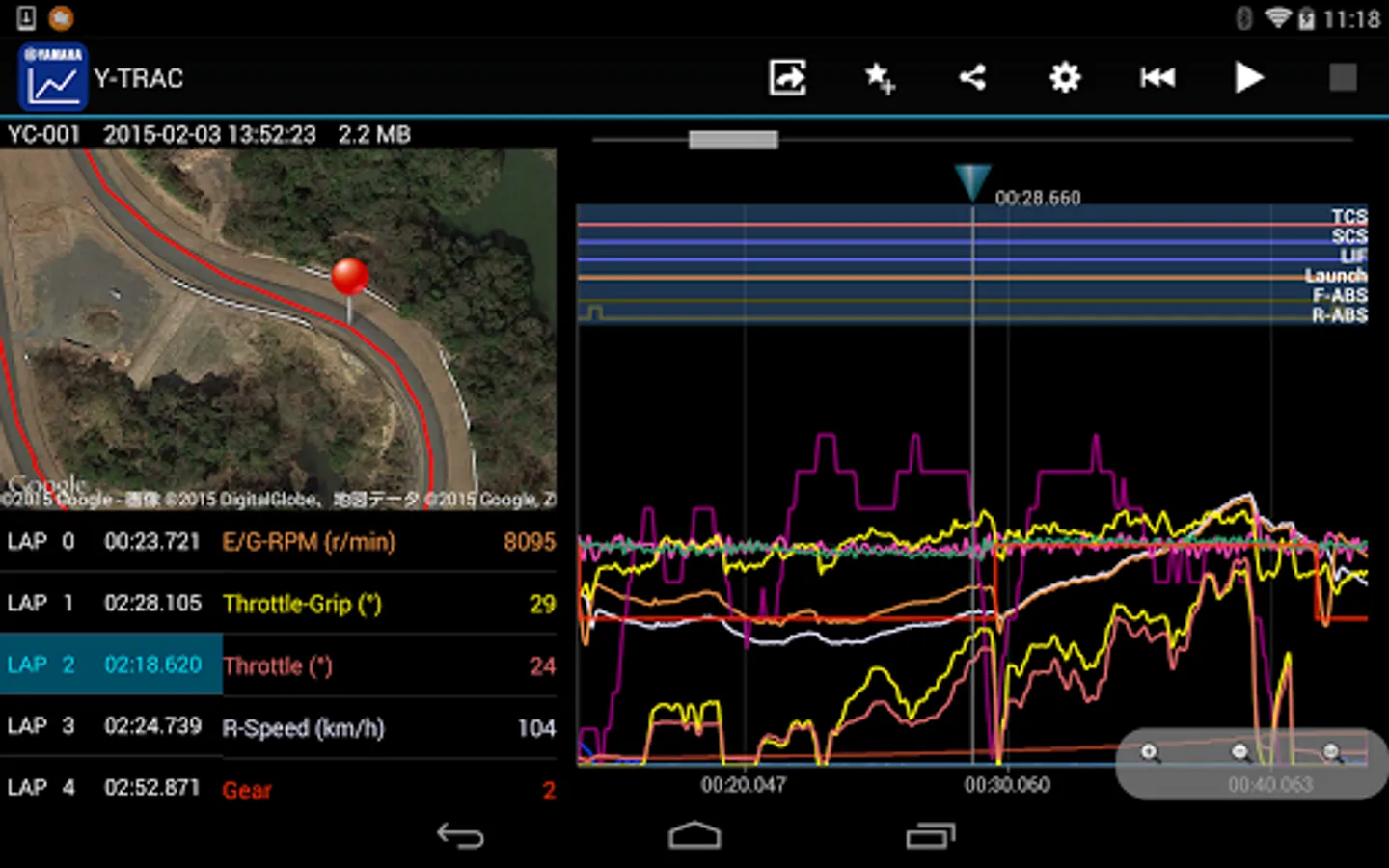
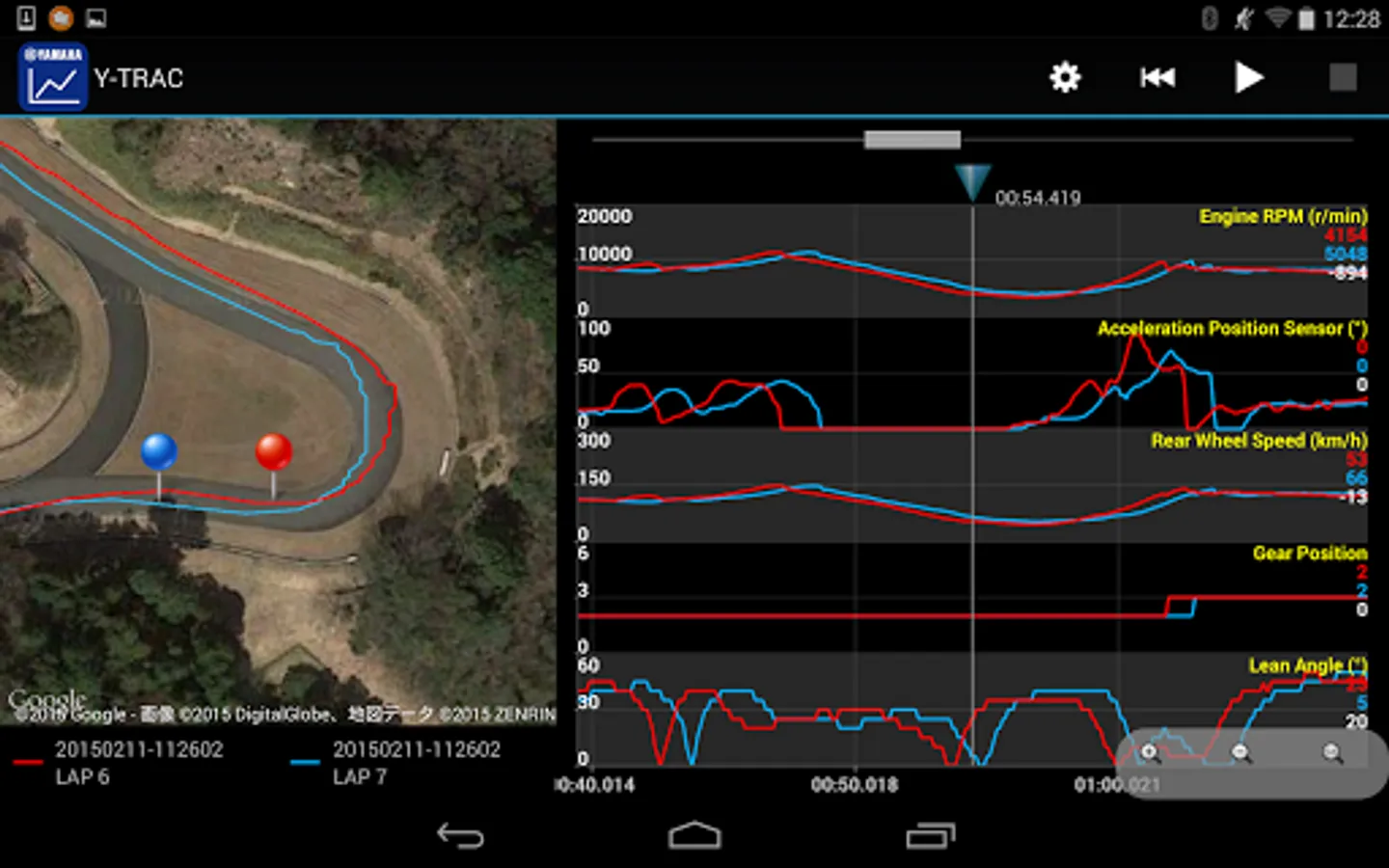
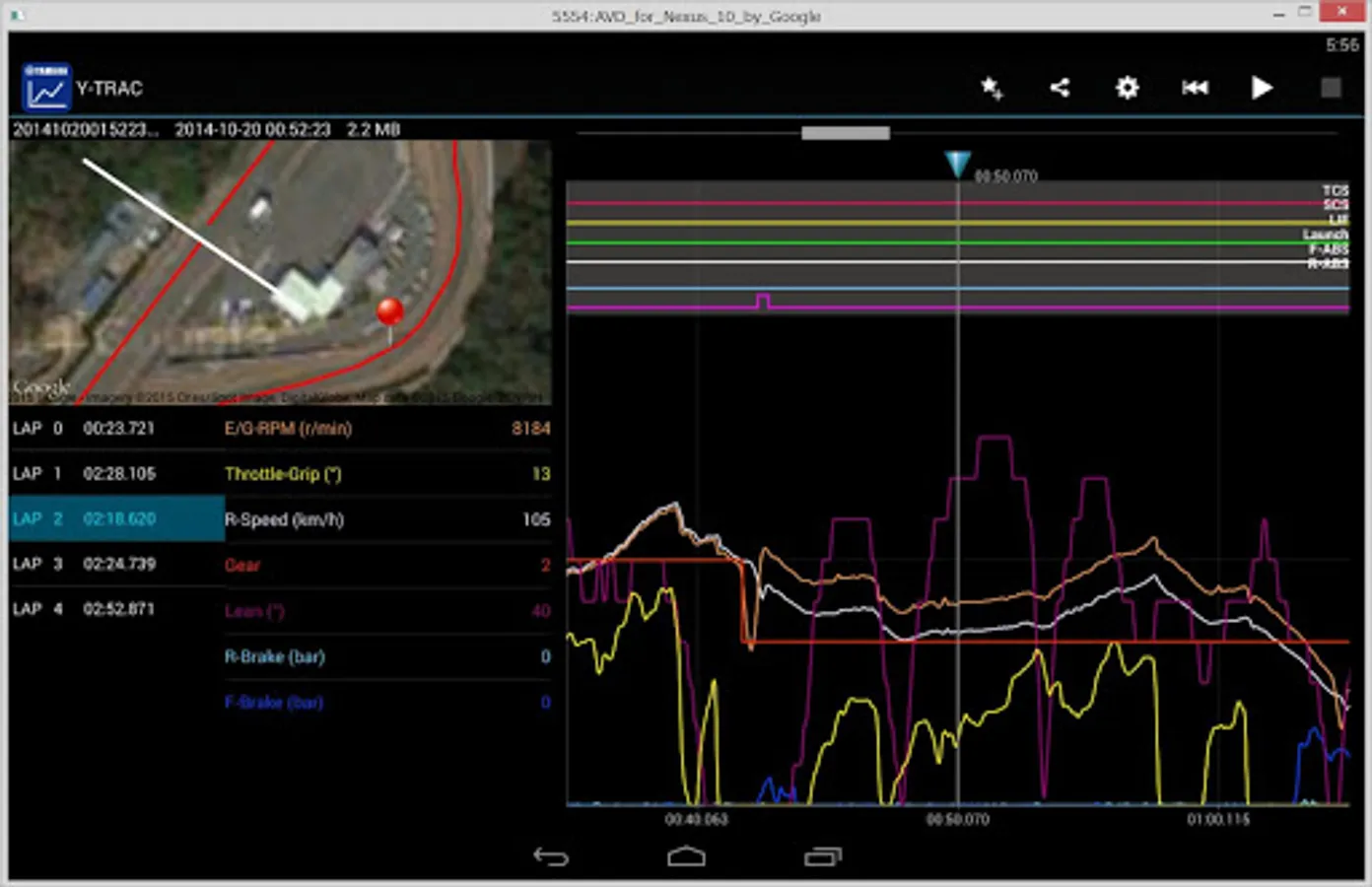
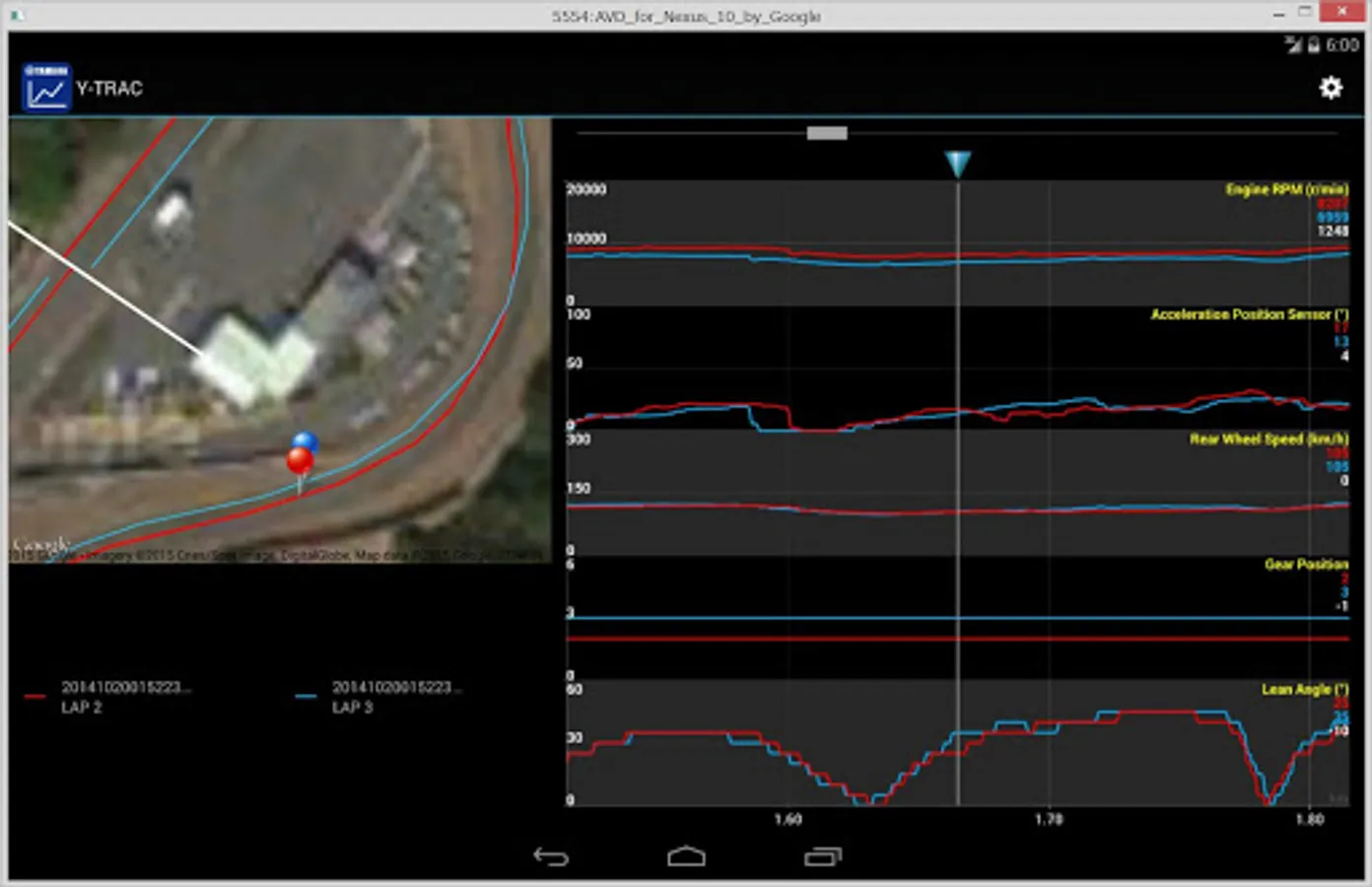
Y-TRAC is a log viewer application for viewing vehicle information collected in the CCU (* 1). Many kinds of vehicle information are displayed visually in an easy-to-understand graph, such as vehicle speed and engine speed, accelerator opening, banking angle and brake pressure, as well as various types of control effects. In addition to vehicle information, position information is recorded simultaneously in the log data stored in the CCU. Due to this synchronization of position information and vehicle condition, you can quickly pick up information such as braking point at corner entry, brake pressure, vehicle speed, line, banking angle at turn, and throttle condition at exit. Since the graph displays each lap, you can easily understand the characteristics of a good line. Find a way to improve your lap time through careful study of the app's features. Circuit racing becomes more and more fun because now you can compare bookmarked data with your competitors.
* To record logs of laps to the CCU, it is necessary to dictate the record line to the CCU in advance.
* 1) Communication control unit (2015-2020 model year YAMAHA YZF-R1M equipped with data logger unit)
■ How to use Y-Trac and the CCU
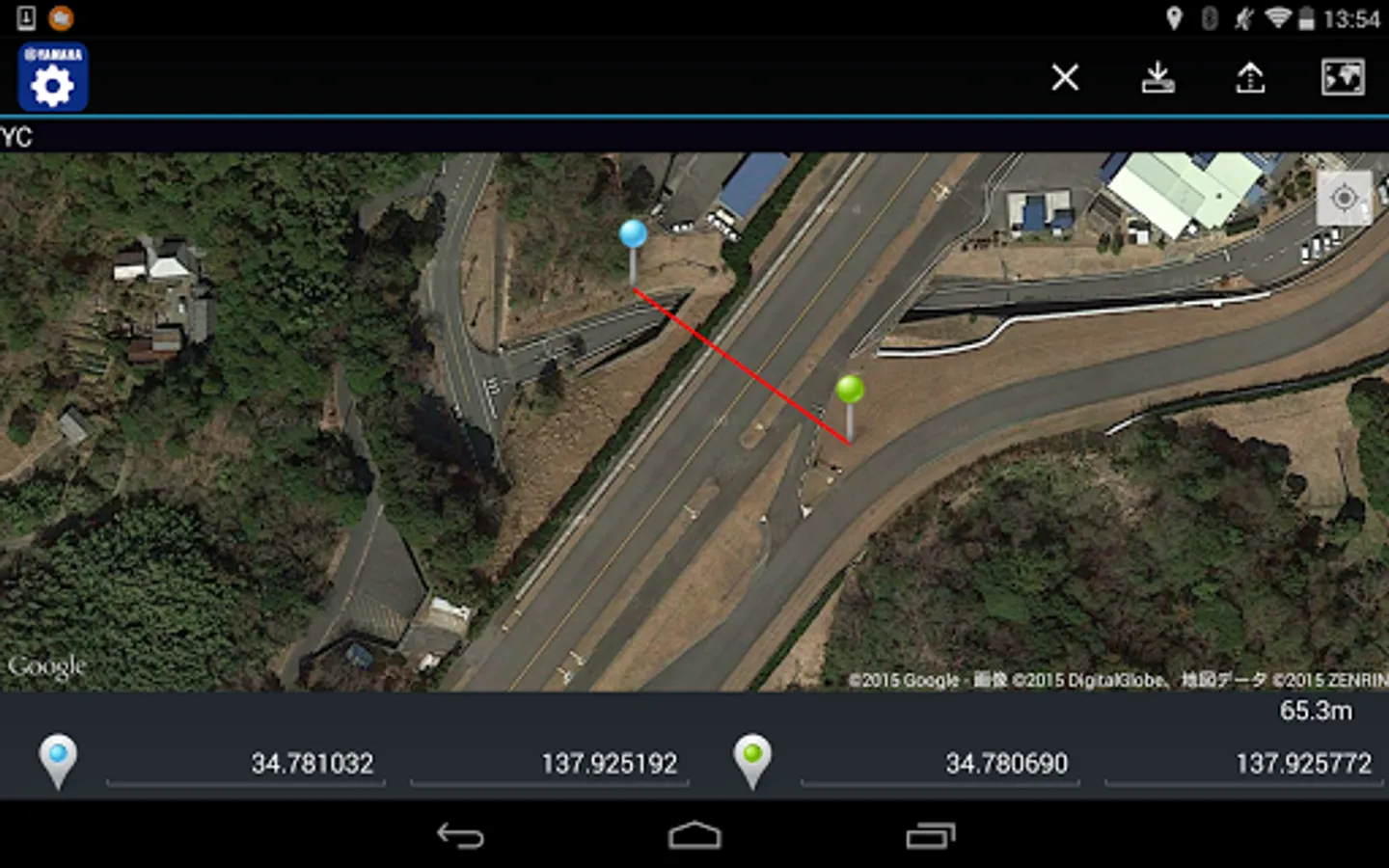
1) Set the record line prior to circuit racing.
a) Determine the record line.
b) Send the record line to the CCU.
*) In recording mode, either "Track" or "Street" can be selected. Select "Track" for circuit racing.
That’s it for the preparation.
2) Come on, ride!
a) Have a blast while riding safely.
*) Ride conditions are being recorded in the CCU as a log.
3) After riding...
a) Using Y-TRAC, download the log recorded in the CCU.
b) Acquired data will be displayed in a list view. Tapping the data icon displays the graph.
■With Y-TRAC you can...
1) Acquire CCU logging data
Download the logging data in the CCU.
2) Display lap times
A list of lap times recorded by the CCU's auto lap function is displayed.
3) Display graphs
A graph is displayed for each lap.
4) 15 types of vehicle data and 6 types of control data are displayed in a line graph. You can choose which data to display.
5) Bookmarks
Regularly viewed data and special data can be accessed immediately by bookmarking the data.
6) Compare graphs
Two data can be compared per lap unit. For example, 2 laps within the same data set, or other lap data, can be compared.
7) Split laps
When comparing different data, you can re-set the lap to fit in one record line.
8) Data Sharing
Log data can be uploaded to e-mail and cloud services.
9) Auto Play
Graph display data is played automatically.
10) Setting Data Export
During ride YRC setting data can be captured by the YRC Setting app.
■Supported environment
OS: Android 6 or later
RAM: 2GB or more
Device that confirmed works: Nexus 5, Nexus 7, Nexus 9
・ This application works on smartphone or tablet device.
・ It does not guarantee the works on all devices.
■Cautions
・ Please use the application safely, and observe traffic rules and precautions.
・ Please use only when the motorcycle is stopped in a safe location.
・ It is not guaranteed that the app will operate in all vehicles. Installation position and the installation method of the CCU may affect its accuracy, sensitivity and operation.
・ To use some functions of this application, you will need an Internet connection via mobile data communication or wireless LAN.
・ It is not guaranteed that the numbers displayed in this application are accurate.
■Inquiry
・ This application is for use with select Yamaha vehicles. For inquiries, please contact your Yamaha dealer.
Y-TRAC Screenshots
Tap to Rate:
Reviews for Y-TRAC
paul barton
11/16/2025
Had the ytrac for some time and worked spot on. But recently get internal server error. Tryed to upload the app to another device and getting same message. All the dash settings transfer but not the circuit lap times etc. now get ssid not recognised message. would be nice if the app people would respond as I know I'm not the only one getting this issue
Bill Symonds
6/1/2025
No support for R9 despite it appearing on marketing for the bike.