AppRecs review analysis
AppRecs rating 3.5. Trustworthiness 77 out of 100. Review manipulation risk 29 out of 100. Based on a review sample analyzed.
★★★☆☆
3.5
AppRecs Rating
Ratings breakdown
5 star
50%
4 star
20%
3 star
0%
2 star
10%
1 star
20%
What to know
✓
Low review manipulation risk
29% review manipulation risk
✓
Credible reviews
77% trustworthiness score from analyzed reviews
✓
Good user ratings
70% positive sampled reviews
About Macro
Autonomous:Automatic Touch Automation(Billing) is
Android device screen according to condition setting
It is an app (program) that performs auto-touch and auto-click.
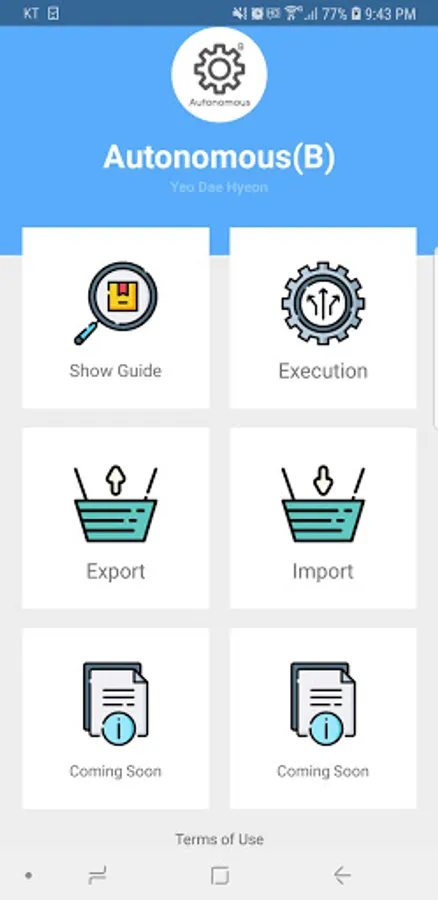
You can set the macro function you want as follows.
✓ First, capture the desired screen with the screenshot (screen capture-image creation) function.
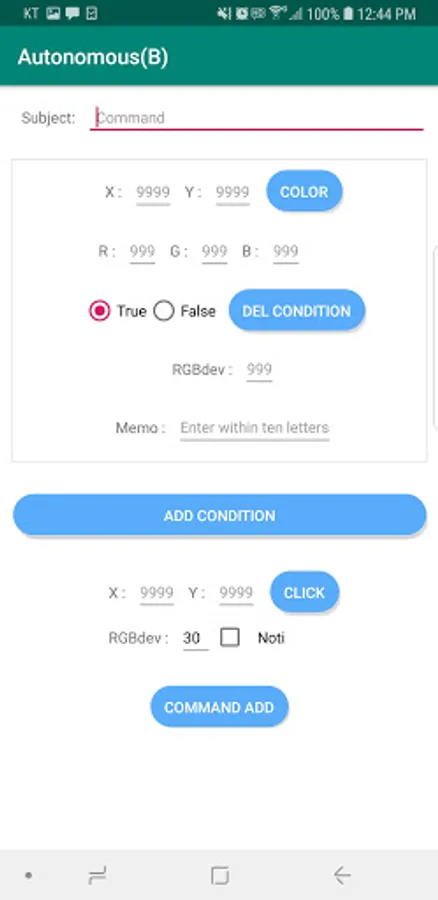
✓ The second captured image is saved in the download folder, and as a command addition function, the pixel of the desired coordinate is enlarged with a two-finger gesture function (it is also possible by double-clicking).
If you check the notification, you can receive a screen image of the device as a notification when a command is clicked.
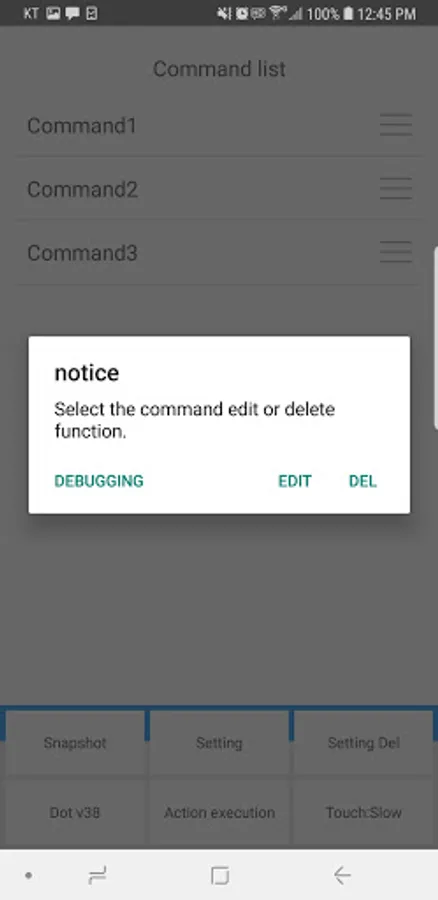
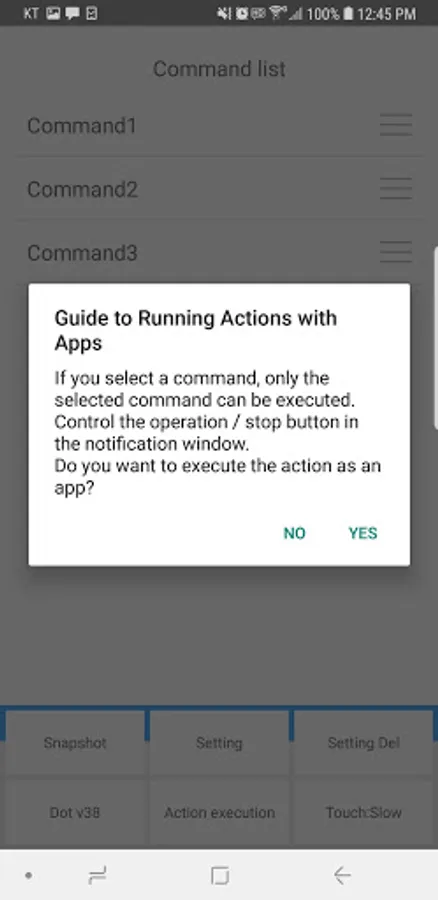
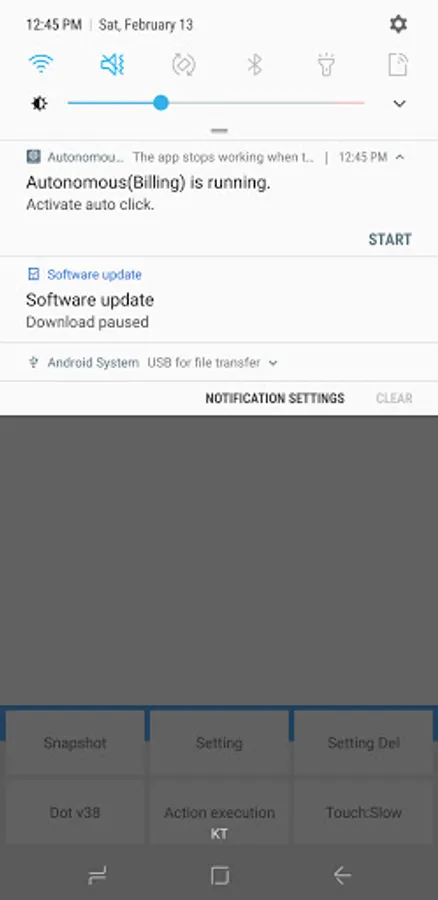
✓ Thirdly, after registering the accessibility service, you can create a notification notification by executing an action with the app, and press the command execution button on the generated notification, the registered command will operate repeatedly, saving time for repetitive tasks. This is very useful.
✓ In addition, it is possible to export created macros and save them as a single text file. It can be linked to Google Drive.
With the import function, you can download and use anytime, anywhere, as long as the internet is available on a device with the same resolution.
Thank you.
Describe the default behavior of automatic clicks
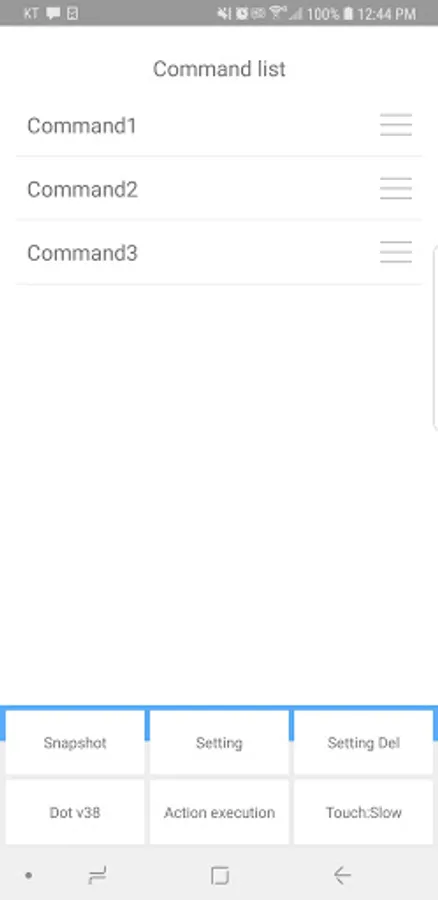
✓ It operates from the top to the bottom of the command list.
✓ When the 2nd command out of 3 commands is clicked, it operates from the beginning again.
✓ When running an action with the app, it detects and operates the screen change.
(On a screen that does not change, turn on the DOT button.)
Attention
✓ Only available for Android 7.0 or higher
1. Storage space (required)
- Used for screen image and command control
2. Battery optimization exclusion setting (required)
- Used for smooth integration of Android devices
3. Accessibility permission setting (required)
- Used to improve reaction speed and run as an app
* Use of Accessibility API
- In order to use the function in the app, it is necessary to set the accessibility permission, which is a sensitive permission.
This function does not save any data of the user and is only used to automatically touch the coordinates set by the user.
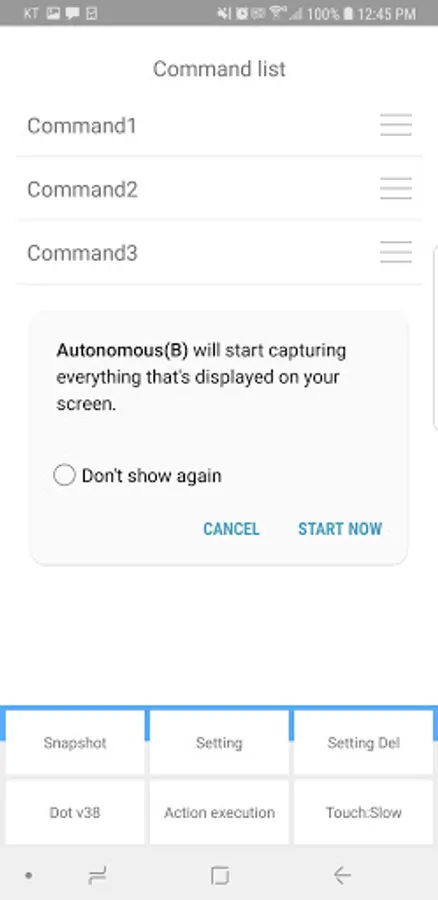
4. Screen capture (required)
- Used to control the screen of an Android device
5. Display on top of other apps (required)
- Used to create an image to generate commands
Manual
https://ydh-world.web.app/index_billing_en.html
Android device screen according to condition setting
It is an app (program) that performs auto-touch and auto-click.
You can set the macro function you want as follows.
✓ First, capture the desired screen with the screenshot (screen capture-image creation) function.
✓ The second captured image is saved in the download folder, and as a command addition function, the pixel of the desired coordinate is enlarged with a two-finger gesture function (it is also possible by double-clicking).
If you check the notification, you can receive a screen image of the device as a notification when a command is clicked.
✓ Thirdly, after registering the accessibility service, you can create a notification notification by executing an action with the app, and press the command execution button on the generated notification, the registered command will operate repeatedly, saving time for repetitive tasks. This is very useful.
✓ In addition, it is possible to export created macros and save them as a single text file. It can be linked to Google Drive.
With the import function, you can download and use anytime, anywhere, as long as the internet is available on a device with the same resolution.
Thank you.
Describe the default behavior of automatic clicks
✓ It operates from the top to the bottom of the command list.
✓ When the 2nd command out of 3 commands is clicked, it operates from the beginning again.
✓ When running an action with the app, it detects and operates the screen change.
(On a screen that does not change, turn on the DOT button.)
Attention
✓ Only available for Android 7.0 or higher
1. Storage space (required)
- Used for screen image and command control
2. Battery optimization exclusion setting (required)
- Used for smooth integration of Android devices
3. Accessibility permission setting (required)
- Used to improve reaction speed and run as an app
* Use of Accessibility API
- In order to use the function in the app, it is necessary to set the accessibility permission, which is a sensitive permission.
This function does not save any data of the user and is only used to automatically touch the coordinates set by the user.
4. Screen capture (required)
- Used to control the screen of an Android device
5. Display on top of other apps (required)
- Used to create an image to generate commands
Manual
https://ydh-world.web.app/index_billing_en.html