
AppRecs review analysis
AppRecs rating . Trustworthiness 68 out of 100. Review manipulation risk 23 out of 100. Based on a review sample analyzed.
★
AppRecs Rating
Ratings breakdown
5 star
8%
4 star
0%
3 star
0%
2 star
0%
1 star
92%
What to know
✓
Low review manipulation risk
23% review manipulation risk
⚠
Mixed user feedback
Average 1.3★ rating suggests room for improvement
About YES Secure Next
YES Secure Next app - Generate OTP with ease:
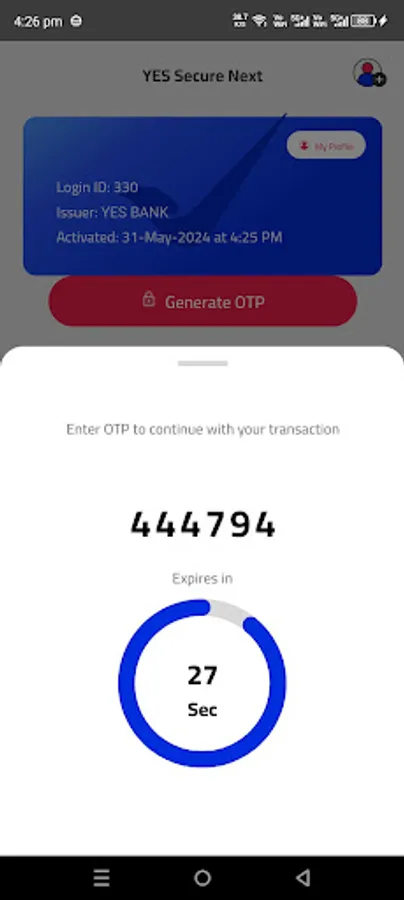
Rule out network dependency for One Time Password (OTP). Generate OTP with YES Secure Next app without mobile network on your mobile device.
Authenticate all your Retail Net Banking transactions with YES Secure Next. It is safe and convenient for frequent travellers and for low/ no mobile network locations.
Register with ease on YES Secure Next app:
1) Login to YES Online (Retail Net Banking) and go to Manage Profile.
2) Select ‘Under Security Preferences’ > ‘Register for YES Secure Next’.
3) Choose the operating system of your device.
4) Set YES Secure Next PIN.
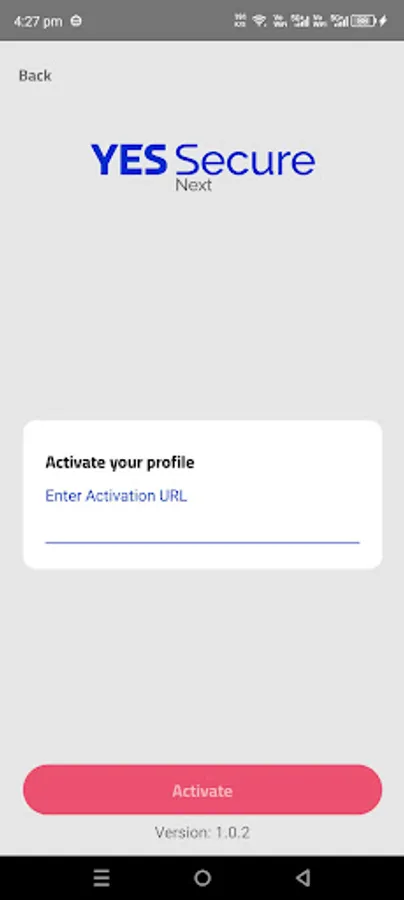
5) Download and activate the application on your mobile device.
6) Verify YES Secure Next by entering the OTP on YES Online.
Important Note:
To activate YES Secure Next app, you need to have Mobile Internet/ Wi-Fi connectivity on your device linked to your registered mobile number with the Bank.
Once YES Secure Next is enabled, you will stop receiving OTP through SMS/IVR.
Rule out network dependency for One Time Password (OTP). Generate OTP with YES Secure Next app without mobile network on your mobile device.
Authenticate all your Retail Net Banking transactions with YES Secure Next. It is safe and convenient for frequent travellers and for low/ no mobile network locations.
Register with ease on YES Secure Next app:
1) Login to YES Online (Retail Net Banking) and go to Manage Profile.
2) Select ‘Under Security Preferences’ > ‘Register for YES Secure Next’.
3) Choose the operating system of your device.
4) Set YES Secure Next PIN.
5) Download and activate the application on your mobile device.
6) Verify YES Secure Next by entering the OTP on YES Online.
Important Note:
To activate YES Secure Next app, you need to have Mobile Internet/ Wi-Fi connectivity on your device linked to your registered mobile number with the Bank.
Once YES Secure Next is enabled, you will stop receiving OTP through SMS/IVR.
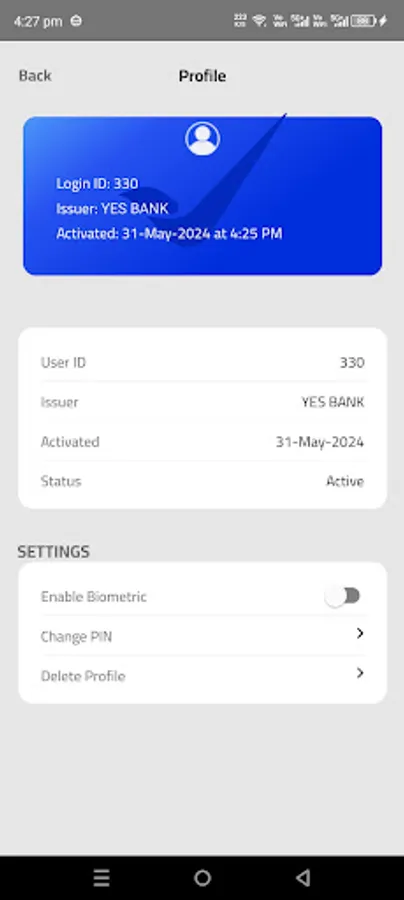
YES Secure Next Screenshots
Tap to Rate:
Reviews for YES Secure Next
Dr. Naga Sravan Kumar Varma V
10/11/2025
I don't know who designed this app. I am not able to access 0 digit. To enter pin. Half knowledge
Seema Malhotra
10/6/2025
unable to activate server unreadable always