
In this app management tool, you can view all installed applications in a list and quickly open, share, or uninstall them. Includes features to launch apps, access app details, and share links.
AppRecs review analysis
AppRecs rating 3.8. Trustworthiness 78 out of 100. Review manipulation risk 28 out of 100. Based on a review sample analyzed.
★★★☆☆
3.8
AppRecs Rating
Ratings breakdown
5 star
63%
4 star
8%
3 star
7%
2 star
4%
1 star
18%
What to know
✓
Low review manipulation risk
28% review manipulation risk
✓
Credible reviews
78% trustworthiness score from analyzed reviews
✓
Good user ratings
71% positive sampled reviews
About App Store Link
Is it difficult to find apps scattered all over the launcher app's desktop?
Want to go directly to an app's Play Store page to update an app you've installed or read its reviews?
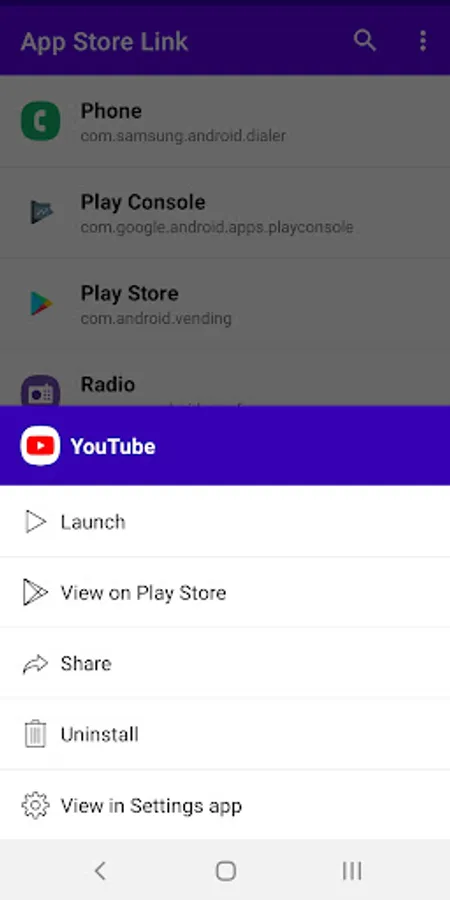
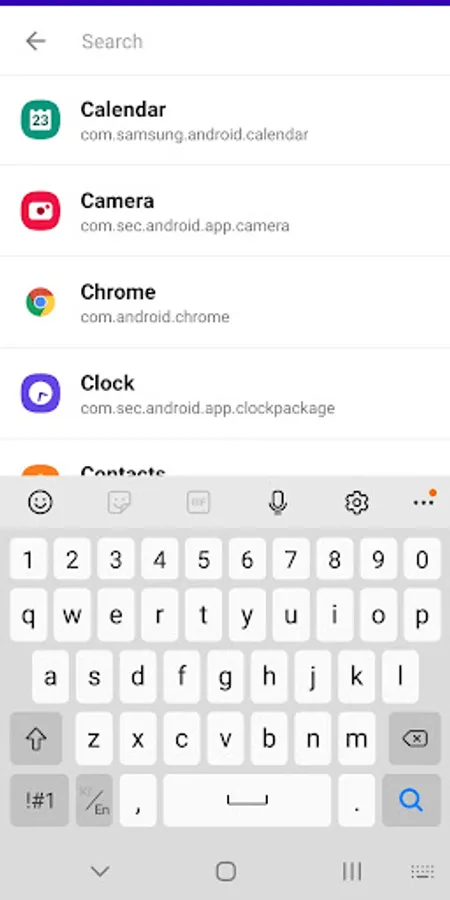
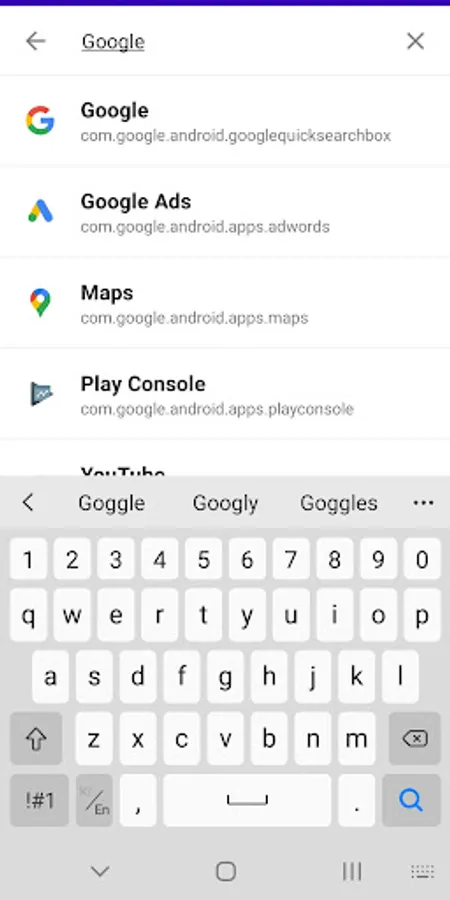
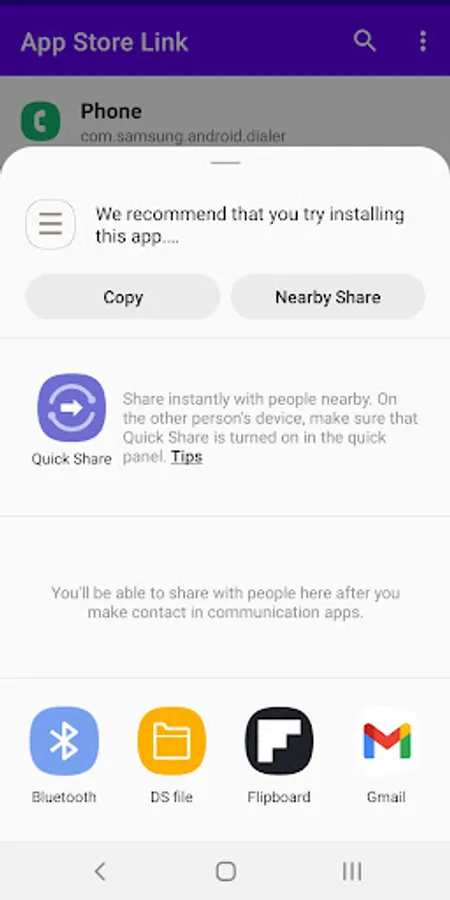
With this app, you can see all the apps you have installed at a glance in a list format, and you can quickly find the app you want through the search function. You can quickly launch an app you find or go to a link in the Google Play Store. You can share the Google Play Store page address of a specific app. Also, if you want to uninstall that app, you can easily delete it. You can go directly to the app's details page in the Settings app and proceed with various app settings.
It provides the following features for each installed app:
1. Run the application
2. View the application in Google Play Store
3. Share the app's Google Play Store link
4. Delete application
5. View the app's details page in the Settings app
Want to go directly to an app's Play Store page to update an app you've installed or read its reviews?
With this app, you can see all the apps you have installed at a glance in a list format, and you can quickly find the app you want through the search function. You can quickly launch an app you find or go to a link in the Google Play Store. You can share the Google Play Store page address of a specific app. Also, if you want to uninstall that app, you can easily delete it. You can go directly to the app's details page in the Settings app and proceed with various app settings.
It provides the following features for each installed app:
1. Run the application
2. View the application in Google Play Store
3. Share the app's Google Play Store link
4. Delete application
5. View the app's details page in the Settings app
App Store Link Screenshots
Tap to Rate:
Reviews for App Store Link
Rotimi Aguda
2/22/2026
I was thinking I could download something but it doesn't work so stupid
Yasmin Rashedi
2/20/2026
یاسمین به زبان انگلیسی: Elijah Sitali! this app is not for download 😐 This app is for finding downloaded apps