
With this manual, you can learn basic shell command utilities and their usage. Includes detailed sections on file operations and system management.
AppRecs review analysis
AppRecs rating 4.2. Trustworthiness 0 out of 100. Review manipulation risk 0 out of 100. Based on a review sample analyzed.
★★★★☆
4.2
AppRecs Rating
Ratings breakdown
5 star
91%
4 star
0%
3 star
0%
2 star
0%
1 star
9%
What to know
✓
High user satisfaction
91% of sampled ratings are 5 stars
About Linux CoreUtils Manual
The Linux CoreUtils contains basic shell command utilities. This will include:
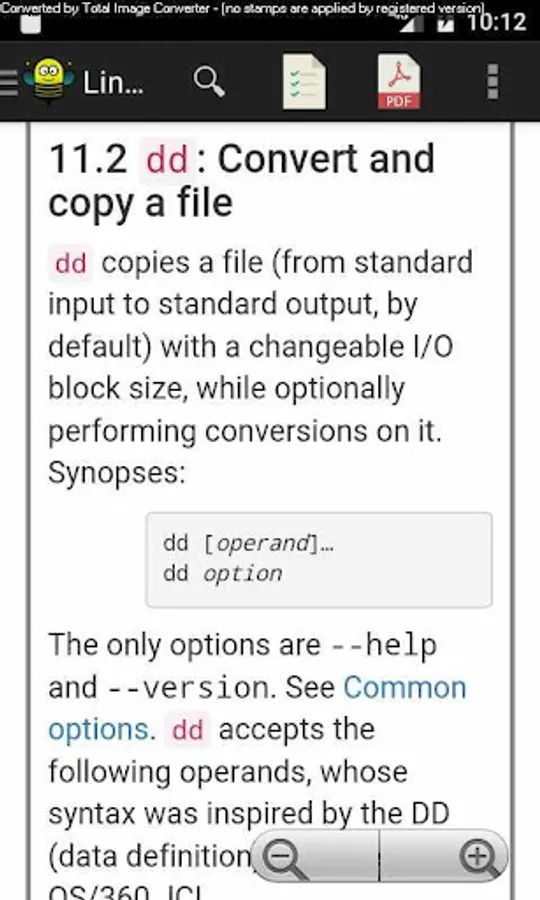
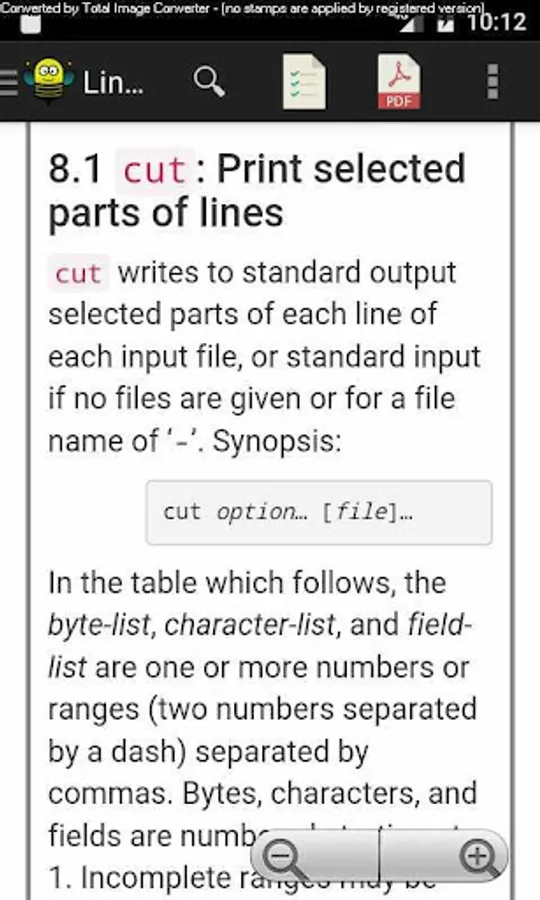
arch, b2sum, base32 ,base64 ,basename ,cat ,chcon ,chgrp ,chmod ,chown ,chroot ,cksum ,comm ,cp ,csplit ,cut ,date ,dd ,df ,dir ,dirname ,du ,echo ,env ,expand ,expr ,factor ,false ,fmt ,fold ,groups ,head ,hostid ,hostname ,id ,install ,join ,kill ,link ,ln ,logname ,ls ,md5sum ,mkdir ,mkfifo ,mknod ,mktemp ,mv ,nice ,nl ,nohup ,nproc ,numfmt ,numfmt ,od ,parse_datetime ,paste ,pathchk ,pr ,printenv ,printf ,ptx ,pwd ,readlink ,realpath ,rm ,rmdir ,runcon ,seq ,sha1sum ,shred ,shuf ,sleep ,sort ,split ,stat ,stdbuf , stty ,sum ,sync ,tac ,tail ,tee ,test ,timeout ,touch ,tr ,true ,truncate ,tsort ,tty ,uname ,unexpand ,uniq ,unlink ,uptime ,users ,vdir ,wc ,who ,whoami ,yes
The CoreUtils Reference Manual provides beginners with a simple introduction to the basics, and experts will find advanced details they need.
In this you will see the following things below.
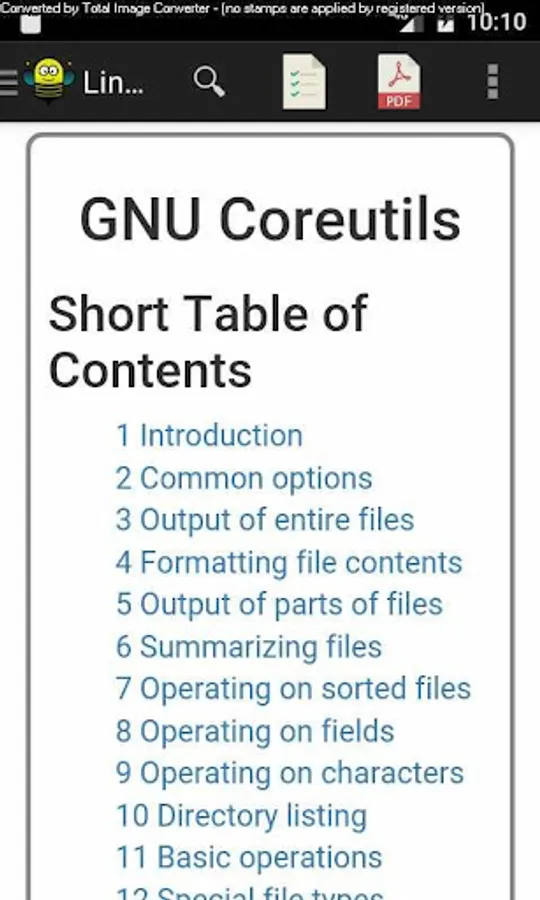
Table of Contents
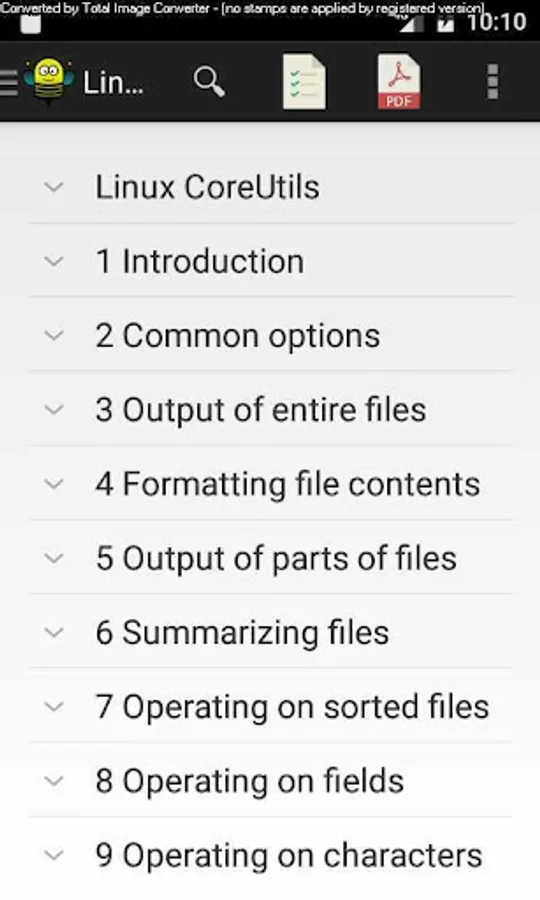
1 Introduction
2 Common options
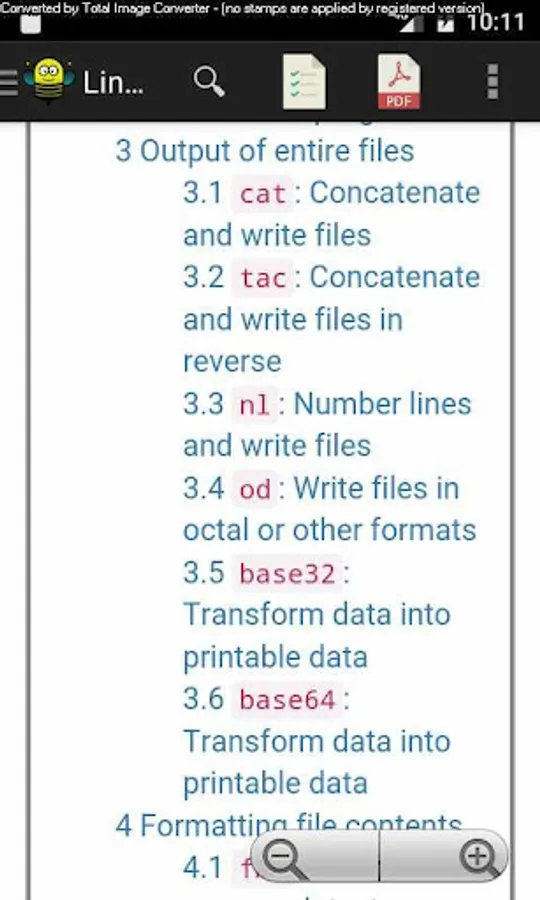
3 Output of entire files
4 Formatting file contents
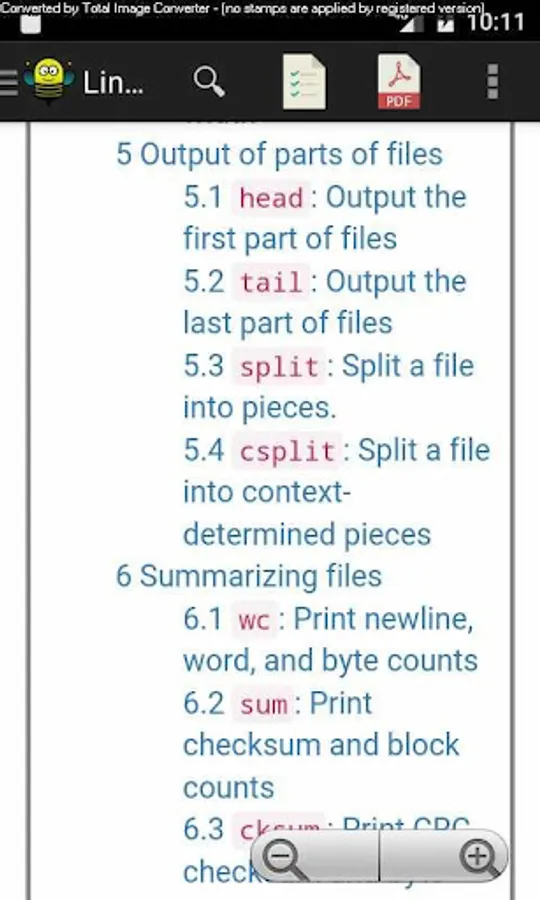
5 Output of parts of files
6 Summarizing files
7 Operating on sorted files
8 Operating on fields
9 Operating on characters
10 Directory listing
11 Basic operations
12 Special file types
13 Changing file attributes
14 Disk usage
15 Printing text
16 Conditions
17 Redirection
18 File name manipulation
19 Working context
20 User information
21 System context
22 SELinux context
23 Modified command invocation
24 Process control
25 Delaying
26 Numeric operations
27 File permissions
28 File timestamps
29 Date input formats
30 Opening the Software Toolbox
Appendix A GNU Free Documentation License
Index
You will find all this section offline without any internet connection and learn CoreUtils easily anywhere and anytime.
arch, b2sum, base32 ,base64 ,basename ,cat ,chcon ,chgrp ,chmod ,chown ,chroot ,cksum ,comm ,cp ,csplit ,cut ,date ,dd ,df ,dir ,dirname ,du ,echo ,env ,expand ,expr ,factor ,false ,fmt ,fold ,groups ,head ,hostid ,hostname ,id ,install ,join ,kill ,link ,ln ,logname ,ls ,md5sum ,mkdir ,mkfifo ,mknod ,mktemp ,mv ,nice ,nl ,nohup ,nproc ,numfmt ,numfmt ,od ,parse_datetime ,paste ,pathchk ,pr ,printenv ,printf ,ptx ,pwd ,readlink ,realpath ,rm ,rmdir ,runcon ,seq ,sha1sum ,shred ,shuf ,sleep ,sort ,split ,stat ,stdbuf , stty ,sum ,sync ,tac ,tail ,tee ,test ,timeout ,touch ,tr ,true ,truncate ,tsort ,tty ,uname ,unexpand ,uniq ,unlink ,uptime ,users ,vdir ,wc ,who ,whoami ,yes
The CoreUtils Reference Manual provides beginners with a simple introduction to the basics, and experts will find advanced details they need.
In this you will see the following things below.
Table of Contents
1 Introduction
2 Common options
3 Output of entire files
4 Formatting file contents
5 Output of parts of files
6 Summarizing files
7 Operating on sorted files
8 Operating on fields
9 Operating on characters
10 Directory listing
11 Basic operations
12 Special file types
13 Changing file attributes
14 Disk usage
15 Printing text
16 Conditions
17 Redirection
18 File name manipulation
19 Working context
20 User information
21 System context
22 SELinux context
23 Modified command invocation
24 Process control
25 Delaying
26 Numeric operations
27 File permissions
28 File timestamps
29 Date input formats
30 Opening the Software Toolbox
Appendix A GNU Free Documentation License
Index
You will find all this section offline without any internet connection and learn CoreUtils easily anywhere and anytime.
Linux CoreUtils Manual Screenshots
Tap to Rate: