Scanner Control App
Zebra Technologies
3.3 ★
store rating
50,000+
downloads
Free
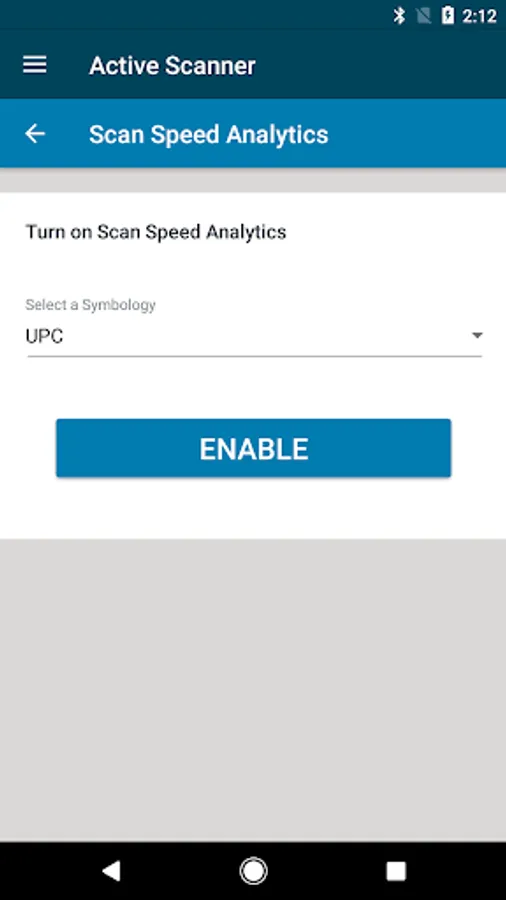
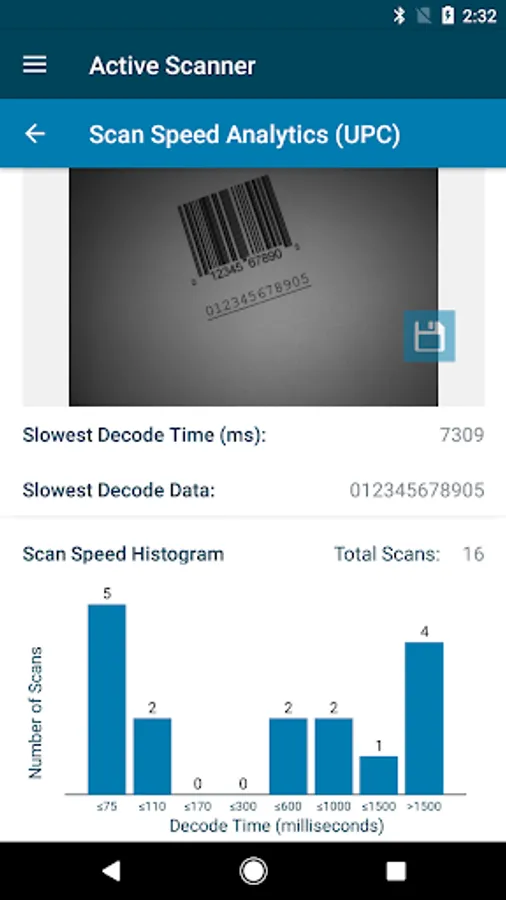
Use this control app to connect and manage Zebra cordless scanners via Bluetooth. Includes scanner configuration, status monitoring, and remote scanning features.
AppRecs review analysis
AppRecs rating 2.3. Trustworthiness 71 out of 100. Review manipulation risk 35 out of 100. Based on a review sample analyzed.
★★☆☆☆
2.3
AppRecs Rating
Ratings breakdown
5 star
45%
4 star
4%
3 star
16%
2 star
7%
1 star
29%
What to know
✓
Credible reviews
71% trustworthiness score from analyzed reviews
⚠
Review quality concerns
50% of sampled 5-star reviews are very short
⚠
High negative review ratio
35% of sampled ratings are 1–2 stars
About Scanner Control App
The Scanner Control App enables Zebra cordless scanners to be connected and controlled by a tablet / smart phone.
This demo application is intended for demonstration purposes.
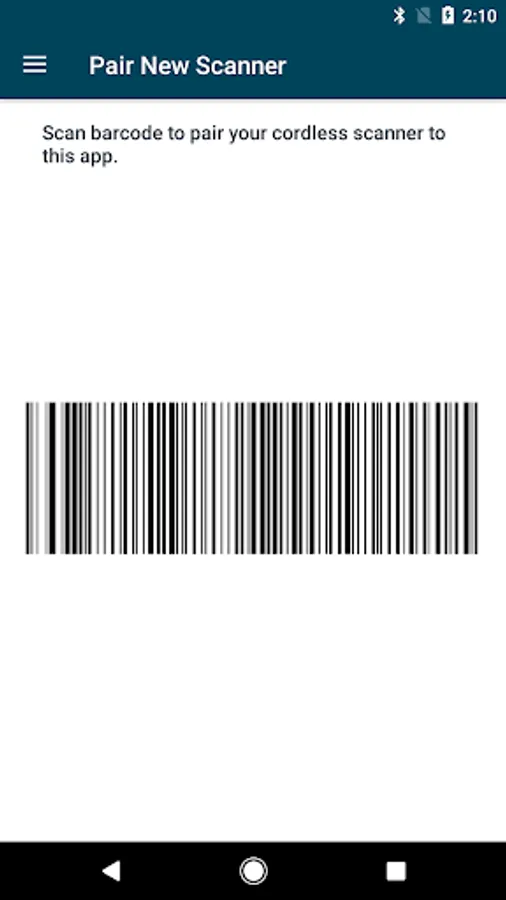
This app supports Scan-To-Connect technology for 1-step Bluetooth pairing.
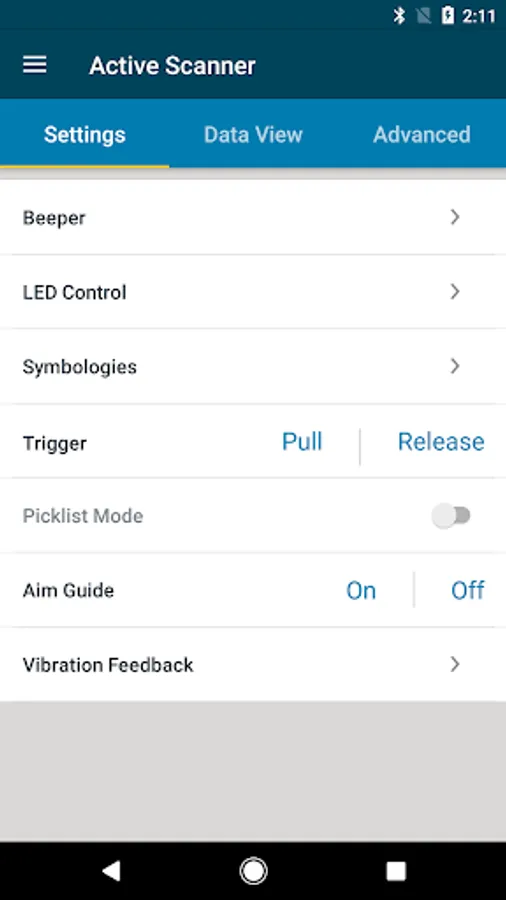
It allows you to control your scanner:
• Program beeper and LEDs
• Enable / disable symbologies
• Remotely trigger a scan
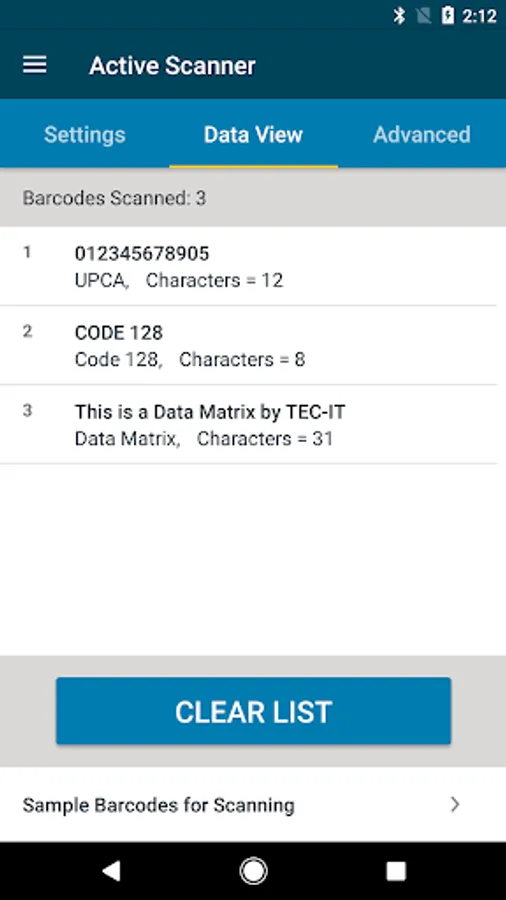
It displays scanned bar code data.
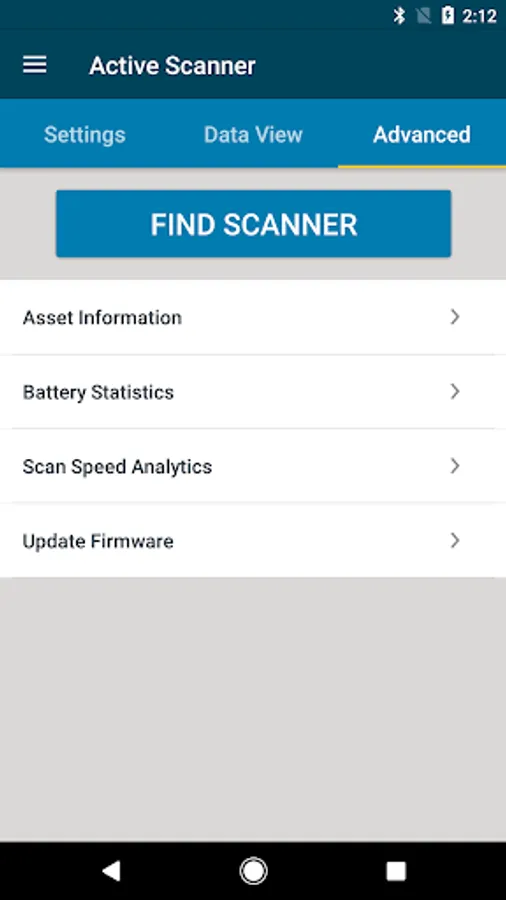
It can query scanner asset information & battery health statistics.
The source code for this app is available within Zebra’s Scanner SDK for Android at
https://www.zebra.com/us/en/support-downloads.html
For access to more Zebra’s scanner software tools, go to www.zebra.com/scannersoftware.
This demo application is intended for demonstration purposes.
This app supports Scan-To-Connect technology for 1-step Bluetooth pairing.
It allows you to control your scanner:
• Program beeper and LEDs
• Enable / disable symbologies
• Remotely trigger a scan
It displays scanned bar code data.
It can query scanner asset information & battery health statistics.
The source code for this app is available within Zebra’s Scanner SDK for Android at
https://www.zebra.com/us/en/support-downloads.html
For access to more Zebra’s scanner software tools, go to www.zebra.com/scannersoftware.