
StaCam
Guilin Zhishen Information Technology Co., Ltd
2.7 ★
665 ratings
100,000+
downloads
Free
With this video filming app, you can record videos using auto or manual modes and utilize various footage analysis tools. Includes footage monitoring features, framing guides, and high-resolution video options.
AppRecs review analysis
AppRecs rating 2.7. Trustworthiness 81 out of 100. Review manipulation risk 29 out of 100. Based on a review sample analyzed.
★★☆☆☆
2.7
AppRecs Rating
Ratings breakdown
5 star
27%
4 star
9%
3 star
12%
2 star
15%
1 star
38%
What to know
✓
Low review manipulation risk
29% review manipulation risk
⚠
Mixed user feedback
Average 2.7★ rating suggests room for improvement
⚠
High negative review ratio
53% of sampled ratings are 1–2 stars
About StaCam
The app will brighten up your daily vlogs and can also make your videos more cinematic and mind-blowing!
[Filming Mode]
Auto Mode: The camera automatically controls the parameters and offers the best image solutions. A great option for newcomers.
Manual Mode: Can manually control all the parameters, taking your filmmaking to another level.
[Footage Analysis]
1. Five features in footage analysis for better filmmaking: Focus peaking, zebra pattern, false color, highlight clipping, and monochrome.
2. Four professional footage monitoring tools for objective and efficient coloring assistance: luminance histogram, RGB histogram, greyscale scope, and RGB scope.
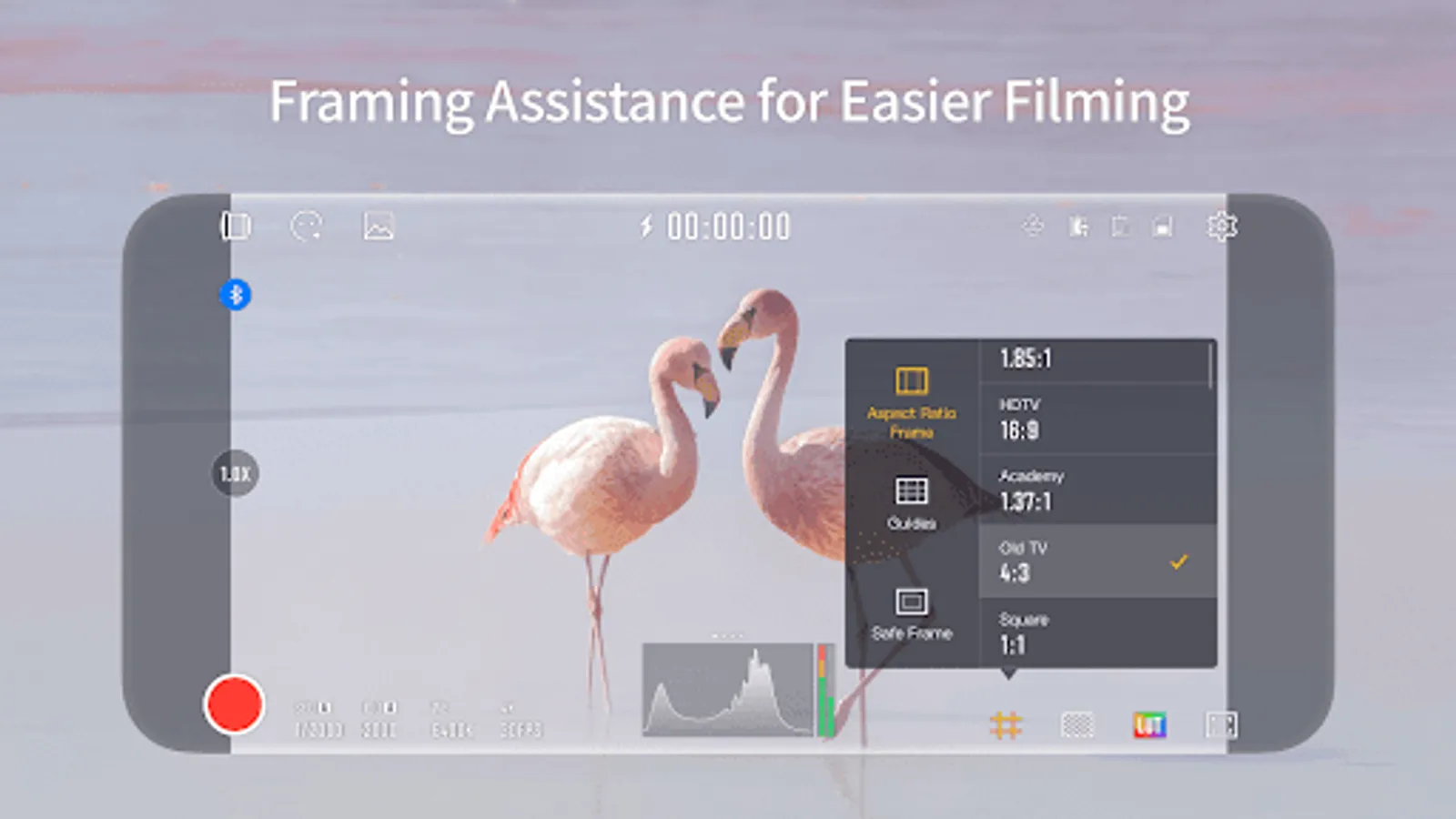
[Framing Assistance]
Offers multiple features such as ratio frames, guides, safe frames, etc., getting your subjects to the exact spotlight.
[Video Parameters]
Offers setting as high as 4K 60FPS for easier video post-production.
StaCam Screenshots
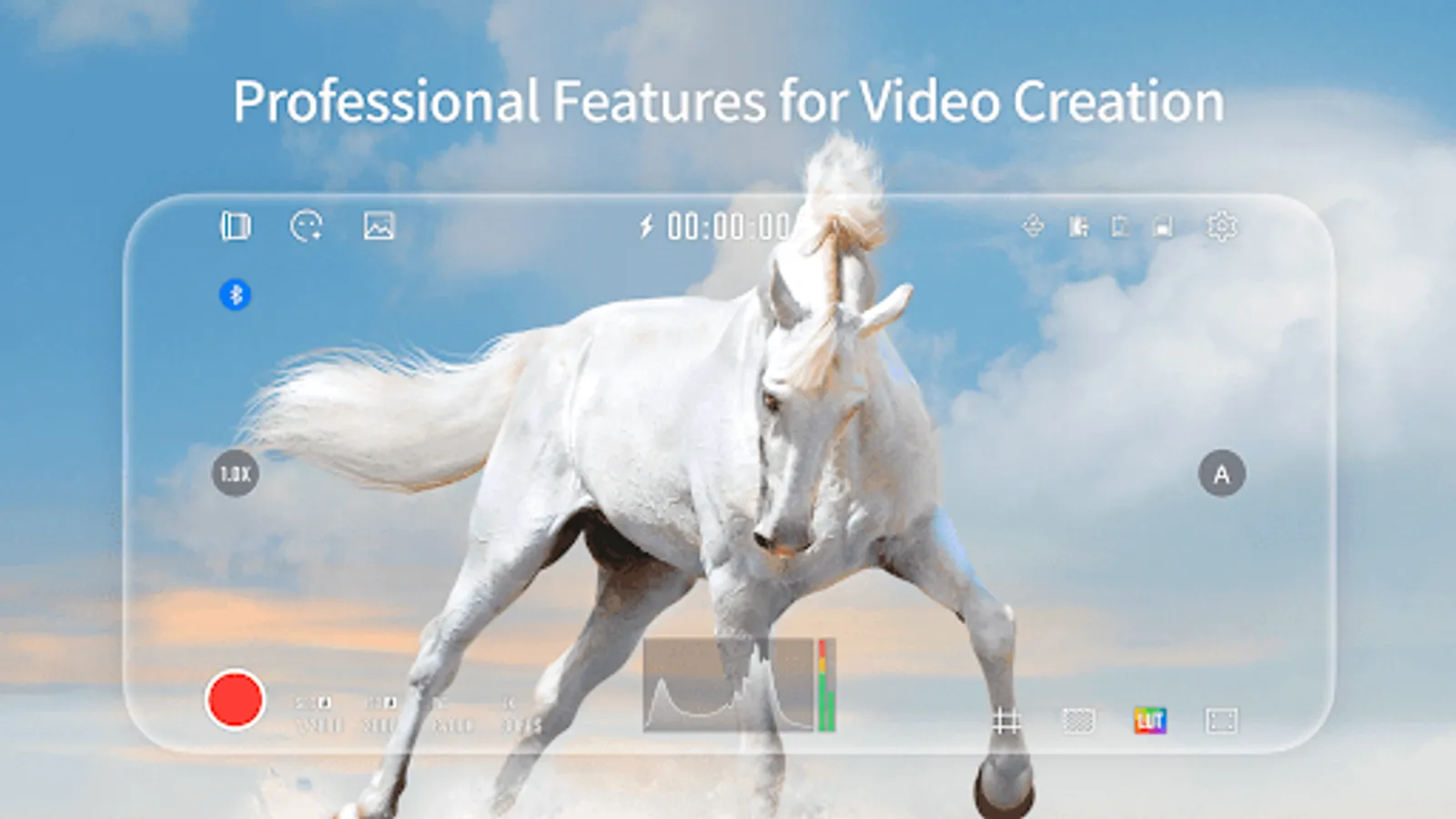
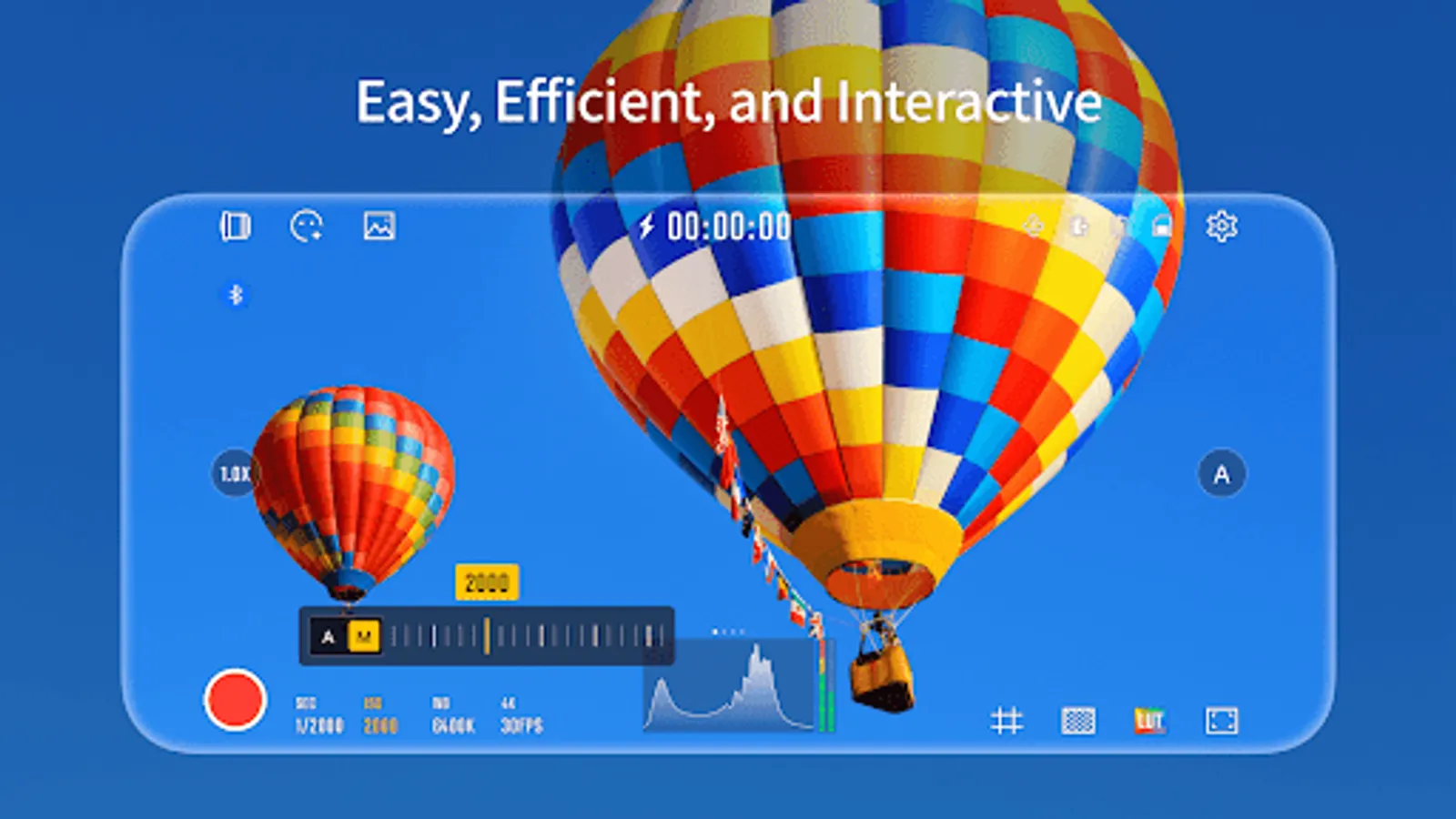
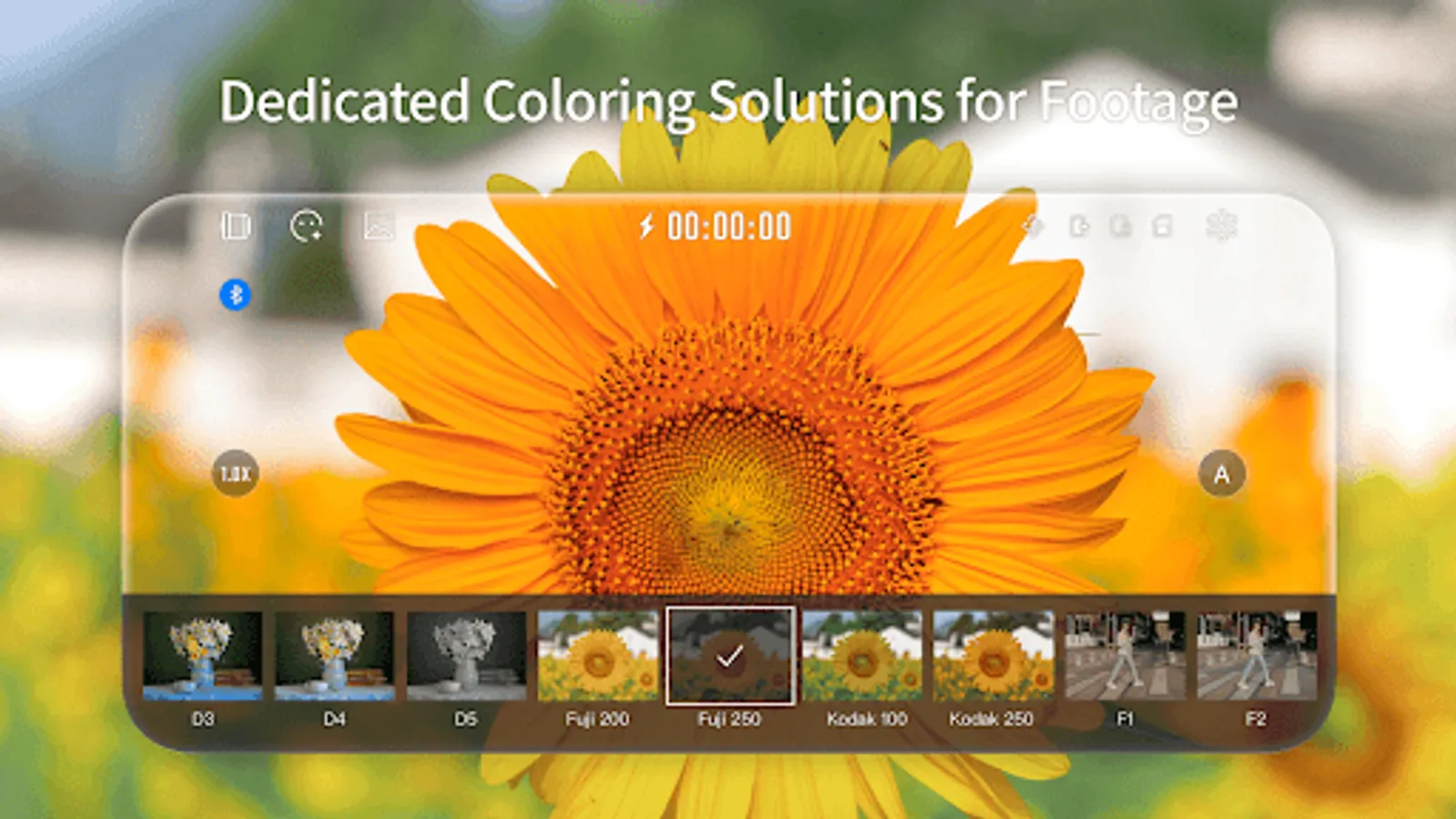
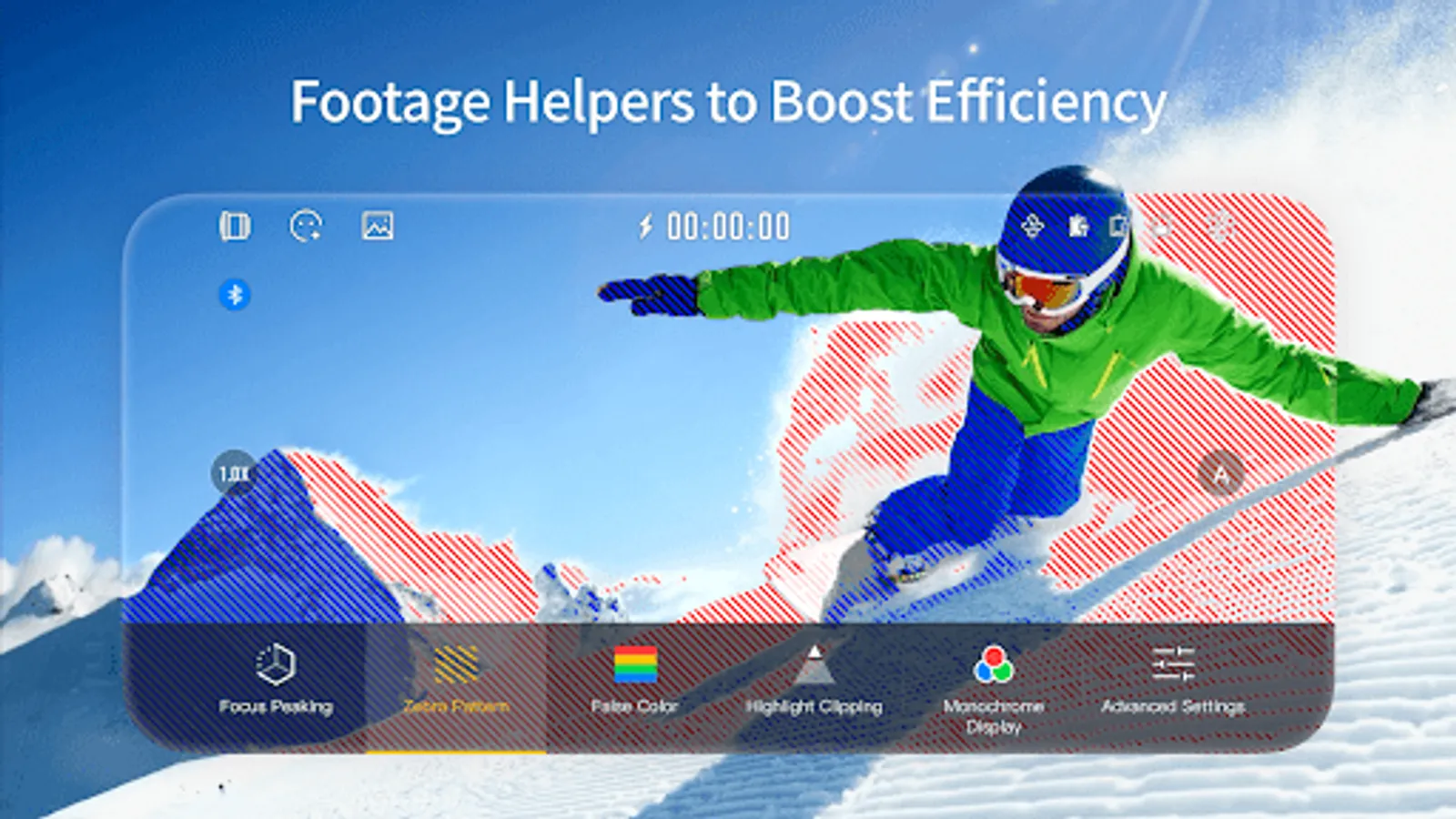

Tap to Rate:
Reviews for StaCam
Sophie Patricia-Davis
12/4/2025
The idea of agreeing to have snooping cookies in order to use an app you may or not buy into - Is more reason NOT to use this app I like my personal phone contacta and search habits to remain private
Kyne Yvonne Arellano
11/5/2025
nice app, but whenever I'm adjusting the ISO, SEC, WB. I can't touch it back :), and I can't film. how to fix that