SUPER PING Anti lag Profesion
Zix Dev
4.3 ★
107 ratings
1,000+
downloads
$1.99
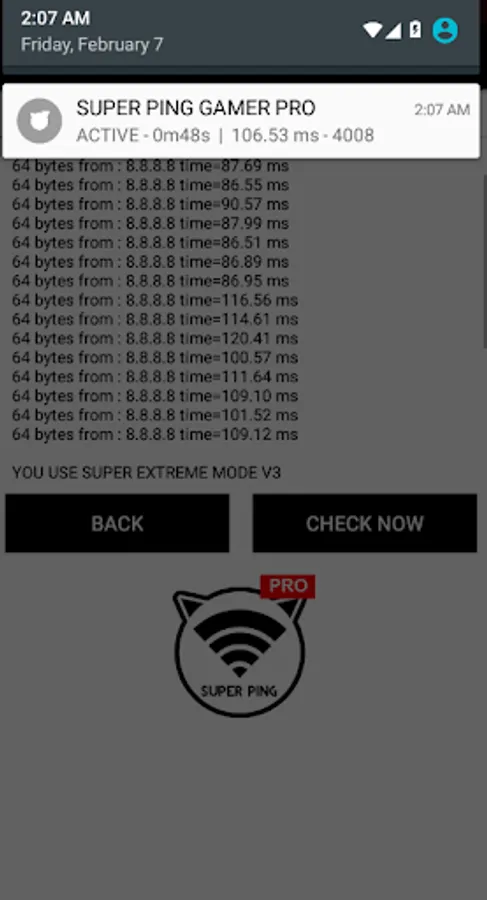
In this ping app, you can reduce latency by selecting different ping modes and controlling high latency spikes. Includes network mode selection, system optimization tips, and ad-free operation.
AppRecs review analysis
AppRecs rating 4.3. Trustworthiness 0 out of 100. Review manipulation risk 0 out of 100. Based on a review sample analyzed.
★★★★☆
4.3
AppRecs Rating
Ratings breakdown
5 star
63%
4 star
25%
3 star
0%
2 star
0%
1 star
12%
What to know
✓
High user satisfaction
88% of sampled ratings are 4+ stars (4.3★ average)
✓
Authentic reviews
Natural distribution, no red flags
About SUPER PING Anti lag Profesion
SUPER PING'ER (PING FOR GAMER) Pro version no more ads on your pinger. most fast and more stable.
application ping for game online
Feature super ping :
-Easy to use
-Recomended for playing game online on android
-Recomended for playing game online on PC with tethering hotspot
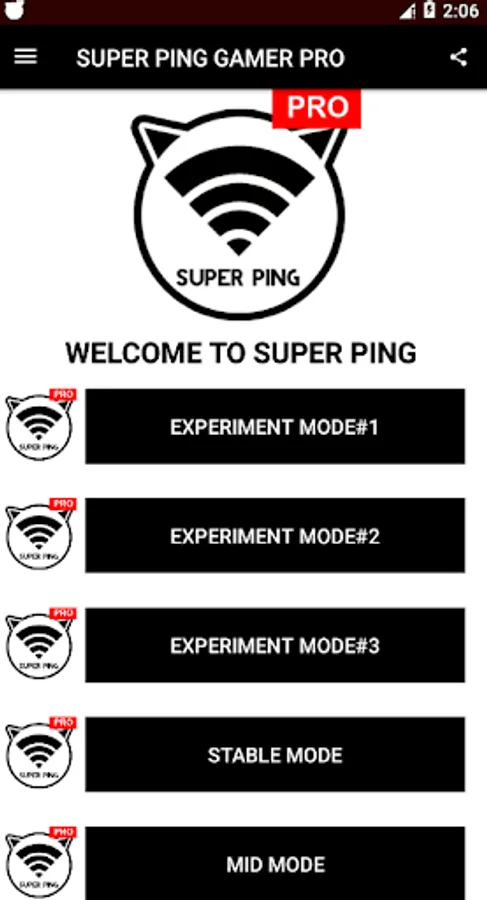
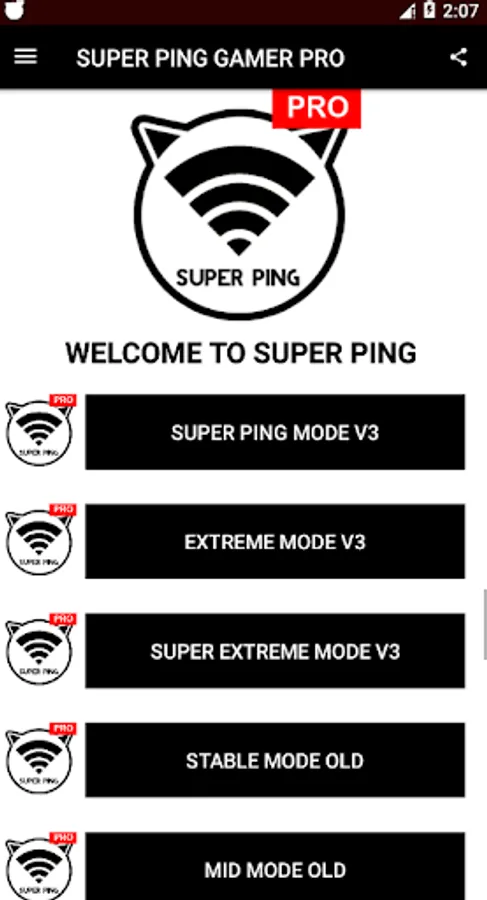
-Have many network ping mode
-Not confuse to setting
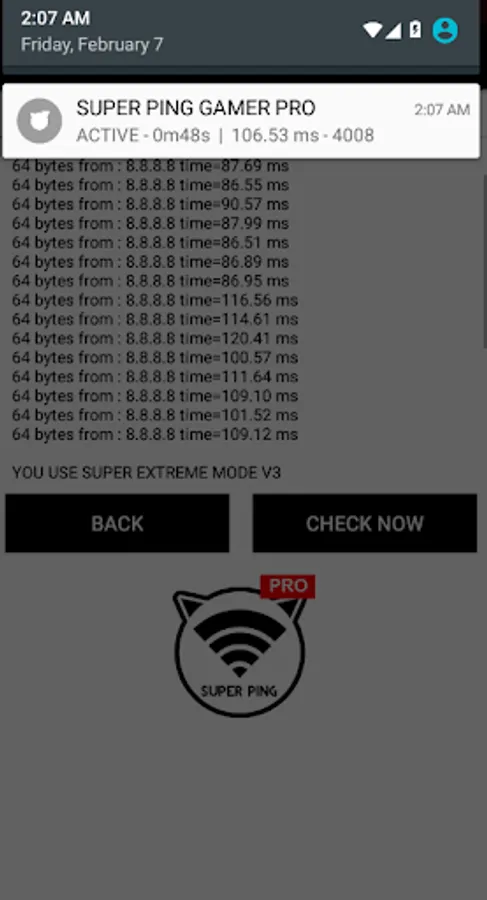
-Reduce ping latency and make the ping more stable
-Control high ping (jumping) to get best ping
How to use ping app from zixdev:
1.clear ram/recent task
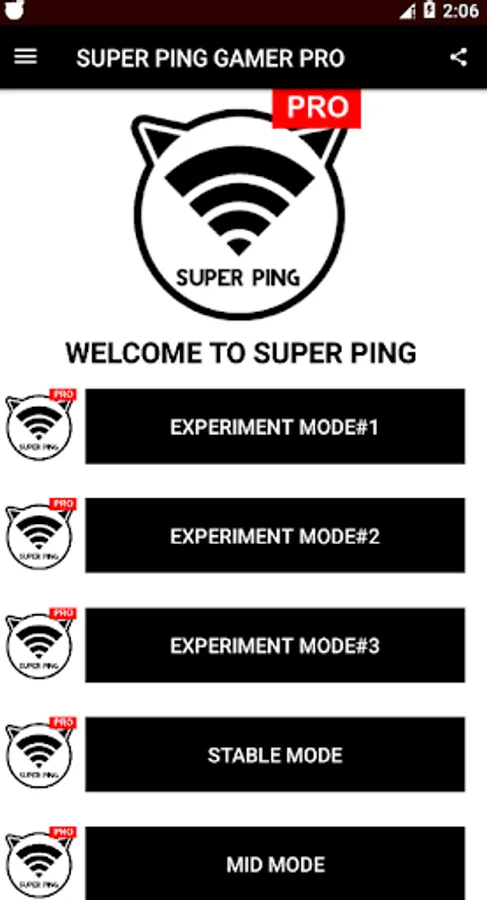
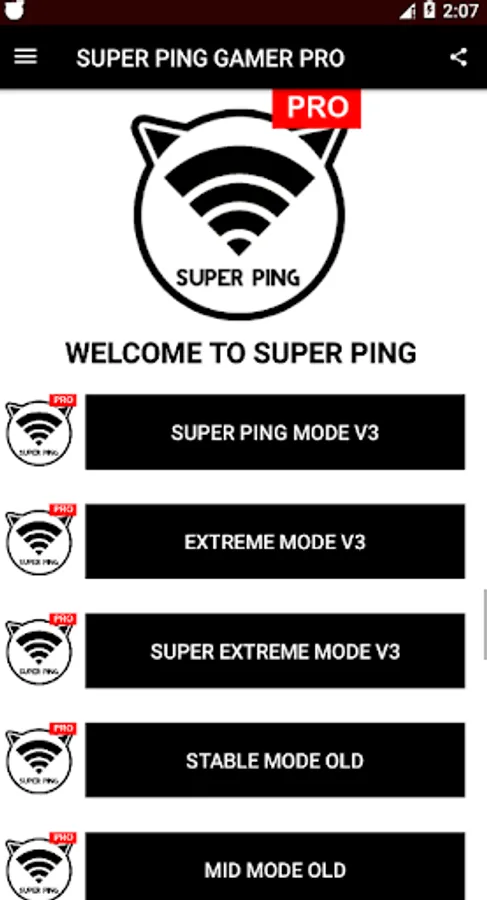
2.select mode (try 1 by 1, more practice will be better result)
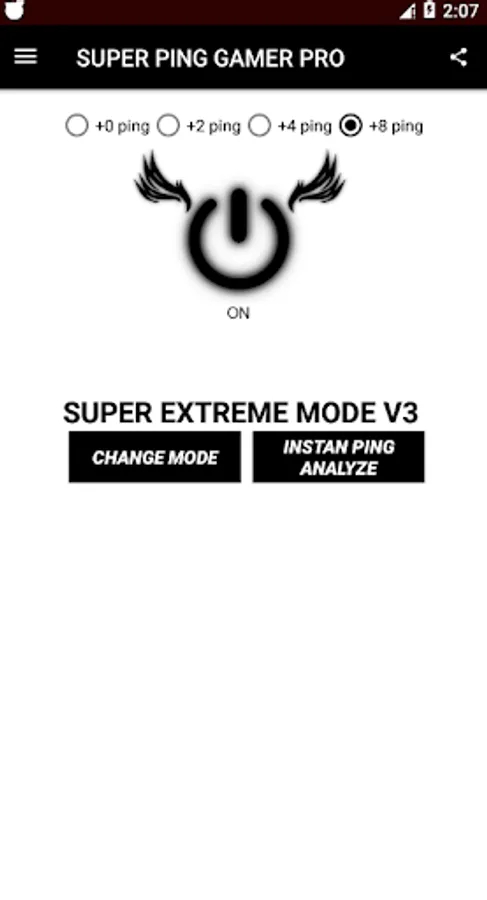
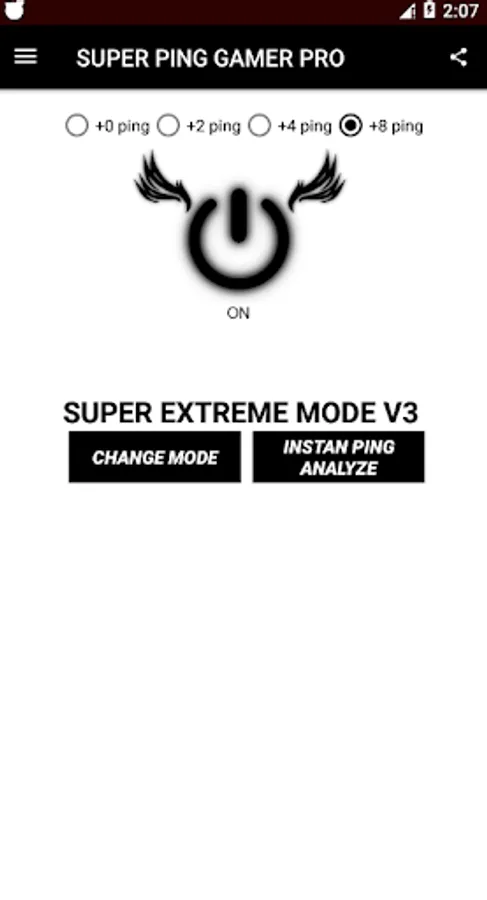
3.turn ON/ACTIVE ping gamer
4.minimize application
5.launch your game online
-if its keep laggy, try to change mode and go to step 1
-if the app is close/notification stop give ping before 15 minutes, try to lock app from recent task (prevent app being killed by system)-
-normally on android OREO to newest. the app will stop/off when app is running in 15-25 minutes. you just reopen the app and turn on it again.
#if your ping is to large/worst internet connection, the app will stop working < 5 minutes, because android system can't running complete all ping commnad from ping gamer, because ping gamer do the brutal ping to get best ping ms#
(DONT USE CLEANER/BOOSTER its will kill pinger)
Super pinger have many mode, choose the best mode for your phone. because every network on any country have different ping power.
Having lag in mid game ? try to reset ipaddres by turn off internet data and turn on it again.
And check pinger if its close or no ?
DONT USE SAVING POWER MODE it will kill any running background app.
or dont let your battery under 20<, it will reduce your performance and kill any background app
any help ask for update ?
Follow IG@pingerantilag
Like FB@zixdev
application ping for game online
Feature super ping :
-Easy to use
-Recomended for playing game online on android
-Recomended for playing game online on PC with tethering hotspot
-Have many network ping mode
-Not confuse to setting
-Reduce ping latency and make the ping more stable
-Control high ping (jumping) to get best ping
How to use ping app from zixdev:
1.clear ram/recent task
2.select mode (try 1 by 1, more practice will be better result)
3.turn ON/ACTIVE ping gamer
4.minimize application
5.launch your game online
-if its keep laggy, try to change mode and go to step 1
-if the app is close/notification stop give ping before 15 minutes, try to lock app from recent task (prevent app being killed by system)-
-normally on android OREO to newest. the app will stop/off when app is running in 15-25 minutes. you just reopen the app and turn on it again.
#if your ping is to large/worst internet connection, the app will stop working < 5 minutes, because android system can't running complete all ping commnad from ping gamer, because ping gamer do the brutal ping to get best ping ms#
(DONT USE CLEANER/BOOSTER its will kill pinger)
Super pinger have many mode, choose the best mode for your phone. because every network on any country have different ping power.
Having lag in mid game ? try to reset ipaddres by turn off internet data and turn on it again.
And check pinger if its close or no ?
DONT USE SAVING POWER MODE it will kill any running background app.
or dont let your battery under 20<, it will reduce your performance and kill any background app
any help ask for update ?
Follow IG@pingerantilag
Like FB@zixdev
SUPER PING Anti lag Profesion Screenshots
Tap to Rate: