
Zoho Projects
Zoho Corporation
4.2 ★
3K ratings
500,000+
downloads
Free
+ in-app
With this project management app, you can create tasks, update progress, and upload files from your mobile device. Includes task tracking, file management, and team collaboration features.
AppRecs review analysis
AppRecs rating 4.2. Trustworthiness 74 out of 100. Review manipulation risk 36 out of 100. Based on a review sample analyzed.
★★★★☆
4.2
AppRecs Rating
Ratings breakdown
5 star
67%
4 star
13%
3 star
3%
2 star
6%
1 star
11%
What to know
✓
Credible reviews
74% trustworthiness score from analyzed reviews
✓
High user satisfaction
80% of sampled ratings are 4+ stars (4.2★ average)
✓
Authentic reviews
Natural distribution, no red flags
About Zoho Projects
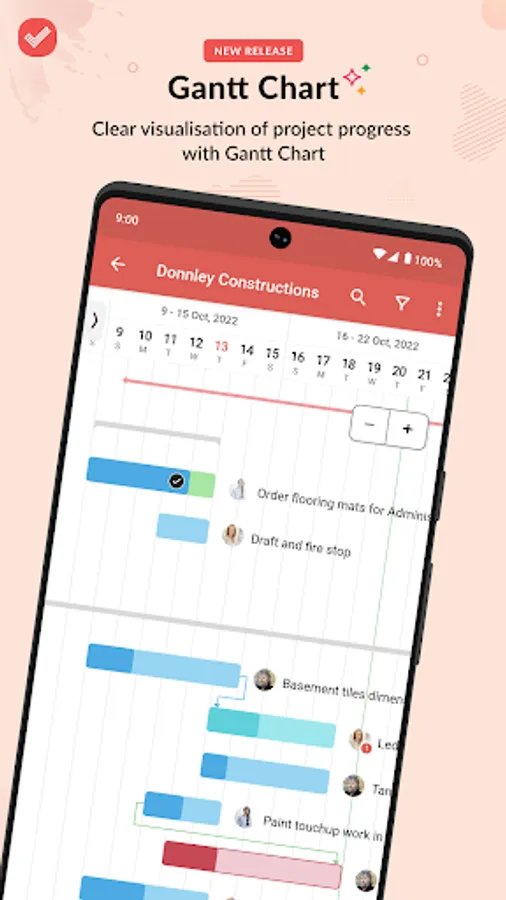
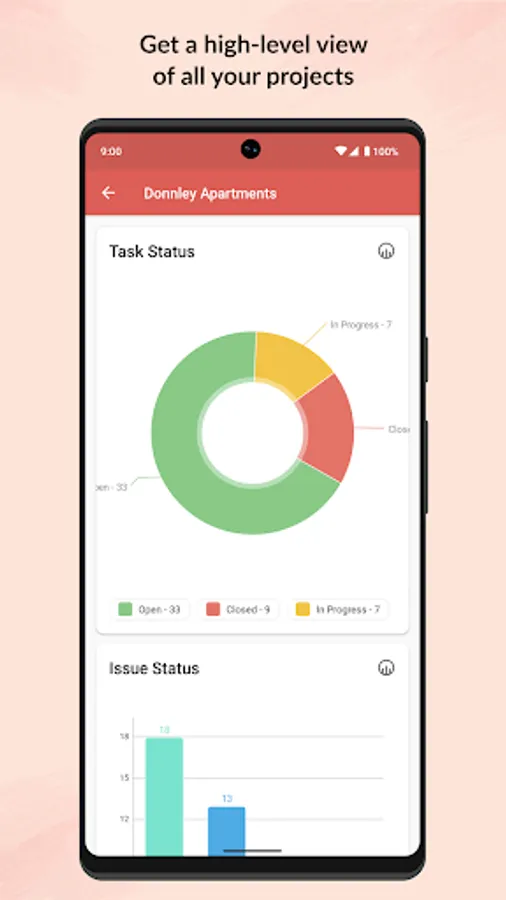
Zoho Projects for Android helps you manage your projects and keep track of progress even as you are on the go.
Zoho Projects is a modern and flexible project management software preferred by more than a million users worldwide. The mobile apps complement the web version enabling you to act quickly and stay updated wherever you are.
- If you are new to Zoho Projects, you can sign up right away from your mobile.
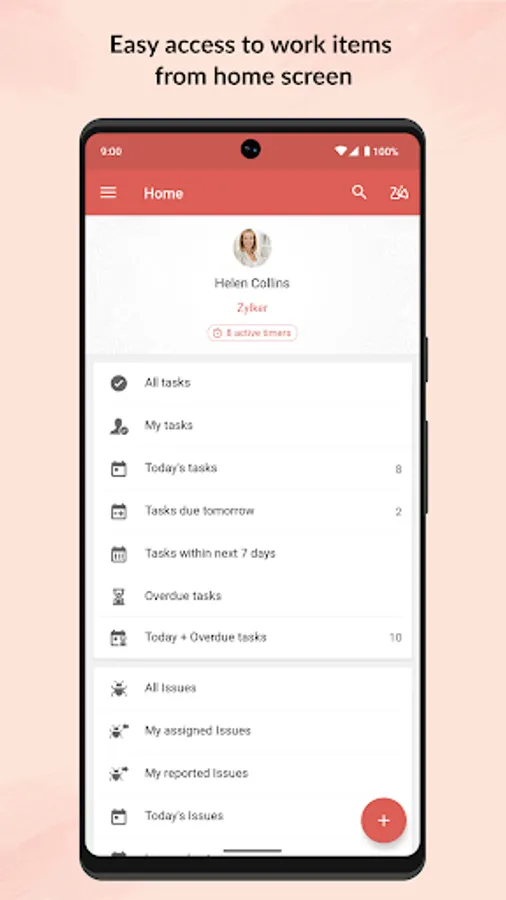
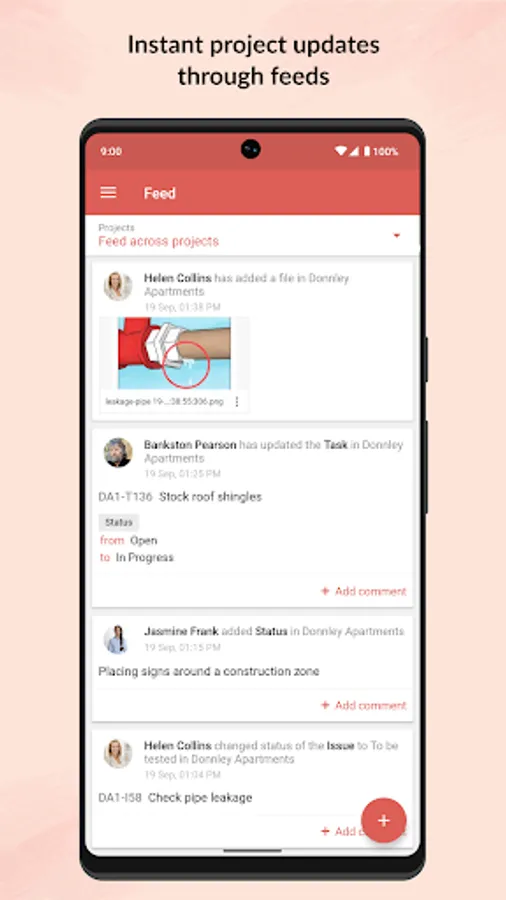
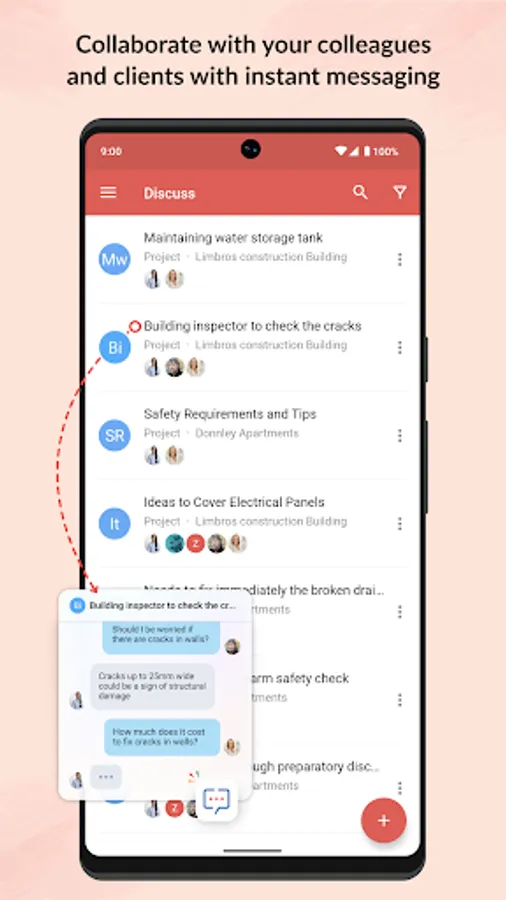
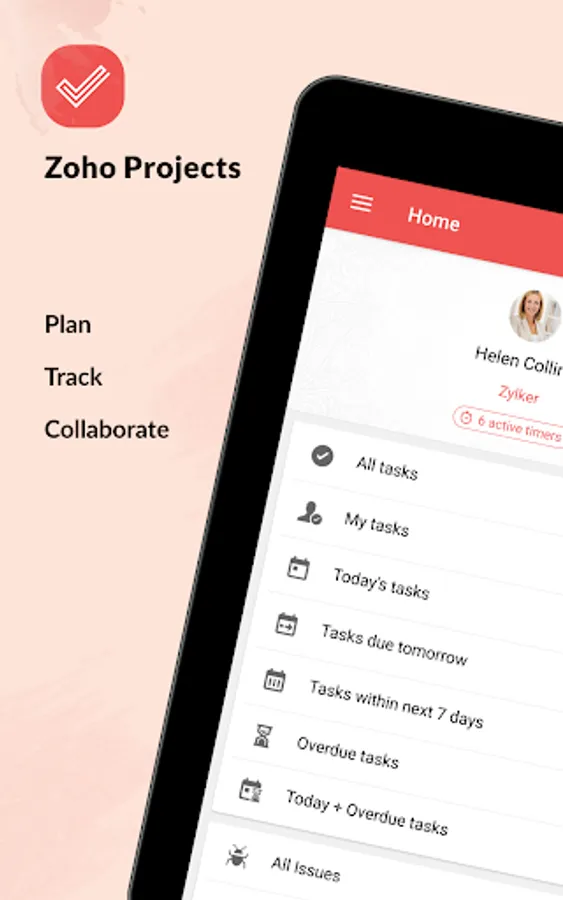
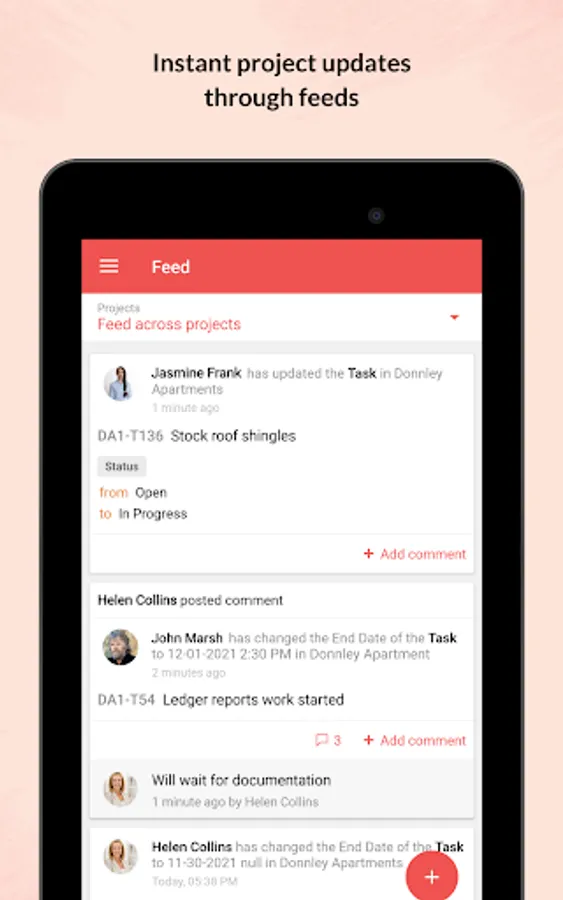
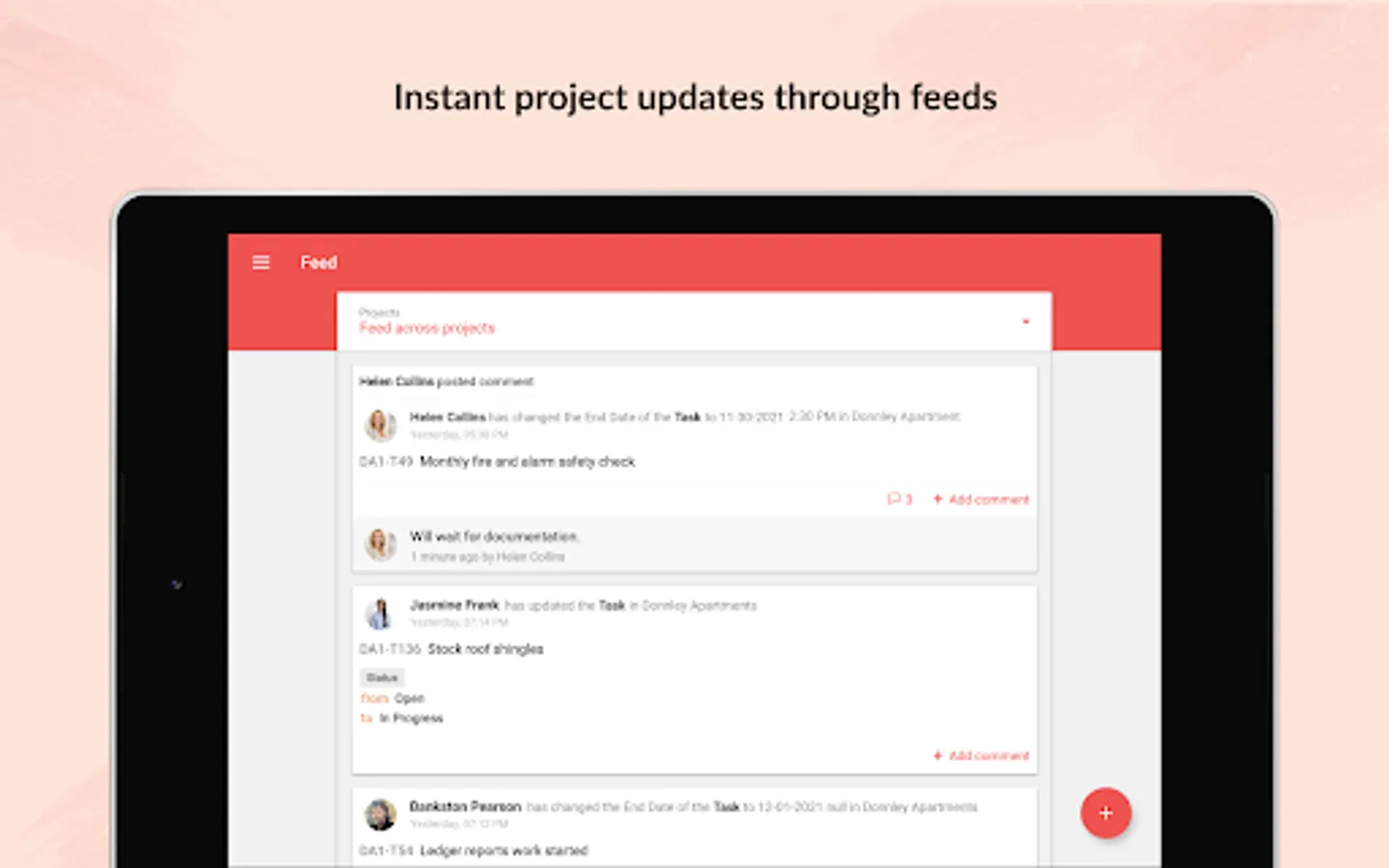
- Get a quick view of ongoing discussions, tasks, comment threads and much more by skimming through Feeds.
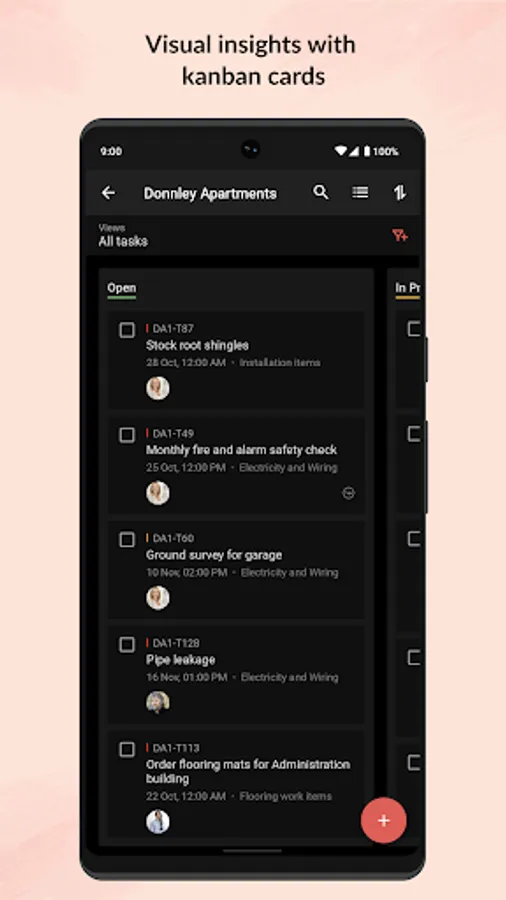
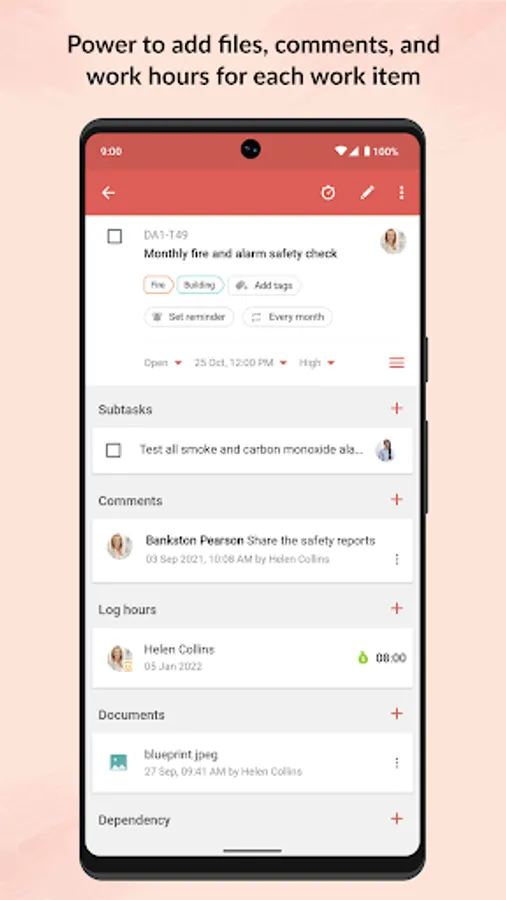
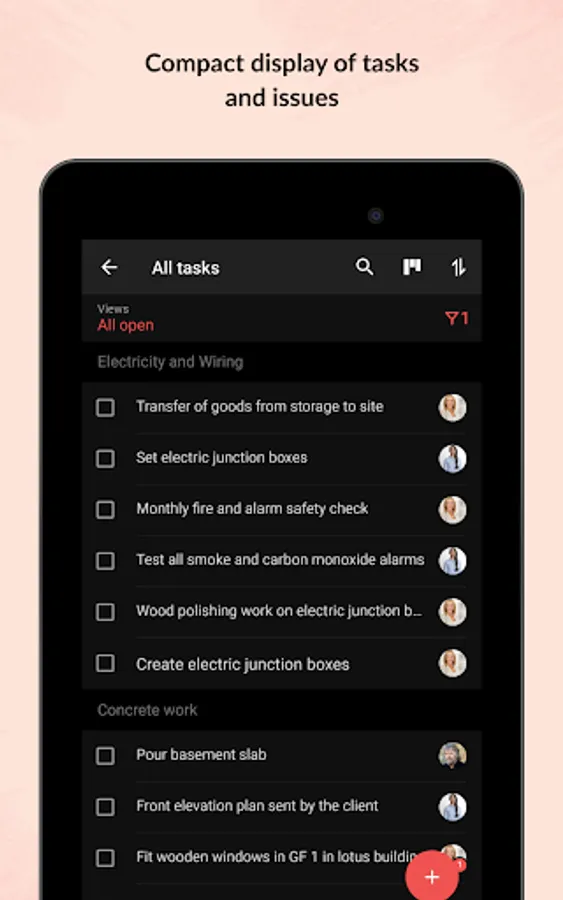
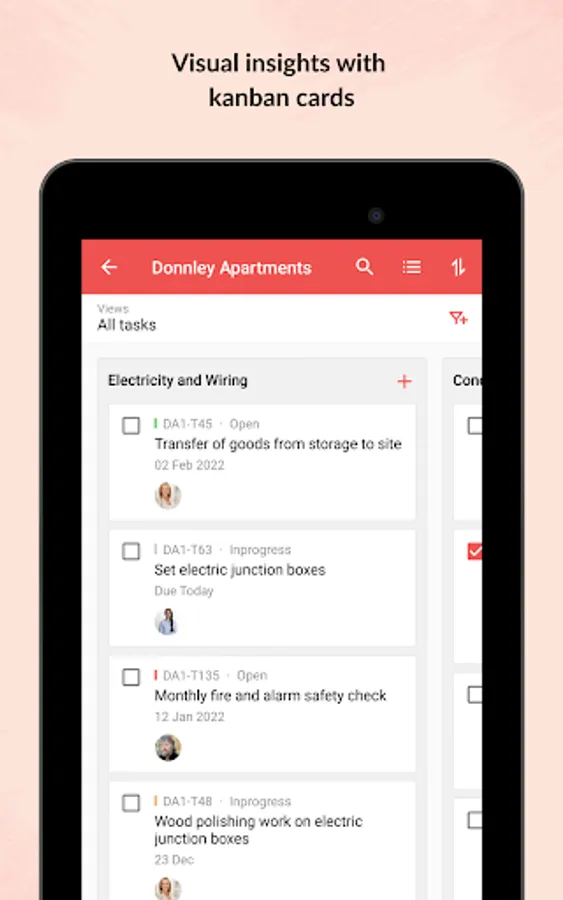
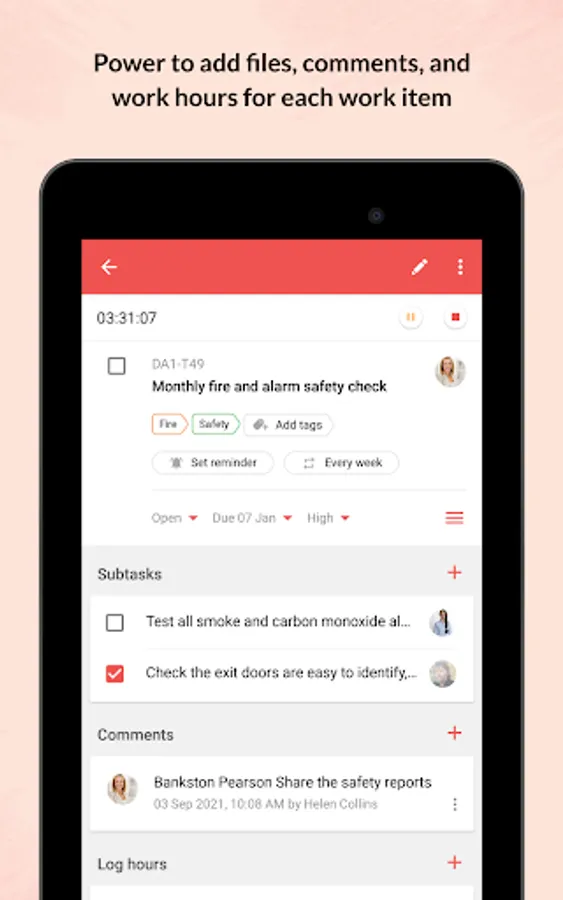
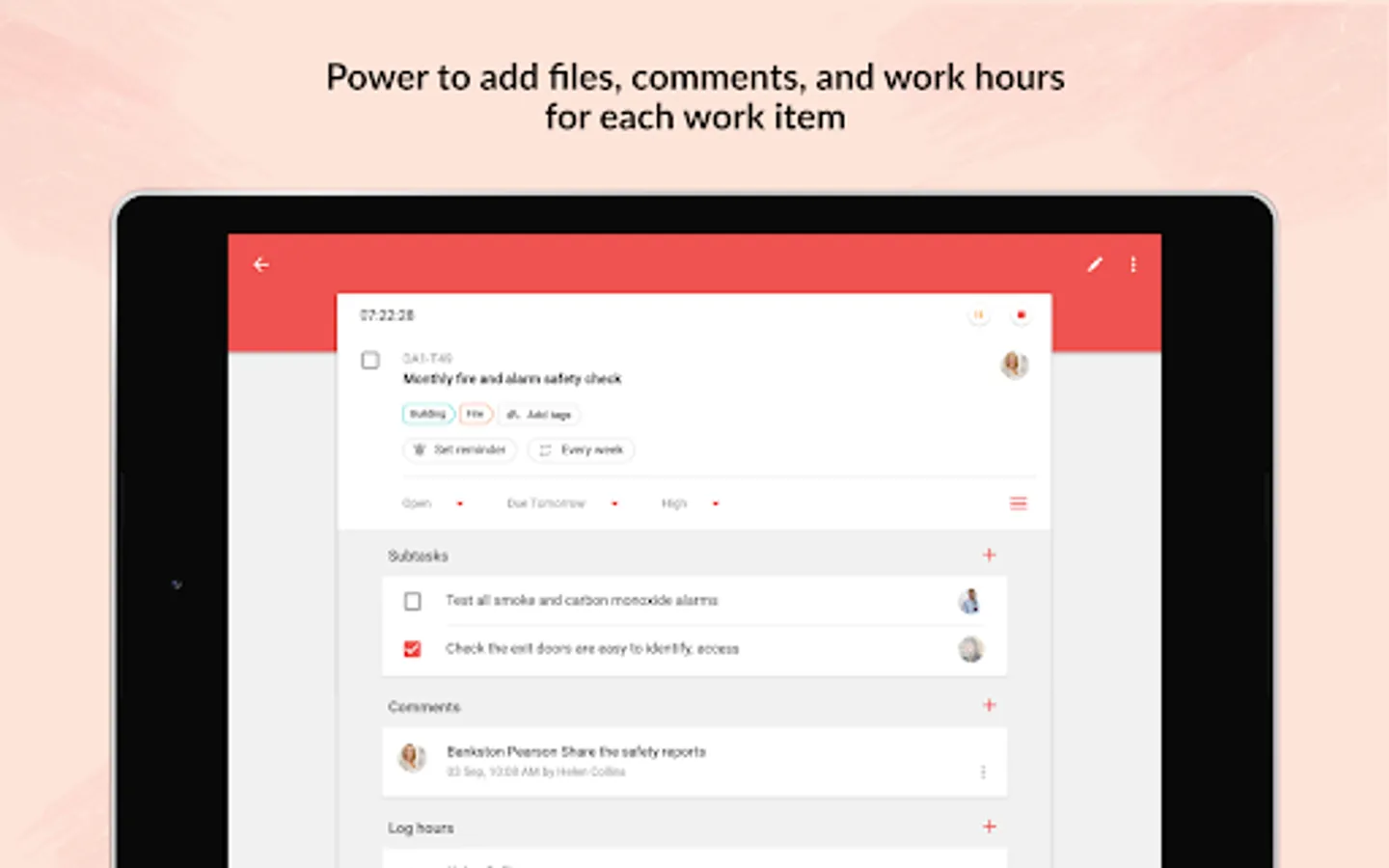
- Jump in and create new tasks, milestones, post a status or a forum, upload files from your mobile, or even submit a bug that needs to be swatted.
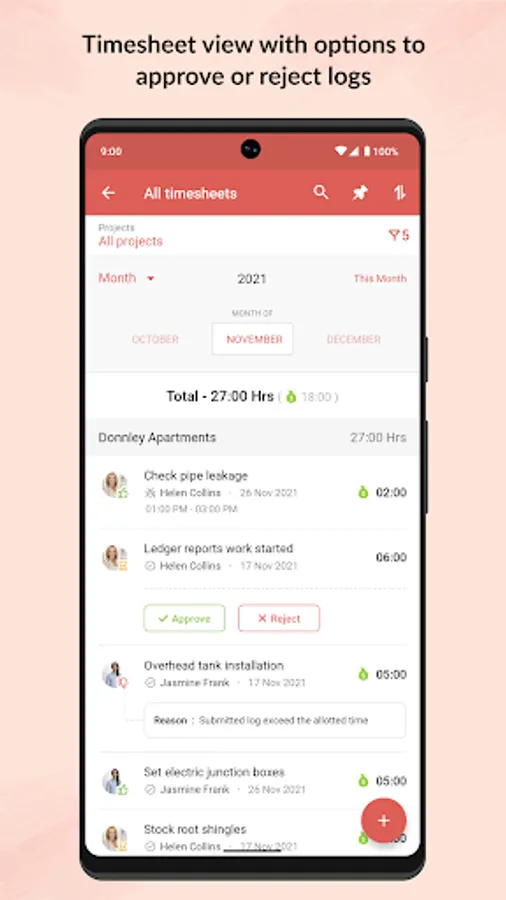
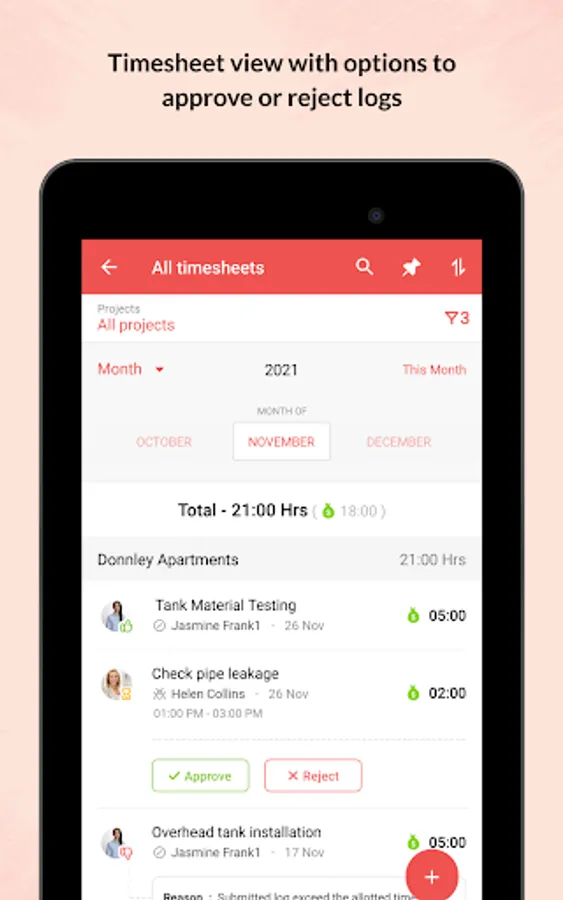
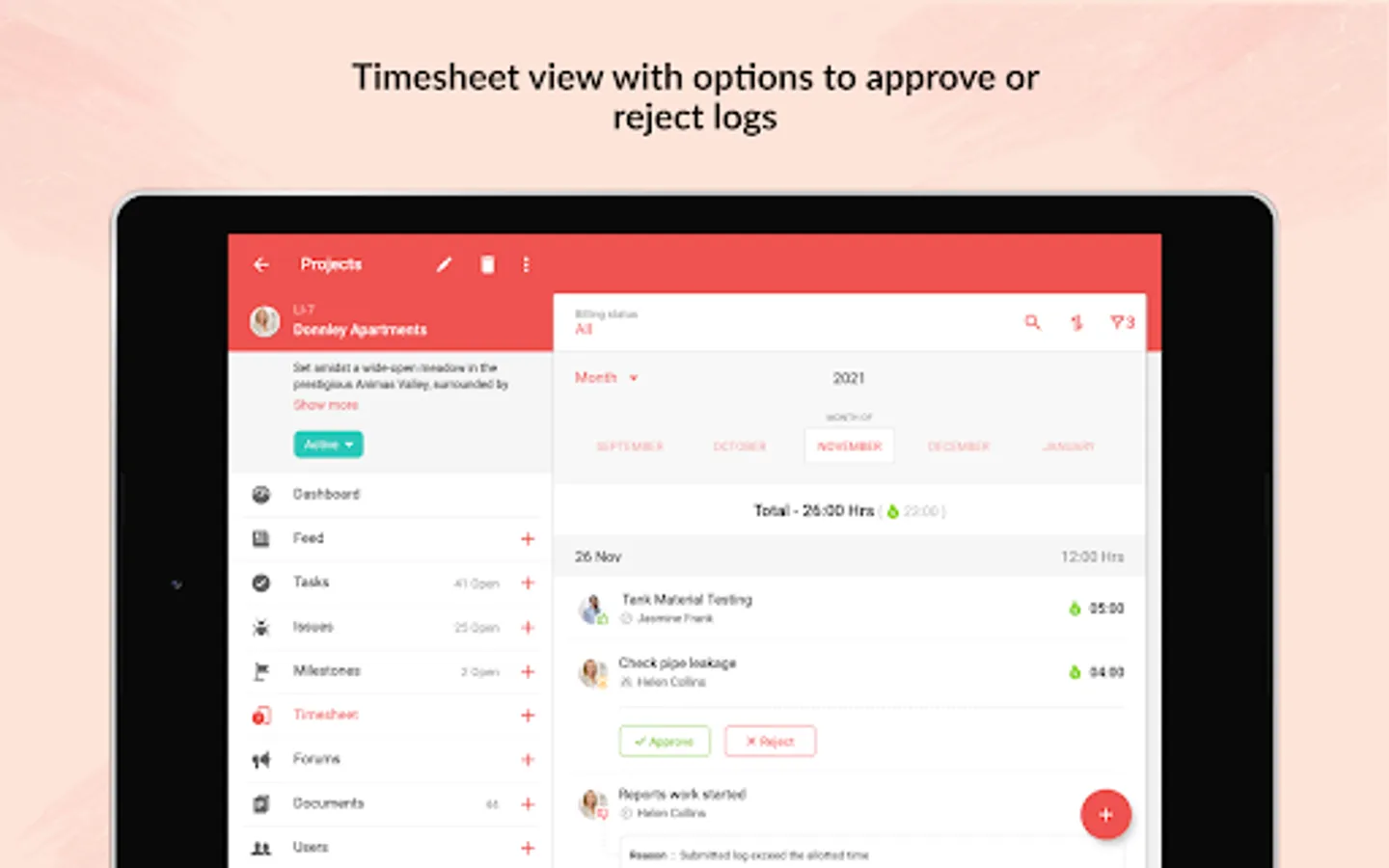
- As you toil away from your desk, record all your work hours in the timesheet module. The Timesheet module gives you a daily, weekly and monthly view of hours logged by you and your team.
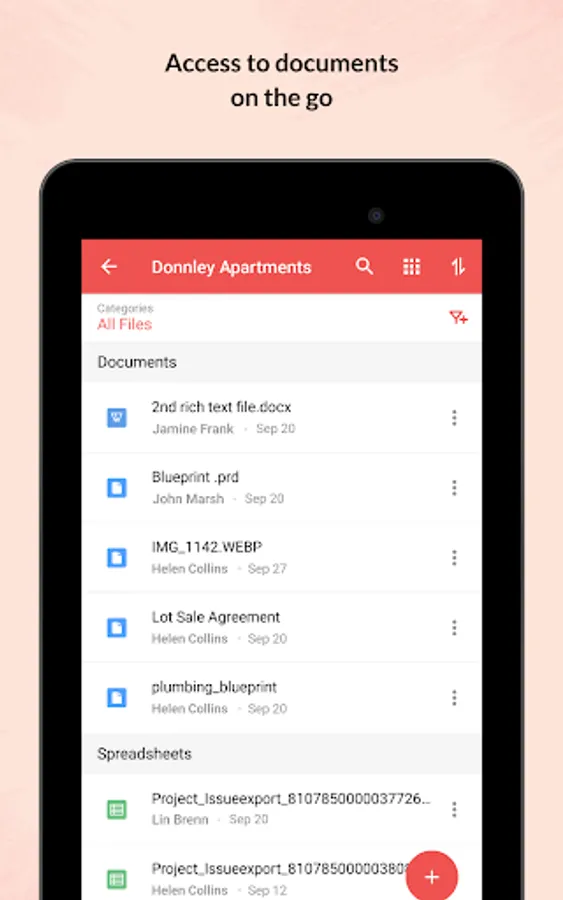
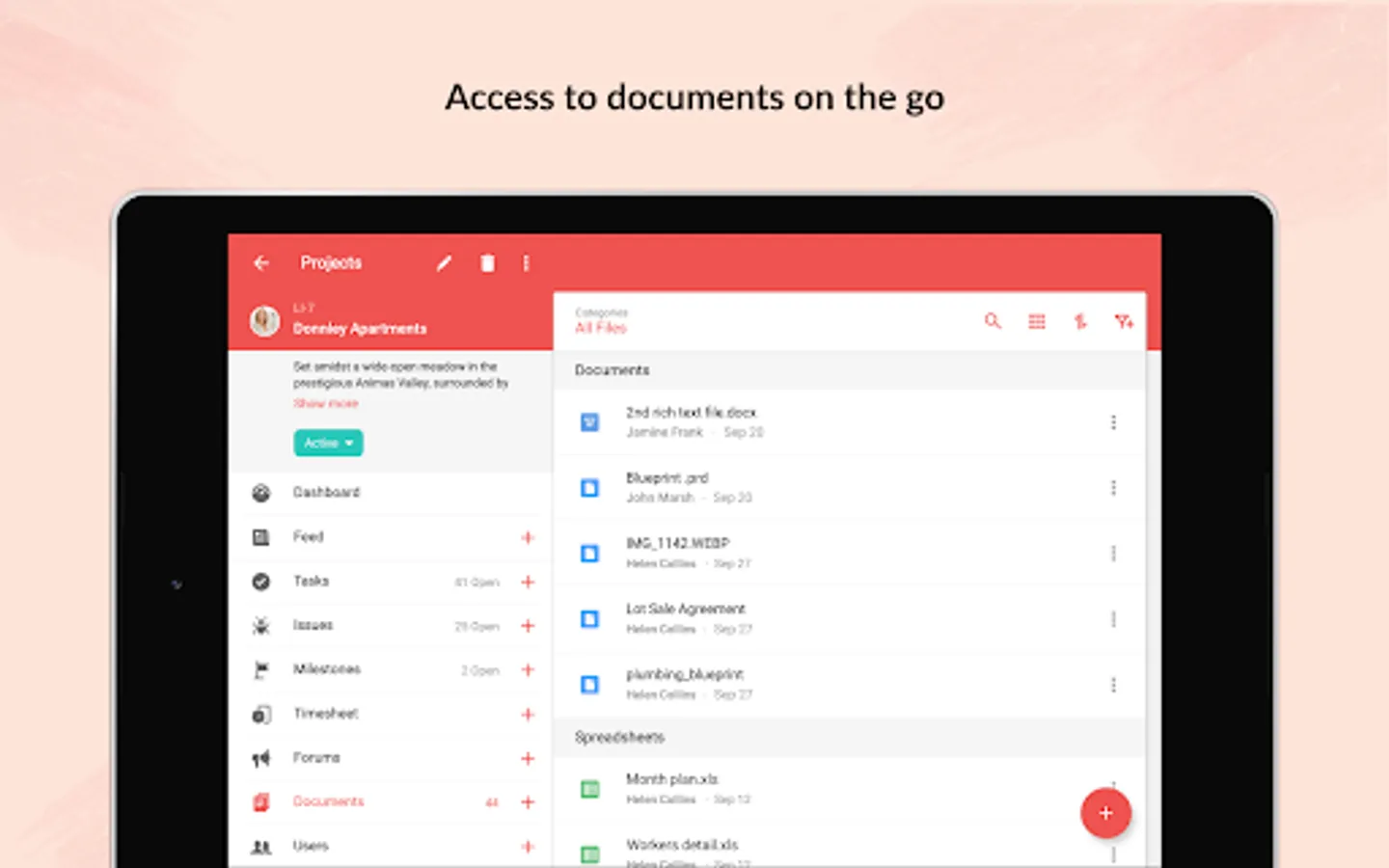
- View all your project related documents at the touch of your finger tips. You can also upload new documents or new versions of existing documents. You can choose to display them as lists or thumbnails.
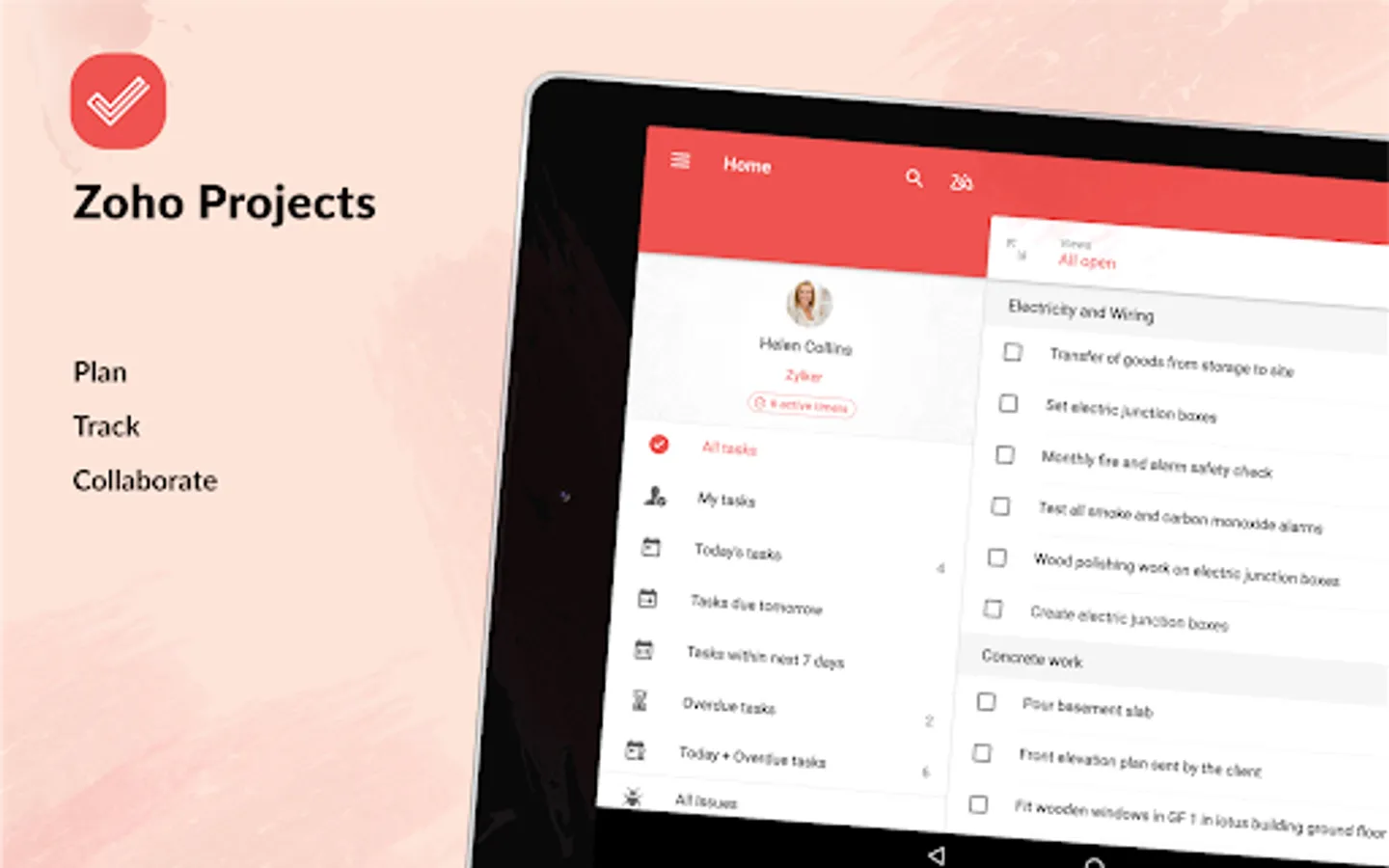
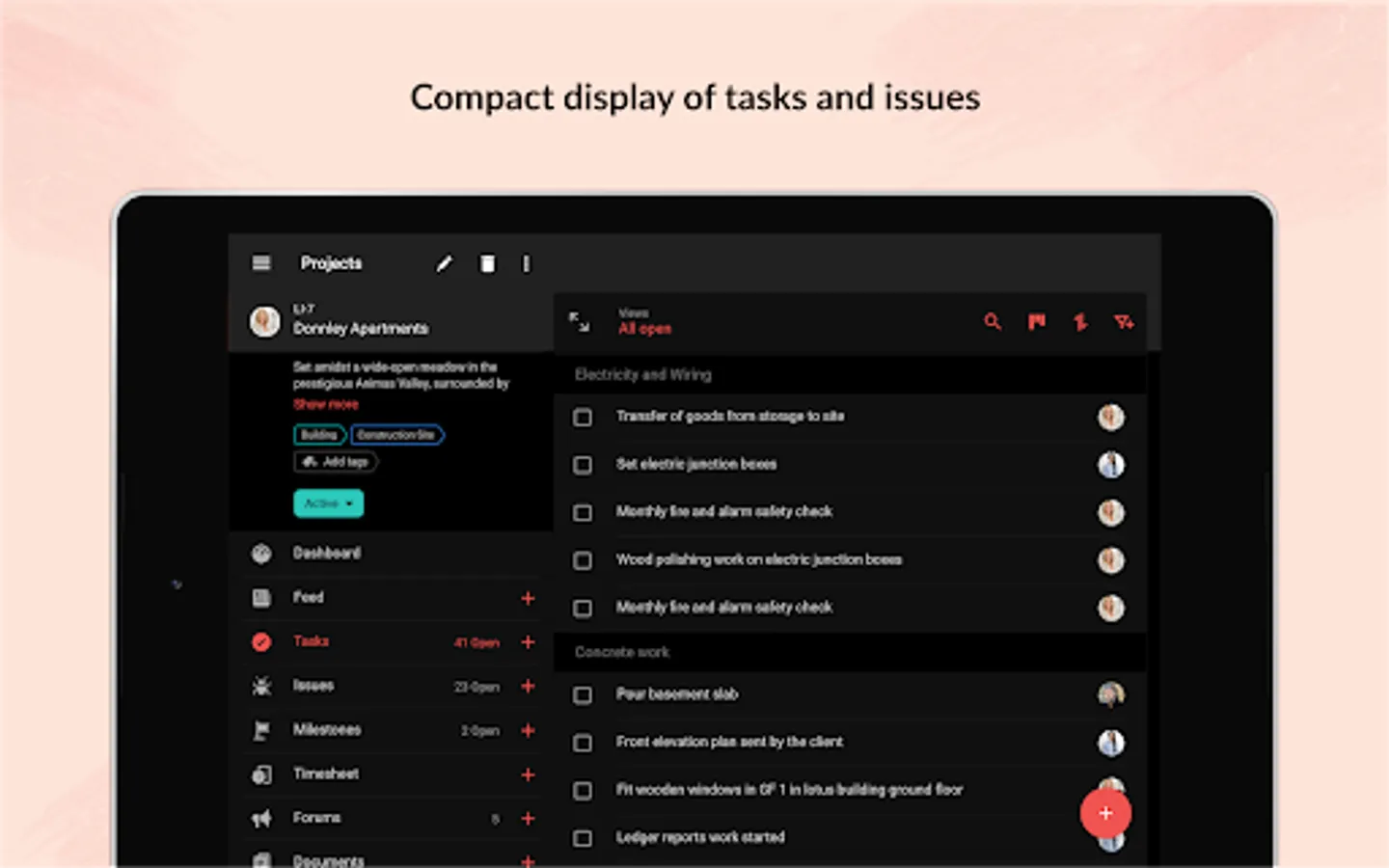
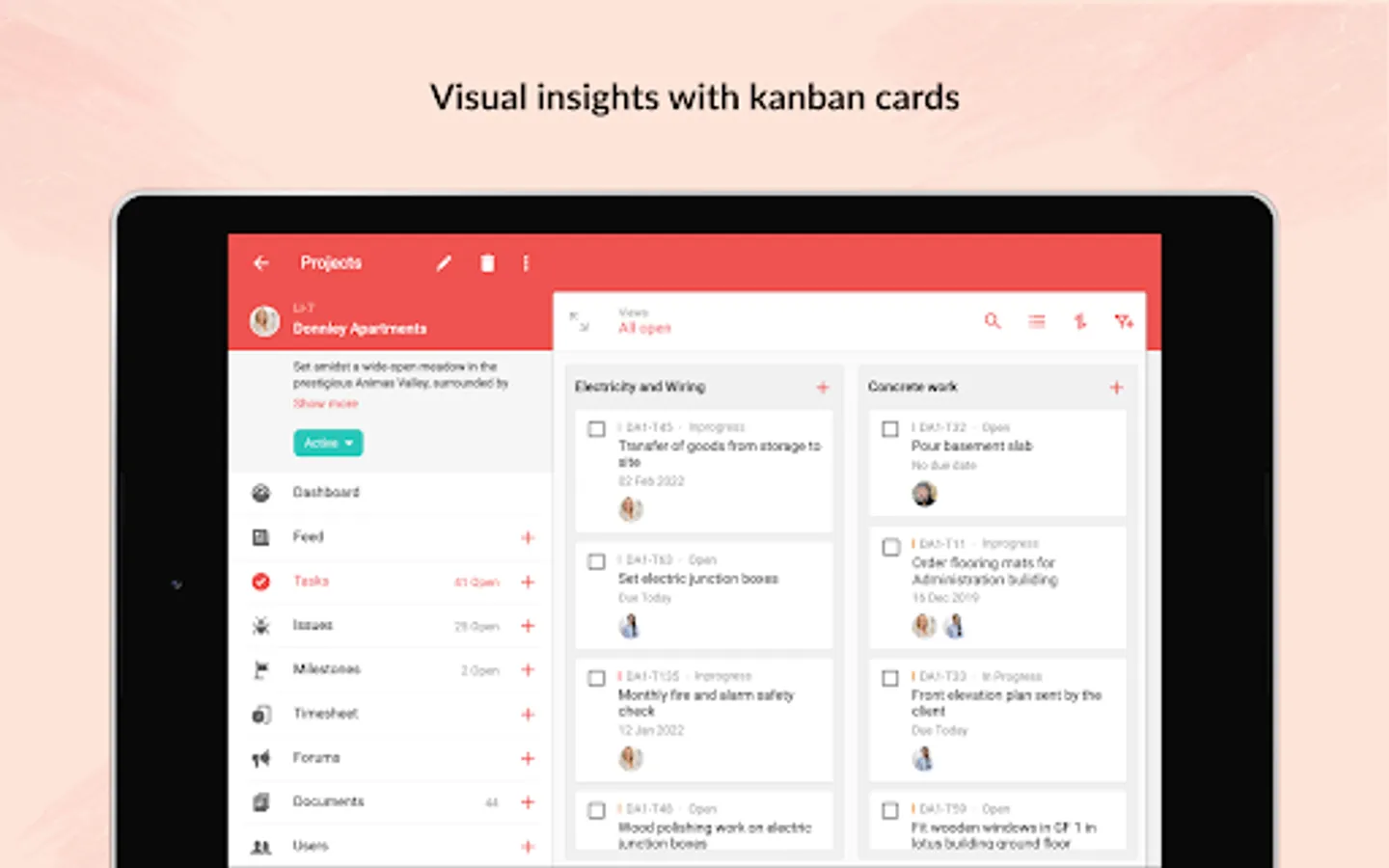
- Enjoy better viewing experience in your tablet with split screen design.
Zoho Projects is a modern and flexible project management software preferred by more than a million users worldwide. The mobile apps complement the web version enabling you to act quickly and stay updated wherever you are.
- If you are new to Zoho Projects, you can sign up right away from your mobile.
- Get a quick view of ongoing discussions, tasks, comment threads and much more by skimming through Feeds.
- Jump in and create new tasks, milestones, post a status or a forum, upload files from your mobile, or even submit a bug that needs to be swatted.
- As you toil away from your desk, record all your work hours in the timesheet module. The Timesheet module gives you a daily, weekly and monthly view of hours logged by you and your team.
- View all your project related documents at the touch of your finger tips. You can also upload new documents or new versions of existing documents. You can choose to display them as lists or thumbnails.
- Enjoy better viewing experience in your tablet with split screen design.
Zoho Projects Screenshots
Tap to Rate:
Reviews for Zoho Projects
enyi chidera
12/18/2025
nice
Gokul Jayaprakash
12/17/2025
Just started working upon, It's quite good so far.