
Zoho Vault Password Manager
Zoho Corporation
3.9 ★
1K ratings
100,000+
downloads
Free
+ in-app
In this password manager app, you can generate strong passwords, store and organize them securely, and autofill login details across devices. Includes features for password sharing, offline access, and multi-factor authentication.
AppRecs review analysis
AppRecs rating 4.0. Trustworthiness 0 out of 100. Review manipulation risk 0 out of 100. Based on a review sample analyzed.
★★★★☆
4.0
AppRecs Rating
Ratings breakdown
5 star
59%
4 star
10%
3 star
9%
2 star
8%
1 star
14%
What to know
✓
Good user ratings
69% positive sampled reviews
✓
Authentic reviews
Natural distribution, no red flags
About Zoho Vault Password Manager
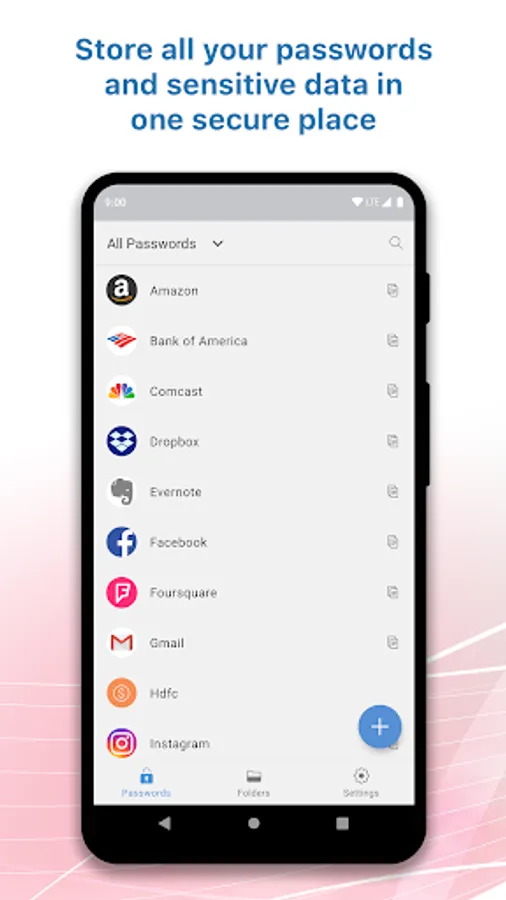
Zoho Vault is a password manager app that generates strong passwords for your accounts and safely remembers them for you. Vault keeps your passwords safe and autofills them across your favorite websites and mobile apps.
Secure access for all your passwords:
- Store unlimited passwords, notes, bank details, and any type of sensitive information
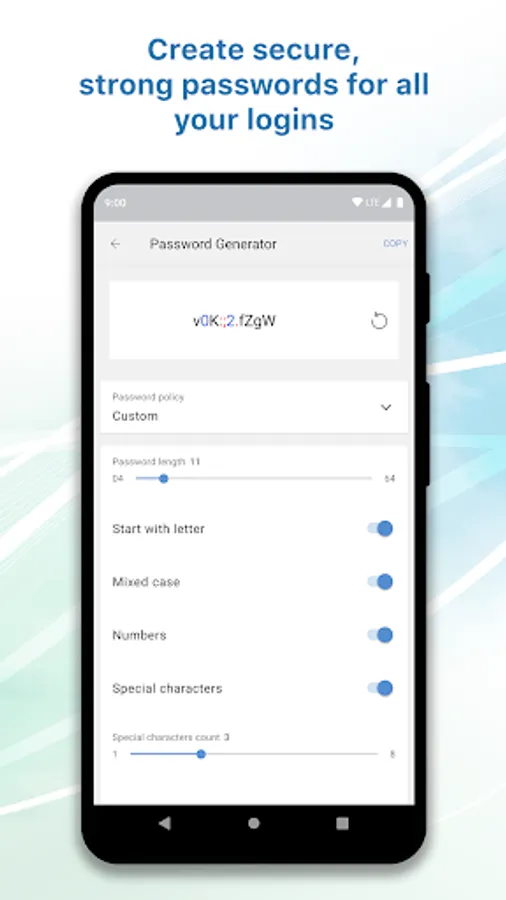
- Use the built-in password generator to generate unique, strong passwords for every account
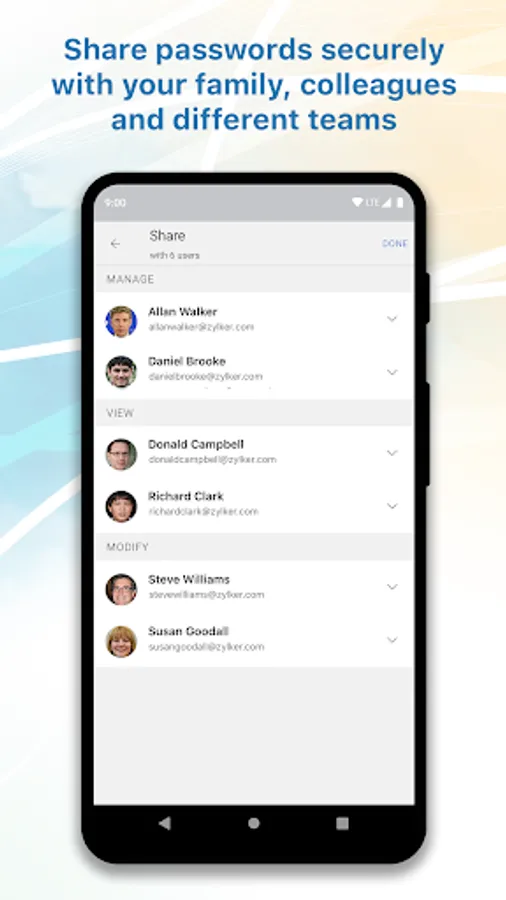
- Safely share passwords with multiple users and teams across your organization
- Sync your passwords across all devices for free
- View and access your passwords offline when you don't have a stable internet connection
- Approve user access requests for passwords with extra protection enabled
Simplifying password management:
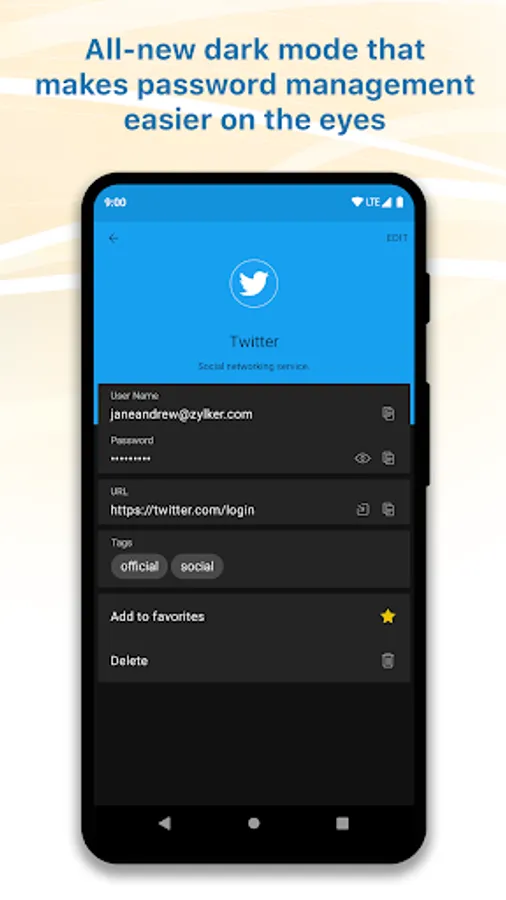
- Organize your passwords into multiple folders for easy access
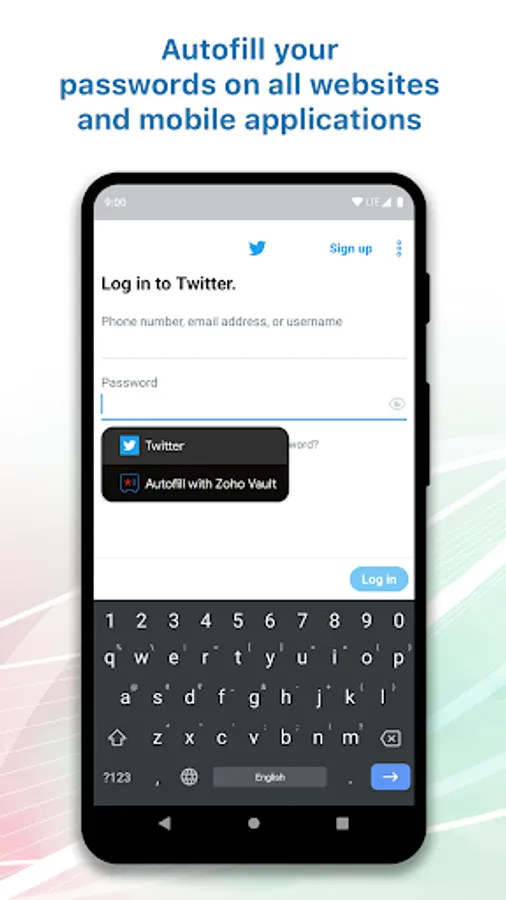
- Autofill your login details across all websites and applications
- Add relevant tags to your important passwords to access them instantly
Complete security for your password safe:
- Secure your passwords and other sensitive data with AES 256 encryption
- Add multi-factor authentication for your password vault
- Use your fingerprint, face ID, device lock screen, or even create a custom pin to unlock your account
- Securely log in to your online accounts from the in-app browser and safely access your sensitive information
- Customize your account by setting inactivity timeout and session validity
Your data remains safe with you:
Every Vault user creates a strong master password to access their password vault. Zoho Vault does not store your master password in our servers. This password remains only with you and no one else has access to your account, not even Zoho.
Learn more about our security policy - https://zoho.to/security-policy
Use of Accessibility
Zoho Vault uses Android Accessibility to enhance the auto-fill experience for all users and to enable auto-fill on devices running on older versions of Android. Zoho Vault does not collect or share any personal or sensitive user data using this service.
Get started in minutes:
Create a Zoho Vault account with your email address or authenticate with one of your Google, Facebook, LinkedIn, or Twitter profiles.
Alternatively, enterprises can log in to Zoho Vault using Active Directory credentials as well.
Sync your Zoho Vault account across your devices and access your password safely from anywhere in the world
Featured on popular magazines:
- PC Magazine
- CNET
- Tech Republic
- The Hacker News
- Lifehacker
- Dark Reading
- Mashable
Zoho Vault is an entirely free password manager app for personal use and is extremely affordable for businesses. You can upgrade to any paid edition of Zoho Vault and access all features ready-made for business password management.
Payment plans:
Free: 1 user - Unlimited passwords, sync across devices
Standard: 5 users (min) - Unlimited passwords, sync across devices, password sharing and more
Standard - Monthly: Monthly auto-renewing subscription $5.00(USD) for 5 users
Standard - Yearly: Yearly auto-renewing subscription $54.00(USD) for 5 users
With a strong password generator and seamless autofill experience in place, Zoho Vault is the best Android password manager for you and your teams. We would love to hear what you think about Zoho Vault and how we can make simplify password management for you. Connect with us at support@zohovault.com or start a discussion on our community forum: https://zoho.to/zoho-vault-community
Zoho Vault Password Manager Screenshots
Tap to Rate:
Reviews for Zoho Vault Password Manager
Mediancy Digital Solutions
1/1/2026
in Whatsapp E2E encrypted backup not available when Passkeys are saved in Zoho Vault. Showing - Your password manager doesn't support passkey-encrypted backups. Try a different option.
Gurjeet Singh Gill
12/29/2025
👍