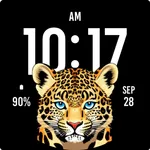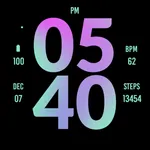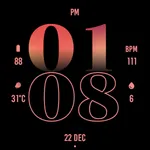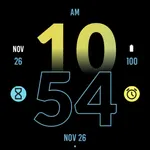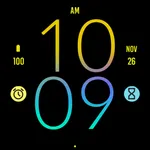
Leopard Watch Face
zolawatchfaces
3.8 ★
49 ratings
1,000+
downloads
$1.99
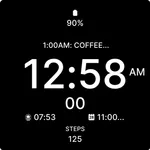
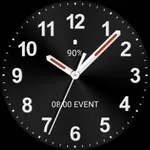
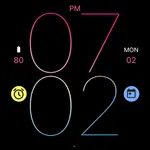
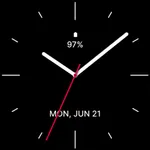
With this Wear OS watch face, you can view the time, date, and battery level at a glance, customize complications such as weather and fitness data, and enable always-on display mode. Includes customizable widget complications, date, battery status, and app shortcuts.
AppRecs review analysis
AppRecs rating 3.8. Trustworthiness 84 out of 100. Review manipulation risk 24 out of 100. Based on a review sample analyzed.
★★★☆☆
3.8
AppRecs Rating
Ratings breakdown
5 star
57%
4 star
15%
3 star
2%
2 star
2%
1 star
23%
What to know
✓
Low review manipulation risk
24% review manipulation risk
✓
Credible reviews
84% trustworthiness score from analyzed reviews
✓
Good user ratings
72% positive sampled reviews
About Leopard Watch Face
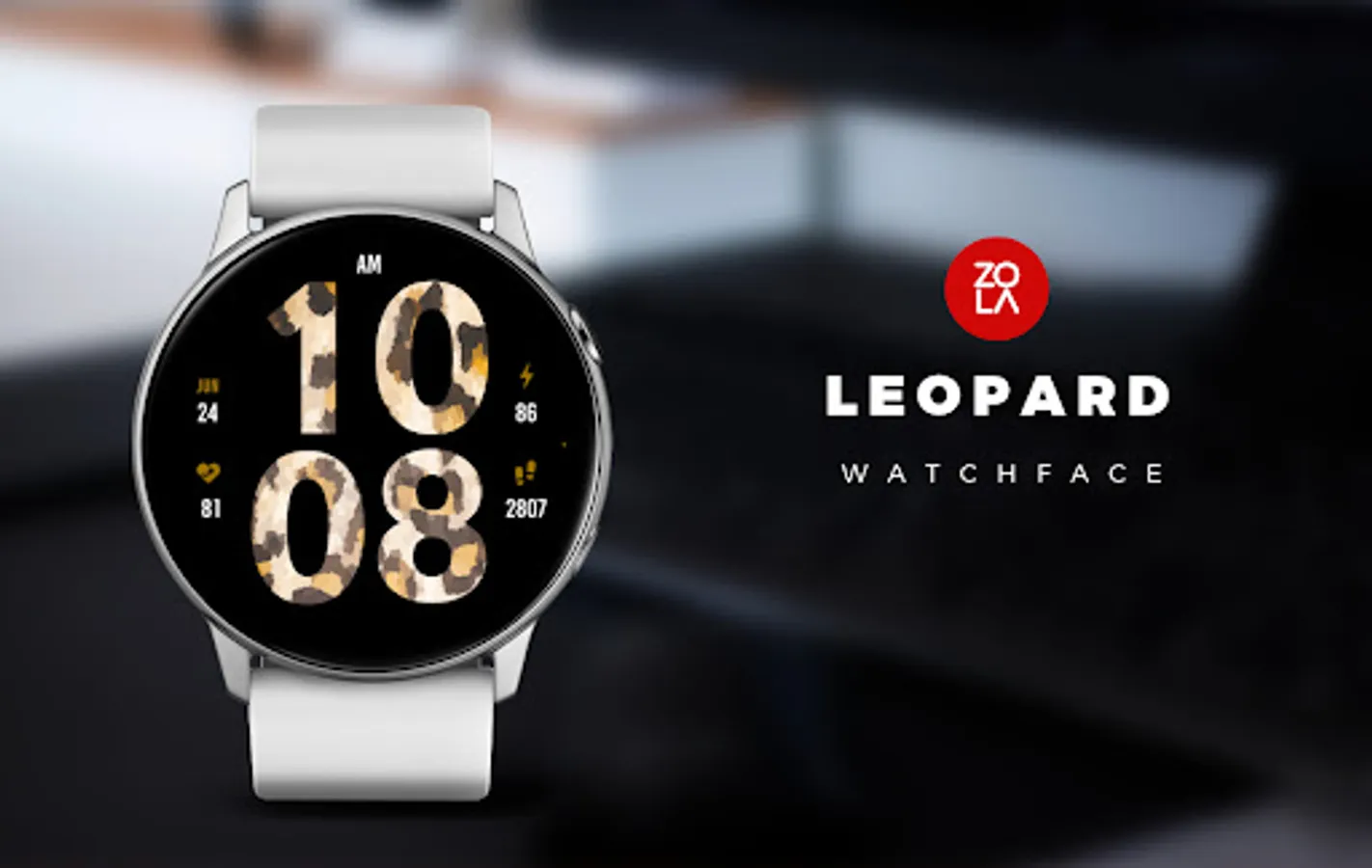
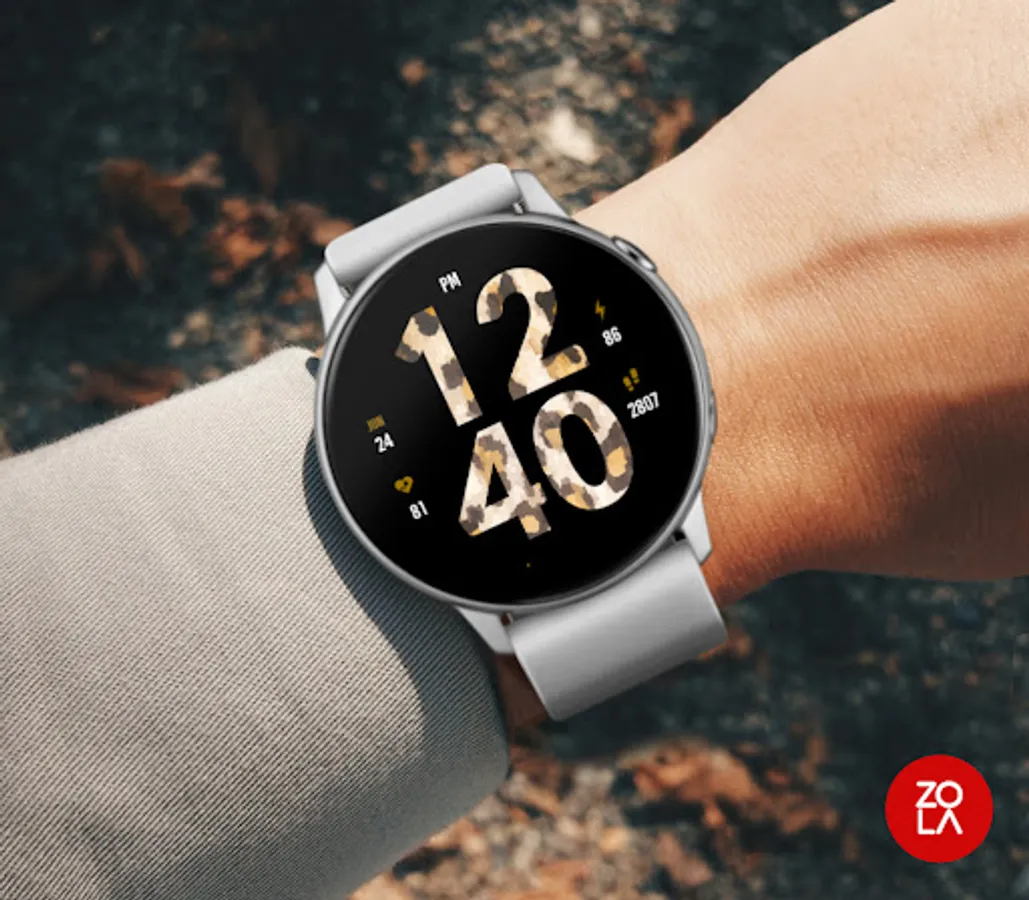
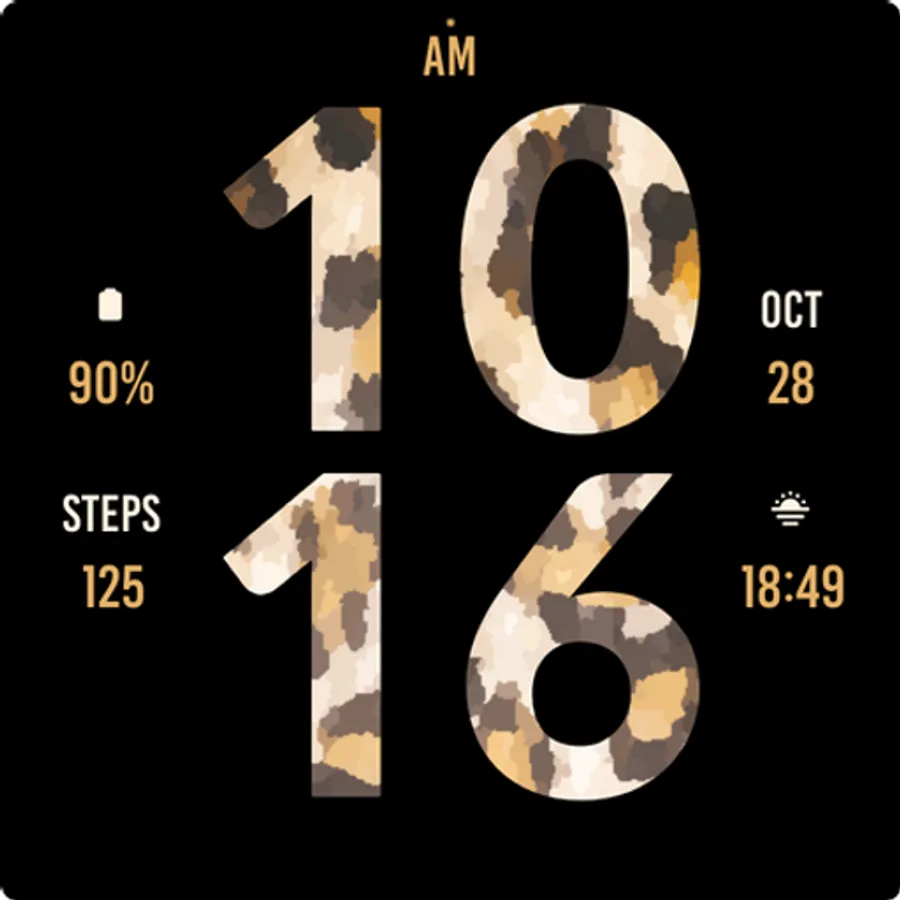
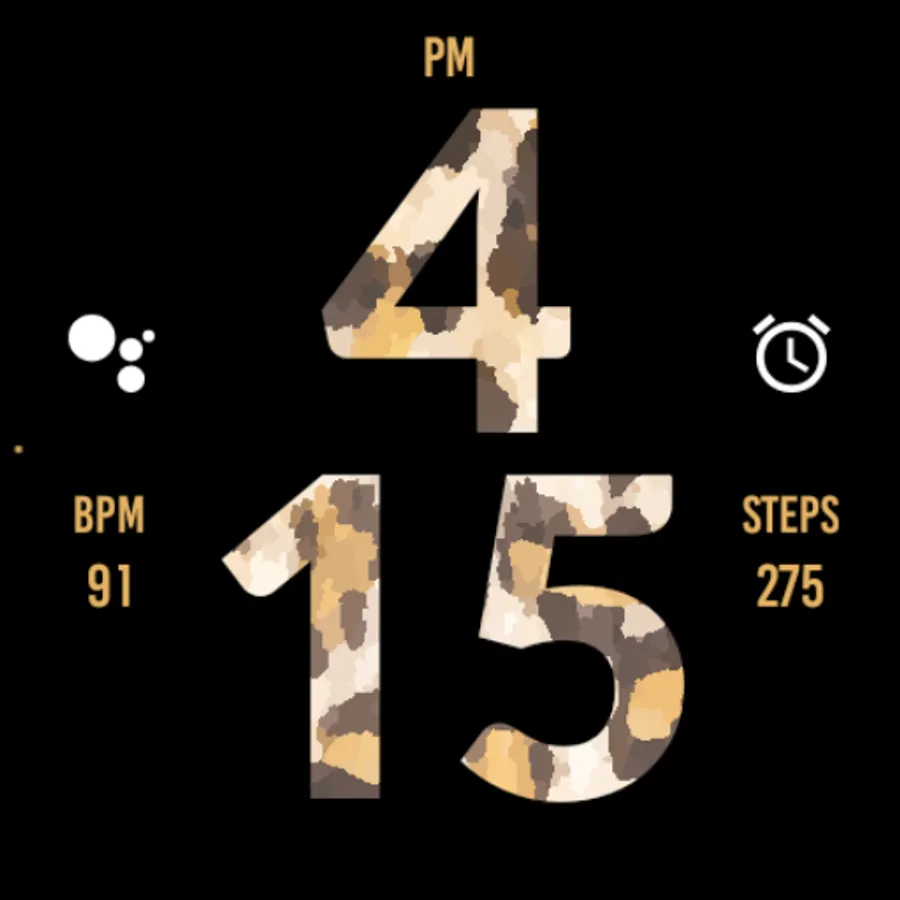
Leopard Watch Face for Wear OS, beautiful bold watch face made with an exotic design focused on legibility and usability.
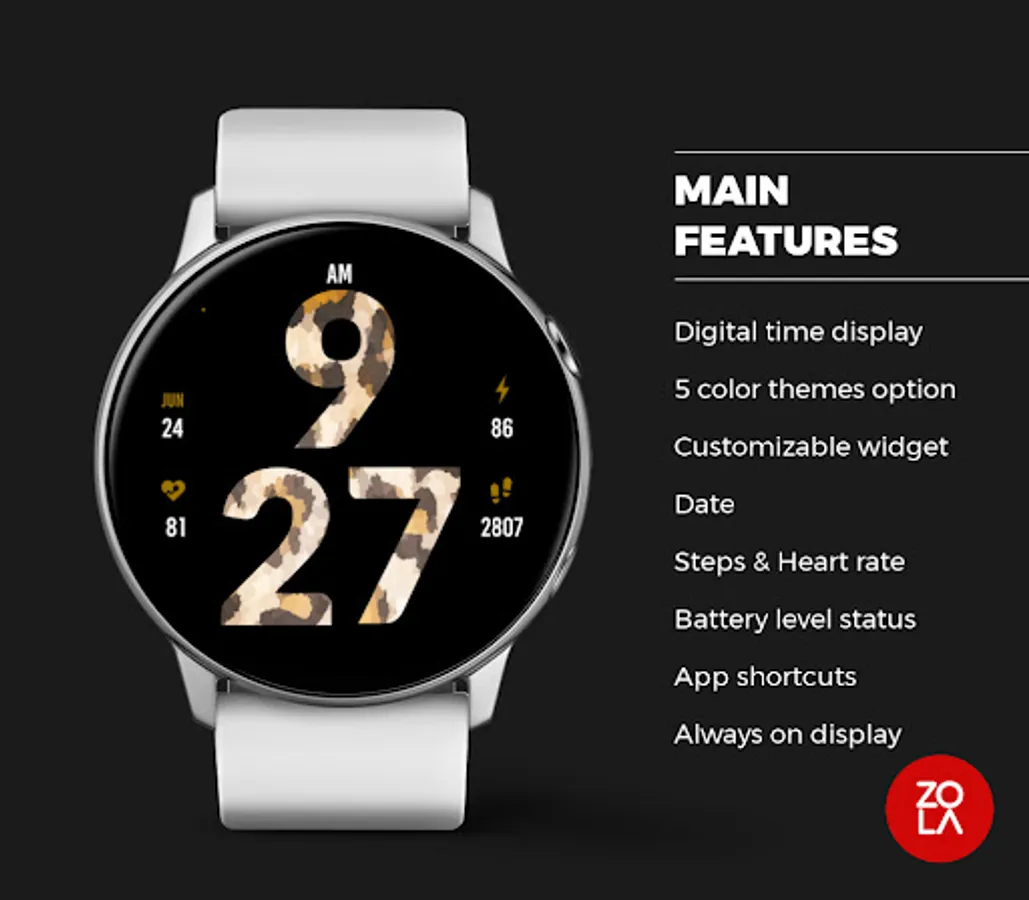
Main Features:
- Easy to read digital time display
- 12/24 hours mode based on device settings
- AM/PM marker
- Battery level status
- Date
- Customizable widget complications: Add steps, heart rate, weather, and more.
- Customizable app shortcut
- Always on display mode for low-power visibility
- Built for Wear OS smartwatches
Custom Widget Complications:
- SHORT_TEXT complication
- SMALL_IMAGE complication
- ICON complication
Installation:
- Make sure the watch device is connected to the phone
- On the Play Store, select your watch device from the install drop-down button. Then tap install.
- After a few minutes the watch face will installed on your watch device
- Alternatively, you can install the watch face directly from on-watch Play Store by searching this watch face name between quotation marks.
Note:
Widget complications shown in the application description are for promotional only. Custom widget complications data depends on your installed applications and watch manufacturer software. The companion app is only to make it easier to find and install the watch face on your Wear OS watch device.
Main Features:
- Easy to read digital time display
- 12/24 hours mode based on device settings
- AM/PM marker
- Battery level status
- Date
- Customizable widget complications: Add steps, heart rate, weather, and more.
- Customizable app shortcut
- Always on display mode for low-power visibility
- Built for Wear OS smartwatches
Custom Widget Complications:
- SHORT_TEXT complication
- SMALL_IMAGE complication
- ICON complication
Installation:
- Make sure the watch device is connected to the phone
- On the Play Store, select your watch device from the install drop-down button. Then tap install.
- After a few minutes the watch face will installed on your watch device
- Alternatively, you can install the watch face directly from on-watch Play Store by searching this watch face name between quotation marks.
Note:
Widget complications shown in the application description are for promotional only. Custom widget complications data depends on your installed applications and watch manufacturer software. The companion app is only to make it easier to find and install the watch face on your Wear OS watch device.
Leopard Watch Face Screenshots
Tap to Rate:
Reviews for Leopard Watch Face
Amanda McCollum
9/28/2025
love it
Anna Maria Hinojo
7/30/2025
;)........... happy!!!