Create stop motion videos by capturing frames, importing images, or extracting photos from videos. Includes options to add music, save clips, and share via social networks.
AppRecs review analysis
AppRecs rating 2.7. Trustworthiness 81 out of 100. Review manipulation risk 20 out of 100. Based on a review sample analyzed.
★★☆☆☆
2.7
AppRecs Rating
Ratings breakdown
5 star
30%
4 star
5%
3 star
8%
2 star
14%
1 star
43%
What to know
✓
Low review manipulation risk
20% review manipulation risk
⚠
Mixed user feedback
Average 2.6★ rating suggests room for improvement
⚠
High negative review ratio
58% of sampled ratings are 1–2 stars
About Stop Motion Video
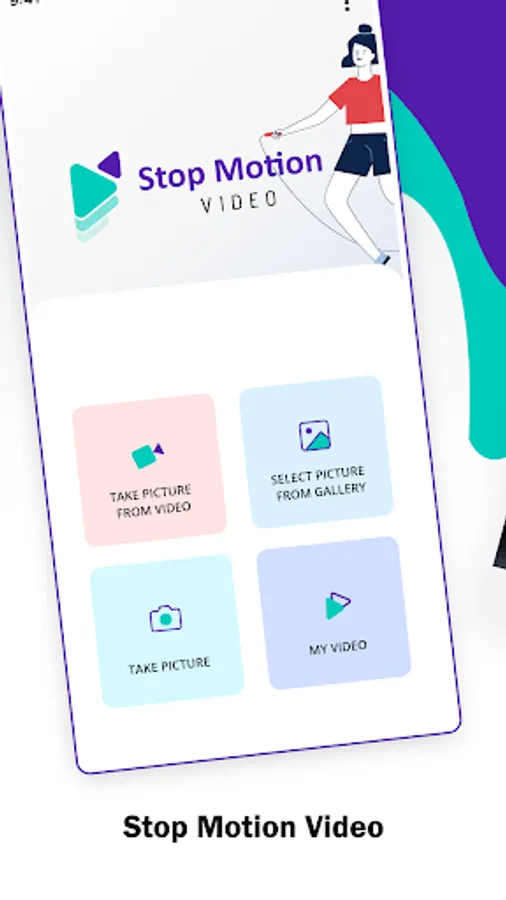
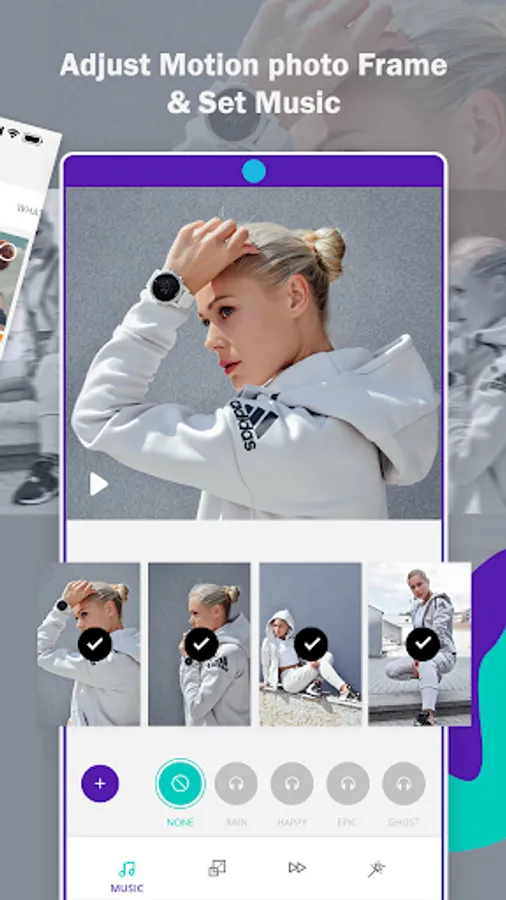
Stop Motion Video is able to create a new motion movie for you. User can get pictures or frames from the video, select images from gallery and capture frames via camera. By using these three functionality, very quickly add music of your choice & make new motion film ready, enjoy video, share with your friends, followers and family via social network.
Features:
When you open Stop Motion video the app will serve you three cool useful functionality so let’s see in deep.
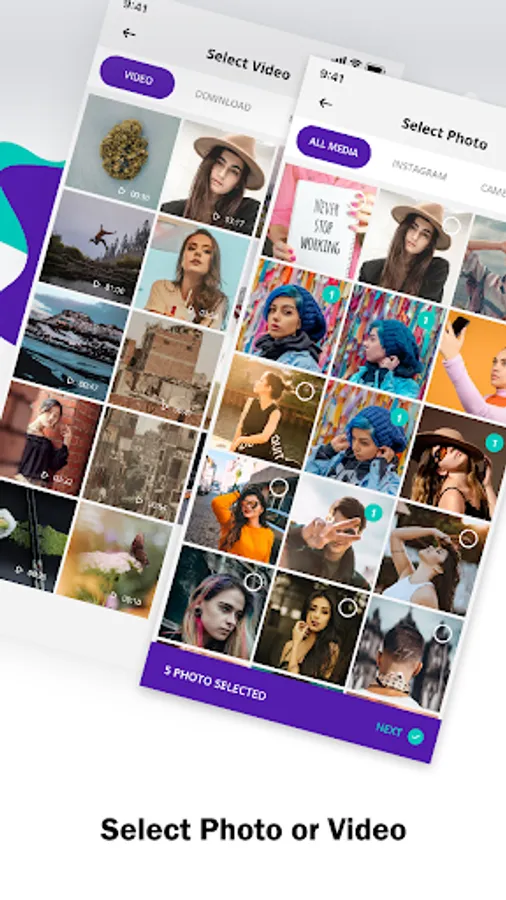
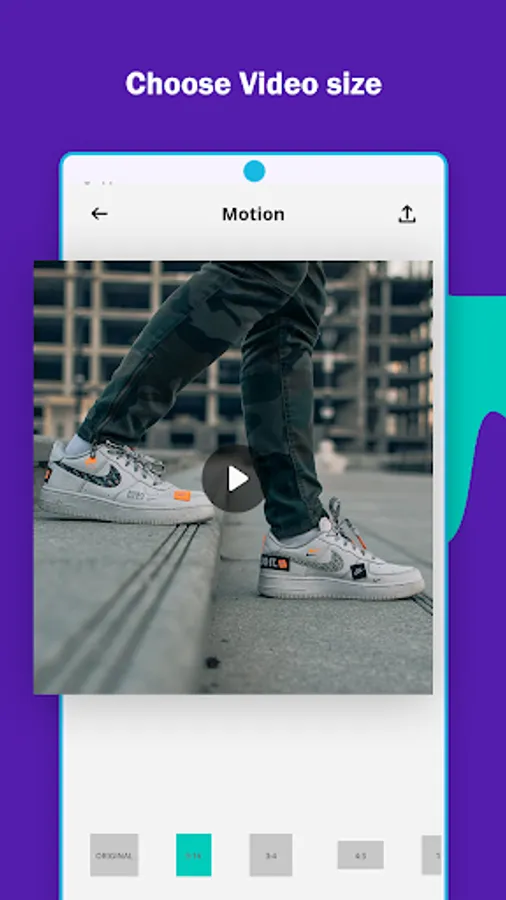
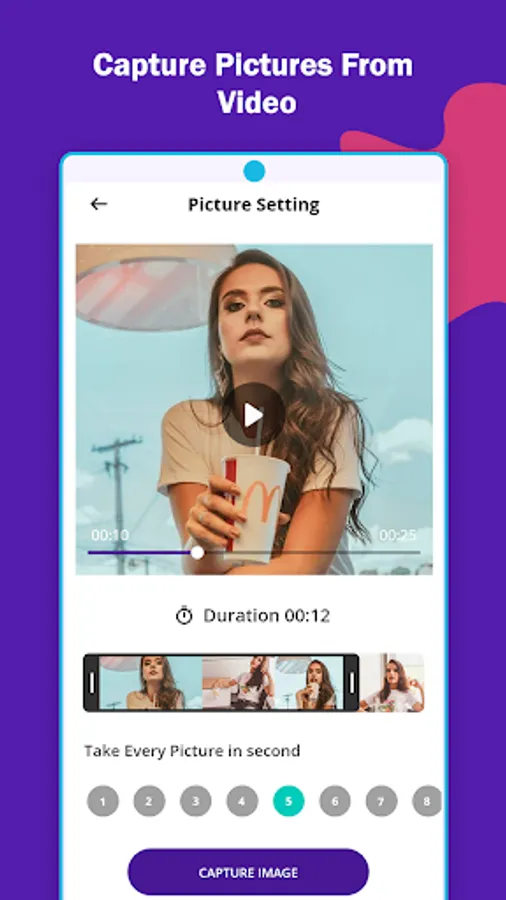
- You can get frames or pictures from video itself. Set duration for take each frame to video and at last create best stop motion video clips.
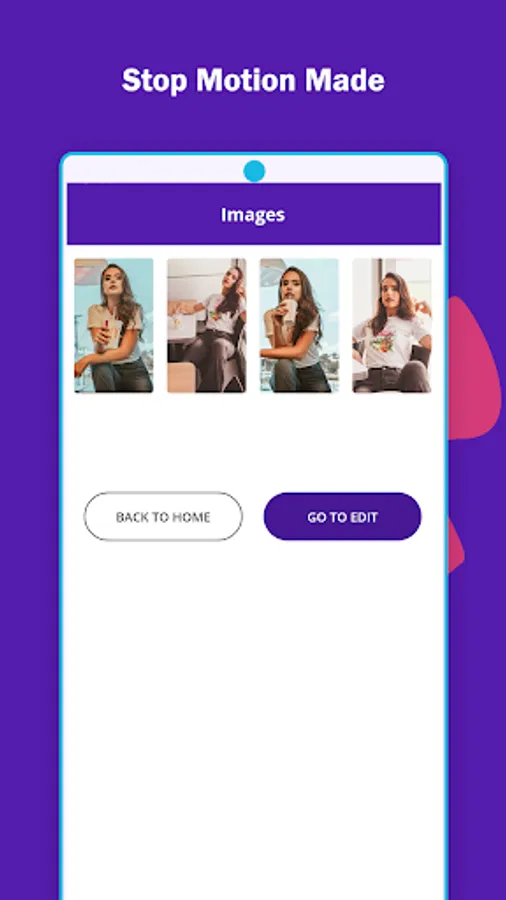
- Next is, Select image from gallery as you wish and give a motion to video.
- At last, capture frames by using your cell phone camera and generate Camera Stop Motion. Again set duration for capture frames and camera will shoot nice pictures for you & yes set music for video.
What App will contain:
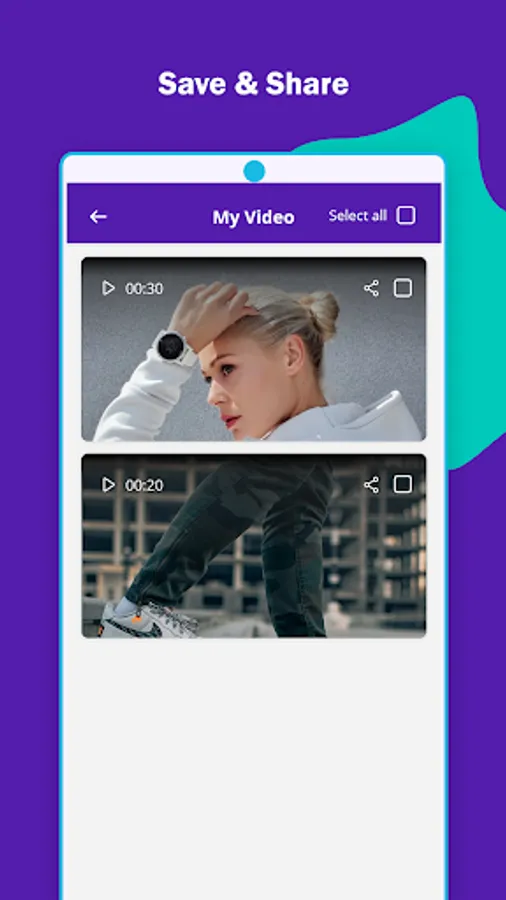
- All new Created motion movie clips will appear in app so no need to find it out.
- Stop Motion video will save all new movie in Folder “Stop_Motion_Video” and you can see in gallery.
- Share all videos with your friends, followers and family with Facebook, WhatsApp, Twitter, Bluetooth etc.
- Delete video from app Stop Motion video.
Features:
When you open Stop Motion video the app will serve you three cool useful functionality so let’s see in deep.
- You can get frames or pictures from video itself. Set duration for take each frame to video and at last create best stop motion video clips.
- Next is, Select image from gallery as you wish and give a motion to video.
- At last, capture frames by using your cell phone camera and generate Camera Stop Motion. Again set duration for capture frames and camera will shoot nice pictures for you & yes set music for video.
What App will contain:
- All new Created motion movie clips will appear in app so no need to find it out.
- Stop Motion video will save all new movie in Folder “Stop_Motion_Video” and you can see in gallery.
- Share all videos with your friends, followers and family with Facebook, WhatsApp, Twitter, Bluetooth etc.
- Delete video from app Stop Motion video.
Stop Motion Video Screenshots
Tap to Rate:
Reviews for Stop Motion Video
Celena Rosas
7/20/2025
the best ever
Ip Brushes
4/15/2025
I love this app 😍😍❤️❤️❤️