AppRecs review analysis
AppRecs rating . Trustworthiness 86 out of 100. Review manipulation risk 21 out of 100. Based on a review sample analyzed.
★
AppRecs Rating
Ratings breakdown
5 star
0%
4 star
33%
3 star
0%
2 star
0%
1 star
67%
What to know
✓
Low review manipulation risk
21% review manipulation risk
✓
Credible reviews
86% trustworthiness score from analyzed reviews
⚠
Mixed user feedback
Average 2.0★ rating suggests room for improvement
About Intuvia 100 Update
Note: Please note that you can only use the Intuvia 100 Update app for your Intuvia 100 display of the smart system from Bosch eBike Systems. The Intuvia 100 Update App was developed by CicloSport®.
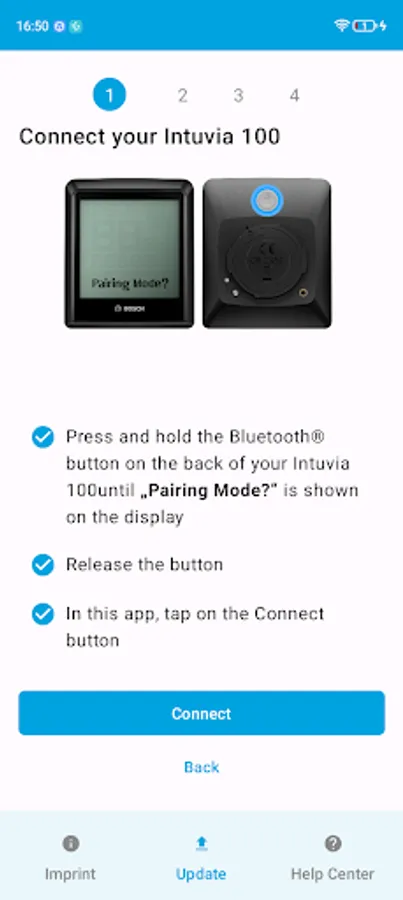
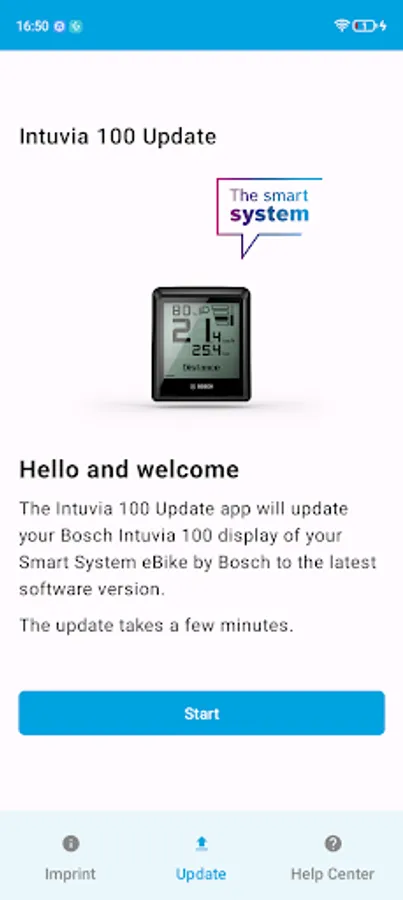
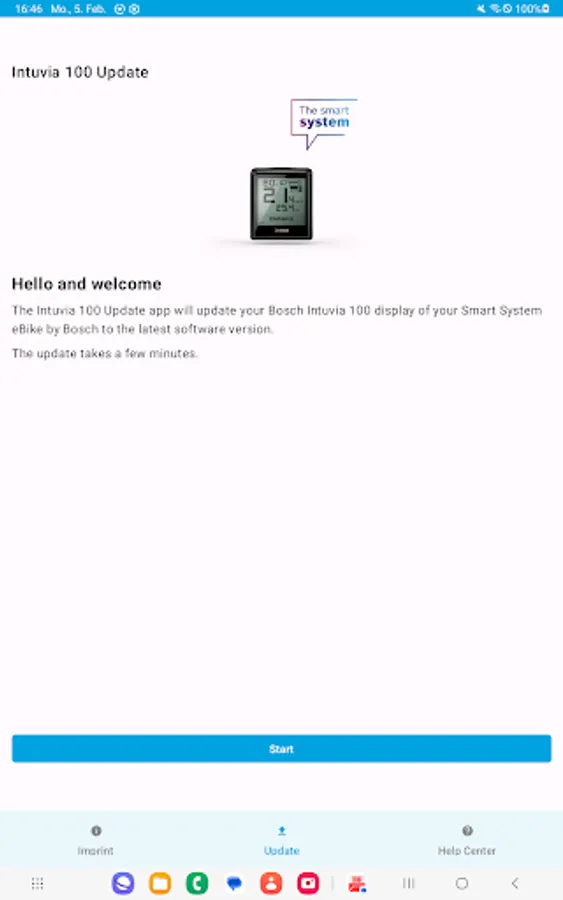
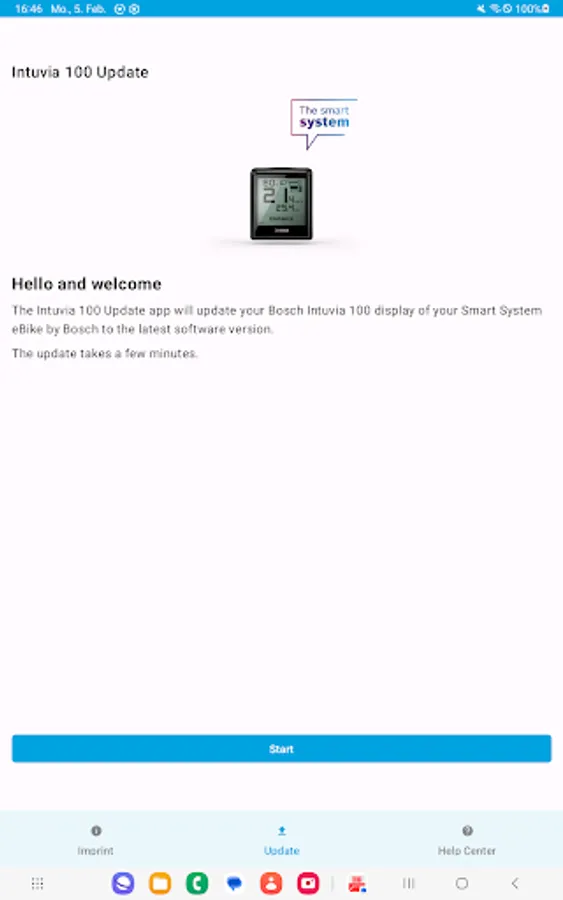
Your Intuvia 100 up to date: With the Intuvia 100 update app, you can update your display easily and without registration via Bluetooth. The update increases the stability and improves the functionality of the Intuvia 100. At the same time, your display has a new function after the update, which allows you to reset your trip manually via the display. You still have the option of resetting your trip via the eBike Flow app from Bosch eBike Systems.
1. is the Intuvia 100 update app the right one for my eBike?
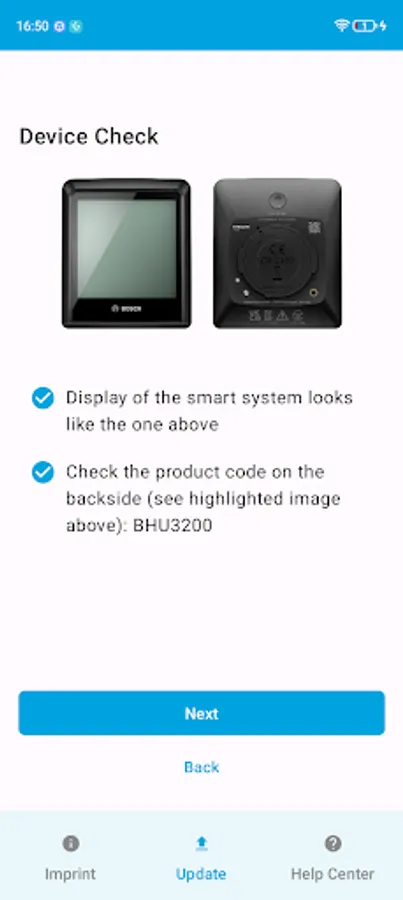
- The Intuvia 100 Update App is compatible with Intuvia 100 displays of the smart system from Bosch eBike Systems. You can recognise this by the "BHU3200" label on the back of your display.
- The update does not work with the Intuvia display from the Bosch eBike System 2.
2. how does the update work?
- The update only takes a few minutes.
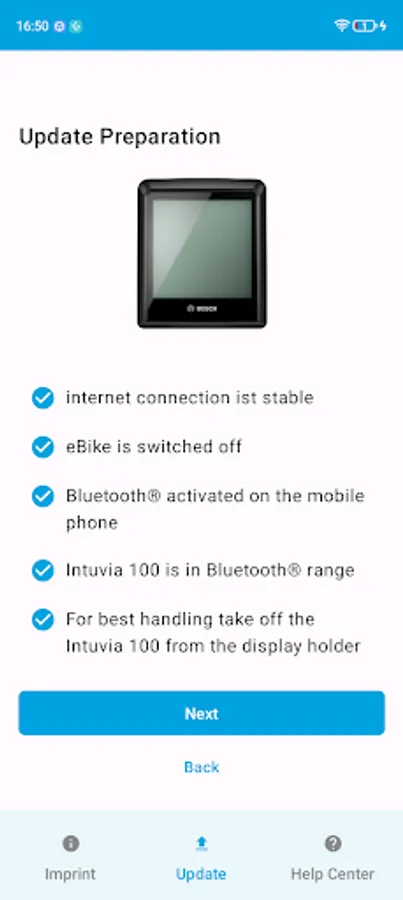
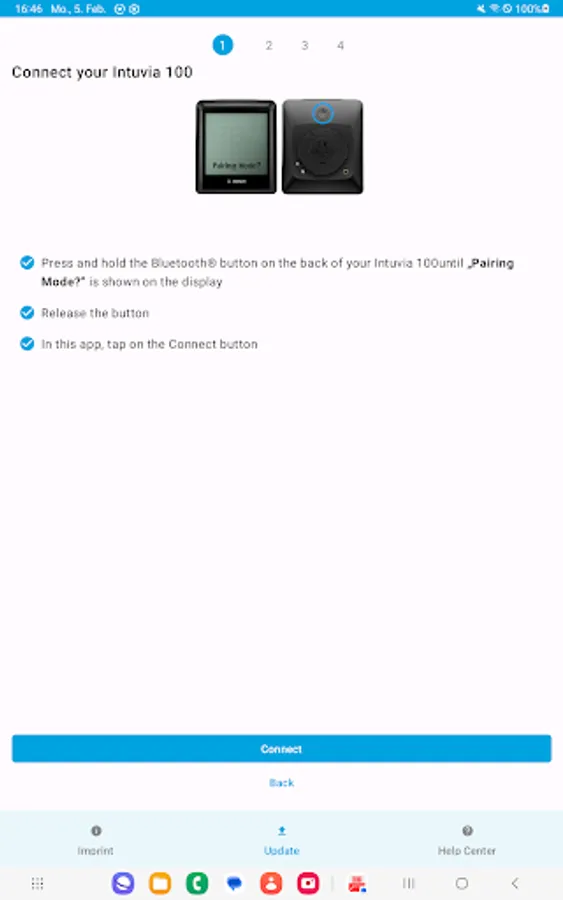
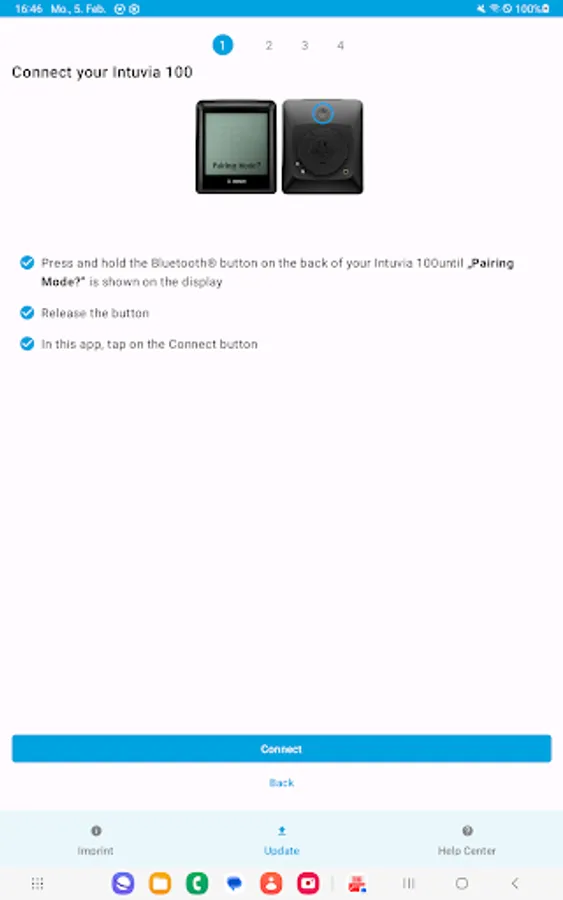
- You will be guided through the update process step by step.
- Your Intuvia 100 remains connected to your eBike for the duration of the update and afterwards. You do not need to re-establish the connection.
- You can find answers to further questions about the update in the Bosch eBike Systems Help Center
[Link:] https://www.bosch-ebike.com/help-center/intuvia-100-update
You can find more information about your Intuvia 100 display on the Bosch eBike Systems website: https://www.bosch-ebike.com/en/products/intuvia
Your Intuvia 100 up to date: With the Intuvia 100 update app, you can update your display easily and without registration via Bluetooth. The update increases the stability and improves the functionality of the Intuvia 100. At the same time, your display has a new function after the update, which allows you to reset your trip manually via the display. You still have the option of resetting your trip via the eBike Flow app from Bosch eBike Systems.
1. is the Intuvia 100 update app the right one for my eBike?
- The Intuvia 100 Update App is compatible with Intuvia 100 displays of the smart system from Bosch eBike Systems. You can recognise this by the "BHU3200" label on the back of your display.
- The update does not work with the Intuvia display from the Bosch eBike System 2.
2. how does the update work?
- The update only takes a few minutes.
- You will be guided through the update process step by step.
- Your Intuvia 100 remains connected to your eBike for the duration of the update and afterwards. You do not need to re-establish the connection.
- You can find answers to further questions about the update in the Bosch eBike Systems Help Center
[Link:] https://www.bosch-ebike.com/help-center/intuvia-100-update
You can find more information about your Intuvia 100 display on the Bosch eBike Systems website: https://www.bosch-ebike.com/en/products/intuvia
Intuvia 100 Update Screenshots
Tap to Rate:
Reviews for Intuvia 100 Update
Tom Riddle
11/21/2025
finally it works.
A.J. Brady
6/24/2025
why do i need another app for this? why can't I do this in the diagnostic tool. annoying and unnecessary.