DATEV SmartLogin
DATEV eG
3.4 ★
store rating
1,000,000+
downloads
Free
AppRecs review analysis
AppRecs rating 3.7. Trustworthiness 79 out of 100. Review manipulation risk 15 out of 100. Based on a review sample analyzed.
★★★☆☆
3.7
AppRecs Rating
Ratings breakdown
5 star
50%
4 star
9%
3 star
6%
2 star
3%
1 star
32%
What to know
✓
Low review manipulation risk
15% review manipulation risk
✓
Credible reviews
79% trustworthiness score from analyzed reviews
⚠
High negative review ratio
35% of sampled ratings are 1–2 stars
About DATEV SmartLogin
Simple - Safe - Intuitive
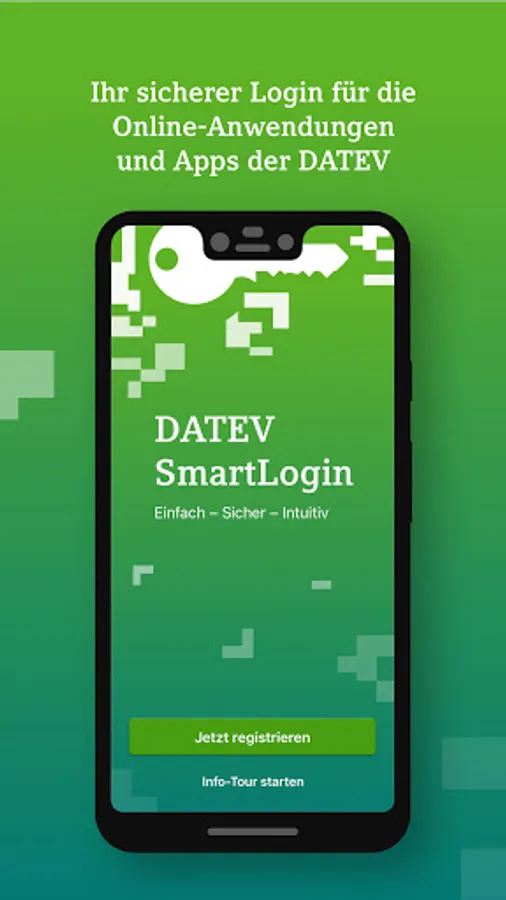
DATEV SmartLogin is the key to your confidential data in the DATEV online world.
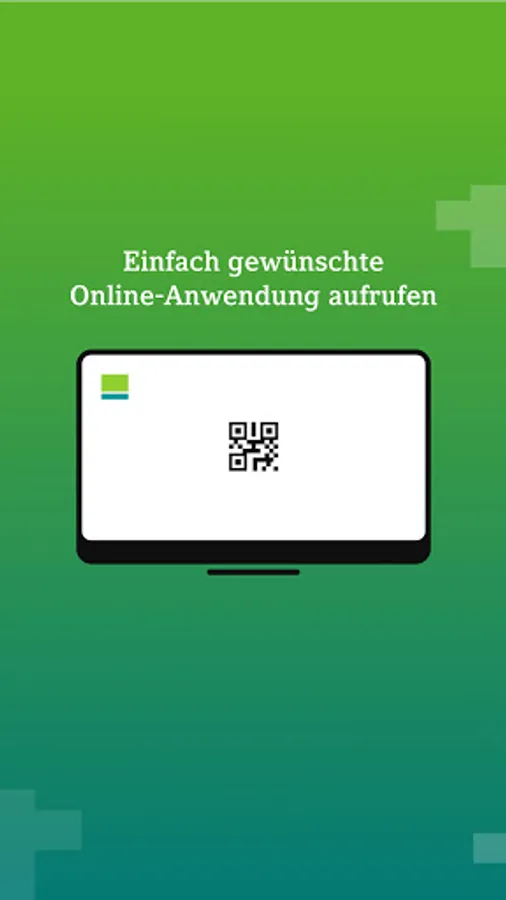
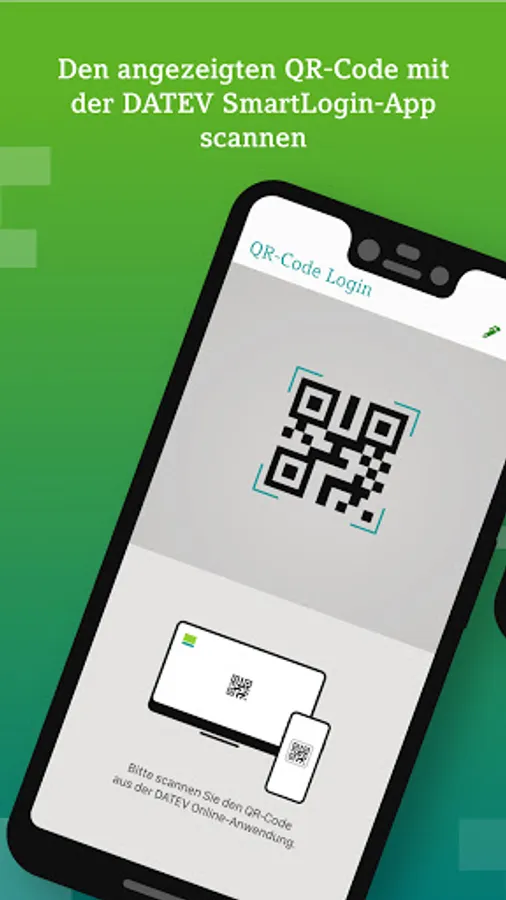
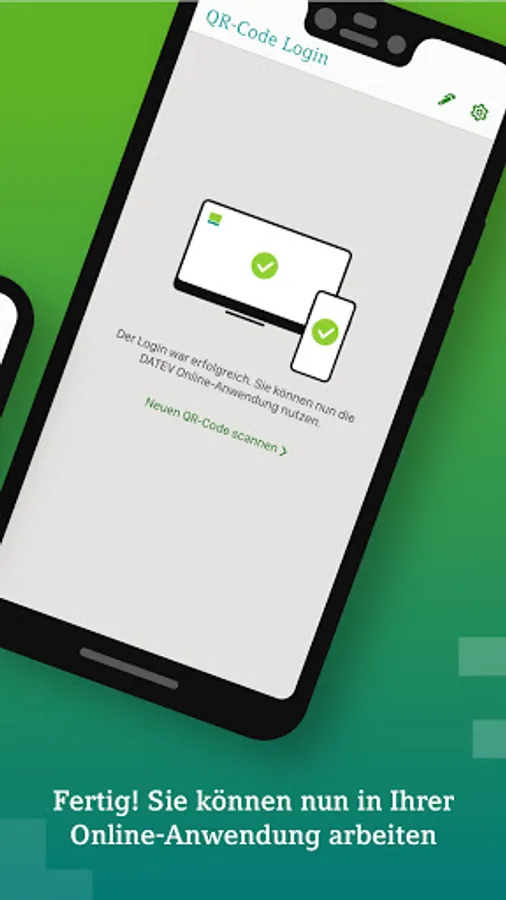
When you register in the online portal, simply scan the QR code - with your SmartLogin app - and you're registered.
With a personal PIN, you protect your SmartLogin app from unauthorized use by third parties when you start the app. The arrangement of the PIN input keys varies to make it difficult to spy on them. Various mechanisms protect you from data theft.
DATEV SmartLogin is available to all DATEV users free of charge as an authentication medium. You can find more information on our website: https://www.datev.de/smartlogin
The use of the DATEV SmartLogin app on a root Android device is prohibited!
Important NOTE:
To rule out the attempt to defraud ("phishing") from the outset, please note:
• Always enter the PIN in the DATEV SmartLogin app on your smartphone. DATEV will never ask you to enter your SmartLogin PIN elsewhere (e.g. on websites, in emails).
• Make sure that the page for logging in to the DATEV online portal is actually displayed in the browser on the PC screen before you scan the QR code. DATEV will never ask you to scan the QR code elsewhere (e.g. from emails, other applications or apps). If you have accidentally scanned the QR code somewhere else, log out of the SmartLogin app by logging out and blocking.
DATEV SmartLogin is the key to your confidential data in the DATEV online world.
When you register in the online portal, simply scan the QR code - with your SmartLogin app - and you're registered.
With a personal PIN, you protect your SmartLogin app from unauthorized use by third parties when you start the app. The arrangement of the PIN input keys varies to make it difficult to spy on them. Various mechanisms protect you from data theft.
DATEV SmartLogin is available to all DATEV users free of charge as an authentication medium. You can find more information on our website: https://www.datev.de/smartlogin
The use of the DATEV SmartLogin app on a root Android device is prohibited!
Important NOTE:
To rule out the attempt to defraud ("phishing") from the outset, please note:
• Always enter the PIN in the DATEV SmartLogin app on your smartphone. DATEV will never ask you to enter your SmartLogin PIN elsewhere (e.g. on websites, in emails).
• Make sure that the page for logging in to the DATEV online portal is actually displayed in the browser on the PC screen before you scan the QR code. DATEV will never ask you to scan the QR code elsewhere (e.g. from emails, other applications or apps). If you have accidentally scanned the QR code somewhere else, log out of the SmartLogin app by logging out and blocking.