IP Widget Mail Plugin
Dieter Thiess
4.5 ★
54 ratings
5,000+
downloads
Free
With this plugin, you can receive email notifications for external IP address changes and configure SMTP settings for background email sending. Includes SMTP setup, manual update option, and compatibility with Gmail.
AppRecs review analysis
AppRecs rating 4.5. Trustworthiness 67 out of 100. Review manipulation risk 43 out of 100. Based on a review sample analyzed.
★★★★☆
4.5
AppRecs Rating
Ratings breakdown
5 star
75%
4 star
17%
3 star
0%
2 star
0%
1 star
8%
What to know
✓
Authentic reviews
Natural distribution, no red flags
⚠
Questionable review patterns
43% review manipulation risk - some review patterns appear unusual
⚠
Rating authenticity concerns
High rating concentration (75% 5-star) in sampled ratings
About IP Widget Mail Plugin
This is no standalone app. You need to install IP Widget (https://play.google.com/store/apps/details?id=de.dieterthiess.ipwidget)
Get E-Mail Notifications on external IP address changes
Get information about external IP address changes by email.
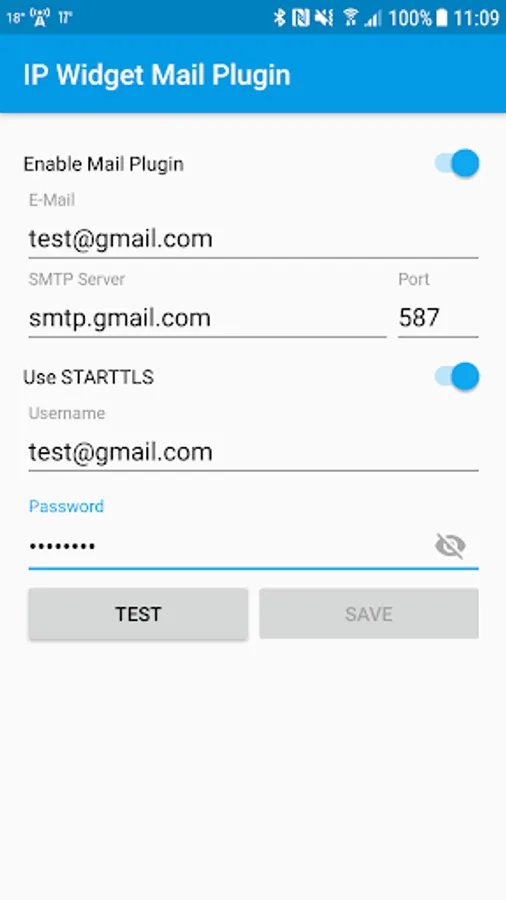
You need to configure the SMTP connect in order to allow mails to be sent in the background.
Works with Gmail, but requires less secure apps to be allowed. (https://myaccount.google.com/u/1/lesssecureapps)
Just create a separate account if you worry about your data.
After entering the server data, you need to test the settings. If they are ok, you can save these settings and the setup of the plugin is completed.
If you want to monitor your external IP address changes while your device is connected to the same wifi all the time, you need to enable the manual update in IP Widget settings, so the device will update data periodically and will detect changes of the external ip address.
Get E-Mail Notifications on external IP address changes
Get information about external IP address changes by email.
You need to configure the SMTP connect in order to allow mails to be sent in the background.
Works with Gmail, but requires less secure apps to be allowed. (https://myaccount.google.com/u/1/lesssecureapps)
Just create a separate account if you worry about your data.
After entering the server data, you need to test the settings. If they are ok, you can save these settings and the setup of the plugin is completed.
If you want to monitor your external IP address changes while your device is connected to the same wifi all the time, you need to enable the manual update in IP Widget settings, so the device will update data periodically and will detect changes of the external ip address.
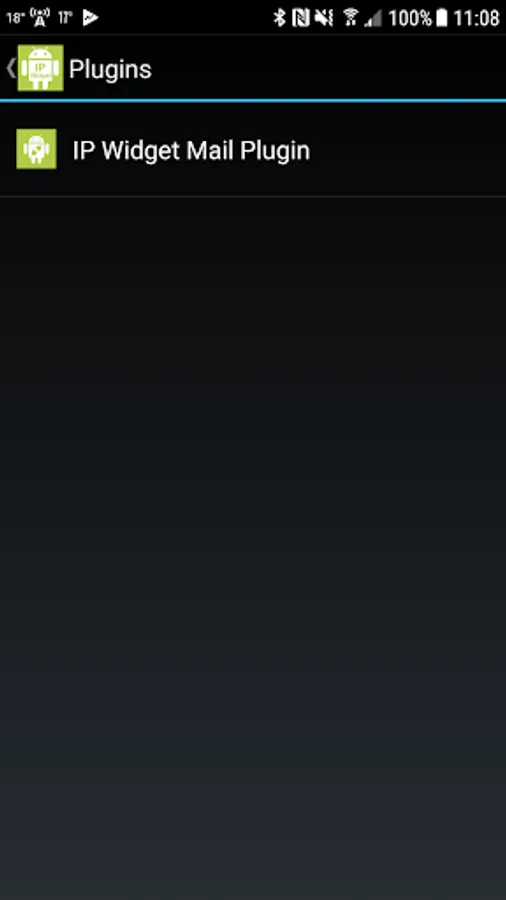
IP Widget Mail Plugin Screenshots
Tap to Rate:
Reviews for IP Widget Mail Plugin
Jamie Brooks
9/5/2020
Didn't work for me. The settings page now looks slightly different to the picture, I wonder if this has broken the widget.
gary sams
6/21/2020
ipwidget_mail_plug in.dieterthiess.de