Screen Refresh Rate Test
mDliquiD
4.5 ★
71 ratings
10,000+
downloads
Free
In this display testing app, you can visualize your smartphone's ability to handle specific refresh rates by observing LED patterns. Includes frame rate visualization, test options for 60, 90, and 120Hz, and real-time performance monitoring.
AppRecs review analysis
AppRecs rating 4.5. Trustworthiness 78 out of 100. Review manipulation risk 23 out of 100. Based on a review sample analyzed.
★★★★☆
4.5
AppRecs Rating
Ratings breakdown
5 star
84%
4 star
0%
3 star
0%
2 star
16%
1 star
0%
What to know
✓
Low review manipulation risk
23% review manipulation risk
✓
Credible reviews
78% trustworthiness score from analyzed reviews
✓
High user satisfaction
84% of sampled ratings are 5 stars
About Screen Refresh Rate Test
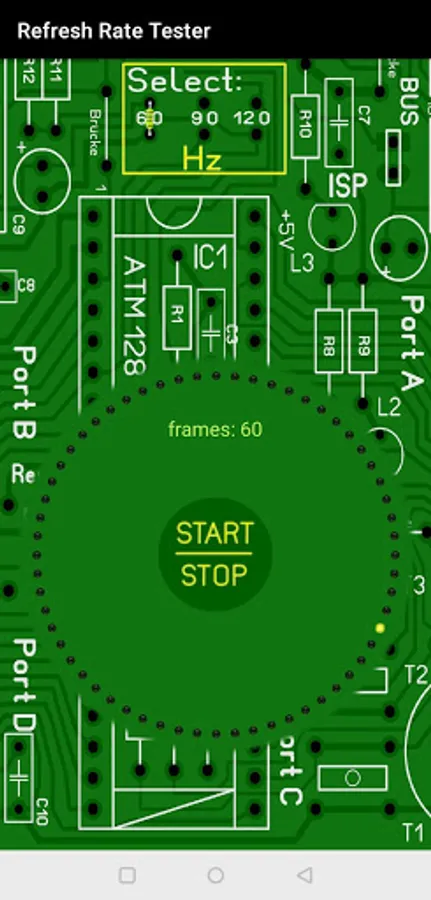
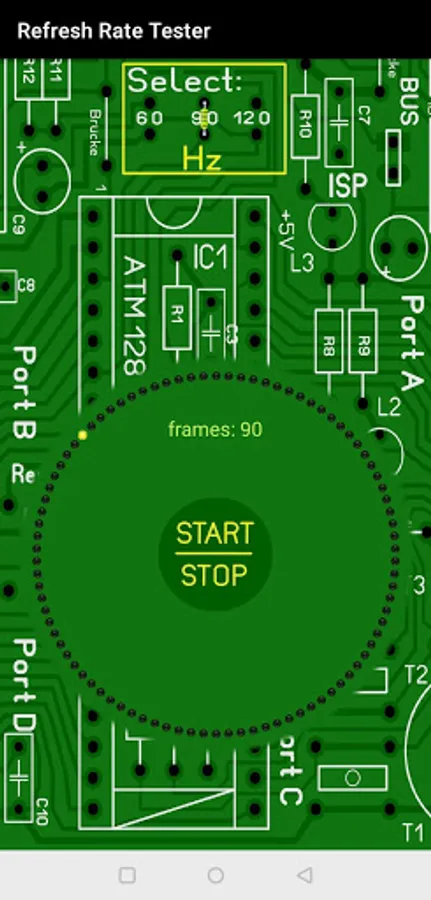
With this App it is possible to visualize, if the own Smartphone can handle a certain Display Refresh Rate or not. It shows the current Frame Rate as well.
You can choose to test the refresh rate against 60, 90 and 120 Hertz / Hz.
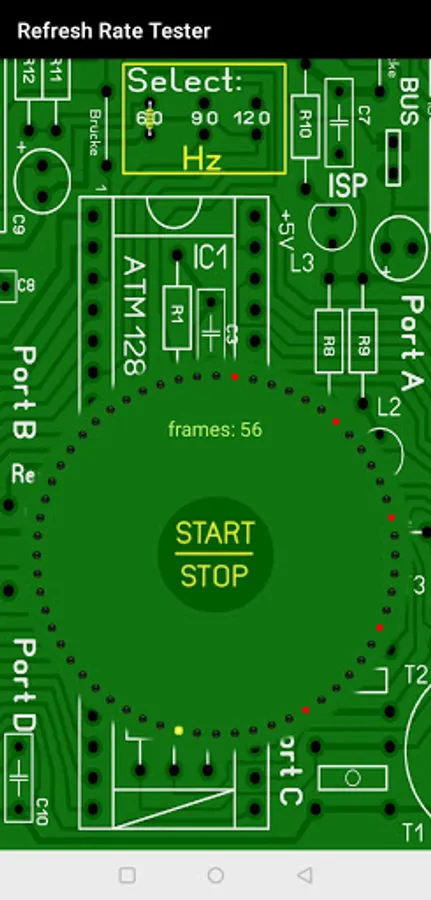
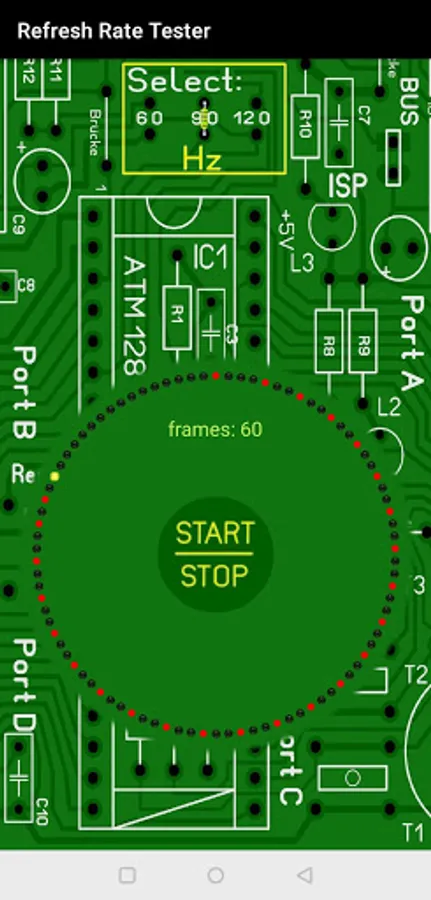
If the smartphone is capable of the selected refresh rate, then all LEDs will continuously and smoothly light up one after the one. If the smartphone has a problem with a certain refresh rate, some LEDs might remain yellow or even red. A yellow LED means the frame was delayed. A red LED means the frame was missing at all.
Yellow LEDs indicate that the smartphone is able to handle the selected refresh rate, but the CPU and GPU might be under load. Red LEDs indicate that the smartphone is not able to support the selected refresh rate.
You can choose to test the refresh rate against 60, 90 and 120 Hertz / Hz.
If the smartphone is capable of the selected refresh rate, then all LEDs will continuously and smoothly light up one after the one. If the smartphone has a problem with a certain refresh rate, some LEDs might remain yellow or even red. A yellow LED means the frame was delayed. A red LED means the frame was missing at all.
Yellow LEDs indicate that the smartphone is able to handle the selected refresh rate, but the CPU and GPU might be under load. Red LEDs indicate that the smartphone is not able to support the selected refresh rate.