
Project Schedule IAP
Thorsten Krämer
4.2 ★
2K ratings
500,000+
downloads
Free
+ in-app
In this project management app, users can create, import, and organize tasks and projects with tools for Gantt charts, resource management, and calendar synchronization. Includes export options for PDFs, Excel files, and support for multiple file formats.
AppRecs review analysis
AppRecs rating 4.3. Trustworthiness 77 out of 100. Review manipulation risk 23 out of 100. Based on a review sample analyzed.
★★★★☆
4.3
AppRecs Rating
Ratings breakdown
5 star
44%
4 star
38%
3 star
12%
2 star
3%
1 star
3%
What to know
✓
Low review manipulation risk
23% review manipulation risk
✓
Credible reviews
77% trustworthiness score from analyzed reviews
✓
High user satisfaction
82% of sampled ratings are 4+ stars (4.2★ average)
About Project Schedule IAP
Project Schedule brings project management and task scheduling to your android tablet or phone. Use the app to create or import business projects or schedule tasks of your daily life.
Features exclusive to the paid version
- PDF export of gantt diagrams, tasklists and resource cost and work
- Exported excel files include resource cost data and task duration
- Synchronize project tasks with the device calendar
- Manual selection of the file export location
Features in the paid and free version
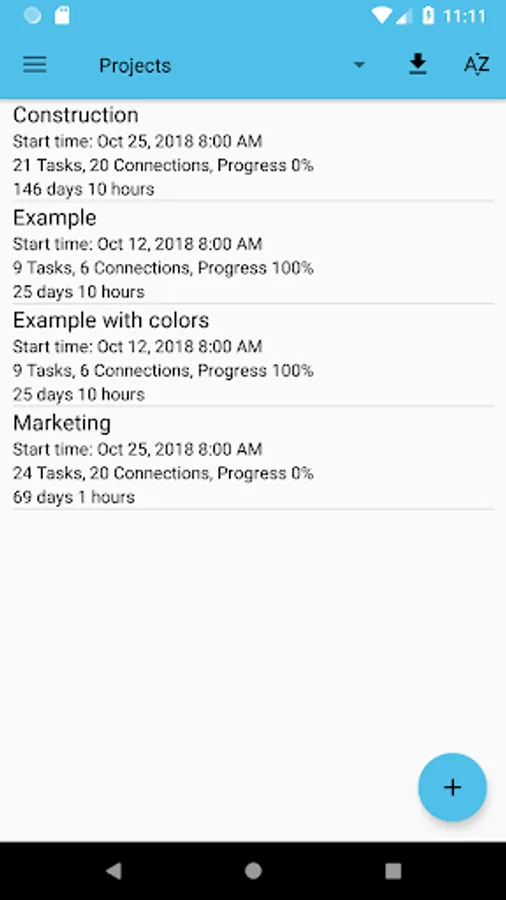
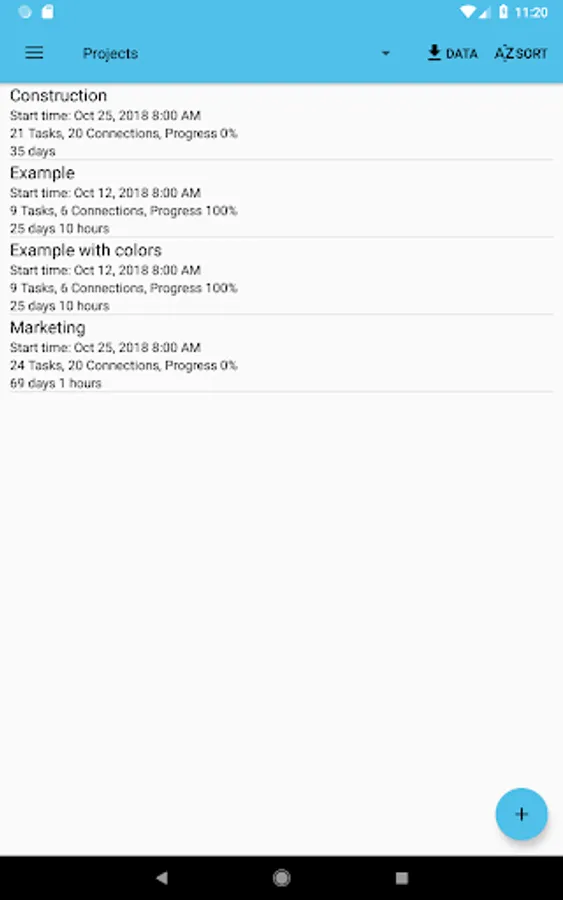
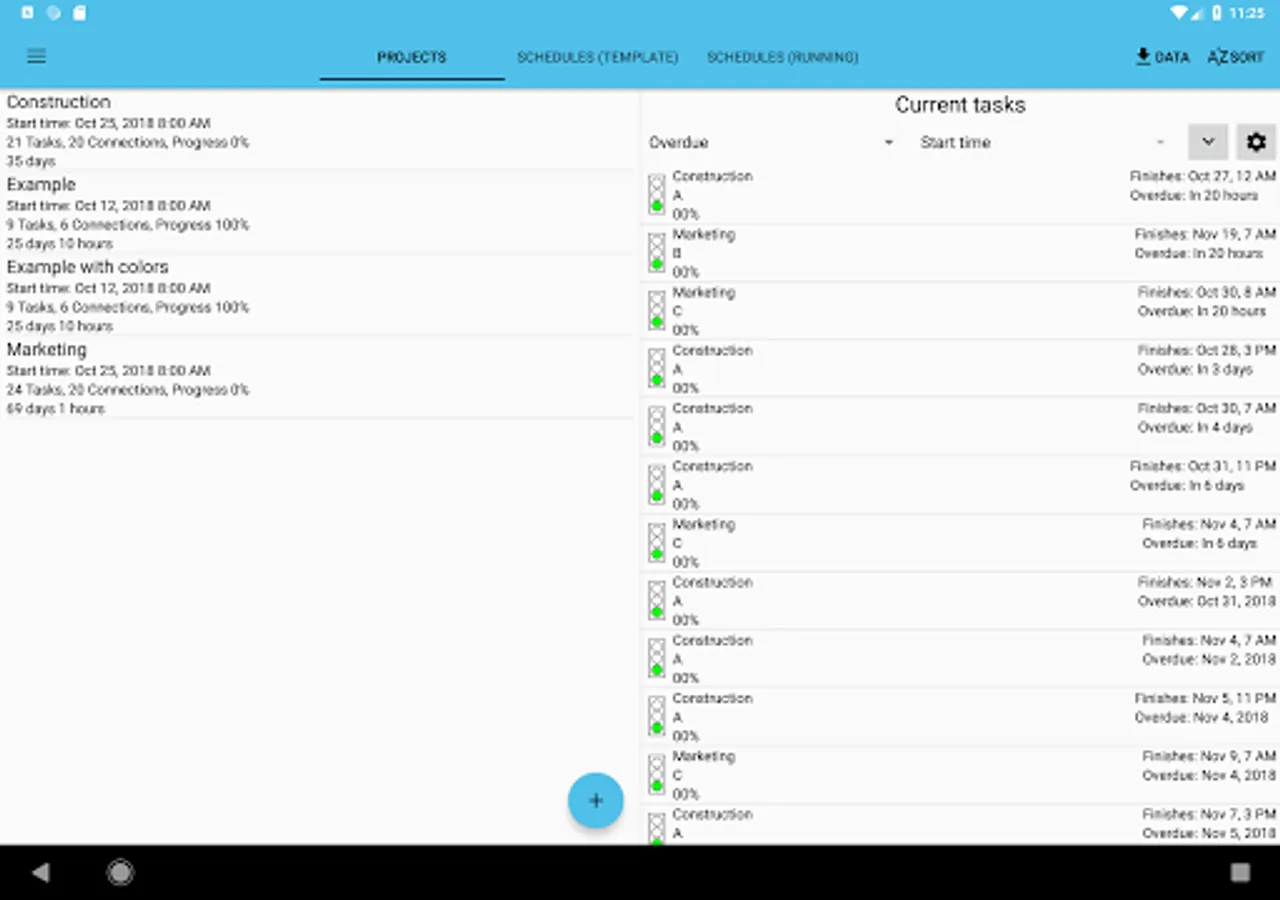
- Multiple projects
- Overview of tasks across all projects that might need your attention
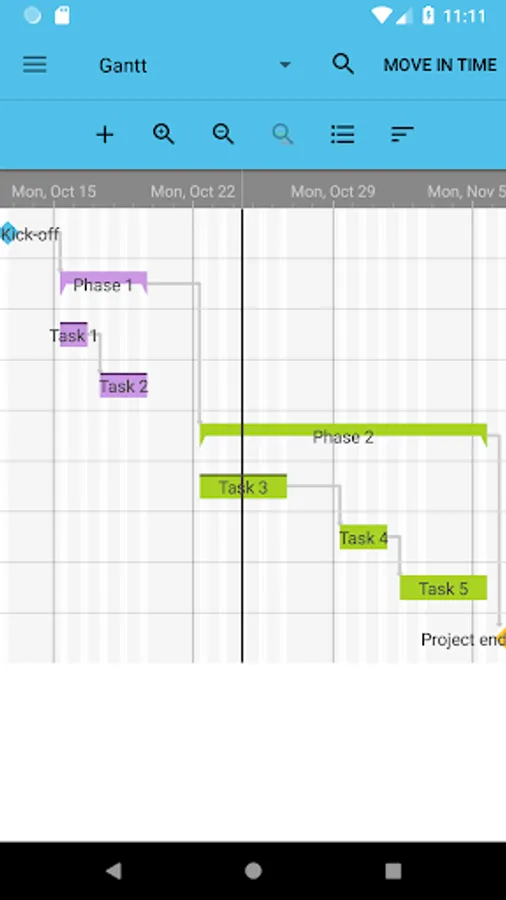
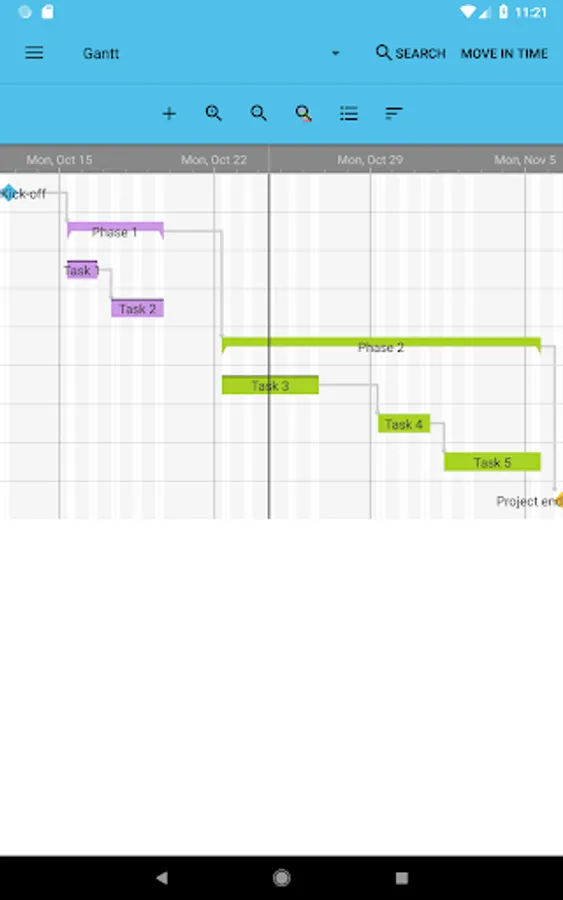
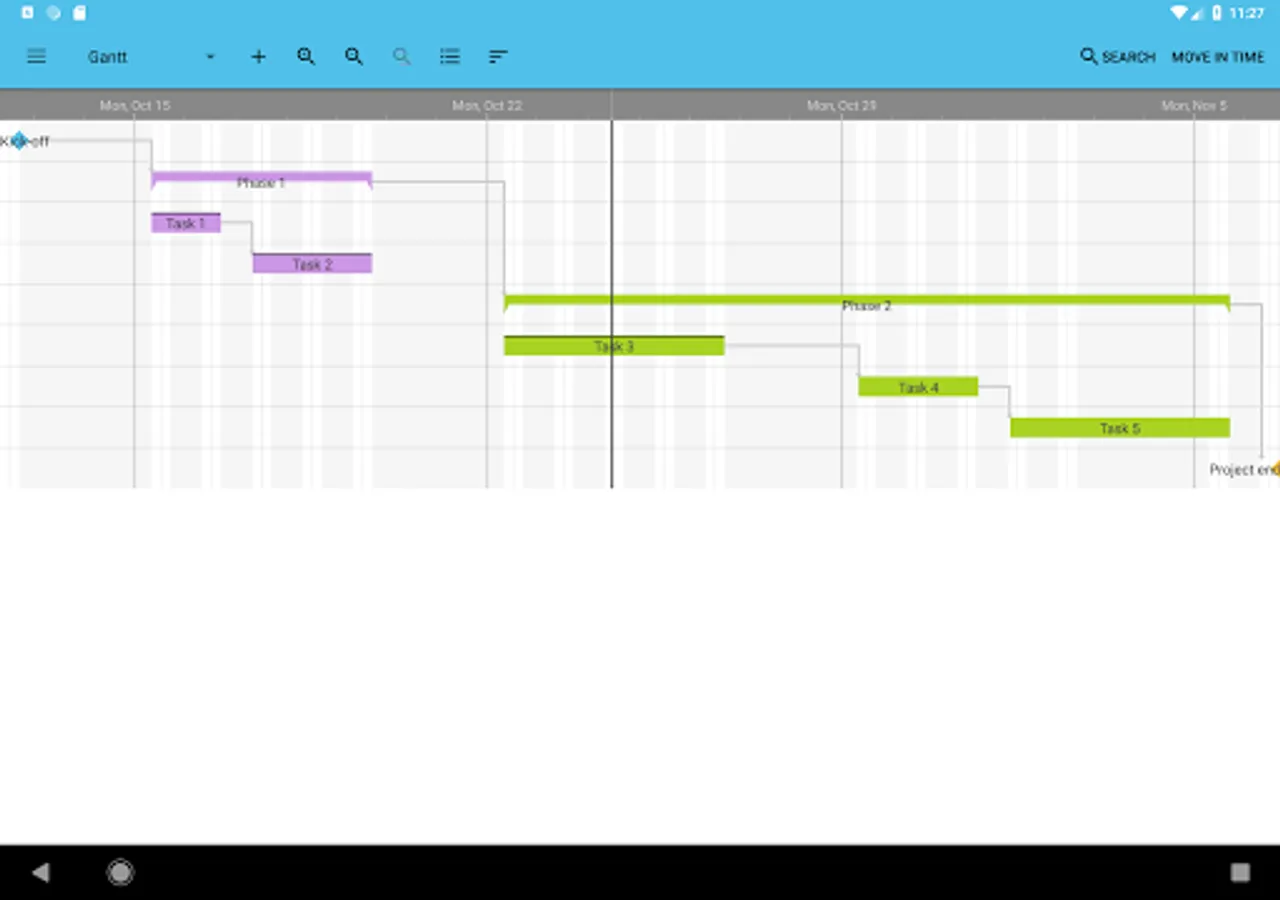
- View your tasks in a gantt diagram or a simple task list
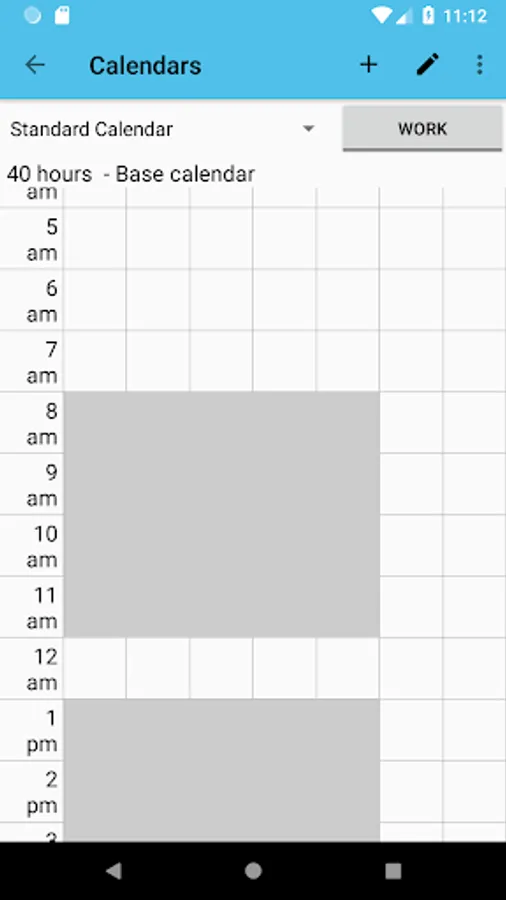
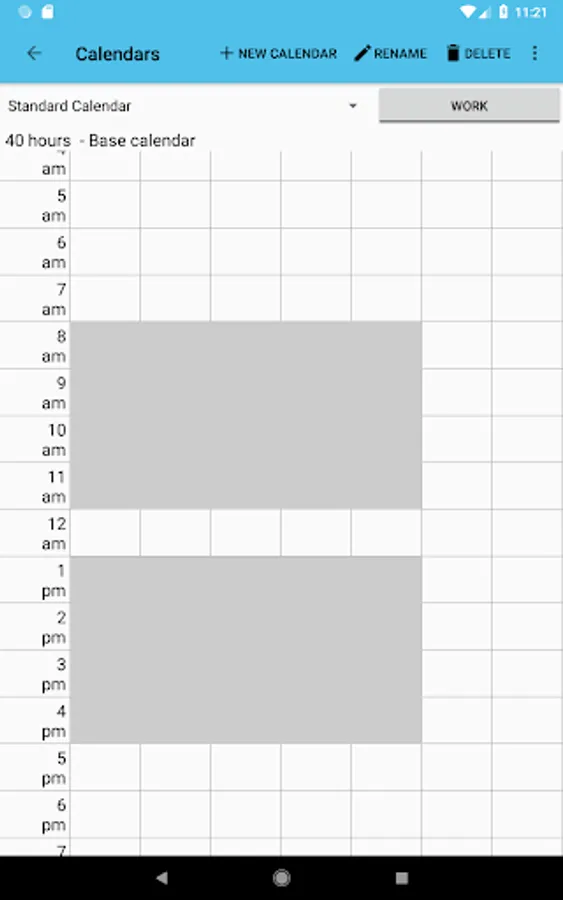
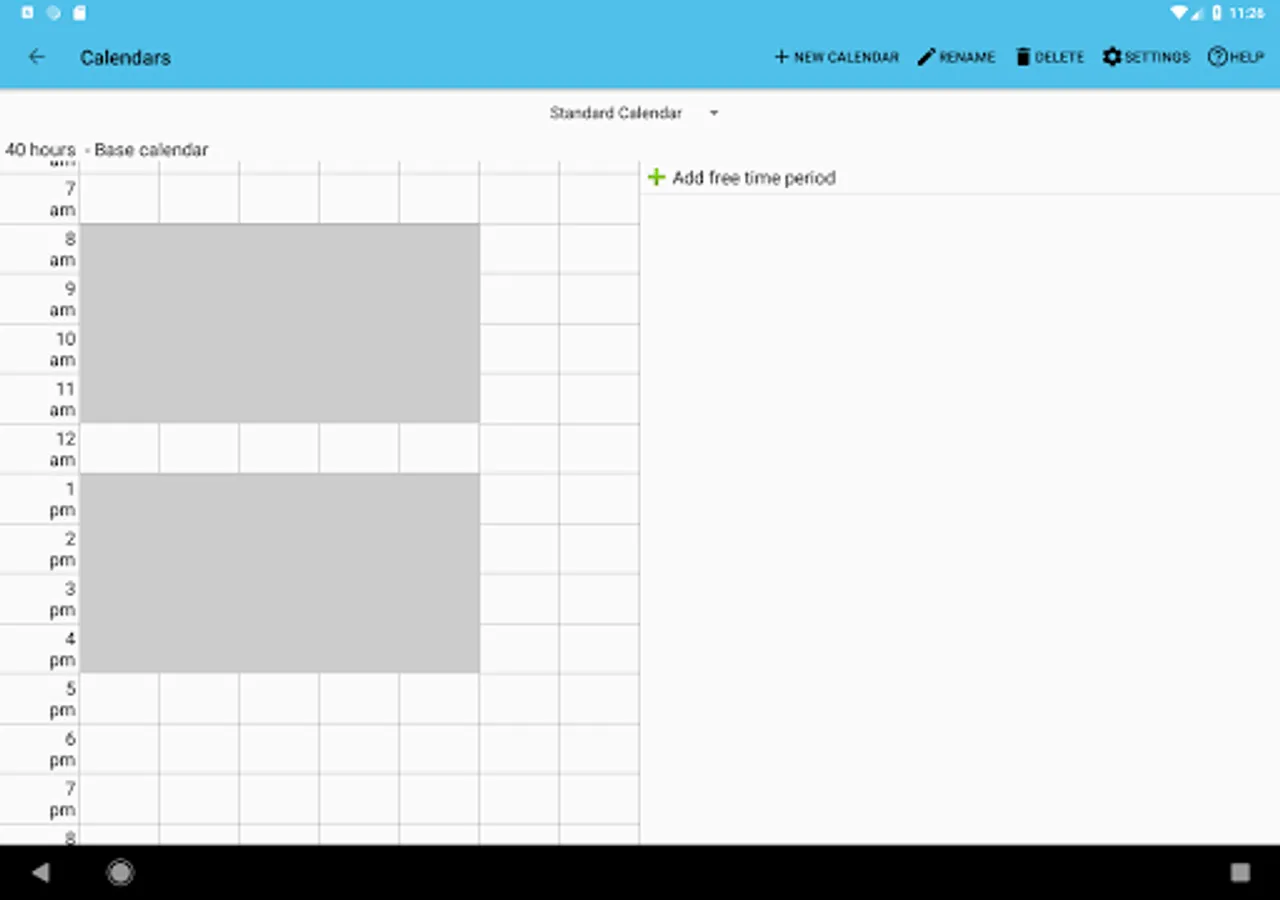
- Custom calendars allow you to plan your tasks with respect to your working and free times
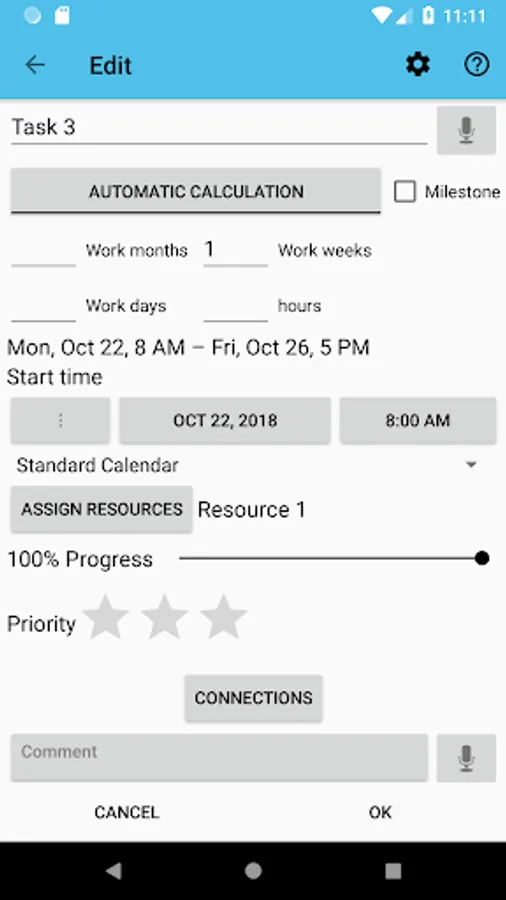
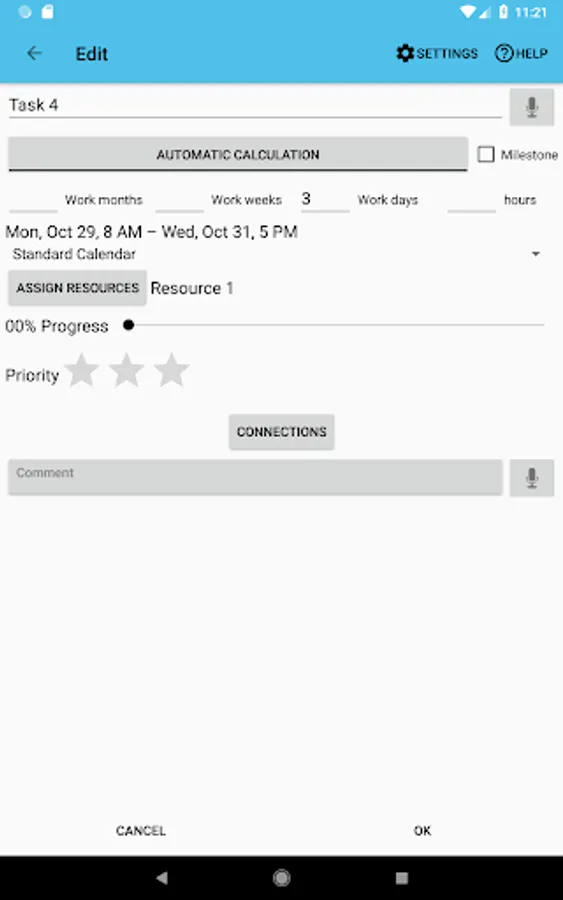
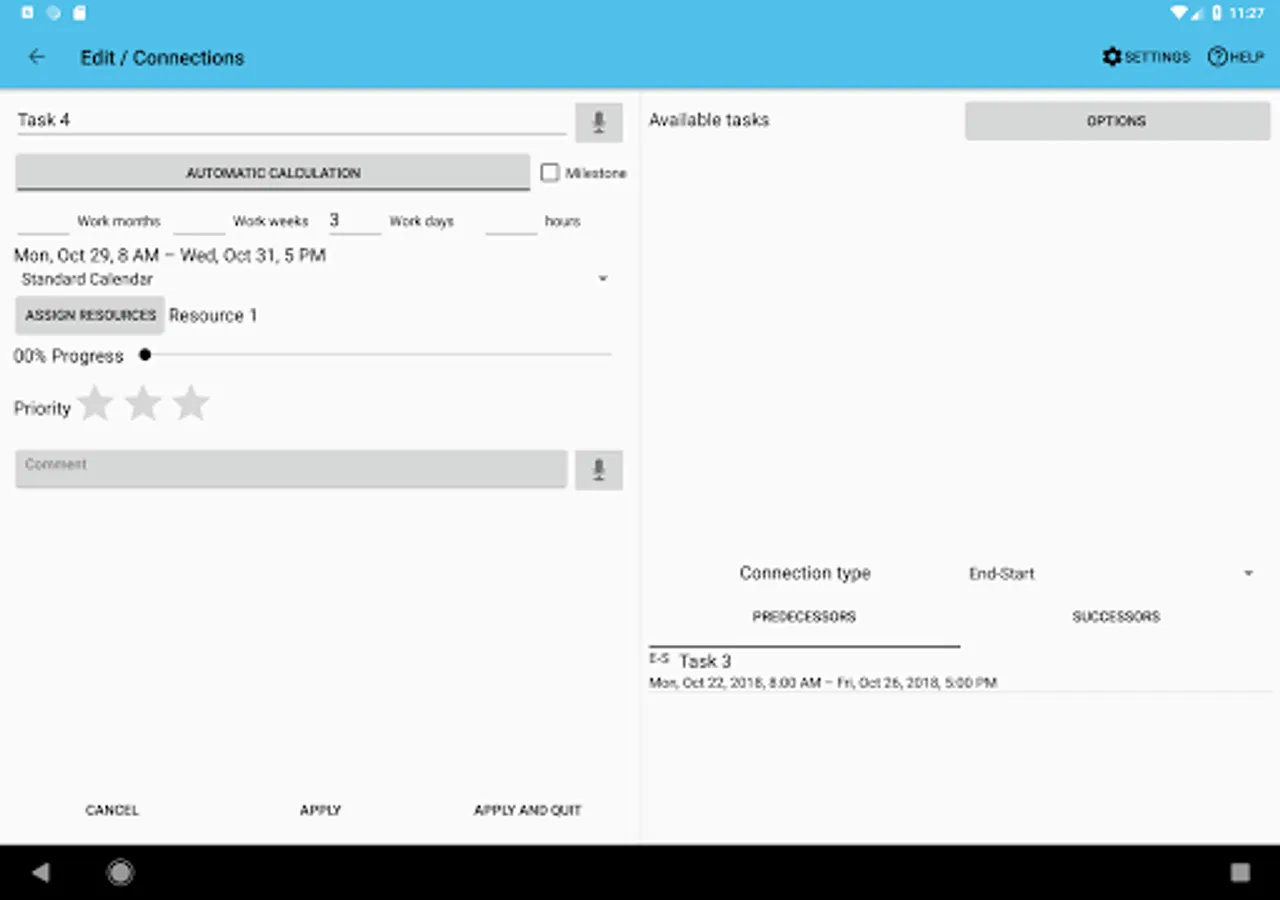
- Use resources to keep track of cost and work for each task, resource and project
- Assign contacts to your resources
- Add the tasks of your projects to your device calendar or use the app internal notifications
- Import MS Project .mpp-files (additional plugin needs to be installed)
- Load and save MS Excel files (xls, additional plugin needs to be installed)
- Load and save MS Project MSPDI-XML files
- Load and save CSV files as supported by spreadsheet software like Excel
- Notification system to notify you when a task is starting or finishing
- Android Backup Service support to automatically backup your data (can be activated in the settings)
Supported project file formats
- MS Project (.mpp) – read-only support
- MS Excel (.xls) – reading and writing
- MS Project (.xml) – reading and writing
- CSV (comma separated values) – reading and writing
Output formats
- PDF documents (Paid version only!)
- PNG images
Separately available plugins
- Project Schedule – CloudSync
Please report your thoughts about app features, feature requests or bugs by email or use the contact form on the website.
Features exclusive to the paid version
- PDF export of gantt diagrams, tasklists and resource cost and work
- Exported excel files include resource cost data and task duration
- Synchronize project tasks with the device calendar
- Manual selection of the file export location
Features in the paid and free version
- Multiple projects
- Overview of tasks across all projects that might need your attention
- View your tasks in a gantt diagram or a simple task list
- Custom calendars allow you to plan your tasks with respect to your working and free times
- Use resources to keep track of cost and work for each task, resource and project
- Assign contacts to your resources
- Add the tasks of your projects to your device calendar or use the app internal notifications
- Import MS Project .mpp-files (additional plugin needs to be installed)
- Load and save MS Excel files (xls, additional plugin needs to be installed)
- Load and save MS Project MSPDI-XML files
- Load and save CSV files as supported by spreadsheet software like Excel
- Notification system to notify you when a task is starting or finishing
- Android Backup Service support to automatically backup your data (can be activated in the settings)
Supported project file formats
- MS Project (.mpp) – read-only support
- MS Excel (.xls) – reading and writing
- MS Project (.xml) – reading and writing
- CSV (comma separated values) – reading and writing
Output formats
- PDF documents (Paid version only!)
- PNG images
Separately available plugins
- Project Schedule – CloudSync
Please report your thoughts about app features, feature requests or bugs by email or use the contact form on the website.
Project Schedule IAP Screenshots
Tap to Rate:
Reviews for Project Schedule IAP
MAGER
10/13/2025
so usefull and educational at same time
Rhys Baker
10/6/2025
Bit complicated to learn how to use, but once I read the tutorial and played around a bit, it's a very effective Gantt chart system.