visor - low vision magnifier
Christian Illies
3.8 ★
358 ratings
50,000+
downloads
Free
In this magnifier app, you can enlarge and adjust contrast of printed text using multiple magnification levels and color modes. Includes manual and autofocus, LED flash, and image saving features.
AppRecs review analysis
AppRecs rating 3.9. Trustworthiness 69 out of 100. Review manipulation risk 39 out of 100. Based on a review sample analyzed.
★★★☆☆
3.9
AppRecs Rating
Ratings breakdown
5 star
54%
4 star
14%
3 star
9%
2 star
10%
1 star
14%
What to know
✓
Good user ratings
67% positive sampled reviews
✓
Authentic reviews
Natural distribution, no red flags
About visor - low vision magnifier
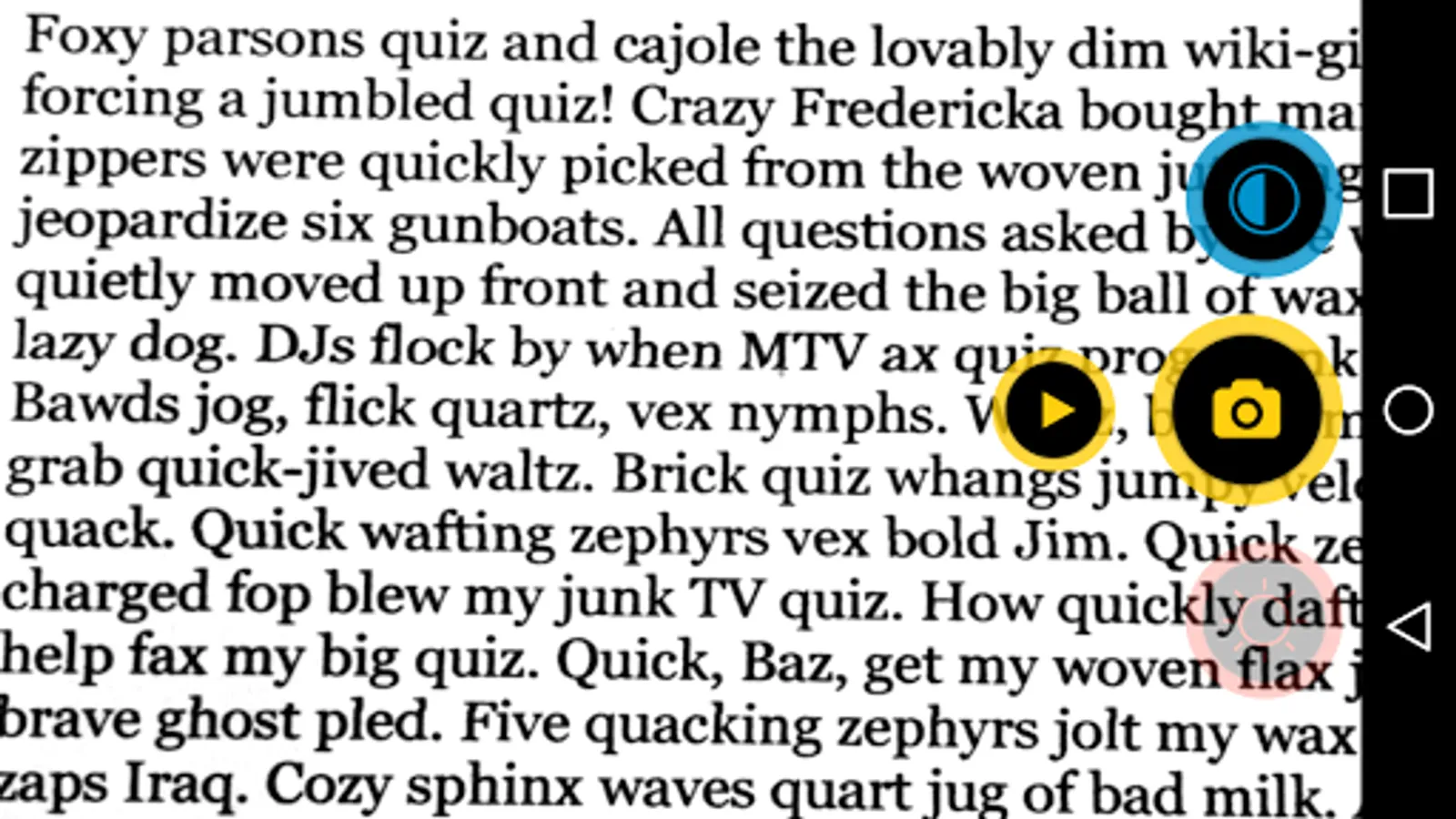
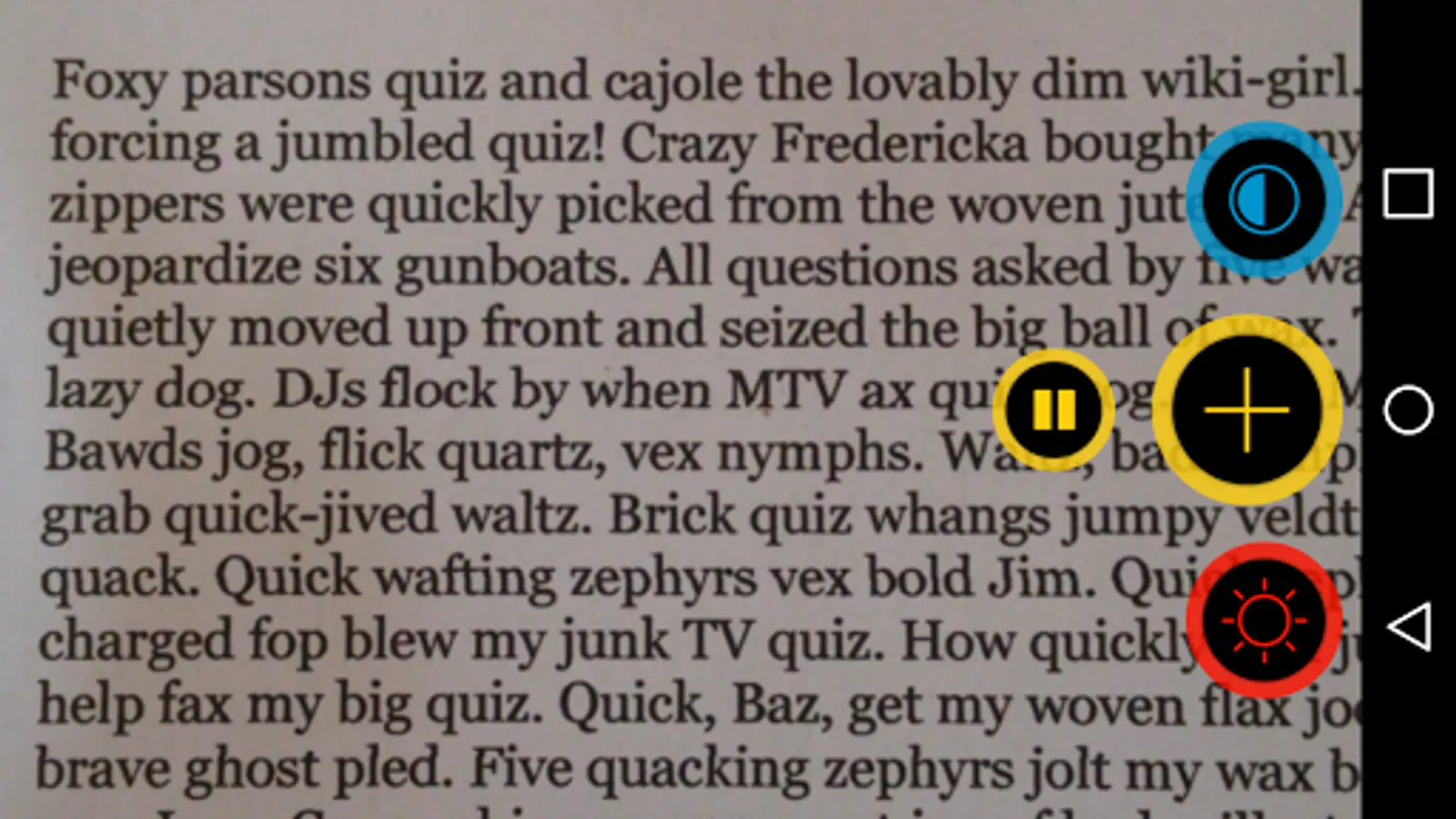
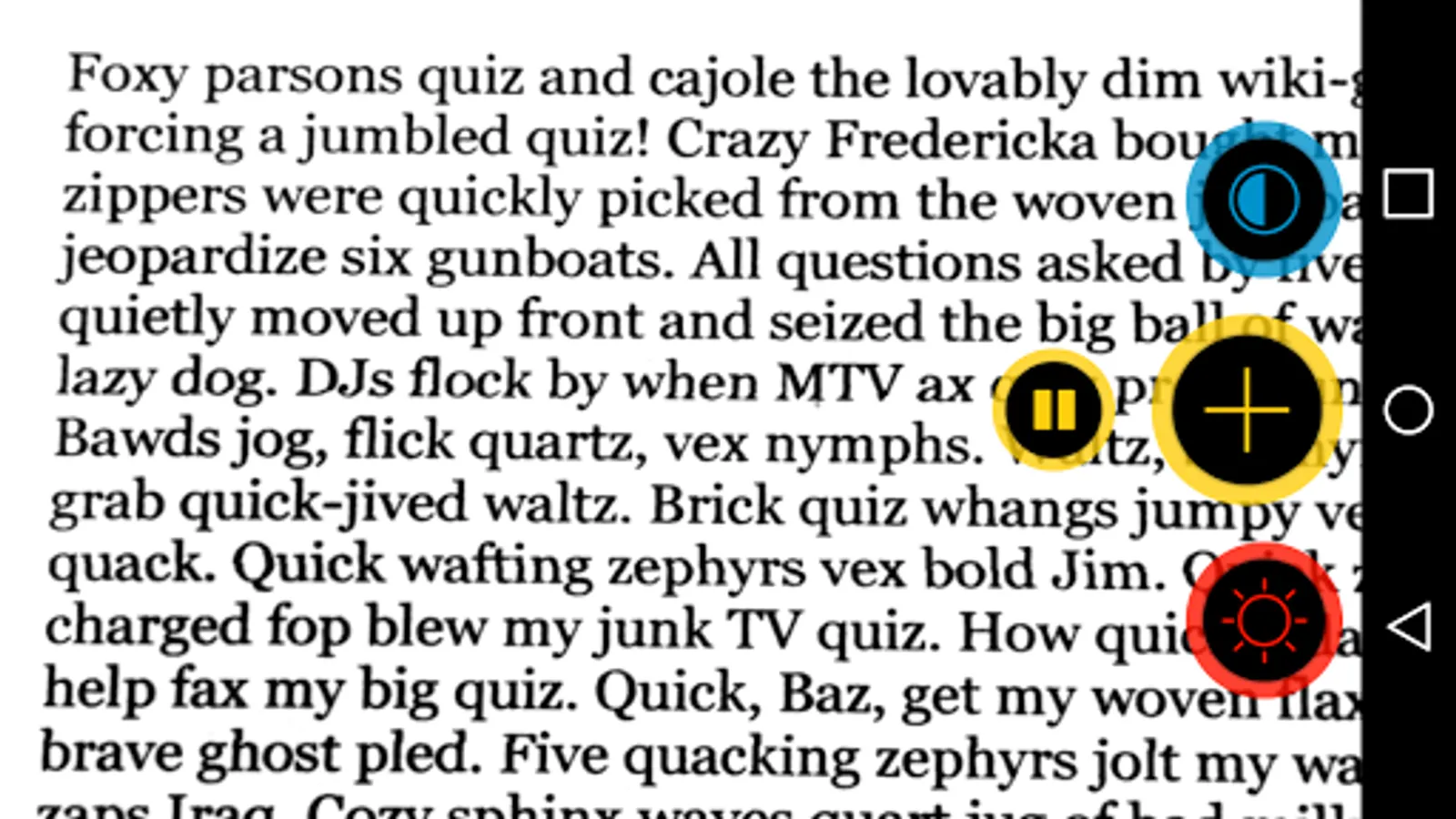
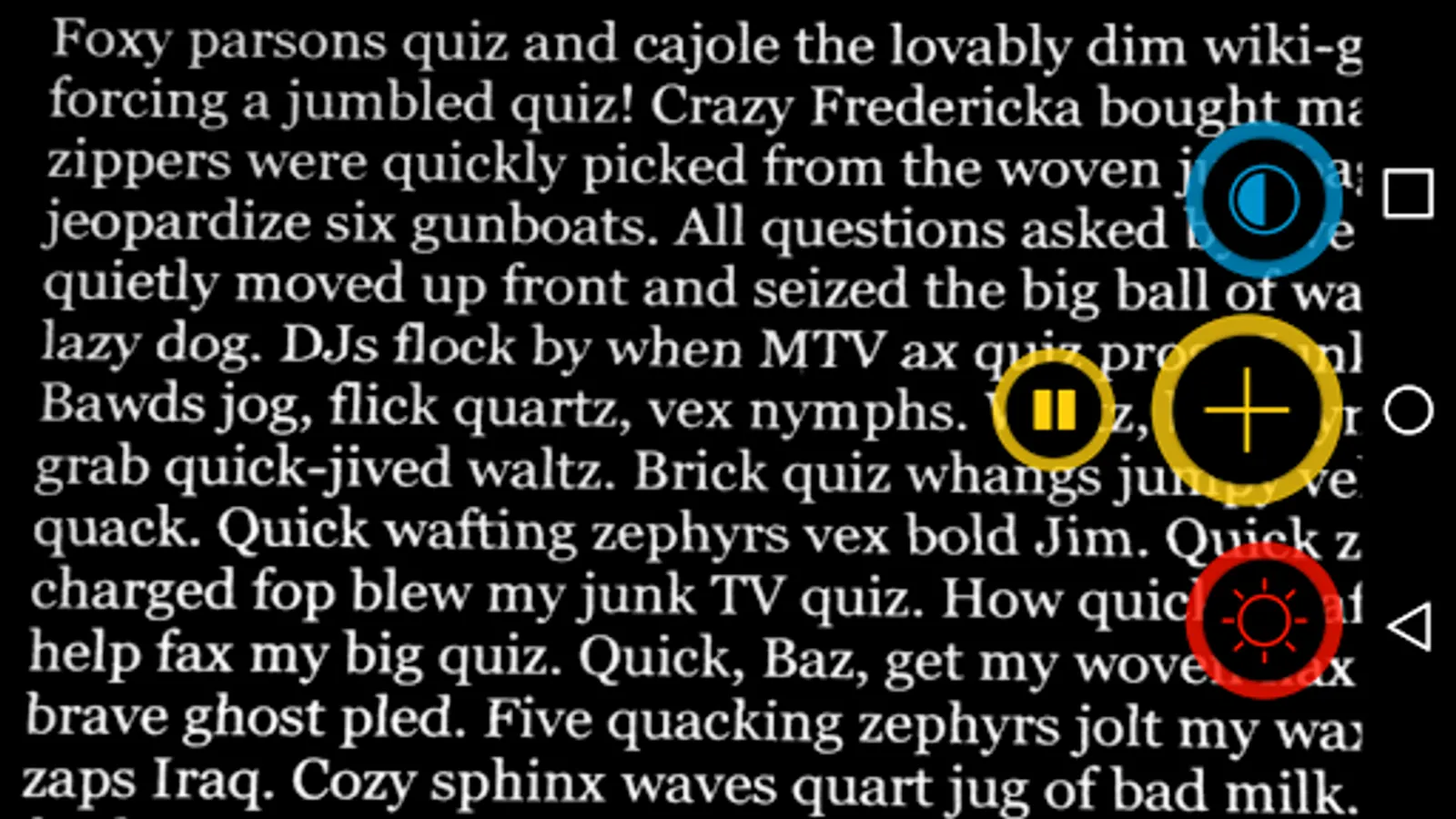
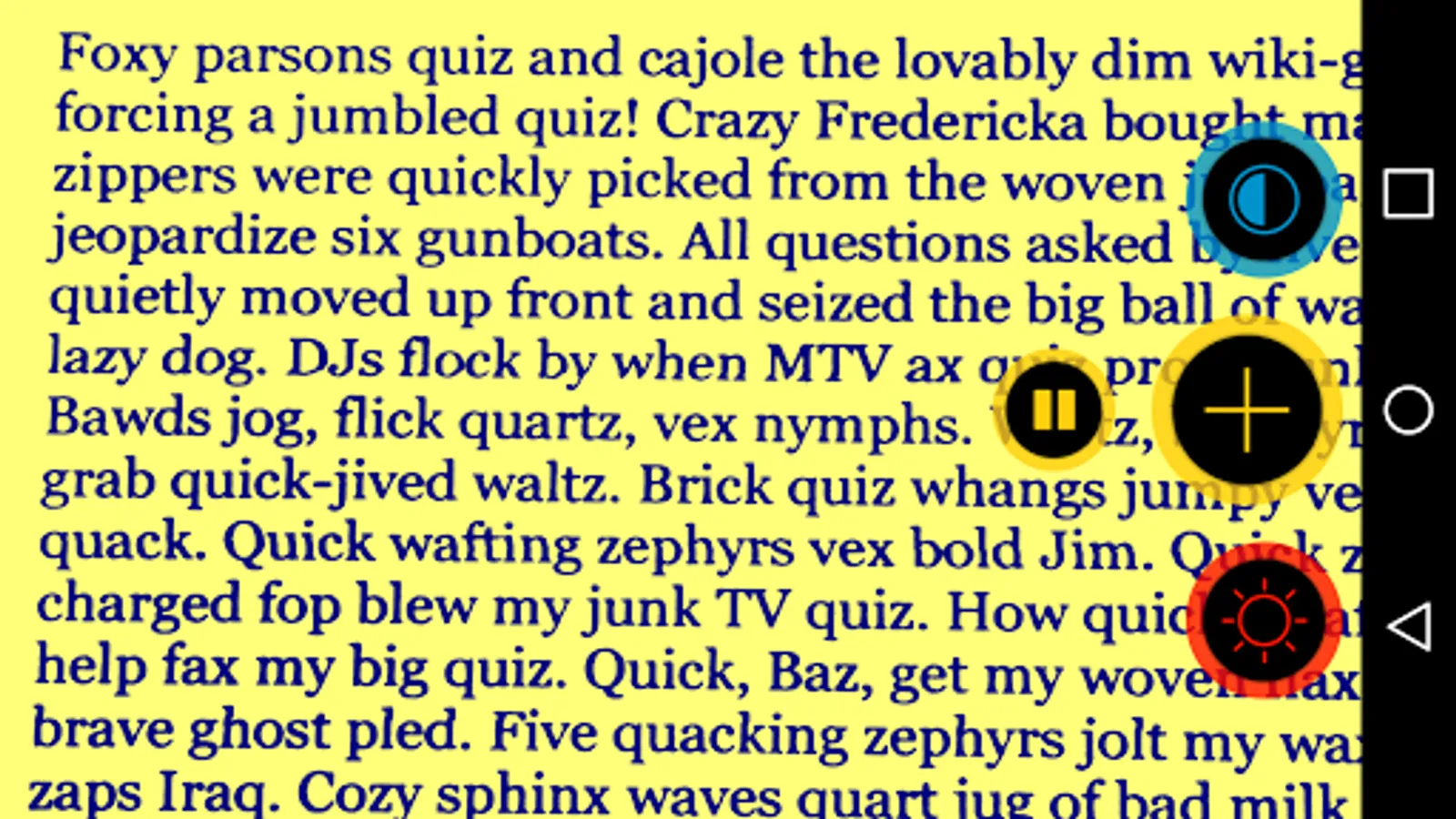
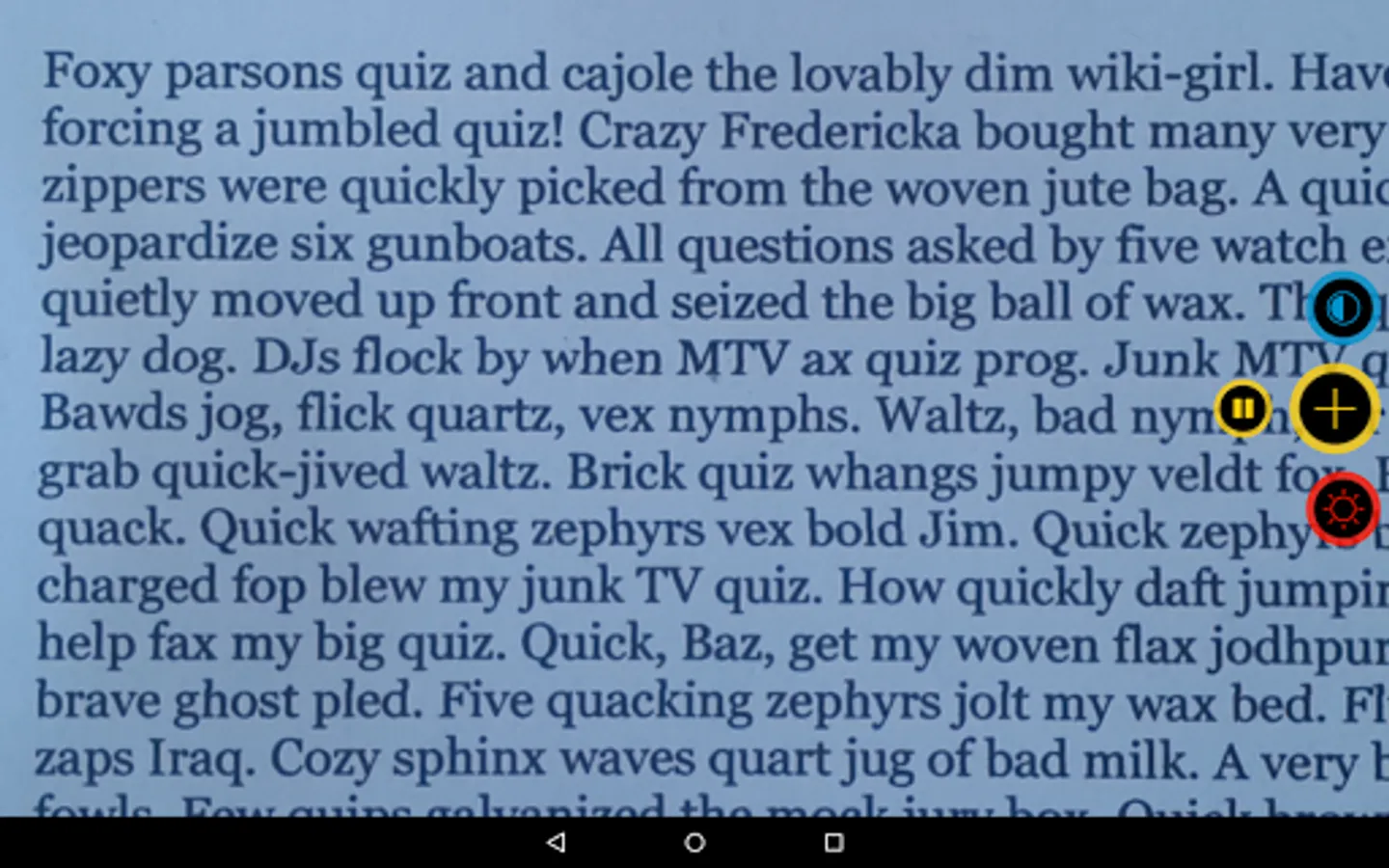
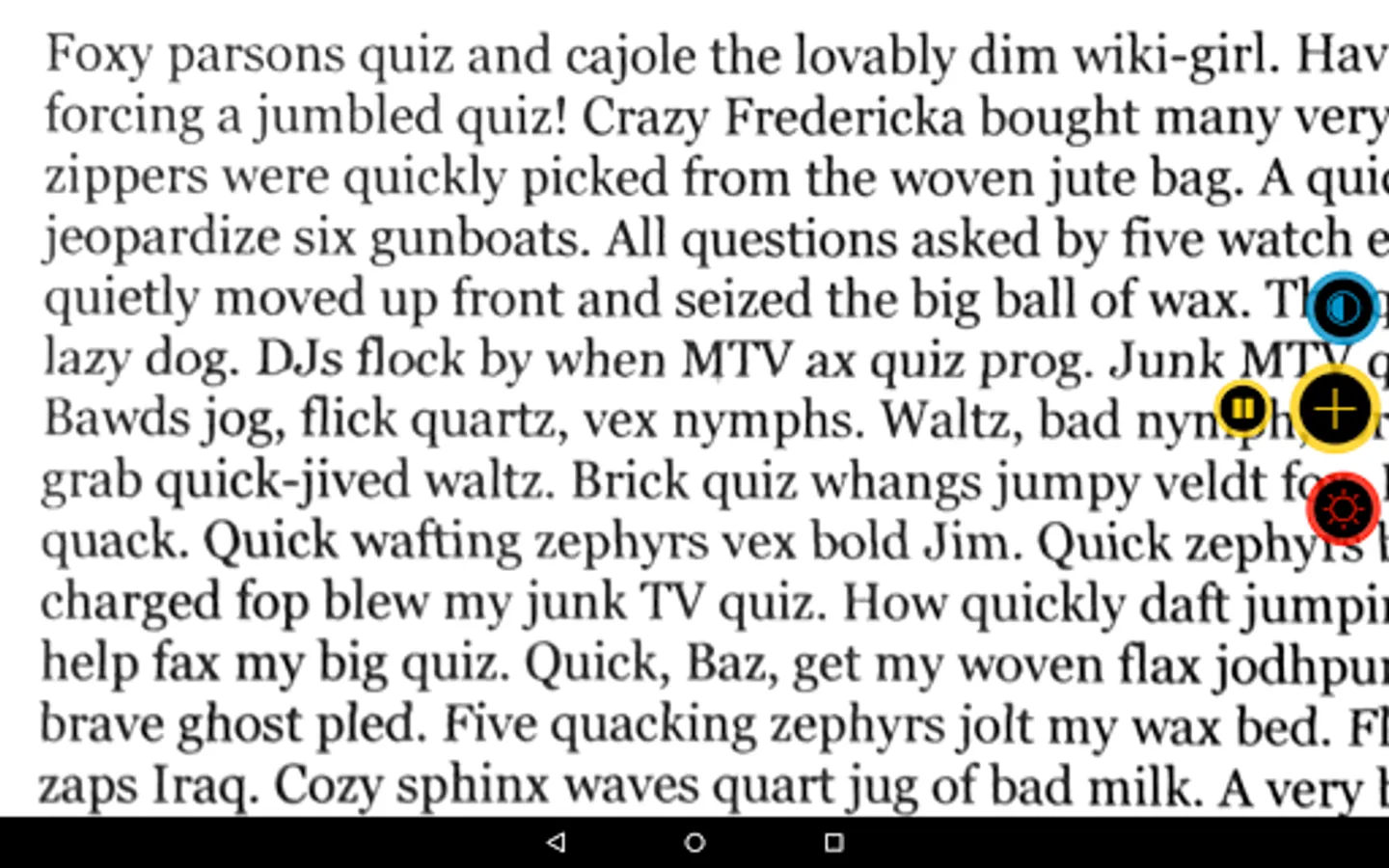
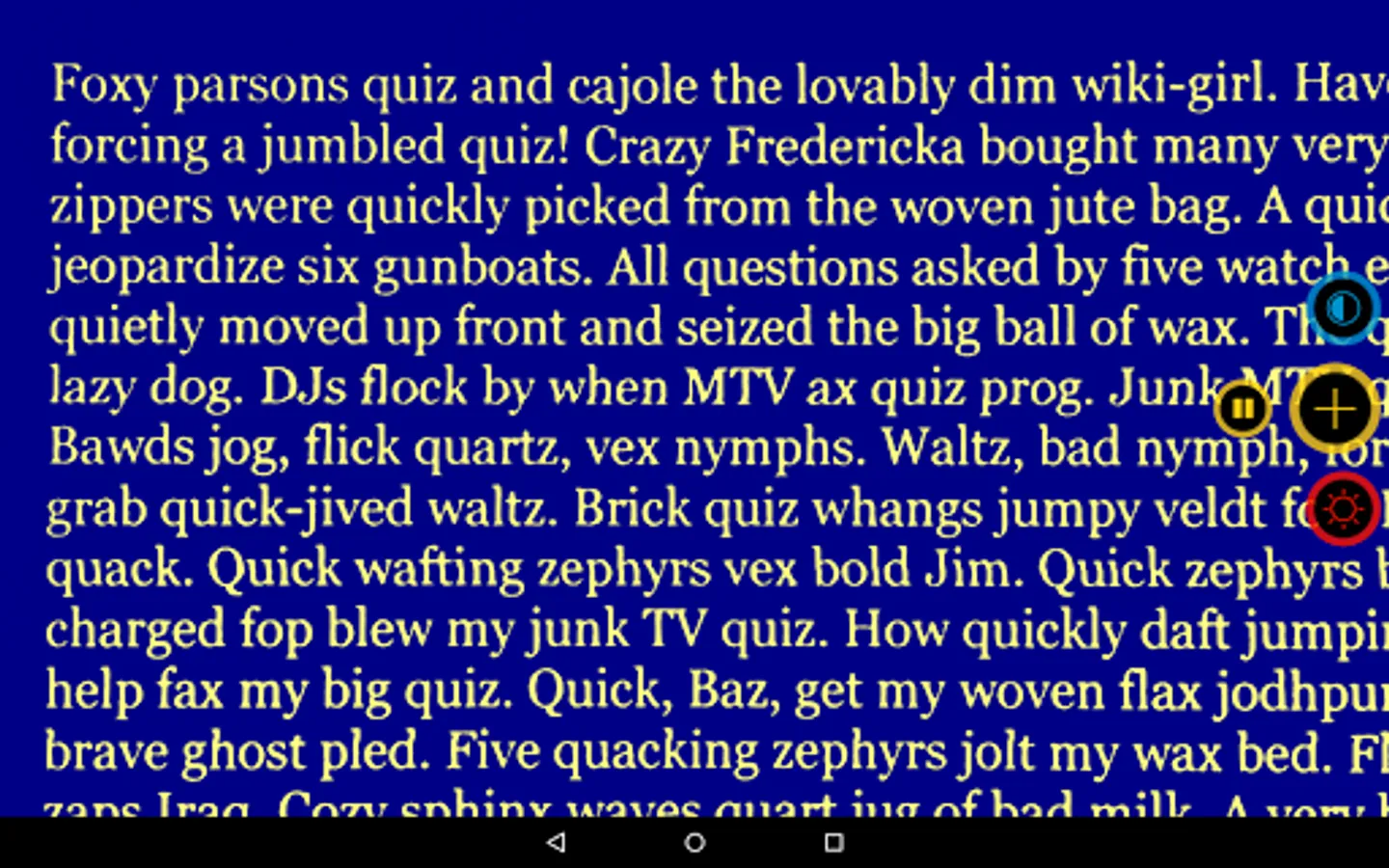
Enlarge difficult to read text by 3 magnification levels and change contrast to 5 different viewing modes. Optionally, turn on the LED flash of your device to help you see better in low-light conditions.
Visor supports VoiceOver with TalkBack in German and English.
During the day, there is a lot printed text to read: restaurant menus, price tags, the newspaper, letters or photos from your loved ones — visor zooms and improves the contrast of whatever you want to see. Its advanced color modes and simple interface are made for giving you the best possible perception of printed text on your screen like you'd expect it from a handheld electronic magnifier.
‣ 3 magnification levels
The 3 magnification levels of visor are easily accessible anytime with the touch of a button. After closing the app, visor remembers the last selected magnification level and contrast mode.
‣ 5 different color modes
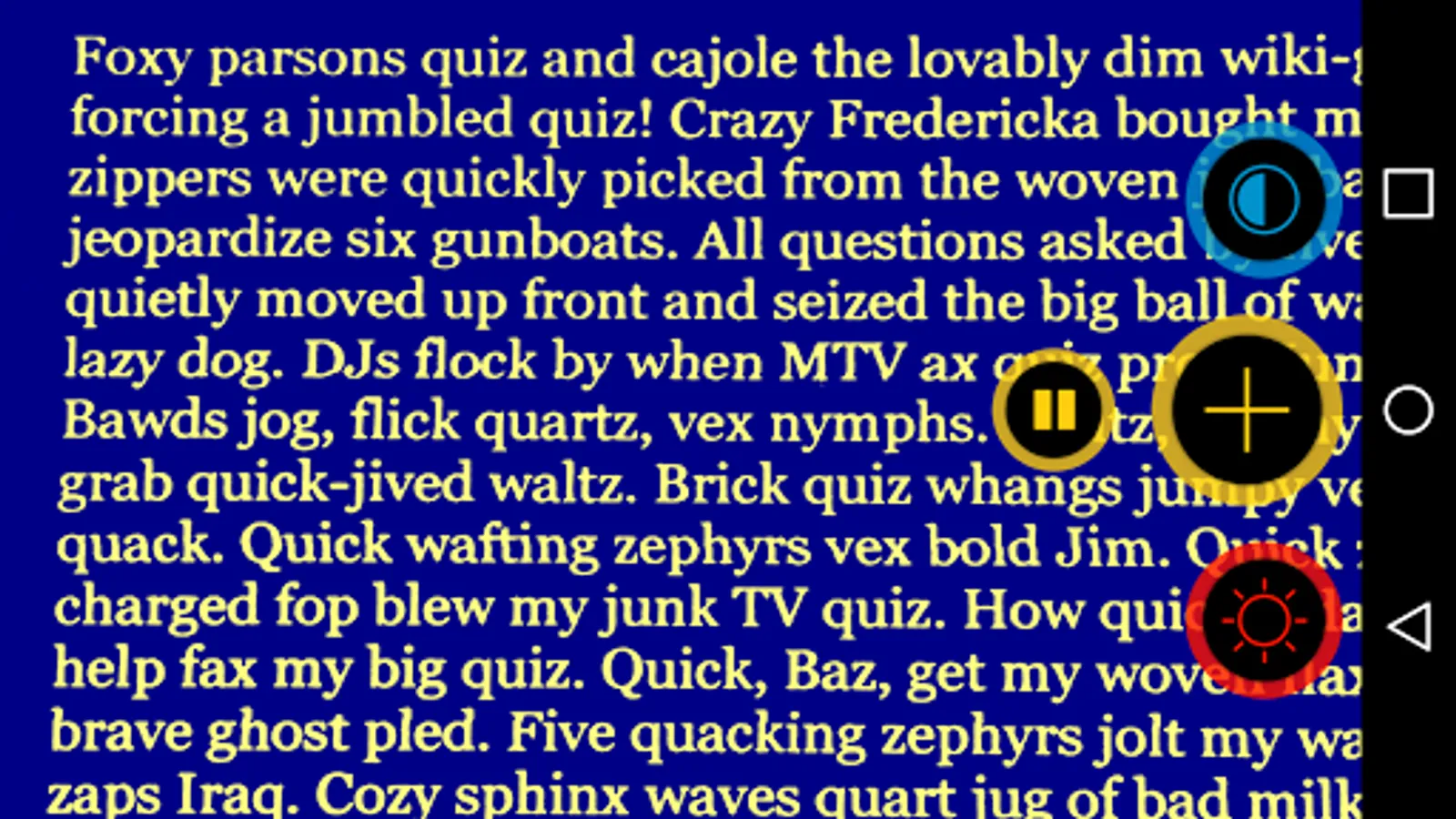
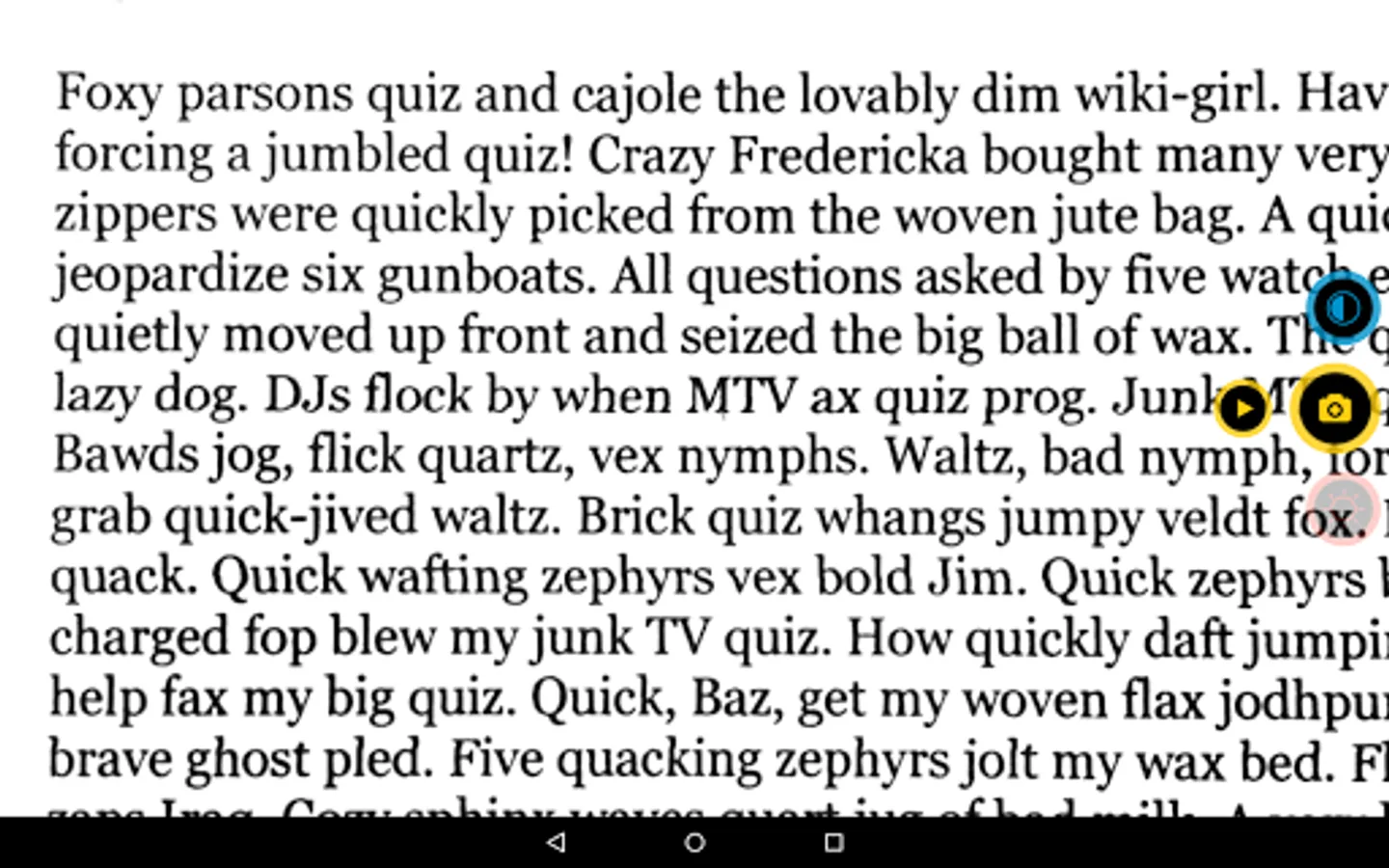
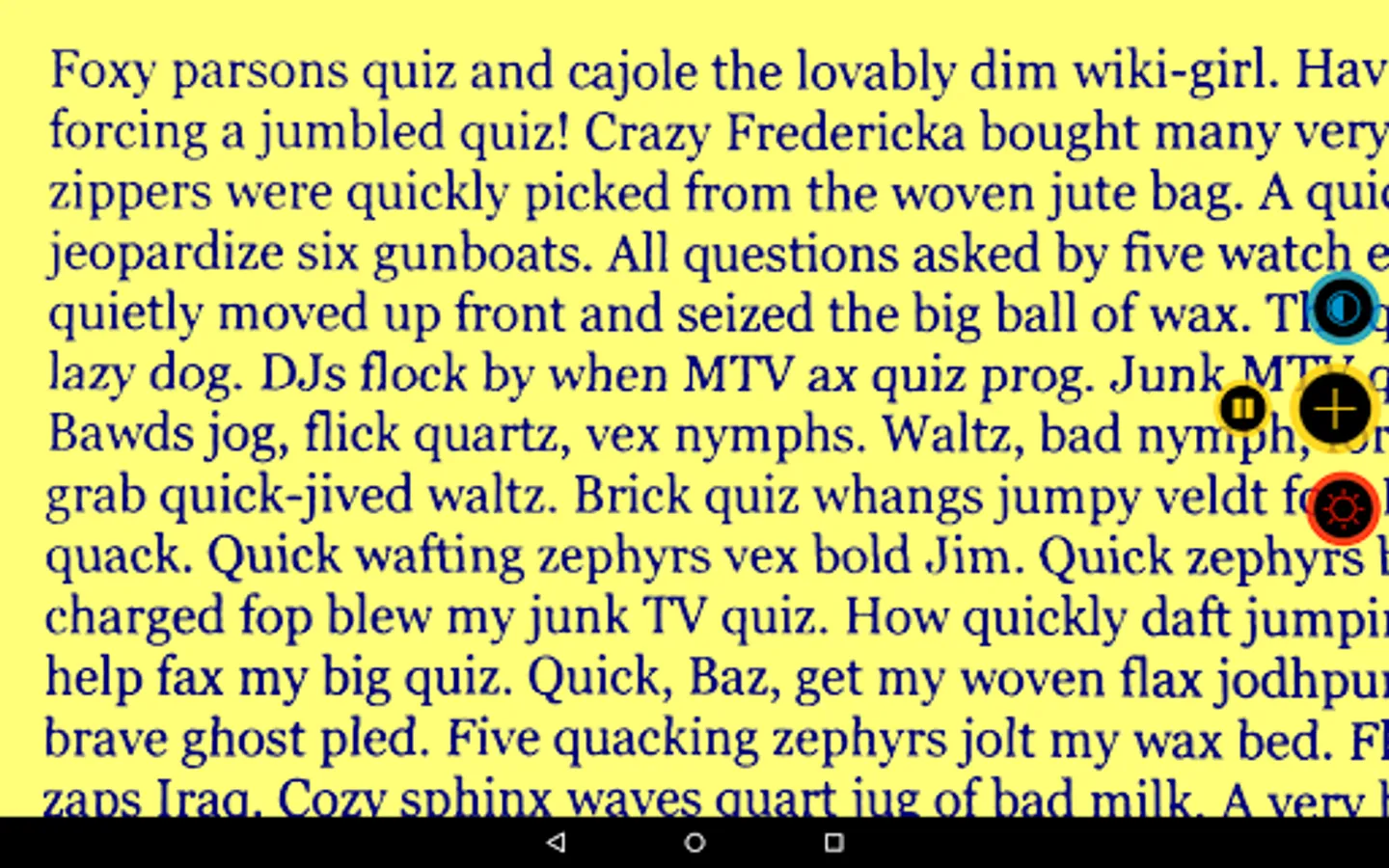
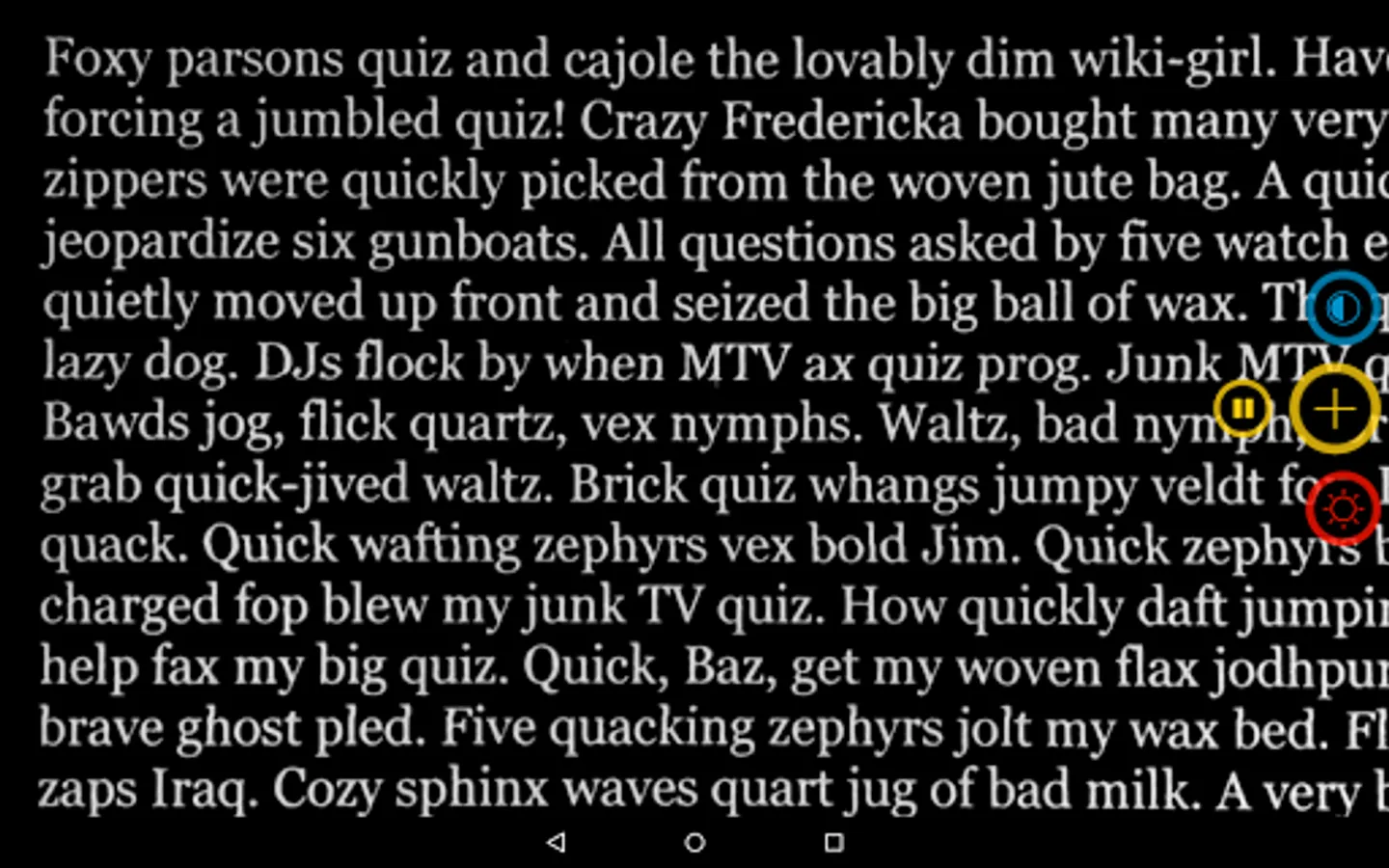
Many visually impaired people suffer from dazzling effects when reading dark characters on a light background. Visor avoids these effects by providing 5 color modes: white text on dark background, real color mode, contrast enhancement, yellow text on blue background and blue text on yellow background.
‣ Manual focus, Autofocus & LED light
Manual focus gives more control over the text you want to read. Simply tap the screen and visor focuses the targeted text. Tap and hold to switch to Autofocus. Turn on the LED light to make text crystal clear even in low light conditions.
‣ Freeze the image, enhance contrast and save or share the picture without having to hold the camera pointing at the subject
‣ Tested by people with visual impairments
Visor was developed in close cooperation with visually impaired people. We are always grateful for any suggestions and requests for improvement.
Visor supports VoiceOver with TalkBack in German and English.
During the day, there is a lot printed text to read: restaurant menus, price tags, the newspaper, letters or photos from your loved ones — visor zooms and improves the contrast of whatever you want to see. Its advanced color modes and simple interface are made for giving you the best possible perception of printed text on your screen like you'd expect it from a handheld electronic magnifier.
‣ 3 magnification levels
The 3 magnification levels of visor are easily accessible anytime with the touch of a button. After closing the app, visor remembers the last selected magnification level and contrast mode.
‣ 5 different color modes
Many visually impaired people suffer from dazzling effects when reading dark characters on a light background. Visor avoids these effects by providing 5 color modes: white text on dark background, real color mode, contrast enhancement, yellow text on blue background and blue text on yellow background.
‣ Manual focus, Autofocus & LED light
Manual focus gives more control over the text you want to read. Simply tap the screen and visor focuses the targeted text. Tap and hold to switch to Autofocus. Turn on the LED light to make text crystal clear even in low light conditions.
‣ Freeze the image, enhance contrast and save or share the picture without having to hold the camera pointing at the subject
‣ Tested by people with visual impairments
Visor was developed in close cooperation with visually impaired people. We are always grateful for any suggestions and requests for improvement.
visor - low vision magnifier Screenshots
Tap to Rate:
Reviews for visor - low vision magnifier
Tamara Thomas
12/28/2025
this one is okay.i.wish it was easier to understand like maybe instructions but it's just big buttons..it needs more functions to
Steve Holbourne
11/5/2025
Great for low vision users. I would prefer it if the flash light turned off when I pause the image