AppRecs review analysis
AppRecs rating 4.5. Trustworthiness 61 out of 100. Review manipulation risk 15 out of 100. Based on a review sample analyzed.
★★★★☆
4.5
AppRecs Rating
Ratings breakdown
5 star
50%
4 star
50%
3 star
0%
2 star
0%
1 star
0%
What to know
✓
Low review manipulation risk
15% review manipulation risk
✓
High user satisfaction
100% of sampled ratings are 4+ stars (4.5★ average)
About Doc Scan
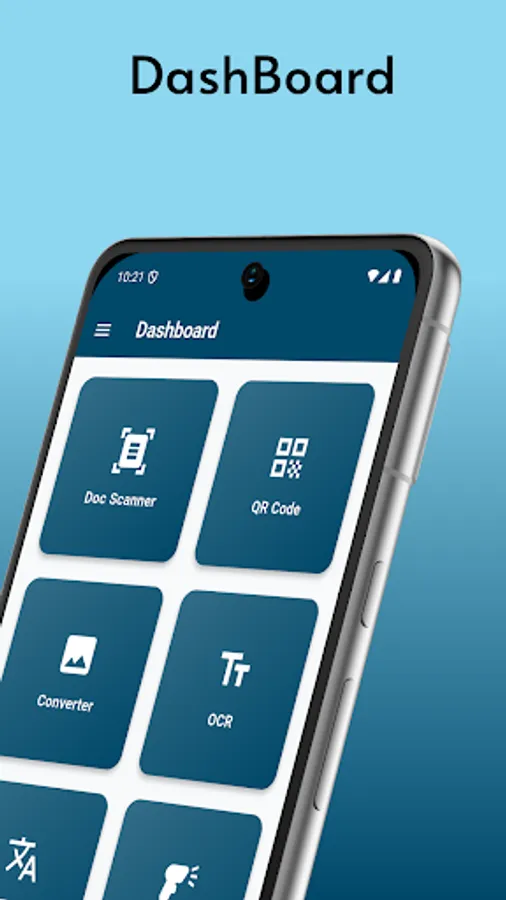
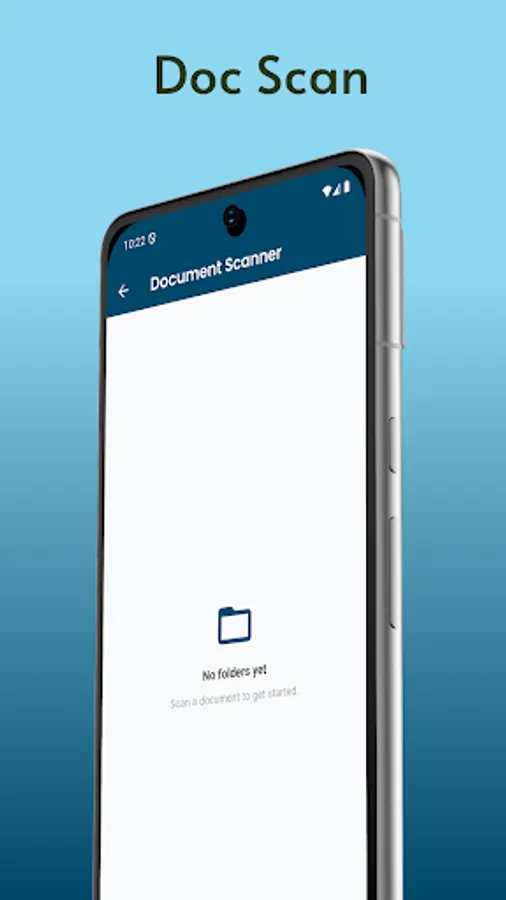
A Doc Scan refers to the process of scanning physical documents and converting them into digital files. This can be done through a variety of methods, including using dedicated hardware scanners or mobile applications. Mobile Doc Scan apps have gained significant popularity because of their ease of use, availability, and portability, allowing users to scan documents directly from their smartphones or tablets.
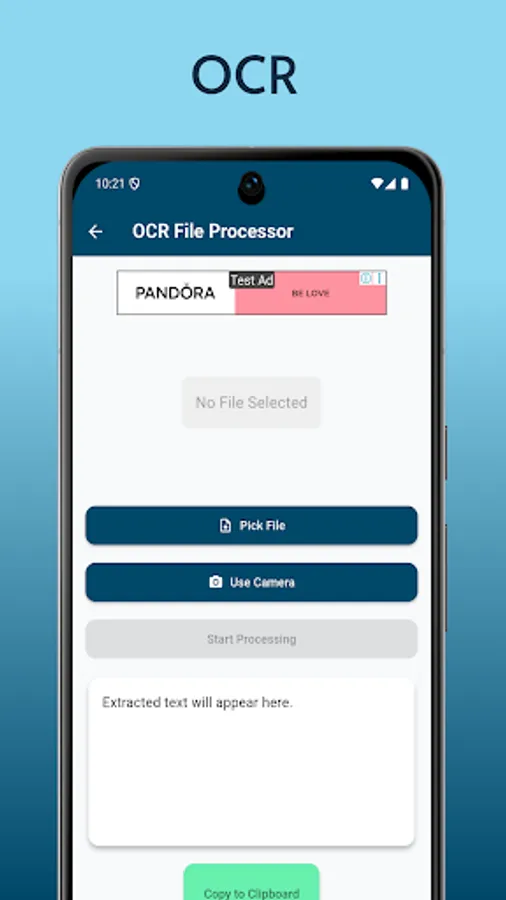
Typically, a Doc Scan involves capturing an image of the document using a camera or scanner. Modern Doc Scan apps often incorporate advanced features like edge detection, automatic cropping, and image enhancement to improve the quality of the scanned document. These apps may also support Optical Character Recognition (OCR), a technology that converts the text in scanned images into editable, searchable formats.
Once a document is scanned, the digital version is typically saved in formats such as PDF, JPG, or PNG, and can be easily stored, shared, or uploaded to cloud storage services for access across multiple devices. Many Doc Scan apps also allow users to annotate, sign, or add comments to scanned documents, making them useful for both personal and business purposes.
Doc Scans are widely used in a variety of industries, including education, healthcare, legal, and finance, to digitize and archive important documents. For instance, a student might scan their lecture notes, while a business professional might scan contracts or invoices for record-keeping and sharing with colleagues. In healthcare, medical records can be scanned and stored digitally, and in legal contexts, documents like contracts, agreements, or court filings are often scanned to ensure a digital backup exists for easy access.
With the rise of remote work and digital document management, Doc Scan technology has become an essential tool in reducing the reliance on paper and promoting efficiency in document handling.
Typically, a Doc Scan involves capturing an image of the document using a camera or scanner. Modern Doc Scan apps often incorporate advanced features like edge detection, automatic cropping, and image enhancement to improve the quality of the scanned document. These apps may also support Optical Character Recognition (OCR), a technology that converts the text in scanned images into editable, searchable formats.
Once a document is scanned, the digital version is typically saved in formats such as PDF, JPG, or PNG, and can be easily stored, shared, or uploaded to cloud storage services for access across multiple devices. Many Doc Scan apps also allow users to annotate, sign, or add comments to scanned documents, making them useful for both personal and business purposes.
Doc Scans are widely used in a variety of industries, including education, healthcare, legal, and finance, to digitize and archive important documents. For instance, a student might scan their lecture notes, while a business professional might scan contracts or invoices for record-keeping and sharing with colleagues. In healthcare, medical records can be scanned and stored digitally, and in legal contexts, documents like contracts, agreements, or court filings are often scanned to ensure a digital backup exists for easy access.
With the rise of remote work and digital document management, Doc Scan technology has become an essential tool in reducing the reliance on paper and promoting efficiency in document handling.