In this app, you can adjust sound frequencies with a 14-band equalizer and modify audio balance between channels. Includes 14 presets, customizable profiles, and a preamplifier for volume boost.
AppRecs review analysis
AppRecs rating 3.6. Trustworthiness 81 out of 100. Review manipulation risk 24 out of 100. Based on a review sample analyzed.
★★★☆☆
3.6
AppRecs Rating
Ratings breakdown
5 star
49%
4 star
12%
3 star
9%
2 star
2%
1 star
28%
What to know
✓
Low review manipulation risk
24% review manipulation risk
✓
Credible reviews
81% trustworthiness score from analyzed reviews
✓
Good user ratings
61% positive sampled reviews
About Equalizer Pie
The Equalizer Pie works starting from Android P.
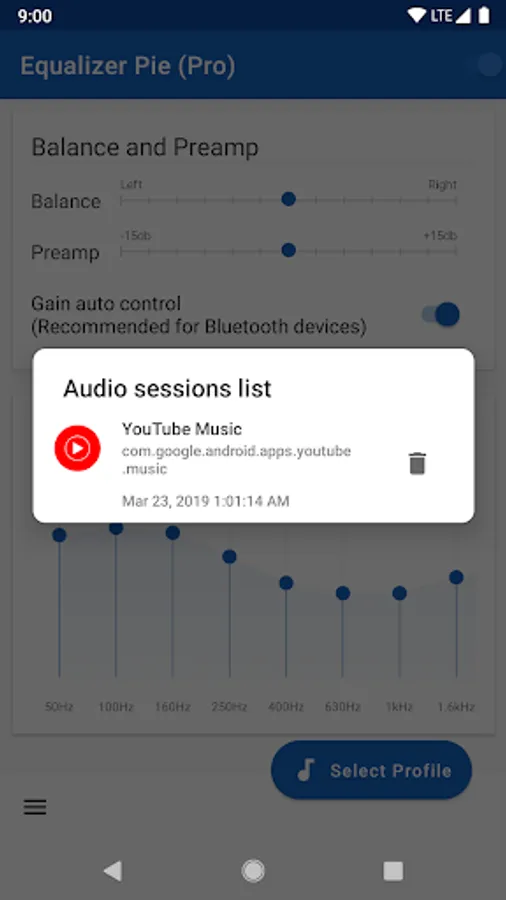
Please note that this application works only with audio players that notifies about starting audio session. It does not work for global output.
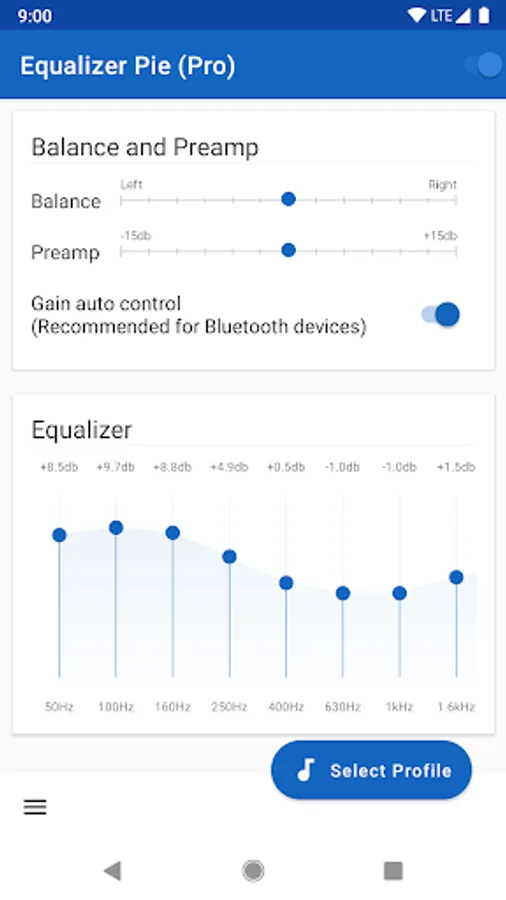
Application lets you adjust the frequency envelope of the sound with 14 bands to enjoy music.
Adjust audio balance between channels (Right/Left)
Main Features:
* 14 bands equalizer
* Audio balance
* Pre amplifier (to boost sound volume)
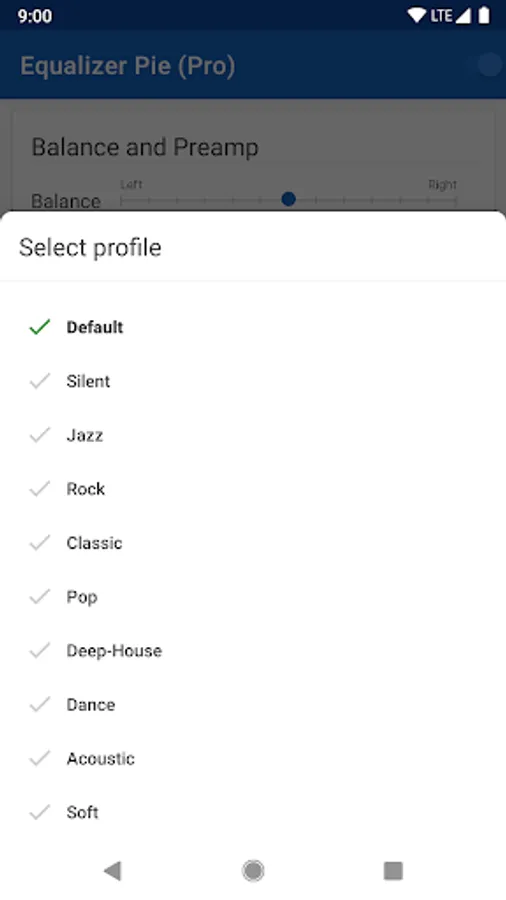
* 14 presets (Default, Default for Bluetooth headphones, Jazz, Rock, Classic, Pop, Deep-House, Dance, Acoustic, Soft, Ton compensation, Voice, Lounge, Flat).
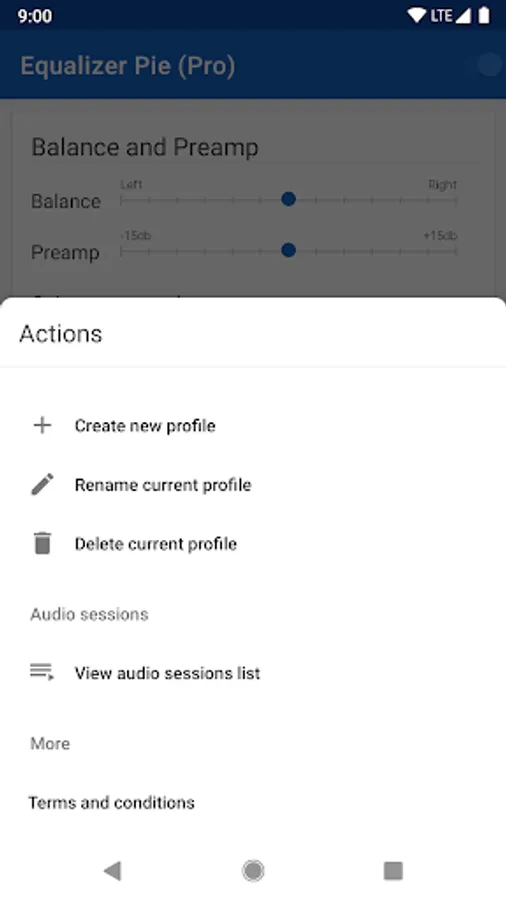
* Customizable preset
Works perfectly with audio and video players that open audio session. (Google Music, YoutTube Music, Deezer, etc.)
We recommend you to restart player after installing equalizer.
Known issues:
That is why we recommend you to use Preamp and decrease level for bluetooth headphones.
(Issue repeated on Pixel 2 and must be fixed in Android Q)
Please note that this application works only with audio players that notifies about starting audio session. It does not work for global output.
Application lets you adjust the frequency envelope of the sound with 14 bands to enjoy music.
Adjust audio balance between channels (Right/Left)
Main Features:
* 14 bands equalizer
* Audio balance
* Pre amplifier (to boost sound volume)
* 14 presets (Default, Default for Bluetooth headphones, Jazz, Rock, Classic, Pop, Deep-House, Dance, Acoustic, Soft, Ton compensation, Voice, Lounge, Flat).
* Customizable preset
Works perfectly with audio and video players that open audio session. (Google Music, YoutTube Music, Deezer, etc.)
We recommend you to restart player after installing equalizer.
Known issues:
That is why we recommend you to use Preamp and decrease level for bluetooth headphones.
(Issue repeated on Pixel 2 and must be fixed in Android Q)
Equalizer Pie Screenshots
Tap to Rate:
Reviews for Equalizer Pie
roy vill
10/12/2025
Updates please
Chuks Ekeh
7/26/2024
Great sound but it select player to work with