Elementer i Android
Jacob Nordfalk
1.0 ★
70 ratings
5,000+
downloads
Free
In this educational app, you can access code examples demonstrating Android programming concepts. Includes notes on lifecycle management and multimedia features.
AppRecs review analysis
AppRecs rating 1.0. Trustworthiness 0 out of 100. Review manipulation risk 0 out of 100. Based on a review sample analyzed.
★☆☆☆☆
1.0
AppRecs Rating
Ratings breakdown
5 star
0%
4 star
0%
3 star
0%
2 star
0%
1 star
100%
What to know
✓
Authentic reviews
No red flags detected
⚠
Mixed user feedback
Average 1.0★ rating suggests room for improvement
⚠
High negative review ratio
100% of sampled ratings are 1–2 stars
About Elementer i Android
CAN YOU LIKE IT SO GIVE IT ONE STAR, NOT 5! (see below)
FOR PROGRAMMERS ONLY
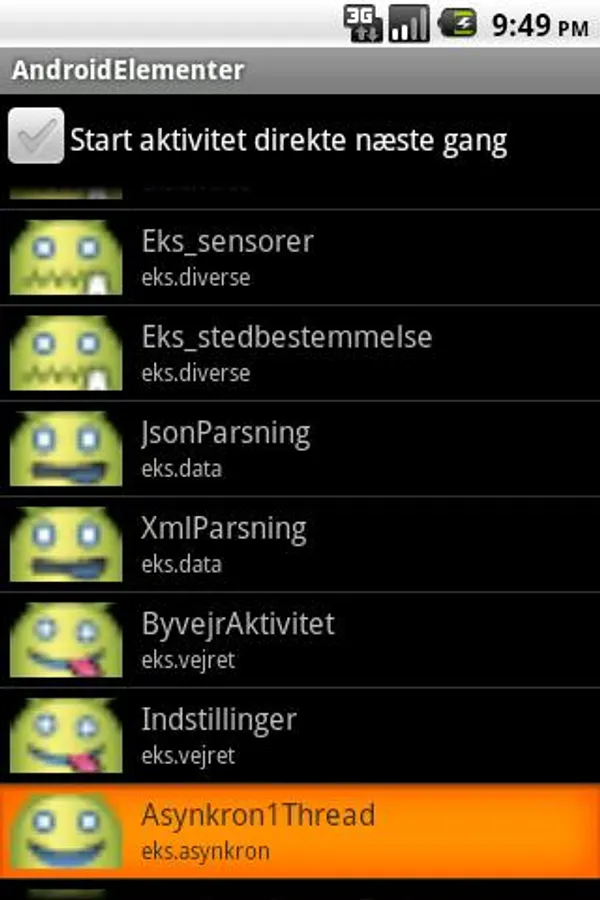
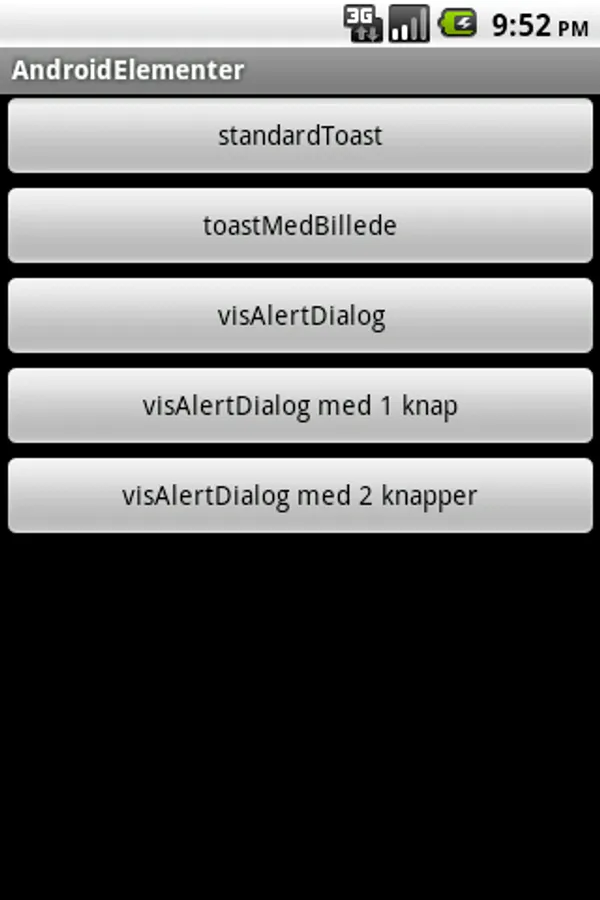
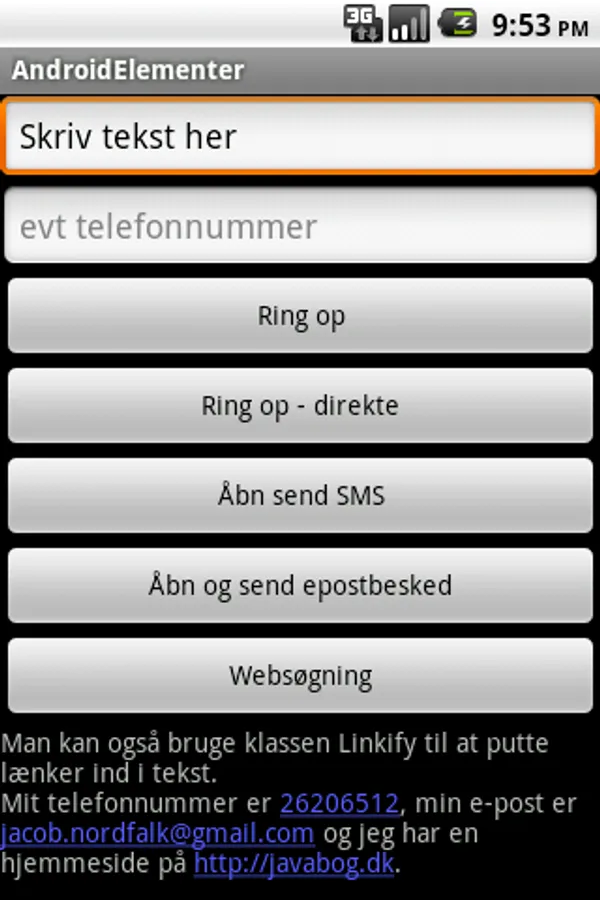
Small, delimited and easily understandable examples of how to program applications in Java for Android phones.
Overall content:
* Beginner friendly examples, with notes and explanatory videos
* Use intents, intent filters, results that result
* Use dialogs, toasts, audio, sensors, GPS (location), WebView, ListView, Gallery, GridView
* View all of Android's built-in drawables (images)
* Demonstrate life cycle, including proper use of nonConfigurationInstance object, onSaveInstanceState () and onRestoreInstanceState (), dialogs that survive reversing the phone
* Demonstrate multitouch, gestures
* Demonstrate use of content providers (such as address book)
* Demonstrate broadcast recievers
* A minimalist DMI weather app
* Settings and PreferenceManager
* Asynchronous calling, AsyncTask, Handler etc
* Parsing XML and JSON
* SQLite
* VideoView
* Parsing XML (RSS feed from youtube)
* Viewing YouTube video embedded in own activity
* Caching of data locally
* Text to speech
* Animations
- Dialogues that survive the reversal of the phone
- Gallery, GridView and other list alternatives
- ProximityAlert (in Locale.java)
- Lifecycle and use of the Application object
- A compass (simple)
- A balance game
You can see the source code for the examples INSIDE THE SELF app right after you run them (long press an activity to see the source code).
Android Elements is open source and can be viewed on GitHub:
https://github.com/nordfalk/android-eksempler/tree/master/AndroidElementer
The many permissions are to show how different parts of the Android libraries are used (if you don't want to install something that uses so many permissions then get the source code, look it through and translate it yourself).
Before, the app was called AndroidElementer, but to avoid violating Google's policies it is now called "Elements of Android"
Greetings Jacob
FOR PROGRAMMERS ONLY
Small, delimited and easily understandable examples of how to program applications in Java for Android phones.
Overall content:
* Beginner friendly examples, with notes and explanatory videos
* Use intents, intent filters, results that result
* Use dialogs, toasts, audio, sensors, GPS (location), WebView, ListView, Gallery, GridView
* View all of Android's built-in drawables (images)
* Demonstrate life cycle, including proper use of nonConfigurationInstance object, onSaveInstanceState () and onRestoreInstanceState (), dialogs that survive reversing the phone
* Demonstrate multitouch, gestures
* Demonstrate use of content providers (such as address book)
* Demonstrate broadcast recievers
* A minimalist DMI weather app
* Settings and PreferenceManager
* Asynchronous calling, AsyncTask, Handler etc
* Parsing XML and JSON
* SQLite
* VideoView
* Parsing XML (RSS feed from youtube)
* Viewing YouTube video embedded in own activity
* Caching of data locally
* Text to speech
* Animations
- Dialogues that survive the reversal of the phone
- Gallery, GridView and other list alternatives
- ProximityAlert (in Locale.java)
- Lifecycle and use of the Application object
- A compass (simple)
- A balance game
You can see the source code for the examples INSIDE THE SELF app right after you run them (long press an activity to see the source code).
Android Elements is open source and can be viewed on GitHub:
https://github.com/nordfalk/android-eksempler/tree/master/AndroidElementer
The many permissions are to show how different parts of the Android libraries are used (if you don't want to install something that uses so many permissions then get the source code, look it through and translate it yourself).
Before, the app was called AndroidElementer, but to avoid violating Google's policies it is now called "Elements of Android"
Greetings Jacob
Elementer i Android Screenshots
Tap to Rate: