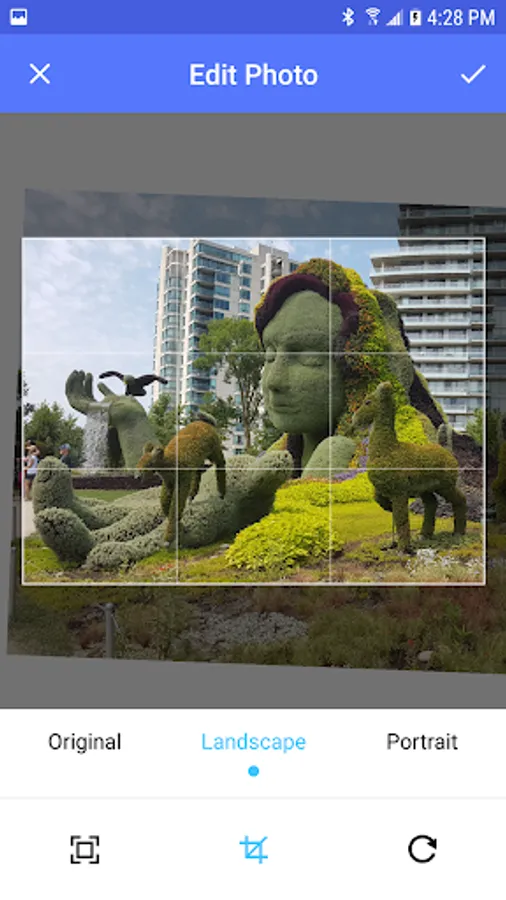
With this app, you can upload pictures to your Nixplay WiFi photo frame using the share menu and adjust images before sharing. Includes cropping, resizing, and image preview features.
AppRecs review analysis
AppRecs rating 2.4. Trustworthiness 0 out of 100. Review manipulation risk 0 out of 100. Based on a review sample analyzed.
★★☆☆☆
2.4
AppRecs Rating
Ratings breakdown
5 star
19%
4 star
19%
3 star
0%
2 star
0%
1 star
62%
What to know
⚠
Mixed user feedback
Average 2.4★ rating suggests room for improvement
About Nixplay Uploader
Use the Android share menu to upload pictures to your Nixplay WiFi photo frame.
To use the app:
1. Open your picture gallery and choose a photo.
2. Use the sharing icon to share the photo.
3. On the sharing menu, choose Nixplay Uploader
You can crop and resize your pictures before you upload them. Allows you to tweak your pictures before displaying them on a Seed, Edge, or Iris digital picture frame.
(Note that this app is not affiliated with Nix in any way)
To use the app:
1. Open your picture gallery and choose a photo.
2. Use the sharing icon to share the photo.
3. On the sharing menu, choose Nixplay Uploader
You can crop and resize your pictures before you upload them. Allows you to tweak your pictures before displaying them on a Seed, Edge, or Iris digital picture frame.
(Note that this app is not affiliated with Nix in any way)