Screen Resolution DPI Changer
ARD WEB DEVELOPMENT
4.1 ★
store rating
100,000+
downloads
Free
+ in-app
AppRecs review analysis
AppRecs rating 3.4. Trustworthiness 79 out of 100. Review manipulation risk 37 out of 100. Based on a review sample analyzed.
★★★☆☆
3.4
AppRecs Rating
Ratings breakdown
5 star
63%
4 star
13%
3 star
9%
2 star
0%
1 star
15%
What to know
✓
Credible reviews
79% trustworthiness score from analyzed reviews
⚠
Pricing complaints
Many low ratings mention paywalls or pricing
⚠
Review quality concerns
93% of sampled 5-star reviews are very short
About Screen Resolution DPI Changer
Root Permissions Needed
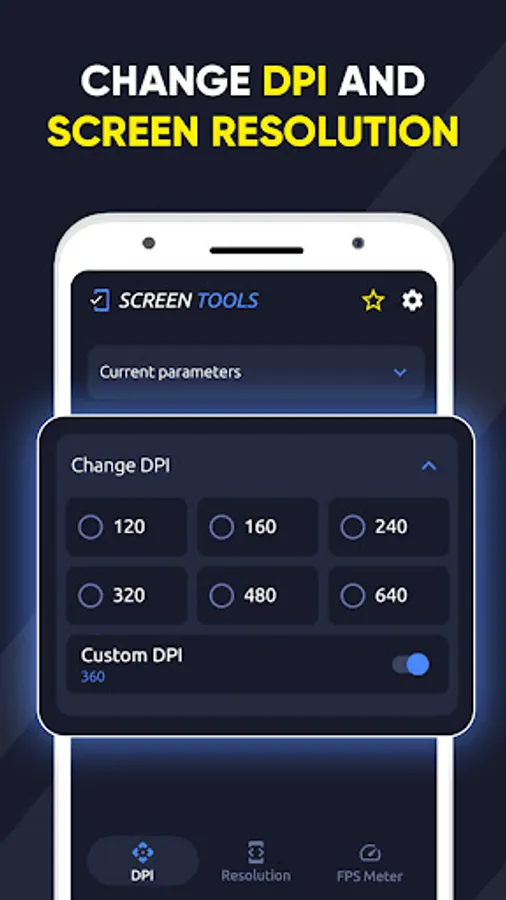
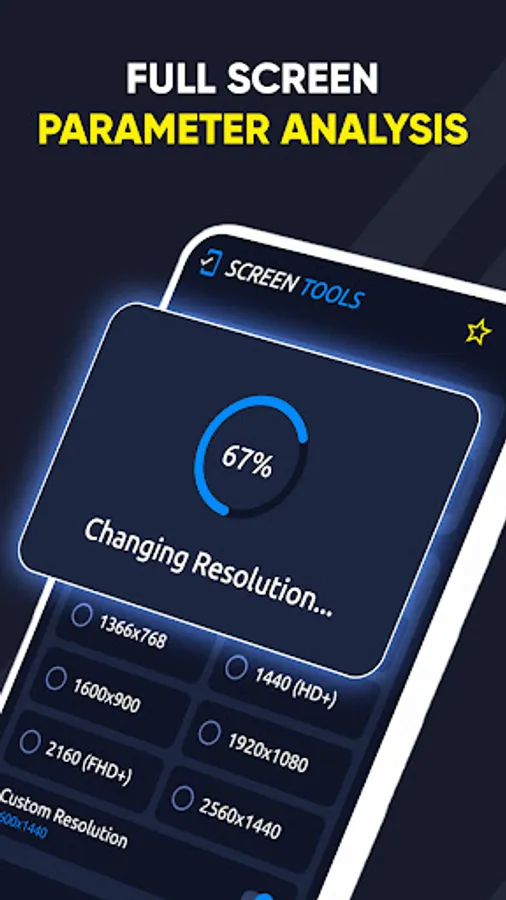
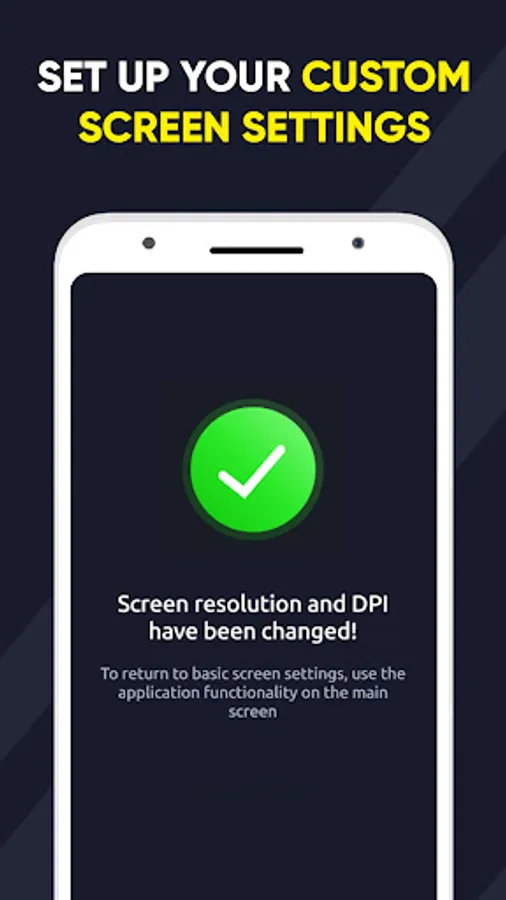
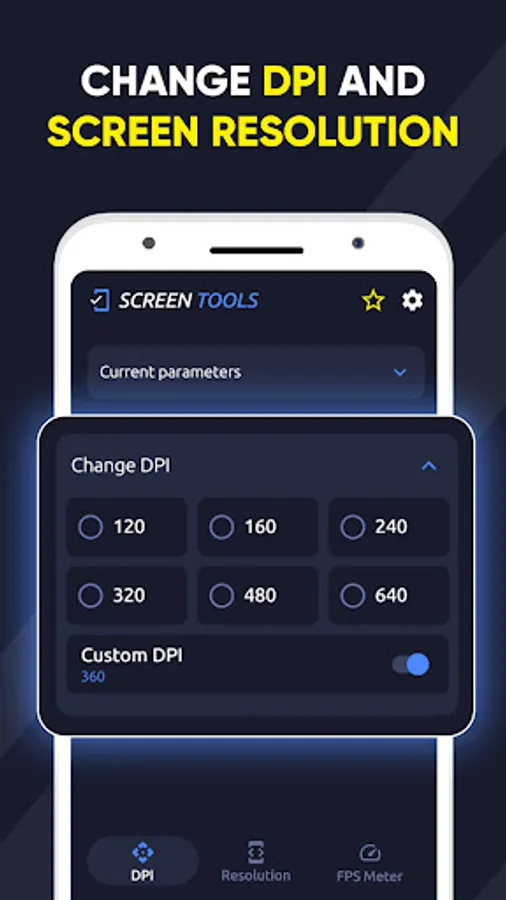
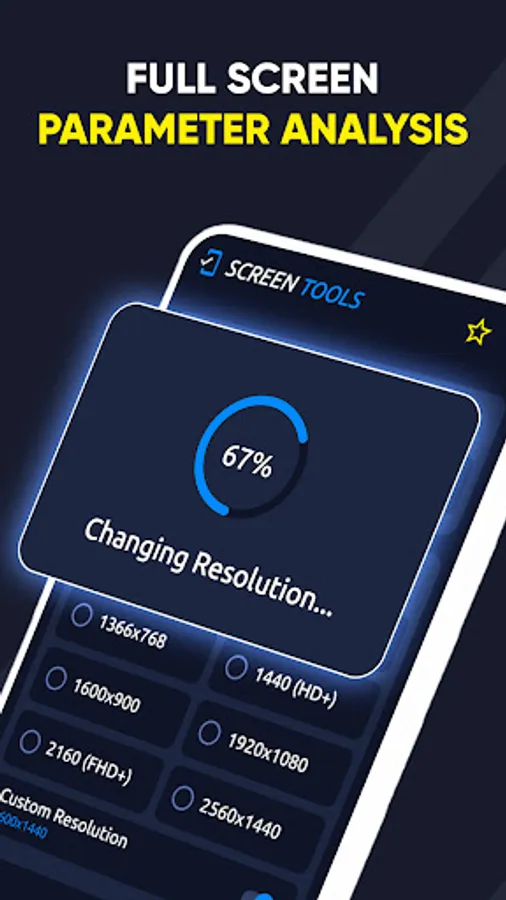
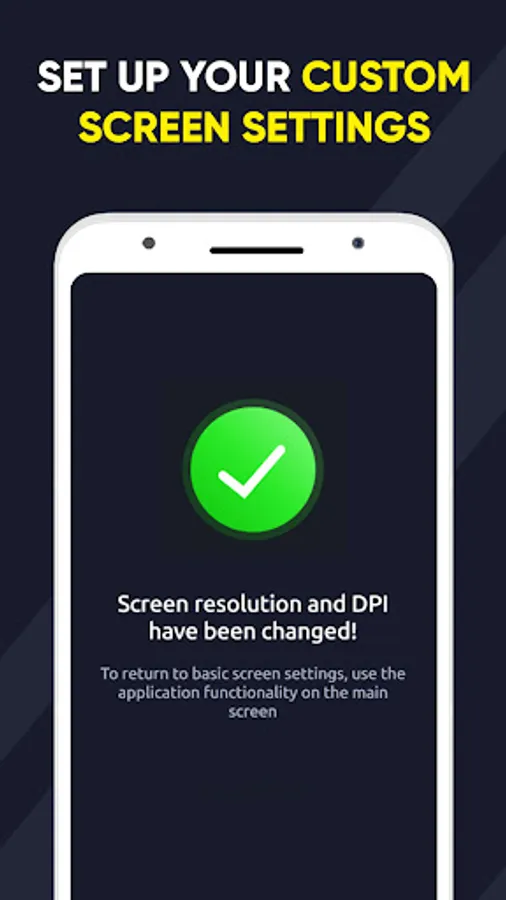
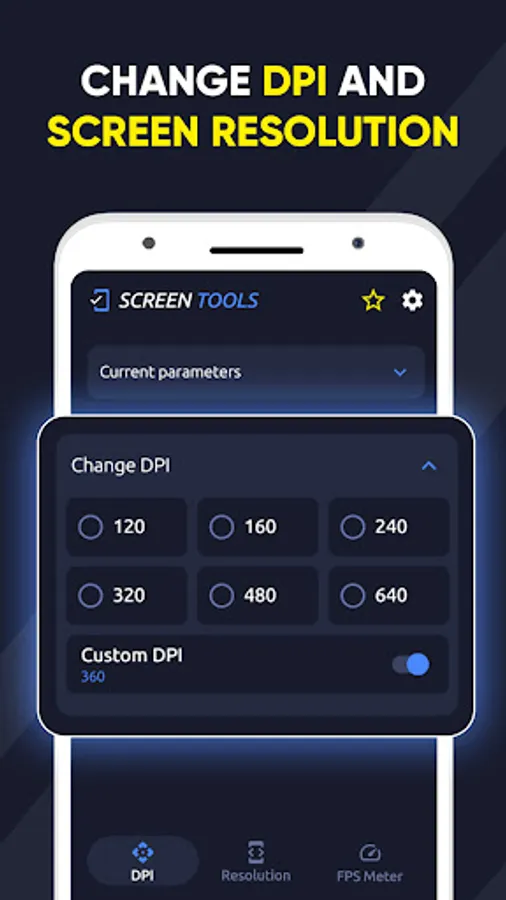
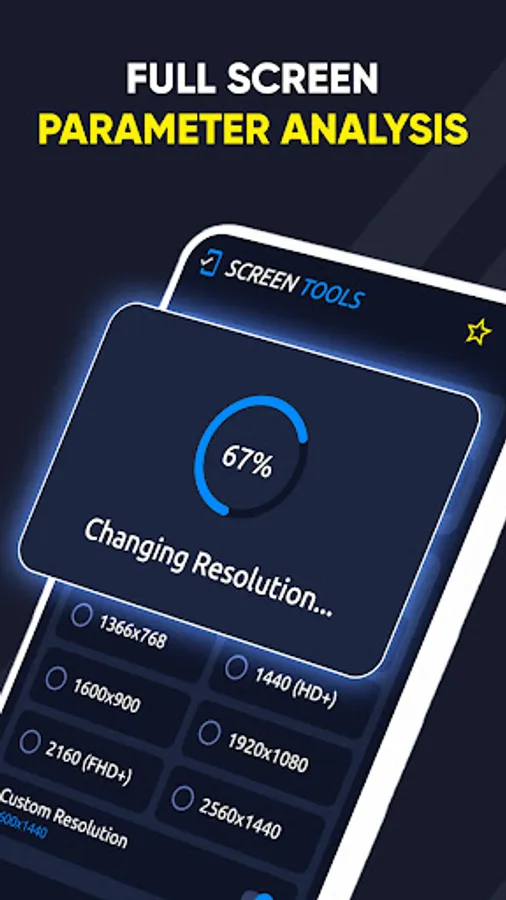
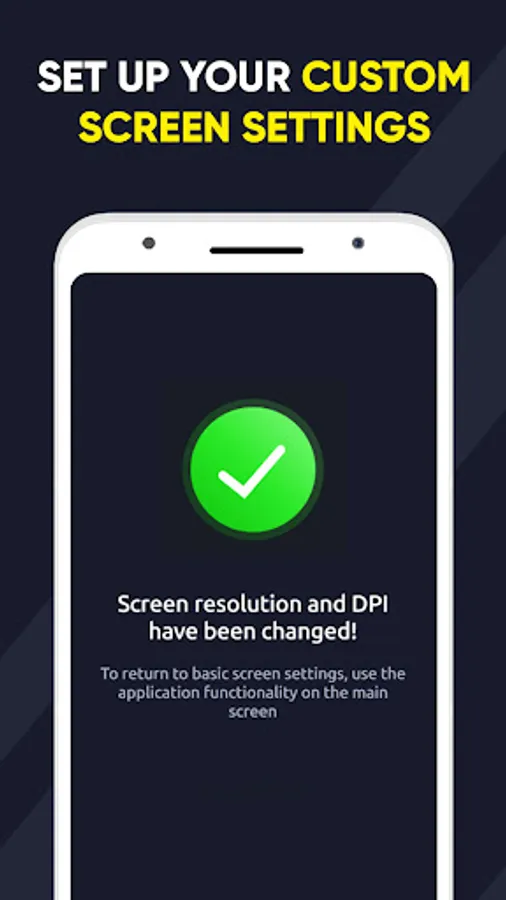
Effortlessly alter Android screen resolution and adjust screen density with Resolution Changer. Toggle between various screen resolutions or set a custom size for your smartphone/tablet display.
The app has numerous uses; developers can test different resolutions, and gamers can optimize gaming performance by reducing resolution for heavier titles, yielding improved frame rates.
Enhance game performance, accelerate gameplay, or adjust DPI for better resolution in apps like YouTube and videos.
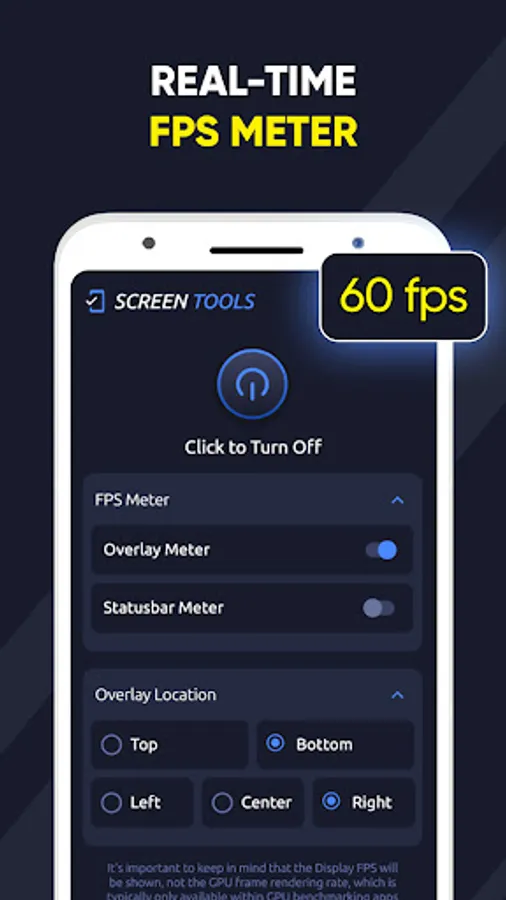
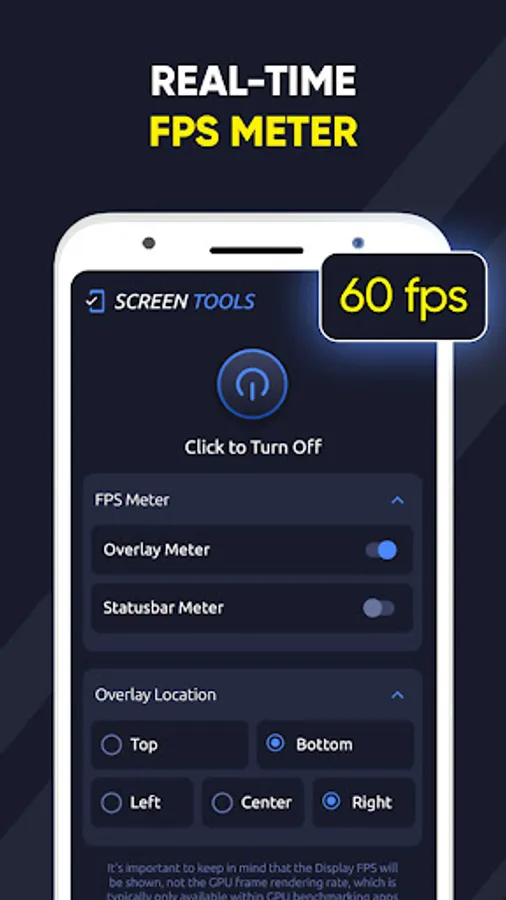
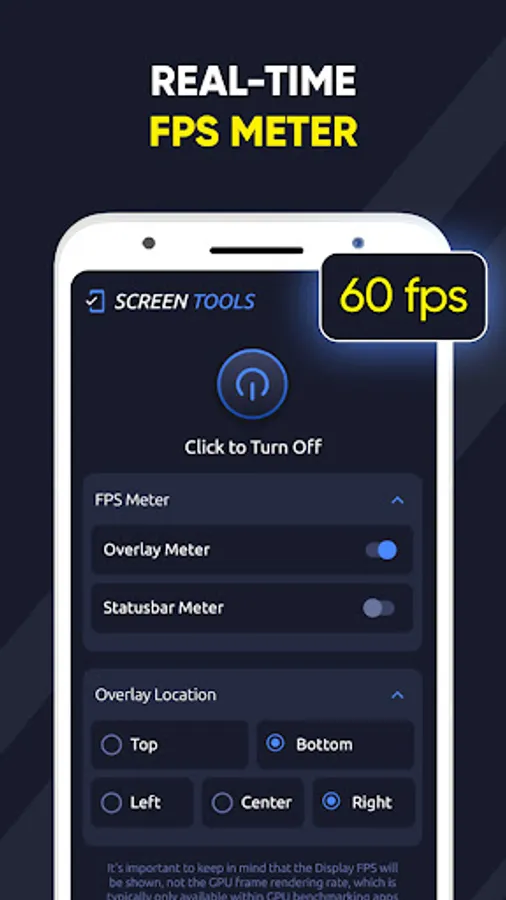
This application also has a function for measuring frames per second and displaying them on the screen
This is a full-fledged FPS meter for gamers and not only that will allow you to measure the number of frames per second on the screen in the system and in the game in real time
Effortlessly alter Android screen resolution and adjust screen density with Resolution Changer. Toggle between various screen resolutions or set a custom size for your smartphone/tablet display.
The app has numerous uses; developers can test different resolutions, and gamers can optimize gaming performance by reducing resolution for heavier titles, yielding improved frame rates.
Enhance game performance, accelerate gameplay, or adjust DPI for better resolution in apps like YouTube and videos.
This application also has a function for measuring frames per second and displaying them on the screen
This is a full-fledged FPS meter for gamers and not only that will allow you to measure the number of frames per second on the screen in the system and in the game in real time