AppRecs review analysis
AppRecs rating 5.0. Trustworthiness 0 out of 100. Review manipulation risk 0 out of 100. Based on a review sample analyzed.
★★★★★
5.0
AppRecs Rating
Ratings breakdown
5 star
100%
4 star
0%
3 star
0%
2 star
0%
1 star
0%
What to know
✓
High user satisfaction
100% of sampled ratings are 5 stars
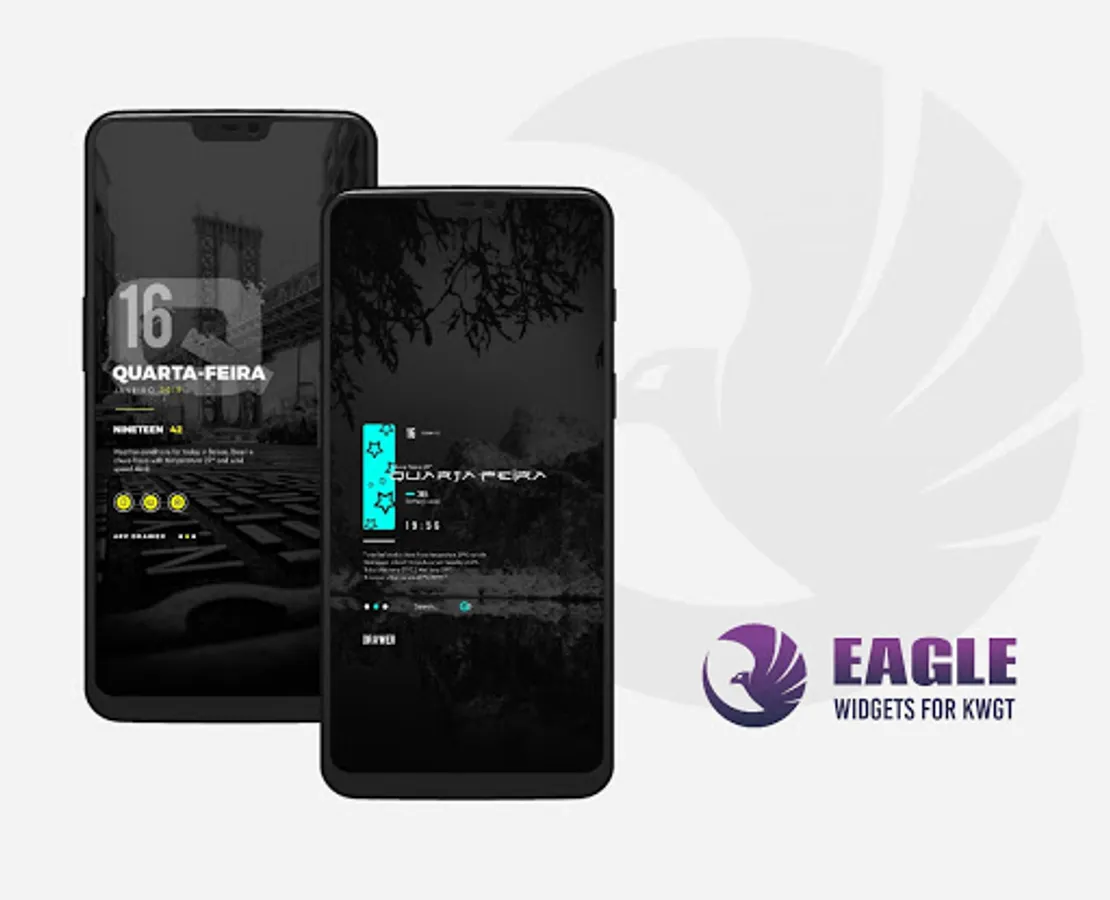
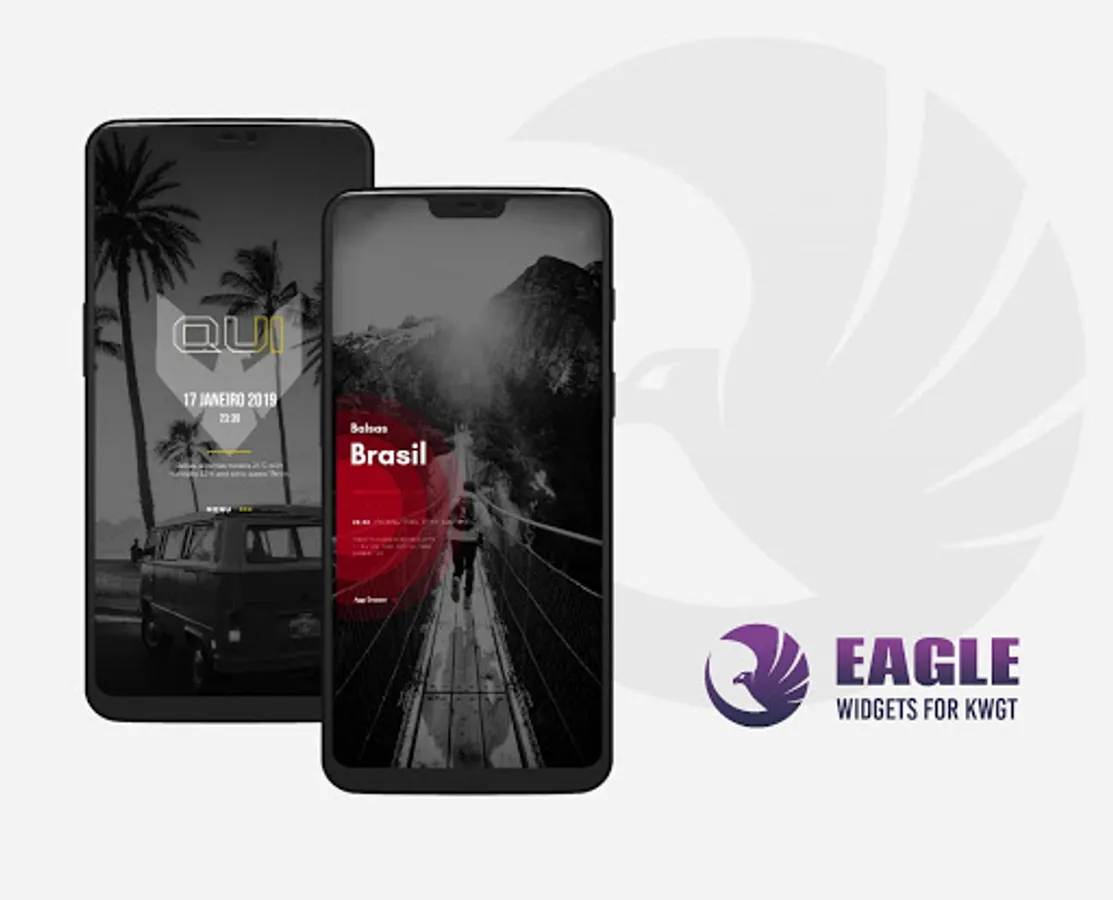
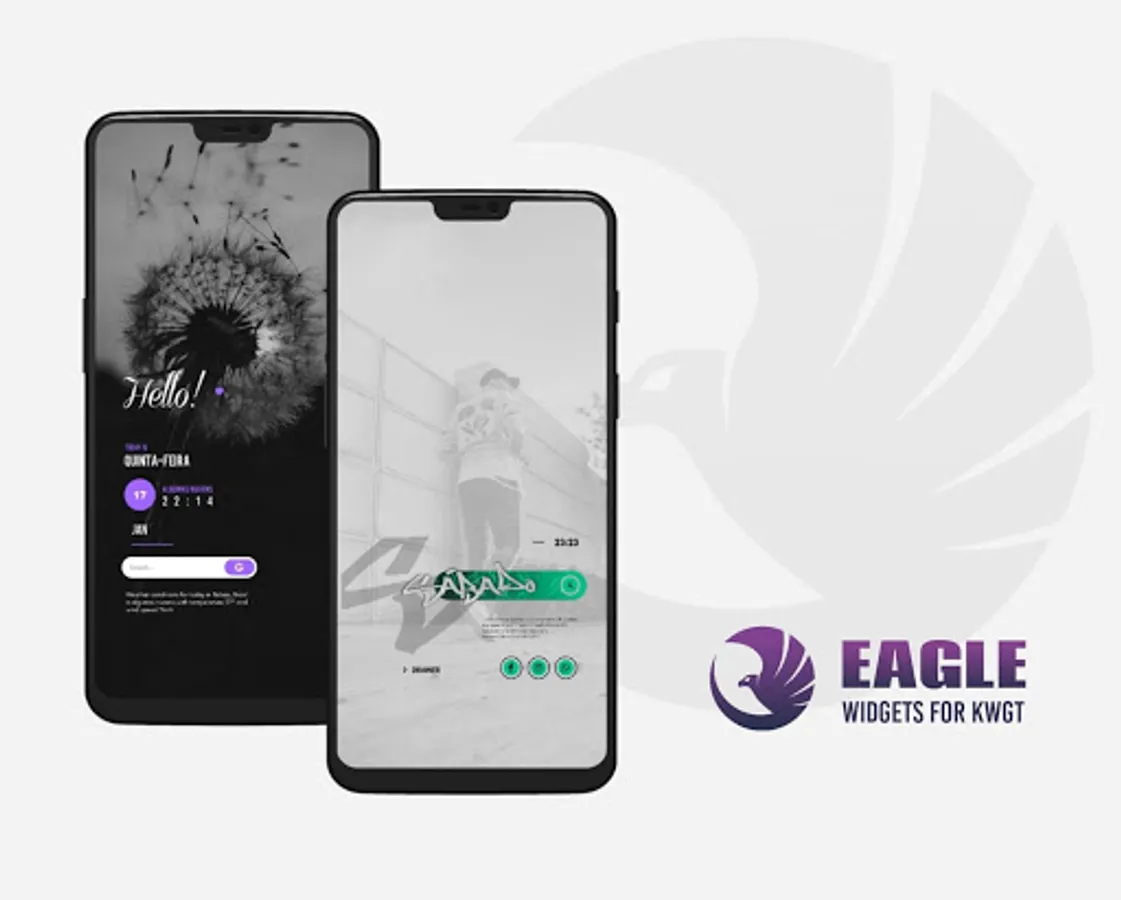
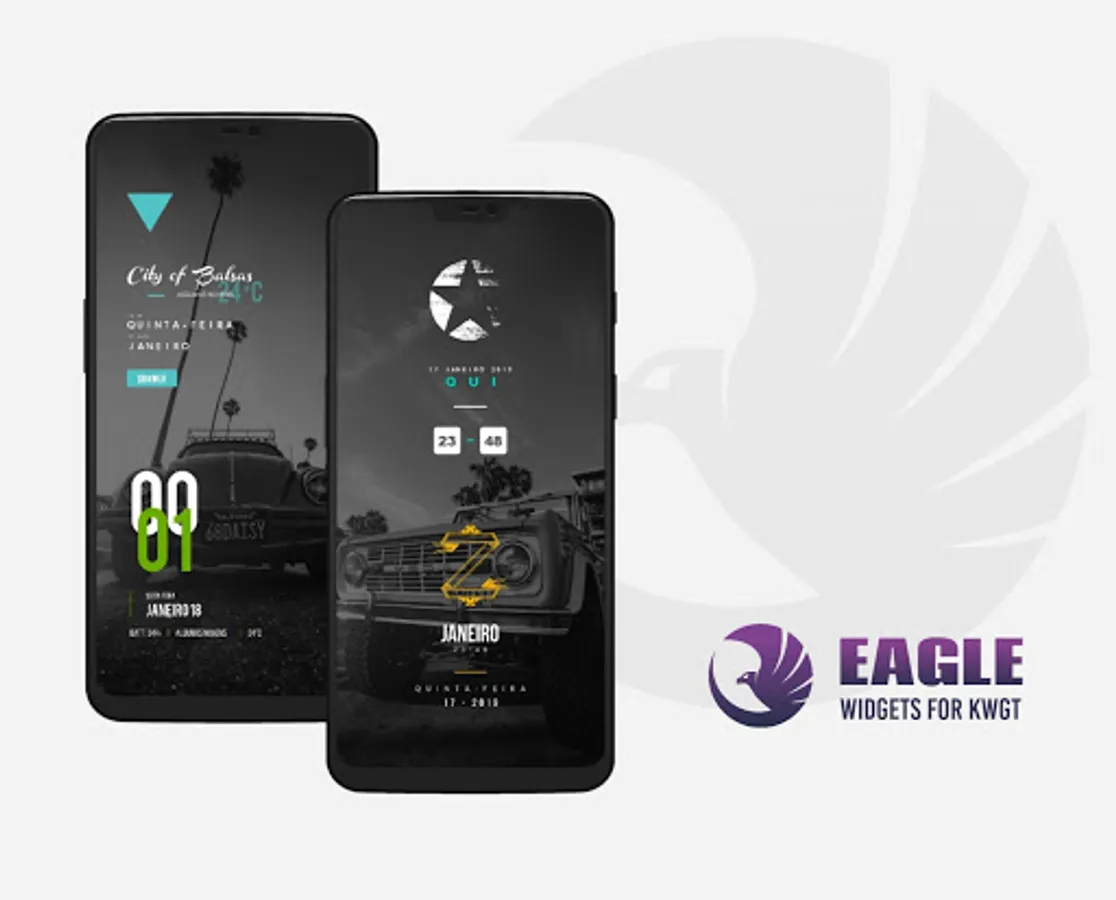
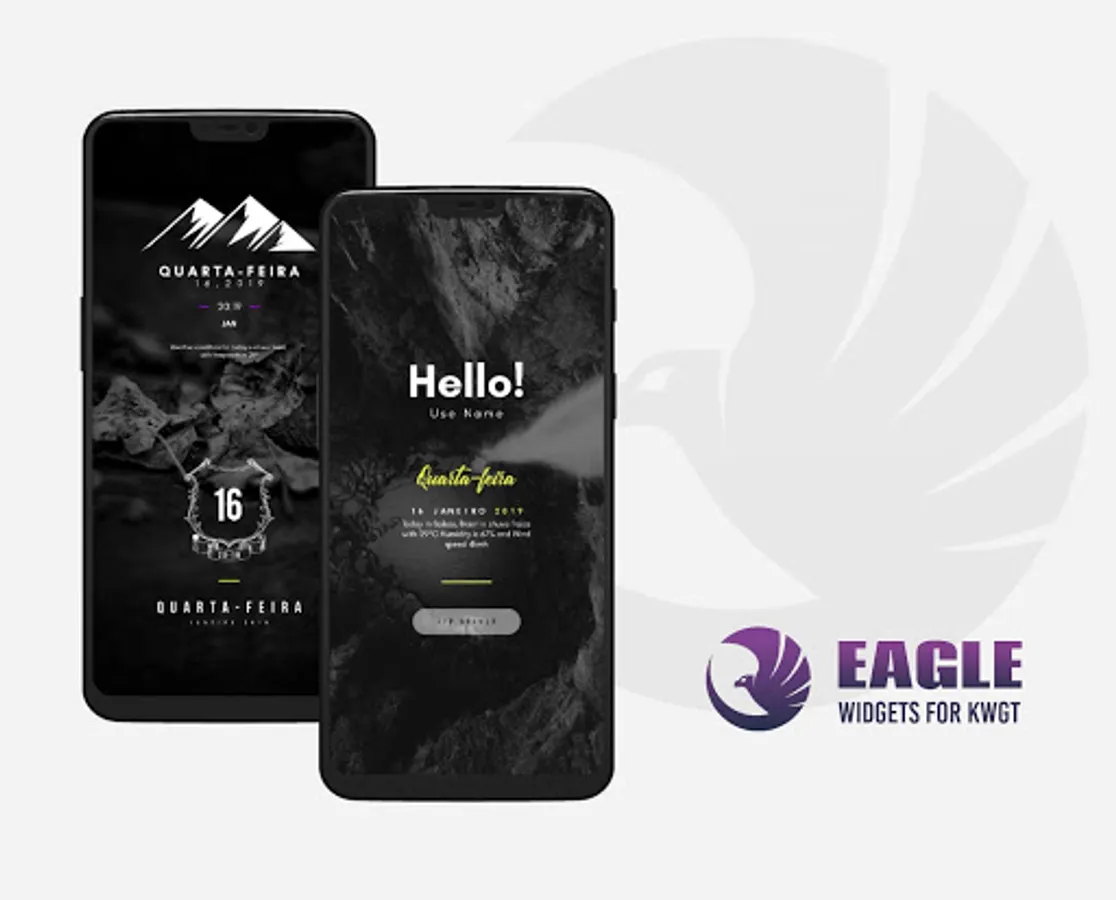
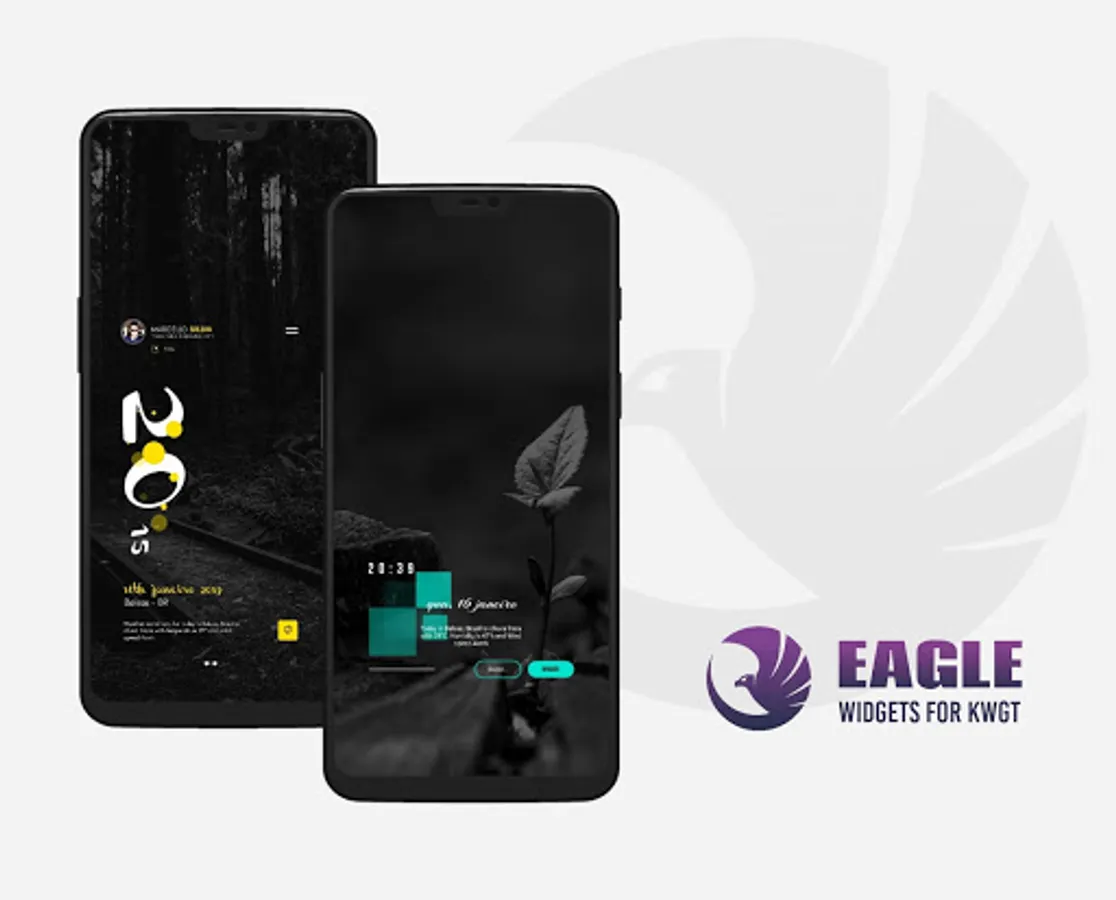
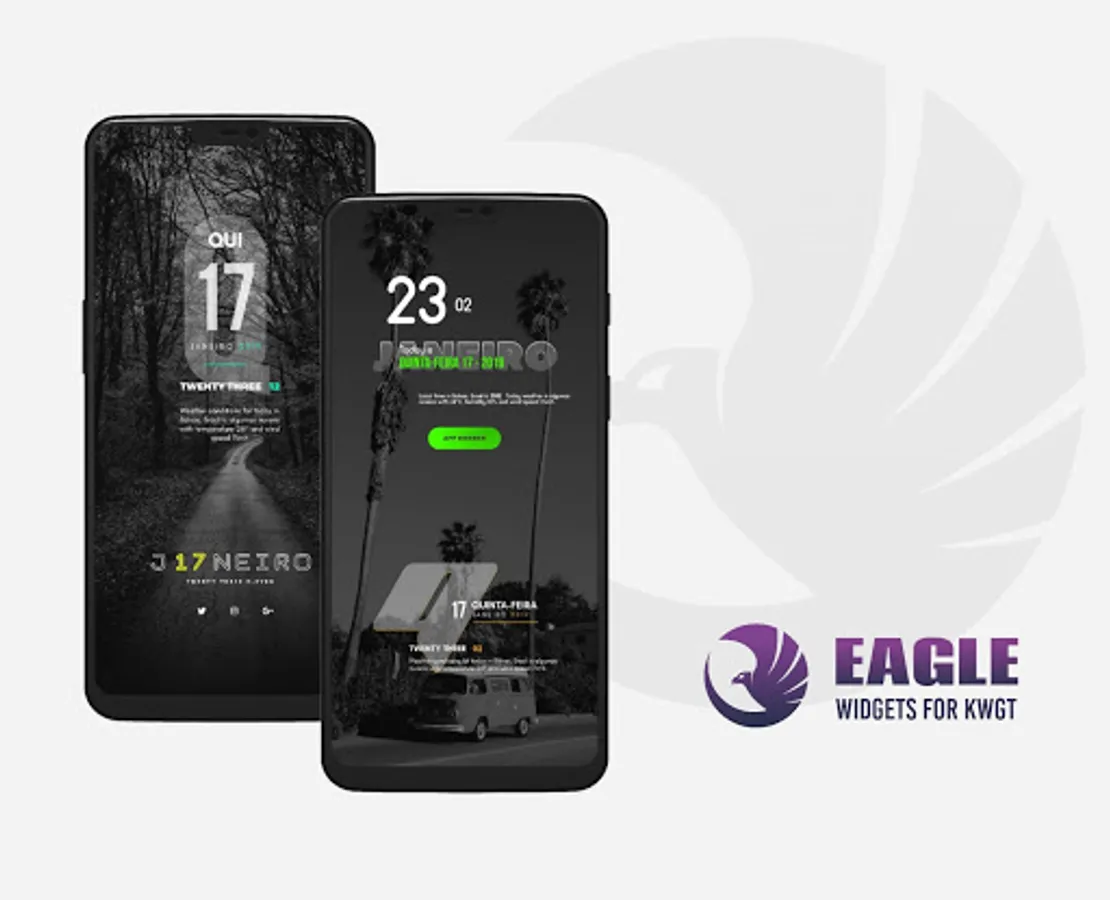
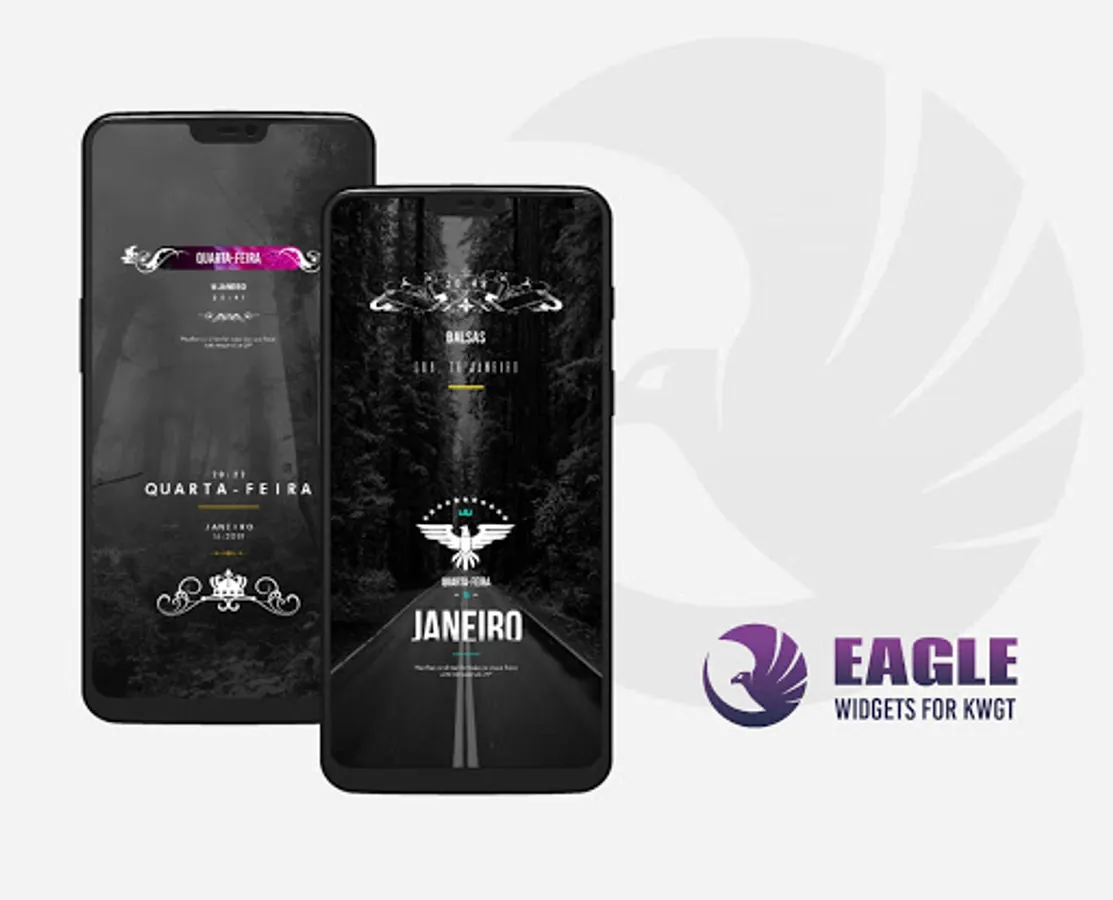
About EAGLE KWGT
This is not a standalone application. EAGLE Widgets for KWGT required the KWGT PRO application (not free version of this app)
KWGT PRO LINK - https://play.google.com/store/apps/details?id=org.kustom.widget.pro&hl=en
What do you need:
✔ KWGT PRO App.
✔ Custom Launcher (Recommend New Launcher launcher)
How to install:
✔ Download the EAGLE Widgets for KWGT and KWGT application PRO.
✔ Tap on your home screen and choose Widget.
✔ Choose KWGT Widget.
✔ Touch the widget and choose EAGLE Widgets for KWGT.
✔ Choose widget of your choice.
✔ Have fun!
If the widget does not fit the size it goes in the scale tab in the KWGT option and apply the size correctly.
If you liked the EAGLE for KWGT Widget pack, do not forget to rate the stars and leave your comment!
Please contact me with any questions / issues before leaving negative rating.
Enjoy!
KWGT PRO LINK - https://play.google.com/store/apps/details?id=org.kustom.widget.pro&hl=en
What do you need:
✔ KWGT PRO App.
✔ Custom Launcher (Recommend New Launcher launcher)
How to install:
✔ Download the EAGLE Widgets for KWGT and KWGT application PRO.
✔ Tap on your home screen and choose Widget.
✔ Choose KWGT Widget.
✔ Touch the widget and choose EAGLE Widgets for KWGT.
✔ Choose widget of your choice.
✔ Have fun!
If the widget does not fit the size it goes in the scale tab in the KWGT option and apply the size correctly.
If you liked the EAGLE for KWGT Widget pack, do not forget to rate the stars and leave your comment!
Please contact me with any questions / issues before leaving negative rating.
Enjoy!