
myWGU Mobile
Western Governors University
3.6 ★
5K ratings
100,000+
downloads
Free
With this educational app, you can access courses, review assessments, and contact faculty. Includes course content, notifications, contact info, and resource links.
AppRecs review analysis
AppRecs rating 3.7. Trustworthiness 80 out of 100. Review manipulation risk 16 out of 100. Based on a review sample analyzed.
★★★☆☆
3.7
AppRecs Rating
Ratings breakdown
5 star
54%
4 star
9%
3 star
6%
2 star
7%
1 star
25%
What to know
✓
Low review manipulation risk
16% review manipulation risk
✓
Credible reviews
80% trustworthiness score from analyzed reviews
⚠
High negative review ratio
32% of sampled ratings are 1–2 stars
About myWGU Mobile
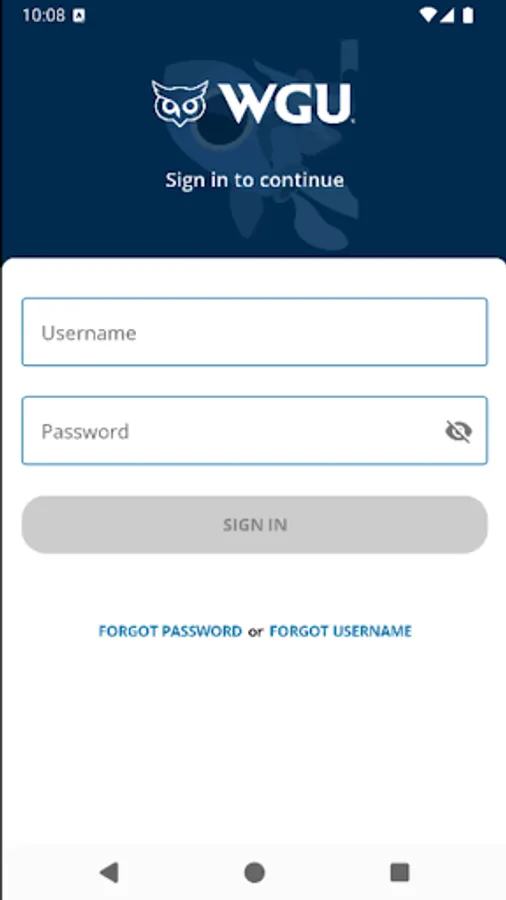
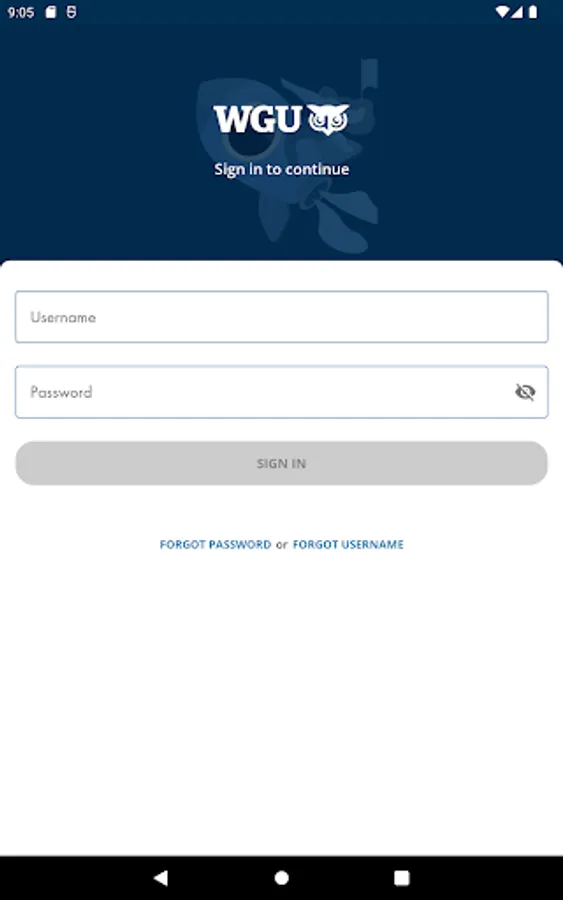
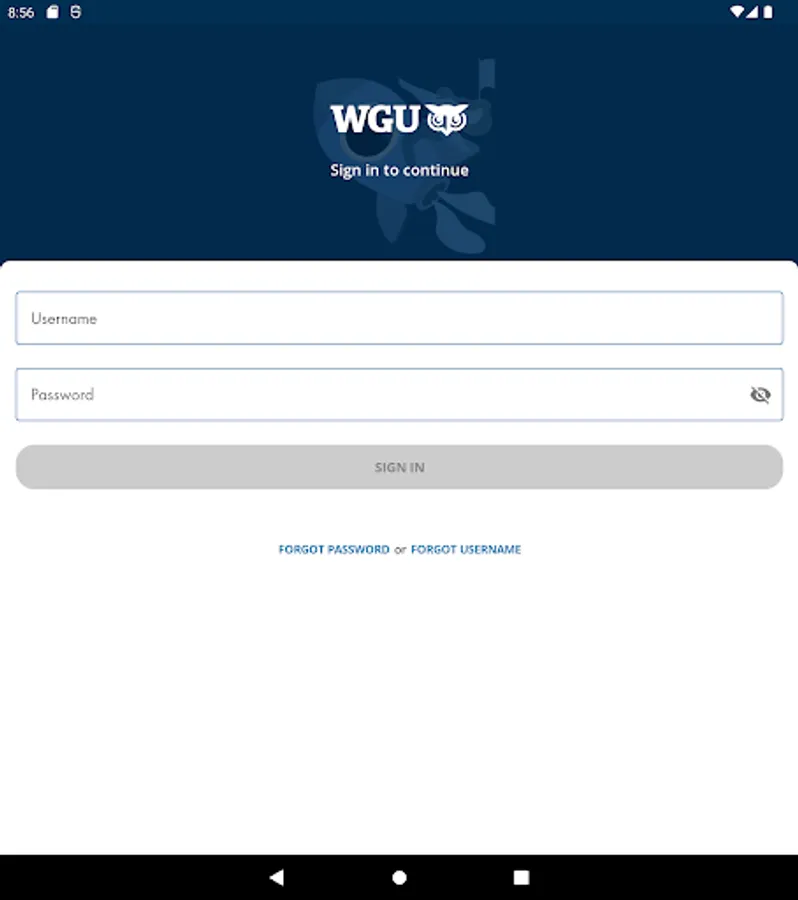
WGU Mobile is the official Western Governors University mobile application for active students. You can study on-the-go by accessing your courses, receive push notifications for assessments, easily contact faculty, and more.
The new WGU Mobile has been completely redesigned! With the new app, you can:
• Use the app on your phone or tablet in portrait or landscape orientation
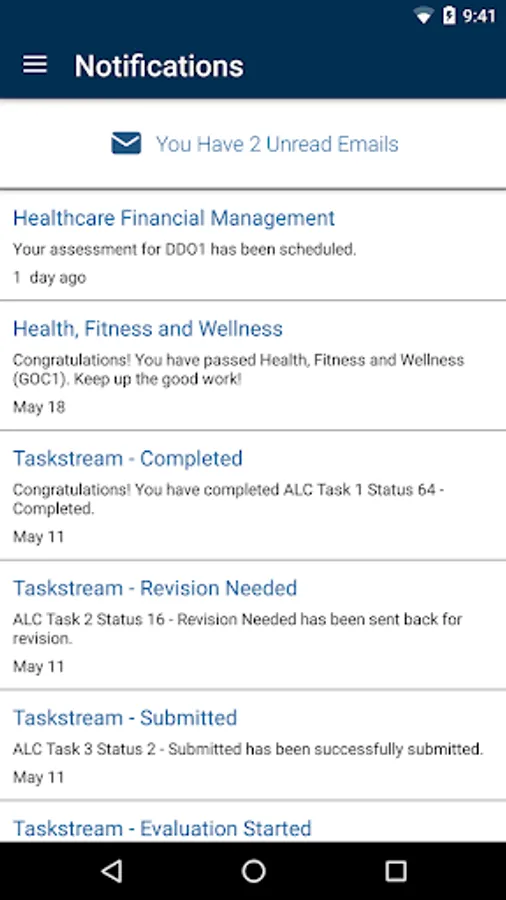
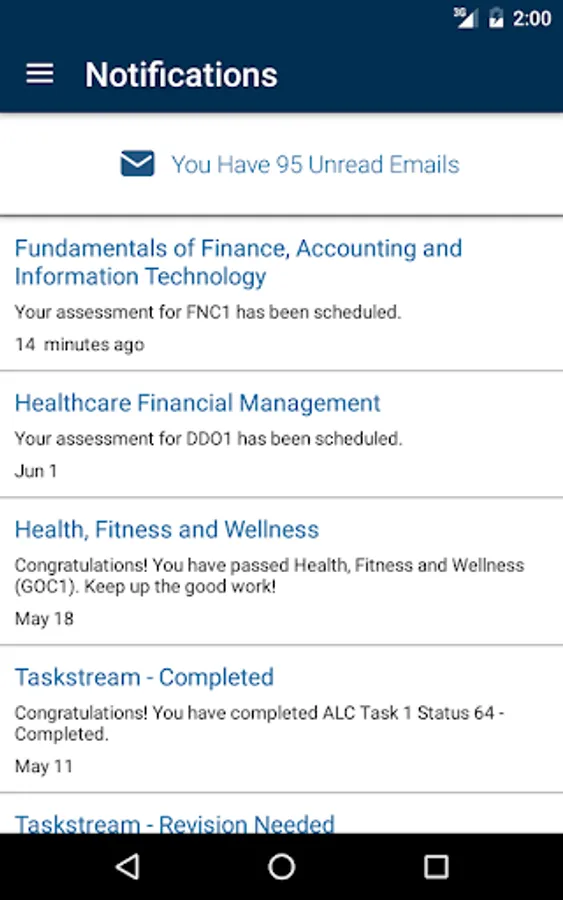
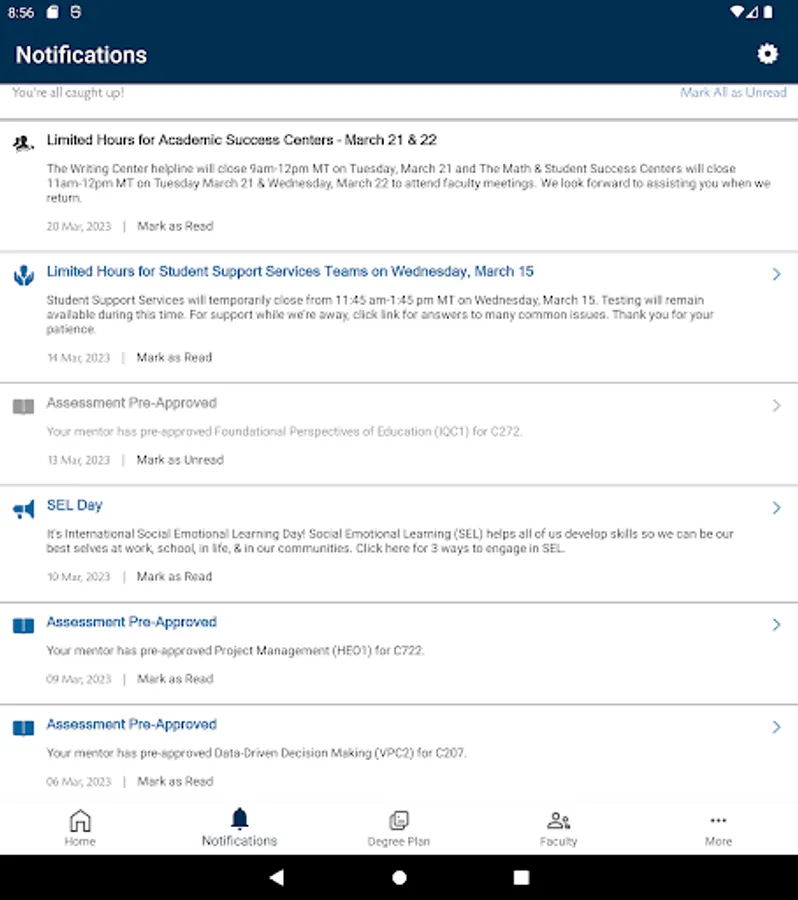
• Receive push notifications for updates on your assessments
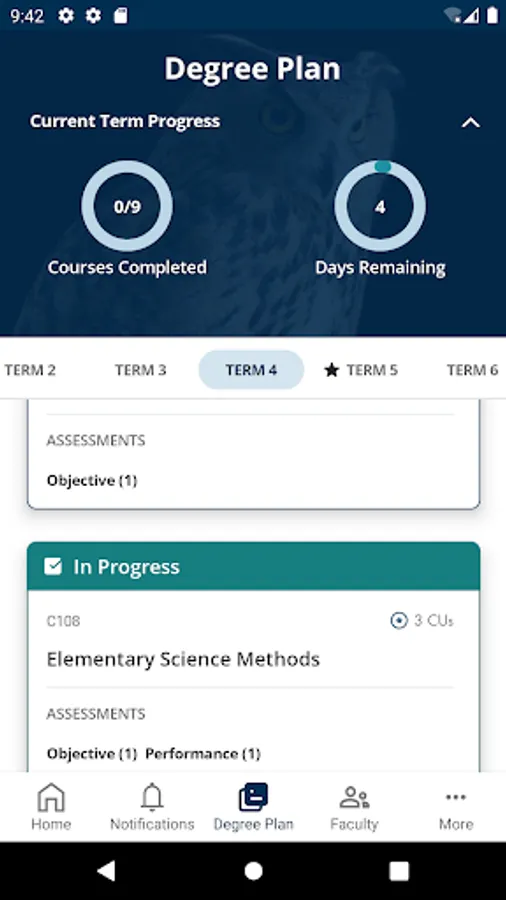
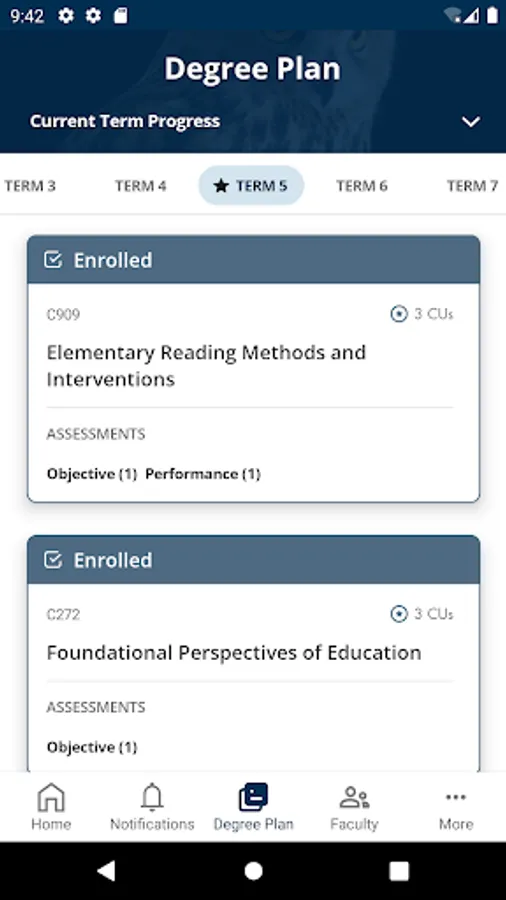
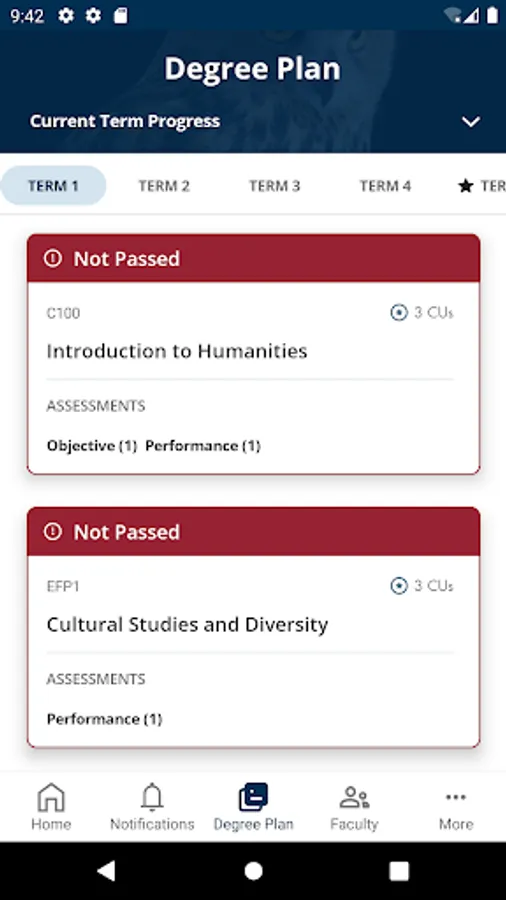
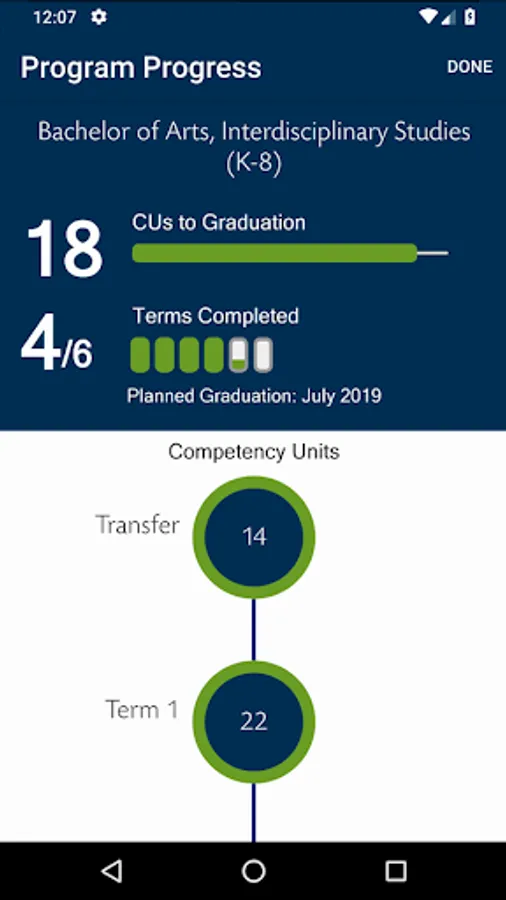
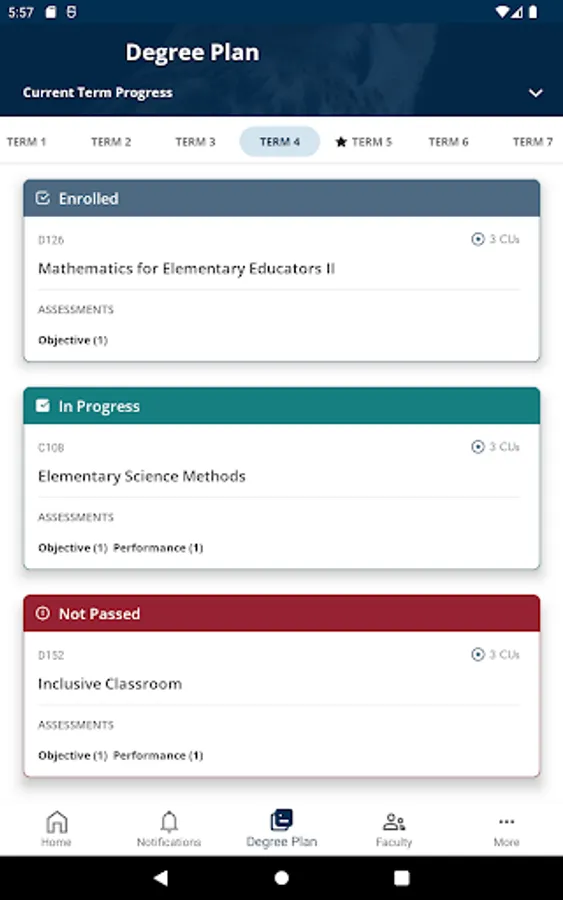
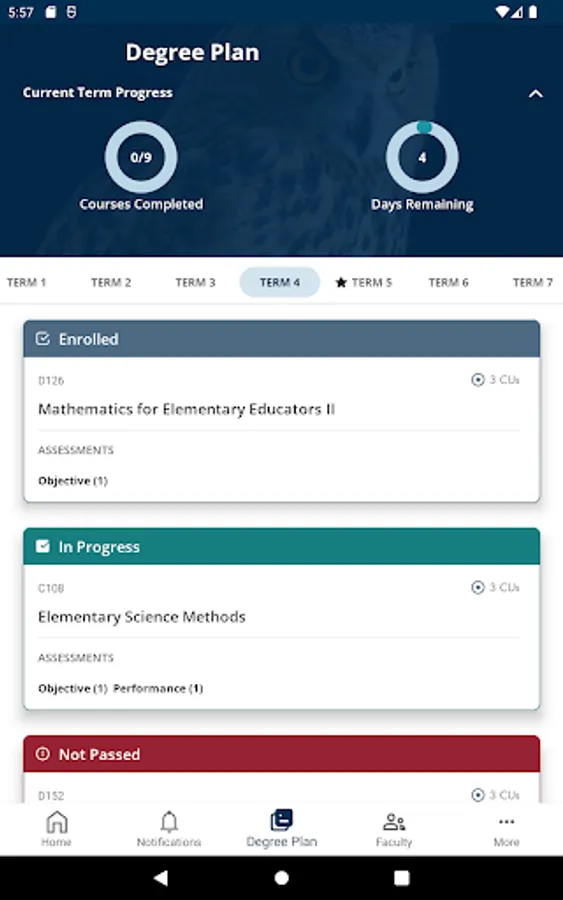
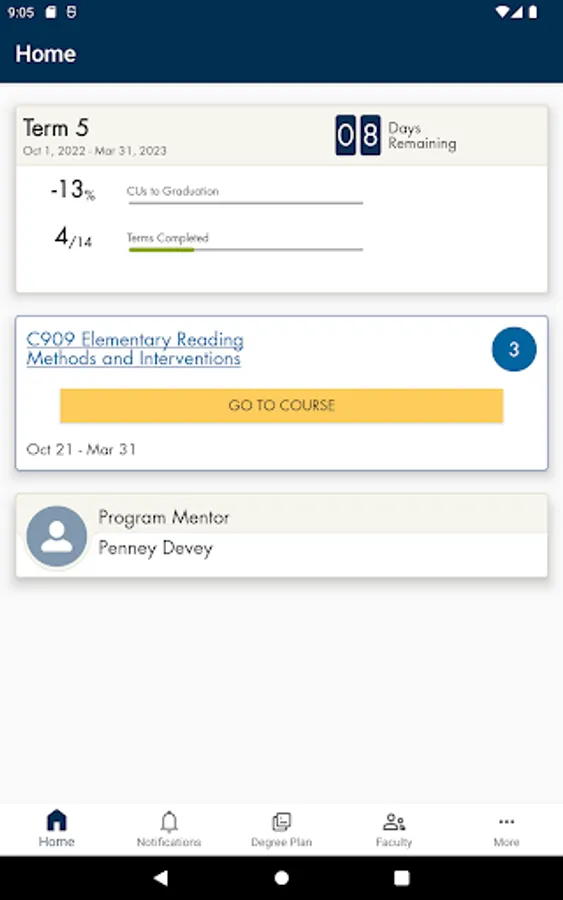
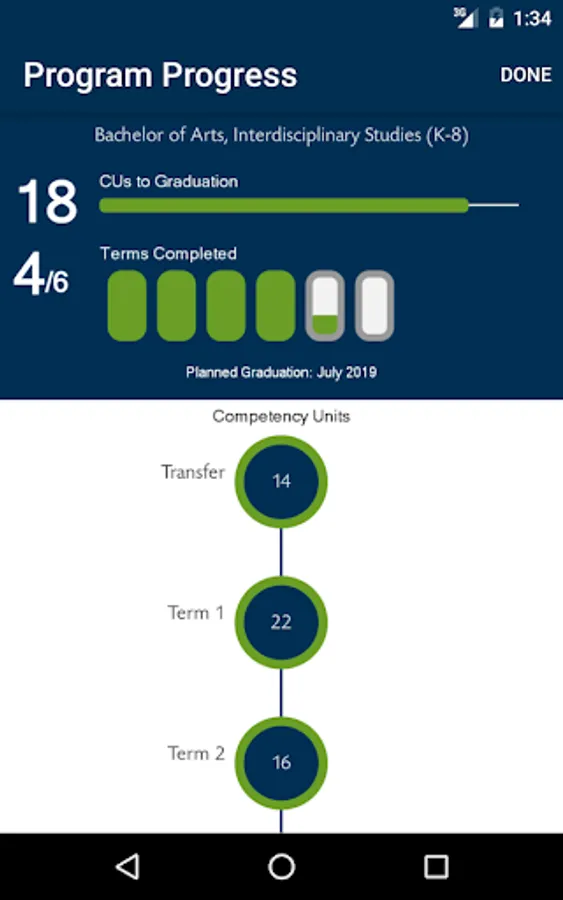
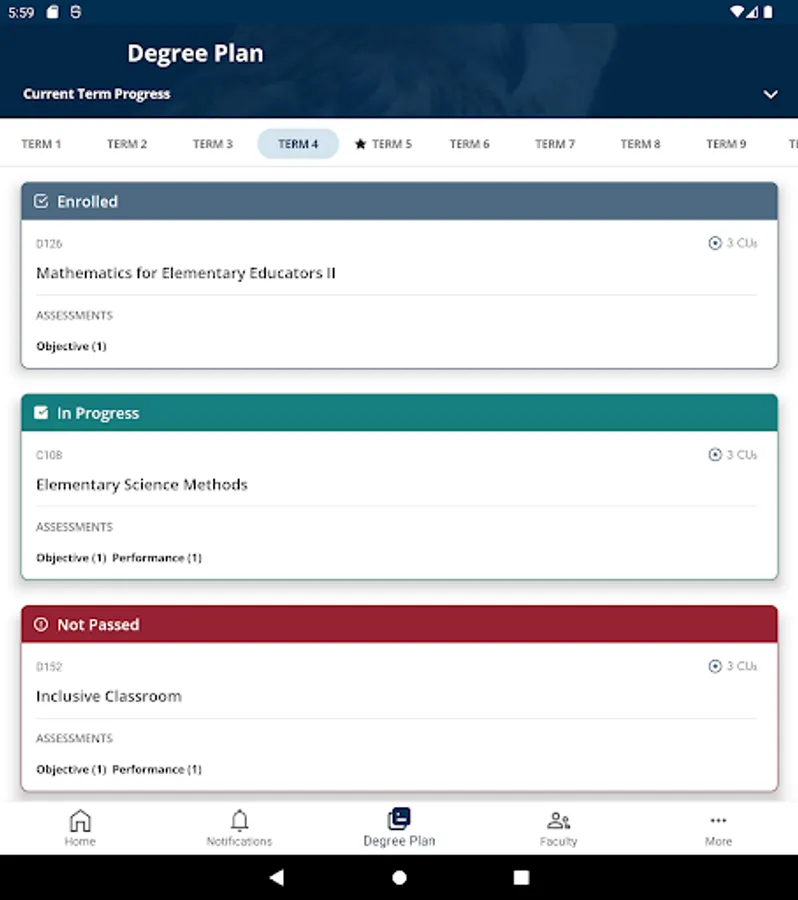
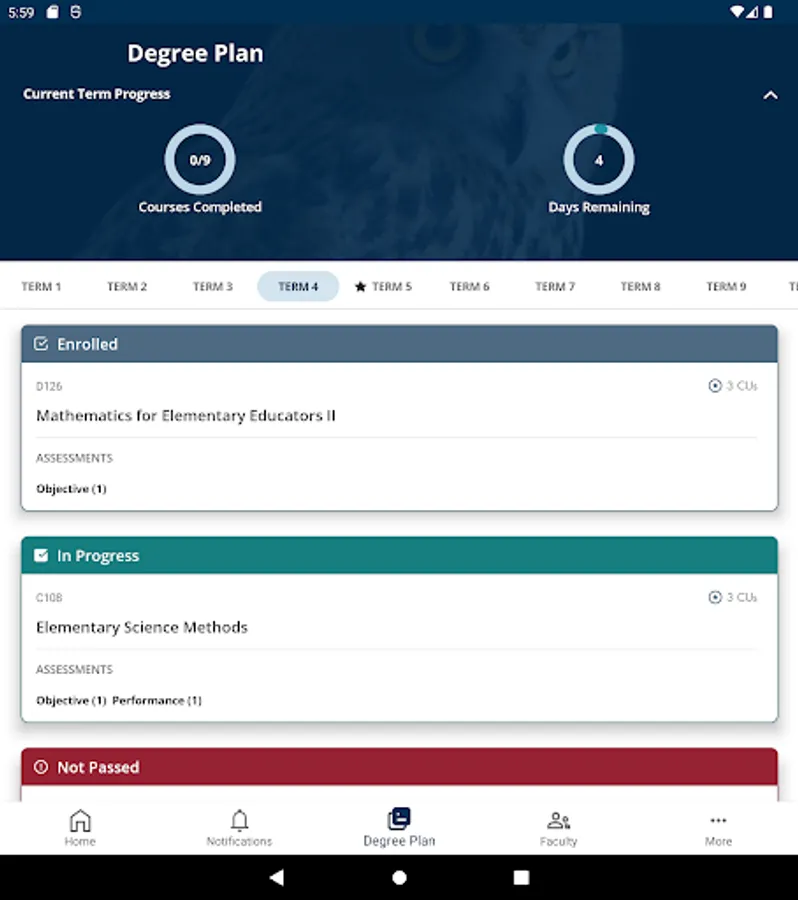
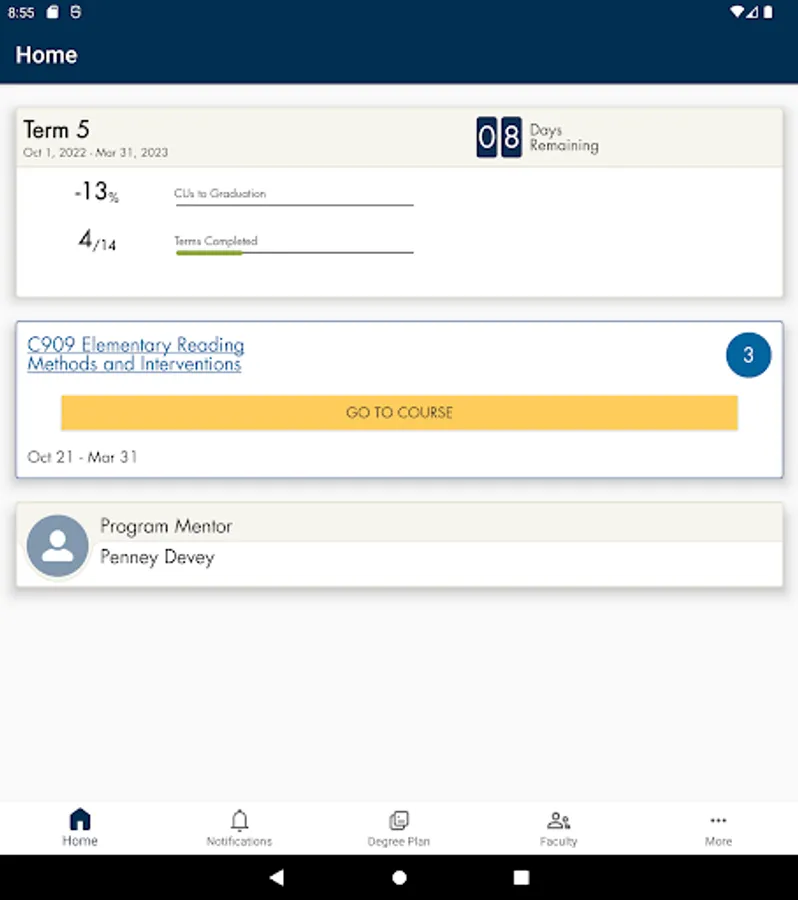
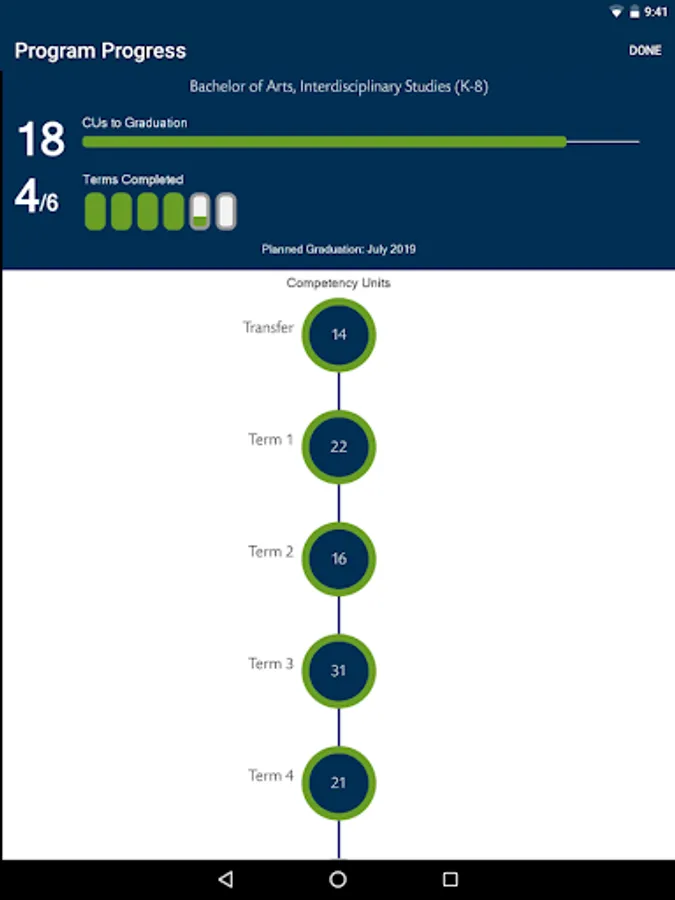
• View your entire degree plan, including the courses you are enrolled in, those you have completed, and those remaining to complete your degree
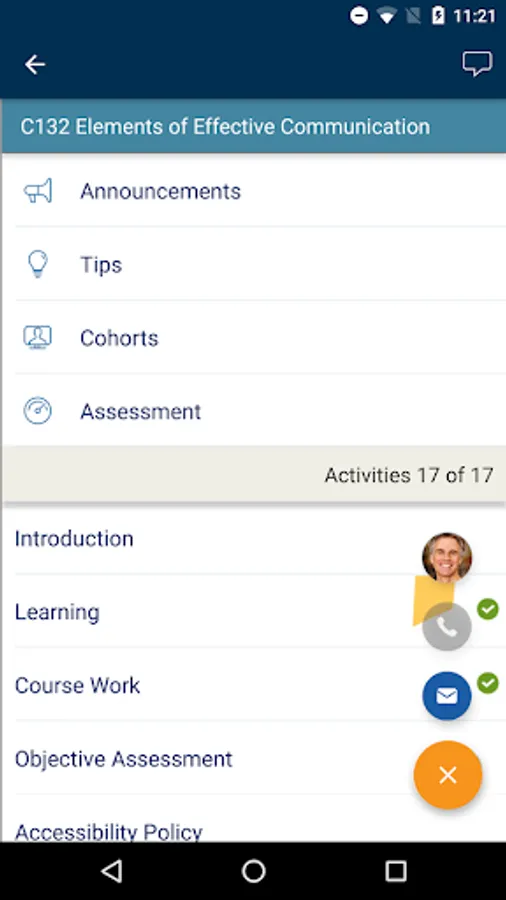
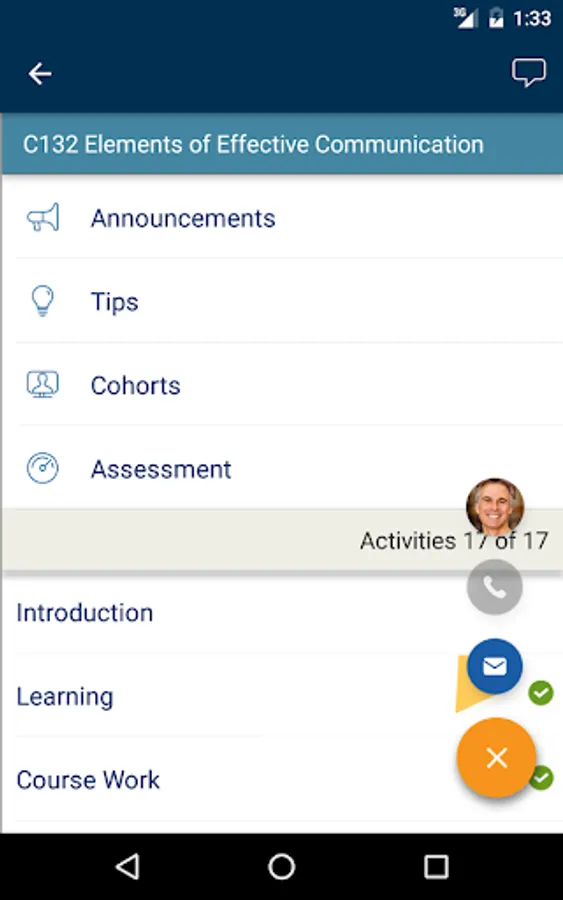
• Access all your courses, including being able to view Course Announcements, Tips, and Assessments
• Pick up your course right where you left off in the Student Portal—your course progress is automatically synchronized between the two
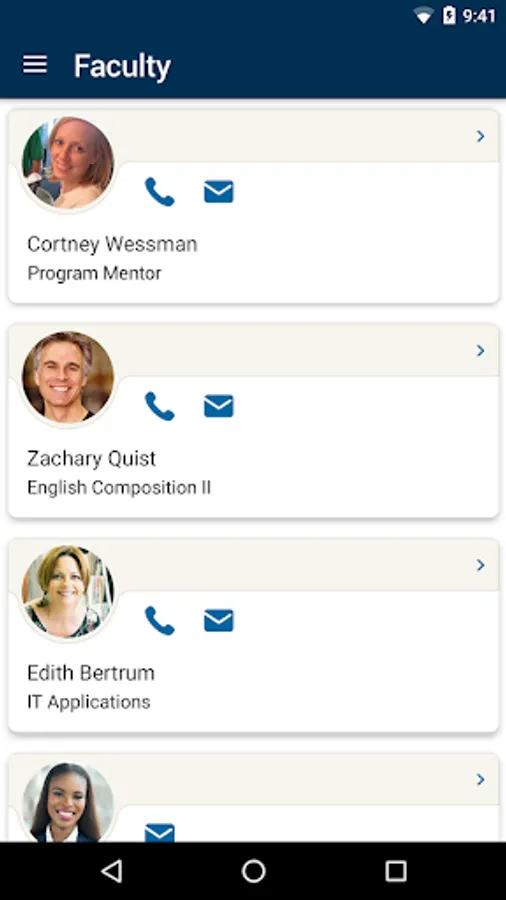
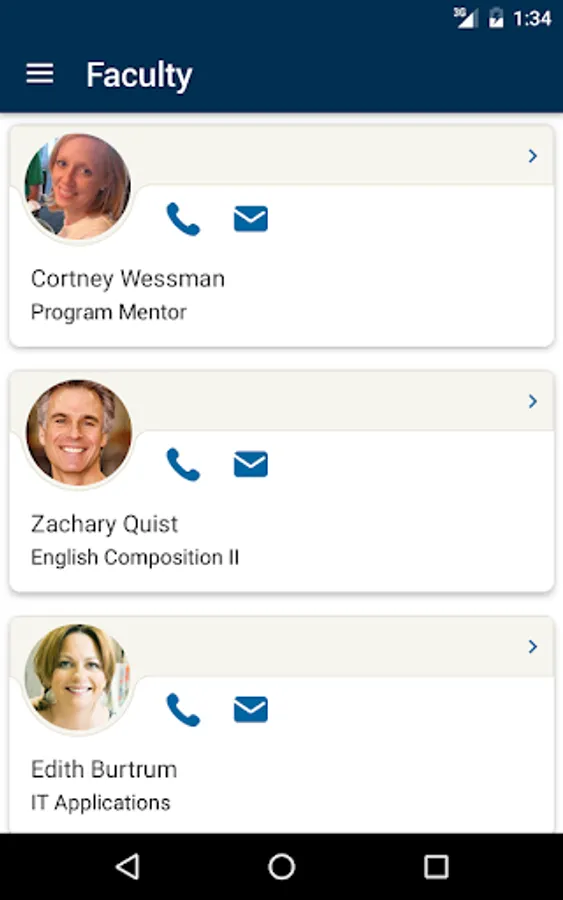
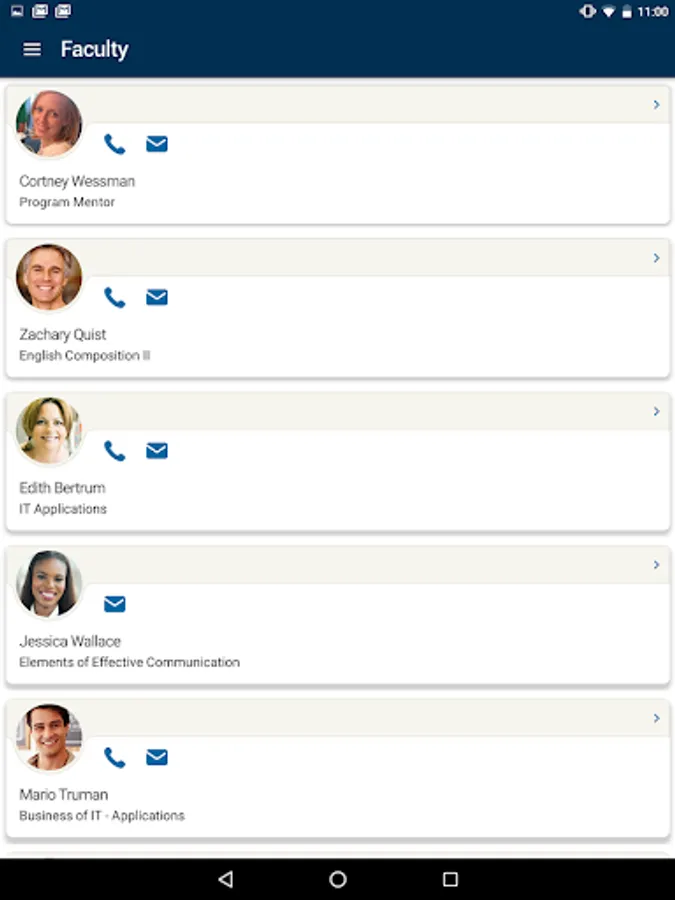
• Easily locate contact information for your program mentor, course instructors, and WGU support departments
• Access helpful links to resources like the WGU Library, Student Handbook, and more
• See which mobile apps other students find useful in the App Center
If you encounter any issues, please let us know with the feedback form in the app or by contacting the Service Desk.
The new WGU Mobile has been completely redesigned! With the new app, you can:
• Use the app on your phone or tablet in portrait or landscape orientation
• Receive push notifications for updates on your assessments
• View your entire degree plan, including the courses you are enrolled in, those you have completed, and those remaining to complete your degree
• Access all your courses, including being able to view Course Announcements, Tips, and Assessments
• Pick up your course right where you left off in the Student Portal—your course progress is automatically synchronized between the two
• Easily locate contact information for your program mentor, course instructors, and WGU support departments
• Access helpful links to resources like the WGU Library, Student Handbook, and more
• See which mobile apps other students find useful in the App Center
If you encounter any issues, please let us know with the feedback form in the app or by contacting the Service Desk.
myWGU Mobile Screenshots
Tap to Rate:
Reviews for myWGU Mobile
Cody Hickey (hickeyca77)
12/18/2025
they changed the logo. App still doesn't work. if you like the new logo, download a copy of it online, don't poison your device with this garbage.
Emily Custer
12/5/2025
not a good functioning app