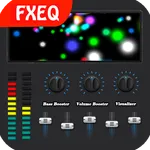
In this audio enhancement app, you can adjust equalizer settings, boost bass, and control volume levels. Includes presets, virtualizer effects, and multiple volume modes for various scenarios.
AppRecs review analysis
AppRecs rating 4.6. Trustworthiness 70 out of 100. Review manipulation risk 37 out of 100. Based on a review sample analyzed.
★★★★☆
4.6
AppRecs Rating
Ratings breakdown
5 star
77%
4 star
10%
3 star
8%
2 star
2%
1 star
2%
What to know
✓
Credible reviews
70% trustworthiness score from analyzed reviews
✓
High user satisfaction
77% of sampled ratings are 5 stars
✓
Authentic reviews
Natural distribution, no red flags
About Equalizer Bass Booster
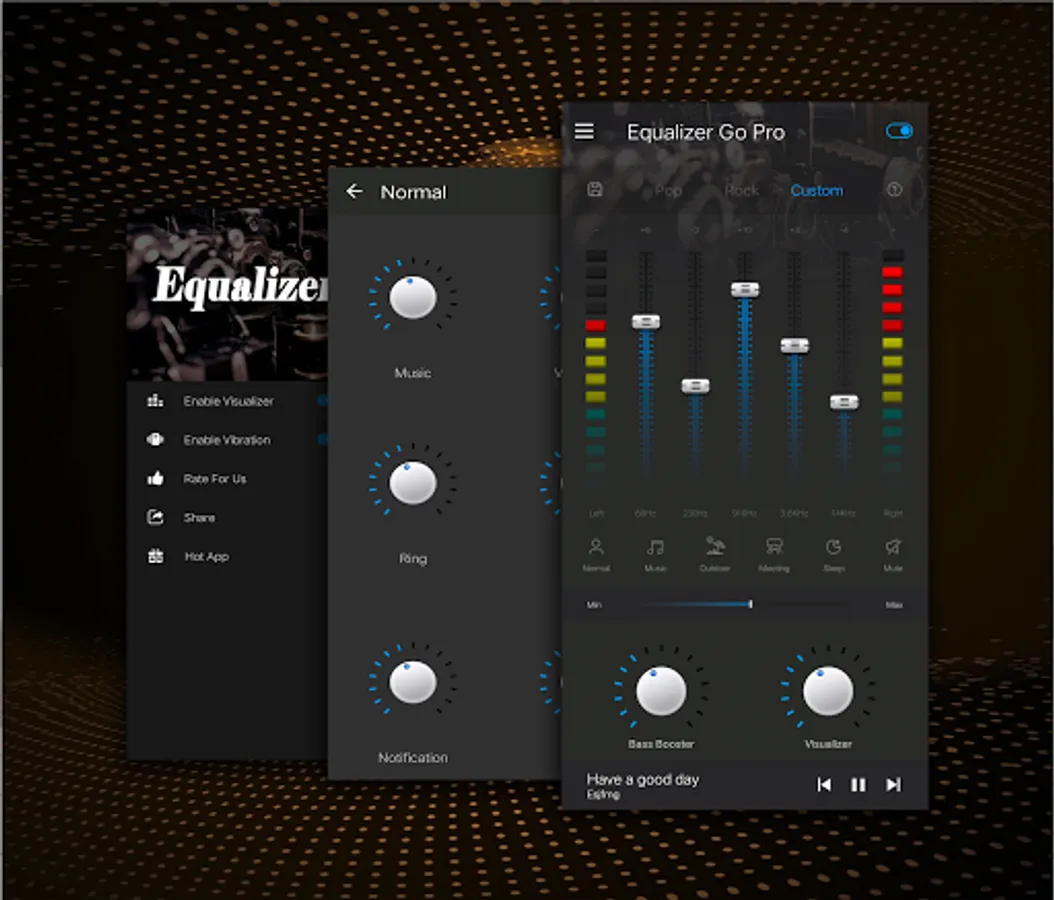
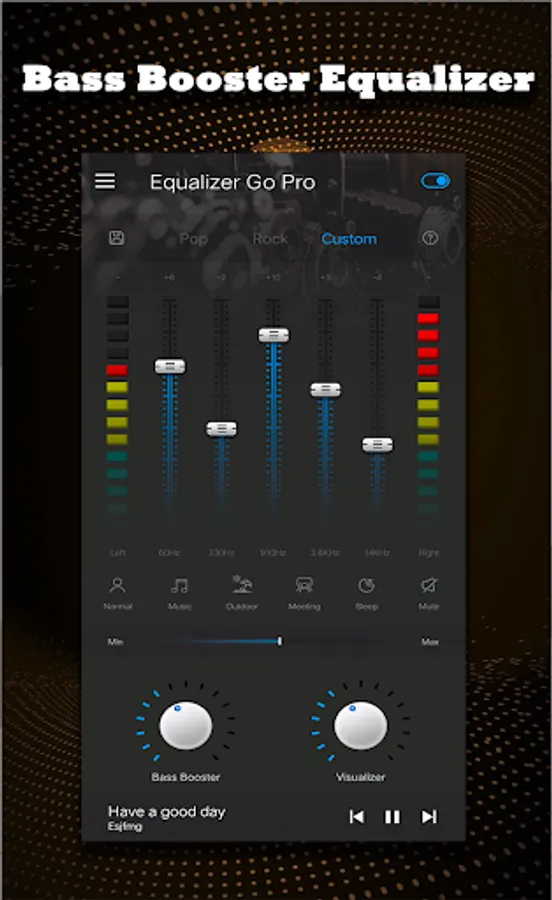
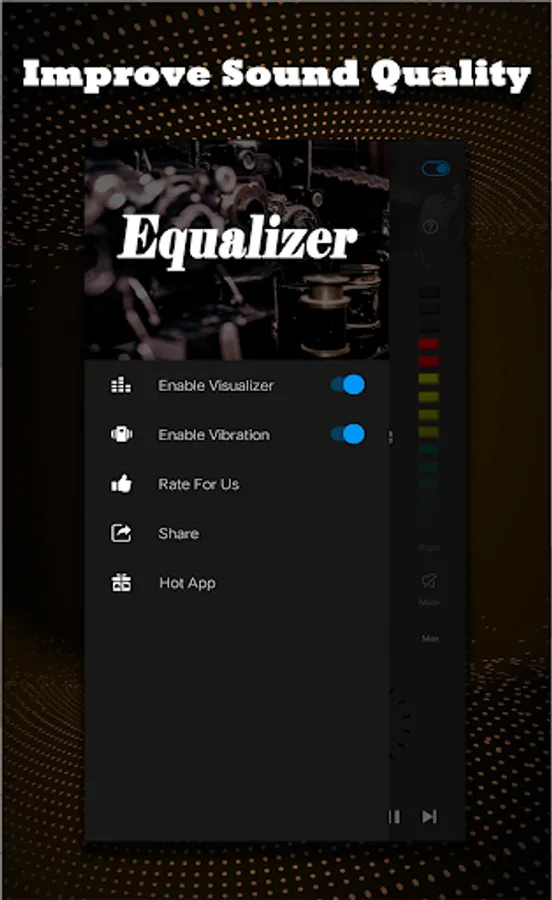
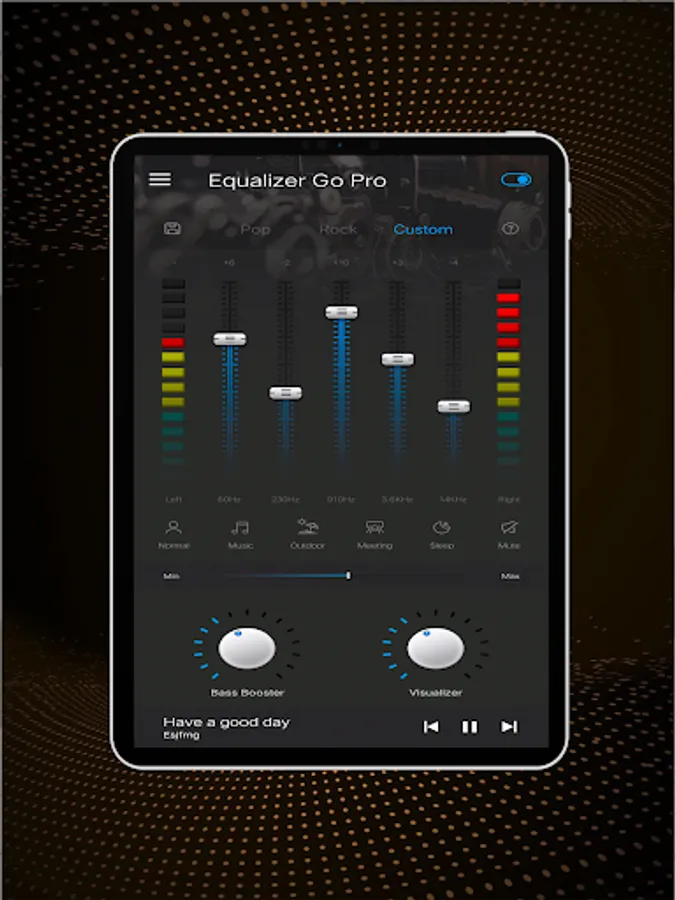
Equalizer (eq) Bass Booster (bass) and volume booster (volume) can improve the sound quality of your android phone,making your music sound more fun.
It is a music equalizer, video equalizer, you can use it for any media player (music player, video player, etc.) , the equalizer can also change the original sound quality.
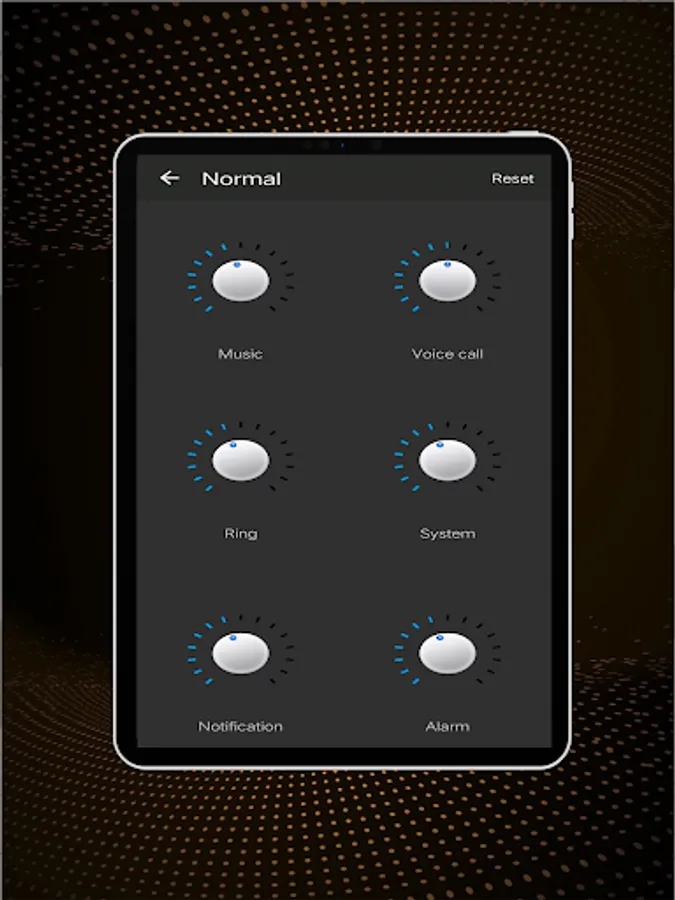
Equalizer (eq) Bass Booster (bass) and volume booster (volume) different from others. For better scenarios,there are 6 volume modes for you to choose, such as normal mode, music mode, outdoor mode, meeting mode, sleep mode, mute mode and custom mode, you can choose these modes according to your situation.
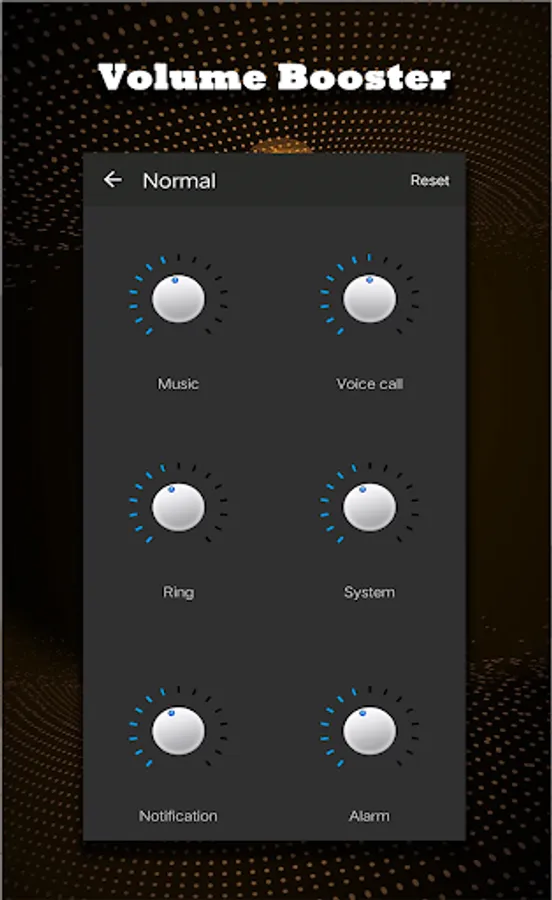
Equalizer (eq) Bass Booster (bass) and volume booster (volume) can also increase the volume of mobile phone system, you can control the system volume at will, such as media volume, voice volume, system volume, ring tone volume, alarm volume, prompt volume, you can easily control.
Equalizer (eq) Bass Booster (bass) and volume booster (volume) also has excellent bass boost function and 3d virtual effects. It is recommended to use headphones to play more obvious.
Using Equalizer (eq) Bass Booster (bass) and volume booster (volume), you can enjoy your music better
Equalizer (eq) Bass Booster (bass) and volume booster (volume)Features:
✔ Bass Boost effect (Bass effect )
✔ Equalizer effect (Eq effect )
✔ Volume Booster effect (Volume effect )
✔ 6 volume booster (volume)
✔ 7 volume modes (volume)
✔ 5 bands equalizer (eq)
✔10 equalizer presets (eq)
✔ 2 Visual spectrums (spectrums effect )
✔ Virtualizer effect
✔ Music playback control
✔ Listen to good music whatever audio player you use
Simple Installation and usage for works with all Music and Video players:
Work for Music or Audio,improve the sound quality
* Turn on the Music or Audio(Video) player and play music
* Turn on the Bass Booster & Equalizer application and adjust sound level and frequency.
* Put headphones or speakers for a best results
* To close application by the close button of notification.
It is a music equalizer, video equalizer, you can use it for any media player (music player, video player, etc.) , the equalizer can also change the original sound quality.
Equalizer (eq) Bass Booster (bass) and volume booster (volume) different from others. For better scenarios,there are 6 volume modes for you to choose, such as normal mode, music mode, outdoor mode, meeting mode, sleep mode, mute mode and custom mode, you can choose these modes according to your situation.
Equalizer (eq) Bass Booster (bass) and volume booster (volume) can also increase the volume of mobile phone system, you can control the system volume at will, such as media volume, voice volume, system volume, ring tone volume, alarm volume, prompt volume, you can easily control.
Equalizer (eq) Bass Booster (bass) and volume booster (volume) also has excellent bass boost function and 3d virtual effects. It is recommended to use headphones to play more obvious.
Using Equalizer (eq) Bass Booster (bass) and volume booster (volume), you can enjoy your music better
Equalizer (eq) Bass Booster (bass) and volume booster (volume)Features:
✔ Bass Boost effect (Bass effect )
✔ Equalizer effect (Eq effect )
✔ Volume Booster effect (Volume effect )
✔ 6 volume booster (volume)
✔ 7 volume modes (volume)
✔ 5 bands equalizer (eq)
✔10 equalizer presets (eq)
✔ 2 Visual spectrums (spectrums effect )
✔ Virtualizer effect
✔ Music playback control
✔ Listen to good music whatever audio player you use
Simple Installation and usage for works with all Music and Video players:
Work for Music or Audio,improve the sound quality
* Turn on the Music or Audio(Video) player and play music
* Turn on the Bass Booster & Equalizer application and adjust sound level and frequency.
* Put headphones or speakers for a best results
* To close application by the close button of notification.
Equalizer Bass Booster Screenshots
Tap to Rate:
Reviews for Equalizer Bass Booster
Darey David
2/15/2024
Very good app
Gungun Kushwaha
10/21/2023
Yash